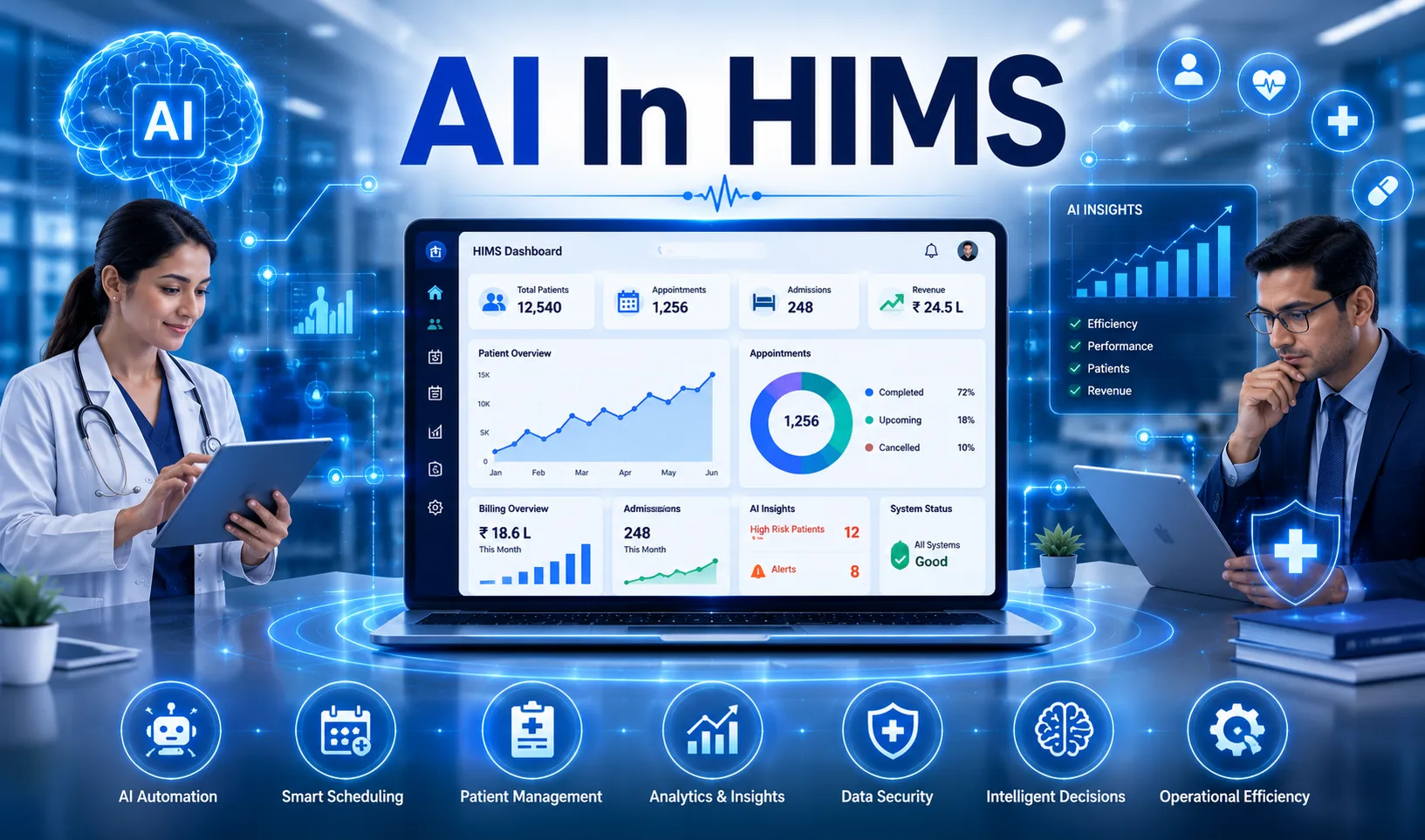
Running a hospital is not just about medical expertise. It is about hundreds of moving parts working together without a single gap. A patient walks in. In a few minutes, their history is being checked, a bed is being given, a doctor is being informed, and even the pharmacy is preparing. Hospital management system (HMS) is behind all that, quietly keeping all that together.
Yet, despite all the work it does, choosing the right one still trips up many healthcare decision-makers. Cloud or offline? Subscription or license? Centralized or distributed? Misjudge it, and you can be talking about staff feeling frustrated, billing issues, stocking anarchy and patients feeling that they are dropping through the cracks.
What makes it harder is that the market is flooded with options. Some promise end-to-end hospitality management solutions. Others lead with patient engagement software. A few claim to handle everything from hospital inventory management system needs to doctor scheduling. Most fall short somewhere.
The question of whether to go with an offline or a cloud-based hospital management system is no longer solely a technical choice, but it also directly influences the performance of operations, patient experience, as well as the long-term scalability.
Hospitals that use cloud-based HMS solutions report up to 2530% improvement in operational efficiency and shorter turnaround time of patients. Yet many healthcare providers still struggle with one key question: Should you go with a cloud HMS or stick with an on-premise system?
In this guide, we break down the real differences, advantages, hidden costs, and practical decision factors—so you can choose the right system based on your hospital’s actual needs.
Healthcare systems are becoming increasingly digital. According to global healthcare IT trends:
- Hospitals adopting cloud systems report faster scalability and reduced IT overhead
- Facilities using integrated HMS platforms see reduced administrative workload by up to 40%
- Patient satisfaction improves significantly with digital engagement tools like portals and automated communication
This makes choosing the right HMS not just a technical decision but a strategic one.
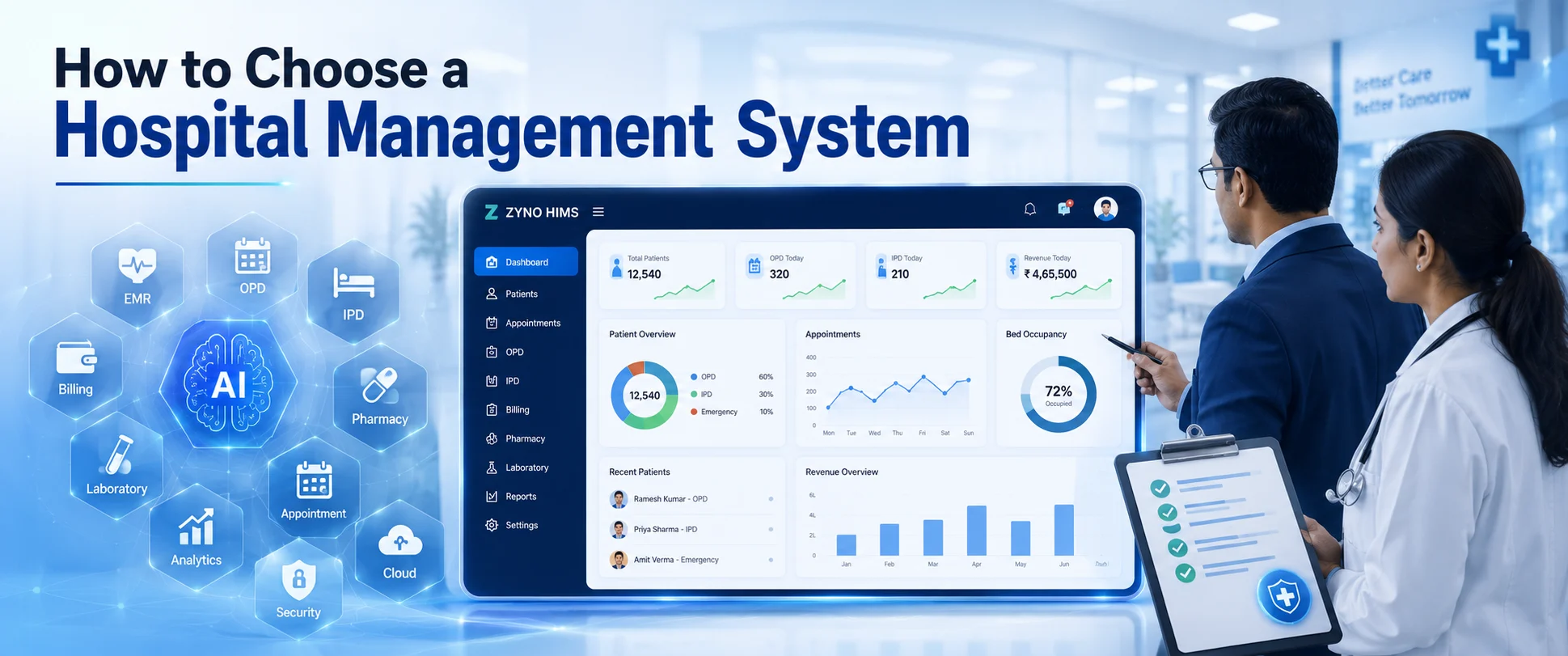
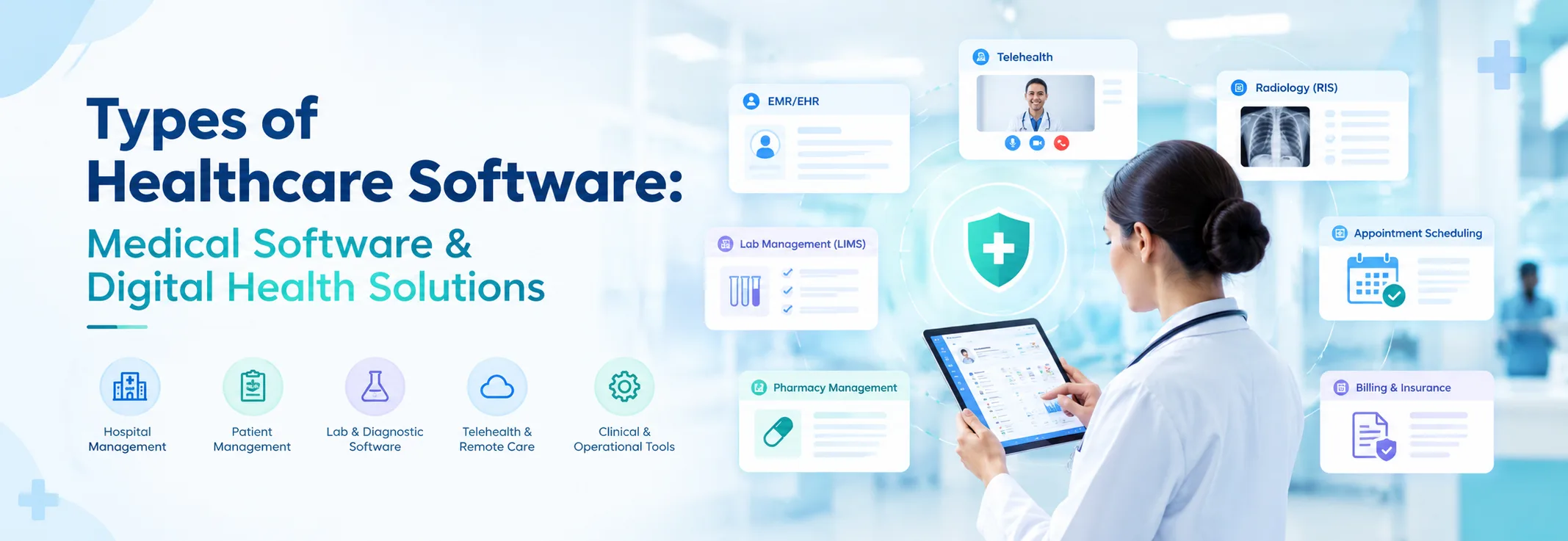
Many people imagine hospital management software as nothing more than a system for storing patient files. In reality, a well-built hospital management system touches nearly every part of how a healthcare facility runs — clinical, administrative, and financial.
Think about what happens on a typical hospital morning. Patients come, the bed must be allocated, the doctor must have successive consultations, the pharmacy must be filling and the billing also running through. This is where things slip between the cracks without a system to unify all this.
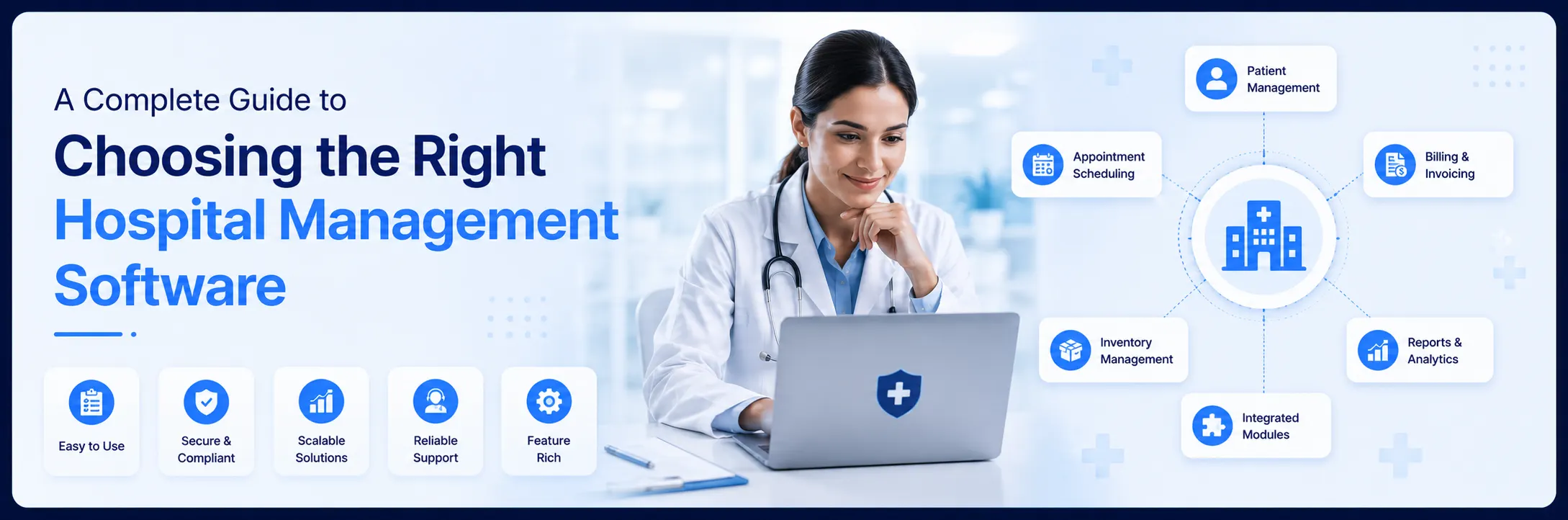
Patient management system- registration, admissions, transfer and discharges.
Appointment scheduling software - controlling the OPD queues and specialist schedules.
Electronic health records (EHR)- this is providing clinicians with real-time patient data which is accurate.
Medical records software- computerizing and organizing patient histories.
Hospital inventory management system - tracking medicines, consumables, and equipment
Bed management - monitoring availability across wards in real time
Doctor management - scheduling, duty rosters, and performance tracking
Medication management - from prescription to pharmacy dispensing
Hospital ERP software - covering billing, payroll, procurement, and finance
Patient portal software - giving patients access to their own records
Patient engagement software - keeping patients informed before, during, and after their visit
When all of these modules work together, the impact is significant. Staff spend less time on paperwork. Patients wait less. Errors go down. That's what a good hospital management system delivers.
Transform Healthcare Operations with ZYNO AI HIMS
Get Started with Smart Hospital Management System
Before we get into pros and cons, let's be clear on what separates these two approaches.
With a Cloud HMS, the software runs on vendor-managed servers. Your team accesses it through a browser or app — all you need is an internet connection. Updates happen in the background. The vendor handles security, maintenance, and backups. You pay a monthly or annual subscription.
An offline HMS sits on your own servers inside your facility. Your IT team manages it. There's no dependency on internet connectivity for day-to-day use. Updates, backups, and maintenance are your responsibility. You typically pay a one-time license fee plus ongoing support costs.
Neither model is universally better. Each one suits a specific type of hospital in a specific situation. Let's look at each more honestly.
Setting up an on-premise system can cost a lot upfront—servers, licenses, installation, and an IT team to run it. With cloud hospital management software, you subscribe and start using it right away. This is a practical reality for growing clinics and smaller hospitals that can't justify large capital expenditures.
This one matters more than people realize. A consultant heading into the hospital can pull up electronic health records (EHR) on their phone before they even enter the building. An administrator working remotely can still approve billing or check bed management status. That kind of flexibility changes how teams operate.
Healthcare regulations change. Software needs to keep up. With a Cloud HMS, the vendor automatically pushes updates. Your team logs in the next morning, and the system is already up to date. There's no patch scheduling, no downtime windows, and no IT coordination needed.
Opening a second branch? Adding a new specialty? Bringing in patient engagement solutions or new appointment scheduling software modules? On a cloud platform, this is mostly a configuration change. Compare that to an offline system, where expansion often means new hardware purchases and fresh installations.
Hospitals cannot afford to lose patient data. Cloud platforms automatically back up everything, often multiple times a day. If a local device fails or an entire facility faces an emergency, your medical records software and clinical data are still safe and accessible.
Discover how AI-powered hospital management systems are revolutionizing healthcare—explore our complete guide on cloud-based AI HIMS solutions for modern hospitals.
Many hospitals — especially in Tier 2 and Tier 3 cities and rural areas — still face inconsistent connectivity. An offline HMS keeps running regardless. Whether it's bed management, medication management, or billing, the system doesn't care about the internet.
For hospitals subject to strict data localization requirements, on-premise systems offer a clear advantage. All patient data, clinical records, and financial information remain on your own servers. No third-party vendor has access to it.
If your hospital has a highly specific workflow—for instance, a complex hospital inventory management system setup or a unique patient management process—on-premise systems generally allow deeper customization. You work with the vendor to build exactly what your teams need.
The bigger hospitals that have a more established and long-term format have occasionally discovered that a single license payment and keeping their own infrastructure is cheaper than continuing cloud subscriptions over a period of ten years. It relies on the usage, size and in-house IT capacity.
Where Offline HMS Falls Short
Expensive initial expenditure- servers, hardware, licenses, and installation are not cheap.
Your IT department will support all the maintenance load - updates, patches, and backups.
Remote access is restricted or complicated VPN connections.
Scaling to new branches means procuring and installing new hardware
A hardware failure without a proper backup strategy can mean serious data loss.
Stop comparing features on paper. Start by looking at your own situation. Here are the questions worth asking before you commit to either model.
If your facility regularly experiences connectivity issues, a cloud system will frustrate your staff and affect patient care. Be honest about this. Even a strong average connection with occasional outages can cause problems during peak hours.
Don't just look at the upfront cost. Calculate the total cost of ownership. Cloud subscriptions spread the cost out, but never stop. On-premises licenses are a larger upfront hit but may stabilize after that. Factor in IT staffing, hardware refresh cycles, and vendor support costs.
An offline HMS without a capable IT team is a recipe for problems. Updates get delayed. Backups get skipped. When something breaks at 2 AM, who fixes it? If you don't have strong internal IT capacity, a cloud-managed solution is almost always a safer bet.
Today's patients expect more. They desire to make reservations on the Internet, have their reports online without calling the front office, and be contacted digitally by receiving follow-up messages. Cloud-based patient portal software and patient engagement software make all of this far easier to deliver. If patient experience matters to your brand — and it should — this weighs heavily toward the cloud.
In case you are intending to grow, either new offices, new services, telemedicine services, a cloud system helps such growth less painful. On-premise systems can scale also, but it is slower, costly and disruptive.
| Aspect | Cloud HMS | Offline (On-Premise) HMS |
|---|---|---|
| Deployment Model | Hosted on vendor-managed cloud servers. No physical installation required on-site. | Installed locally on your organization’s own servers and infrastructure. |
| Accessibility | Accessible anytime, anywhere via web browser or mobile app. | Limited to on-premise access unless remote setup is configured. |
| Internet Dependency | Requires stable internet for real-time access. | Works without internet for daily operations. |
| Maintenance Responsibility | Vendor-managed (updates, monitoring, issue resolution). | Handled by internal IT team. |
| Software Updates | Automatic updates with no disruption. | Manual updates, often requiring downtime. |
| Data Security | Advanced security, encryption, compliance handled by vendor. | Depends on internal systems and expertise. |
| Data Backup & Recovery | Automated backups with quick recovery. | Manual backup configuration required. |
| Cost Structure | Subscription-based with lower upfront cost. | High upfront cost + ongoing maintenance. |
| Scalability | Easily scalable without infrastructure changes. | Requires hardware and license upgrades. |
| Implementation Time | Quick deployment with minimal setup. | Longer due to installation and hardware setup. |
Step 1: Evaluate your internet reliability
If uptime is below 95%, the cloud may create operational risks.
Step 2: Calculate total cost of ownership (TCO)
Compare a 5-year cloud subscription vs on-premise infrastructure + IT costs.
Step 3: Assess your IT capabilities
No internal IT team? Cloud is safer.
Step 4: Define your growth plan
Planning expansion? Cloud supports multi-location scaling better.
Step 5: Check compliance requirements
Strict data policies? On-premises may be necessary.
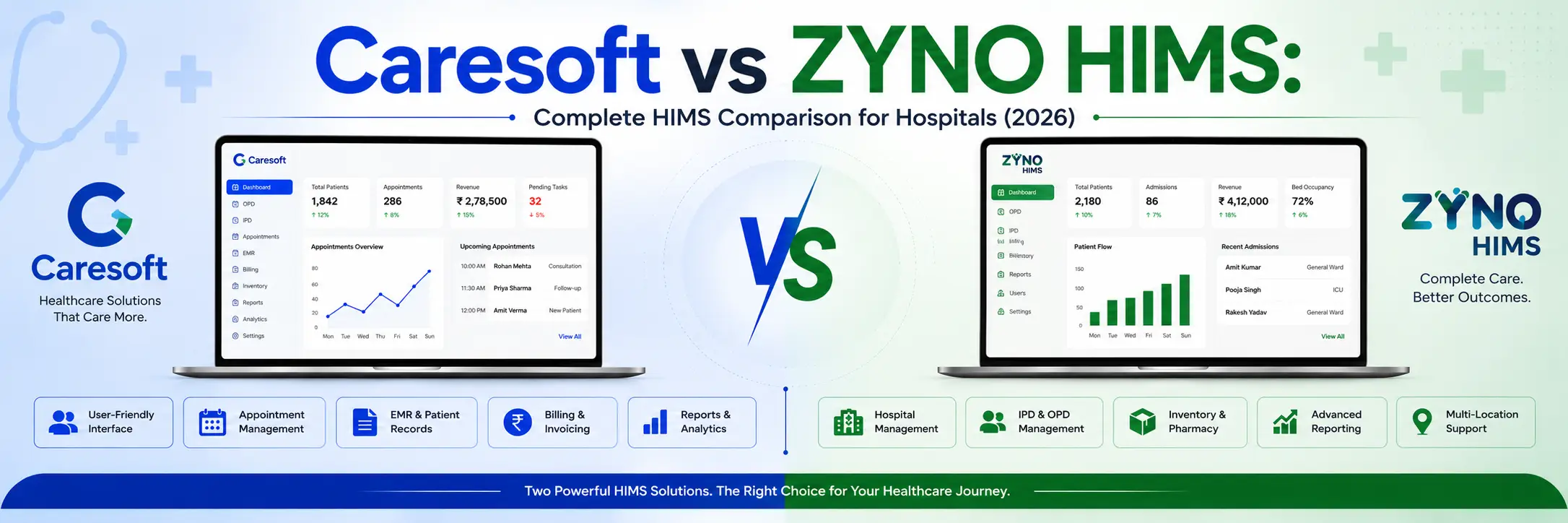
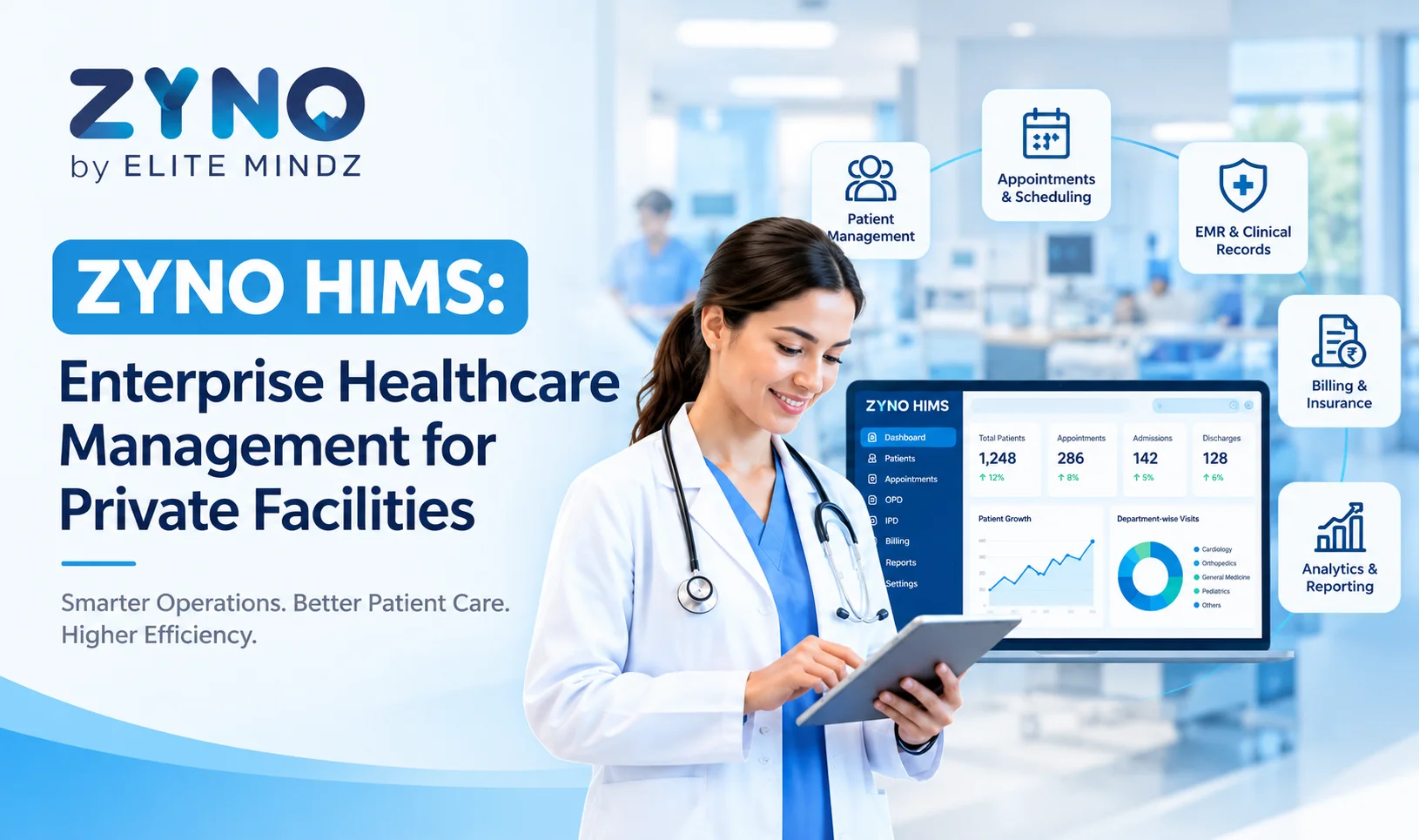
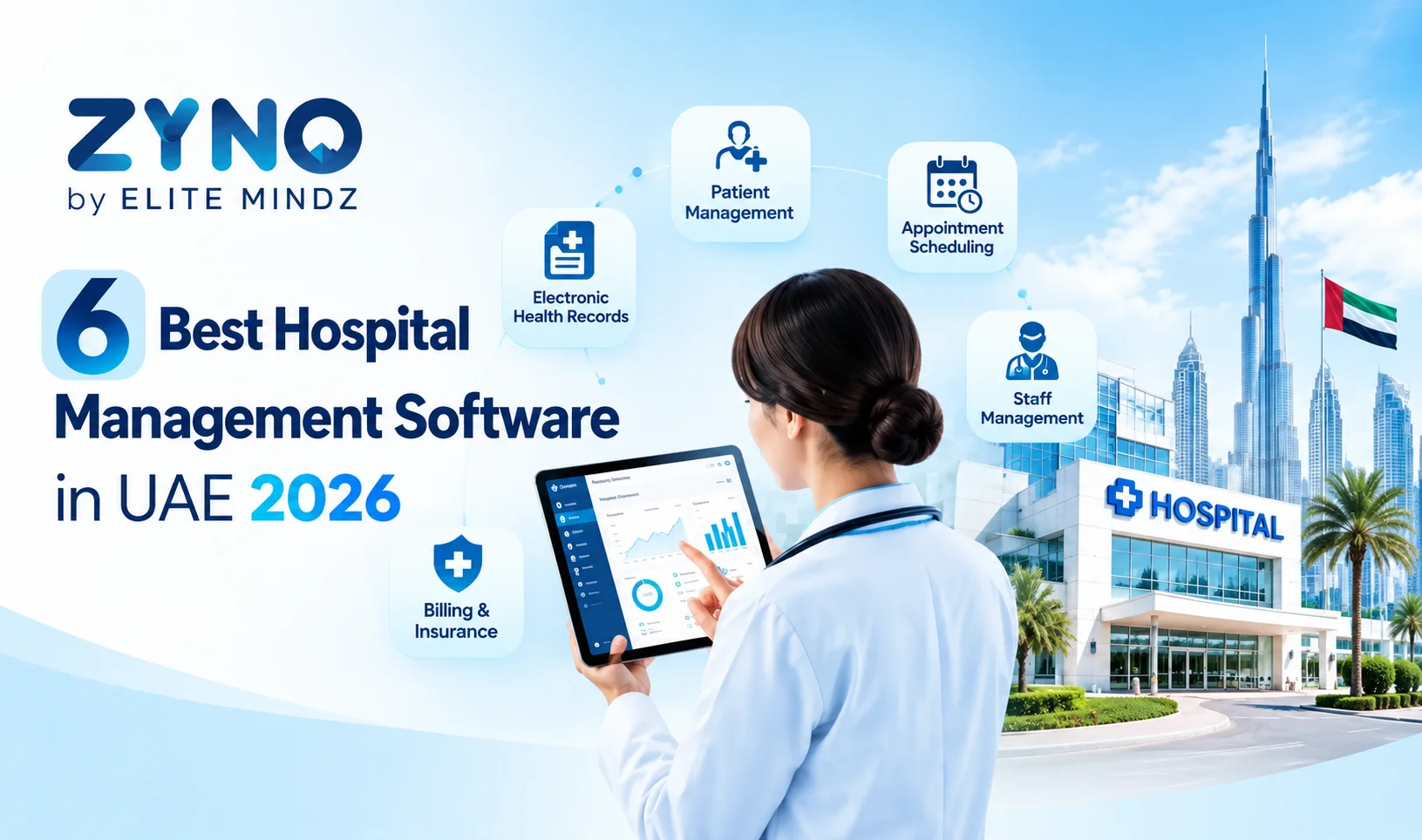
ZYNO HIMS is Elite Mindz's flagship hospital management software. It was built by a team that has spent years working closely with hospitals—understanding not just what the software should do, but what clinical and administrative teams actually deal with every day.
The fact that you are not forced to make a choice is one of the reasons why ZYNO HIMS is different. It has cloud and on-premise implementation. It implies that the hospitals located in urban areas with high connectivity can achieve full clouding, and the facilities located in areas with low connectivity can be deployed on-site. The same level of functionality is provided to both.

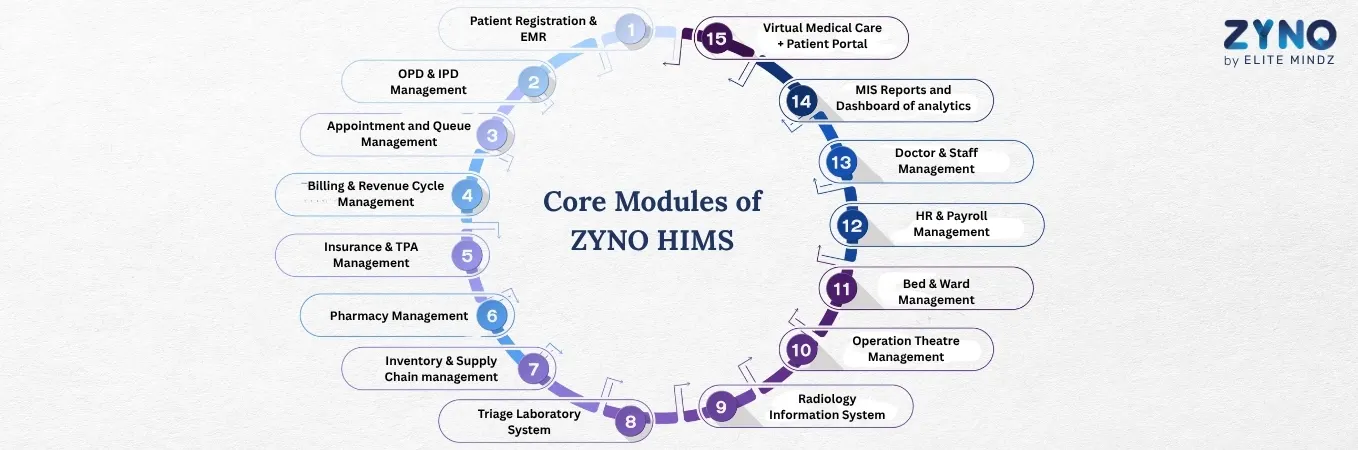
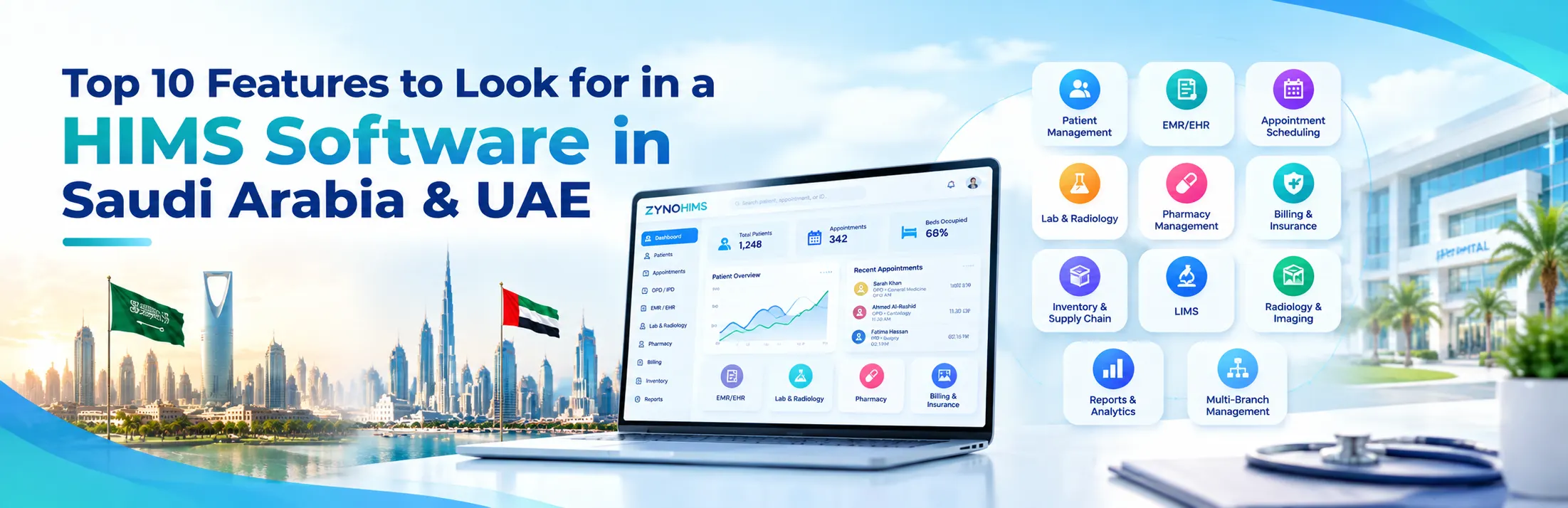
Easy to input patient data and electronic medical records. Enables quick access to the history, diagnosis, prescriptions, and reports to provide effective, efficient, and paperless healthcare.
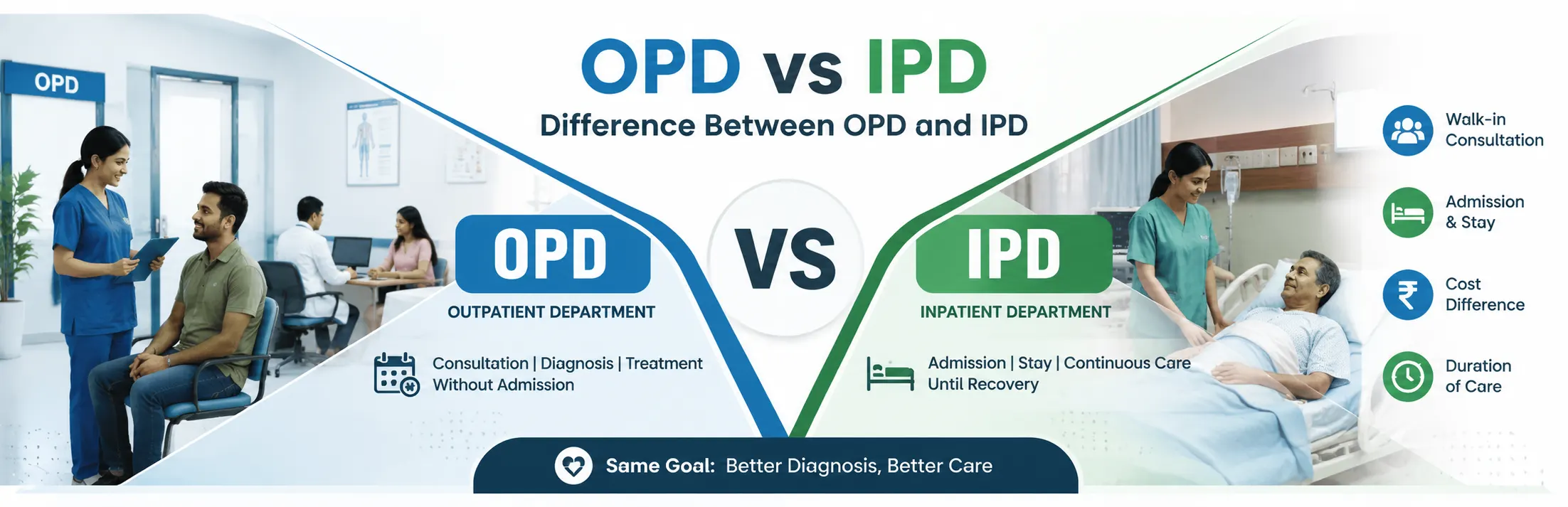
Control outpatient and inpatient systems, such as admissions, consultations, treatments, and discharges. Enables well-coordinated activities of departments in order to improve care and efficiency of patients.
Enables easy appointments to be made and to organize queues with real-time tracking. Reduces the amount of waiting time, improves patient experience, and helps healthcare providers to effectively supervise the day to day stream of patients.
Registers and finalizes payment of bills using automation. Improves proper invoicing, fast payment, fewer mistakes and full visibility of financial operations and revenue flows.
Automates insurance claims and TPA forms and approvals. Cuts down on claim processing time, eliminates errors and improves co-ordination with insurers in order to receive reimbursements within a reduced time.
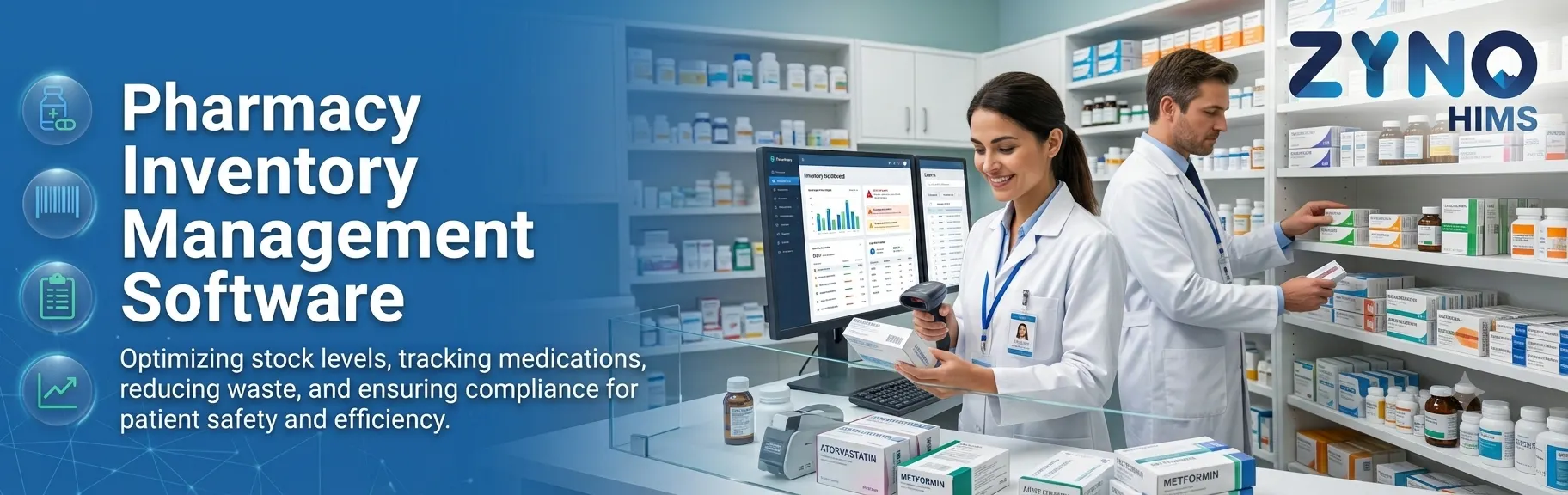
Deals with medicine stock, prescriptions, and dispensing. Monitors stock, expiry, and sales, and promotes compliance and medication errors in the healthcare facility.
Optimizes the procurement, stocking and supply. Stops shortages and over supply, and supplies the required medical supplies to ensure continuous running of hospitals.
Automates the laboratory procedure between the request of tests and report. Gives precision, faster response period, and simple access to patient documentation to increase diagnostic performance.
Handles radiological procedures, including scheduling, imaging, and reporting. Enhances interdepartmental coordination, increases diagnostic accuracy, and makes imaging results readily available on time.
Simplifies the scheduling, resource allocation, and surgical procedure. Facilitates effective occupancy of operating theatres, personnel, and equipment, and high levels of patient safety.
Offers real time bed availability and ward occupancy. Optimizes the process of patient assignment and transfers, and improves the discharge, which increases the use of hospital capacity and the experience of patients.
Automates records, attendance, payroll, and compliance of employees. Reduces administrative tasks and ensures the payment of salaries and effective workforce management throughout the organization.
Deals with the doctor schedules, functions, and personnel roles. Improves coordination, increases productivity, and ensures effective resource distribution across departments to improve healthcare delivery.
Provides real-time with detailed reports and dashboards. Helps management make evidence-based decisions, manage performance, and identify opportunities for operational and financial improvements.
Permits online consultation and self-service with patients. The patients will be able to make appointments, access records, and communicate with physicians remotely, which will improve the access and continuity of care.
ZYNO HIMS is also designed for real hospital teams — not just tech-savvy administrators. The interface is straightforward. Nurses, front desk staff, and billing teams can all work with it without extensive training. And because it supports multi-branch operations, hospital groups can manage everything from a single platform.
Go with Cloud HMS — ZYNO HIMS Cloud — if:
You have a clinic, day-care center, or mid-size hospital looking to get operational quickly.
Your team works across locations or needs flexibility in how they access the system.
You want patient engagement solutions and patient portal software without complex integrations.
You don't have or don't want to manage your own IT infrastructure.
You're expanding and need a system that grows with you without major disruptions.
Go with Offline HMS—ZYNO HIMS. On-Premise—if:
Your facility lies on a low connectivity location and requires a dependable day to day operation.
There is an IT department that handles and sustains local infrastructure.
User regulations require complete ownership of the data and storage that is off-premise.
Your workflows are highly specialized and need deep customization.
You've calculated that a one-time license model makes more sense for your scale.
With ZYNO HIMS, you don't have to feel locked into one path. Both deployment options come with the same core functionality — so whichever route suits your hospital today, you're not sacrificing features to make it work.
Offline systems aren't going away overnight. But the momentum in hospital management software is clearly moving toward the cloud. Here's what's driving it.
The pandemic showed hospitals exactly what remote access is worth. Facilities running cloud HMS kept operations going when staff couldn't always be on-site.
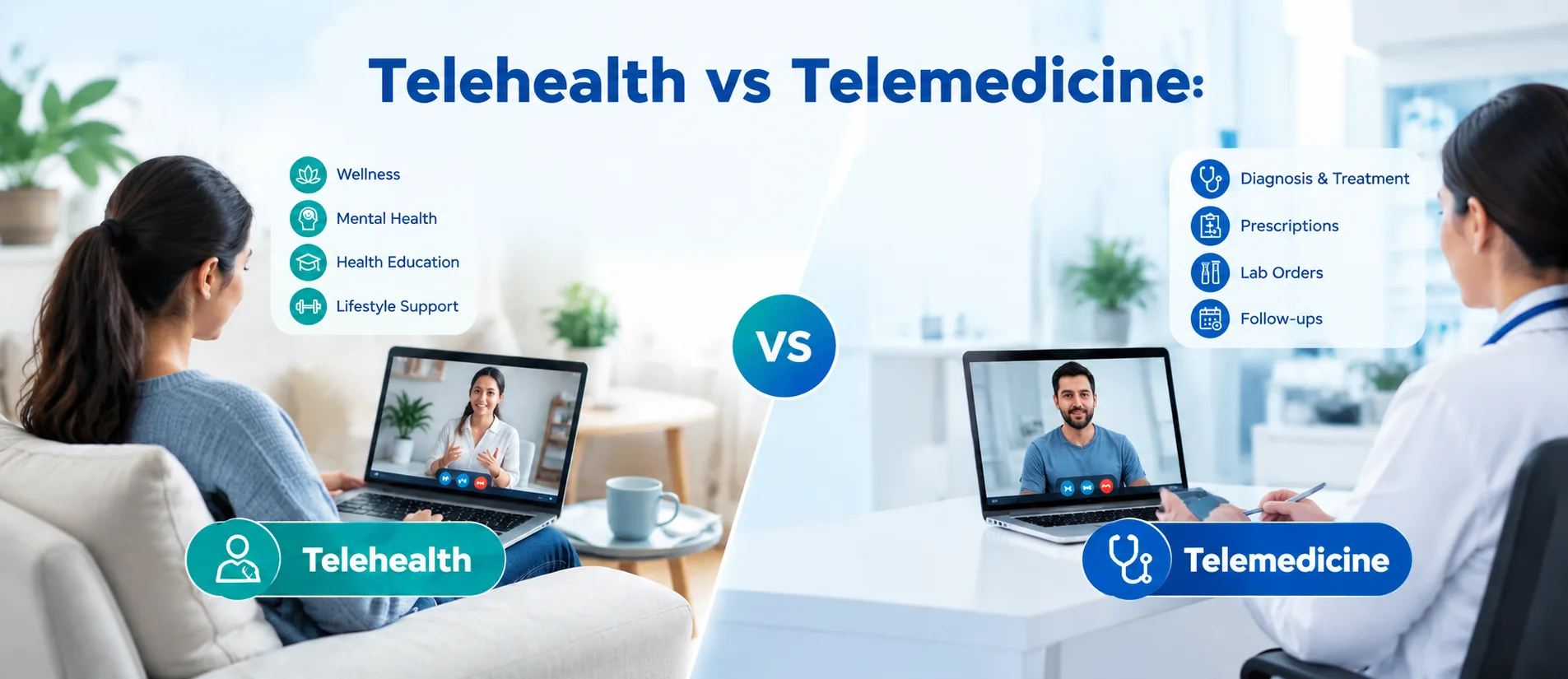
Telemedicine is no longer optional for many hospitals. Cloud HMS makes virtual care integration far simpler than retrofitting an on-premise system.
National digital health programs in several countries now expect interoperability. Cloud platforms align with these standards much more readily.
Patients have changed. They expect to receive their reports digitally, book appointments from their phones, and hear from their hospital after a procedure. Cloud-based patient portal software and patient engagement solutions deliver this.
Real-time analytics are increasingly tied to hospital revenue and quality scores. Cloud systems easily feed data into dashboards and reports, giving leadership the visibility they need.
With ZYNO HIMS, your hospital stays ahead of these shifts. The platform evolves continuously — new features, new integrations, and compliance updates roll out without requiring your team to do anything.
ZYNO HIMS is more than a software product. It's a long-term operational partner for healthcare facilities that take quality and efficiency seriously. Here's why hospitals keep choosing it.
Siloed systems create gaps. ZYNO HIMS integrates all the departments and links OPD, IPD, pharmacy, labs, billing, and administration, into a unified workflow. Information moves where required without paper work.
We've seen hospital software that looks great on a demo but frustrates nurses and billing staff on day one. ZYNO HIMS was designed with real clinical environments in mind. The learning curve is short. Adoption is high.
ZYNO HIMS handles data security, role-based access, and audit trail requirements as standard — not as add-ons. Your hospital meets regulatory expectations without additional configuration effort.
Elite Mindz offers round-the-clock technical support. If something goes wrong at odd hours — and in hospitals, it sometimes does — there's a team ready to respond. Downtime is minimized. Operations continue.
Whether you need just the core patient management system and medical records software or the full hospital ERP software suite with inventory and analytics, ZYNO HIMS can be configured to match exactly what your hospital requires.
Leadership and department heads get live dashboards covering bed occupancy, doctor management data, inventory levels, billing performance, and patient satisfaction. Decisions get made faster and on better information.
There is no universal winner between cloud- and offline-HMS. The right choice depends on:
- Your infrastructure
- Your team
- Your growth plans
Nevertheless, there is one point that is evident: to be efficient and competitive, modern hospitals should have integrated scalable systems. When comparing alternatives, do not put so much emphasis on features but rather on the long-term effects on the operations.
ZYNO HIMS by Elite Mindz is built to fit that picture, whatever it looks like. With full support for both cloud and on-premise deployment and a complete set of modules—patient management system, electronic health records (EHR), appointment scheduling software, hospital inventory management system, bed management, doctor management, medication management, patient engagement solutions, and hospital ERP software. It gives your hospital the foundation it needs to operate better today and grow confidently tomorrow.
If you'd like to see how ZYNO HIMS works in practice, the best next step is a live demo. Our team will walk you through the system, answer your specific questions, and help you figure out the right configuration for your facility.
1. What is the difference between an offline hospital management system and Cloud HMS?
Cloud HMS is operated on third party servers, and accessed online. Offline HMS is deployed on your own servers within the hospital and it does not require an internet connection. Cloud systems can be expanded more easily and can be accessed remotely. The offline systems provide the hospitals with an increased level of control over their data and are effective where connectivity is low.
2. Does ZYNO HIMS suit smaller clinics or is it only applicable to large hospitals?
ZYNO HIMS works for both. The platform is scalable in nature, and this means that a one-specialty clinic can begin with the bare minimums, such as patient management system, appointment scheduling software, and billing, and add more in the future. The complete suite, comprising the use of hospital ERP software, inventory, and advanced analytics, can be implemented in big hospitals.
3. Does ZYNO HIMS have electronic health records (EHR)?
Yes, it does. The ZYNO HIMS EHR module enables the clinicians to record and maintain the complete patient records in real-time. It is designed to facilitate the diagnosis process, minimize redundancy, and enhance smooth continuity of care across departments and admissions.
4. What is the role of ZYNO HIMS in the engagement of patients?
The ZYNO HIMS package has in-built patient engagement software that automatically processes appointment confirmations, test result notifications, follow-up reminders, and discharges. Its patient portal software provides patients access to their records, prescriptions and reports directly through the software, thus limiting the calls to the front desk.
5. What is the security level of patient data in the ZYNO HIMS version in the cloud?
The architecture is constructed with security embedded in it, rather than as an overlay. There is encryption of data both during transmission and rest. Role-based permissions have been used to control access and thus, the staff only access what they are supposed to according to their position. Automated backups provide the data with a high level of security, so it is never in jeopardy despite any hardware or network accidents.
Are you looking for a professional advisor for your business?
Complete the form and discuss implementation strategies with our IT expertise.
Get a Quote in Minutes