
 Contact Us

Empower Businesses, Earn More — Partner with ZYNO Expenz

Automate Compliance with Smart Expense Rules
Set automated rules to enforce expense policies, streamline approvals, and ensure compliance effortlessly. Monitor, flag, and manage expenses with complete control and accuracy.
-
 Automated Policy Enforcement
-
Streamlined Approvals
-
Error-Free Compliance
-
Customizable Rule Setup
-
Instant Alerts & Reports

ZYNO Digital
ZYNO Digital fuels smarter digital growth through data-driven marketing, creative storytelling, and performance strategies that boost visibility, engagement, and measurable business outcomes across global platforms.

ZYNO AI
ZYNO AI harnesses the power of artificial intelligence to automate processes, enhance decision-making, and deliver predictive insights — driving innovation, agility, and measurable business growth.

ZYNO Tech
ZYNO Tech delivers cutting-edge IT solutions — including web, mobile, and digital transformation services — helping businesses scale efficiently, innovate faster, and stay ahead in a connected world.
Book Free Consultation With Our Experts
Smart Expense Automation Features to Automate and Enforce Expense Policies
Turn complex policies into automated, actionable rules. Save time, eliminate violations, and gain total control over organizational spending.

Customizable Rule Builder
Easily create and manage expense rules through a simple, no-code interface that adapts to every organization’s unique policy framework.

Real-Time Policy Validation
Automatically detect and alert users of policy breaches during submission, ensuring instant compliance and reducing manual review efforts.

Multi-Level Approval Automation
Seamlessly route expense claims through predefined approval hierarchies, eliminating delays and enhancing transparency across all management levels.

Smart Notifications & Alerts
Send real-time alerts to employees and managers about policy violations, pending approvals, and status updates for quick action.

AI-Powered Compliance Checks
Leverage AI-driven insights to identify duplicate entries, fraudulent claims, and anomalies, ensuring accuracy and audit-readiness in expense processing.

Audit-Ready Reports
Generate detailed, compliant reports that track every enforced rule, helping finance teams maintain transparency and meet audit requirements effortlessly.

Role-Based Controls
Define and assign rule permissions based on user roles, departments, or hierarchies to maintain secure, policy-driven expense management.
Central Modules for Rule Configuration
Gain complete control over policy automation with ZYNO Expenz’s central rule configuration modules. Easily define, customize, and manage expense rules to ensure compliance and consistency across your organization.


Why Choose ZYNO for Expense Rules
ZYNO Expenz streamlines expense management with automated, customizable rules that ensure compliance and efficiency. Our platform simplifies approvals, enforces policies, and provides complete visibility, helping organizations control spending effortlessly.

Dual Deployment Options
Available both as a secure SaaS solution and on-premise installation to fit your IT strategy.

Smart Rule Management
Tailor rules and approval processes for departments, roles, and spending categories seamlessly.

Instant Expense Visibility
Access instant insights into expenses, policy breaches, and approvals for smarter decision-making.
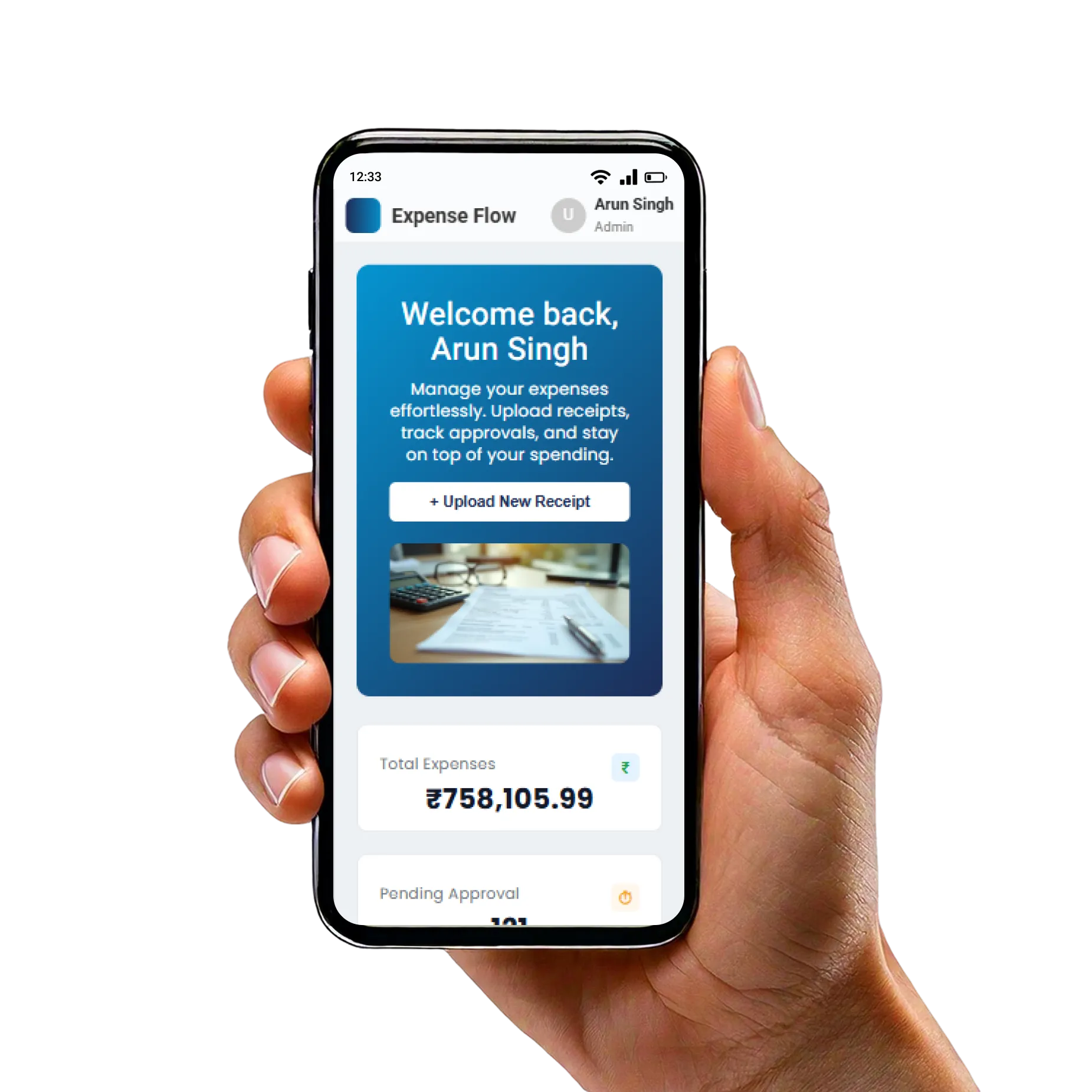
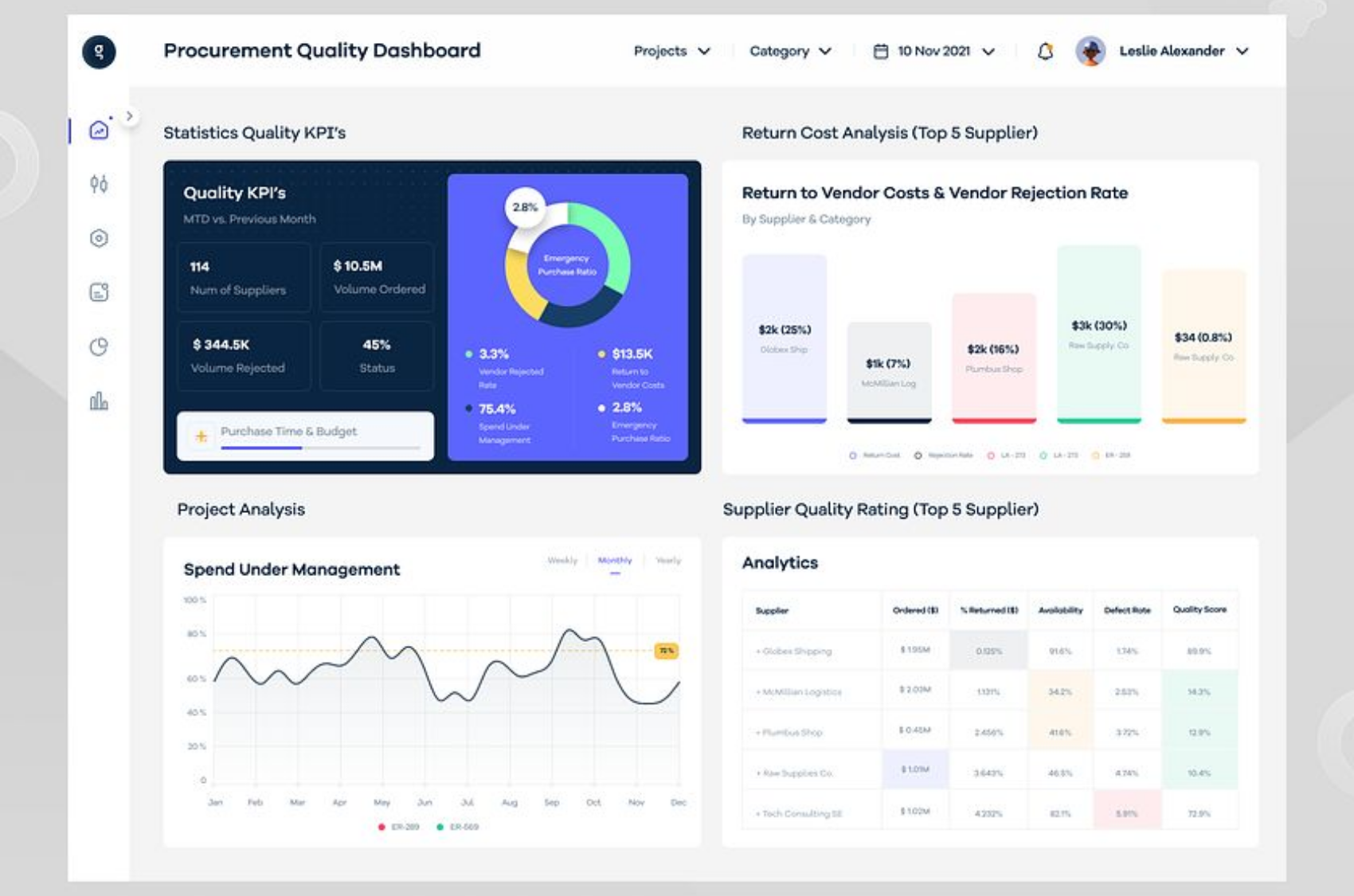
Smart Dashboard for Policy Insights
The smart dashboard gives you a real-time overview of all expense rules and policies. Monitor compliance, track approvals, and make informed decisions effortlessly.
Live Compliance Overview
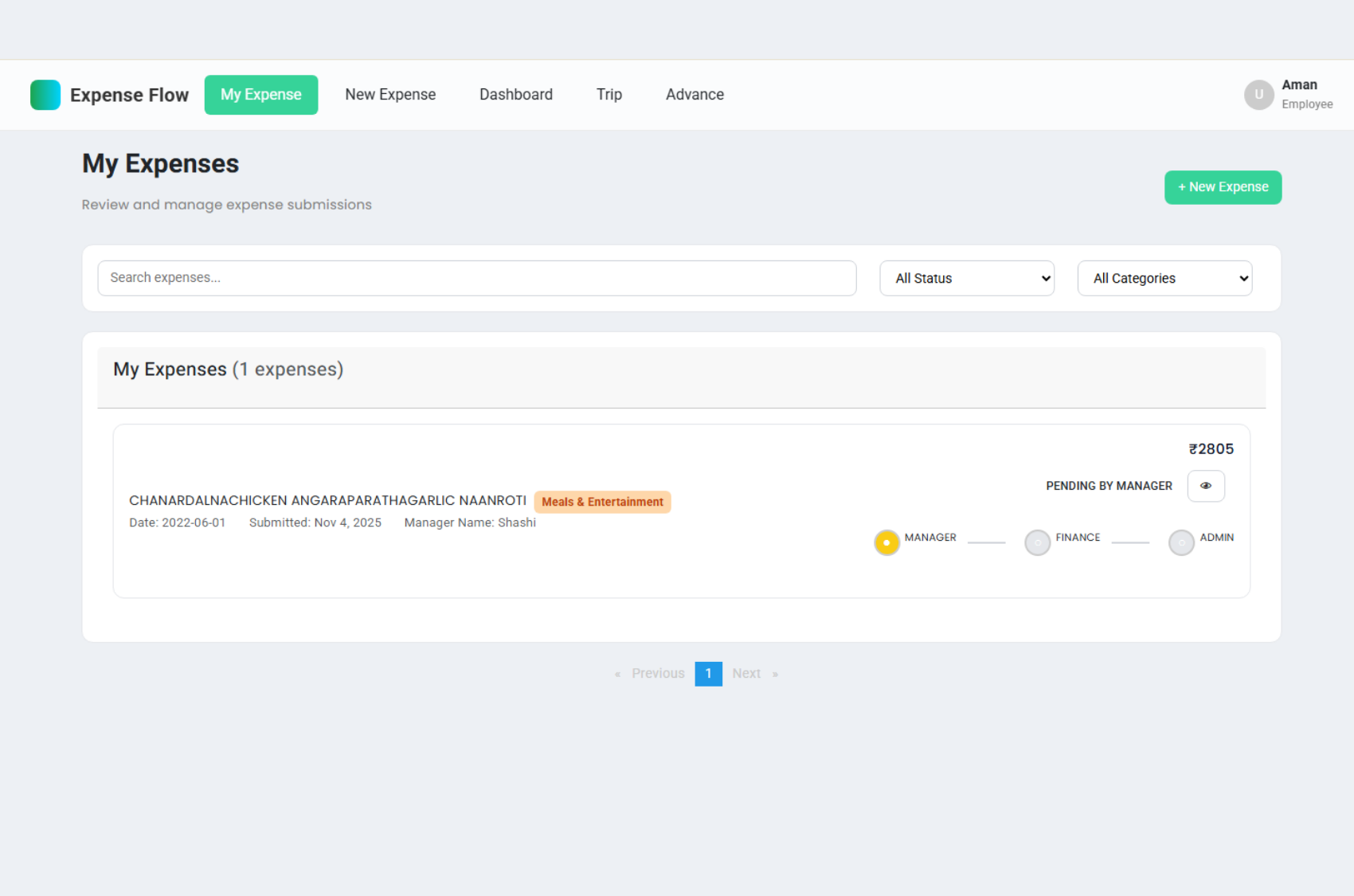
Unified Approval View
Insight-Backed Policy Control
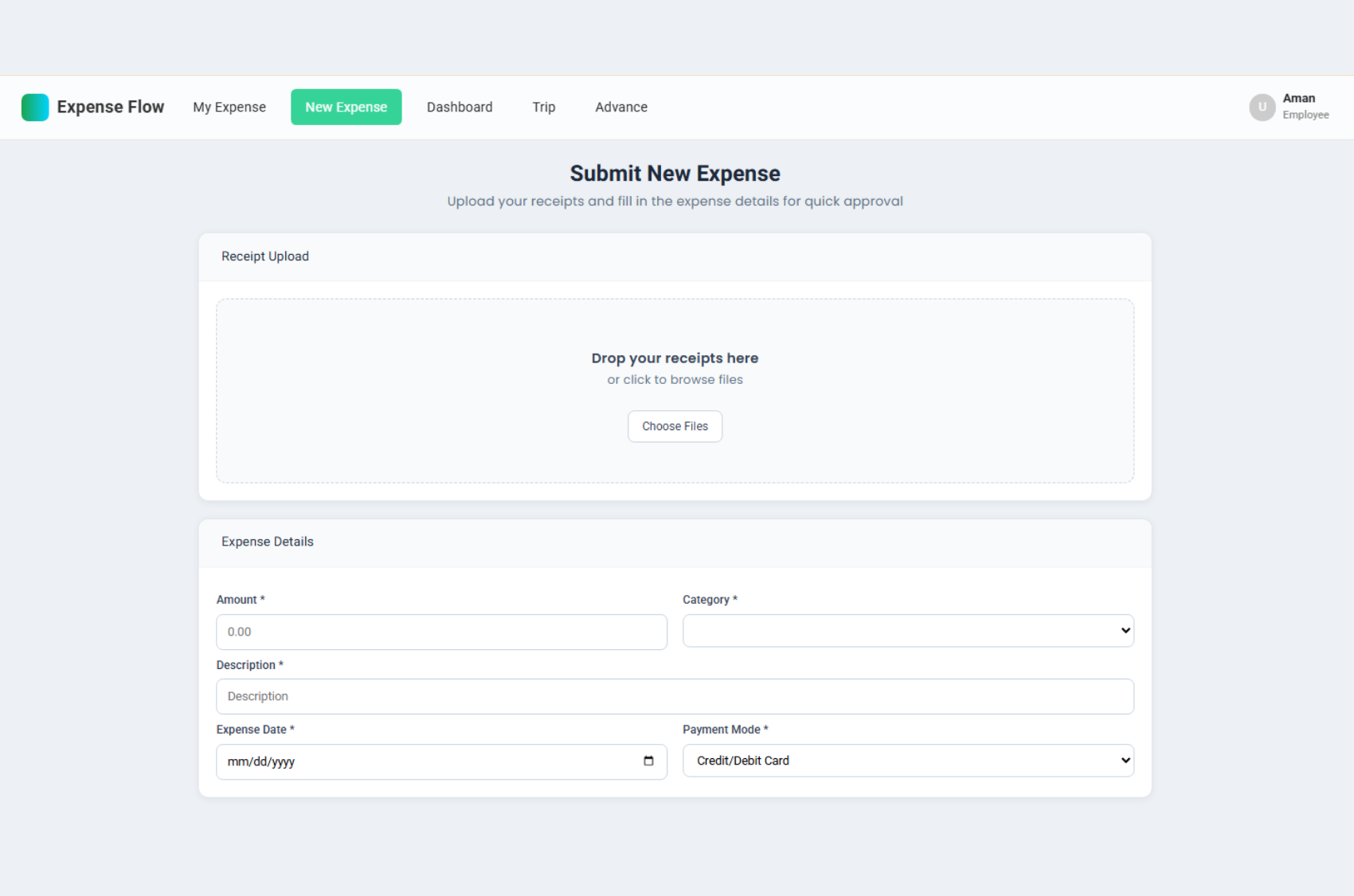
Optimize Your Expense Rules Instantly
Easily set up and manage your organization’s expense policies using Smart Expense Rules and Automated Policy Rules. Stay compliant, avoid simple mistakes, and keep approvals moving smoothly—all in one simple, reliable platform.
Frequently Asked Questions (FAQs)
faq
Expense automation rules are configurable conditions in Zyno Expenz that automatically trigger actions — such as routing for approval, flagging a claim, or blocking a submission — based on defined criteria like amount, category, or employee role.
By automating repetitive decisions like routing, flagging, and categorization, Zyno Expenz rules eliminate the need for finance staff to manually review every claim — freeing them for higher-value tasks.
Yes. Zyno Expenz allows you to create amount-based rules — for example, auto-approving claims below a certain value or escalating high-value expenses to senior management automatically.
Yes. Zyno Expenz supports role-based and department-specific rules, ensuring that different approval workflows, spending limits, and validations apply to the right group of employees automatically.
Yes. You can set rules in Zyno Expenz so that expenses from specific vendors or containing certain keywords are automatically assigned to a designated category, saving employees time and ensuring consistency.
Zyno Expenz travel rules can be configured to flag bookings above a certain fare class, hotel rate, or per-diem limit — automatically enforcing policy without manual review of each travel claim.
Yes. Rules can be set to send automated email or app notifications to managers, finance teams, or employees when specific conditions are met — such as a budget threshold breach or a high-value claim.
Zyno Expenz rules define multi-level approval chains based on spend amount, expense type, or department, ensuring every claim is reviewed by the right person without manual routing decisions.
Yes. Zyno Expenz supports multi-condition rules using AND/OR logic, allowing finance teams to build sophisticated approval and validation workflows that handle complex organizational structures.
Zyno Expenz provides an intuitive rule builder interface where admins can create, edit, or deactivate rules without any coding or technical support, making it easy to adapt as business needs change.
ZYNO Digital
ZYNO Digital fuels smarter digital growth through data-driven marketing, creative storytelling, and performance strategies that boost visibility, engagement, and measurable business outcomes across global platforms.
ZYNO AI
ZYNO AI harnesses the power of artificial intelligence to automate processes, enhance decision-making, and deliver predictive insights — driving innovation, agility, and measurable business growth.
ZYNO Tech
ZYNO Tech delivers cutting-edge IT solutions — including web, mobile, and digital transformation services — helping businesses scale efficiently, innovate faster, and stay ahead in a connected world.
Book Free Consultation With Our Experts
ZYNO Expenz
AI-Powered Accounting Software Capabilities
- Multiple Entity
- E- Invoicing and Vouchers
- Automatic Data Entry
- Duplicate & Fraud Detection
- Flexible Chart of Account Structuring
- GST and VAT Compliance
- Intelligent Reporting
- Smart Scheduling
- Stock Valuation
Request Your ZYNO Expenz Demo
Experience smart, automated accounting—share your details and our team will guide you with a personalized demo.