Data-Driven Learning: How Corporate LMS Analytics Improve Performance & Business Outcomes
Read More →

×
Employee training has outgrown Excel when tracking courses, employee skills, certifications, attendance, assessments, and compliance becomes difficult to manage. A corporate learning management system centralizes training data, automates learning workflows, monitors employee progress, and provides real-time reports. Businesses can use cloud-based LMS software to improve employee learning, development, and training management.
Businesses using ZYNO Books cut accounting time by 70% and stay 100% ZATCA-compliant — automatically.
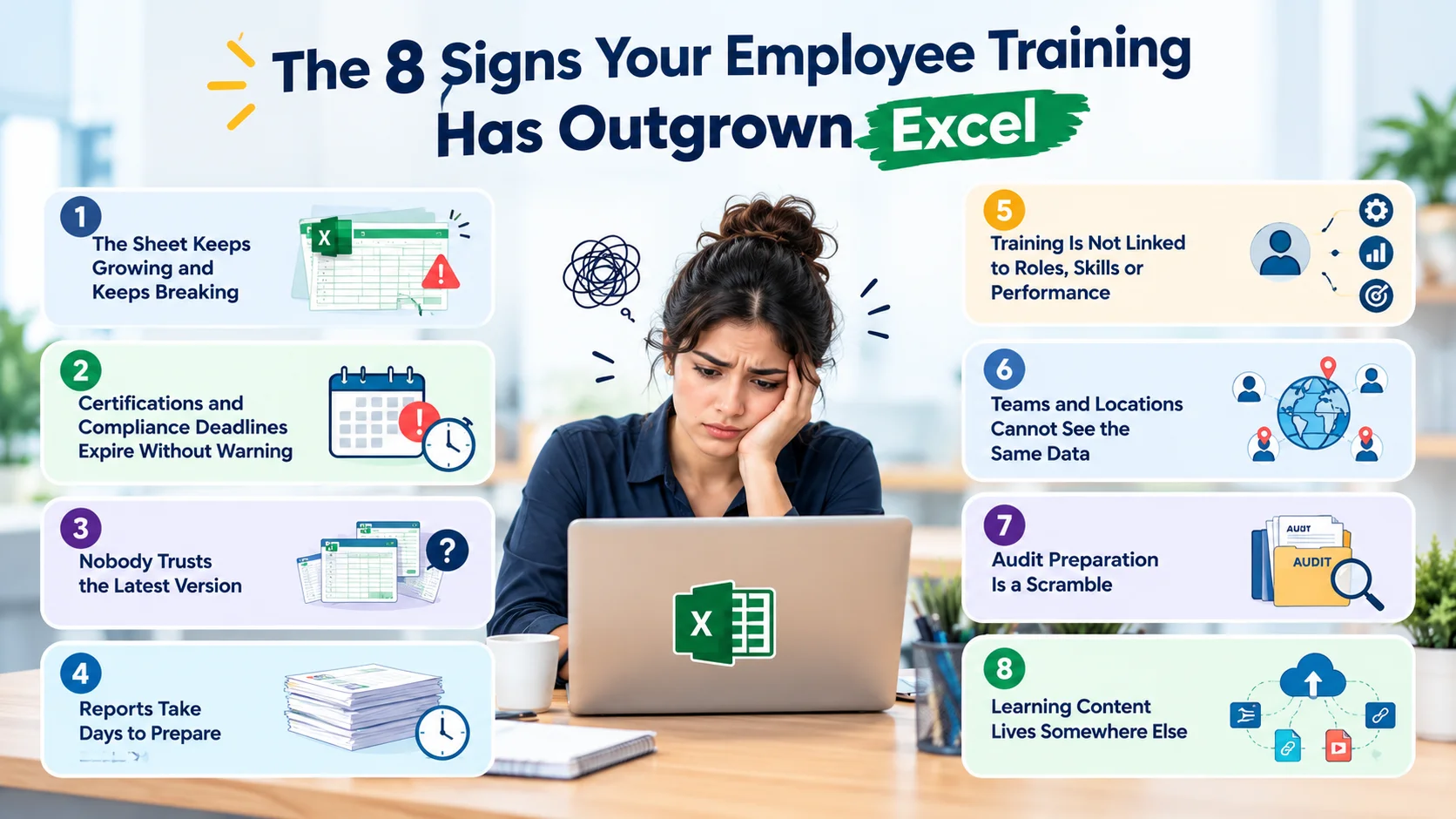
If your training tracker has more tabs than trainers, certificates expire before anyone notices, and building a single report takes days, your employee training has outgrown Excel. Spreadsheets are a smart place to start, but once you manage many employees, roles, locations and compliance deadlines, employee training software gives you reminders, records, reports and learning delivery in one place.
This guide walks through the 8 clear signs it is time to move from spreadsheets to a training management system, how Excel and software compare side by side, what to look for in corporate training software, and how to switch without disrupting your team. Whether you are searching for an Excel alternative for employee training, a corporate LMS, or simple employee training tracking software, this checklist will help you decide.
| Sign | What It Means | |
|---|---|---|
| 1 | The sheet keeps growing and breaking | Your headcount has outgrown manual tracking |
| 2 | Certifications expire without warning | No automatic reminders or escalation |
| 3 | Nobody trusts the latest version | Multiple copies, no single source of truth |
| 4 | Reports take days to prepare | Data is manual and scattered |
| 5 | Training is not linked to roles or performance | No skills view, no development path |
| 6 | Teams and locations cannot see the same data | No access control or shared dashboards |
| 7 | Audit preparation is a scramble | Training records are hard to prove |
| 8 | Learning content lives somewhere else | Tracking and delivery are disconnected |
Excel is familiar, flexible and already on every laptop. For a small team, a simple training tracker with columns for employee name, course, date and status works well. There is no setup cost and no approval needed.
The problem is not that Excel is bad. The problem is that a spreadsheet is a record keeper, not a system. It cannot send reminders, enforce who sees what, assign training by role, or deliver the learning itself. As your workforce grows, the effort needed to keep the sheet accurate grows faster than the sheet itself.

You started with one tab. Now there are tabs for each department, a separate file for new joiners, and formulas that nobody wants to touch. A single wrong sort or deleted row can corrupt months of data.
When maintaining the tracker becomes someone's part-time job, you are paying for software in salary without getting any of the benefits. Dedicated employee training tracking software stores every record in a structured database, so adding the 500th employee is as easy as adding the 5th.
This is the most expensive sign. Safety certificates, licences, refresher courses and mandatory modules all have expiry dates, and Excel only shows them if someone remembers to look.
Good employee certification tracking software and employee compliance training software automatically flag upcoming expiries, notify the employee and the manager, and escalate when a deadline is missed. In regulated industries, a single lapsed certificate can mean fines, stopped work or failed audits.
Manage employee learning, skills, courses, assessments, certifications, and training progress with ZYNO Upskill. Replace spreadsheets with a centralized learning and skill management platform built for modern organizations.
One person has the sheet on their desktop. Another has an older copy in an email. A third has made edits on a shared drive that overwrote someone else's changes. When you ask, "Which file is correct?", nobody is sure.
Employee training records management software gives you one source of truth with a full history of who completed what, when, and who approved it. No version confusion, no lost updates.
Leadership asks a simple question: "What percentage of our workforce is compliant this quarter?" Answering it means merging sheets, cleaning data and building pivot tables by hand.
With employee performance and training software, reports are live. You can filter completion rates by department, location, role or course in a few clicks. If your team already uses an HRMS, HRMS training management lets training data sit alongside attendance, appraisals and employee profiles, so decisions are based on a full picture.
A spreadsheet can list courses, but it cannot tell you which skills a role requires, which employees have gaps, or which learning path should come next.
Employee development software and training and development software connect courses to job roles, competencies and career paths. Managers can see who is ready for promotion, who needs a refresher and where the skill gaps are across the team. That moves training from a box-ticking exercise to a real development tool.
As you add sites, shifts or remote teams, sharing one spreadsheet becomes risky. Either everyone can edit everything, or nobody can see what they need.
Workforce training software offers role-based access. Employees see their own courses, managers see their team, HR and compliance heads see everything. Combined with wider workforce management software, you can plan shifts and staffing around who is trained and certified for each task.
When an auditor or client asks for proof of training, you spend days hunting for certificates, attendance sheets and sign-offs scattered across folders and inboxes.
With a training management system, evidence is attached to the record. Completion dates, scores, trainer details, certificates and approvals are stored together and can be exported on demand. Audit preparation shifts from days to minutes.
Your spreadsheet tells you who should be trained, but the actual learning happens in PDFs, emails, video links and classroom sessions. Enrolment is manual, quizzes are marked by hand and employees have no single place to learn.
A corporate LMS (learning management system for companies) closes that gap. Employees log in, see assigned courses, learn at their own pace, take assessments and download certificates, while the system records everything automatically. An employee learning management system turns tracking into a complete learning experience.
The table below summarises training management software vs Excel across the areas that matter most.
| Factor | Excel / Spreadsheets | Training Management Software |
|---|---|---|
| Training Records | Manual entry, easy to overwrite | Structured, auditable records with history |
| Reminders | Manual or none | Automatic reminders and escalations |
| Certification Tracking | Needs formulas and regular checking | Expiry alerts built in |
| Compliance | Hard to prove | Evidence, reports and audit trails |
| Reporting | Manual pivot tables | Live dashboards and exports |
| Access Control | Share the whole file or none | Role-based access by employee, manager, HR |
| Learning Delivery | Not available | Courses, quizzes and certificates (LMS) |
| Skills and Development | Not available | Role-based skills and learning paths |
| Scalability | Slows down and breaks as data grows | Built for hundreds or thousands of employees |
| Upfront Cost | Free | Subscription or licence |
Being honest matters. Excel is still a reasonable choice if you have a small team, only a few training types, no regulatory deadlines and one person who owns the tracker. If that describes you, a clean template with clear naming and a backup routine can work for a long time.
The moment compliance, multiple sites or audits enter the picture, the risk of staying on spreadsheets usually outweighs the cost of moving.
These terms are often used interchangeably, but they solve slightly different problems.
Most modern corporate LMS software and corporate training software combine both. Larger organisations with complex hierarchies, multiple business units and integrations often choose an enterprise learning management system, also called enterprise LMS software, for the added scale, security and customisation.
When you compare options, check for these capabilities:
Ask every vendor for a demo with your own sample data, not a generic walkthrough.
Simplify corporate learning with ZYNO Upskill. Track employee skills, training programs, assessments, certifications, and learning progress from one centralized platform while reducing dependency on spreadsheets.
Excel is a fine starting point, but training is not just a list of names and dates. It is compliance, development, reporting and learning, all connected. If you see three or more of the eight signs in your own team, the cost of staying on spreadsheets is already higher than the cost of moving.
Choose employee training management software that tracks records, automates reminders, links training to roles and, if needed, delivers the learning itself. Your employees get a better experience, your managers get clear visibility, and you get audit-ready confidence.
The best Excel alternative for employee training depends on your size and needs. If you mainly need tracking and compliance, choose employee training tracking software. If you also want to deliver courses online, choose a corporate LMS or employee learning management system.
Yes, for small teams. An Excel training tracker works when you have few employees and no strict compliance deadlines. It becomes risky as your workforce grows, because it has no automatic reminders, access control or audit trail.
Switch when you recognise several of the signs above: expired certificates, multiple file versions, slow reporting, audit stress or multiple locations. Three or more signs is a strong signal to start evaluating.
A training management system manages scheduling, attendance, records and compliance. An LMS delivers the learning content and assessments. Many platforms combine both.
It is software that stores every employee's training history, certificates, scores and approvals in one secure place, so you can retrieve proof instantly during audits or reviews.
You record each certification with its issue and expiry dates. The software sends automatic alerts to employees and managers before expiry and flags overdue renewals on a dashboard.
Not exactly. HR training software focuses on learning and compliance. HRMS training management is the training module inside a broader HR system, where training connects to employee profiles, attendance and performance.
Corporate LMS software suits most businesses that want to train their employees online. Enterprise LMS software is built for large organisations with many business units, complex permissions, integrations and high user volumes.
No. It complements them. Training software handles learning and compliance, while HRMS and workforce management software handle payroll, attendance and scheduling. Good tools integrate with each other.
Pricing varies by number of users and features, and many vendors offer per-user or per-employee subscription plans. Compare the cost against the time spent maintaining spreadsheets and the risk of non-compliance.
Data-Driven Learning: How Corporate LMS Analytics Improve Performance & Business Outcomes
Read More →
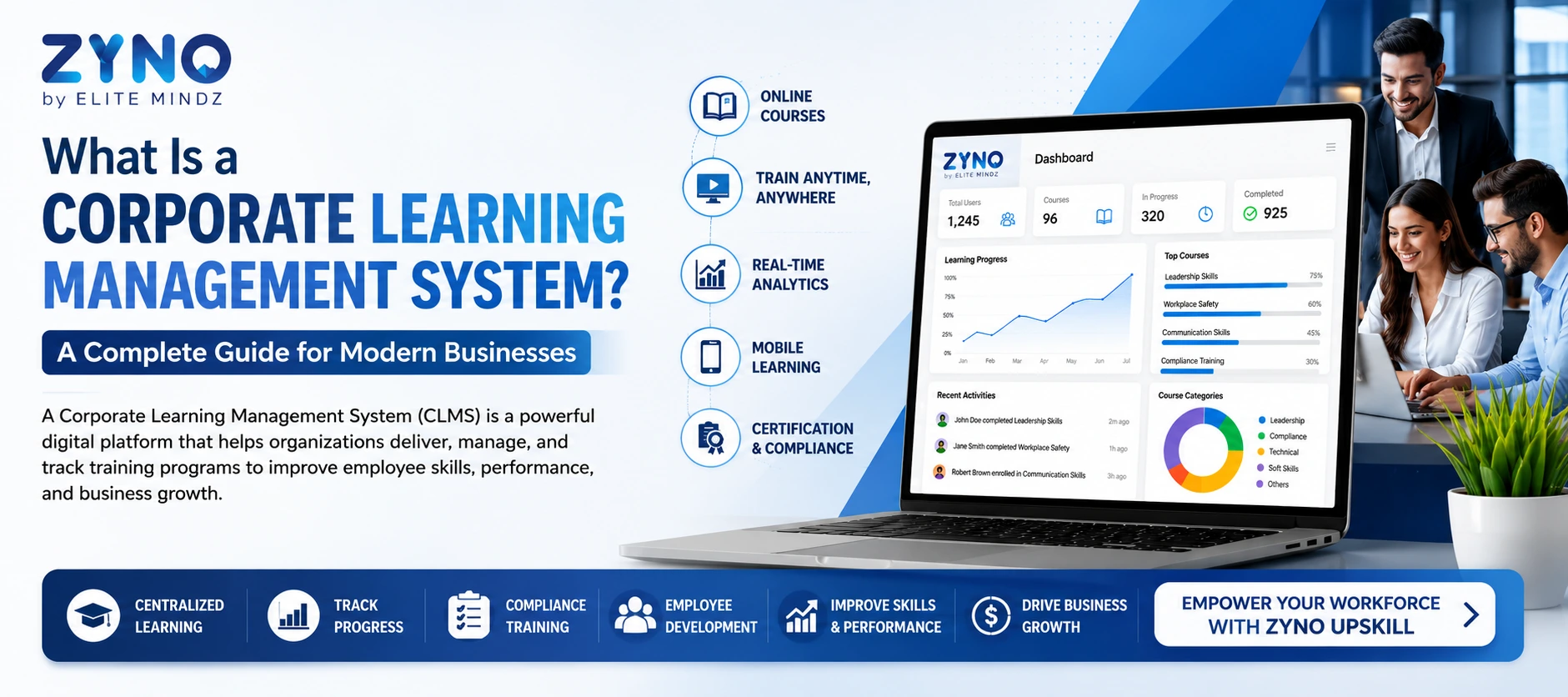
What Is a Corporate Learning Management System? A Complete Guide for Modern Businesses
Read More →
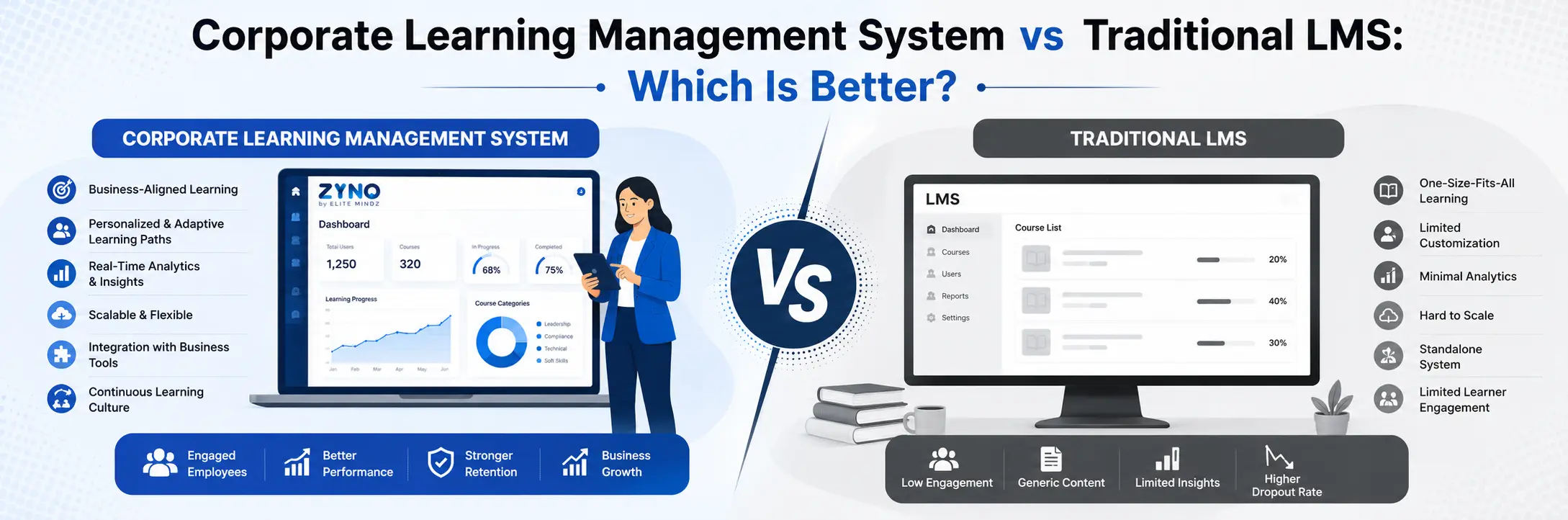
Corporate Learning Management System vs Traditional LMS: Which Is Better?
Read More →
Top Corporate Learning Management Systems in UAE for 2026
Read More →
Spreadsheets vs Software: 8 Signs Your Employee Training Has Outgrown Excel
Read More →Partner with ZYNO by Elite Mindz to revolutionize how your business works. Fill out the form, and we’ll reach out with AI-powered solutions made just for you.
We use browser cookies to ensure you get the best experience on our website. Learn more
The form was submitted successfully!