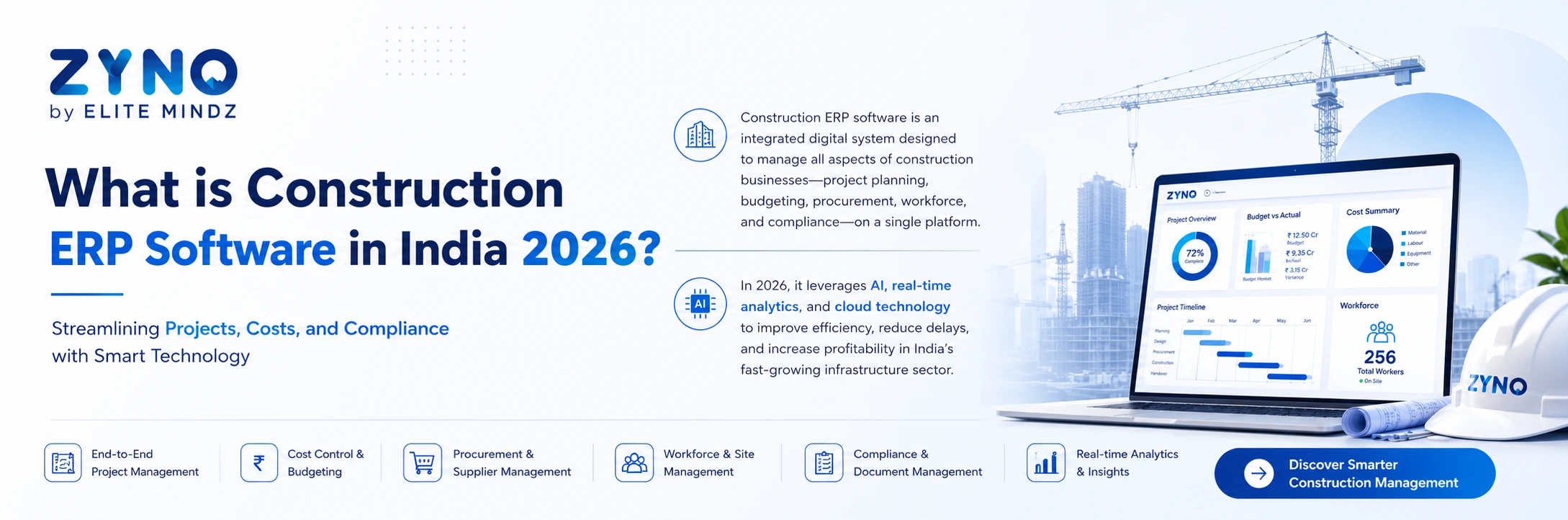
What is Construction ERP Software in India 2026?
Read More →

×
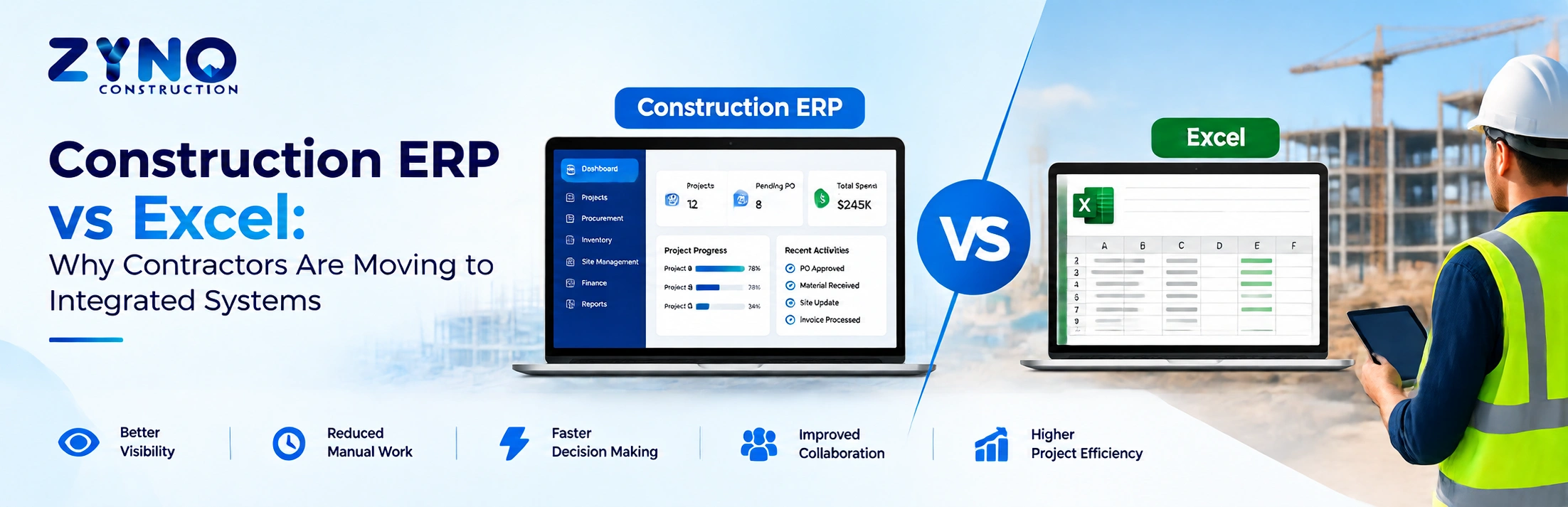
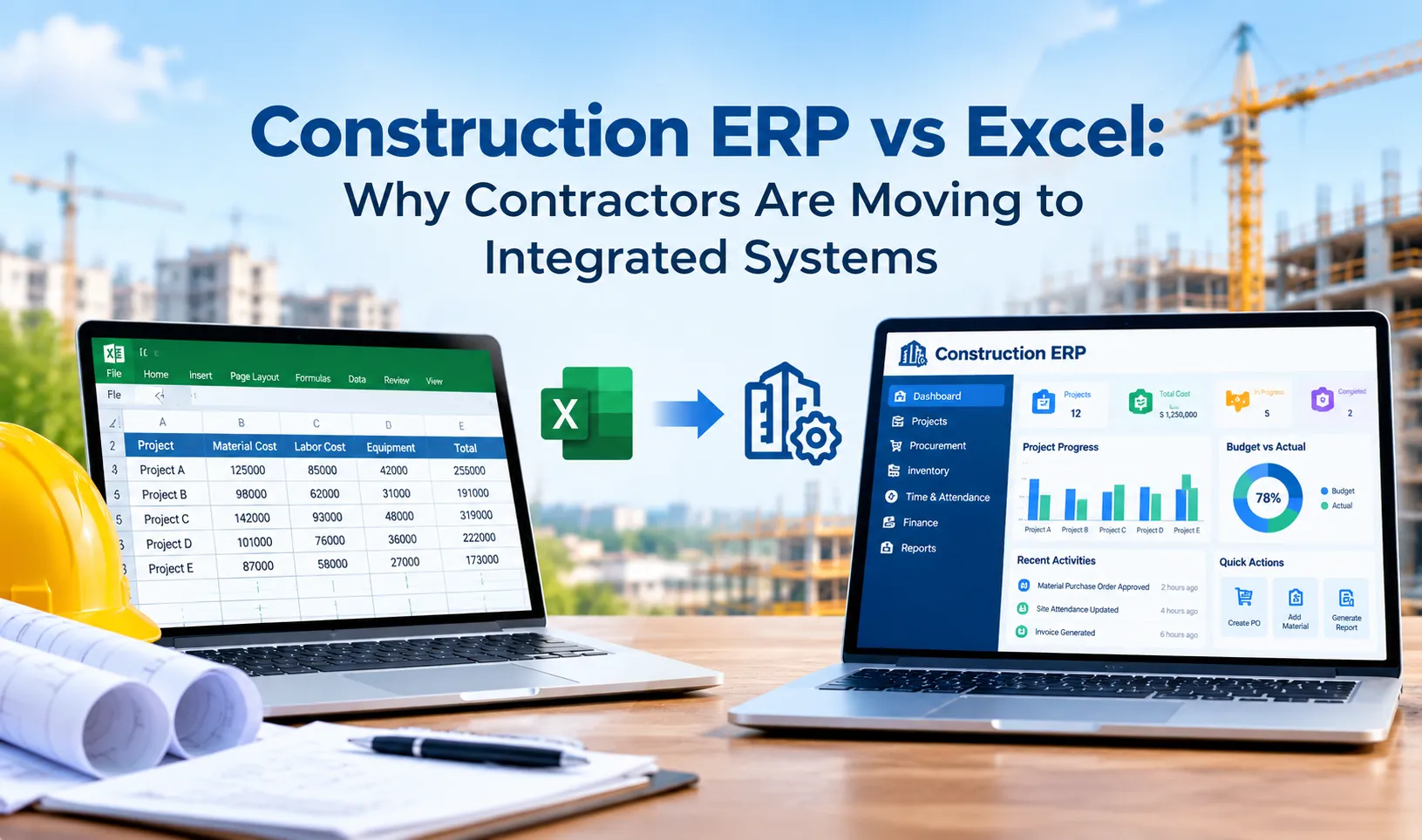
Construction ERP software offers contractors an integrated alternative to Excel by connecting project management, budgeting, procurement, billing, inventory, and workforce data in one system. Unlike spreadsheets, ERP platforms provide real-time visibility, automated workflows, centralized records, and better collaboration, helping construction businesses manage projects more efficiently and reduce manual work.
Businesses using ZYNO Books cut accounting time by 70% and stay 100% ZATCA-compliant — automatically.
Construction companies often start with Excel because it is familiar, flexible, and inexpensive. Project budgets, material requirements, labour records, purchase orders, expenses, and progress reports can all be managed in spreadsheets.
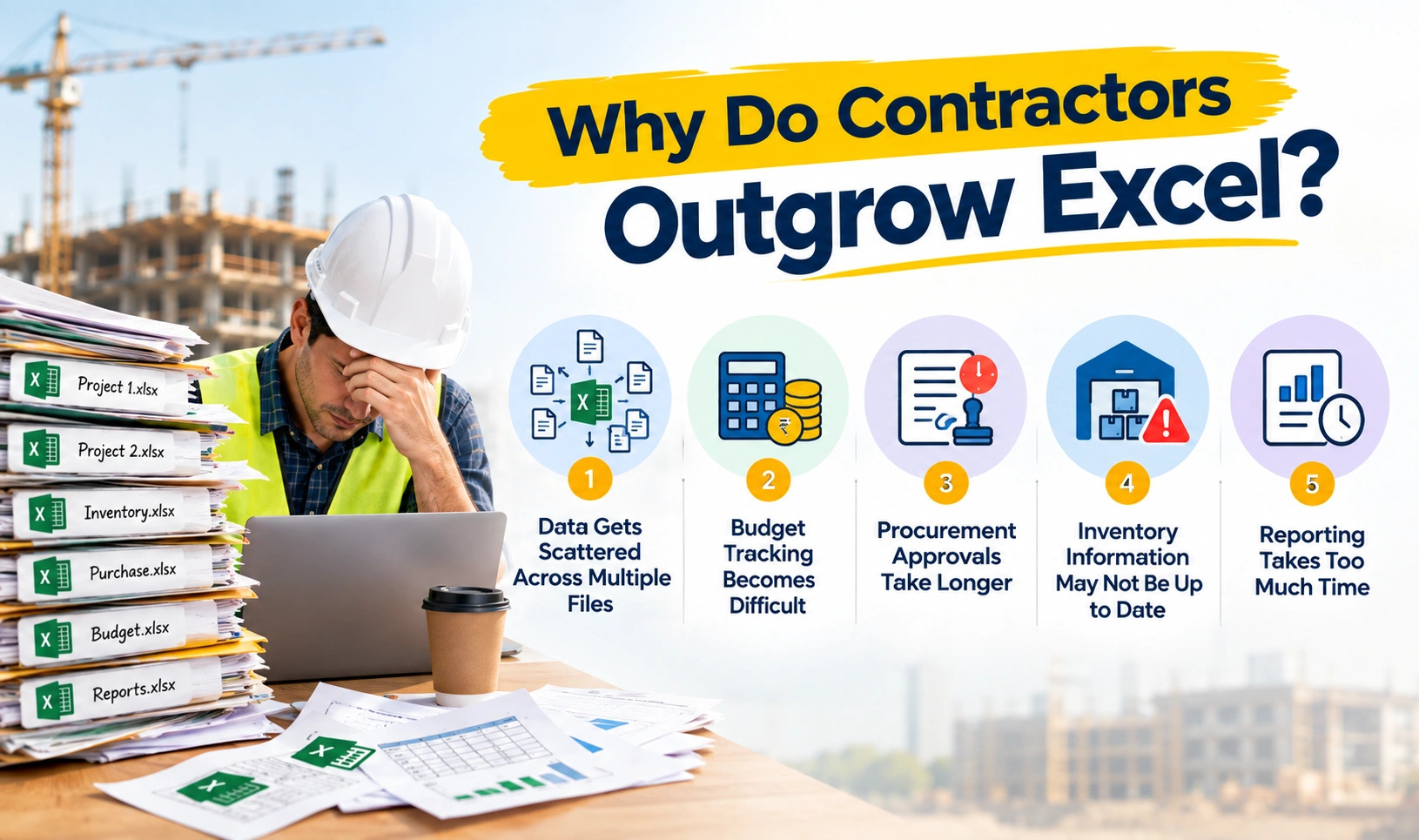
But as projects, teams, vendors, and sites increase, Excel-based management can become difficult to control.
Data gets scattered across multiple files, updates are delayed, approvals happen over email or WhatsApp, and management may not have a real-time view of project costs and progress.
That is where a construction ERP system becomes valuable.
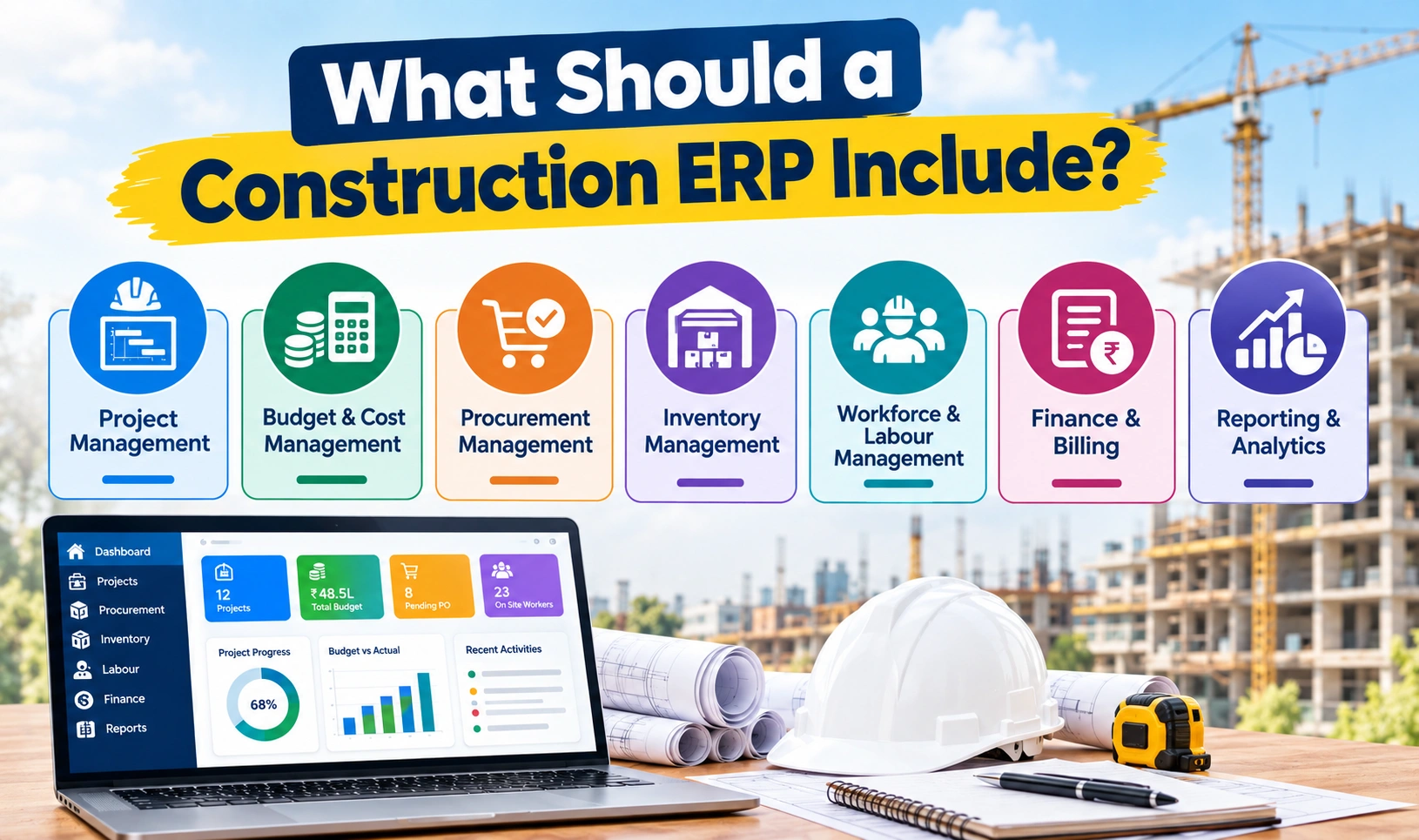
A construction ERP connects project management, procurement, inventory, finance, labour, billing, and reporting in one integrated platform. Instead of managing different processes through separate spreadsheets, contractors can manage construction operations through a centralized system.
The biggest difference is integration and real-time visibility.
Excel can store and organize construction data, but it does not automatically connect project budgets with procurement, inventory, billing, labour, and site progress.
A construction ERP is designed to connect these workflows so that information entered in one part of the system can support other business processes.
| Area | Excel | Construction ERP |
|---|---|---|
| Project Management | Separate spreadsheets | Centralized project management |
| Budget Tracking | Manual updates | Real-time budget and cost visibility |
| Procurement | Manual PR/PO tracking | Automated procurement workflows |
| Inventory | Spreadsheet-based stock records | Real-time inventory tracking |
| Labour | Separate attendance/payroll files | Integrated workforce management |
| Billing | Manual calculations and records | Connected billing workflows |
| Approvals | Email/WhatsApp/manual follow-ups | Configurable approval workflows |
| Reporting | Manual consolidation | Real-time dashboards and reports |
| Multi-site Management | Multiple files | Centralized multi-project visibility |
| Data Accuracy | Depends on manual updates | Automated and connected data |

Excel is useful when a construction business has limited projects and relatively simple processes.
The problems usually begin when the business starts managing:
At this stage, maintaining separate Excel sheets can create more work instead of reducing it.
Connect project planning, budgeting, procurement, billing, inventory, resources, and reporting in one integrated construction management system with ZYNO Construction.
A project manager may maintain one spreadsheet for project progress, the procurement team another for purchase orders, the store team another for inventory, and finance another for expenses.
This creates disconnected information.
Management then has to collect data from different teams before understanding the actual project position.
An integrated ERP brings these processes together so teams can work from connected information.
Construction profitability depends heavily on controlling project costs.
With Excel, teams often need to manually compare:
Estimated Cost → Actual Expense → Purchase Commitments → Remaining Budget
If spreadsheets are not updated on time, cost overruns may only become visible after they have already affected project profitability.
A construction ERP can provide real-time budget and cost visibility, helping teams identify deviations earlier.
Manual procurement often involves:
Purchase Request → Email/WhatsApp → Approval → Vendor Quotes → PO → Delivery → Invoice
When these steps are managed manually, requests can get delayed or lost.
An integrated construction ERP can automate approval workflows, purchase orders, vendor processes, and procurement tracking. ZYNO Construction, for example, connects purchase requests, RFQs, POs, vendor payments, and project financial data within its procurement workflow.
Material shortages can stop construction activities.
At the same time, over-purchasing can increase inventory costs and wastage.
Excel-based inventory management requires frequent manual updates. If a material is received, issued, transferred, or consumed but the spreadsheet is not updated immediately, the reported stock may not reflect the actual stock at the site.
An integrated construction system can provide centralized inventory visibility across sites and warehouses. ZYNO Construction also supports reorder alerts and inter-site material tracking.
Management often needs answers to questions such as:
With Excel, teams may need to collect and consolidate multiple spreadsheets before producing these reports.
An ERP can generate dashboards and reports from centralized data, reducing manual reporting work.
A construction ERP connects the major processes involved in running construction projects.
A typical workflow can look like this:
Project Planning → Budgeting → Procurement → Inventory → Site Execution → Labour → Billing → Finance → Reporting
Instead of each department maintaining separate information, the ERP creates a connected flow of data.
For example:
A project manager creates a project budget.
↓
The procurement team raises a purchase request.
↓
The request is checked against the project budget.
↓
The purchase order is created and approved.
↓
Materials are received and recorded in inventory.
↓
The expense is reflected against the project.
↓
Finance processes the vendor invoice.
↓
Management can view the updated project cost and financial position.
This connected workflow is one of the biggest advantages of ERP over standalone Excel files.
Instead of maintaining multiple spreadsheets, teams can work from a centralized system.
This reduces duplicate data and makes information easier to access.
Project managers and management can monitor project progress, budgets, costs, procurement, and other activities without waiting for manually prepared reports.
ERP systems can connect project budgets with expenses and procurement, helping businesses identify cost deviations earlier.
Automated workflows can route purchase requests for approval, manage purchase orders, and track procurement activities.
Construction teams can monitor material availability across projects and sites, reducing the risk of shortages and unnecessary purchases.
Site teams, project managers, procurement teams, finance teams, and management can work with connected information instead of exchanging multiple files.
Instead of manually preparing reports from different spreadsheets, ERP dashboards can provide centralized project and business insights.
As a construction company grows, the number of projects, employees, vendors, transactions, and sites also increases.
An integrated ERP can scale with these operations more effectively than a collection of manually maintained spreadsheets.
Replace disconnected Excel sheets with a centralized system for project tracking, cost management, procurement, billing, resources, and real-time construction insights.
Yes.
Excel is not useless.
It can still be useful for:
The problem is not Excel itself.
The problem is using Excel as the primary system for managing complex construction operations.
Once a company starts handling multiple interconnected processes, relying entirely on spreadsheets can create visibility, accuracy, and workflow problems.
There is no fixed project size at which every company must adopt ERP.
However, an ERP becomes worth considering when you experience several of these situations:
If several of these problems sound familiar, the issue may no longer be Excel itself—it may be the lack of an integrated construction management system.

Before choosing a construction ERP software, contractors should evaluate whether it covers the complete project lifecycle.
Important capabilities include:
An integrated construction ERP should connect these modules rather than functioning as a collection of unrelated tools.
ZYNO Construction is designed as an integrated construction ERP for builders, contractors, infrastructure companies, and other construction businesses.
It brings project management, budgeting, procurement, inventory, workforce management, accounting, billing, equipment, quality management, and analytics into one connected platform.
Instead of managing project information across disconnected Excel sheets, teams can manage construction workflows through a centralized system.
ZYNO Construction provides project planning, scheduling, milestone tracking, progress monitoring, and project dashboards.
Its project management capabilities also connect project execution with procurement, payroll, billing, and inventory.
Procurement teams can manage purchase requests, vendor enquiries, quotations, purchase orders, approvals, GRNs, and payments through connected workflows.
This helps reduce manual follow-ups and gives project and finance teams better procurement visibility.
Construction companies can monitor inventory across multiple project sites and warehouses, track material consumption, manage transfers, and receive reorder alerts.
This helps teams reduce material shortages, over-purchasing, and unnecessary wastage.
ZYNO Construction connects finance with project management, procurement, inventory, payroll, and billing.
Project-wise P&L and financial dashboards help management identify cost and cash-flow issues earlier.
The answer depends on the complexity of your construction business.
If you are managing a small project with limited data, Excel may still be sufficient.
But if you are managing multiple projects, sites, vendors, materials, employees, budgets, and financial transactions, an integrated construction ERP can provide significantly better control and visibility.
The key question is not:
“Is ERP better than Excel?”
The better question is:
“Can our current Excel-based processes give us the visibility, control, automation, and scalability we need to grow?”
If the answer is no, it may be time to move to an integrated construction ERP.
Simplify project management, cost tracking, procurement, billing, resource planning, and reporting with one connected construction management platform.
Excel can be a useful tool for construction businesses, but it becomes difficult to manage as projects and operations grow.
A construction ERP connects project management, budgeting, procurement, inventory, workforce, finance, billing, and reporting in one system.
For contractors looking to reduce manual work, improve project visibility, control costs, and manage multiple construction operations from one platform, moving from disconnected spreadsheets to an integrated ERP can be an important step toward more efficient project management.
If your construction teams are spending too much time updating spreadsheets, chasing approvals, preparing reports, or reconciling project data, it may be time to see what an integrated construction ERP Software can do.
Book a ZYNO Construction demo and see how you can manage projects, procurement, inventory, costs, workforce, and finance from one connected platform.
For complex construction operations, an ERP can provide better integration, automation, real-time visibility, and scalability than manually connected Excel spreadsheets. Excel can still be useful for smaller projects and simple calculations.
Construction companies use ERP software to connect project management, procurement, inventory, finance, labour, billing, and reporting. This can reduce manual work, improve visibility, control costs, and support better decision-making.
A construction ERP can replace many of the operational spreadsheets used for project management, procurement, inventory, finance, and reporting. Excel can still be used for ad-hoc analysis and calculations where appropriate.
The main benefits include centralized data, real-time project visibility, automated workflows, better cost control, procurement management, inventory tracking, financial visibility, reporting, and improved collaboration between site and office teams.
Construction ERP software can be useful for builders, contractors, infrastructure companies, EPC firms, real estate developers, and construction businesses managing multiple projects, sites, teams, vendors, or complex financial
What is Construction ERP Software in India 2026?
Read More →
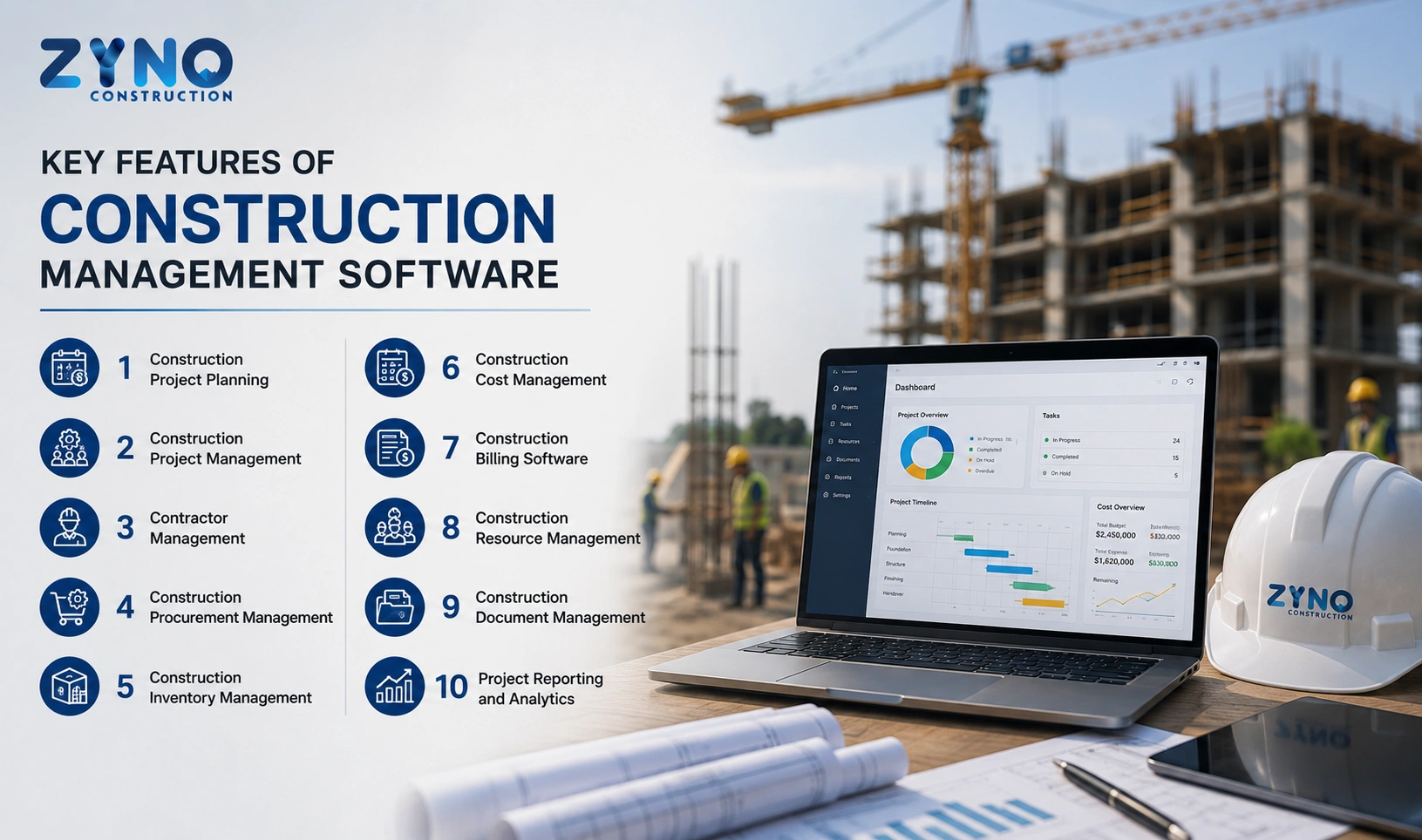
Construction ERP Software – Features, Benefits & Complete Guide
Read More →
Complete Guide to the Best Construction ERP Software in Dubai, UAE
Read More →
What is Construction ERP Software?
Read More →
AI-Powered Construction ERP Software: Complete Guide to Features, Benefits, and Business Growth
Read More →
How to Choose the Best Construction ERP Software for Your Business
Read More →
Which Construction Software Helps Interior and Fit-Out Contractors Control Vendor Exposure, Invoices, and Cash Flow with Integrated ERP Connections?
Read More →
Construction Inventory Management Software: The Smart Way to Reduce Costs and Prevent Stockouts
Read More →
Best AI Construction ERP Software Comparison: Which Solution Is Right in 2026?
Read More →
Labor Management System: Features, Benefits & Complete Guide for 2026
Read More →
What is Maintenance Management Software? Types, Features & Benefits
Read More →
Construction Project Management Software for Real Estate Companies in Kenya: Complete Guide
Read More →Tender Management Software: Top Tools and How to Choose in 2026
Read More →
Top 5 Inventory Management Software for Enterprises in India
Read More →
Top 10 Best Equipment Management Software for 2026
Read More →
Construction ERP Software Pricing: What Does It Really Cost in India?
Read More →
Construction ERP vs Excel: Why Contractors Are Moving to Integrated Systems
Read More →Partner with ZYNO by Elite Mindz to revolutionize how your business works. Fill out the form, and we’ll reach out with AI-powered solutions made just for you.
We use browser cookies to ensure you get the best experience on our website. Learn more
The form was submitted successfully!