What is Construction ERP Software in India 2026?
Read More →

×
Construction project planning software helps contractors and project managers organize schedules, manage budgets, allocate resources, and track project progress. It improves team coordination, supports cost control, and helps identify potential delays. Key features include project scheduling, resource planning, task management, budgeting, and reporting. Businesses can use these tools to streamline construction operations, improve project visibility, and make informed decisions throughout the project lifecycle. It also helps construction companies improve resource utilization, manage multiple projects efficiently, and maintain better control over timelines and expenses.
Businesses using ZYNO Books cut accounting time by 70% and stay 100% ZATCA-compliant — automatically.
Managing a construction project requires careful planning, accurate budgeting, resource coordination and regular progress monitoring. From residential buildings to commercial developments and large infrastructure projects, contractors must coordinate multiple activities while keeping projects on schedule and within budget.
However, managing construction schedules, labour, equipment, materials and expenses through spreadsheets and manual reports can create communication gaps and make it difficult to identify delays.
Construction project planning software helps construction companies organize project activities, plan resources, monitor budgets and track progress through a centralized system. It enables project managers to make informed decisions, improve coordination and maintain better visibility across construction operations.
In this guide, we will explore the essential features, benefits and cost factors of construction project planning software, along with practical tips for selecting the right solution for your business.
The right software should help construction teams plan activities, manage resources and monitor project performance without creating unnecessary complexity. Here are the essential features to consider.

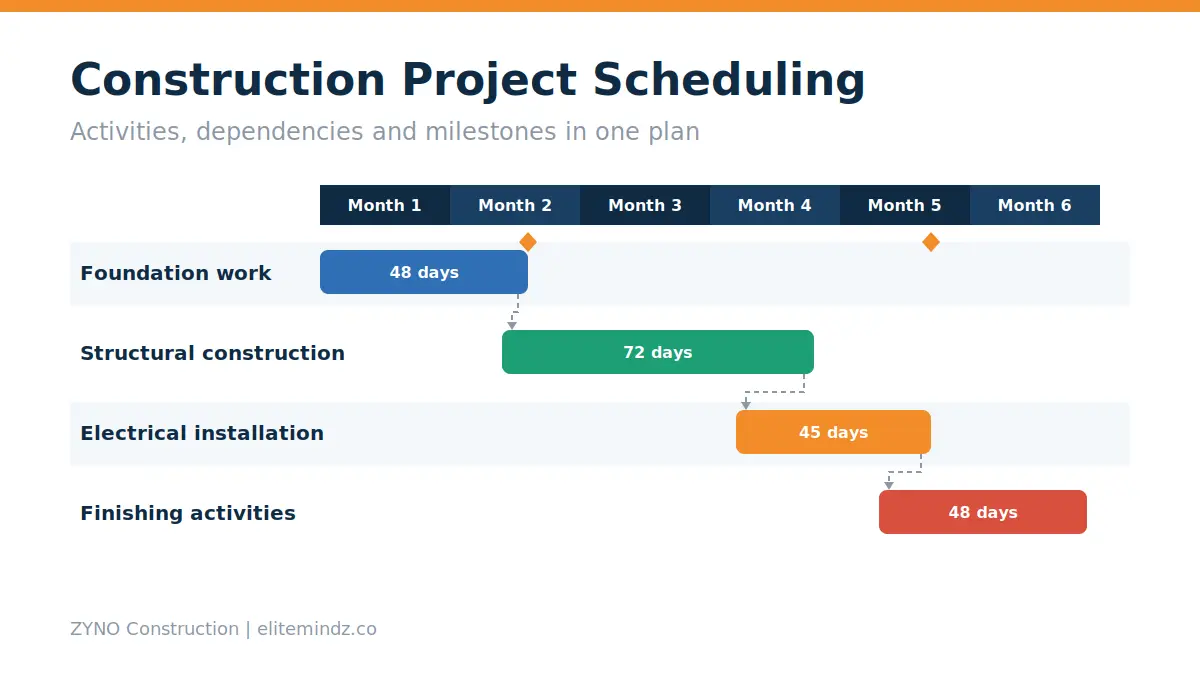
Project scheduling helps managers organize construction activities according to their sequence, dependencies and deadlines. Teams can establish project milestones, assign start and completion dates, and monitor whether work is progressing according to plan.
For example, foundation work, structural construction, electrical installation and finishing activities need to be coordinated carefully. A structured schedule helps teams understand which activities must be completed before the next phase begins.
Key capabilities include task scheduling, milestone tracking, deadline management, activity dependencies and schedule updates.

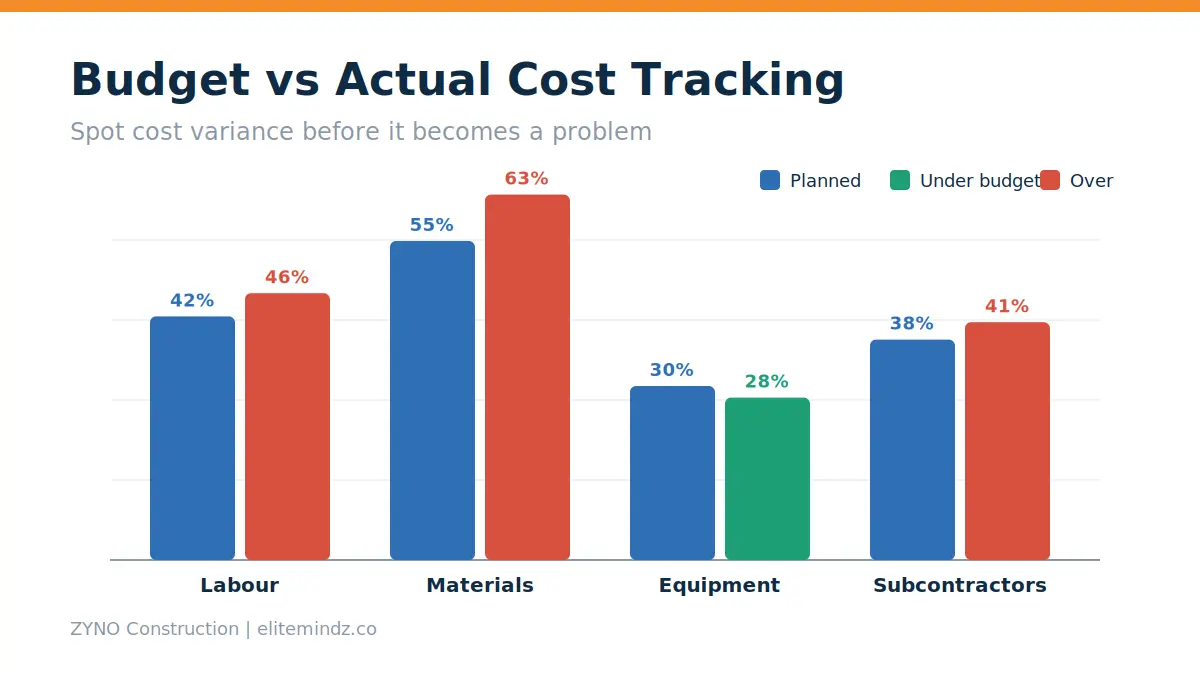
Budget management is essential for maintaining profitability throughout a construction project. Construction budgeting software helps businesses estimate project expenses and compare planned costs with actual expenditure.
Project managers can monitor expenses associated with labour, materials, equipment, subcontractors and other operational requirements.
If material prices increase or additional work is required, managers can review the financial impact and take appropriate action.
Important capabilities include project cost estimation, budget allocation, expense tracking, budget-versus-actual reporting and cost variance analysis.

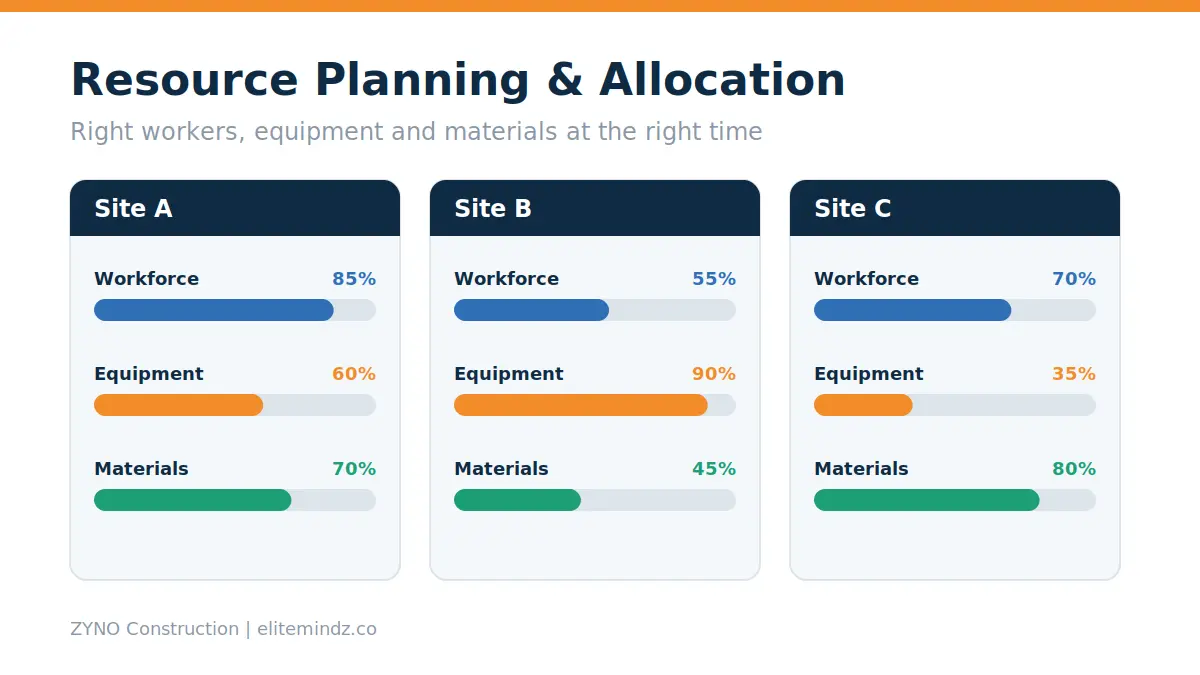
Construction projects require the right workers, equipment and materials at the right time. Poor resource allocation can result in idle machinery, labour shortages and unnecessary delays.
Construction resource planning software helps project managers allocate resources according to project requirements and work schedules.
For example, a contractor managing three construction sites can review equipment availability and workforce requirements before assigning resources to a new project.
Useful features include workforce planning, equipment allocation, resource availability tracking and material requirement planning.
Improve project planning, coordinate resources, and maintain better visibility into construction operations with ZYNO Construction.
Explore ZYNO ConstructionConstruction work involves project managers, engineers, site supervisors, procurement teams and subcontractors. Each team needs clear responsibilities and deadlines.
Task management features allow managers to assign activities, establish priorities, monitor completion status and follow up on pending work.
A centralized workflow can help teams understand their responsibilities and reduce confusion caused by scattered messages and manual updates.
Look for task assignments, status tracking, notifications, approvals and team collaboration features.
Tracking actual progress against the original plan helps managers identify problems before they affect the entire project.
Construction project tracking software can provide visibility into completed activities, pending tasks, project milestones and schedule variations.
For example, if a construction activity falls behind schedule, managers can investigate the cause and assess its impact on subsequent activities.
Progress dashboards and reports also help management review project performance without collecting updates manually from every site.
Material shortages and equipment downtime can interrupt construction activities and increase operating costs.
Planning tools that connect material requirements with procurement and inventory processes help teams coordinate purchases, deliveries and available stock.
Equipment management capabilities can help track machinery allocation, utilization, maintenance schedules and service history.
These features are particularly useful for contractors managing multiple projects, heavy machinery and frequent material deliveries.
Project dashboards bring important information into one view, helping managers monitor schedules, costs, resource allocation and work progress.
Depending on the software, reports may include project status, budget utilization, outstanding tasks, equipment utilization and milestone performance.
Some platforms also provide AI-assisted reporting or predictive insights. Businesses should verify these capabilities with the vendor before choosing a solution.
Implementing the right planning software can help construction businesses improve coordination, maintain financial visibility and manage project activities more systematically.
A centralized schedule gives teams a clear understanding of deadlines, dependencies and upcoming activities. Project managers can identify schedule conflicts and coordinate work more effectively when priorities change.
Monitoring planned and actual expenditure helps businesses identify unexpected costs earlier. Managers can review cost variations and take corrective action before budget problems become more significant.
Resource planning helps contractors coordinate labour, equipment and materials according to project requirements. Better allocation can reduce avoidable idle time and improve resource availability.
When responsibilities, deadlines and progress updates are accessible to the relevant teams, communication becomes more structured. This helps reduce confusion and makes follow-ups easier.
Centralized dashboards help managers review project performance across different sites. This is especially valuable for businesses handling multiple construction projects simultaneously.
Access to current project information allows managers to assess delays, cost variations and resource constraints before making decisions.
Software cannot guarantee that every project will finish on time or within budget. Results depend on accurate data, effective planning and consistent adoption by the project team.
Discover how ZYNO Construction helps your team manage project schedules, coordinate resources, monitor costs, and improve visibility across construction operations.
The cost of construction project planning software varies according to the number of users, available features, deployment model, customization and support requirements.
Some tools offer subscription-based pricing, while others provide enterprise licensing or customized quotations. Therefore, construction companies should compare solutions according to their operational needs rather than relying only on the starting price.
|
Pricing factor |
Impact on cost |
|
Number of users |
Pricing may increase with additional users or licences. |
|
Software features |
Advanced scheduling, budgeting and reporting can affect the price. |
|
Deployment model |
Cloud and on-premises solutions may have different cost structures. |
|
Customization |
Tailored workflows, modules and integrations can add expenses. |
|
Implementation |
Setup, configuration and data migration may require additional investment. |
|
Training and support |
Employee training, technical support and maintenance can affect ongoing costs. |
Subscription-based software generally involves recurring payments, which may be monthly or annual depending on the provider. This model can suit businesses that prefer predictable periodic expenses.
One-time licensing or perpetual licensing may involve a larger upfront payment, with maintenance, upgrades or support charged separately.
The actual terms depend on the vendor, so review the licensing agreement before making a decision.
Before investing in a planning solution, consider how it may affect your current operating costs and project workflows.
Evaluate factors such as:
A practical ROI assessment compares the expected financial and operational benefits against the total software cost.
For example, if the software reduces repetitive administrative work, improves resource utilization or helps identify cost overruns earlier, these improvements may contribute to its business value. Actual savings will depend on how the system is implemented and used.
Choosing software requires more than comparing feature lists. The solution should fit your construction workflows, team size and project complexity.
List the activities you want to manage, such as scheduling, budgeting, task assignments, equipment planning, material coordination and progress tracking.
Prioritize essential features before evaluating additional modules.
Check whether the software supports task dependencies, milestones, schedule revisions and progress reports.
Ask the vendor to demonstrate how your team would plan and monitor a real construction project.
Confirm that the system can track project expenditure and compare planned costs with actual expenses. If you manage complex projects, review its support for cost codes, variations and detailed reporting.
Consider whether the software can connect with your existing accounting, procurement, inventory, billing or equipment management systems.
Appropriate integrations can reduce duplicate data entry and improve information sharing between departments.
Site teams and project managers should be able to use the system without excessive complexity. Evaluate its interface, mobile accessibility, training requirements and reporting process.
Review cloud and on-premises options, security controls, access permissions and customization capabilities. Select a deployment model that aligns with your company's IT policies and operational requirements.
A demonstration helps you assess whether the platform can support your actual workflows.
Ask the provider to show project scheduling, cost tracking, task management, reporting and any integrations you require. Request a detailed quotation before making a final decision.

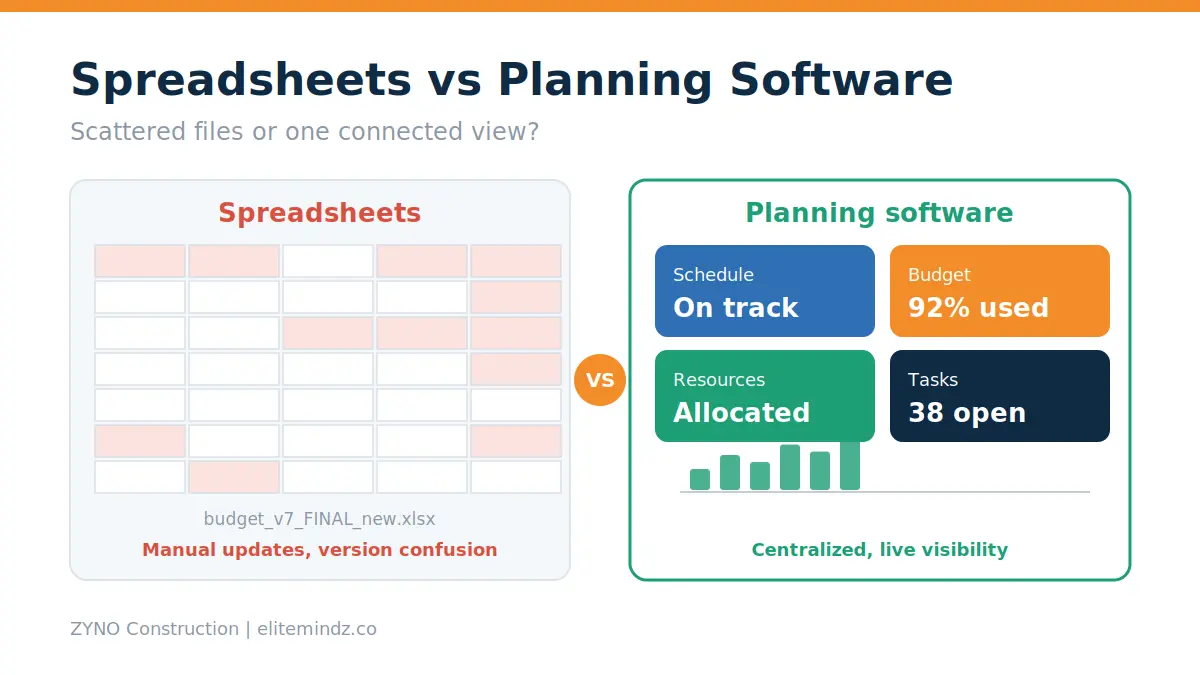
Spreadsheets can work well for smaller projects with straightforward planning requirements. However, managing multiple sites, changing schedules and complex budgets through separate files can become difficult as operations grow.
| Capability | Spreadsheets | Dedicated Planning Software |
|---|---|---|
| Task Tracking | Often manually maintained | May provide centralized task tracking |
| Schedule Dependencies | Usually require manual updates | May include built-in dependency management |
| Budget Monitoring | Depends on formulas and updates | May offer structured cost tracking |
| Team Coordination | Often requires separate communication tools | May include shared workflows |
| Project Dashboards | Frequently require manual configuration | May provide built-in dashboards |
| Multiple Projects | Can require separate files and reports | May support centralized project visibility |
The best choice depends on the size of your projects, reporting requirements and level of coordination needed across teams.
Construction planning solutions can support different types of businesses.
Businesses managing multiple projects or dealing with frequent schedule changes may benefit particularly from centralized planning and reporting.
Construction businesses often require connected workflows that go beyond scheduling. Project planning, tender estimation, equipment management, cost control and contractor coordination can all influence project execution.
ZYNO Construction is a construction-focused business solution that companies can evaluate for their operational requirements.
Depending on the modules available and your business needs, consider whether the platform can support workflows related to:
Before selecting a solution, confirm the specific modules, integrations and deployment options available for your requirements.
If your team is looking to improve construction planning and operational coordination, explore the ZYNO Construction solution.
Construction project planning software helps businesses organize schedules, manage budgets, allocate resources and monitor project progress. Its features can improve coordination, provide better cost visibility and support informed decision-making across construction projects.
Before selecting a solution, compare its features, pricing structure, integration options and suitability for your business workflows. The right platform should address your current challenges while supporting future growth.
Looking to improve planning and coordination across your construction projects?
Explore ZYNO Construction to learn more about the solution and discuss your business requirements with the team.
Simplify construction project planning, improve team coordination, and gain better control over schedules, resources, and project costs with ZYNO Construction.
Construction project planning software helps contractors and project managers organize schedules, allocate resources, monitor budgets and track project progress through a centralized system.
Key features include project scheduling, budgeting, resource allocation, task management, progress tracking and project reporting. Depending on the platform, additional features may include equipment management and procurement coordination.
Pricing depends on user licences, software features, deployment, customization, implementation and support. Request a quotation based on your project requirements and compare the total cost of ownership.
Can construction planning software help reduce project delays?
It can help teams identify schedule conflicts, monitor deadlines and coordinate resources. However, results also depend on accurate planning, supplier performance, timely decisions and effective site management.
Yes. Small contractors can use it to organize schedules, budgets, tasks and project updates. They should choose a solution that matches their requirements and budget without unnecessary complexity.
Project planning focuses on schedules, resources, milestones and budgets. Broader project management platforms may also support collaboration, document management, reporting and other activities throughout the project lifecycle.
Look for centralized dashboards, project-level budgeting, resource allocation, milestone tracking and cross-project reporting. Also evaluate integrations, user permissions, scalability and implementation requirements.
What is Construction ERP Software in India 2026?
Read More →
Construction ERP Software – Features, Benefits & Complete Guide
Read More →
Complete Guide to the Best Construction ERP Software in Dubai, UAE
Read More →
What is Construction ERP Software?
Read More →
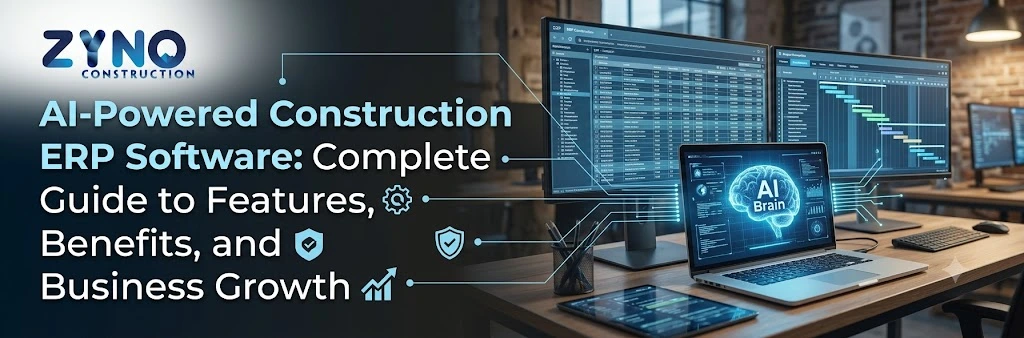
AI-Powered Construction ERP Software: Complete Guide to Features, Benefits, and Business Growth
Read More →
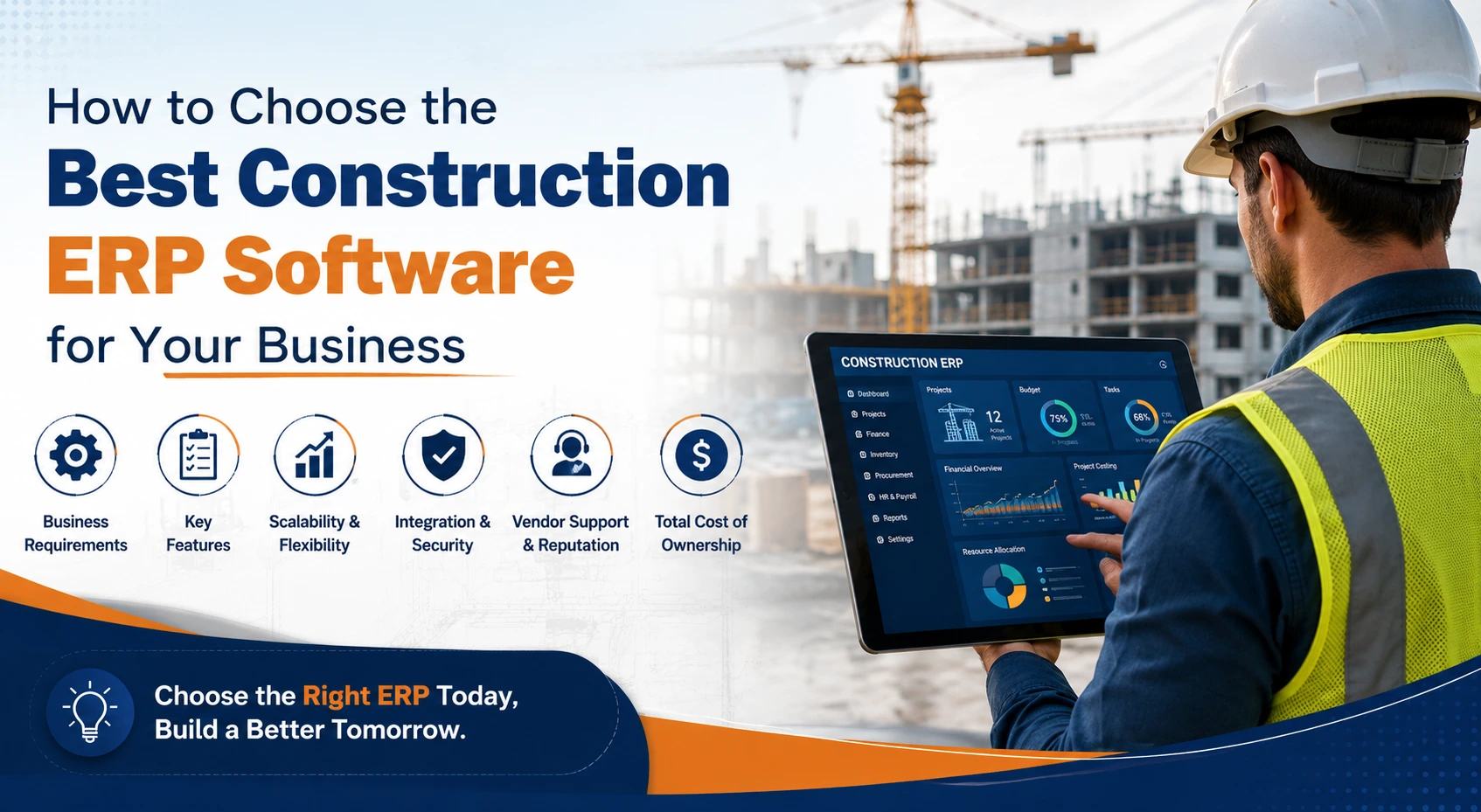
How to Choose the Best Construction ERP Software for Your Business
Read More →
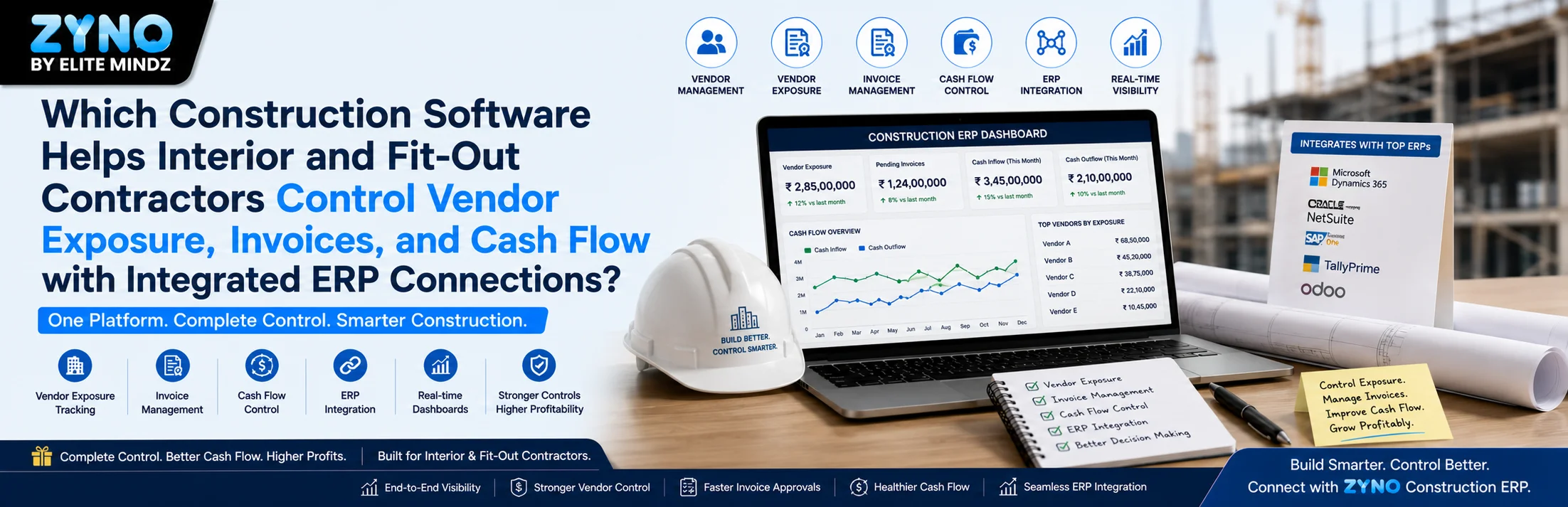
Which Construction Software Helps Interior and Fit-Out Contractors Control Vendor Exposure, Invoices, and Cash Flow with Integrated ERP Connections?
Read More →
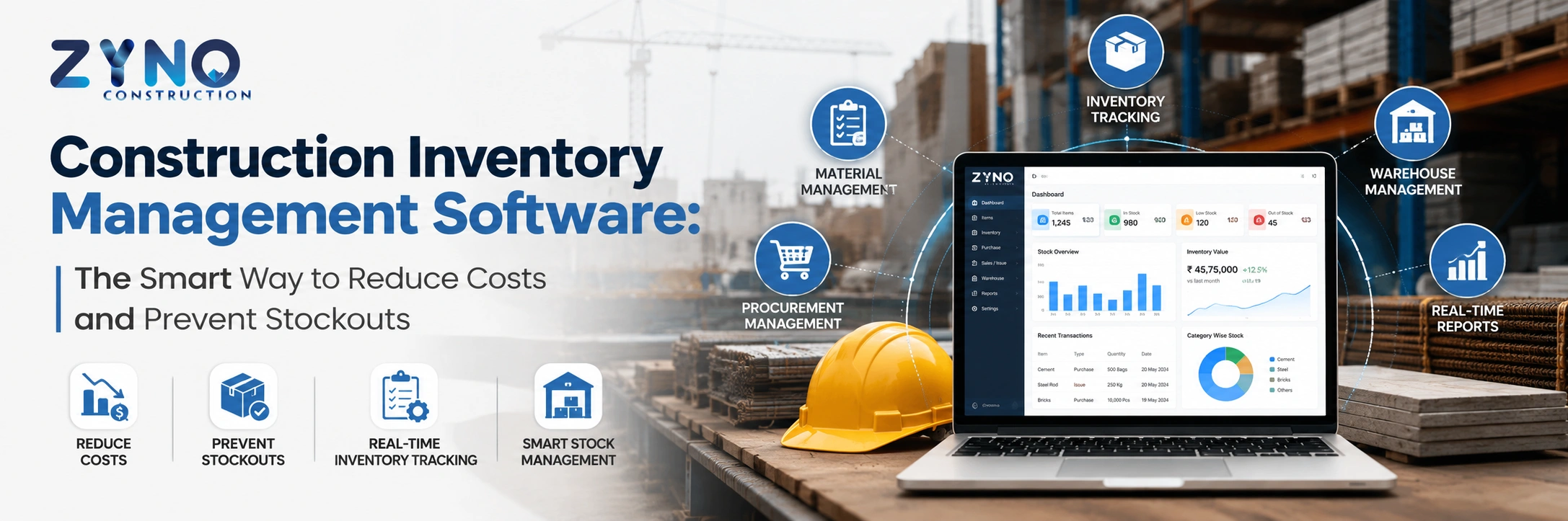
Construction Inventory Management Software: The Smart Way to Reduce Costs and Prevent Stockouts
Read More →
Best AI Construction ERP Software Comparison: Which Solution Is Right in 2026?
Read More →
Labor Management System: Features, Benefits & Complete Guide for 2026
Read More →
What is Maintenance Management Software? Types, Features & Benefits
Read More →
Construction Project Management Software for Real Estate Companies in Kenya: Complete Guide
Read More →Tender Management Software: Top Tools and How to Choose in 2026
Read More →
Top 5 Inventory Management Software for Enterprises in India
Read More →
Top 10 Best Equipment Management Software for 2026
Read More →
Construction ERP Software Pricing: What Does It Really Cost in India?
Read More →
Construction ERP vs Excel: Why Contractors Are Moving to Integrated Systems
Read More →
Top 10 Civil Engineering & Construction Companies in India (2026 List)
Read More →
Top 5 IT Equipment Management Platforms for Remote Teams
Read More →
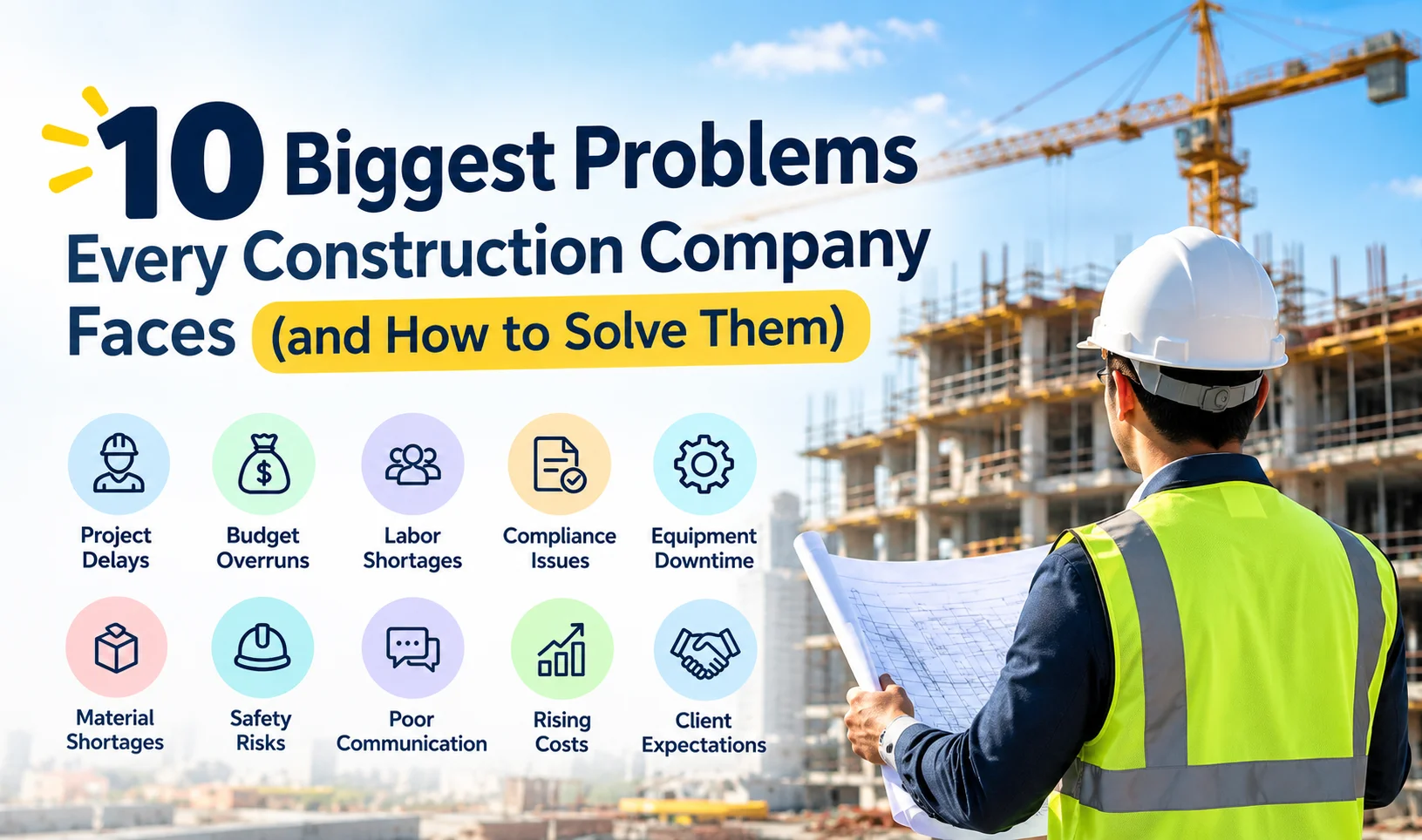
10 Biggest Problems Every Construction Company Faces (and How to Solve Them)
Read More →
10 Best Procore Alternatives for Indian Contractors in 2026
Read More →8 Tally Alternatives for Construction Companies (Better Project Costing)
Read More →
Construction Project Planning Software: Features, Benefits & Cost
Read More →Partner with ZYNO by Elite Mindz to revolutionize how your business works. Fill out the form, and we’ll reach out with AI-powered solutions made just for you.
We use browser cookies to ensure you get the best experience on our website. Learn more
The form was submitted successfully!