Contact Us








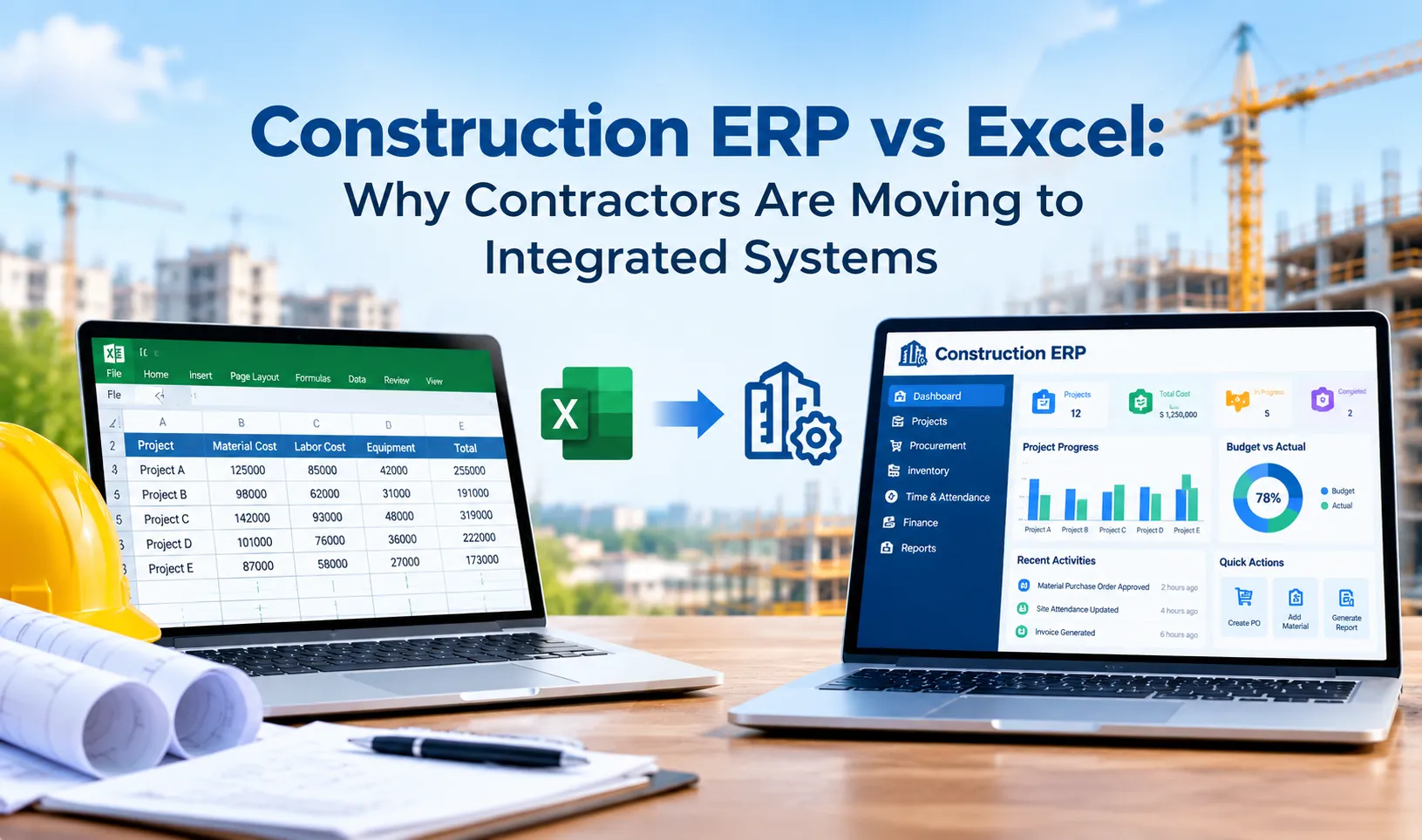
Construction businesses rarely struggle because they lack data. The bigger problem is that project information often lives in too many places: spreadsheets, emails, accounting systems, procurement tools, site reports and messaging apps.
As the number of projects, suppliers, subcontractors and job sites grows, keeping these processes connected becomes harder. A small delay in procurement can affect material availability. A change in project scope can affect the budget. A late site update can leave management working with outdated information.
Construction ERP software brings these connected processes into one system. It can connect project planning, estimation, procurement, inventory, subcontractors, financial management, billing, workforce operations and reporting so teams can work from the same information.
This guide explains what construction ERP software does, the features that matter, how it supports day-to-day construction workflows, the benefits for contractors and builders, what to look for when choosing a system, and how modern cloud and AI capabilities fit into construction ERP.
What Is Construction ERP Software?
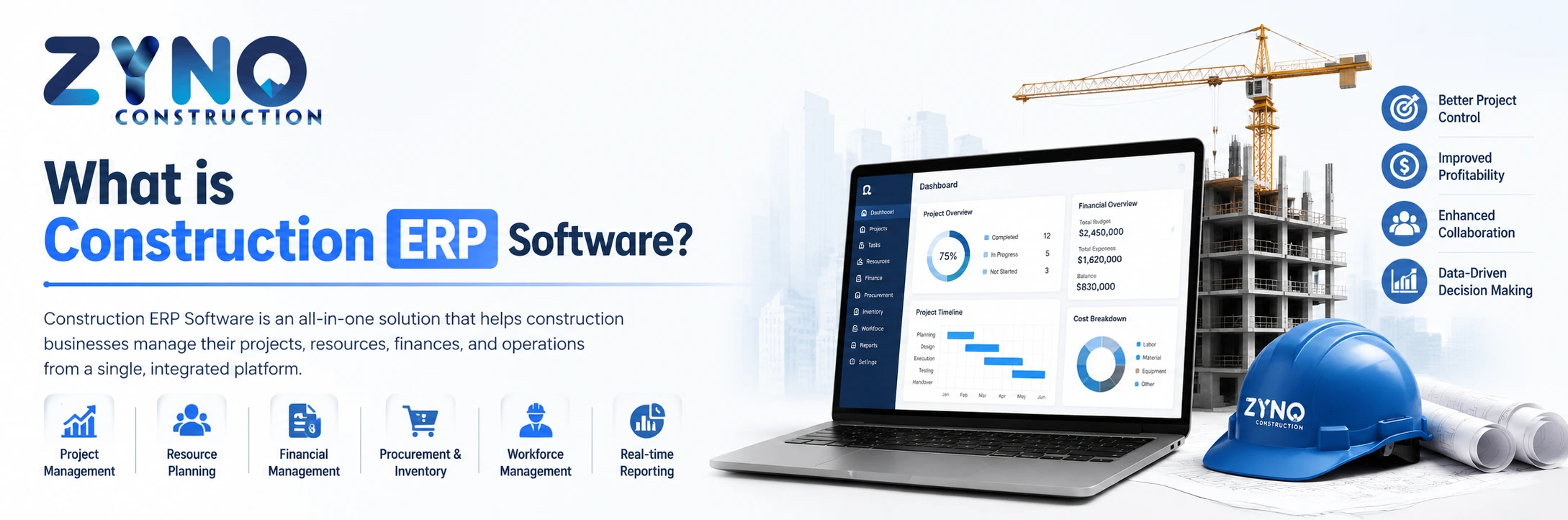
Construction ERP software is a business management system designed to connect the operational and financial processes involved in construction. Depending on the platform, it can manage project planning, estimation, budgeting, procurement, inventory, subcontractors, billing, finance, workforce operations, documents and reporting in one environment.
The important difference is integration. Instead of treating procurement, project costs, inventory and finance as separate activities, a construction ERP connects the information flowing between them.
| Without an Integrated ERP | With Construction ERP |
|---|---|
| Project data spread across multiple tools | Centralized project information |
| Manual approvals and follow-ups | Structured approval workflows |
| Limited visibility into project costs | Connected budget and cost tracking |
| Separate supplier and contractor records | Centralized vendor and contractor information |
| Manual inventory updates | More consistent material and inventory visibility |
| Reports prepared from multiple sources | Centralized dashboards and reporting |
This makes construction ERP different from a basic accounting application or a standalone project management tool. The goal is not simply to digitize one task. It is to connect the workflows that determine how a construction business plans, spends, executes and reports on its projects.
Why Do Construction Companies Need ERP Software?
A construction project involves a chain of decisions rather than a single workflow. Estimates become budgets. Budgets influence purchasing. Purchases affect inventory and project costs. Contractors submit work and invoices. Finance needs accurate records. Management needs visibility into whether the project is still on track.
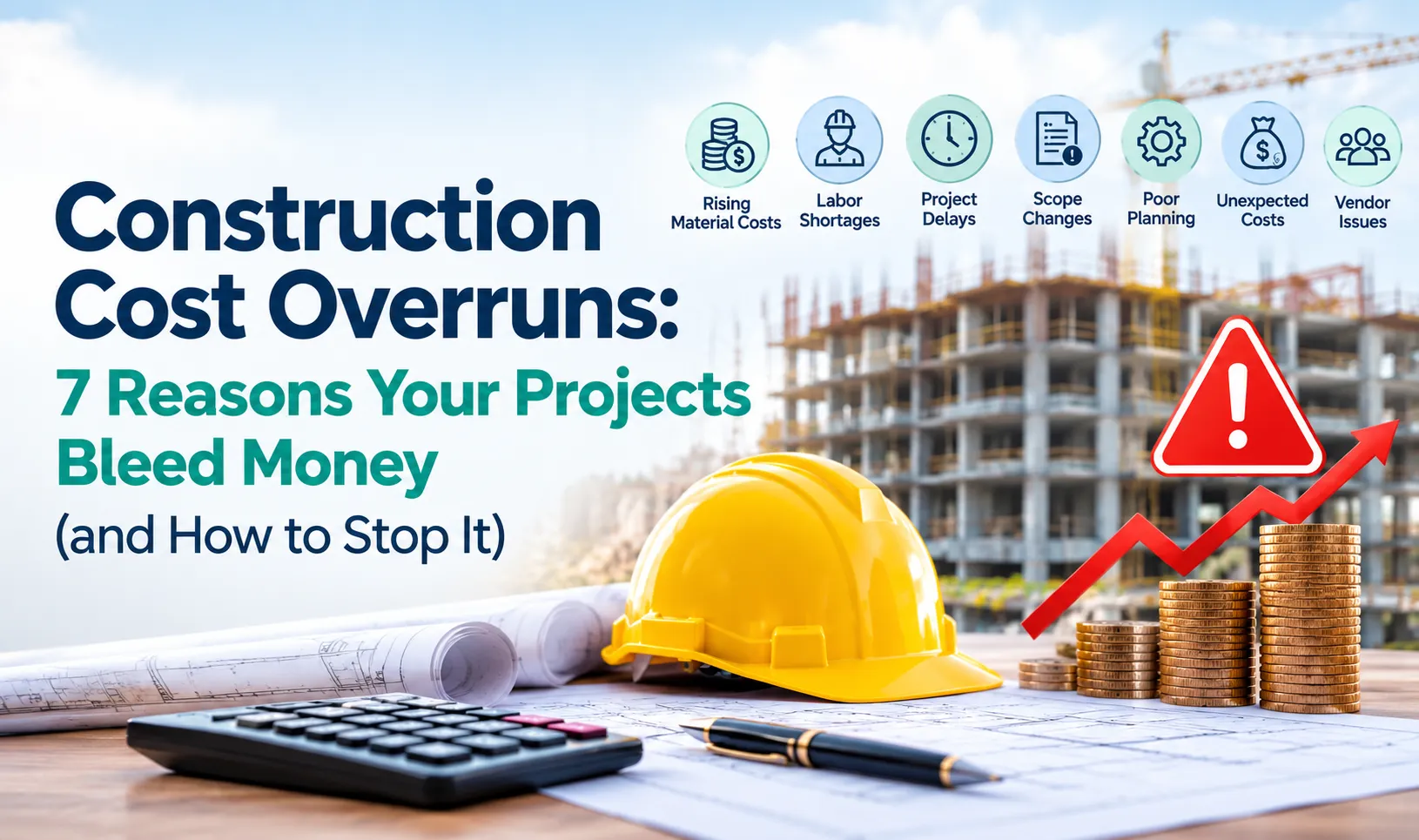
When these activities are managed separately, teams spend more time collecting and reconciling information. That makes it harder to identify problems early.
01
Project Delays
Delays can become harder to identify when schedules, site updates and dependencies are maintained in separate systems.
02
Cost Overruns
Without connected budget and actual-cost information, management may discover overruns after they have already affected margins.
03
Procurement Bottlenecks
Manual purchase requests, approvals and supplier follow-ups can slow down material availability.
04
Inventory Problems
Poor visibility into material availability can contribute to shortages, duplicate purchases or unnecessary stock.
05
Subcontractor Complexity
Managing contracts, work orders, progress and payments becomes increasingly difficult as the number of subcontractors grows.
06
Disconnected Reporting
Leadership needs a reliable view of projects, costs and operational performance without manually combining reports from different teams.
The business case is simple: as construction operations become more complex, connected information becomes more valuable. ERP software helps create that connection.
How Does Construction ERP Software Work?
Construction ERP works by connecting different business processes around shared project, vendor, financial and operational information.
Plan
Set up projects, schedules, resources, estimates and budgets.
Procure
Raise requirements, manage suppliers, compare quotations and create purchase orders.
Execute
Track project activities, materials, contractors, resources and site progress.
Control
Monitor budgets, commitments, costs, inventory and project performance.
Report
Use centralized information and dashboards to support management decisions.
For example, a site requirement for construction material can move through a defined workflow from request and approval to purchasing, receipt and cost tracking. Instead of each department maintaining its own version of the transaction, the information remains connected.
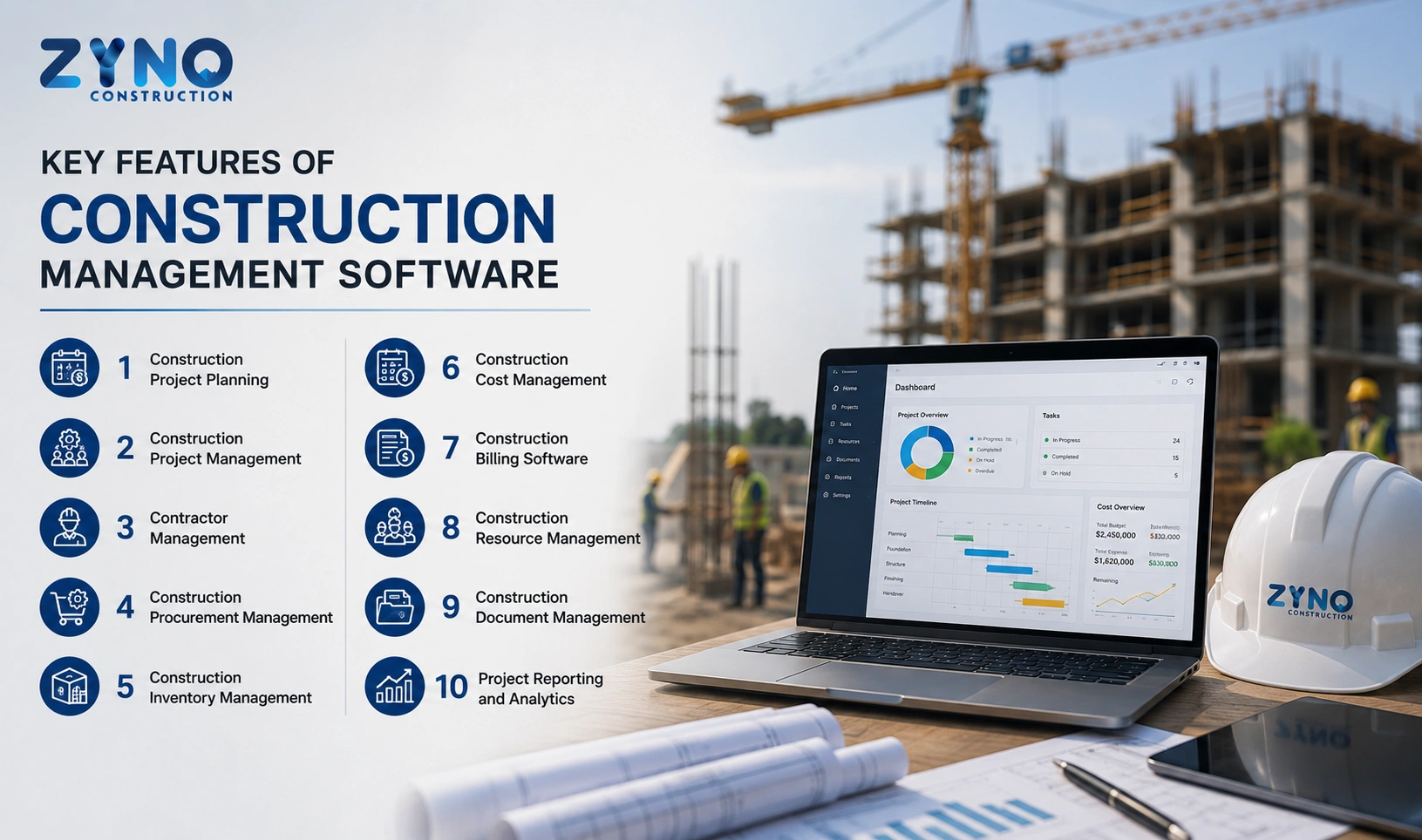
Key Features of Construction ERP Software
Not every construction ERP platform provides the same depth of functionality. The most useful systems are designed around the way construction businesses actually operate. Here are the capabilities buyers should evaluate.
1. Project Planning and Scheduling
Construction ERP can help teams organize projects, activities, milestones, resources and timelines in a centralized environment.
- Project and task planning
- Milestone tracking
- Resource allocation
- Project status monitoring
- Schedule visibility
The value comes from connecting project planning with other parts of the business instead of keeping the schedule isolated from procurement, costs and financial information.
2. Tendering, Estimation and BOQ Management
Estimation is one of the earliest points where project profitability can be influenced. Construction ERP can help businesses organize tender information, estimates, budgets and bills of quantities before execution begins.
| Area | What It Helps Manage | Business Value |
|---|---|---|
| Tendering | Bid and tender information | More structured pre-project planning |
| Estimation | Expected project costs | Better budget preparation |
| BOQ | Quantities and required items | Better connection between estimate and execution |
| Budgeting | Planned project expenditure | Improved cost control |
3. Procurement and Purchase Management
Procurement directly affects whether a construction site has the right materials at the right time and at an acceptable cost.
A construction ERP can connect the purchasing workflow from requirement to approval, supplier selection, purchase order and receipt.
- Purchase requests
- Approval workflows
- Supplier management
- Quotation comparison
- Purchase orders
- Material receipts
- Procurement tracking
This is particularly important when several projects or sites are purchasing materials at the same time.
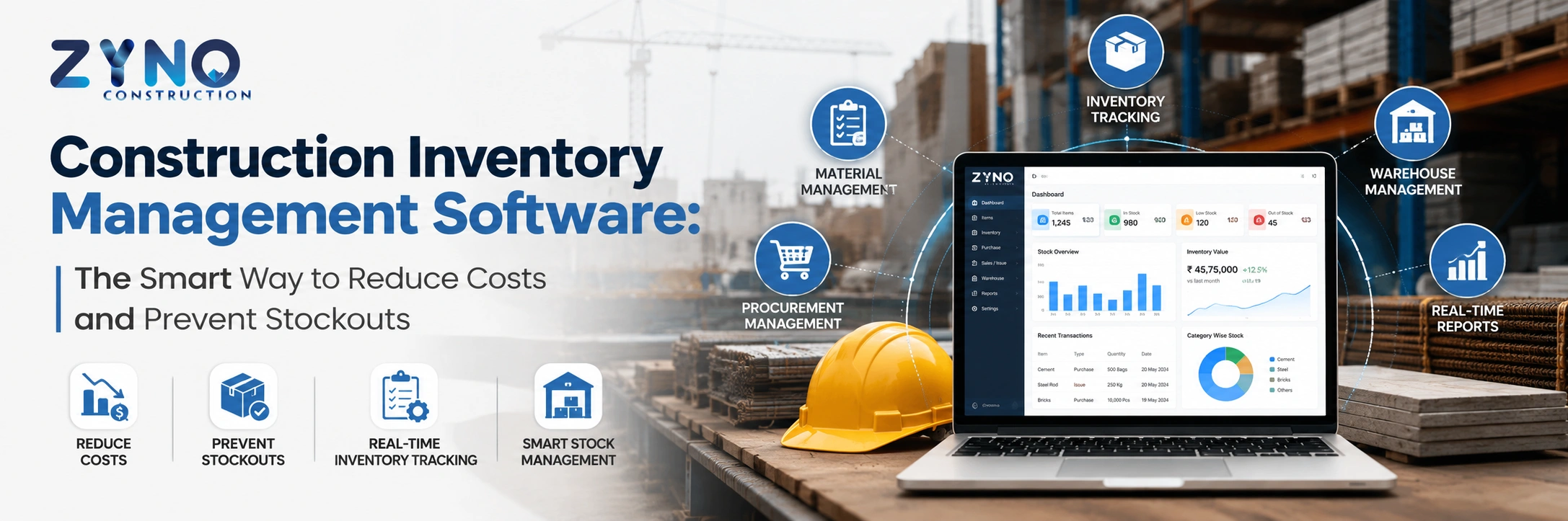
4. Inventory and Material Management
Materials are a major operational and financial component of construction. ERP software can give teams better visibility into what has been requested, purchased, received, transferred and consumed.
| Inventory Challenge | ERP-Supported Approach |
|---|---|
| Unclear stock position | Centralized inventory records |
| Material shortages | Better visibility into requirements and stock |
| Duplicate purchasing | Access to purchasing and inventory information |
| Multiple sites | Site/location-based inventory visibility where supported |
| Manual tracking | Digitized inventory workflows |
5. Contractor and Subcontractor Management
Construction companies often depend on multiple contractors and subcontractors. Managing their information, work orders, agreements, progress and payments through disconnected records can create unnecessary administrative work.
Construction ERP can centralize contractor information and connect subcontractor activities with projects and financial workflows.
- Contractor records
- Work orders
- Contract information
- Progress tracking
- Payment information
- Performance records
6. Project Cost and Budget Control
Construction profitability depends heavily on controlling the difference between what a project was expected to cost and what it actually costs.
A construction ERP can bring budgets, purchases, expenses and project information closer together so management has a clearer view of financial performance.
7. Billing and Financial Management
Construction ERP can connect operational activities with financial processes, reducing the need to repeatedly move information between systems.
- Project billing
- Invoices
- Accounts payable
- Accounts receivable
- Expense tracking
- Financial reporting
- Project-related financial visibility
8. Workforce and Resource Management
Labour and resources are central to construction execution. Depending on the ERP, businesses can manage workforce information, resource allocation, attendance and related operational processes from the same platform.
The objective is not simply to store employee data. It is to connect people and resources with the projects where they are being used.
9. Document and Design Management
Construction projects generate a large volume of documents, drawings, revisions, approvals and supporting records. Centralized document management can make it easier for authorized teams to find the information they need and maintain better control over project documentation.
10. Equipment and Asset Tracking
Construction equipment represents a significant investment. Tracking equipment usage, availability, maintenance and allocation can help companies make better use of their assets and reduce avoidable downtime.
11. Reporting and Dashboards
Dashboards turn operational data into information management teams can act on.
| What Management May Want to Know | Useful ERP Visibility |
|---|---|
| Are projects progressing as planned? | Project status and milestone information |
| Where is money being spent? | Project and cost information |
| Are purchases under control? | Procurement and purchase visibility |
| Are materials available? | Inventory information |
| Which areas need attention? | Dashboards, reports and exceptions |
12. Mobile and Cloud Access
Construction teams are not always sitting in a head office. Project managers, engineers, supervisors and site teams may need access to information while working across different locations.
Cloud and mobile capabilities can make project information more accessible and support collaboration between field and office teams.
Benefits of Construction ERP Software
The strongest reason to implement ERP is not the number of modules on the product brochure. It is what happens when those modules work together.
| Business Challenge | How ERP Can Help | Potential Business Outcome |
|---|---|---|
| Manual processes | Automated workflows | Less repetitive administrative work |
| Limited project visibility | Centralized project information | Faster management decisions |
| Budget uncertainty | Connected budget and cost tracking | Better cost control |
| Procurement delays | Digital request and approval workflows | More efficient purchasing |
| Inventory gaps | Centralized material information | Better stock visibility |
| Disconnected teams | Shared data and workflows | Improved coordination |
| Manual reporting | Dashboards and centralized reporting | Quicker access to business information |
Better Project Visibility
Management does not have to wait until the end of a reporting cycle to understand what is happening across projects. Centralized information can provide a clearer operational picture.
Improved Cost Control
When estimates, budgets, purchases and actual costs are connected, teams have more opportunities to identify deviations and take corrective action earlier.
Faster Procurement
Digital workflows can reduce the back-and-forth involved in requests, approvals, quotations and purchase orders.
Better Collaboration
Project, procurement, finance and management teams can work from a shared source of information rather than maintaining separate versions of the same data.
More Efficient Operations
Automating repetitive administrative tasks allows teams to spend more time on activities that require judgment, coordination and problem-solving.
How Construction ERP Supports the Project Lifecycle
One of the easiest ways to understand construction ERP is to follow a project from the first estimate to completion.
| Project Stage | Typical Activities | ERP Role |
|---|---|---|
| Pre-construction | Tenders, estimates, BOQ and planning | Organize project and commercial information |
| Planning | Budgets, schedules and resources | Create structured project plans |
| Procurement | Requirements, quotations and purchasing | Control procurement workflows |
| Execution | Site activities, materials and contractors | Connect operational information |
| Financial Control | Costs, invoices and payments | Improve project financial visibility |
| Reporting | Performance and management reviews | Centralize reports and dashboards |
| Project Close | Final records and financial review | Maintain project history and documentation |
Cloud Construction ERP vs Traditional ERP
Deployment model matters because construction companies may have teams working across offices, sites and regions.
| Factor | Cloud Construction ERP | Traditional On-Premise ERP |
|---|---|---|
| Access | Accessible remotely through supported devices | Often dependent on local infrastructure and configuration |
| Infrastructure | Hosted infrastructure | Organization manages more of its own infrastructure |
| Updates | Typically managed by the provider | May require internal implementation and maintenance |
| Scalability | Can be easier to scale depending on the platform | May require additional infrastructure |
| Remote Collaboration | Well suited to distributed teams when properly configured | Can require additional remote-access setup |
The right choice depends on security requirements, existing infrastructure, integrations, user requirements and the ERP provider's deployment model.
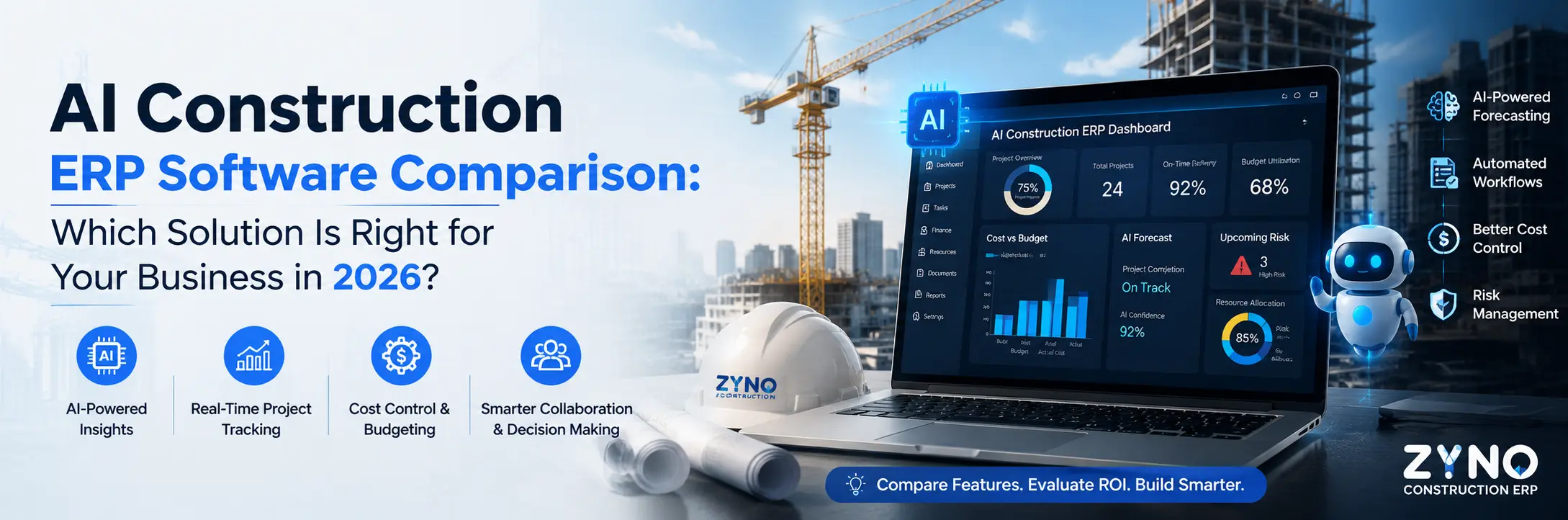
How AI Is Changing Construction ERP Software
AI is becoming an additional layer on top of ERP rather than a replacement for the core business system.
When operational data is already centralized, AI can potentially use that information to identify patterns, automate repetitive tasks and provide decision support.
Predictive Insights
AI can help identify patterns that may indicate project, cost or resource risks.
Demand Forecasting
Historical and operational information can support more informed material planning.
Automated Reporting
AI-assisted systems can help summarize operational information and surface important trends.
Intelligent Workflows
AI can assist with repetitive processes and help teams prioritize actions.
Is Construction ERP Software Suitable for Small Businesses?
Construction ERP is not only for large enterprises. Small and mid-sized contractors can also benefit when manual processes, multiple projects or growing transaction volumes make spreadsheets and disconnected tools difficult to manage.
| Business Situation | Why ERP May Help |
|---|---|
| Growing number of projects | Centralize project information |
| Multiple suppliers | Improve purchasing and vendor visibility |
| Multiple sites | Connect information across locations |
| Increasing administrative workload | Automate repetitive workflows |
| Limited cost visibility | Connect budgets, purchases and project costs |
The important question is not whether a company is "large enough" for ERP. It is whether the current way of managing operations is creating enough complexity, risk or manual work to justify a connected system.
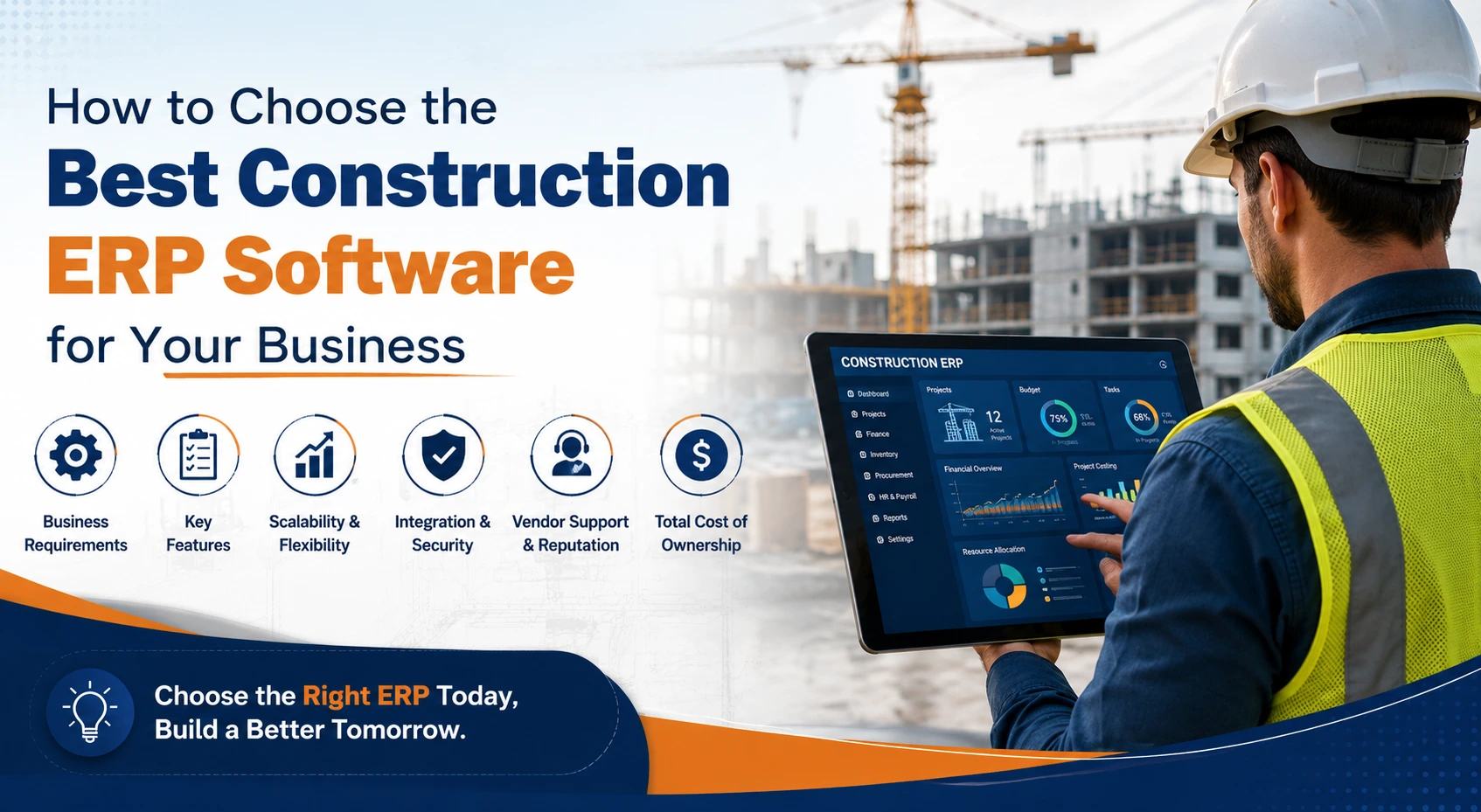
How to Choose the Right Construction ERP Software
A long feature list does not automatically make an ERP suitable for construction. Buyers should evaluate how well the system supports their actual workflows.
| Evaluation Area | Questions to Ask |
|---|---|
| Construction functionality | Does it support the workflows your construction business actually uses? |
| Project management | Can teams manage projects, schedules, resources and milestones? |
| Cost control | Can budgets, commitments and actual costs be connected? |
| Procurement | Can requirements, approvals, suppliers and purchase orders be managed? |
| Inventory | Can material information be tracked across relevant locations? |
| Subcontractors | Can contractor workflows and related records be managed? |
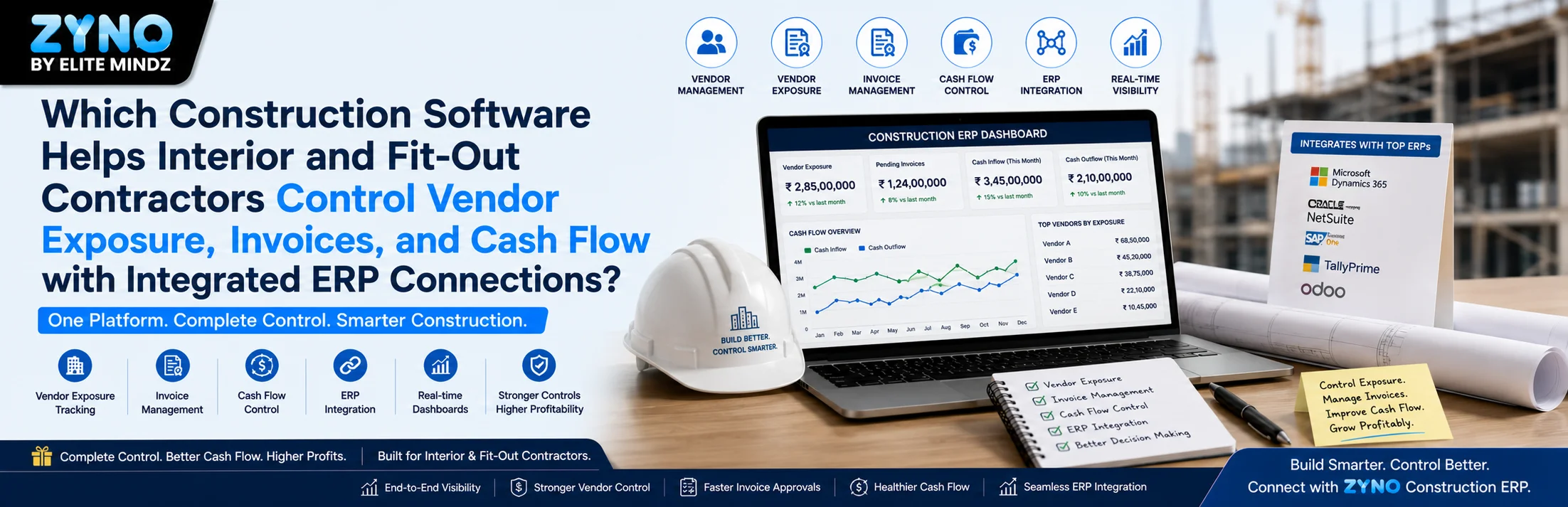
| Integrations | Can the ERP connect with accounting and other systems already in use? |
| Mobile access | Can field teams access the information they need? |
| Scalability | Can the platform support additional projects, users and locations? |
| Implementation | What support, migration and training does the provider offer? |
| Reporting | Can management create useful project and financial reports? |
| Security | How is company and project data protected? |
Do Not Choose ERP Based Only on the Demo
A polished dashboard can look impressive without proving that the software handles the workflows your teams deal with every day.
During evaluation, ask the vendor to demonstrate a real scenario from your business: create a requirement, approve it, select a supplier, raise the purchase order, receive the material, connect the transaction to the project and show how management can see the resulting cost.
Construction ERP Evaluation Checklist
- ✔ Construction-specific workflows
- ✔ Project and cost management
- ✔ Procurement and supplier management
- ✔ Inventory and material tracking
- ✔ Contractor and subcontractor workflows
- ✔ Financial and billing capabilities
- ✔ Mobile and cloud access
- ✔ Integrations
- ✔ Reporting and dashboards
- ✔ Security and access controls
- ✔ Implementation and training support
- ✔ Scalability
How to Implement Construction ERP Successfully
Buying ERP is only the beginning. The system creates value when people actually use it and when the underlying workflows are designed correctly.
- Map current processes. Identify how projects, purchasing, inventory, contractors and finance are currently managed.
- Define the business requirements. Separate essential workflows from features that are simply nice to have.
- Clean and prepare data. Review supplier, project, inventory and financial data before migration.
- Configure workflows. Set appropriate roles, approvals, permissions and process rules.
- Integrate relevant systems. Connect the ERP with the systems that need to exchange information.
- Train users. Training should focus on actual daily workflows rather than simply explaining every feature.
- Start with measurable objectives. Track adoption, process time, reporting speed, procurement efficiency and cost visibility.
How to Measure the ROI of Construction ERP
ERP ROI should be measured using business outcomes, not simply the number of modules implemented.
| Metric | What to Measure |
|---|---|
| Procurement cycle time | Time from purchase requirement to approved purchase |
| Approval time | How long requests remain waiting for approval |
| Reporting time | Time required to prepare management reports |
| Budget variance | Difference between planned and actual project costs |
| Inventory accuracy | Difference between recorded and actual stock |
| User adoption | Whether teams consistently use the new workflows |
These measurements provide a more realistic picture of whether the ERP is improving the business than software usage statistics alone.
ZYNO Construction: A Construction ERP Built for Connected Operations
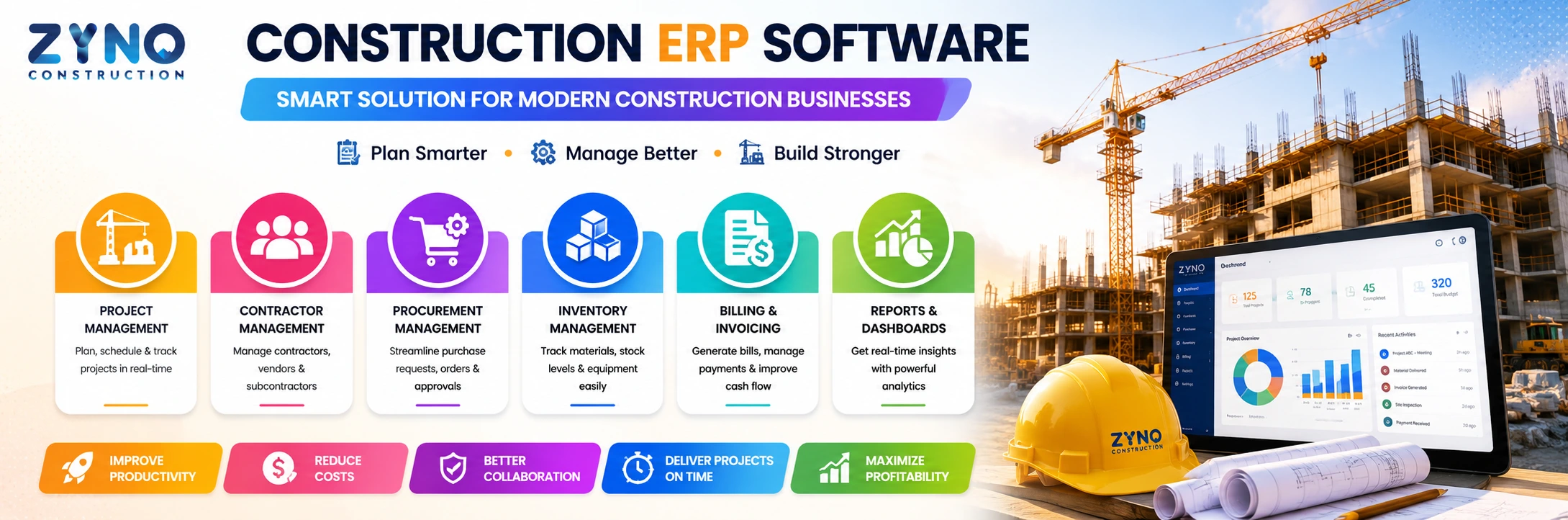
For businesses looking to bring construction operations into a unified platform, ZYNO Construction by Elite Mindz provides an AI-powered construction ERP approach covering core areas such as project planning, tendering and estimation, budgeting, procurement, contractor management and operational visibility.
The purpose of a construction ERP is not simply to replace spreadsheets with another application. The larger opportunity is to connect the information that construction teams already depend on every day.
Project Management
Organize project activities, timelines and resources from a centralized environment.
Tendering & Estimation
Structure tender and estimation workflows before projects move into execution.
Budgeting
Improve visibility into project budgets and cost performance.
Procurement
Connect material requirements and purchasing workflows with project operations.
Want to see how construction ERP can fit your workflow?
Explore ZYNO Construction and see how an integrated ERP approach can help connect project planning, procurement, budgeting and construction operations.
Explore ZYNO Construction Schedule a Free ConsultationThe Future of Construction ERP Software
Construction ERP is moving beyond basic record keeping. Modern platforms are increasingly focused on connected data, automation, mobile access, analytics and AI-assisted decision support.
AI-Assisted Operations
More ERP workflows will use AI to automate repetitive work and surface useful insights.
Real-Time Visibility
Management will increasingly expect current project, cost and operational information.
Mobile-First Field Operations
Field teams need access to relevant information without being tied to a head office.
Connected Ecosystems
ERP systems will increasingly connect with accounting, procurement, project and other business applications.
Conclusion
Construction ERP software helps businesses bring project operations, procurement, inventory, contractors, finance, billing and reporting into a more connected environment.
The real advantage is not simply having more software. It is having the right information connected at the right point in the project lifecycle.
For a growing construction company, that can mean less manual coordination, better project visibility, stronger cost control and faster access to information needed for decisions.
When evaluating a construction ERP, focus on the workflows that matter most to your business: project planning, estimation, procurement, materials, contractors, financial control, reporting, integrations and field access. Then evaluate whether the platform can support those workflows as your business grows.
Ready to bring your construction operations together?
See how ZYNO Construction can help connect project management, budgeting, procurement and construction operations in one platform.
Explore ZYNO ConstructionFrequently Asked Questions About Construction ERP Software
What is construction ERP software?
Construction ERP software is an integrated business management platform designed for construction companies. It can connect project planning, estimation, budgeting, procurement, inventory, contractor management, billing, finance and reporting in one system.
What are the main features of construction ERP software?
Common features include project planning and scheduling, tendering and estimation, budgeting, procurement, supplier management, inventory management, contractor and subcontractor management, billing, financial management, document management, equipment tracking, reporting, dashboards, cloud access and mobile functionality.
How does construction ERP improve project management?
Construction ERP connects project schedules, resources, budgets, procurement, operational information and reporting. This gives project teams better visibility and helps management identify issues earlier.
How does construction ERP help control project costs?
Construction ERP can connect project budgets with purchasing, expenses and actual costs. This makes it easier to compare planned spending with actual performance and identify potential variances.
Can construction ERP manage contractors and subcontractors?
Yes. Construction ERP platforms can provide capabilities for contractor records, work orders, contracts, progress, payments and performance information, depending on the system.
Can construction ERP manage procurement and inventory?
Yes. Construction ERP can connect purchase requests, approvals, suppliers, quotations, purchase orders, material receipts and inventory information to improve procurement visibility.
Is cloud-based ERP suitable for construction companies?
Cloud ERP can be useful for construction businesses with teams working across offices and project sites because supported users can access centralized information remotely. Suitability depends on the organization's security, integration, workflow and infrastructure requirements.
Is construction ERP useful for small construction companies?
Yes. Small and mid-sized construction companies can use ERP to reduce manual work, organize projects, improve cost visibility, manage suppliers and contractors, and support growth. The right system should be appropriately scaled to the company's requirements.
What should I look for when choosing construction ERP software?
Evaluate construction-specific workflows, project management, estimation, budgeting, procurement, inventory, contractor management, financial capabilities, integrations, mobile access, reporting, security, scalability, implementation support and ease of use.
What is AI-powered construction ERP?
AI-powered construction ERP combines core ERP workflows with artificial intelligence capabilities that can assist with automation, analysis, forecasting, reporting and decision support. The exact capabilities depend on the platform.
.webp)
.webp)

.webp)
.webp)
.webp)