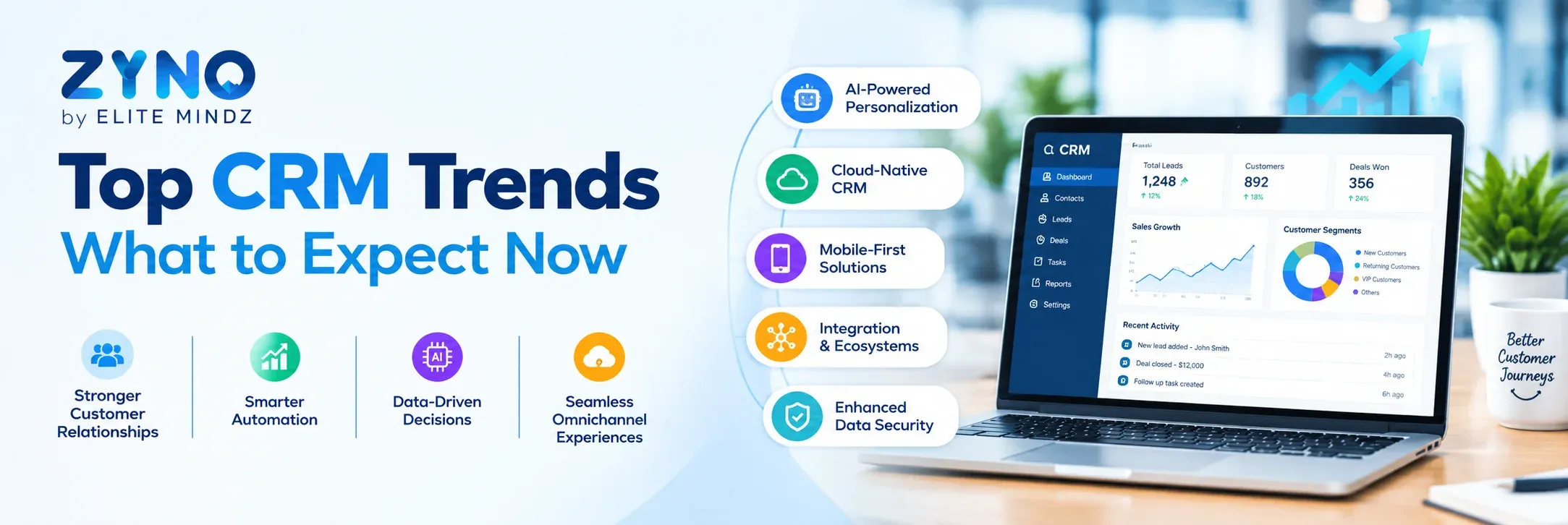
Top CRM Trends in 2025: What to Expect
Read More →

×
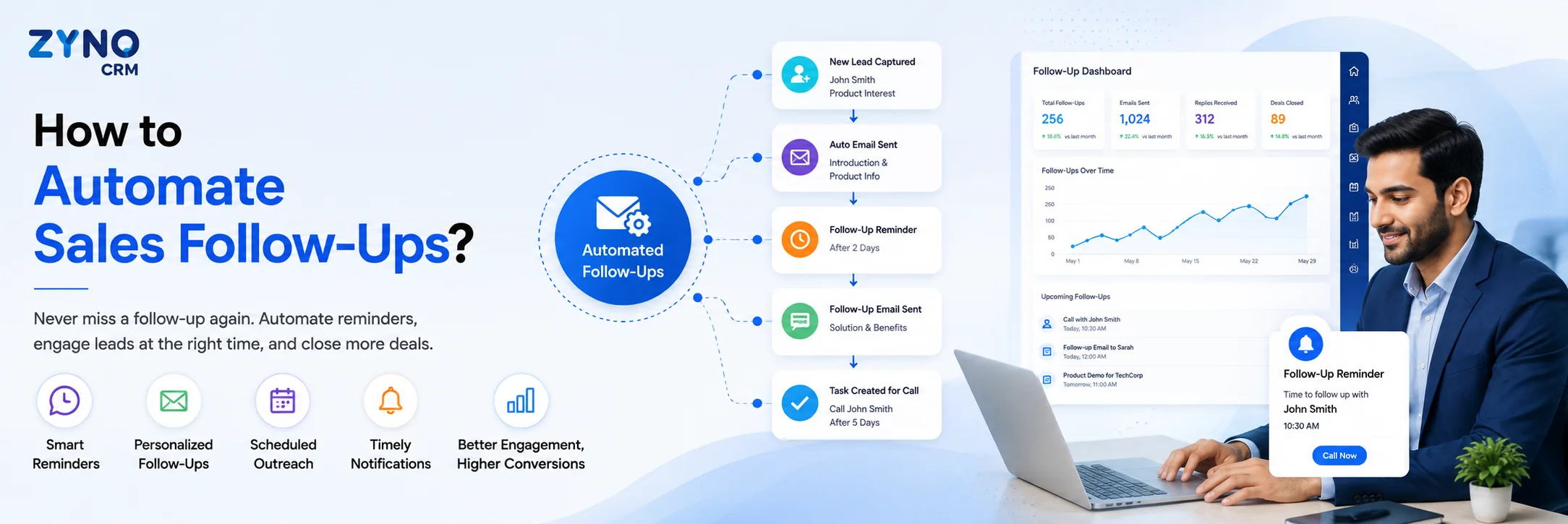
Sales follow-ups can be automated using CRM software that captures leads, assigns tasks, schedules reminders, sends personalized follow-up messages, and tracks responses automatically. A typical automated follow-up workflow starts when a new lead enters the CRM, followed by lead assignment, scheduled emails or calls, reminder notifications, and pipeline updates based on customer responses.
Businesses using ZYNO Books cut accounting time by 70% and stay 100% ZATCA-compliant — automatically.
If you're looking for how to automate sales follow ups, sales follow-ups are essential for converting leads, but manually tracking every call, email, quotation, reminder, and next step can quickly become difficult as your sales pipeline grows.
A prospect may receive a quotation today, require a follow-up three days later, and need another reminder after that. When these activities depend on spreadsheets, personal reminders, or memory, opportunities can easily slip through the cracks.
Sales force automation helps businesses turn these manual follow-ups into structured workflows.
With the right CRM and automation rules, businesses can automatically assign leads, create follow-up tasks, track opportunities, trigger reminders, and give sales managers better visibility into the pipeline.
See How ZYNO CRM Automates Sales Workflows →
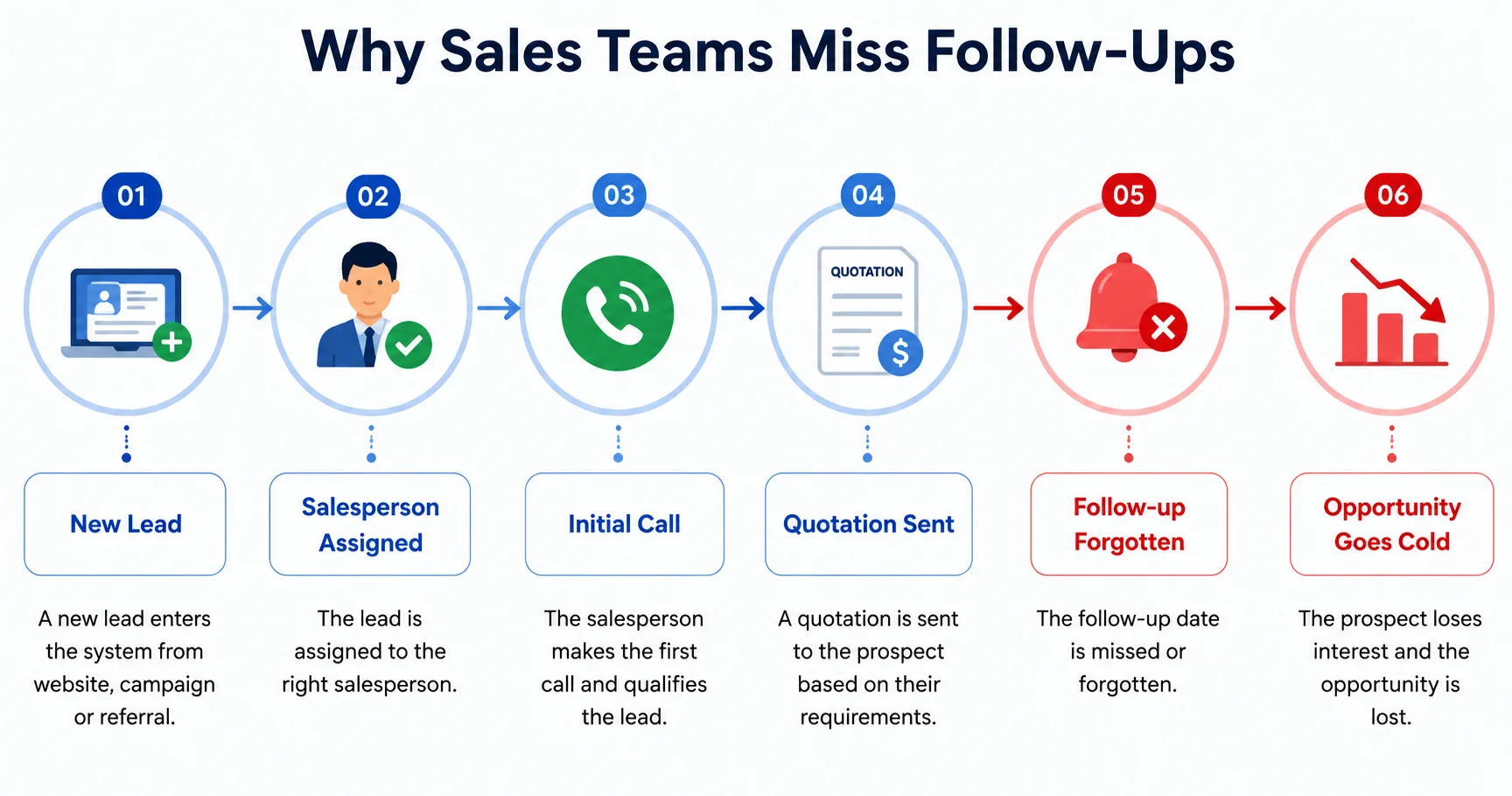
Manual follow-ups become increasingly difficult when sales teams manage multiple leads across different stages of the sales pipeline.
A salesperson may remember one follow-up but overlook another. A quotation may be sent on time but not followed up with the customer. Managers may also struggle to identify which opportunities are waiting for action. This isn't a rare gap — nearly half of sales reps never send a second follow-up at all, even though most B2B deals need several touches to close.
New Lead
↓
Salesperson Assigned
↓
Initial Call
↓
Quotation Sent
↓
Follow-Up Forgotten
↓
Opportunity Goes Cold
Some of the most common problems include:
The problem is not that sales teams don't want to follow up. The problem is that the process depends too much on manual effort.
As the number of leads and sales representatives increases, these small gaps can become much harder to manage.

Sales follow-up automation is the use of CRM workflows and automation rules to create, schedule, track, and manage follow-up activities without relying entirely on manual reminders.
Instead of asking sales representatives to remember every next action, the CRM can create tasks and reminders according to predefined sales rules.
Read More: Sales Force Automation Software: What Is It and How Does It Work?
Imagine a salesperson sends a quotation to a prospect.
Instead of relying on memory, the workflow can look like this:
Quotation Sent ↓ Wait 3 Days ↓ Create Follow-Up Task ↓ Notify Salesperson ↓ Update Opportunity ↓ Manager Can Track Status
This is where Sales Force Automation (SFA) becomes useful. Sales activities can be connected into a structured process rather than being managed as isolated tasks.
Sales force automation connects different sales activities into a defined workflow, from capturing a lead to closing an opportunity and updating sales reports.
Lead Captured ↓ Lead Assigned ↓ Lead Qualified ↓ Follow-Up Scheduled ↓ Opportunity Created ↓ Quotation Sent ↓ Automated Reminder ↓ Negotiation ↓ Deal Closed ↓ Sales Report Updated
Each stage contributes to a more consistent sales process.
1. Lead Capture Leads can be captured from forms, campaigns, websites, or other connected sources and brought into the sales system.
2. Lead Assignment New leads can be assigned to the appropriate salesperson based on predefined rules, helping teams respond without manually distributing every lead.
3. Follow-Up Scheduling The next sales activity can be created based on the sales stage, previous interaction, or completed action.
4. Opportunity Tracking Once a lead becomes a qualified opportunity, sales teams can track its progress through the pipeline.
5. Automated Reminders Sales representatives can receive notifications when an activity or follow-up becomes due.
6. Reporting Sales activity and pipeline information can feed into dashboards and reports, giving managers a clearer view of current sales operations.
This workflow reflects the core SFA process outlined in the provided source, covering lead capture, assignment, qualification, follow-up, opportunity management, quotation, closure, and reporting.
Never miss a sales follow-up with ZYNO CRM. Automate follow-up reminders, manage leads efficiently, track sales activities, and keep every opportunity moving through your sales pipeline with intelligent automation.
Request a Free Demo Explore ZYNO CRM →One of the simplest ways to understand sales follow-up automation is to compare a manual quotation process with an automated one.
The Problem: Quotation Sent — A salesperson sends a quotation but forgets to follow up with the prospect.
Manual Process Quotation sent ↓ Salesperson remembers ↓ Checks Excel or calendar ↓ Calls customer ↓ Updates report manually
The salesperson has to remember the timing, find the customer information, make the call, and update the sales record.
Automated Process Quotation Sent ↓ 3-Day Follow-Up Rule ↓ Automatic Task Created ↓ Salesperson Notified ↓ Customer Contacted ↓ Opportunity Updated
The difference is simple: the next sales action becomes part of the workflow.
Instead of relying on memory, the system makes the next sales action part of the sales process.
Follow-up automation becomes even more useful when lead assignment is connected to the sales workflow.
For example:
Website Lead ↓ Industry: Manufacturing ↓ Location: Delhi NCR ↓ Automatically Assigned to Salesperson A ↓ Follow-Up Task Created ↓ Manager Dashboard Updated
When lead assignment and follow-up creation are connected, a new lead does not simply enter a database. It immediately becomes an actionable sales activity.
This can reduce the manual work involved in distributing leads and help sales teams move more quickly from lead capture to engagement. Responding fast matters too — salespeople who reach out within an hour of receiving a query are far more likely to qualify the lead than those who wait a day or longer. The provided SFA material specifically connects lead capture, assignment, activity tracking, and follow-up reminders.
The difference between manual sales processes and automated workflows becomes clearer when the two approaches are compared directly.
| Manual Sales Process | With Sales Automation |
|---|---|
| Leads tracked in spreadsheets | Centralised lead management |
| Manual lead assignment | Automated lead assignment |
| Personal reminders | Automated follow-up tasks |
| Manual pipeline updates | Workflow-based pipeline updates |
| Separate sales reports | Centralised dashboards |
| Follow-ups depend on memory | Follow-ups triggered by rules |
| Higher chance of missed activities | Better process consistency |
| Reports prepared manually | Real-time sales visibility |
The purpose of automation is not to replace salespeople. It is to reduce repetitive administrative work so sales representatives can spend more time communicating with prospects and customers.
Businesses do not necessarily need to automate every sales activity on day one. A practical approach is to begin with repetitive tasks that consume salespeople's time and are easy to standardise.
1. Lead Assignment — Automatically route new leads to the appropriate salesperson.
2. Follow-Up Reminders — Create reminders based on specific dates, actions, or sales stages.
3. Data Entry — Reduce repetitive updates related to customers, leads, opportunities, and sales activities.
4. Pipeline Updates — Standardise opportunity stages so sales teams follow a consistent process.
5. Quotation Approvals — Trigger approval workflows when quotations involve discounts, special pricing, or other predefined conditions.
6. Sales Reporting — Automatically update dashboards and reports instead of requiring salespeople or managers to prepare them manually.
These areas align with the source's recommendations for beginning SFA implementation with lead assignment, follow-up reminders, data entry, pipeline updates, quotation workflows, and sales reporting.
The value of sales automation is not just about sending automatic reminders. The larger benefit comes from creating a connected and consistent sales process.
Less Administrative Work Sales representatives spend less time maintaining spreadsheets, creating manual reminders, and preparing repetitive reports.
Fewer Missed Follow-Ups Automated tasks and notifications help keep upcoming sales activities visible.
Faster Sales Response When leads can be assigned and follow-up activities created quickly, sales teams can respond without waiting for manual coordination.
Better Pipeline Visibility Managers can see opportunity activity, pending tasks, and pipeline progress from a centralised system.
More Consistent Sales Processes A defined workflow gives sales representatives a common process for managing leads and opportunities.
Better Decision-Making Centralised sales information provides managers with a clearer view of sales activities and performance.
The provided source supports these outcomes through its focus on reduced administrative work, better lead management, workflow efficiency, visibility, and scalability.
Less Administrative Work ↓ Fewer Missed Follow-Ups ↓ Faster Sales Response ↓ Better Pipeline Visibility ↓ Consistent Sales Processes ↓ More Productive Sales Operations
Sales follow-up automation can be particularly useful when the sales process has become difficult to manage manually.
You may need sales automation if:
☑ You have multiple sales representatives ☑ Leads come from multiple sources ☑ Salespeople frequently miss follow-ups ☑ Your team relies heavily on Excel ☑ Managers cannot see the current pipeline ☑ Sales representatives spend too much time updating records ☑ Quotations require manual follow-up ☑ Field sales teams submit activity reports manually
If several of these situations sound familiar, your sales process may be ready for automation.
Sales follow-up automation can support both inside sales teams and representatives who work in the field, although their daily activities may differ.
| Inside Sales | Field Sales |
|---|---|
| Calls | Customer visits |
| Emails | Dealer/distributor visits |
| Online meetings | On-site meetings |
| Automated reminders | Visit scheduling |
| Email follow-ups | Visit follow-ups |
| Pipeline management | Field activity tracking |
| CRM updates | Mobile CRM updates |
For inside sales, automation may focus heavily on calls, emails, meetings, reminders, and pipeline activities.
For field sales, mobile access can be particularly useful because representatives may need to update customer or sales information while working away from their desks.
Field-sales-focused SFA platforms may also provide additional capabilities such as mobile access, visit tracking, order capture, and field activity management. These capabilities should be evaluated based on the actual software rather than assumed to be standard across every SFA platform.
Choosing the right sales follow-up automation software requires more than checking whether a platform can send reminders. The software should support the way your sales team actually works.
Lead Management — Can the system capture, assign, and track leads from different sources?
Workflow Automation — Can you create rules for follow-ups, notifications, tasks, and other sales activities?
Pipeline Management — Can salespeople and managers clearly see opportunity stages and next actions?
Reporting — Can managers monitor sales performance, pipeline activity, and pending follow-ups?
Mobile Access — Can sales representatives update customer and opportunity information when they are away from their desks?
Integrations — Can the CRM connect with email, ERP, accounting, marketing, and communication tools used by your business?
Customisation — Can the workflow be adapted to your actual sales process rather than forcing your team into a fixed structure?
These criteria reflect the software selection considerations included in the provided source.
ZYNO CRM brings sales activities, customer information, opportunities, follow-ups, and reporting into a centralised sales environment, helping businesses replace fragmented manual processes with more structured workflows.
The sales journey can be organised around a connected workflow:
A Lead Enters ZYNO CRM ↓ Lead Assigned to the Right Salesperson ↓ Follow-Up Task Created ↓ Sales Activity Recorded ↓ Opportunity Moves Through the Pipeline ↓ Quotation / Approval Workflow ↓ Manager Gets Pipeline Visibility ↓ Deal Closure & Reporting
With ZYNO CRM, businesses can build a structured sales process around:
The objective is not to add another layer of administration. It is to bring sales activities into one environment so teams can spend less time remembering what needs to happen next and more time acting on sales opportunities.
Ready to Move Beyond Manual Sales Follow-Ups? Explore ZYNO CRM →
How to automate sales follow ups is ultimately not just a question about setting automatic reminders. The bigger opportunity is to connect every stage of the sales process, from lead assignment and qualification to follow-up, opportunity management, quotation, closure, and reporting.
When these activities follow a structured workflow, sales teams can spend less time managing repetitive administrative tasks and more time engaging with prospects and customers.
For growing sales teams, a CRM with sales force automation capabilities can provide the structure, visibility, and consistency needed to manage the sales process more effectively.
A well-designed sales workflow automation software solution can therefore turn individual follow-up tasks into part of a repeatable sales process.
Automate Your Sales Follow-Ups With ZYNO CRM →
What is sales follow-up automation?
Sales follow-up automation uses CRM workflows and predefined rules to create, schedule, track, and manage sales follow-up activities. Instead of relying completely on personal reminders or spreadsheets, the system can create tasks and notifications based on defined sales actions or stages.
How can I automate sales follow-ups?
If you are wondering how to automate sales follow ups, start by identifying repetitive follow-up activities and connecting them to CRM workflow rules. For example, when a quotation is sent, the system can create a follow-up task after three days and notify the assigned salesperson.
Can CRM software automatically remind salespeople to follow up?
Yes. CRM software with workflow automation can create reminders and tasks when predefined conditions are met. The exact automation options depend on the CRM platform and its workflow capabilities.
How does sales force automation help with follow-ups?
Sales force automation connects follow-ups with other sales activities such as lead assignment, qualification, opportunity management, quotation, and reporting. This creates a structured workflow instead of making each follow-up dependent on individual memory.
Can I automate follow-ups after sending a quotation?
Yes, if the CRM supports workflow-based follow-up automation. A business can define a rule that creates a follow-up task after a quotation is sent, such as a reminder after three days.
How does automated lead assignment work?
Automated lead assignment uses predefined rules to route new leads to the appropriate salesperson. Rules may be based on factors such as territory, industry, team, or other criteria supported by the CRM.
What sales activities should I automate first?
Start with repetitive activities such as lead assignment, follow-up reminders, data entry, pipeline updates, quotation approvals, and sales reporting. These areas are practical starting points for SFA adoption.
What is the difference between CRM and sales force automation?
CRM is the broader system used to manage customer and sales information, interactions, and relationships. Sales force automation is a set of capabilities within or connected to CRM systems that helps automate sales activities such as lead assignment, follow-ups, opportunity management, and reporting.
Is Sales Force Automation the same as Salesforce?
No. Sales Force Automation (SFA) is a category of sales technology and automation capabilities. Salesforce is the name of a specific CRM software company and platform. The terms are therefore not interchangeable.
What should I look for in sales follow-up automation software?
Look for lead management, workflow automation, pipeline management, reporting, mobile access, integrations, and customisation. Businesses comparing sales follow-up software should also check whether the platform can adapt to their actual sales process.
Read More: How AI Is Transforming CRM in 2026
Read More: How Sales Force Automation Saves Time and Helps Close More Deals
Read More: How CRM Software Increases Lead Conversion Rates
Read More: How CRM Improves Customer Service
Read More: Zoho CRM vs ZYNO CRM: Which CRM Is Right for Your Business?
Top CRM Trends in 2025: What to Expect
Read More →
How to Choose the Best CRM Software in 2025
Read More →
Top CRM Software Solutions for Indian Businesses in 2025
Read More →
Best CRM Software for Small Businesses in Nigeria (2025)
Read More →
Best CRM Software for B2B Sales Teams in India (2025)
Read More →
Top CRM Providers in the UK (2025): A Deep Dive for Buyers
Read More →
Top 10 CRM Solutions for Growing Business in U.K (2025)
Read More →
Best CRM Software Providers in Germany (2026 Update)
Read More →
Best CRM Providers in Qatar (2025): Why ZYNO CRM Leads the Pack
Read More →
Best CRM Software Providers in Saudi Arabia (2025 Guide)
Read More →
Top US CRM Software Providers to Watch in 2025: Innovation Meets Scalability
Read More →
Top 10 CRM Providers in Japan Offering AI-Powered Solutions for Businesses
Read More →
Top CRM Solutions in the USA 2025: Boost Customer Engagement and Drive Sales Growth
Read More →
Best CRM Software Providers in Italy to Transform Customer Engagement (2025)
Read More →
Best CRM Software for European Countries (2025) A Complete Guide with ZYNO CRM
Read More →
Best CRM Tool for Smarter Lead Management and Sales Automation
Read More →
Best CRM Software in Dubai, UAE 2026 ZYNO CRM
Read More →Best CRM Software in India- ZYNO CRM
Read More →CRM Software Development Services to Boost Sales and Productivity
Read More →
Benefits of CRM Software for Small Business: The Complete 2026 Guide
Read More →Best CRM Software in India for Small and Large Businesses
Read More →
ZYNO CRM vs Salesforce: Features, Pricing & Performance Compared
Read More →
CRM Implementation Guide for Startups and SMEs
Read More →
Best CRM Templates for 2026
Read More →
Best CRM Software for Healthcare Industry in 2026
Read More →
Best Zoho Alternative CRM Software for Small Businesses in 2026
Read More →
Top 10 Affordable HubSpot Alternative CRM Software in 2026
Read More →
Top 10 CRM Software for the Banking Industry in 2026
Read More →
Best and Easy Customer Relationship Management Software in Kenya
Read More →
CRM Strategy for Lead Management, Customer Retention & Growth
Read More →
Zoho CRM vs ZYNO CRM: A Detailed Comparison of CRM Software
Read More →
Complete Guide to Sales Pipeline Management: Strategies, Stages, and Tools
Read More →
How CRM Software Increases Lead Conversion Rates
Read More →
CRM and Customer Service: A Powerful Combination
Read More →
Signs It's Time to Upgrade Your ERP or CRM System
Read More →
How the Right CRM Software Can Transform Your Sales Pipeline
Read More →
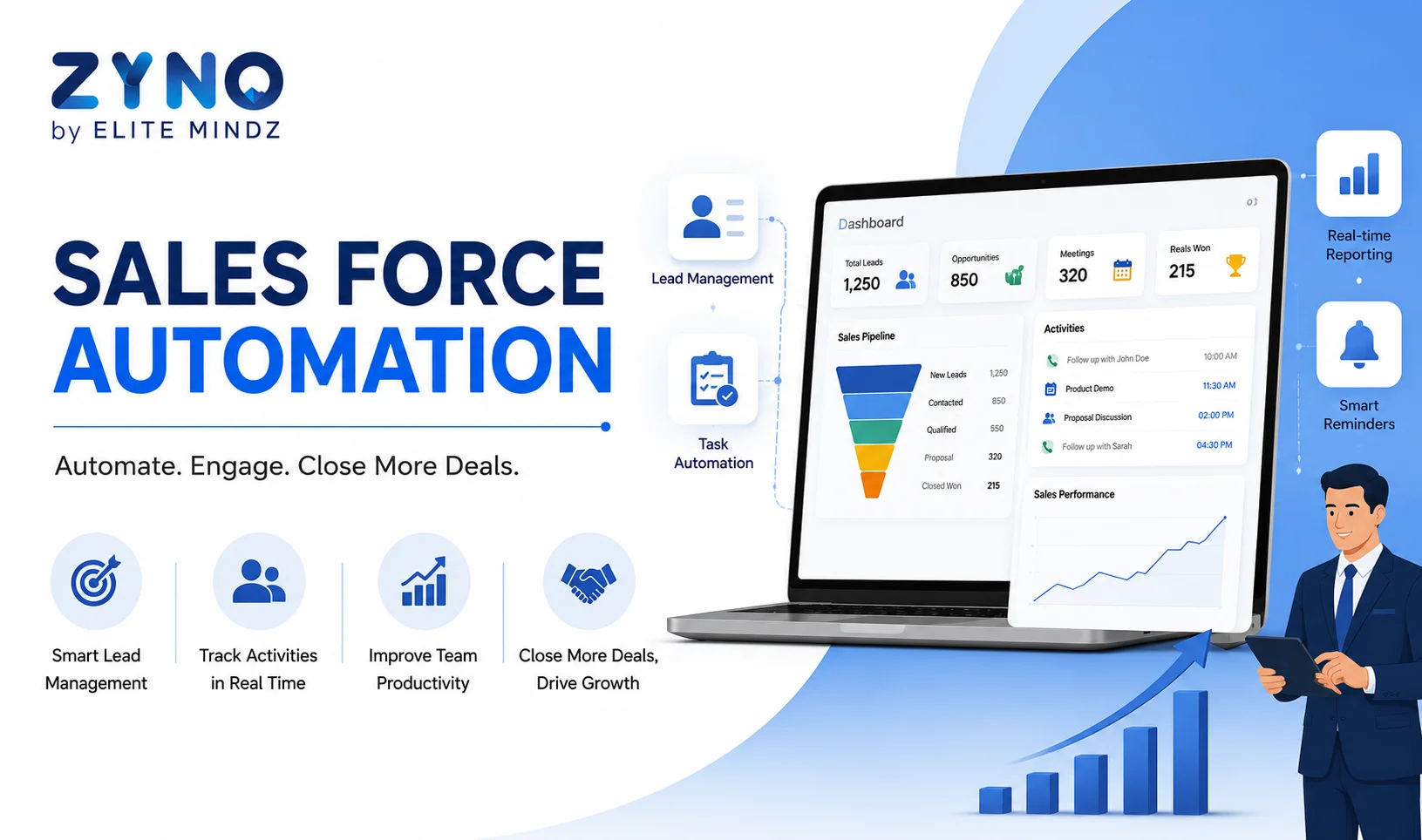
Sales Force Automation: Save Time, Close More Deals
Read More →
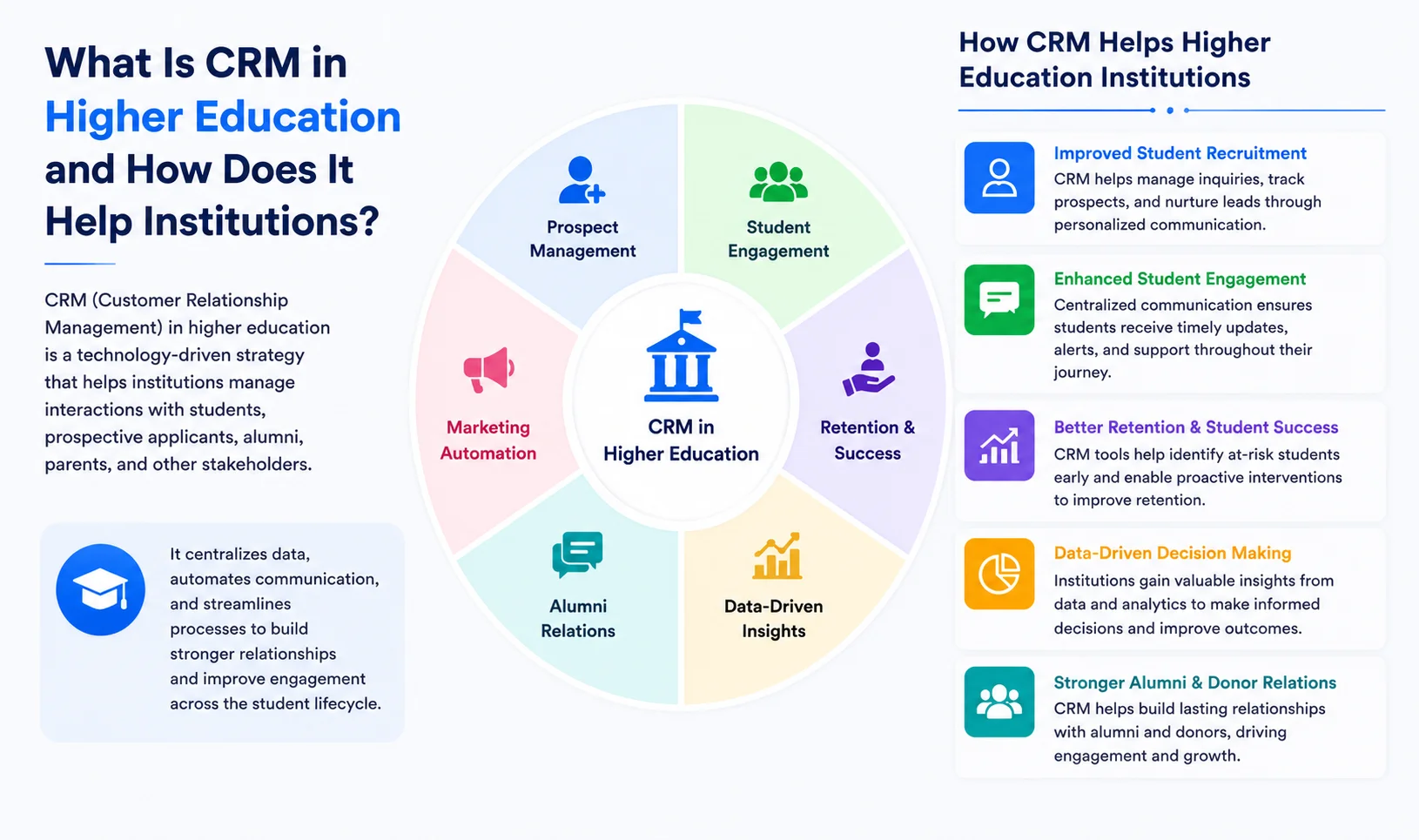
What Is CRM in Higher Education and How Does It Help Institutions?
Read More →
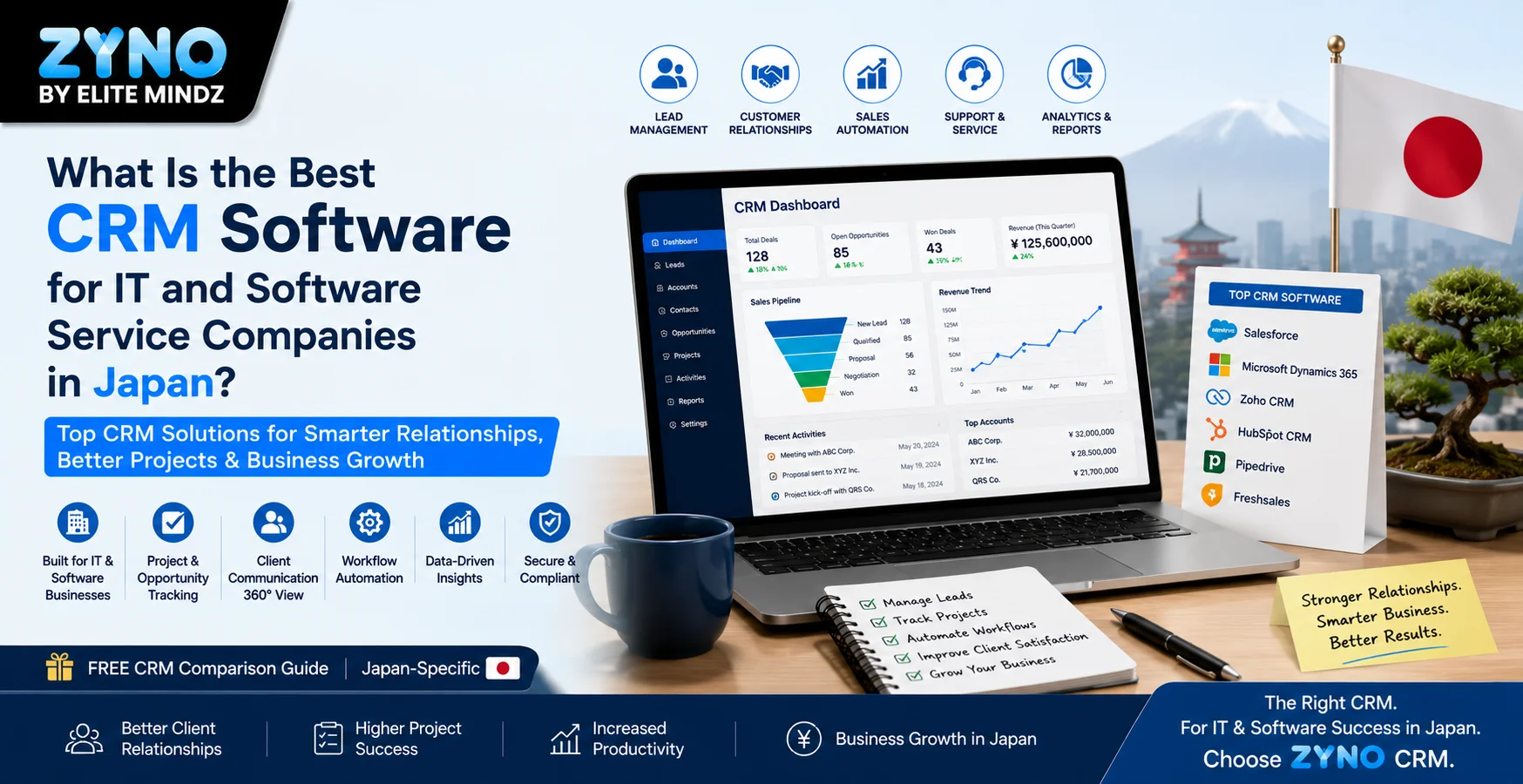
What Is the Best CRM Software for IT and Software Service Companies in Japan?
Read More →
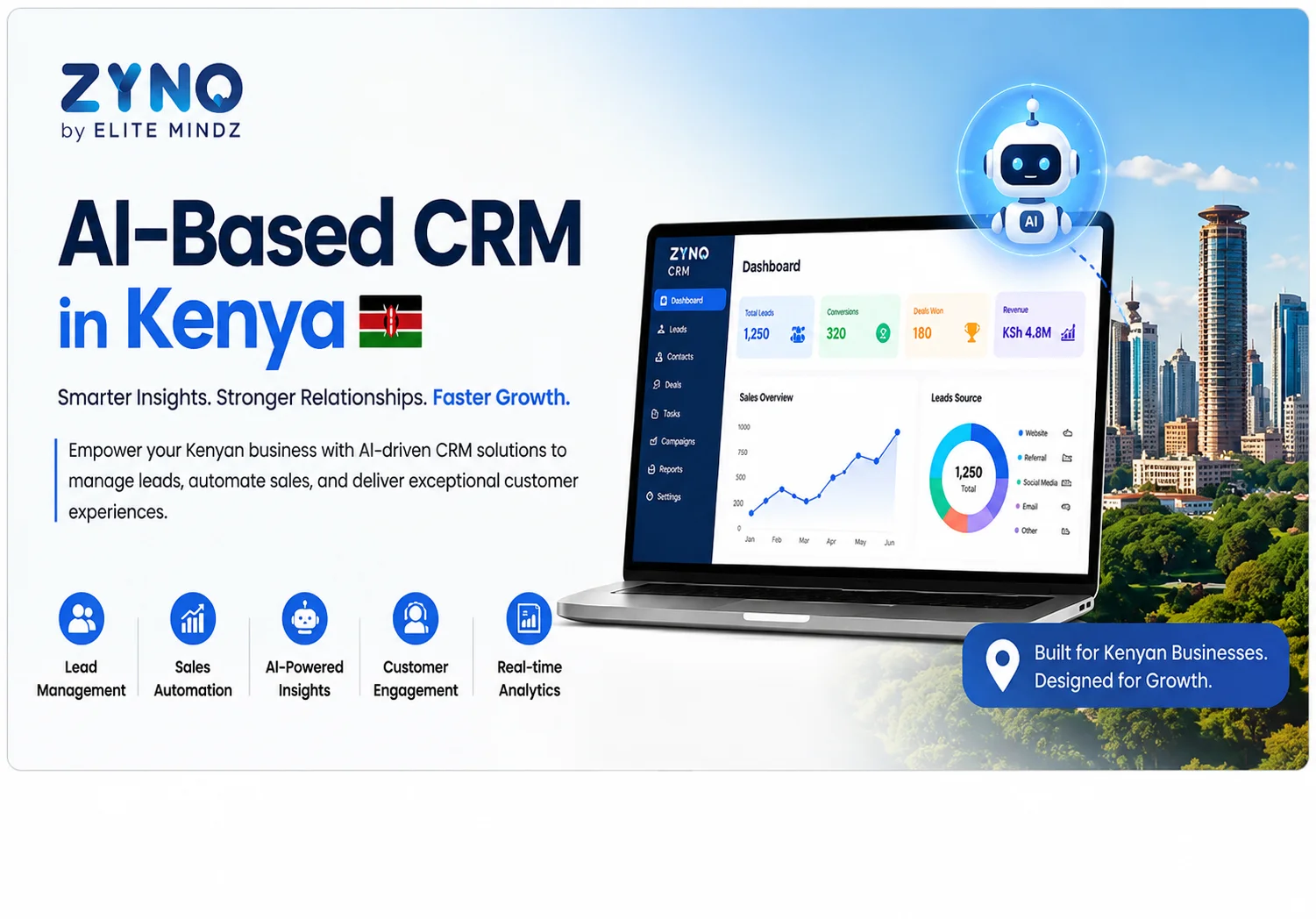
AI-Based CRM in Kenya: Smarter Sales, Better Customer Engagement for All Businesses
Read More →
AI CRM Software in 2026: 8 Key Trends & Benefits Every Business Should Know (Updated)
Read More →
Omnichannel CRM Software India: The Complete Guide to Unified Customer Engagement (2026)
Read More →
What Is CRM (Customer Relationship Management)?
Read More →
What is Omnichannel CRM? Meaning, Benefits, and Use Cases
Read More →
What Is Sales Force Automation Software, and Why Do You Need It?
Read More →
How to Automate Sales Follow-Ups? A Complete Guide to Sales Automation
Read More →Partner with ZYNO by Elite Mindz to revolutionize how your business works. Fill out the form, and we’ll reach out with AI-powered solutions made just for you.
We use browser cookies to ensure you get the best experience on our website. Learn more
The form was submitted successfully!