Top CRM Trends in 2025: What to Expect
Read More →

×
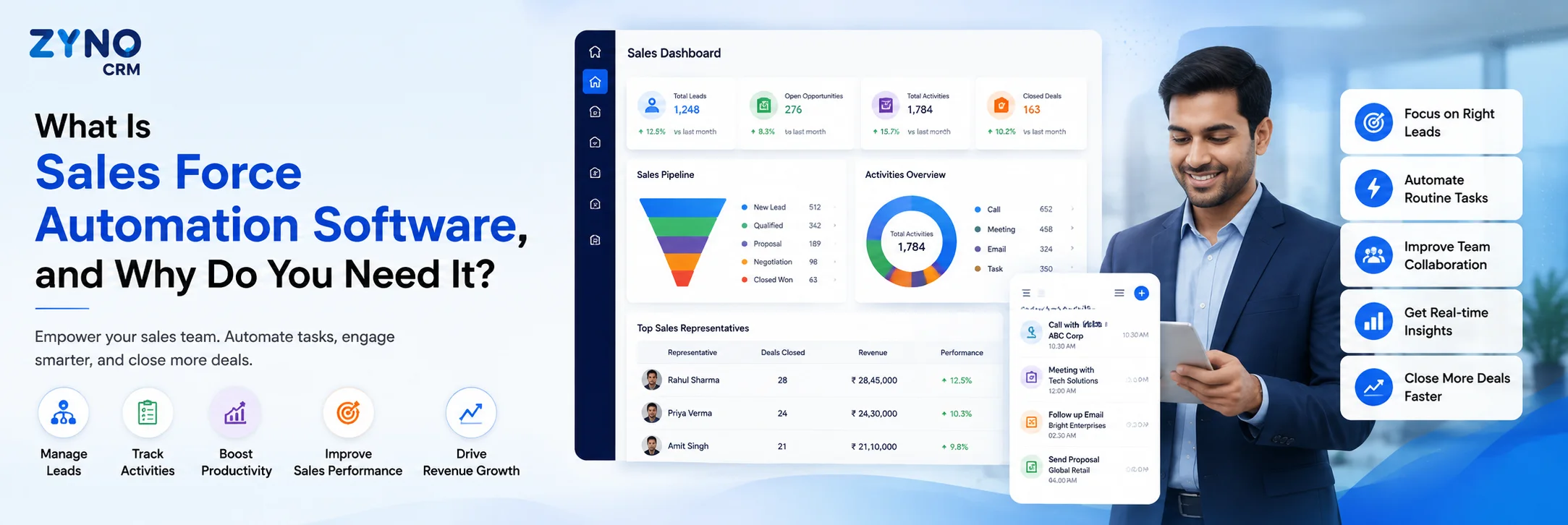
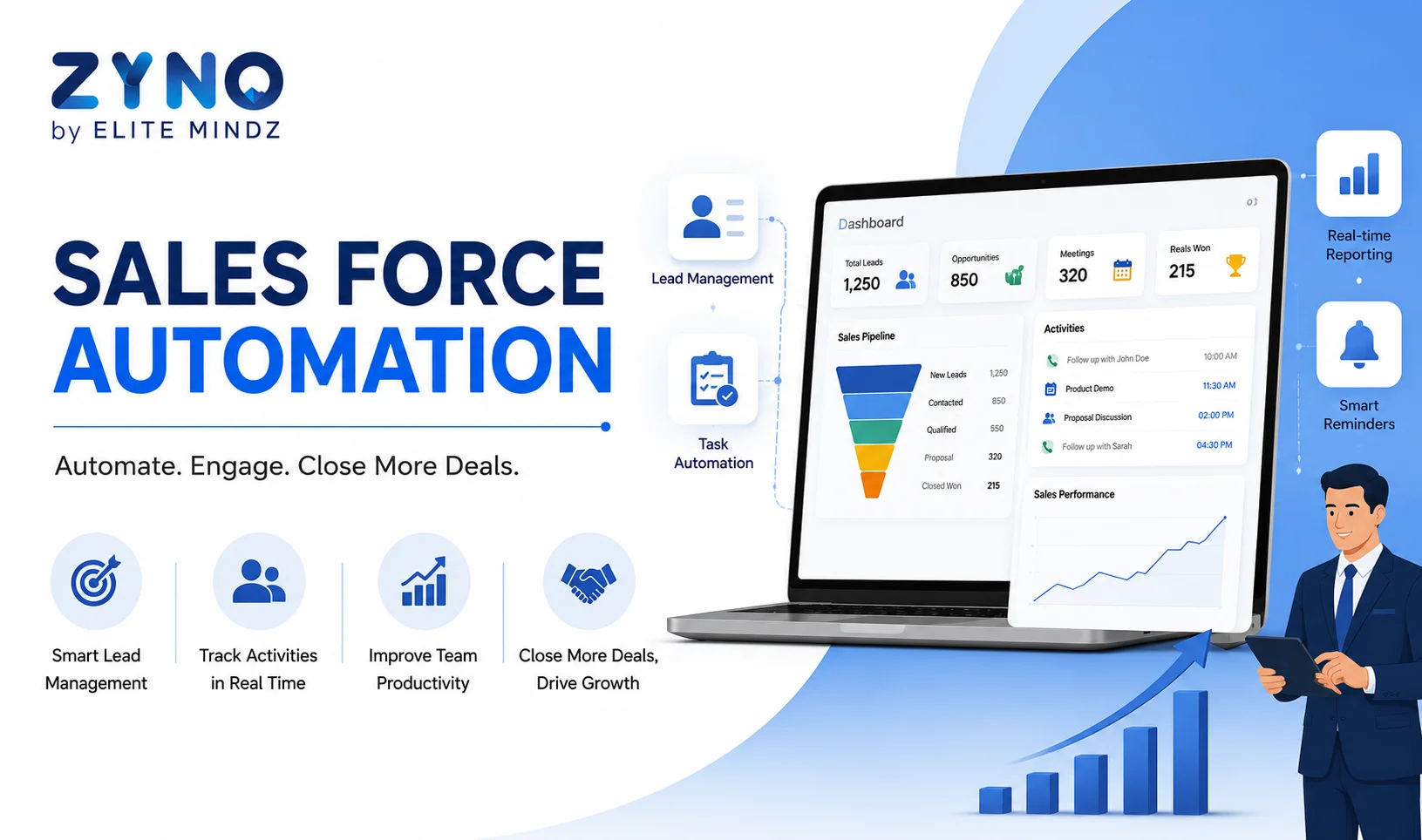
Sales force automation software automates lead management, follow-ups, sales tasks, pipeline tracking, and reporting. Learn how SFA software improves productivity and helps teams close more deals.
Businesses using ZYNO Books cut accounting time by 70% and stay 100% ZATCA-compliant — automatically.
Sales teams often spend too much time updating spreadsheets, entering customer information, preparing quotations, scheduling follow-ups, and creating reports. These activities are necessary, but they can take attention away from the work that actually drives revenue: talking to prospects, building relationships, and closing deals.
This is where sales force automation software comes in.
Sales force automation software (SFA software) is a technology solution that automates repetitive sales activities such as lead management, customer data entry, follow-ups, opportunity tracking, reporting, forecasting, and sales task management. By reducing manual work, it helps sales representatives work more efficiently while giving managers better visibility into the sales pipeline.
Modern SFA platforms can also connect with CRM, email, communication, marketing, finance, and other business systems. With mobile access and AI-powered capabilities becoming increasingly common, sales teams can manage their work from almost anywhere. The global sales force automation software market itself reflects this shift, with industry research pointing to steady growth driven by data-driven decision-making, remote work adoption, and reduced operational costs.
But what exactly does sales force automation software do, and why should a business invest in it?
Let's break it down.
Sales force automation software is a digital system that automates and manages repetitive sales processes from lead capture to opportunity conversion and customer follow-up.
Instead of relying on spreadsheets, notebooks, emails, and manually updated reports, sales teams can manage their activities through one central platform.
Sales teams can improve productivity by using sales force automation to automate repetitive tasks, manage follow-ups, and focus more on closing deals.
For example, when a new lead enters the system, an SFA platform can automatically:
The objective is simple: automate repetitive sales work so representatives can spend more time selling.
Sales force automation is often included as part of a broader CRM platform. However, SFA specifically focuses on improving the execution, management, and measurement of sales activities.
Sales force automation software works by combining customer data, sales processes, automation rules, workflows, analytics, and communication activities in one system.
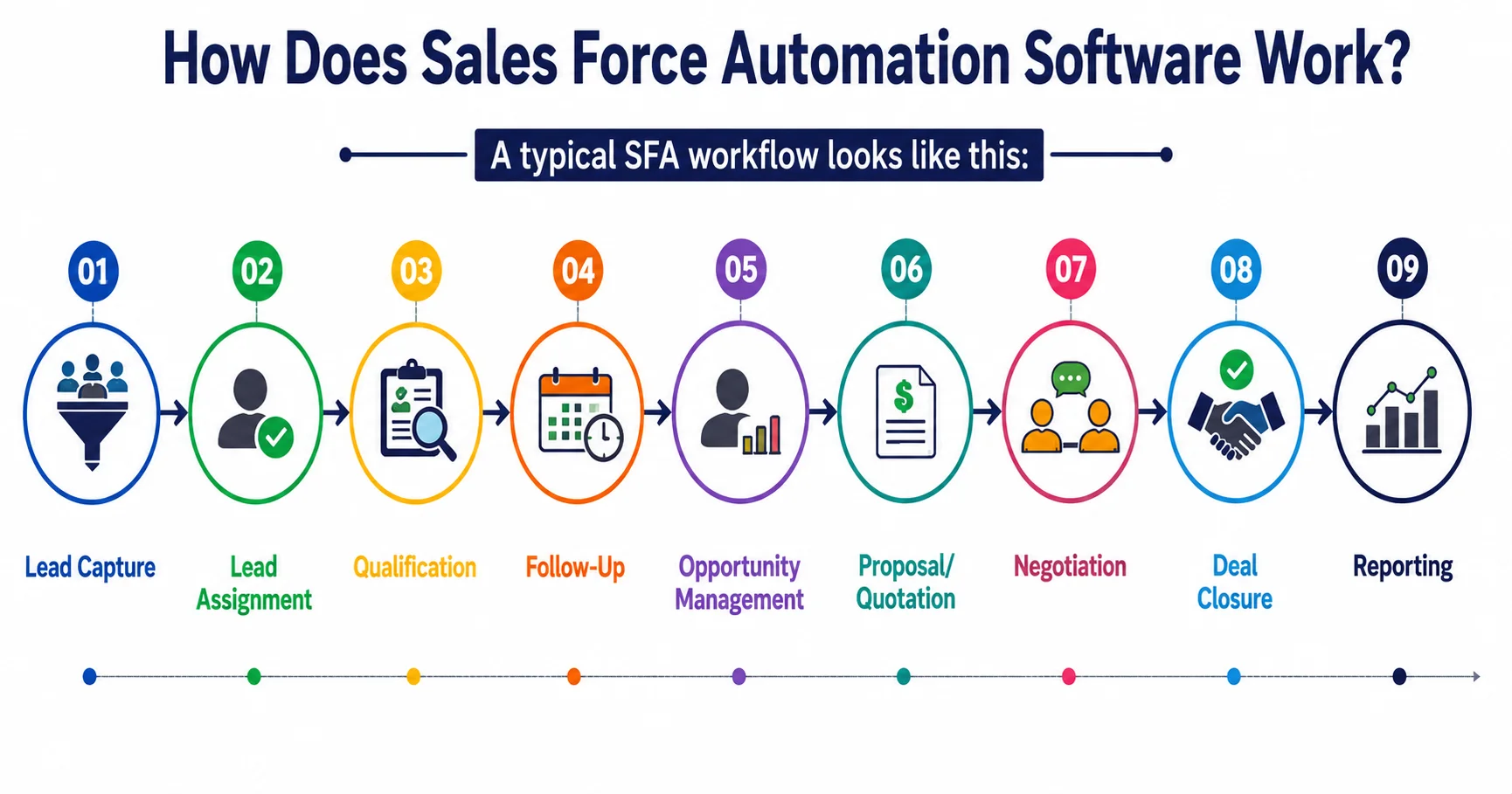
A typical SFA workflow looks like this:
Lead Capture → Lead Assignment → Qualification → Follow-Up → Opportunity Management → Proposal/Quotation → Negotiation → Deal Closure → Reporting
When a sales representative performs an activity, the system can automatically update the relevant customer or opportunity record.
For example, suppose a sales representative speaks with a prospect.
Instead of manually updating several spreadsheets, the SFA system can record the interaction, update the opportunity stage, schedule the next follow-up, and notify the representative about pending actions.
Some advanced platforms also use AI to identify high-priority opportunities, summarize sales calls, recommend next actions, generate emails, and improve sales forecasting.
This creates a more connected sales process with fewer manual handoffs.

Businesses need sales force automation because sales operations can become difficult to manage as the number of leads, customers, sales representatives, and opportunities increases.
Manual processes create several common problems:
An SFA system addresses these problems by centralising sales information and automating routine processes.
The result is a sales operation that is easier to manage, measure, and scale.
The features available vary between platforms, but the best sales force automation software typically combines core sales management capabilities with automation, analytics, mobility, and integrations.
Lead management is one of the most important functions of SFA software.
The system can capture leads from different sources, organise prospect information, assign leads to representatives, and track their progress.
Sales managers can also define rules for lead distribution based on factors such as territory, product, industry, location, or sales representative availability.
This reduces the possibility of leads being overlooked or assigned incorrectly.
A well-structured sales pipeline management process helps sales teams track opportunities, identify bottlenecks, and move prospects through each stage more efficiently.
A sales pipeline gives teams a clear view of where prospects are in the buying journey.
Sales force automation SFA software can track opportunities across different stages, such as:
New Lead → Qualified → Proposal → Negotiation → Won/Lost
Managers can see which deals are progressing, which opportunities require attention, and where prospects are dropping out of the sales process.
Missed follow-ups can directly affect sales performance.
SFA software allows sales representatives to schedule follow-up activities and automate reminders. Some platforms can also trigger actions when specific conditions are met.
For example:
If a prospect receives a quotation but does not respond within a defined period, the system can create a follow-up task for the assigned representative.
This keeps opportunities moving without relying entirely on memory.
Sales representatives interact with prospects through calls, emails, meetings, demonstrations, and other activities.
A sales automation system can bring these interactions together under the relevant customer or prospect profile.
This provides sales representatives with better context before their next interaction.
Instead of asking, "What happened during our last conversation?", the representative can quickly review previous activities and continue the conversation from where it stopped.
Preparing quotations manually can take considerable time, particularly when sales teams handle a large number of opportunities.
SFA software can provide reusable templates, product information, pricing rules, approval workflows, and document generation capabilities.
This helps sales representatives prepare professional quotations and proposals more quickly while maintaining consistency.
Sales managers need to understand how much revenue the team is likely to generate.
Sales forecasting features analyse pipeline information, historical performance, opportunity stages, and other sales data to help managers estimate future revenue.
Instead of depending entirely on manually prepared spreadsheets, managers can use centralised sales data to make better-informed decisions.
Sales dashboards transform sales data into actionable information
Managers can monitor metrics such as:
Real-time visibility makes it easier to identify problems before they become larger sales issues.
For field sales teams, access to sales information cannot be limited to a desktop computer.
Mobile sales force automation software allows representatives to access customer records, update opportunities, manage tasks, check product information, record visits, and communicate with their teams while working remotely or in the field.
A mobile SFA solution is particularly useful for industries where representatives spend significant time visiting customers, dealers, distributors, stores, or business locations.
Automate sales activities, manage leads and opportunities, streamline follow-ups, track your sales pipeline, and build stronger customer relationships with ZYNO CRM.
Request a Free Demo Explore ZYNO CRMManagers need visibility into the activities that contribute to sales outcomes.
SFA software can track calls, meetings, emails, visits, tasks, and other sales activities.
This allows managers to understand not only what sales representatives have sold but also how they are progressing toward their targets.
Workflow automation allows businesses to create predefined rules for repetitive processes.
For example:
New lead received → Lead assigned → Follow-up task created → Reminder sent → Opportunity created → Manager approval triggered
Once configured, the system can execute these steps automatically.
This creates greater consistency across the sales team.
Depending on the platform, AI can help with:
AI does not replace the salesperson. Instead, it can reduce the amount of manual analysis and administrative work required to make sales decisions.
The primary benefit of sales force automation is higher sales productivity with less manual administrative work.
However, the impact goes beyond saving time. Businesses adopting SFA tools have reported meaningful gains in productivity and cost efficiency, including reduced administrative overhead and faster sales cycles.
Sales representatives can spend less time entering data, preparing reports, searching for customer information, and setting reminders.
The time saved can be redirected toward prospecting, customer conversations, demonstrations, negotiations, and closing deals.
Manual data entry can result in incorrect customer details, duplicate records, missed updates, or inaccurate reports.
Automation reduces the number of repetitive tasks performed manually, helping businesses maintain more consistent and accurate sales data.
Every lead represents a potential business opportunity.
SFA software helps teams capture, assign, prioritise, and follow up with leads systematically.
This reduces the risk of leads being forgotten or left unattended.
Automated workflows reduce unnecessary delays between sales activities.
For example, once a prospect reaches a particular stage, the system can automatically create the next task or trigger an approval.
This helps sales teams move opportunities forward faster.
Managers can view pipeline information, sales activities, targets, and performance from a central dashboard.
This makes it easier to understand what is happening across the sales team without waiting for manually prepared reports.
Accurate and centralised sales data provides a stronger foundation for forecasting.
Managers can identify pipeline trends, monitor opportunity values, compare targets with actual performance, and identify potential revenue gaps.
When sales information is stored in one central system, representatives and managers can work from the same data.
This reduces information silos and makes it easier for teams to collaborate on opportunities.
A manual sales process that works for five representatives may become difficult to manage with 50 or 500 representatives.
Automation allows businesses to standardise workflows and processes as the sales organisation grows.
Instead of relying on assumptions, sales managers can use actual pipeline and performance data to identify trends and make decisions.
This can help answer questions such as:
Businesses looking to connect customer interactions across multiple touchpoints can benefit from understanding how omnichannel CRM creates a more consistent customer experience.
Sales Force Automation (SFA) and Customer Relationship Management (CRM) are closely related, but they are not the same thing.
SFA primarily focuses on automating and managing sales activities.
CRM has a broader scope and can include sales, marketing, customer service, customer communication, account management, and other customer-facing processes.
| Sales Force Automation | CRM |
|---|---|
| Focuses primarily on sales activities | Manages broader customer relationships |
| Automates sales tasks and workflows | Connects sales, marketing, service, and customer data |
| Tracks leads and opportunities | Maintains comprehensive customer profiles |
| Supports pipeline management | Supports the complete customer lifecycle |
| Helps automate follow-ups | Supports multiple customer-facing departments |
| Focuses on sales productivity | Focuses on overall customer relationship management |
In practice, many modern CRM platforms include SFA capabilities.
So, SFA can be viewed as a specialised sales automation layer within a broader CRM ecosystem.
Before implementing advanced sales technologies, businesses should understand CRM (Customer Relationship Management) and how it helps manage customer data, interactions, and relationships.
Sales force automation examples can be found throughout the sales cycle.
For example:
Lead Assignment: Automatically assign new leads to the appropriate salesperson.
Follow-Up Reminders: Create tasks when a prospect needs to be contacted.
Pipeline Updates: Automatically update opportunity stages based on sales activities.
Quotation Generation: Generate quotations using predefined products, pricing, and templates.
Approval Workflows: Send discounts or special pricing requests to managers for approval.
Email Automation: Trigger personalised follow-up emails based on predefined conditions.
Sales Reporting: Automatically generate performance reports and dashboards.
Forecasting: Analyse pipeline data to estimate future sales.
Field Sales Tracking: Allow representatives to record customer visits through a mobile application.
These examples demonstrate how SFA can automate individual tasks as well as complete workflows.
Sales force automation software can benefit businesses with structured sales processes, especially when sales teams manage a high volume of leads, customers, or opportunities.
It can be particularly useful for:
The need becomes more obvious when sales teams are growing and spreadsheets or disconnected tools are no longer sufficient.
Sales representatives are not always sitting at a desk.
Field sales professionals may spend their day visiting customers, attending meetings, checking inventory, collecting orders, or travelling between locations.
This makes mobile sales force automation software an important capability.
With mobile access, representatives can:
The biggest advantage is that sales data can be updated closer to the point where the activity happens.
This helps keep the central sales system current instead of waiting until a representative returns to the office.
Sales productivity improves when representatives spend more time on revenue-generating activities and less time on repetitive administration.
Consider a traditional process:
Lead received → Spreadsheet updated → Salesperson notified → Follow-up manually scheduled → Customer interaction recorded separately → Manager prepares report
With SFA automation, the process can become:
Lead received → Lead automatically assigned → Follow-up task created → Activity recorded → Pipeline updated → Dashboard refreshed
The difference is not simply fewer clicks.
The bigger advantage is that sales information moves through the process automatically, allowing representatives and managers to concentrate on decisions and customer interactions.
The best sales force automation software is not necessarily the platform with the largest feature list.
It is the solution that fits your sales process, team structure, technology environment, budget, and growth plans.
Before selecting an SFA platform, evaluate the following areas.
If sales representatives find the software difficult to use, adoption will suffer.
Look for an intuitive interface that allows users to complete common tasks quickly.
Check whether the platform can automate the specific processes your team performs every day.
Look for lead assignment, follow-ups, approval workflows, notifications, task creation, reporting, and other automation options.
If you have field sales representatives, mobile access should be a priority.
Evaluate the quality of the mobile application rather than simply checking whether a mobile version exists.
SFA software should work effectively with your existing CRM or provide the customer relationship management capabilities your business needs.
The system should provide meaningful sales insights rather than simply displaying large amounts of data.
Look for custom dashboards, reports, pipeline analytics, sales performance metrics, and forecasting capabilities.
Every organisation has a different sales process.
The platform should allow businesses to customise fields, workflows, sales stages, permissions, dashboards, and automation rules where required.
Your software should be able to support your business as the sales team, customer base, and transaction volume increase.
Consider whether the software can connect with tools such as:
Sales systems contain sensitive customer and business information.
Evaluate authentication, role-based permissions, data protection, audit trails, backup policies, and other security controls.
Implementation does not end when the software is purchased.
Consider onboarding, training, documentation, technical support, product updates, and ongoing customer service.
Businesses do not need to automate every sales process at once.
A practical approach is to begin with repetitive tasks that consume significant time and have clearly defined rules.
Good starting points include:
Lead assignment: Automatically route leads to the correct representative.
Follow-up reminders: Ensure prospects do not fall through the cracks.
Data entry: Automatically capture and synchronise customer information wherever possible.
Pipeline updates: Standardise opportunity stages.
Sales reports: Replace manually prepared spreadsheets with automated dashboards.
Quotation workflows: Standardise document creation and approvals.
Once these processes are working effectively, businesses can expand automation into forecasting, AI-assisted selling, territory management, incentive management, and advanced analytics.
Sales force automation is moving beyond simple task automation.
The next generation of SFA software is increasingly focused on intelligent assistance, predictive analytics, mobile selling, workflow orchestration, and connected customer data.
AI can help sales teams understand which opportunities deserve attention, summarise customer conversations, identify potential risks, generate personalised communication, and recommend the next action.
At the same time, mobile-first sales experiences are becoming increasingly important for distributed and field sales teams.
The broader direction is clear: sales automation is shifting from simply automating tasks to helping salespeople make better decisions.
Sales Force Automation (SFA) is the use of software to automate repetitive sales activities such as lead assignment, follow-ups, opportunity tracking, reporting and sales task management. It helps sales teams reduce administrative work and focus more on selling.
What does sales force automation software do?
Sales force automation software automates repetitive sales activities such as lead management, follow-ups, data entry, opportunity tracking, quotations, reporting, forecasting, and sales task management. It helps sales teams reduce administrative work and improve productivity.
Sales force automation in CRM refers to the use of automated workflows and tools within a CRM system to manage sales activities. It can automate lead assignment, follow-ups, opportunity management, sales reporting, forecasting, and other sales processes.
SFA software stands for Sales Force Automation software. It is designed to automate and manage sales processes, helping representatives and managers handle leads, opportunities, customer activities, follow-ups, forecasting, and sales performance more efficiently.
Common features include lead management, opportunity management, pipeline tracking, automated follow-ups, contact management, activity tracking, quotation generation, sales forecasting, dashboards, reporting, workflow automation, mobile access, and integrations.
Examples include automatically assigning leads, creating follow-up reminders, updating sales pipelines, generating quotations, triggering approval workflows, recording sales activities, creating reports, and forecasting sales.
It reduces repetitive administrative work, automates follow-ups and workflows, centralises customer information, and provides sales teams with real-time data. This allows representatives to spend more time on prospecting, customer engagement, negotiations, and closing deals.
No. SFA primarily focuses on sales execution and automation, while CRM covers the broader management of customer relationships. However, SFA capabilities are commonly included within modern CRM platforms.
Yes. Mobile sales force automation software allows field representatives to access customer records, update leads, record visits, manage opportunities, schedule follow-ups, and review sales information while working away from the office.
Many SFA platforms provide customisation options for sales stages, fields, workflows, dashboards, permissions, approval processes, and integrations. The level of customisation varies by platform.
Businesses with structured sales processes and multiple representatives can benefit from SFA. It is especially useful for B2B sales, field sales, distribution, manufacturing, real estate, financial services, healthcare, SaaS, technology, and other organisations managing large numbers of leads and opportunities.
SFA gives managers a centralised view of sales pipelines, activities, targets, opportunities, and performance. Automated dashboards and reports help managers identify bottlenecks, monitor team performance, and make more informed sales decisions.
Sales force automation focuses specifically on automating sales processes, while a sales CRM typically provides a broader environment for managing customer information, interactions, accounts, opportunities, and relationships. Many platforms combine both capabilities.
Sales force automation software helps businesses turn manual sales processes into structured, automated workflows.
Instead of spending valuable hours updating spreadsheets, entering customer information, preparing reports, and remembering follow-ups, sales representatives can use automation to manage these activities more efficiently.
The real value of SFA is not automation for its own sake. It is the ability to give sales teams better information, faster workflows, consistent processes, and more time to sell.
For growing businesses, the right SFA platform can provide a scalable foundation for lead management, pipeline visibility, mobile selling, sales forecasting, reporting, and AI-assisted sales operations.
When evaluating the best sales force automation software, focus on more than the feature list. Look at usability, automation, mobile capabilities, integrations, analytics, customisation, security, scalability, and vendor support.
Ultimately, the best solution is the one that fits your sales process and helps your team move from manual sales administration to a faster, more measurable, and more productive sales operation. ZYNO CRM brings all of this together in one AI-powered platform built for growing sales teams.
Top CRM Trends in 2025: What to Expect
Read More →
How to Choose the Best CRM Software in 2025
Read More →
Top CRM Software Solutions for Indian Businesses in 2025
Read More →
Best CRM Software for Small Businesses in Nigeria (2025)
Read More →
Best CRM Software for B2B Sales Teams in India (2025)
Read More →
Top CRM Providers in the UK (2025): A Deep Dive for Buyers
Read More →
Top 10 CRM Solutions for Growing Business in U.K (2025)
Read More →
Best CRM Software Providers in Germany (2026 Update)
Read More →
Best CRM Providers in Qatar (2025): Why ZYNO CRM Leads the Pack
Read More →
Best CRM Software Providers in Saudi Arabia (2025 Guide)
Read More →
Top US CRM Software Providers to Watch in 2025: Innovation Meets Scalability
Read More →
Top 10 CRM Providers in Japan Offering AI-Powered Solutions for Businesses
Read More →
Top CRM Solutions in the USA 2025: Boost Customer Engagement and Drive Sales Growth
Read More →
Best CRM Software Providers in Italy to Transform Customer Engagement (2025)
Read More →
Best CRM Software for European Countries (2025) A Complete Guide with ZYNO CRM
Read More →
Best CRM Tool for Smarter Lead Management and Sales Automation
Read More →
Best CRM Software in Dubai, UAE 2026 ZYNO CRM
Read More →Best CRM Software in India- ZYNO CRM
Read More →CRM Software Development Services to Boost Sales and Productivity
Read More →
Benefits of CRM Software for Small Business: The Complete 2026 Guide
Read More →Best CRM Software in India for Small and Large Businesses
Read More →
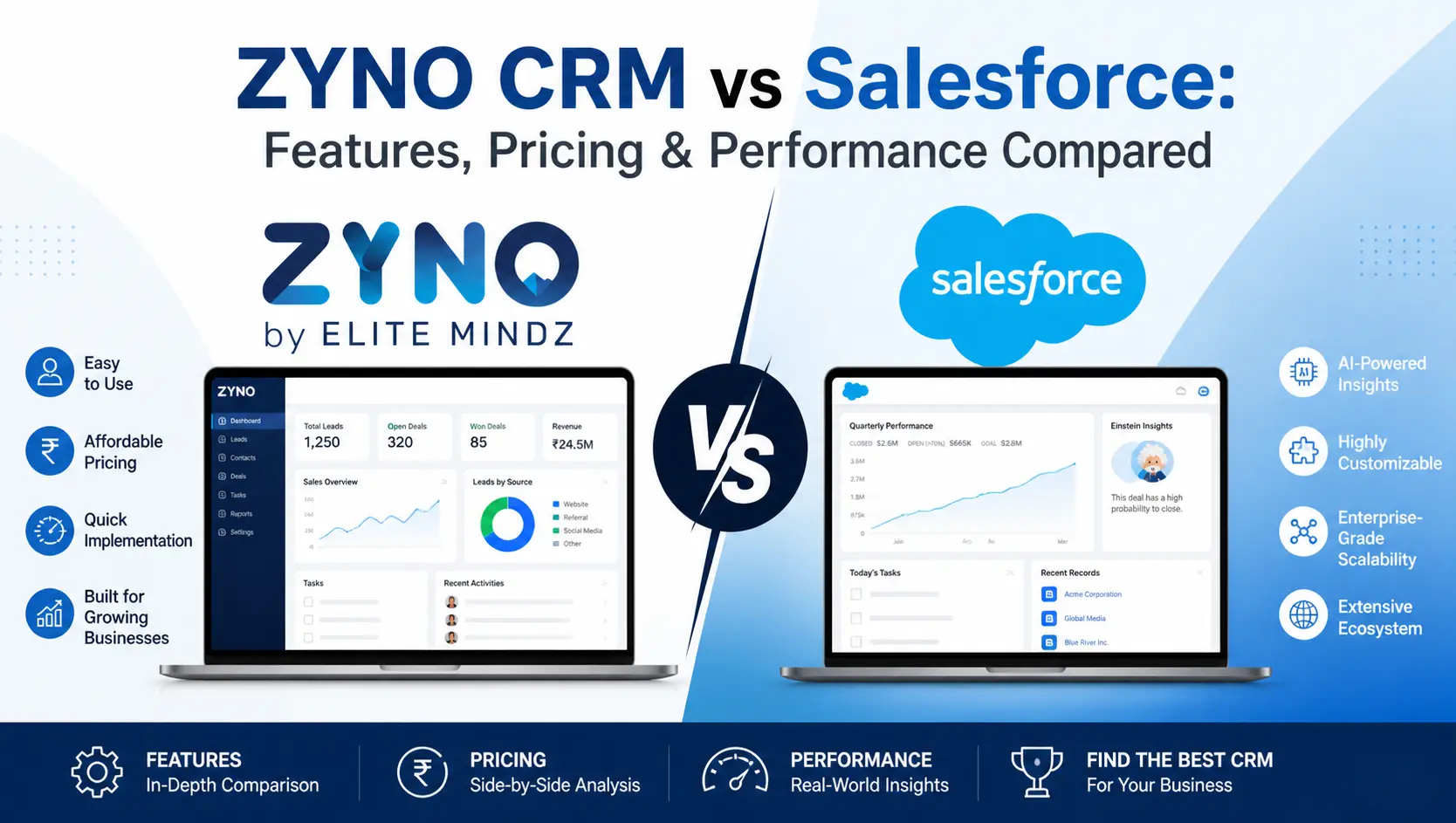
ZYNO CRM vs Salesforce: Features, Pricing & Performance Compared
Read More →
CRM Implementation Guide for Startups and SMEs
Read More →
Best CRM Templates for 2026
Read More →
Best CRM Software for Healthcare Industry in 2026
Read More →
Best Zoho Alternative CRM Software for Small Businesses in 2026
Read More →
Top 10 Affordable HubSpot Alternative CRM Software in 2026
Read More →
Top 10 CRM Software for the Banking Industry in 2026
Read More →
Best and Easy Customer Relationship Management Software in Kenya
Read More →
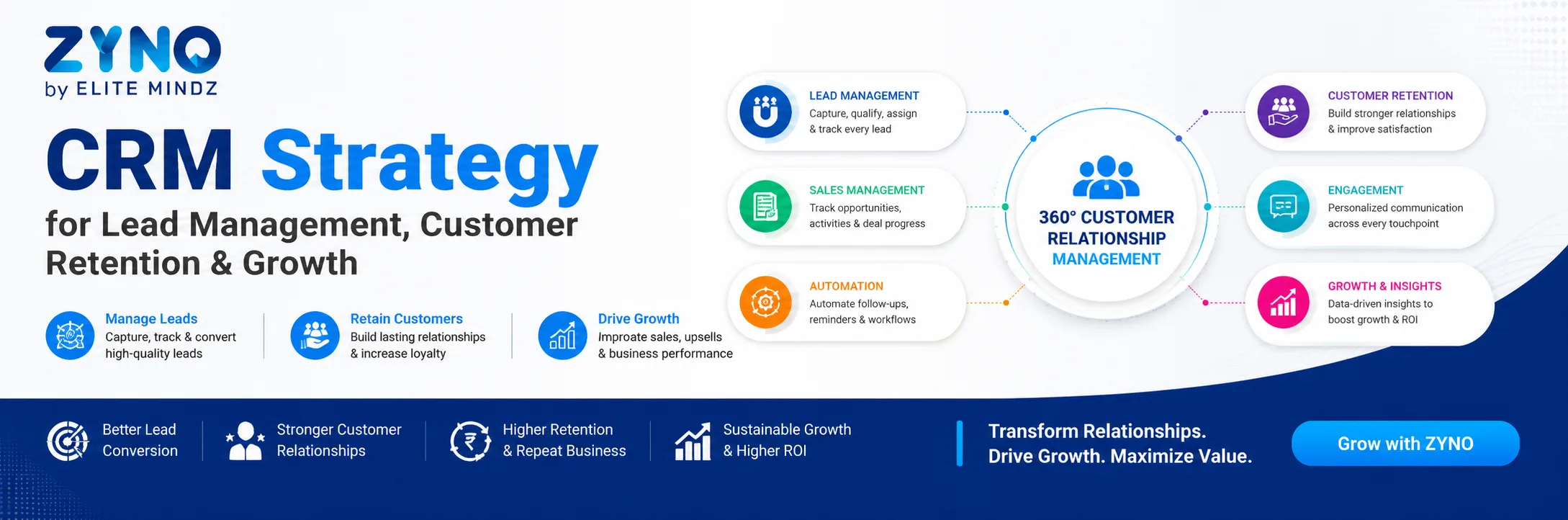
CRM Strategy for Lead Management, Customer Retention & Growth
Read More →
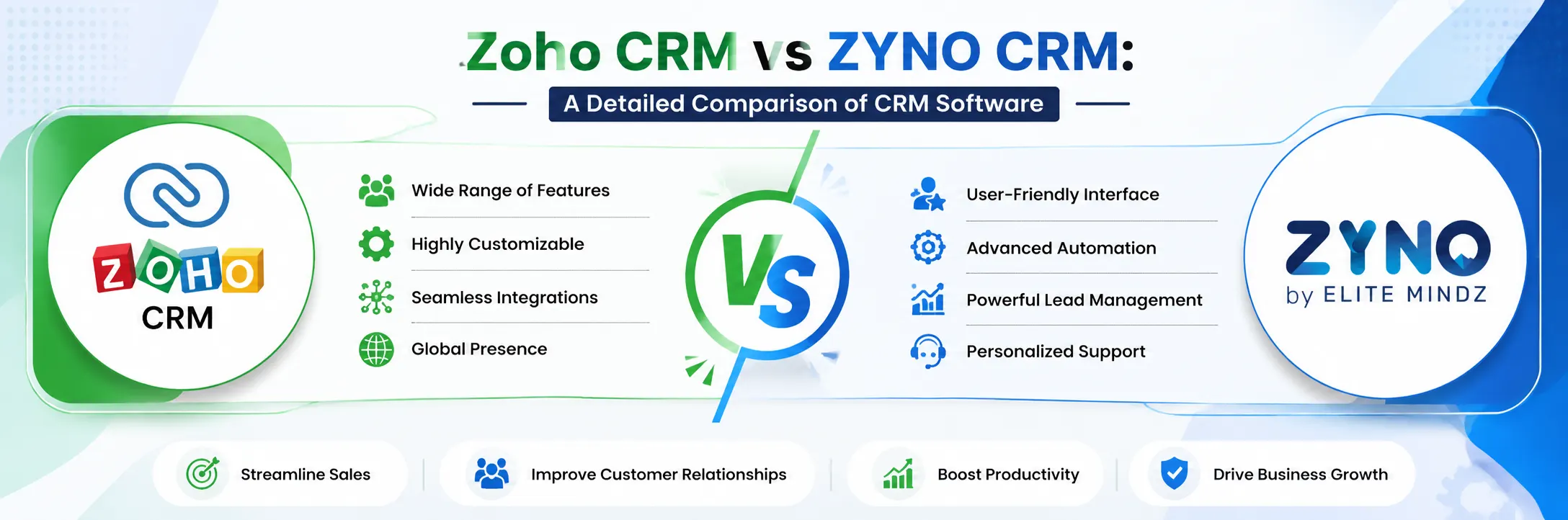
Zoho CRM vs ZYNO CRM: A Detailed Comparison of CRM Software
Read More →
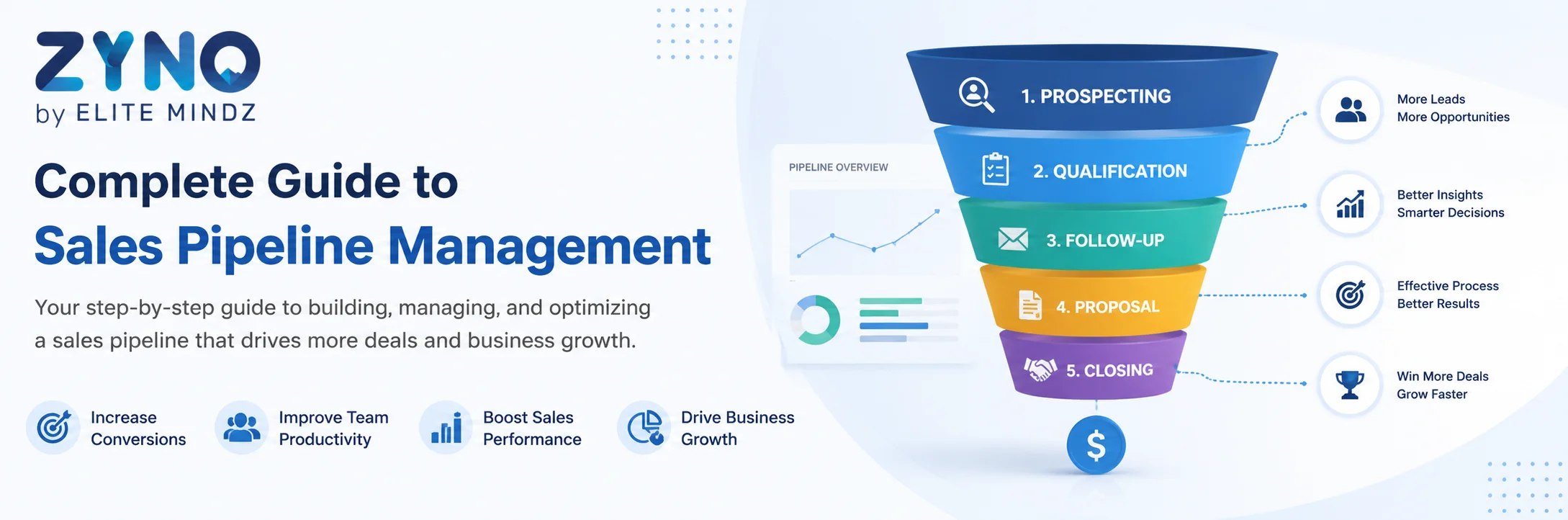
Complete Guide to Sales Pipeline Management: Strategies, Stages, and Tools
Read More →
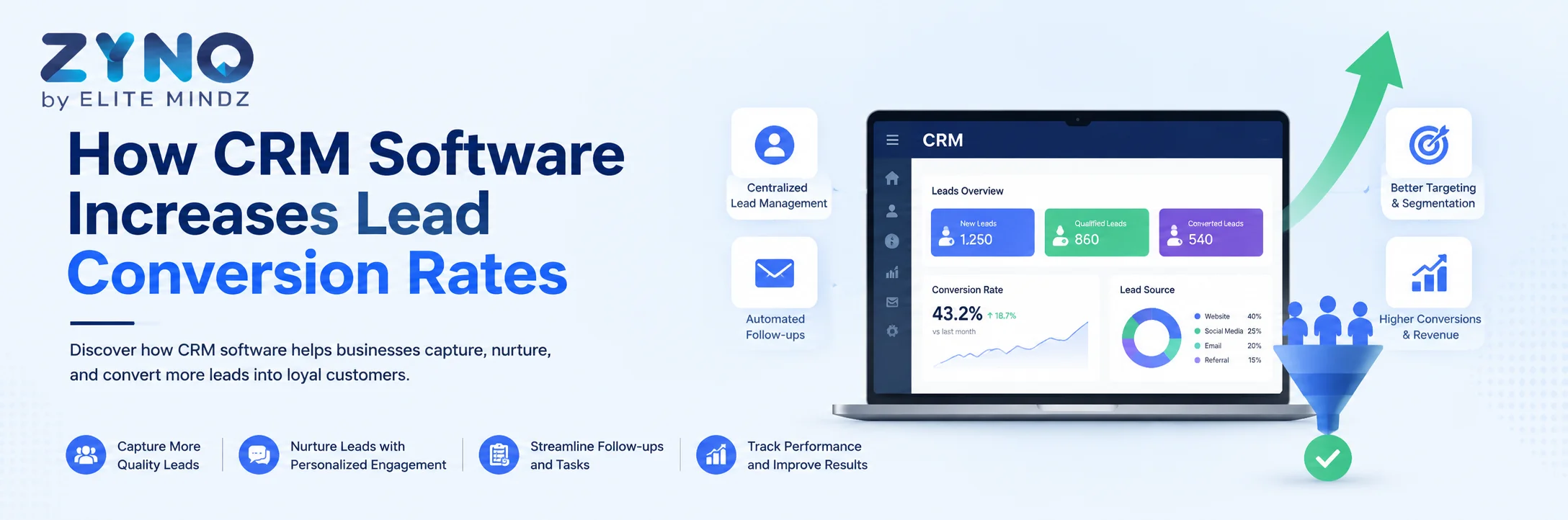
How CRM Software Increases Lead Conversion Rates
Read More →
CRM and Customer Service: A Powerful Combination
Read More →
Signs It's Time to Upgrade Your ERP or CRM System
Read More →
How the Right CRM Software Can Transform Your Sales Pipeline
Read More →
Sales Force Automation: Save Time, Close More Deals
Read More →
What Is CRM in Higher Education and How Does It Help Institutions?
Read More →
What Is the Best CRM Software for IT and Software Service Companies in Japan?
Read More →
AI-Based CRM in Kenya: Smarter Sales, Better Customer Engagement for All Businesses
Read More →
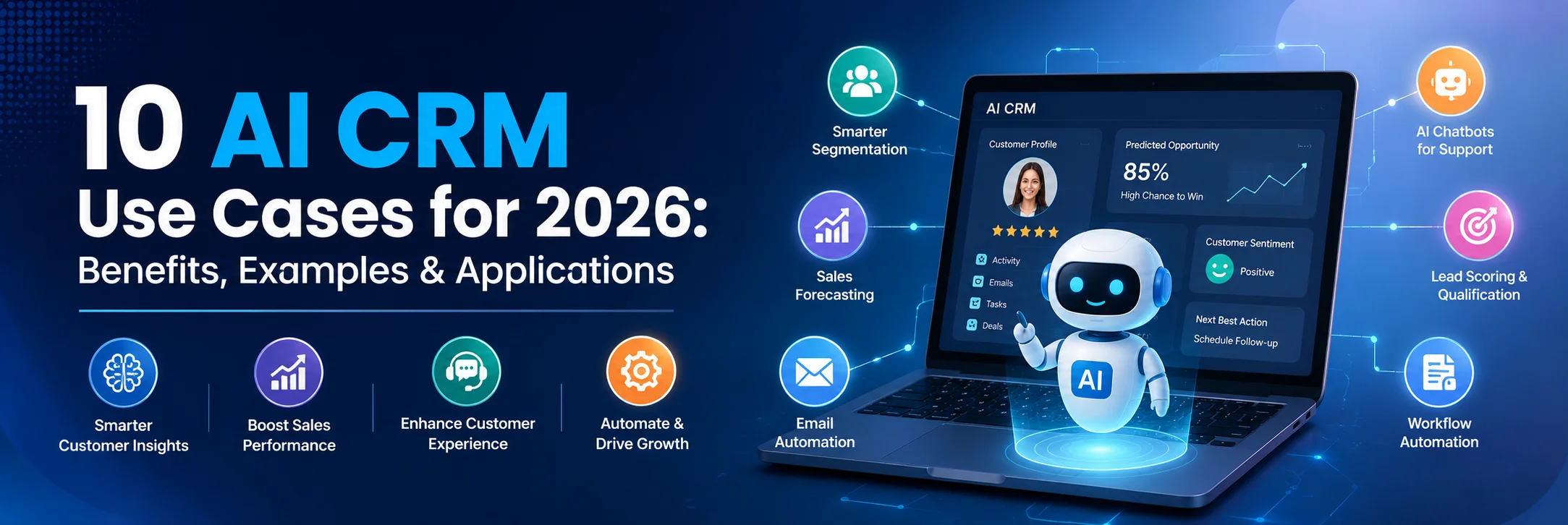
AI CRM Software in 2026: 8 Key Trends & Benefits Every Business Should Know (Updated)
Read More →
Omnichannel CRM Software India: The Complete Guide to Unified Customer Engagement (2026)
Read More →
What Is CRM (Customer Relationship Management)?
Read More →
What is Omnichannel CRM? Meaning, Benefits, and Use Cases
Read More →
What Is Sales Force Automation Software, and Why Do You Need It?
Read More →
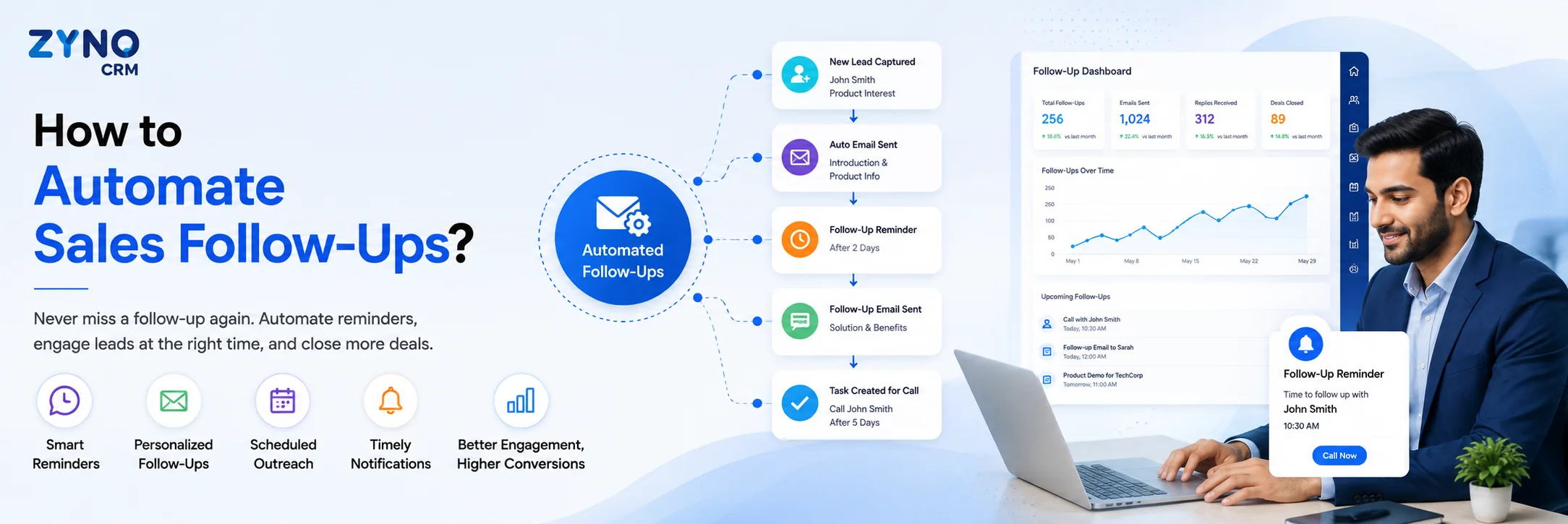
How to Automate Sales Follow-Ups? A Complete Guide to Sales Automation
Read More →Partner with ZYNO by Elite Mindz to revolutionize how your business works. Fill out the form, and we’ll reach out with AI-powered solutions made just for you.
We use browser cookies to ensure you get the best experience on our website. Learn more
The form was submitted successfully!