Top CRM Trends in 2025: What to Expect
Read More →

×
A No-Code CRM helps businesses build and customize customer relationship management systems without writing code. This 2026 guide covers the best no-code CRM builders, key benefits, essential features, and practical steps to create a CRM that fits your business needs.
Businesses using ZYNO Books cut accounting time by 70% and stay 100% ZATCA-compliant — automatically.
Ask any sales manager what slows their team down, and you will often hear the same answer: the CRM. A new pipeline stage needs a developer ticket. A reporting change takes three weeks. Reps stop updating records because the system fights them, and soon the "single source of truth" lives in a spreadsheet again.
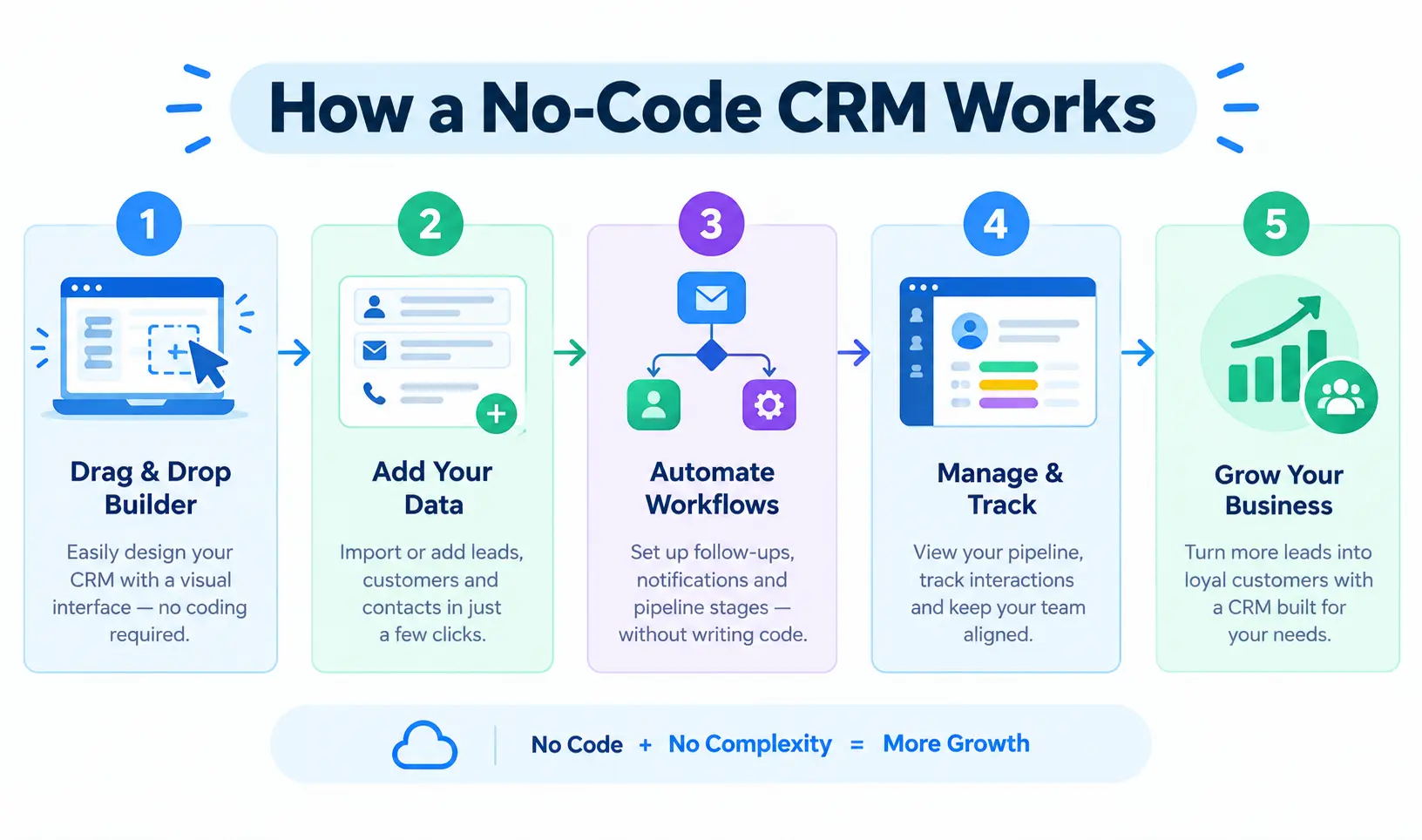
That is the gap a no-code CRM fills. Instead of waiting on IT, the people who actually run sales can build, change, and automate the system themselves, using drag-and-drop tools and, increasingly, AI co-builders that generate tables and workflows from a plain-English description.
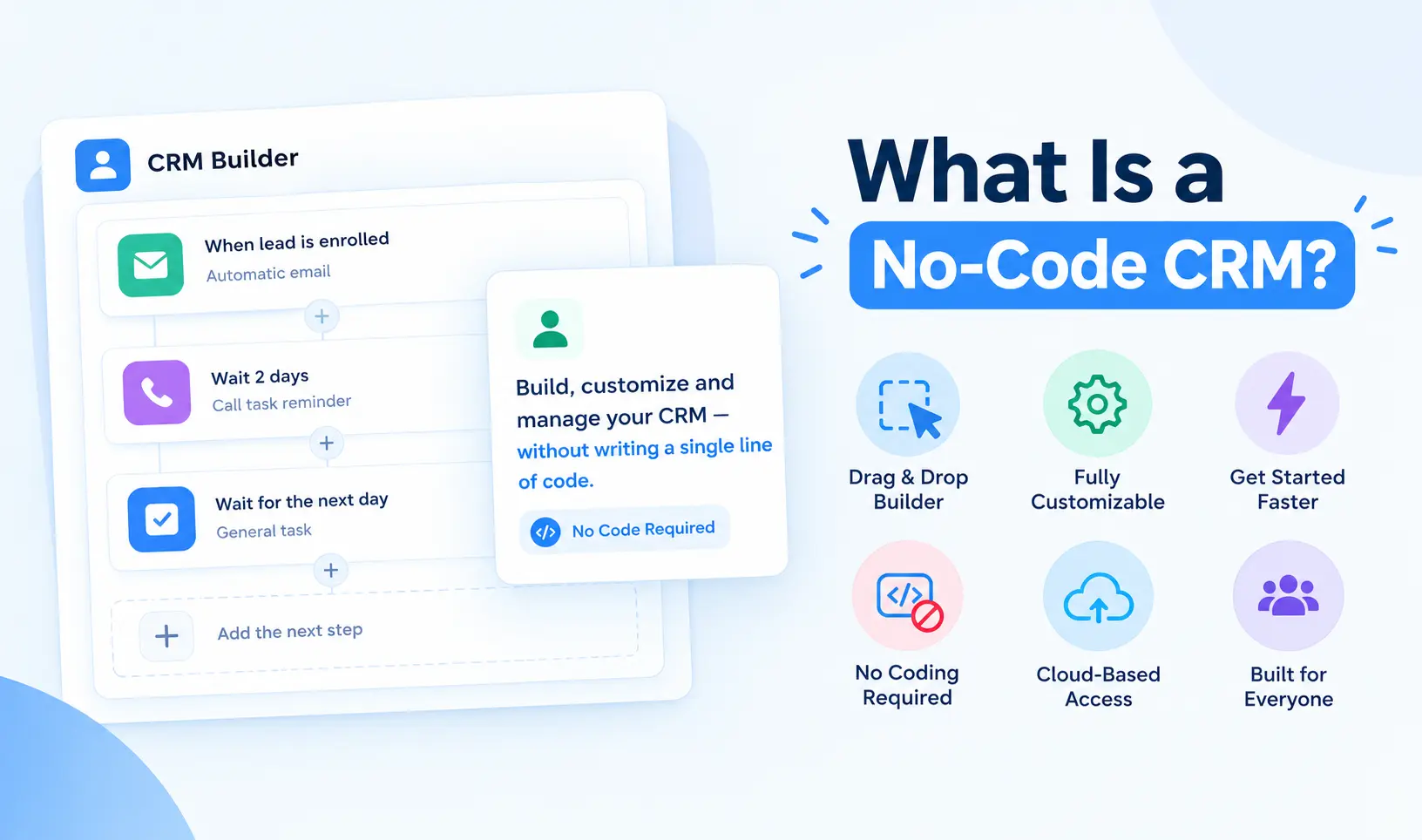
A no-code CRM is customer relationship management software that you build, customize, and scale visually, without writing code. SeaTable defines it as software for building workflows, data structures, and apps for CRM without programming. monday.com describes it as a platform where teams build, customize, and automate workflows themselves, without developer help.
You use ready-made modules, templates, and visual editors to create sales pipelines, contact management views, forms, dashboards, and workflow automation. The system adapts to your process, instead of forcing your process into a rigid template.

The terms get mixed up, so here is a simple way to separate them:
| Comparison | Traditional CRM | Low-Code CRM | No-Code CRM |
|---|---|---|---|
| Who configures it | IT teams or developers | RevOps, IT, or developers | Sales managers or RevOps teams |
| Setup time | Weeks or months | Days to weeks | Hours to days |
| Customization depth | Extensive, but often complex | High flexibility for complex requirements | High for standard sales workflows |
| Maintenance | Usually needs technical oversight | May need technical oversight | Often manageable by business users |
| Typical cost | High | Medium | Low to medium; sometimes free |
Sources: SeaTable and monday.com comparisons. monday.com adds a useful caveat: the line between no-code and low-code is blurrier than vendor messaging suggests. What matters is how much your team can build and maintain without technical help.

Most platforms follow the same building blocks.
Visual pipeline mapping. You add stages, create custom fields and reorder workflows by dragging. Views switch between Kanban, list and chart, and conditional logic can show reps only the fields that matter at each stage.
Drag-and-drop automation. Trigger-based workflows handle the repetitive work: auto-assigning leads, sending follow-up emails, routing enquiries, creating tasks when a deal advances. monday.com calls this the feature that separates real no-code from marketing.
Integrations. Native connections to Gmail, Slack, LinkedIn and similar tools, plus two-way sync with sources such as Google Sheets, Airtable, Notion and SQL databases. Softr, for example, connects to Softr Databases, Airtable, Google Sheets, Notion, HubSpot, monday.com, MySQL, PostgreSQL, Supabase and REST APIs.
AI co-builders. This is the newest layer. Softr says you can describe the app you want and it generates the interface, database and workflows, which you then refine visually. AI can also summarize past interactions, autofill fields from emails and enrich company and contact data automatically. monday.com offers a sensible warning here: check whether the AI actually automates work and improves decisions, or just generates content.
A no-code CRM reduces development time and makes customization easier for non-technical teams. Businesses can automate repetitive tasks, organize customer data, improve lead management, and adapt workflows as their requirements change, often with lower development costs.
1. Customization that matches your workflow. Tailor every field, user role, pipeline stage and dashboard layout to your exact process.
2. Speed. SeaTable puts classic CRM development at weeks or months versus days or hours for no-code. Office24by7 claims a working CRM in under an hour. Treat that last figure as a best-case vendor claim, and expect real setups to take longer once you add data migration and training.
3. Less dependence on IT. SeaTable frames this as "citizen development": employees make changes themselves instead of queuing for scarce technical specialists.
4. Cost efficiency. You can replace scattered spreadsheets, form tools and third-party connectors with one unified system. Many platforms have free tiers, and pay-as-you-go pricing means you only pay for what you use.
5. Scalability. Cloud platforms let you add users, storage and functions as you grow, without buying servers.
6. Better data and visibility. Customer data, deals, documents, appointments and support requests sit in one place, with real-time dashboards for forecasting.
7. More selling time. When the CRM adapts to reps instead of the other way around, adoption improves and data quality follows.
Office24by7's guide cites several figures, including 65% lower development costs, 80% lower maintenance costs, a $52 billion no-code market, Gartner's forecast that 70% of new enterprise apps will use low-code or no-code by 2026, and 67% of organizations using no-code. These come from a vendor page, and we could not independently verify them, so check the original research before quoting them.
A no-code CRM is ideal for businesses and teams that want to manage customer relationships without complex development or technical expertise. From small businesses to large enterprises, it helps streamline workflows, automate repetitive tasks, and improve collaboration across departments.
Small and medium businesses are the obvious fit. They often have tight budgets and no IT department, and a no-code CRM can start small and grow with them.
Large companies can benefit too. SeaTable calls the idea that no-code is only for small firms a myth. Enterprises use it for agility, though they face stricter security, governance, and compliance demands and often prefer on-premises installation for data sovereignty.
Teams outside sales also use these tools. Because platforms like SeaTable and Softr are flexible databases at heart, the same system can handle HR, projects, finance, or client portals.
The top no-code CRM builders in 2026 help businesses create customized customer relationship management systems without extensive coding. These platforms offer visual interfaces, workflow automation, lead tracking, and integrations to simplify sales operations and improve team productivity.
Building a CRM without code starts with choosing the right tools and workflows. Explore ZYNO CRM to discover lead management, sales automation, customizable workflows, and analytics that can help your team manage customer relationships more efficiently.
Explore ZYNO CRM → Contact UsZYNO CRM is an AI-powered CRM from Elite Mindz. According to its customization page, teams can tailor fields, workflows, and dashboards "without writing a single line of code," which puts it in the no-code CRM category for everyday configuration.
Key features, as described on ZYNO's own pages:
Pricing is quote-based, and its listings mention a free trial (7 or 14 days, depending on the listing). Contact the Elite Mindz team for a figure matched to your team size.
Watch for: ZYNO's pages do not say who can make configuration changes, whether there are limits on fields, modules, or workflows, or how accurate its AI predictions are, and it has few public user reviews so far. Ask for a demo and test your own pipeline before you decide.
Softr is an AI-powered no-code app builder that connects to existing data sources or its own databases. You can build custom sales pipelines, client portals and contact management views, starting from pre-made CRM templates or from a plain-English description.
Key features:
SeaTable's comparison lists a free tier of up to 10 users and 5,000 records, with extended features such as Kanban and calendar at roughly $49 to $139 per month and SQL connections at $269 per month. Softr's own page lists no prices, so confirm current plans.
Watch for: it is a general app builder, not a purpose-built CRM, so you design more yourself.
SeaTable is a spreadsheet-style relational database platform that lets teams build customized CRM systems from ready-made modules. It combines data management, an app builder, and AI automation and covers customer management, sales, support, quotes, and products.
Its CRM template includes lead and customer management, a Kanban sales pipeline, an appointment overview, document generation for quotations and invoices, email automation and dashboards.
Pricing, per SeaTable: a free plan for up to 25 users and 10,000 rows, with paid upgrades from about 7 to 14 euros per user per month. SeaTable Cloud is hosted in German data centers, and a server edition supports on-premises installation.
Watch for: SeaTable's article is a vendor comparison that ranks SeaTable favorably, so read its "best" and "most affordable" claims with that in mind.
Monday CRM is built on Monday.com's visual work platform. It offers a visual pipeline builder with Kanban, list, timeline and chart views, no-code trigger-based automations, custom fields and intake forms, and native integrations with Gmail, Slack, LinkedIn and Zoom. Its AI layer includes smart autofill, timeline summaries, email drafting and an assistant that answers questions about pipeline health.
Pricing is seat-based with a three-seat minimum. The Pro plan includes unlimited contacts and deals, 75 columns per board and 25,000 custom automations per month, and AI features run on credits. Check the current pricing page for exact rates.
Watch for: teams that mainly want CRM sometimes find it more of a work-management tool with a CRM layer.
Office24by7 positions its no-code CRM platform as a way to set up a CRM "without IT." Its page describes a drag-and-drop form and workflow builder, industry templates (real estate, education, and services), real-time dashboards, and a mobile CRM.
What stands out for Indian teams is the communication layer: WhatsApp, SMS, email, voice, click-to-call, IVR and missed-call lead capture, plus consent management for India's DPDPA, regional language support and AI lead scoring. The page also claims WhatsApp messages cost about ₹0.88 each versus ₹15 to ₹25 for SMS, which is a vendor figure worth verifying.
No pricing is published. You can start with a free trial or demo request.
Several other platforms offer useful no-code CRM capabilities, from flexible database builders to enterprise-level workflow automation. Here are some options to consider, along with their key features and indicative starting prices. Pricing and feature availability may vary by plan and billing cycle.
| Platform | Best For | Starting Price (As Published) | Free Option |
|---|---|---|---|
| ZYNO CRM | Customizable, AI-driven sales automation | Quote-based | Free trial (as listed) |
| Softr | AI-built apps and portals | Check vendor | Yes |
| SeaTable | Flexible database CRM and data control | Approximately €7–€14/user/month | Yes |
| monday CRM | Visual workflows | Seat-based; check vendor | Check vendor |
| Office24by7 | Indian multichannel sales | Not published | Free trial |
| Airtable | Custom CRM built on a database | $20/user/month | Yes |
| Zoho CRM | Automation on a budget | Check vendor | Up to 3 users |
| HubSpot | CRM plus marketing | Free tier available | Yes |
| Pipedrive | Simple sales pipelines | $14/seat/month | Trial |
| Salesforce | Enterprise customization | $25/user/month | Up to 2 users (plan-dependent) |
| noCRM | Lightweight lead tracking | $13/user/month | Check vendor |
Prices come from the vendor pages above, reflect different dates and currencies, and change often. Always confirm on the vendor's own pricing page.
Building a no-code CRM starts with identifying your sales process, customer data requirements, and essential features. Next, select a suitable platform, create contact and lead databases, configure automated workflows, build dashboards, and test the system before rolling it out to your team.
Step 1: Define your data structure. List your processes (lead capture, sales, support) and your tables: contacts, companies, products, deals and activities.
Step 2: Link related records. Connect companies to contacts and deals, so a lead becomes a contact once they sign.
Step 3: Set up automations. Start with lead assignment, follow-up emails, appointment reminders and quote generation.
Step 4: Connect communication channels. Add email, WhatsApp, SMS or telephony so conversations are logged automatically.
Step 5: Build the interface. Create Kanban pipelines, forms and dashboards for each role.
Step 6: Go mobile. Make sure field reps can update records from their phones.
Step 7: Test, train and refine. Give a small group a prototype, collect feedback and adjust before rolling out to everyone.
SeaTable draws a useful distinction. Cloud hosting uses a provider's data centers and scales easily. On-premises runs on your own servers and gives you full data sovereignty, but costs more to run and loses some scalability.
If you handle customer data in Europe or India, check where the data is stored, who can access it and how consent is managed. SeaTable highlights GDPR and hosting location, and Office24by7 highlights consent management for India's DPDPA. Ask each vendor for their data-processing terms in writing.
No-code is powerful, but it is not magic. Be realistic about these points:
Choosing the right no-code CRM software depends on your business size, budget, customization needs, and existing tools. Compare ease of use, automation capabilities, integrations, reporting, scalability, and data security to find a platform that supports your current sales process and future growth.
Whether you're planning a no-code CRM or improving an existing sales process, the right platform can help organize leads and reduce repetitive work. Discover how ZYNO CRM can support your sales workflow, and connect with our team to discuss your business requirements.
Discover ZYNO CRM → Talk to Our Team
A CRM you build and customize with visual tools instead of code, so sales and operations teams can change it without developers.
Is a no-code CRM really code-free?
For standard sales processes, yes. For unusual logic, some platforms need technical help, which is where low-code begins.
Can small businesses use no-code CRMs?
Yes. Small teams rarely have IT staff, and many platforms offer free tiers and templates.
How much does a no-code CRM cost?
Free tiers exist. monday.com notes many plans start around $10 to $30 per user per month, and enterprise plans can exceed $100. Add onboarding, add-ons, and maintenance to the total.
Is a no-code CRM secure?
It can be, but check encryption, role-based access, certifications, and where your data is hosted.
Can no-code CRMs handle complex pipelines?
Many support multi-stage pipelines, conditional logic, and multiple pipelines. Test your most complex workflow in a trial.
What is the difference between no-code and low-code CRM?
No-code needs no programming. Low-code lets you add custom code for harder cases.
A no-code CRM puts control back in the hands of the people who run sales. You get a system that fits your process, changes in minutes instead of weeks, and grows with you, without a large IT bill.
The smart way to start is small. Pick two or three platforms, build one real pipeline in each with your own data, and see which one your team actually enjoys using. The best no-code CRM is the one your reps update every day.
Best CRM Tools for Smarter Lead Management and Sales Automation
Benefits of CRM Software for Small Business
How CRM Software Increases Lead Conversion Rates
Top CRM Trends in 2025: What to Expect
Read More →
How to Choose the Best CRM Software in 2025
Read More →
Top CRM Software Solutions for Indian Businesses in 2025
Read More →
Best CRM Software for Small Businesses in Nigeria (2025)
Read More →
Best CRM Software for B2B Sales Teams in India (2025)
Read More →
Top CRM Providers in the UK (2025): A Deep Dive for Buyers
Read More →
Top 10 CRM Solutions for Growing Business in U.K (2025)
Read More →
Best CRM Software Providers in Germany (2026 Update)
Read More →
Best CRM Providers in Qatar (2025): Why ZYNO CRM Leads the Pack
Read More →
Best CRM Software Providers in Saudi Arabia (2025 Guide)
Read More →
Top US CRM Software Providers to Watch in 2025: Innovation Meets Scalability
Read More →
Top 10 CRM Providers in Japan Offering AI-Powered Solutions for Businesses
Read More →
Top CRM Solutions in the USA 2025: Boost Customer Engagement and Drive Sales Growth
Read More →
Best CRM Software Providers in Italy to Transform Customer Engagement (2025)
Read More →
Best CRM Software for European Countries (2025) A Complete Guide with ZYNO CRM
Read More →
Best CRM Tool for Smarter Lead Management and Sales Automation
Read More →
Best CRM Software in Dubai, UAE 2026 ZYNO CRM
Read More →Best CRM Software in India- ZYNO CRM
Read More →CRM Software Development Services to Boost Sales and Productivity
Read More →
Benefits of CRM Software for Small Business: The Complete 2026 Guide
Read More →Best CRM Software in India for Small and Large Businesses
Read More →
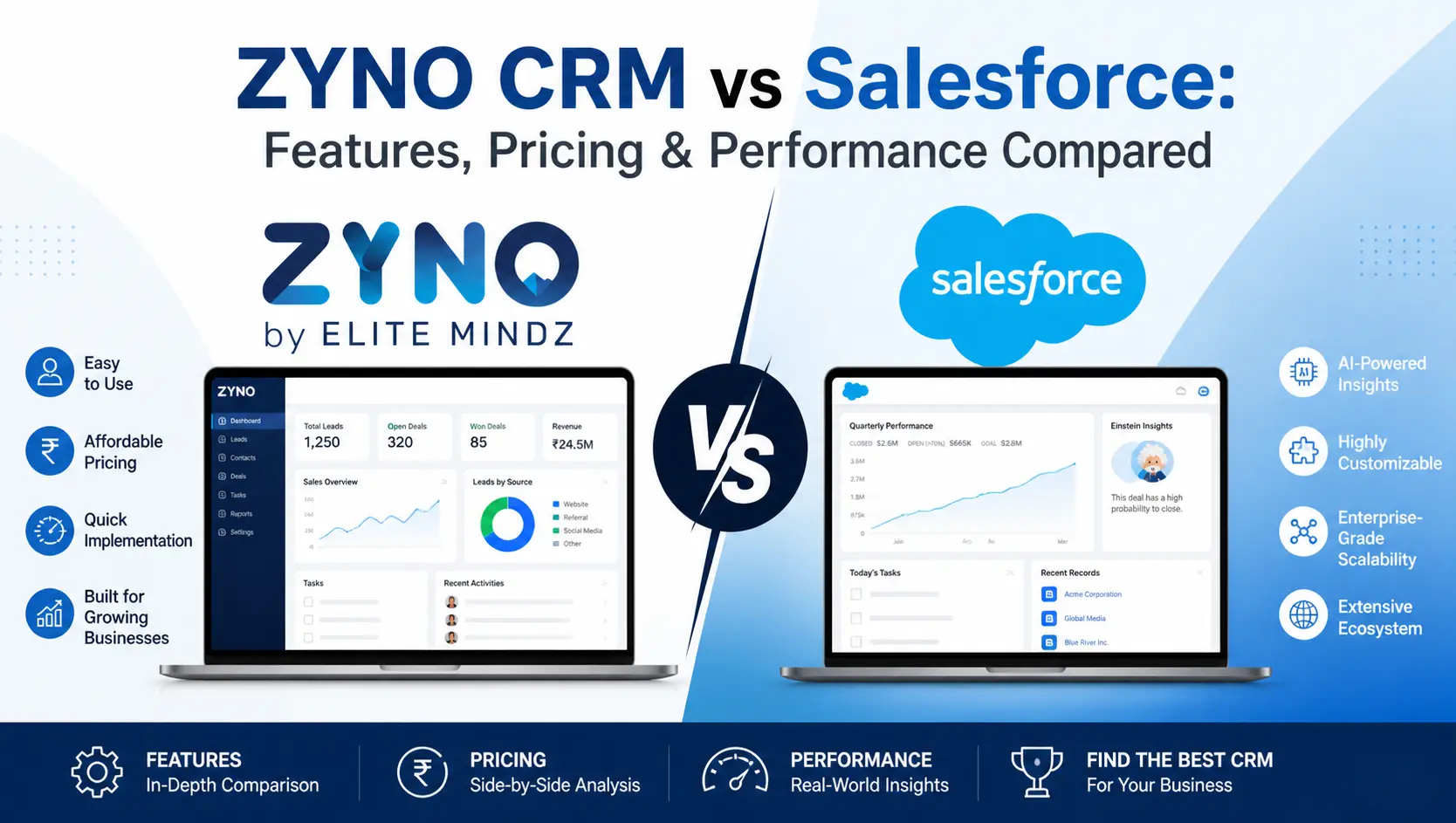
ZYNO CRM vs Salesforce: Features, Pricing & Performance Compared
Read More →
CRM Implementation Guide for Startups and SMEs
Read More →
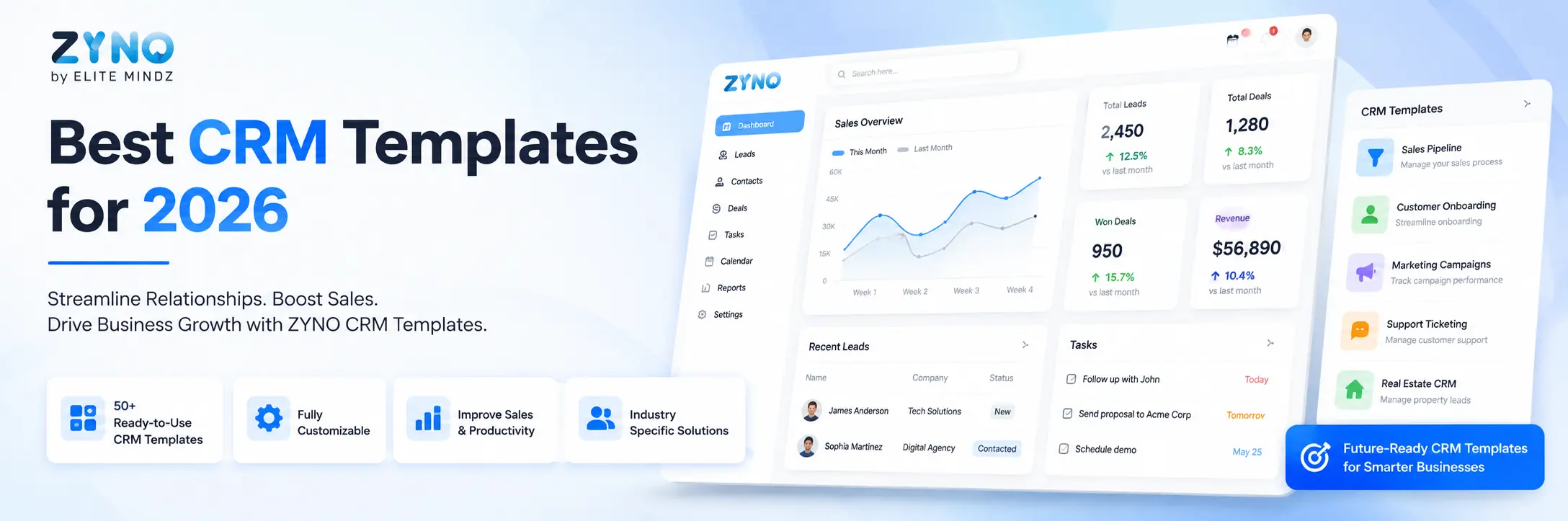
Best CRM Templates for 2026
Read More →
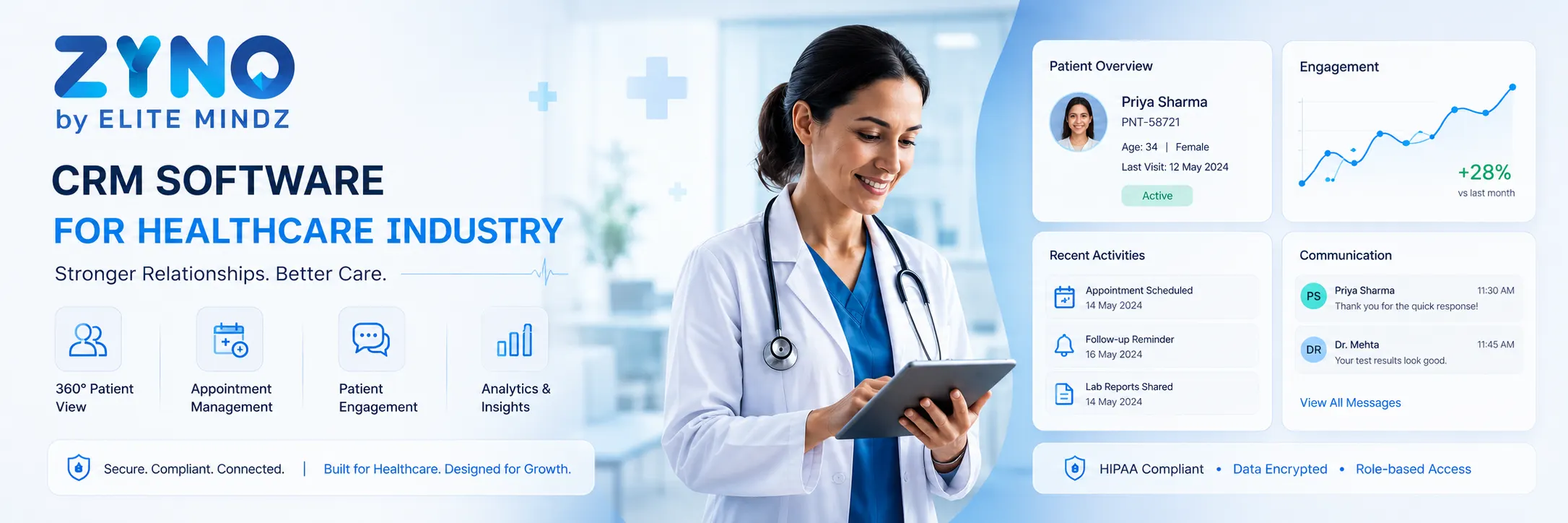
Best CRM Software for Healthcare Industry in 2026
Read More →
Best Zoho Alternative CRM Software for Small Businesses in 2026
Read More →
Top 10 Affordable HubSpot Alternative CRM Software in 2026
Read More →
Top 11 CRM Software for the Banking Industry in 2026
Read More →
Best and Easy Customer Relationship Management Software in Kenya
Read More →
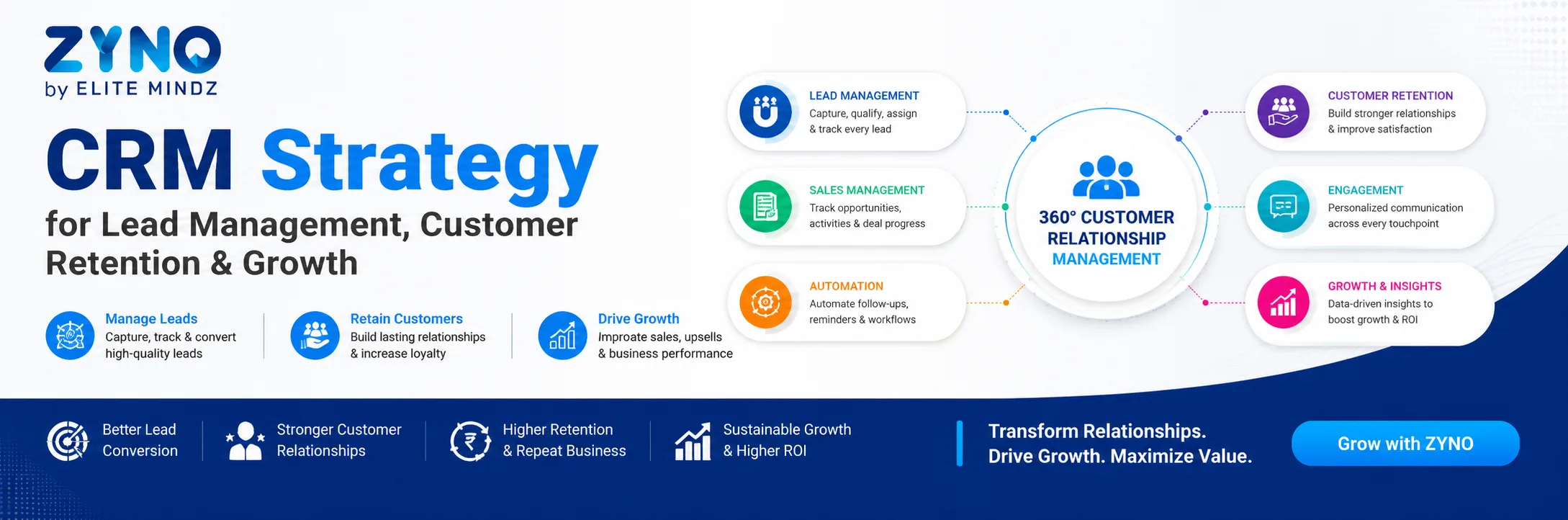
CRM Strategy for Lead Management, Customer Retention & Growth
Read More →
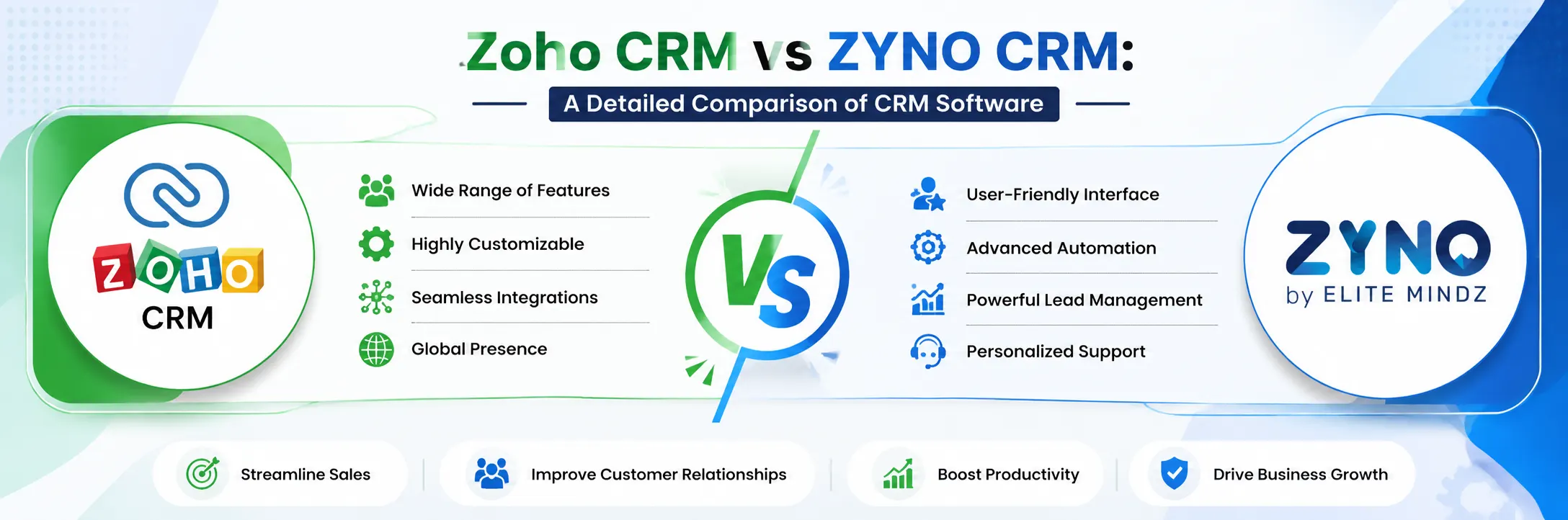
Zoho CRM vs ZYNO CRM: A Detailed Comparison of CRM Software
Read More →
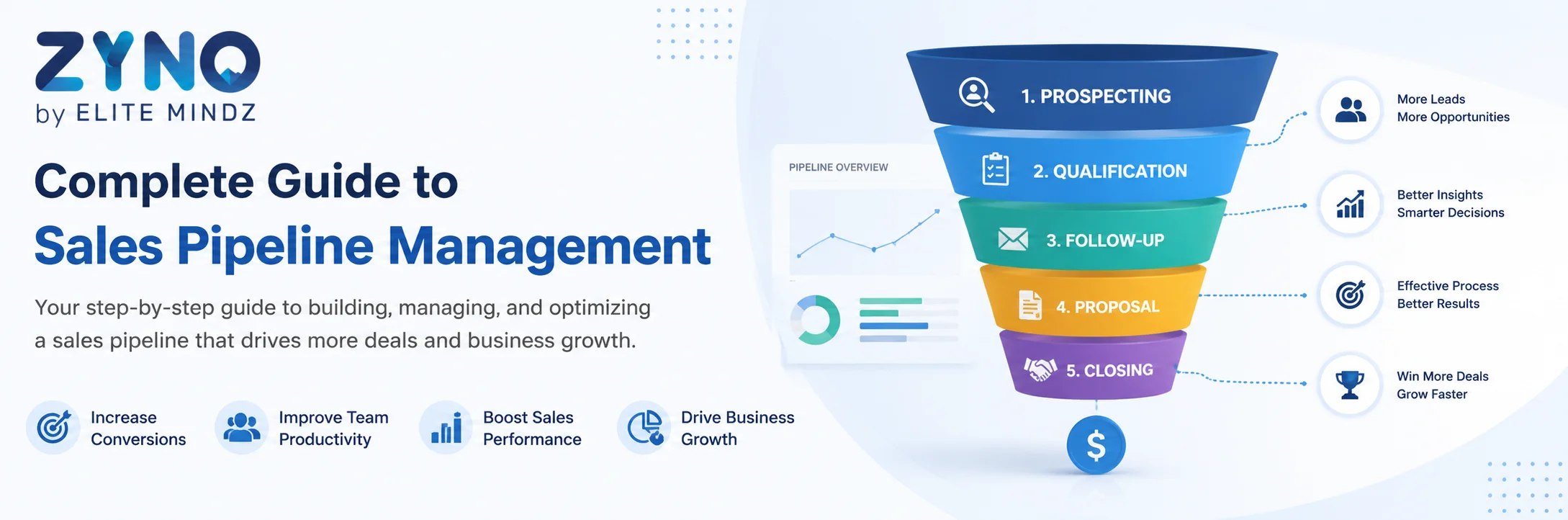
Complete Guide to Sales Pipeline Management: Strategies, Stages, and Tools
Read More →
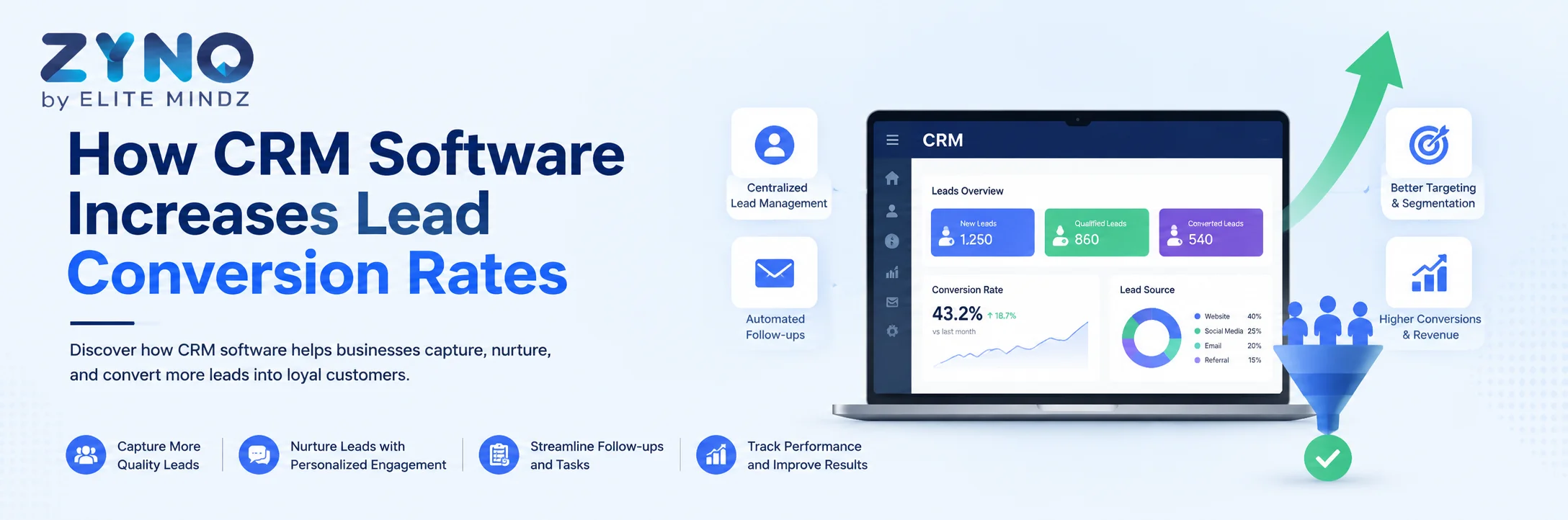
How CRM Software Increases Lead Conversion Rates
Read More →
CRM and Customer Service: A Powerful Combination
Read More →
Signs It's Time to Upgrade Your ERP or CRM System
Read More →
How the Right CRM Software Can Transform Your Sales Pipeline
Read More →
Sales Force Automation: Save Time, Close More Deals
Read More →
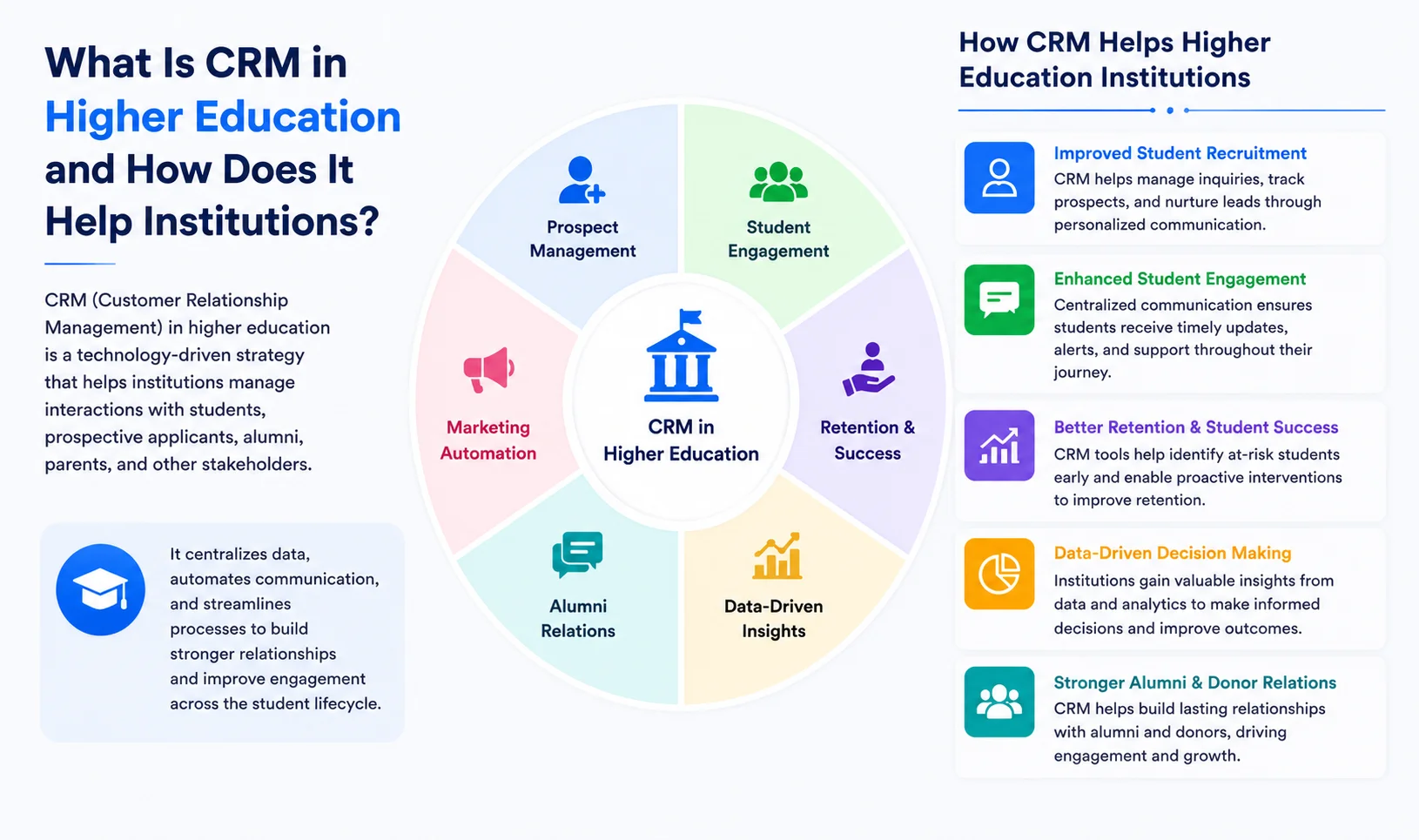
What Is CRM in Higher Education and How Does It Help Institutions?
Read More →
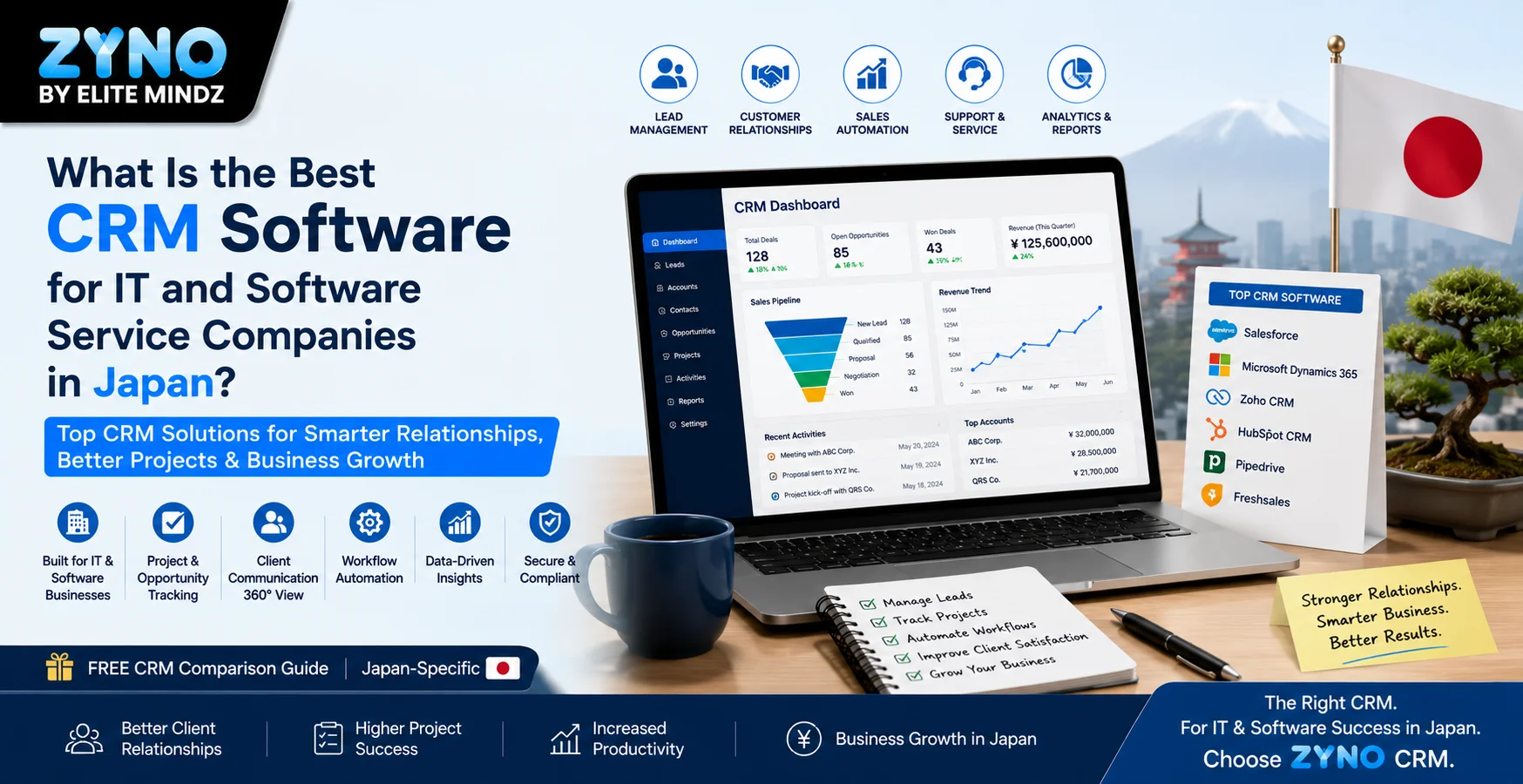
What Is the Best CRM Software for IT and Software Service Companies in Japan?
Read More →
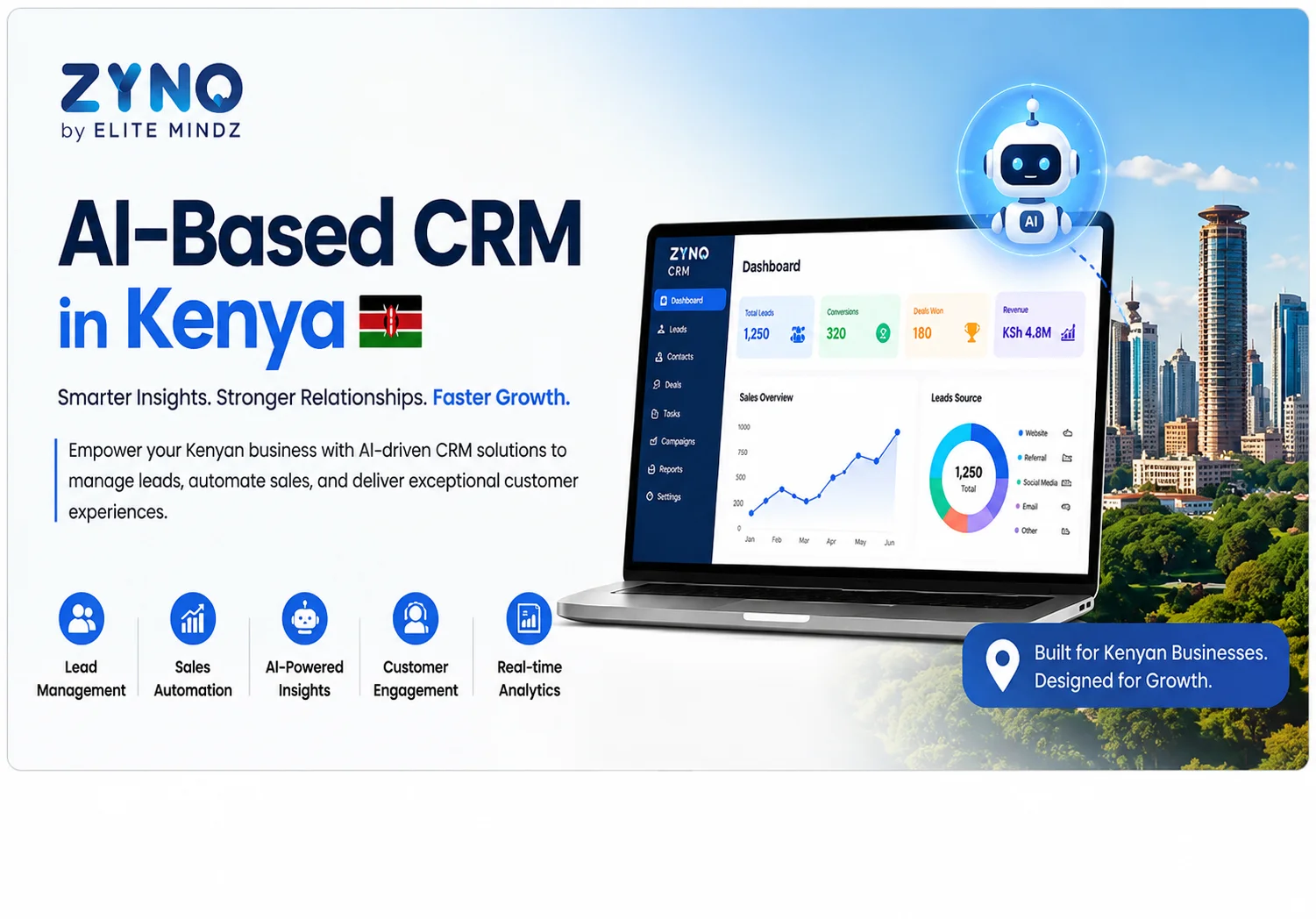
AI-Based CRM in Kenya: Smarter Sales, Better Customer Engagement for All Businesses
Read More →
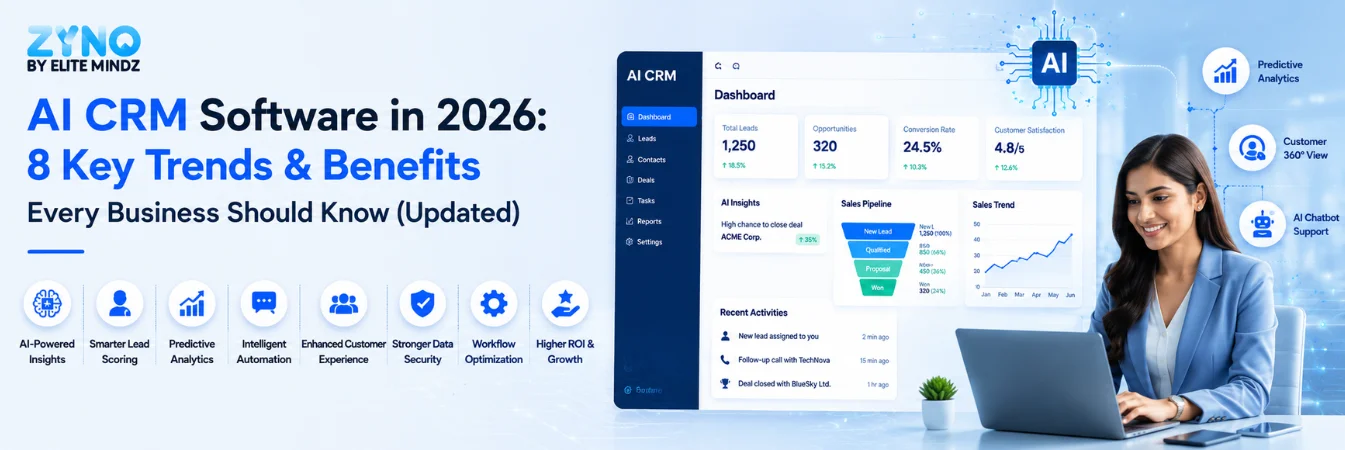
AI CRM Software in 2026: 8 Key Trends & Benefits Every Business Should Know (Updated)
Read More →
Omnichannel CRM Software India: The Complete Guide to Unified Customer Engagement (2026)
Read More →
What Is CRM (Customer Relationship Management)?
Read More →
What is Omnichannel CRM? Meaning, Benefits, and Use Cases
Read More →
What Is Sales Force Automation Software, and Why Do You Need It?
Read More →
How to Automate Sales Follow-Ups? A Complete Guide to Sales Automation
Read More →
10 AI CRM Use Cases for 2026: Benefits, Examples & Applications
Read More →
Best CRM Software in Kenya for Small Businesses in 2026
Read More →
20 Best CRM Software in Japan (2026): Features, Pricing & Comparison
Read More →
Top 20 Sales Enablement Tools: The Ultimate Guide for Sales Teams
Read More →
Customer Journey Orchestration: The Definitive Guide to Personalized Customer Experiences
Read More →
Best Mobile CRM Apps 2026: Top 10 Compared, Ranked, and Priced
Read More →
CRM Migration: A Step-by-Step Guide to a Smooth Transition [With Best Practices]
Read More →
Best CRM for Lead Management in 2026: Compare Lead Tracking & Automation
Read More →
How to Analyze and Fix CRM Data Gaps: 10-Step Framework
Read More →
Cloud Based CRM Software: Features, Benefits & Top Solutions in 2026
Read More →
10 Best Conversation Intelligence Software Options for Sales Teams [2026]
Read More →
8 Best CRM Software for Real Estate Teams in India That Automate Follow-Ups (2026)
Read More →
How Prompt-Based CRM Helps Indian Businesses Automate Lead Management and Close More Sales
Read More →
Best 15 Journey Orchestration Platforms for Personalized Customer Experiences in 2026
Read More →
10 Best WhatsApp CRM Software in India for Lead Tracking and Follow-Ups
Read More →
Top 10 CRM Software in UK for Small Businesses and Growing Teams
Read More →
Best CRM Software for Insurance Agents in India: Top Tools to Compare in 2026
Read More →
ZYNO CRM Alternatives: 10 Best Tools to Consider in 2026
Read More →
No-Code CRM: The Complete 2026 Guide to Building Your Own CRM Without Writing Code
Read More →Partner with ZYNO by Elite Mindz to revolutionize how your business works. Fill out the form, and we’ll reach out with AI-powered solutions made just for you.
We use browser cookies to ensure you get the best experience on our website. Learn more
The form was submitted successfully!