The Ultimate Guide to Managing Your Business with ZYNO Books
Read More →

×
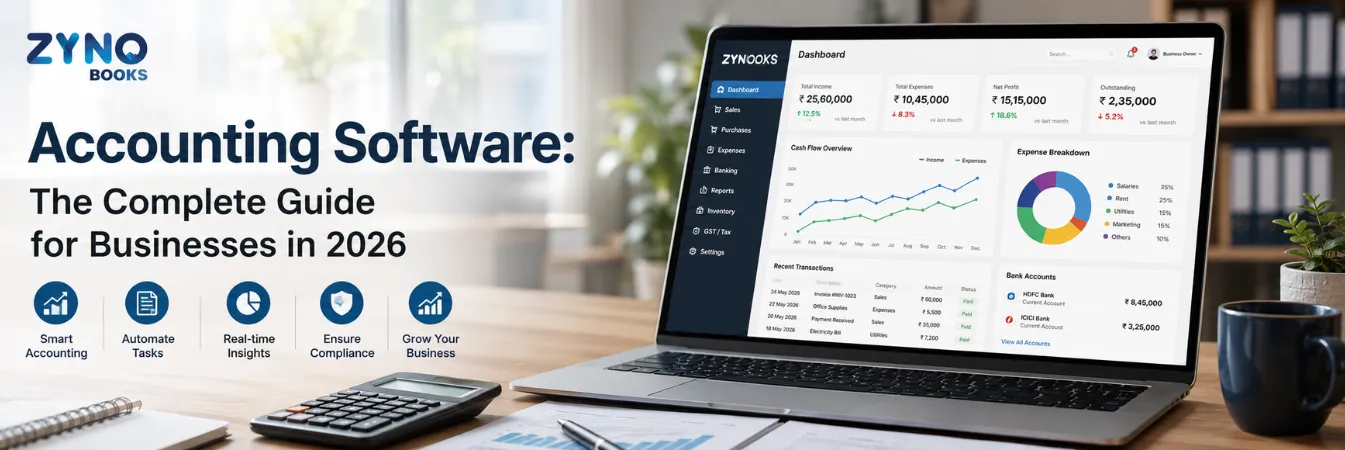
Accounting software is a digital system that records, organizes, and reports a business's financial transactions sales, purchases, expenses, payroll, and bank activity in place of manual ledgers or spreadsheets. It automates double-entry bookkeeping, updating your general ledger with every transaction and generating financial statements like profit and loss, balance sheet, and cash flow automatically.
Businesses using ZYNO Books cut accounting time by 70% and stay 100% ZATCA-compliant — automatically.
Every business runs on the same basic engine. Money comes in. Money goes out. Someone has to record both correctly. Accounting software is the tool that does this job. It replaces manual ledgers and spreadsheets, and it keeps your records ready for audits, loans, and tax filing.
"Accounting software" means other things to other people. A solo consultant just wants to turn a receipt photo into an expense entry. A 50-person distribution company wants inventory tracking, GST-ready billing, and a live dashboard. A chartered accountant handling many clients wants fast matching and error-free filing.
This guide covers what Accounting Software is. It covers why it matters more in 2026. It covers the types available and the features worth paying for. It also gives you a simple framework. Use it to choose the right accounting software for your business. This works whether you run a small shop or a growing company.
Accounting software is a digital system. It records, organizes, and reports your business's financial transactions. This covers sales, purchases, expenses, payroll, and bank activity. It replaces manual ledgers and spreadsheets.
At its core, accounting software automates double-entry bookkeeping. Every transaction updates your general ledger. The software then builds your financial statements from that data. This covers your profit and loss report, balance sheet, and cash flow report. You do not need to compile these by hand.
Modern accounting software does more than basic bookkeeping. It often has billing, bank matching, expense tracking, inventory management, payroll, and tax rules. All these parts connect to each other. One transaction, like a customer payment, updates every linked record on its own.
Manual bookkeeping was always risky. Small errors were easy to miss. Today, that risk costs more. The tax office expects real-time, accurate data. India's GST system needs monthly returns like GSTR-1 and GSTR-3B. Businesses above certain turnover limits must also generate e-invoices. Every invoice must match vendor filings for input tax credit. One mismatched invoice can delay your ITC or trigger a notice.
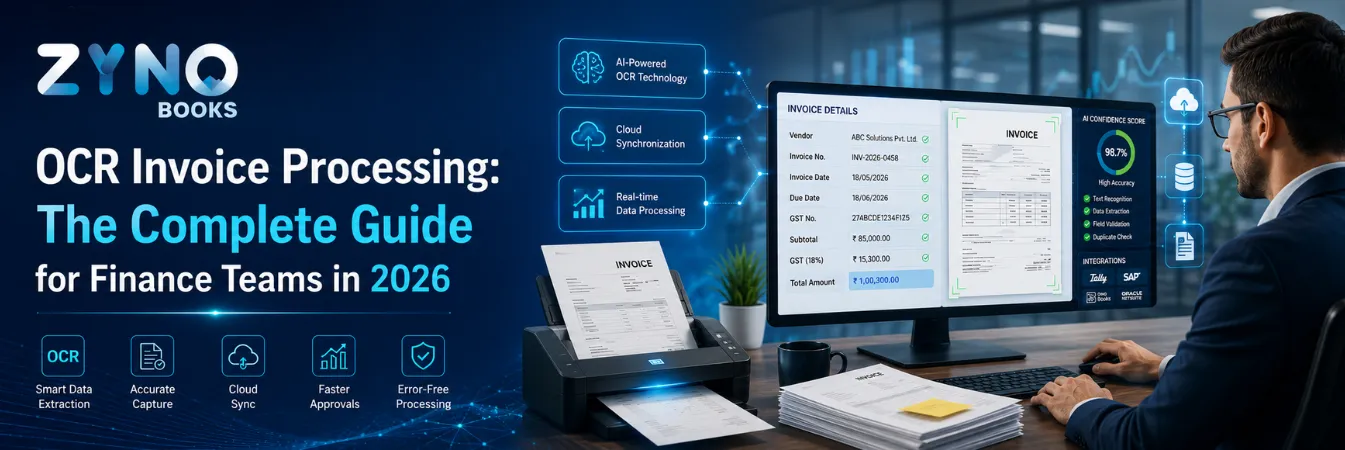
At the same time, accounting software has become smarter. AI-powered OCR now reads a scanned invoice. It pulls out the vendor name, GST number, amount, and line items. No manual typing is needed. The bank feeds auto-match transactions too. You no longer need to tick off each line by hand.
For firms still working manually, the hidden cost adds up fast. Every invoice processed by hand takes staff time. Every manual entry adds error risk. These small costs multiply over hundreds of transactions each month.
Businesses that switch to accounting software gain more than speed. They get real-time visibility into cash flow. They catch mismatches before they become fines. Their accountant, whether in-house or outsourced, spends less time on data entry and more time on real analysis.
Manual work has a real price tag. Processing one invoice by hand often costs between ₹250 and ₹400. This covers staff time and error correction. Multiply that by a few hundred invoices a month. The number adds up fast.
The bigger cost is often hidden. A mismatched GSTR-2B entry can delay your input tax credit. A missed payment reminder can stretch a receivable by weeks. A balance sheet built from an old spreadsheet may not reflect today's numbers.
None of these show up as one clear expense. Together, these small costs explain a lot. Businesses that switch to accounting software often save real time within a few months. The software is not magic. It simply removes the manual steps that used to eat into every transaction.
Not all accounting software works the same way. The differences matter more than most buyers expect.
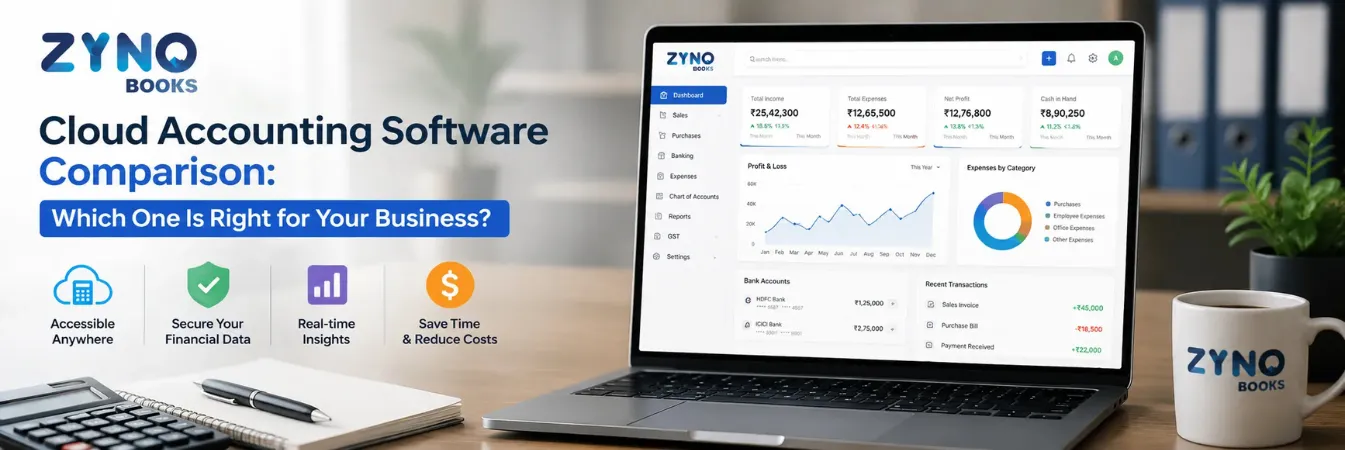
Cloud-based accounting software runs on the vendor's servers. You access it through a browser or app. Your data syncs in real time. Multiple people, including your external accountant, can work in it at once. changes roll out without any manual work. This is the most common choice for new setups in 2026. For a full breakdown of leading cloud platforms, see this cloud accounting software comparison.
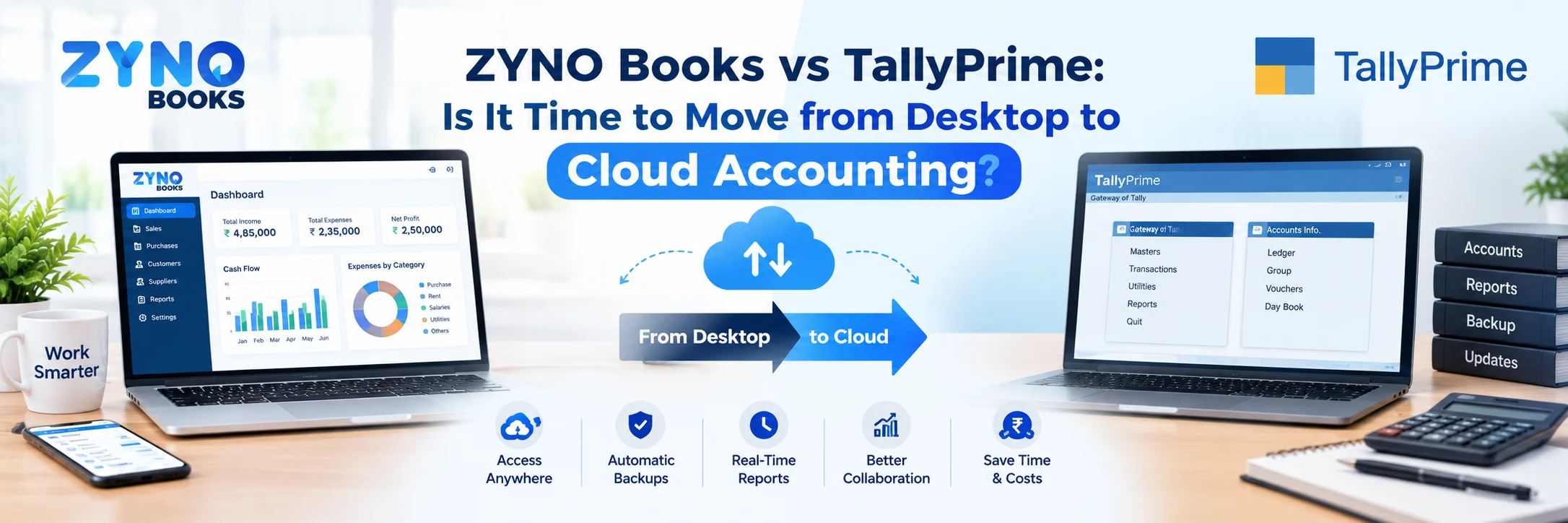
Desktop accounting software installs on your computer or local server. It does not need internet access to run. This still matters for firms with weak internet access. Many accountants trained on older systems also prefer this familiar setup. The trade-off is limited remote access. You also manage your own backups.
Hybrid systems mix a local core with optional cloud sync. This suits firms that want offline reliability. They still need to share data with a remote accountant or another branch.
Your choice here shapes how your team works. It affects backups, cost over time, and how well the system grows with you. For the full comparison, read this guide on cloud accounting software vs desktop accounting software. It covers cost and security too.
| Factor | Cloud | Desktop | Hybrid |
|---|---|---|---|
| Access | Any device, anywhere with internet | Single machine or local network only | Local core with optional cloud sync |
| Backup | Automatic, vendor-managed | Manual, your job | Partially automatic |
| Teamwork | Real-time, multiple users and locations | Limited, often single-site | Moderate, depends on sync frequency |
| Upfront Cost | Low, subscription-based | Higher, one-time license | Mid-range |
| Internet Needed | Yes | No | Optional |
| Best For | Growing teams, remote work, multi-branch firms | Weak internet areas, Tally-trained accountants | Businesses moving from desktop to cloud |
Vendor feature lists tend to sound the same after a while. Here is what really separates useful accounting software from the rest. It should do more than add one more login to your day.
● billing. Create tax-compliant invoices fast. Set up recurring bills. Track payment status without chasing customers by hand.
● Bank matching. Import bank transactions on its own. Match them against your books instead of checking each line yourself.
● Expense tracking. Capture bills and receipts, ideally with OCR. Categorize them correctly the first time.
● money reporting. Pull up your P&L, balance sheet, and cash flow report on demand. Skip the month-end scramble.
● Inventory management. Update stock in real time as sales and purchases happen.
● Multi-user access with set roles. Your accountant, finance team, and business owner each see what they need. Nothing more.
● Tax rules. This is where plain software and India-specific software differ the most.
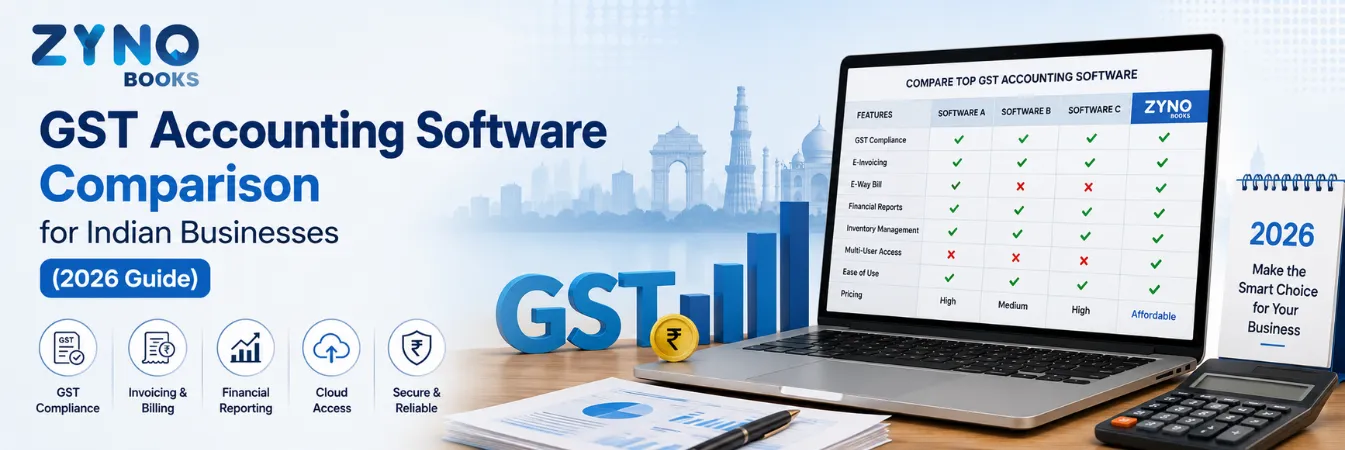
For Indian firms, tax rules are not optional. They need to be built in, not added on later. Look for GST-ready billing, GSTR-1 and GSTR-3B report generation, e-billing with IRP integration, and ITC matching against GSTR-2B. These features decide a lot. Good ones save you work. Weak ones just become one more thing to check by hand. For a full feature-by-feature look, read this GST accounting software comparison for India.
| Feature | What It Does | Why It Matters |
|---|---|---|
| GST-ready billing | Auto-calculates GST, applies correct tax slabs | Cuts filing errors and saves time |
| Bank matching | Matches bank feeds to your books | Removes manual cross-checking |
| OCR expense capture | Reads receipts and bills on its own | Cuts data entry time |
| Multi-GSTIN support | Manages several branches or states in one account | Needed for multi-location firms |
| Role-based access | Controls who sees and edits what | Keeps money data secure |
| E-invoicing (IRP) | Generates IRN and QR codes on its own | Required above the turnover threshold |
| Audit trail | Logs every change with time and user | Makes your books audit-ready |
Small businesses have other needs than large enterprises. A 5 to 20 person company does not need multi-entity combining. It does not need advanced budgeting workflows. It needs software a non-accountant can run with ease. It should set up fast. It should price fairly as you add users.
The most common mistake small businesses make is waiting too long. They stay on spreadsheets until a GST deadline or a loan application forces a scramble. The opposite mistake also happens. Some businesses jump straight into enterprise-grade software. It is built for a scale they do not need yet, and the learning curve slows everyone down.
A good fit for a small business means a few things. Fast setup. GST-ready invoicing from day one. A simple dashboard. It shows your cash position clearly, even if you know nothing about accounting. Pricing should not punish you for adding a second user. For a full breakdown, read this guide to accounting software for small businesses. It covers which platform suits which stage of growth.
This decision shapes everything that follows. It affects your costs. It affects how your team works day to day. It also affects how easily you can bring in outside help, like an accountant or auditor.
Choose cloud accounting software if:
● Your team, or your outsourced accountant, needs access from other locations
● You want automatic backups without managing your own IT setup
● Your business is growing and adding users or locations often
● Real-time bank feeds and automatic changes matter to your workflow
Choose desktop accounting software if:
● Your accountant already knows a specific desktop platform well
● You work in an area with weak internet
● You prefer keeping financial data stored locally, not on outside servers
● Your transaction volume is high enough that local processing speed matters
Neither option is better in every case. The right choice depends on how your team works, not just the feature list. Many businesses start on desktop software because their first accountant knew it well. They move to cloud later, once remote teamwork becomes a bottleneck. For the full comparison, read the cloud vs desktop accounting software guide. It covers data security and real cost over time.
Skip the long feature checklist at first. Start with three simple questions instead.
If you are GST-registered, this part is not optional. GSTR filing, e-invoicing above the turnover limit, and ITC reconciliation should be core features. They should not need another tool. Software that treats compliance as an afterthought creates more manual work, not less.
If the business owner will use it, not a trained accountant, pick a clean dashboard and simple invoicing. If a set-up finance team will use it, deeper reports and multi-entity support matter more than simplicity.
Many platforms look cheap at the entry tier. Then they charge more per extra user, GSTIN, or transaction. Estimate the cost at your size in 12 to 24 months, not just today.
Before you commit, run through a short checklist too:
● Does the free trial run long enough to test real transaction data?
● Can it import your existing data cleanly, including from Tally?
● Does support match your time zone and language?
● Is there a mobile app for receipts and approvals on the go?

A few shifts are changing what "good" accounting software looks like this year.
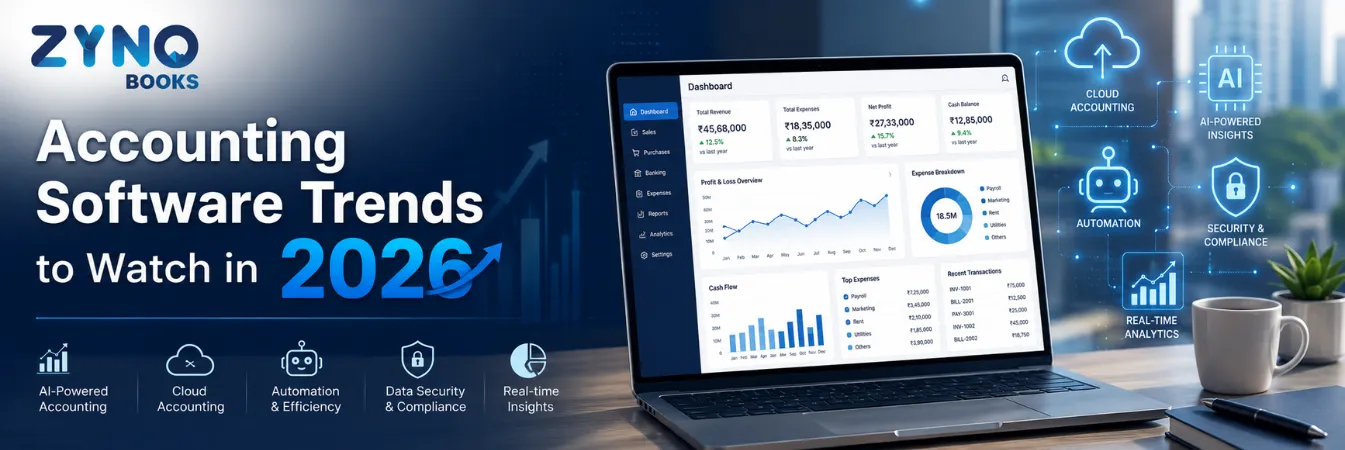
● AI-assisted bookkeeping is now standard. OCR receipt scanning, automatic sorting, and spotting odd expenses used to be premium add-ons. Now they are just baseline.
● Compliance is getting built in, not exported. More platforms now push GST returns and e-invoices straight through the IRP. This cuts out a manual step.
● WhatsApp and chat-based tools are growing. Many Indian SME teams already forward bills over WhatsApp. Software is starting to meet them there.
● Multi-entity and multi-GSTIN support is improving. Businesses that expand over states need one combined view. They do not want to merge separate books by hand.
● Integration depth matters more than feature count. How well a platform connects to your bank matters. So does its link to your payment gateway and tools like Tally. This matters more than a long feature list.
These trends do not change the basics above. But they do shift what is worth picking first when two platforms look similar on paper.
Other business models stress other parts of accounting software. Here is a quick reference.
| Business Type | Priority Features | Why |
|---|---|---|
| Service businesses & freelancers | Invoicing, time tracking, simple expense capture | Inventory tracking is not relevant to them |
| Retail & trading businesses | Real-time inventory sync, barcode billing, multi-location stock | Stock changes with every sale and purchase |
| Manufacturing & distribution | Bill-of-materials tracking, batch and expiry management, multi-warehouse inventory | Production and stock are tightly linked |
| Multi-branch or multi-GSTIN businesses | Centralized reporting over locations | Avoids manual combining of separate books |
| CA firms & accounting practices | Bulk client management, multi-GSTIN handling, fast reconciliation | They manage many businesses, not just one |
Matching software to your real business model matters more than picking whatever tops a plain "best of" list. That match often decides whether the software gets used daily or gets quietly abandoned in three months.
Picking based on price alone. The cheapest plan often skips GST automation. It may lock key reports behind a higher tier. The real cost shows up later as manual workarounds.
Ignoring switch trouble. Businesses moving from Tally or spreadsheets sometimes find their old data will not import cleanly. This creates a gap in their reporting history.
Underestimating the learning curve. Software picked for its feature list, but never properly set up, ends up half-used. Invoicing happens in the new tool. Expenses still get tracked in an old spreadsheet.
Skipping a close look at GST features. Many global platforms add basic tax fields. They skip real GSTR-1 or GSTR-3B report creation. This becomes clear, and costly, during the first filing cycle.
Choosing based on brand name alone. A well-known name is not always the best fit. Software built for the Indian SME workflow often beats a global brand's weaker GST features.
Bookkeeping software often covers basic transaction recording and invoicing. Accounting software has that, plus full financial reporting, tax compliance, reconciliation, and often payroll and inventory. It manages your complete financial picture.
Reputable cloud accounting platforms use encryption, role-based access, and regular automatic backups. This is often safer than a single desktop machine with no backup plan. Still, check a vendor's specific security certificates before you choose.
Cloud accounting software for small businesses often costs between ₹800 and ₹2,500 per month. The price depends on features and user count. Desktop software often has a higher upfront license fee, plus a yearly renewal cost.
Good GST-focused accounting software can generate GSTR-1 and GSTR-3B reports. It can create e-invoices with IRP integration. It can match purchase data against GSTR-2B for ITC reconciliation. Automation depth varies a lot between platforms. Check this feature directly. Do not just trust a plain "GST-ready" label.
Software handles data entry, calculations, and reports. It does not replace an accountant's judgment on tax strategy, audits, or complex compliance decisions. Most businesses use both: software for daily work, an accountant for strategy and oversight.
Most modern cloud platforms can import data from common desktop systems, including Tally. How clean the switch is depends on how well-organized your existing data is. Test the import with a sample first, before you fully commit.
Spreadsheets stop being safe fast. This happens once you send more than a handful of invoices a month. It also happens once you are GST-registered, or once more than one person needs to see your finances. That is often when set-up software starts paying for itself.
Free plans work fine for very early-stage businesses with low transaction volume. They often cap users, transactions, or GST features. Most businesses outgrow the free tier within their first year of real GST filing.
Yes. ZYNO Books is built for small and medium-sized businesses that need an affordable and easy-to-use accounting solution. It offers invoicing, expense tracking, GST/VAT compliance, financial reporting, and cloud access to help businesses manage their finances efficiently.
Unlike spreadsheets or manual bookkeeping, ZYNO Books automates repetitive accounting tasks, securely stores financial data in the cloud, and provides real-time reports. This saves time, minimises errors, and helps businesses make informed financial decisions while scaling with confidence.
Accounting software is not one category with one right answer. Your choice depends on your business type. It depends on your compliance needs, your team size, and how fast you plan to grow. Most businesses do not pick the "wrong" software by accident. They pick software without first mapping it against how they really work.
The next step stays the same either way. This holds whether you compare cloud platforms, weigh cloud against desktop, check GST features, or narrow down options for a small business. Test your shortlist with real transaction data during the free trial. Do not stop at the demo. That is where the gap between marketing claims and daily use really shows up
The Ultimate Guide to Managing Your Business with ZYNO Books
Read More →
Why Is 206CR of Income Tax Act Important for Businesses in India?
Read More →The Best Accounting Software in Saudi Arabia
Read More →
Managing Multi-Country Taxes Made Easy with ZYNO Books Integrations
Read More →
Why TRN Validation is Essential for VAT Compliance in the UAE
Read More →
Best Accounts Payable Automation Software
Read More →Best Cloud Accounting Software in Kenya with M-Pesa Integration (2026) - eTIMS Compliant
Read More →Ultimate Cloud Accounting Software Guide That Saves Businesses 15+ Hours Weekly
Read More →ZATCA E-Invoicing Saudi Arabia - Complete Business Guide 2026
Read More →Cloud Accounting vs Desktop Accounting - Which Is Best for Your Business?
Read More →
Zyno Books: Best ZATCA-Approved Accounting Software in Saudi Arabia
Read More →
Best Tally Alternative in India (2026) — 6 Options Compared + Honest Pros & Cons
Read More →
Pin to Pin Distance GST: Free E-Way Bill Calculator, Validity & Penalty Guide (2026)
Read More →
Best Small Business Accounting Software in 2026: Complete Guide
Read More →
20 Best Accounting Software in India for 2026 - Free & Paid (GST + Tally Ready)
Read More →
Best Accounting Software for Small Business in South Africa (2026)
Read More →
What Is a Proforma Invoice? Complete Guide with Format, Examples & Free Template (2026)
Read More →
Which Accounting Software is Better for Modern Businesses?
Read More →
Bank Reconciliation Statement (BRS): Meaning, Full Form, Format & Examples
Read More →
Which Accounting Program Handles GST Best?
Read More →
AI Accounting Software in India: The Next Generation
Read More →
Which Document Management Software Offers OCR and Workflow Automation?
Read More →
How to Manage ISO Documents and Compliance Records Digitally?
Read More →
Which Are the Best Accounting Softwares Other Than Tally?
Read More →
ZYNO DMS vs SharePoint: A Detailed Comparison for Enterprise Document Control?
Read More →
How to Control Document Versions and Revisions Without Excel?
Read More →
How to Automate Document Approval Workflows Across Departments?
Read More →
Which Is the Best Accounting Software in India? (2026 Guide)
Read More →
Best Accounting Software in Kenya (2026): Cloud-Based, VAT-Ready & Built for SMEs
Read More →
Cloud Accounting Software Comparison: Which One Is Right for Your Business?
Read More →
GST Accounting Software Comparison for Indian Businesses (2026 Guide)
Read More →
Zyno Books vs Vyapar: Which One Gives You More Value?
Read More →
OCR Invoice Processing: The Complete Guide for Finance Teams in 2026
Read More →
Accounting Software: The Complete Guide for Businesses in 2026
Read More →Partner with ZYNO by Elite Mindz to revolutionize how your business works. Fill out the form, and we’ll reach out with AI-powered solutions made just for you.
We use browser cookies to ensure you get the best experience on our website. Learn more
The form was submitted successfully!
ZYNO Digital
Fueling Smarter Digital Growth
ZYNO Digital fuels smarter digital growth through data-driven marketing, creative storytelling, and performance strategies that boost visibility, engagement, and measurable business outcomes across global platforms.
ZYNO Tech
Engineering the Future of IT
ZYNO Tech delivers cutting-edge IT solutions — including web, mobile, and digital transformation services — helping businesses scale efficiently, innovate faster, and stay ahead in a connected world.
ZYNO AI
AI Built for Business Growth
ZYNO AI harnesses the power of artificial intelligence to automate processes, enhance decision-making, and deliver predictive insights — driving innovation, agility, and measurable business growth.
ZYNO by Elite Mindz
Your Partner in the AI-Powered Future
ZYNO by Elite Mindz offers AI-powered products and services that unify operations, boost productivity, and drive digital transformation — helping businesses scale smarter and innovate faster.
* In just 2 mins you'll get a response
* Your idea is 100% protected by our Non-Disclosure Agreement