The Ultimate Guide to Managing Your Business with ZYNO Books
Read More →

×
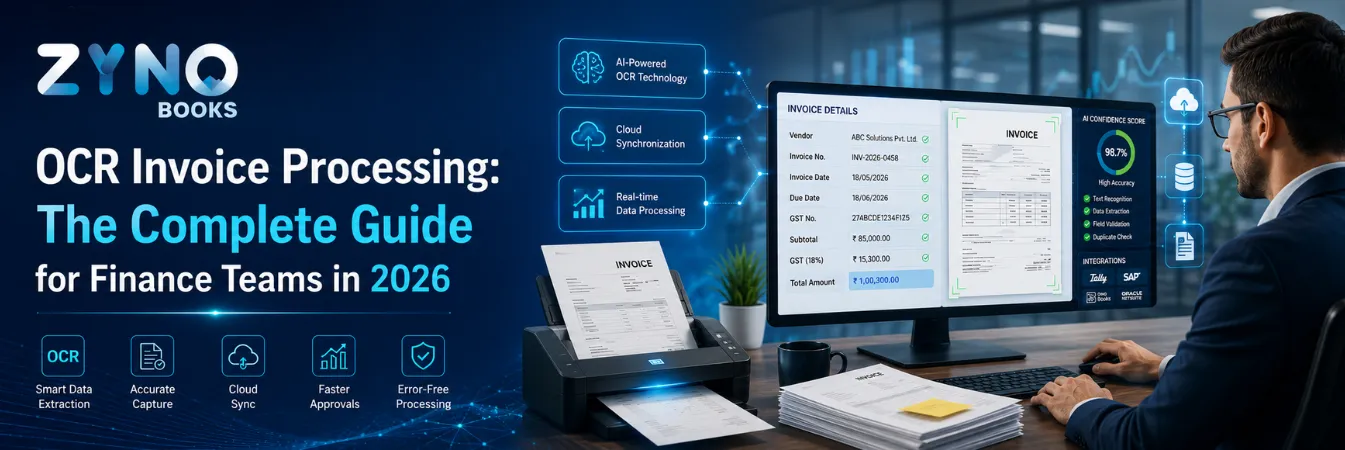
OCR invoice processing is the use of Optical Character Recognition (OCR) technology to automatically read invoices and convert their data vendor name, invoice number, date, and total amount into structured, editable data, without any manual typing.
Businesses using ZYNO Books cut accounting time by 70% and stay 100% ZATCA-compliant — automatically.
Invoices keep piling up. Data entry eats up hours. And one wrong digit on a vendor bill can cost real money. This is the wall each AP team hits sooner or later.
OCR invoice processing is the fix most finance teams reach for. In this guide, you'll learn how it works. You'll also see where it falls short. And you'll get a simple plan to set it up, without the usual trial and error.
So, what does OCR actually do? Optical Character Recognition (OCR) reads text from scanned invoices, PDFs, or photos of bills. It then turns that text into clean, structured data. Think vendor name, invoice number, date, line items, and total amount. No one has to type it in by hand. Add validation rules and AI on top, and you get modern invoice automation.
OCR invoice processing uses OCR technology to pull data from invoices automatically. It works on scanned paper bills. It works on emailed PDFs. It even works on a photo taken from your phone.
Here's how it happens. The software looks at the pixels in the document. It spots characters and patterns. Then it turns all of that into machine-readable text. This text flows straight into your accounting or ERP system.
Compare that to the old way. An AP executive opens each invoice by hand. They type in the vendor name, invoice number, GST amount, and total. This goes into a spreadsheet or a Tally entry. It's slow. It's repetitive. And at any real invoice volume, it leads to mistakes.
Most OCR-based invoice systems follow the same five steps. This is true for a standalone OCR tool. It is also true for a platform like ZYNO Expenz, which has OCR built in.
First, the invoice enters the system. This can happen through direct upload, email forwarding, or a simple scan. One tip: ask vendors for native PDFs instead of scanned images. Why? Because the text layer is already digital, so results come out cleaner.
Next, the software cleans up the image. It fixes skew. It adjusts contrast. It removes noise and sharpens edges. This step matters more than most teams think. A blurry scan at 150 DPI gives much worse results than a clean 300 DPI file.
Now the OCR engine gets to work. It scans the cleaned image pixel by pixel. It matches shapes against known character sets. This turns the image into raw text. Modern engines also check font libraries and language models. This cuts down on wrong reads of numbers, currency symbols, and GSTIN.
Raw text alone isn't much use. The system still needs to know what each piece means. Is this the invoice number? Is that the due date? Two methods handle this. Fixed templates work well for repeat vendors with a steady layout. Machine learning models work better when formats vary. And in India, formats vary a lot from formal GST invoices to handwritten kirana bills.
Finally, the system checks the fields against simple business rules. Does the GST amount match the tax rate? Does the total match the line items? If something looks off, it gets flagged for a quick human check. Once cleared, the data moves into your accounting software or expense platform.
The table below shows how they compare.
| Aspect | Manual Invoice Processing | OCR-Based Invoice Processing |
|---|---|---|
| Data entry | Typed manually into accounting software | Automatically extracted from the invoice |
| Processing time | 5–10 minutes per invoice | Seconds per invoice |
| Error rate | Higher – typos, transposed numbers | Lower, with exceptions flagged for review |
| Scalability | Limited by headcount | Scales with volume, minimal added staff |
| Audit trail | Manual filing, harder to search | Digital, searchable, timestamped |
| Cost per invoice | Higher | Lower over time |
A good OCR invoice processing system pulls out these fields. The exact list depends on the software you use.
● Vendor name, address, and contact details
● Invoice number and invoice date
● Due date and payment terms
● Line-item descriptions, quantities, and unit prices
● Subtotal, tax amount, and total payable
● Purchase order number, for two-way or three-way matching
● GSTIN, HSN/SAC codes, and CGST/SGST/IGST breakdowns, for GST invoices in India
The more fields a system extracts correctly, the closer your AP team gets to touchless processing.

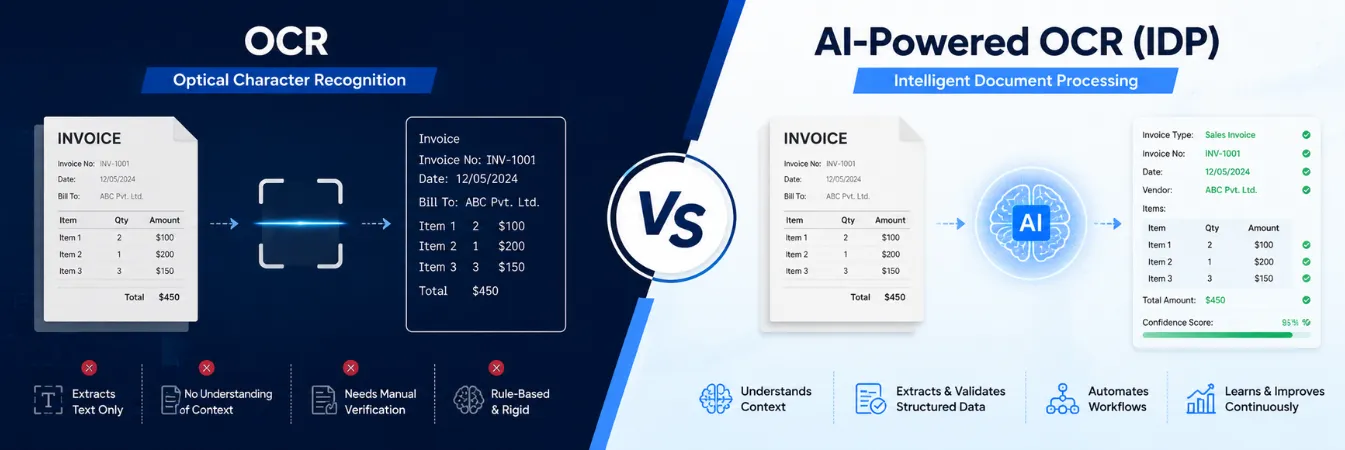
Plain OCR is a text-reading tool. It turns an image into text, but it doesn't understand context well. It also leans on templates. So a new vendor format often means manual rework.
AI-powered OCR goes further. This is sometimes called Intelligent Document Processing, or IDP. It uses machine learning to understand context. For example, it knows that a number next to "GSTIN" is a tax ID, not a phone number. And it gets smarter with each invoice it reads. For teams handling hundreds of vendors in different formats, this gap matters. It's often the difference between 70% automation and near-touchless processing.
● Faster processing: invoices that took 5–10 minutes by hand now get captured in seconds.
● Fewer errors: no more transposed digits, missed fields, or duplicate entries.
● Lower cost per invoice: less manual work means lower processing costs over time.
● Better audit trails: each invoice is digital, timestamped, and searchable. This helps with audits and GST matching.
● Better vendor ties: faster work means fewer payment delays.
● Real-time visibility: you see an accurate picture of payables, instead of waiting for data entry to catch up.
OCR is powerful, but it isn't perfect. Here's what to expect.
● Accuracy on poor scans: blurry images and handwritten notes cut accuracy.
● Inconsistent vendor formats: more small vendors often means more layout changes.
● Some manual review is still needed: OCR cuts manual work, but doesn't remove it completely.
● Setup effort: linking OCR output to your accounting system takes some work at the start.
Most OCR invoice processing guides are written for the US or Europe. So they miss problems Indian finance teams deal with each day. GST invoices carry fields like GSTIN, HSN/SAC codes, CGST/SGST/IGST splits, and place of supply. A generic OCR template often can't read these correctly.
There's another layer to this. Indian SMEs deal with a wide mix of invoice types. Some are formal GST invoices from big vendors. Others are WhatsApp photos of bills from local suppliers. Some are handwritten receipts from vendors who haven't gone digital at all. An OCR tool built for Western invoices will struggle with this mix. It needs to be tuned for GST fields and regional formats to work well.
This is exactly the gap that India-focused platforms are built to close. They read GSTIN and tax splits the right way. They match HSN codes. And they handle the informal invoice formats common among Indian SME vendors.
Start with the basics. How many invoices do you get each month? How many vendors send them? What share arrives as native PDFs versus scans or photos?
Do not pick on price alone. Look for GST-field recognition if you are in India. Check if it connects well with your accounting software. Make sure it supports the file types your vendors send. And look for a check step, not just raw extraction.
Run real invoices through the system for a few weeks before a full rollout. This helps you catch format issues early, while the stakes are still low.
Decide who reviews flagged invoices. Set a clear next step for hard cases. And make sure corrections feed back into the system, so accuracy improves over time.
Watch invoice processing time. Watch the exception rate. Watch cost per invoice. Track these before and after you start, so you see the real gain.
It helps to put a number on the problem first. Industry data shows a wide cost gap between top and bottom performers in AP. The gap often comes down to how much of the work is still done by hand.
There are hidden costs too. Late fees pile up when invoices sit in an inbox too long. Early-payment discounts get missed. Finance leaders spend time fixing bad records. That time could go to better work, like planning ahead.
For a growing SME, this gap adds up fast. A business with a few hundred invoices a month can absorb the inefficiency. One with a few thousand can't, unless it automates data entry or hires more AP staff.
Not every OCR tool fits each job. Here is what to check before you choose.
● Accuracy on your own invoice files: run a quick test on your own sample files, not just a vendor demo.
● GST and India-specific field support, if that applies to your business.
● Integration depth with your accounting software, ERP, or expense platform.
● Can it scale? Check if it handles peak-month volume without slowing down.
● Data security: invoices hold sensitive data. Encryption and access controls matter too.
For Indian SMEs, ZYNO Expenz combines OCR-based invoice capture with GST-aware field recognition. It plugs directly into expense workflows, built around how Indian firms get and process invoices.
Read must: Best OCR Receipt Scanner Apps in 2026
OCR (Optical Character Recognition) invoice processing automatically extracts data from invoices and converts it into structured digital information. With ZYNO Retail, finance teams can reduce manual data entry, speed up invoice approvals, minimize human errors, and improve overall accounts payable efficiency.
ZYNO Retail uses AI-powered OCR technology to capture invoice details such as vendor name, invoice number, GST, line items, and payment amounts with high accuracy. The system continuously learns from corrections, helping improve extraction quality over time.
Yes. ZYNO Retail supports invoices received as PDFs, scanned documents, images, and digital files. It can process invoices from multiple vendors, making it suitable for businesses handling high invoice volumes across different formats.
Absolutely. ZYNO Retail is designed with enterprise-grade security features to protect invoice data during upload, processing, and storage. Role-based access, encrypted data handling, and audit trails help businesses maintain compliance and data security.
By automating invoice data extraction, validation, and workflow routing, ZYNO Retail significantly reduces the time spent on manual processing. Finance teams can approve invoices faster, avoid payment delays, and focus on higher-value financial tasks instead of repetitive data entry.
OCR, or Optical Character Recognition, reads text from scanned or digital invoices. It turns that text into structured, machine-readable data — vendor name, invoice number, amount, and more. This data flows straight into your accounting or ERP system, without manual entry.
It depends on file quality and layout. Clean, native PDF invoices give the best results. Blurry scans, handwritten notes, or odd formats lower accuracy. AI-enhanced OCR often beats template-based OCR on mixed formats. Most setups still add a quick human check, just to be safe.
Generic OCR tools often struggle here. GSTIN, HSN/SAC codes, and CGST/SGST/IGST splits aren't part of their standard training. OCR software built or tuned for the Indian market handles these fields much better.
No, not fully. OCR cuts manual data entry by a lot. But a quick check for odd invoices is still normal. This is true even for advanced AI-powered systems.
Most OCR tools handle scanned paper invoices, native PDFs, mobile phone photos, and emailed invoices. Native PDFs give the best results, since the text does not need to be rebuilt from an image.
For most firms with more than a handful of invoices a month, yes. It pays for itself through time saved and fewer errors. Small firms with varied vendor formats, common among Indian SMEs, tend to see the biggest gain.
OCR invoice processing is no longer a nice-to-have. It is now the norm for finance teams that want to grow without adding staff at the same pace. The tech itself is mature and works well. The real question is fit. Does the tool you pick understand your invoices, GST fields included?
Start by mapping your invoice volume and formats. Run a small pilot before you commit. And choose software built for how your vendors actually bill you.
The Ultimate Guide to Managing Your Business with ZYNO Books
Read More →
Why Is 206CR of Income Tax Act Important for Businesses in India?
Read More →The Best Accounting Software in Saudi Arabia
Read More →
Managing Multi-Country Taxes Made Easy with ZYNO Books Integrations
Read More →
Why TRN Validation is Essential for VAT Compliance in the UAE
Read More →
Best Accounts Payable Automation Software
Read More →Best Cloud Accounting Software in Kenya with M-Pesa Integration (2026) - eTIMS Compliant
Read More →Ultimate Cloud Accounting Software Guide That Saves Businesses 15+ Hours Weekly
Read More →ZATCA E-Invoicing Saudi Arabia - Complete Business Guide 2026
Read More →Cloud Accounting vs Desktop Accounting - Which Is Best for Your Business?
Read More →
Zyno Books: Best ZATCA-Approved Accounting Software in Saudi Arabia
Read More →
Best Tally Alternative in India (2026) — 6 Options Compared + Honest Pros & Cons
Read More →
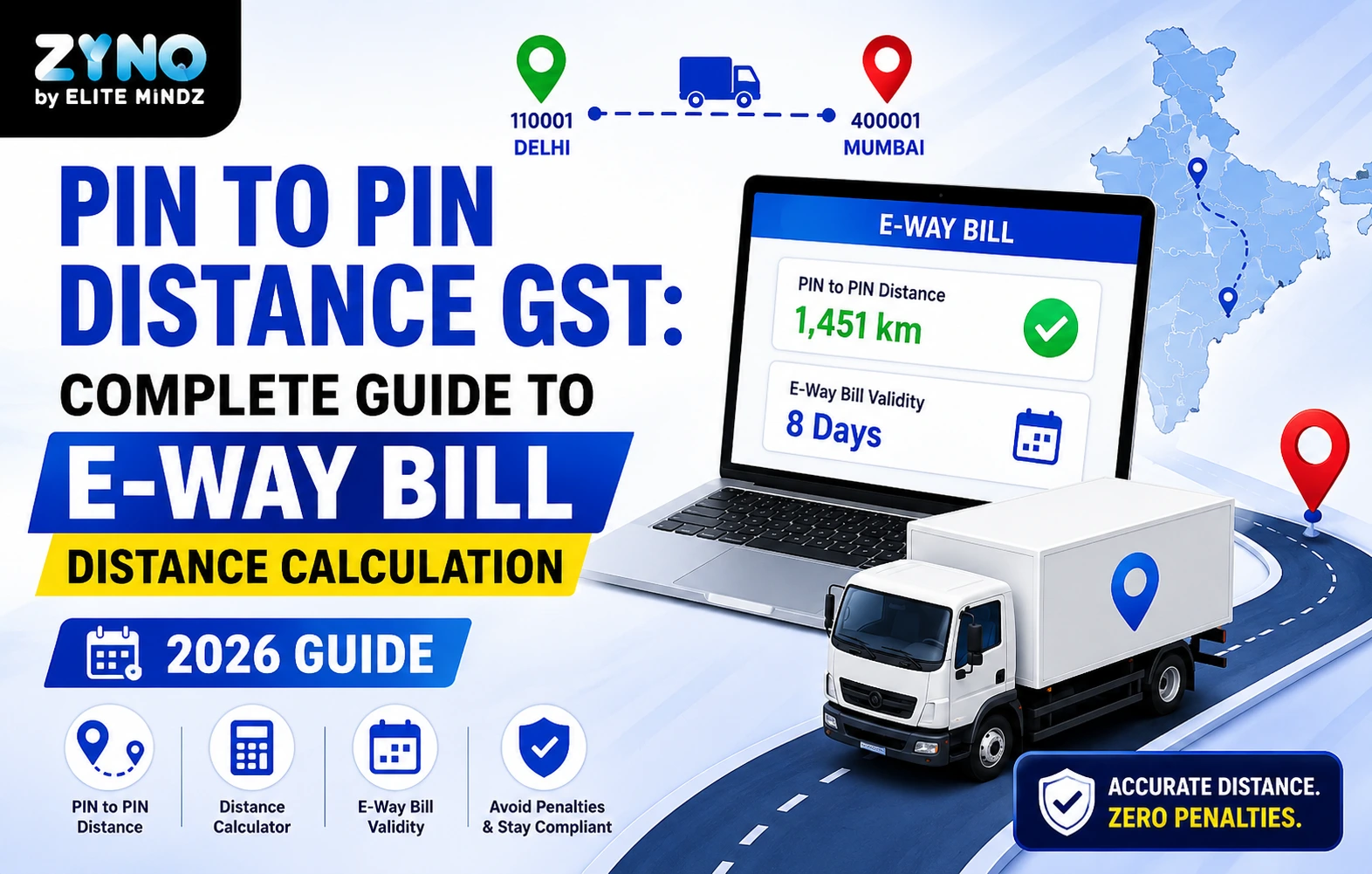
Pin to Pin Distance GST: Free E-Way Bill Calculator, Validity & Penalty Guide (2026)
Read More →
Best Small Business Accounting Software in 2026: Complete Guide
Read More →
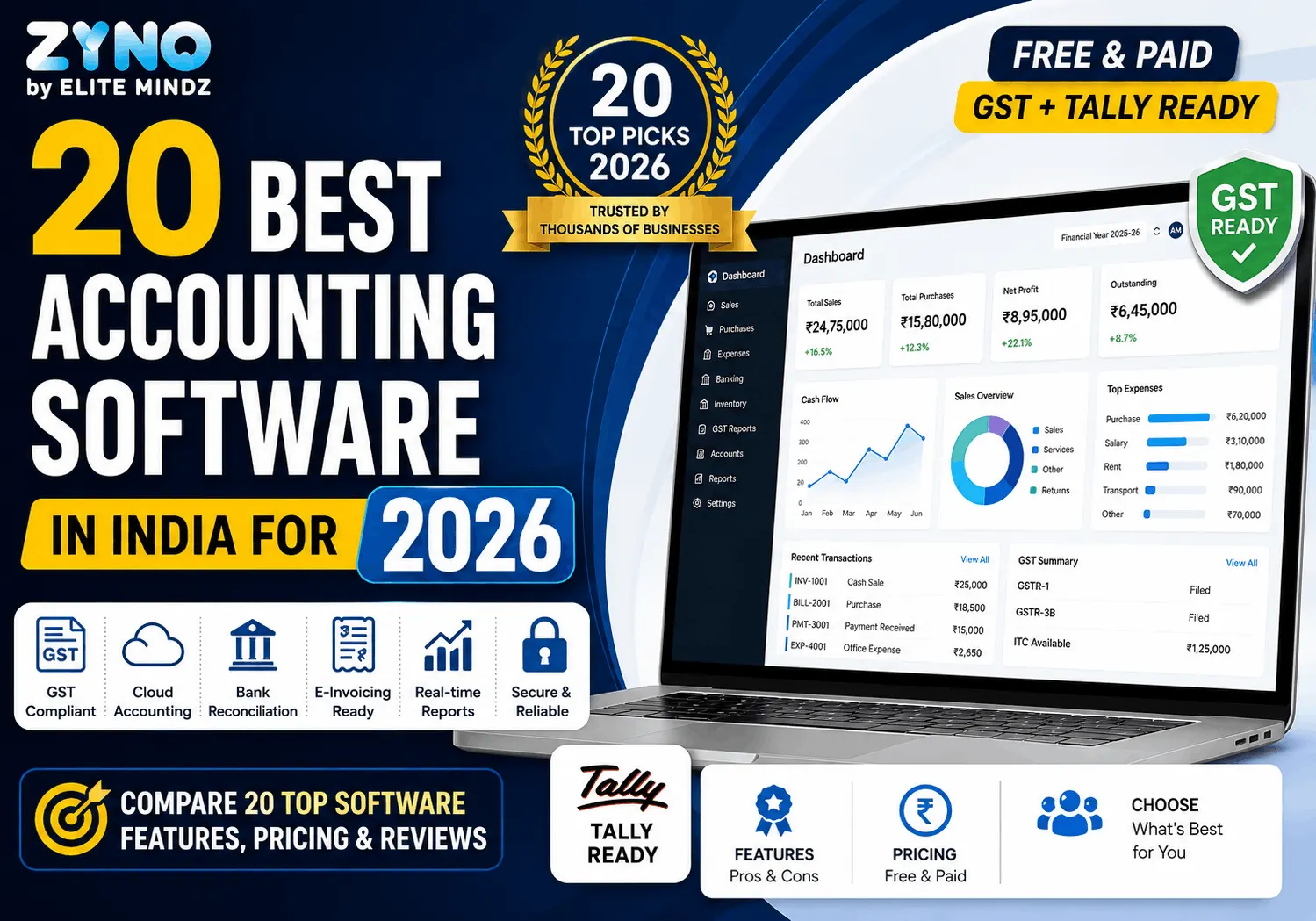
20 Best Accounting Software in India for 2026 - Free & Paid (GST + Tally Ready)
Read More →
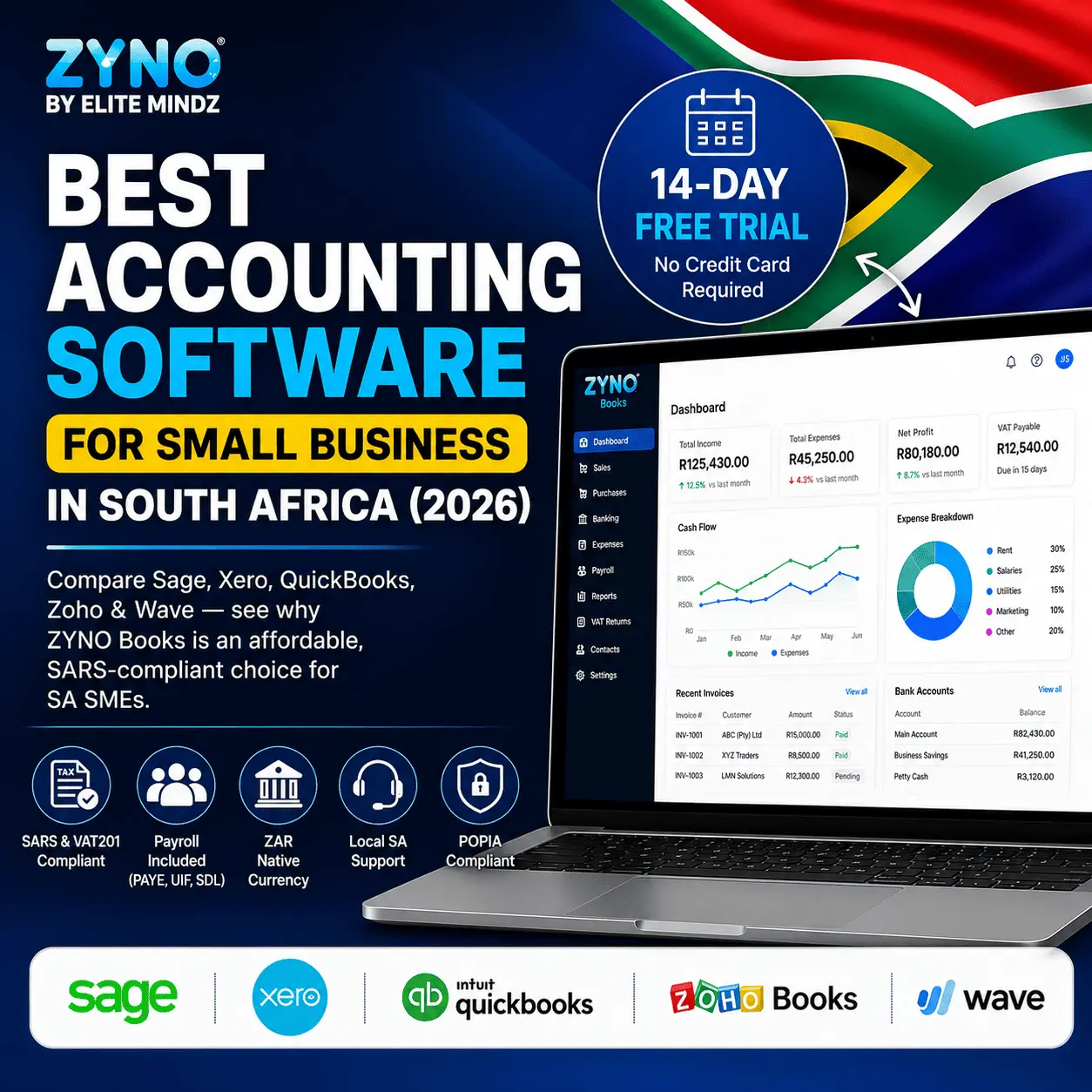
Best Accounting Software for Small Business in South Africa (2026)
Read More →
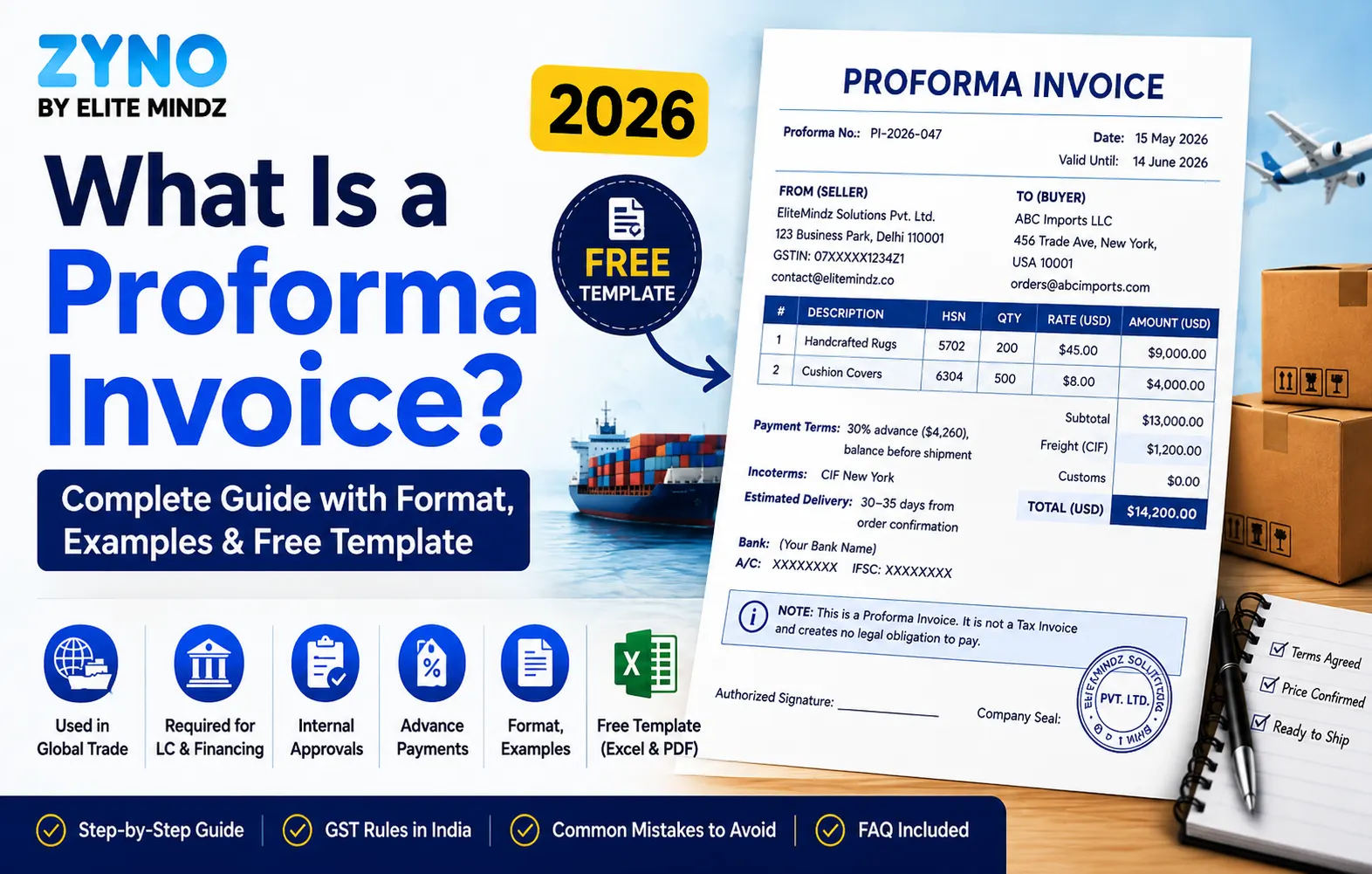
What Is a Proforma Invoice? Complete Guide with Format, Examples & Free Template (2026)
Read More →
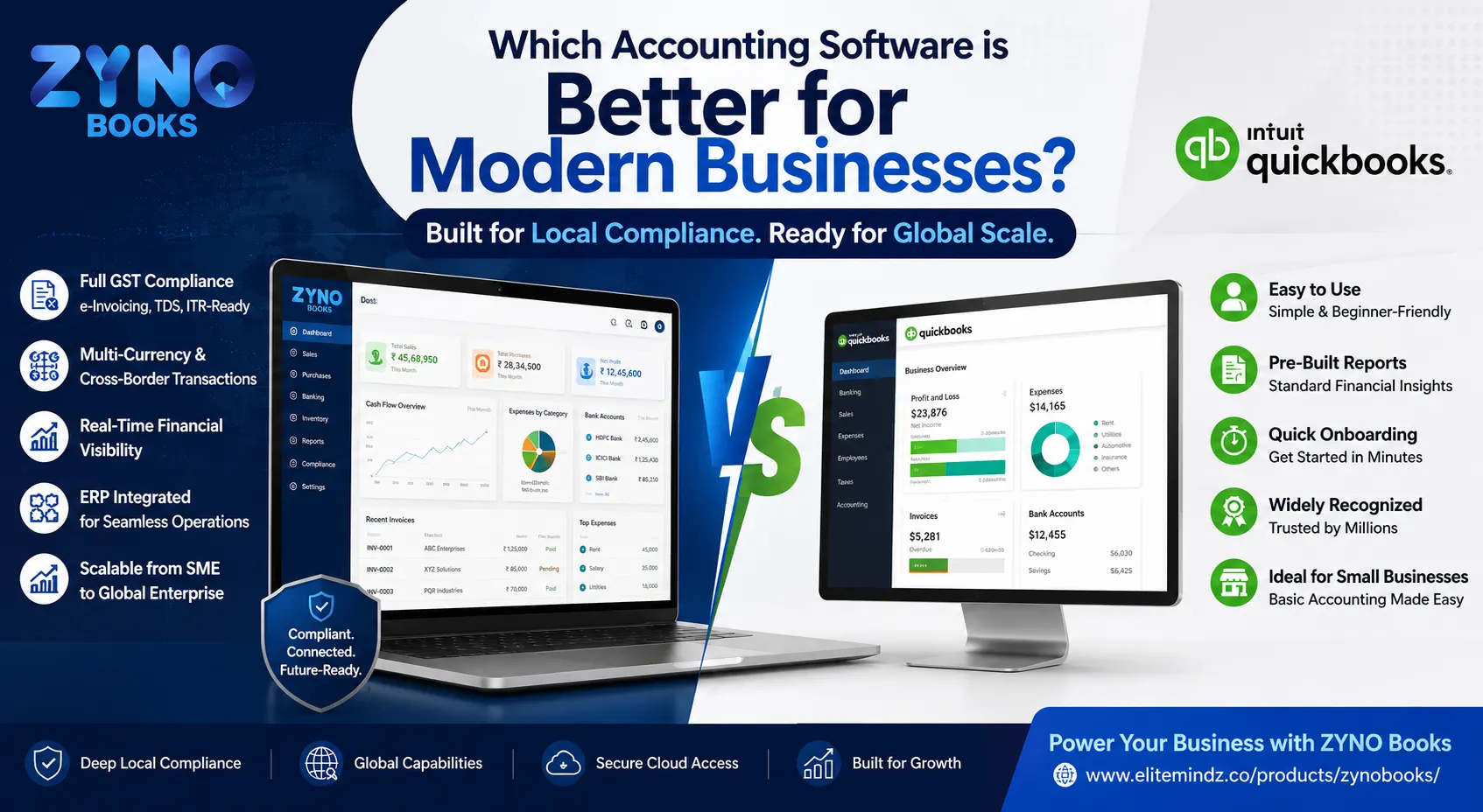
Which Accounting Software is Better for Modern Businesses?
Read More →
Bank Reconciliation Statement (BRS): Meaning, Full Form, Format & Examples
Read More →
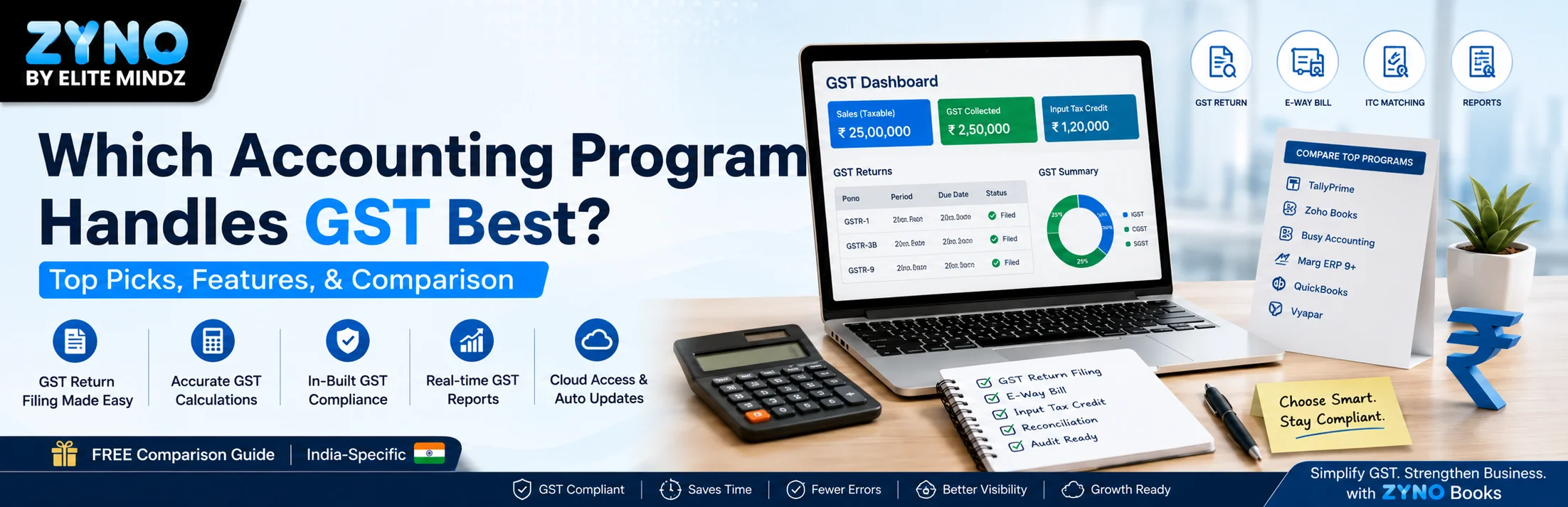
Which Accounting Program Handles GST Best?
Read More →
AI Accounting Software in India: The Next Generation
Read More →
Which Document Management Software Offers OCR and Workflow Automation?
Read More →
How to Manage ISO Documents and Compliance Records Digitally?
Read More →
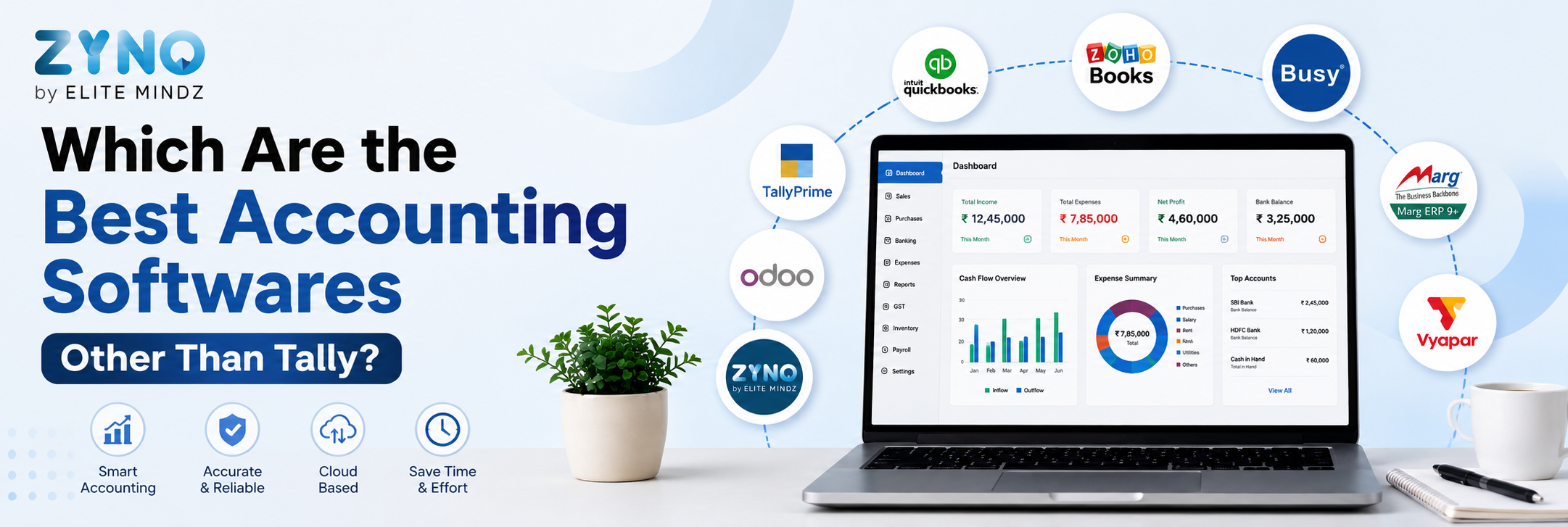
Which Are the Best Accounting Softwares Other Than Tally?
Read More →
ZYNO DMS vs SharePoint: A Detailed Comparison for Enterprise Document Control?
Read More →
How to Control Document Versions and Revisions Without Excel?
Read More →
How to Automate Document Approval Workflows Across Departments?
Read More →
Which Is the Best Accounting Software in India? (2026 Guide)
Read More →
Best Accounting Software in Kenya (2026): Cloud-Based, VAT-Ready & Built for SMEs
Read More →
Cloud Accounting Software Comparison: Which One Is Right for Your Business?
Read More →
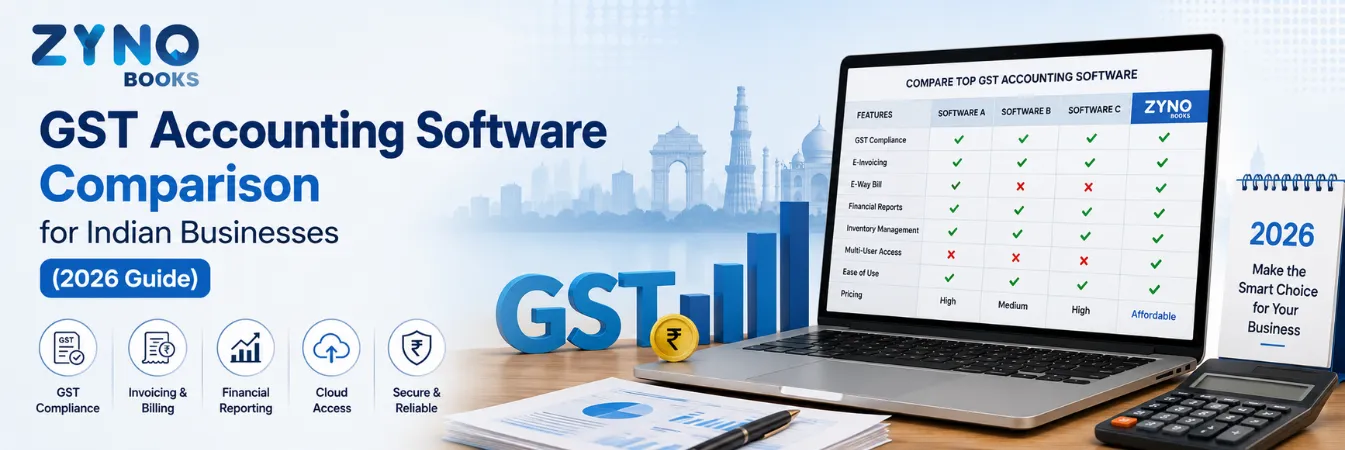
GST Accounting Software Comparison for Indian Businesses (2026 Guide)
Read More →
Zyno Books vs Vyapar: Which One Gives You More Value?
Read More →
OCR Invoice Processing: The Complete Guide for Finance Teams in 2026
Read More →Partner with ZYNO by Elite Mindz to revolutionize how your business works. Fill out the form, and we’ll reach out with AI-powered solutions made just for you.
We use browser cookies to ensure you get the best experience on our website. Learn more
The form was submitted successfully!
ZYNO Digital
Fueling Smarter Digital Growth
ZYNO Digital fuels smarter digital growth through data-driven marketing, creative storytelling, and performance strategies that boost visibility, engagement, and measurable business outcomes across global platforms.
ZYNO Tech
Engineering the Future of IT
ZYNO Tech delivers cutting-edge IT solutions — including web, mobile, and digital transformation services — helping businesses scale efficiently, innovate faster, and stay ahead in a connected world.
ZYNO AI
AI Built for Business Growth
ZYNO AI harnesses the power of artificial intelligence to automate processes, enhance decision-making, and deliver predictive insights — driving innovation, agility, and measurable business growth.
ZYNO by Elite Mindz
Your Partner in the AI-Powered Future
ZYNO by Elite Mindz offers AI-powered products and services that unify operations, boost productivity, and drive digital transformation — helping businesses scale smarter and innovate faster.
* In just 2 mins you'll get a response
* Your idea is 100% protected by our Non-Disclosure Agreement