The Ultimate Guide to Managing Your Business with ZYNO Books
Read More →

×
BRS Format in Excel is a structured spreadsheet used to compare a company’s cash book balance with its bank statement balance and identify differences. It records deposits in transit, outstanding cheques, bank charges, interest credits, and transaction errors. A simple Bank Reconciliation Statement (BRS) includes the bank statement balance, cash book balance, adjustments, and final reconciled balance. Excel formulas such as =B2+B3-B4 can help calculate the adjusted bank balance and simplify monthly reconciliation.
Businesses using ZYNO Books cut accounting time by 70% and stay 100% ZATCA-compliant — automatically.
A BRS Format in Excel is used to compare the balance in a company's cash book with its bank statement. It helps identify deposits in transit, outstanding cheques, bank charges, interest credits, and transaction errors. By using Excel formulas, businesses can calculate adjusted balances, track unmatched transactions, and check whether both balances agree.
A bank reconciliation statement (BRS) is a financial statement that explains the differences between a business's cash book balance and its bank statement balance on a particular date.
For example, a business may record a customer payment in its cash book today, while the bank reflects the deposit on the next working day. Similarly, a bank may deduct service charges before the accountant records them in the books.
A simple BRS format in Excel organizes these transactions into a structured worksheet. It allows accountants, business owners, and finance teams to compare records, calculate adjustments, and identify differences without repeatedly performing calculations manually.
Read More: Bank Reconciliation Statement (BRS)
A standard BRS format in Excel with formulas should include the business name, bank account, reconciliation date, opening or closing balances, reconciling items, adjustments, and the final difference.
You can create the following template in Microsoft Excel or Google Sheets.
FREE DOWNLOAD
Download the free Bank Reconciliation Statement (BRS) Excel template to record bank transactions, compare balances, and reconcile your accounts easily.
Free accounting resource by ZYNO Books | Elite Mindz
Business Name: ABC Traders
Bank Account: Current Account
Reconciliation Date: 30 September 2026
| Particulars | Amount (₹) |
|---|---|
| Balance as per bank statement | 47,500 |
| Add: Deposit in transit | 5,000 |
| Less: Outstanding cheque | 3,000 |
| Adjusted bank balance | 49,500 |
| Balance as per cash book | 50,000 |
| Less: Bank charges not recorded in cash book | 500 |
| Adjusted cash book balance | 49,500 |
| Difference after reconciliation | 0 |
In this example, the bank statement shows ₹47,500. A deposit of ₹5,000 has been recorded in the cash book but has not yet appeared in the bank statement. An outstanding cheque of ₹3,000 has also been recorded in the books but has not cleared the bank.
The adjusted bank balance is ₹49,500. The cash book balance of ₹50,000 is reduced by ₹500 in bank charges, giving an adjusted cash book balance of ₹49,500.
Result: Both adjusted balances agree, and the reconciliation difference is zero.
This example assumes that the deposit and cheque are valid timing differences and that the bank charges have not already been recorded in the cash book.
Prepare a BRS in Excel by entering bank and cash book transactions, identifying mismatches, recording adjustments, and using formulas to ensure both adjusted balances match.
Open Microsoft Excel and create a workbook with three worksheets:
This structure keeps the original records separate from the reconciliation calculations.
Create the following columns in the Bank Transactions worksheet:
| Date | Description | Reference No. | Deposit (₹) | Withdrawal (₹) | Balance (₹) |
|---|---|---|---|---|---|
| 01-09-2026 | Opening balance | OB001 | - | - | 40,000 |
| 05-09-2026 | Customer receipt | NEFT101 | 10,000 | - | 50,000 |
| 10-09-2026 | Supplier payment | CHQ201 | - | 3,000 | 47,000 |
| 15-09-2026 | Bank charges | BC001 | - | 500 | 46,500 |
| Closing balance | 10,000 | 3,500 | 46,500 | ||
These are illustrative transactions, not actual bank records. Enter the transactions and balances from your own bank statement. If you use accounting software with automated bank feeds and reconciliation,.
Create a similar table in the Cash Book Transactions worksheet.
| Date | Description | Reference No. | Receipt (₹) | Payment (₹) |
|---|---|---|---|---|
| 01-09-2026 | Opening balance | OB001 | - | - |
| 05-09-2026 | Customer receipt | NEFT101 | 10,000 | - |
| 10-09-2026 | Supplier payment | CHQ201 | - | 3,000 |
| 28-09-2026 | Customer deposit | DEP301 | 5,000 | - |
| Total | 15,000 | 3,000 | ||
| Closing balance | 52,000 | |||
Use the same reference numbers in both records wherever possible. This makes it easier to identify matched and unmatched transactions.
Compare the bank statement with the cash book and mark each transaction as matched, unmatched, or requiring investigation.
For example:
| Transaction | Cash Book | Bank Statement | Status |
|---|---|---|---|
| Customer receipt of ₹10,000 | Recorded | Recorded | Matched |
| Supplier cheque of ₹3,000 | Recorded | Not cleared | Outstanding cheque |
| Customer deposit of ₹5,000 | Recorded | Not reflected | Deposit in transit |
| Bank charge of ₹500 | Not recorded | Recorded | Book adjustment required |
The table illustrates how transactions can be classified. Verify each item's actual status before adjusting the reconciliation.
List deposits in transit and outstanding cheques separately. Update the cash book for verified bank charges, interest, direct debits, direct credits, and other transactions missing from the accounting records.
Do not record a timing difference as a new transaction if it is already correctly recorded in the cash book.
Use formulas to calculate the adjusted bank balance and adjusted cash book balance. Compare the two figures to determine whether any unexplained difference remains.
If the difference is not zero, check the transaction dates, amounts, reference numbers, duplicate entries, and adjustment signs.
Excel formulas can automate calculations in a BRS format in Excel with formula.
Assume the following cells contain your amounts:
=B2+B3-B4
Using the example:
₹47,500 + ₹5,000 − ₹3,000 = ₹49,500.
Assume:
Enter this formula in B10:
=B7-B8+B9
For example, if the cash book balance is ₹50,000, bank charges are ₹500, and interest credited is ₹200, the adjusted balance is ₹49,700.
Include other adjustments according to their accounting treatment. A bank debit normally reduces the book balance, while an unrecorded bank credit normally increases it.
If B5 contains the adjusted bank balance and B10 contains the adjusted cash book balance, enter:
=B5-B10
A result of zero means the adjusted balances agree.
If B11 contains the difference, use the IF function:
=IF(B11=0,"Reconciled","Check Difference")
Excel will display “Reconciled” when the difference is zero. Otherwise, it will display “Check Difference.”
If column A contains transaction reference numbers and column D contains deposits in the Bank Transactions worksheet, use the SUMIF function:
=SUMIF('Bank Transactions'!A:A,A2,'Bank Transactions'!D:D)
This formula totals deposits matching the reference number in A2. For reliable matching, use unique transaction references and check the transaction amount and date as well.
A bank reconciliation may show a difference for several reasons:
Investigate each difference using the bank statement, payment records, receipts, and accounting entries. Do not change the figures simply to make the balances agree.
You can use these resources to find bank reconciliation worksheets and templates:
FREE DOWNLOAD
Download free Bank Reconciliation Statement formats with sample examples and blank tables. Get your free BRS PDF from ZYNO Books.
View PDF Download Free PDFFree accounting resource by ZYNO Books | Elite Mindz
Check the current download options and terms on each website. Alternatively, copy the tables in this article into Excel and add the formulas provided above to build a basic reconciliation worksheet.
| Feature | Manual BRS | BRS in Excel |
|---|---|---|
| Calculations | Performed manually | Automated with formulas |
| Transaction matching | Manual comparison | Can use SUMIF and lookup formulas |
| Error identification | Depends on manual review | Filters and formatting can help |
| Updating balances | Recalculate manually | Formula results update when inputs change |
| Record keeping | Paper-based or manual | Digital workbook |
Excel reduces repetitive calculations, but it cannot guarantee that every transaction is correct. The accuracy of the result depends on complete records, appropriate formulas, and proper review.
As transaction volumes grow, many finance teams move from spreadsheets to cloud accounting software that imports bank statements and matches entries automatically, which cuts repetitive reconciliation work.
Explore ZYNO Books to organize your financial data, manage accounting tasks, and support a more efficient month-end reconciliation process.
Discover ZYNO Books Talk to Our TeamBRS stands for Bank Reconciliation Statement. It explains the differences between the cash book balance and the bank statement balance.
Create columns or sections for the bank statement balance, cash book balance, deposits in transit, outstanding cheques, bank adjustments, and adjusted balances. Use Excel formulas to calculate the final difference.
A basic formula is =B2+B3-B4, where B2 is the bank statement balance, B3 is deposits in transit, and B4 is outstanding checks. The formula must match your chosen starting balance and adjustment method.
Yes. You can reuse the same workbook structure each month, but update the statement period, opening balances, transaction records, and outstanding items. Carry forward only verified outstanding items.
A non-zero difference may result from missing transactions, bank charges, duplicate entries, incorrect amounts, or adjustments entered with the wrong sign. Review the unmatched transactions and supporting records.
Many businesses prepare a BRS monthly. Businesses with high transaction volumes or stricter cash-control needs may reconcile their accounts weekly or more frequently.
A BRS Format in Excel helps businesses compare cash book records with bank statements, identify timing differences, and investigate accounting errors. A structured template, consistent transaction references, and formulas such as SUMIF and IF can make the process easier to maintain.
Start with the sample format, enter your actual transactions, and verify that the adjusted bank balance agrees with the adjusted cash book balance. Keep supporting records and investigate every unexplained difference before finalizing the reconciliation.
The Ultimate Guide to Managing Your Business with ZYNO Books
How to Control Document Versions and Revisions Without Excel?
Ultimate Cloud Accounting Software Guide
The Ultimate Guide to Managing Your Business with ZYNO Books
Read More →
Why Is 206CR of Income Tax Act Important for Businesses in India?
Read More →The Best Accounting Software in Saudi Arabia
Read More →
Managing Multi-Country Taxes Made Easy with ZYNO Books Integrations
Read More →
Why TRN Validation is Essential for VAT Compliance in the UAE
Read More →
Best Accounts Payable Automation Software
Read More →Best Cloud Accounting Software in Kenya with M-Pesa Integration (2026) - eTIMS Compliant
Read More →Ultimate Cloud Accounting Software Guide That Saves Businesses 15+ Hours Weekly
Read More →ZATCA E-Invoicing Saudi Arabia - Complete Business Guide 2026
Read More →Cloud Accounting vs Desktop Accounting - Which Is Best for Your Business?
Read More →
Zyno Books: Best ZATCA-Approved Accounting Software in Saudi Arabia
Read More →
Best Tally Alternative in India (2026): 10 Options Compared + Honest Pros and Cons
Read More →
Pin to Pin Distance GST: Free E-Way Bill Calculator, Validity & Penalty Guide (2026)
Read More →
Best Small Business Accounting Software in 2026: Complete Guide
Read More →
ZYNO Books: Accounting Software Built Specially for Indian Businesses
Read More →
Best Accounting Software for Small Business in South Africa (2026)
Read More →
What Is a Proforma Invoice? Complete Guide with Format, Examples & Free Template (2026)
Read More →
Which Accounting Software is Better for Modern Businesses?
Read More →
Bank Reconciliation Statement (BRS): Meaning, Full Form, Format & Examples
Read More →
Which Accounting Program Handles GST Best?
Read More →
AI Accounting Software in India: The Next Generation
Read More →
Which Document Management Software Offers OCR and Workflow Automation?
Read More →
How to Manage ISO Documents and Compliance Records Digitally?
Read More →
Which Are the Best Accounting Softwares Other Than Tally?
Read More →
ZYNO DMS vs SharePoint: A Detailed Comparison for Enterprise Document Control?
Read More →
How to Control Document Versions and Revisions Without Excel?
Read More →
How to Automate Document Approval Workflows Across Departments?
Read More →
Which Is the Best Accounting Software in India? (2026 Guide)
Read More →
Best Accounting Software in Kenya (2026): Cloud-Based, VAT-Ready & Built for SMEs
Read More →
Cloud Accounting Software Comparison: Which One Is Right for Your Business?
Read More →
GST Accounting Software Comparison for Indian Businesses (2026 Guide)
Read More →
Zyno Books vs Vyapar: Which One Gives You More Value?
Read More →
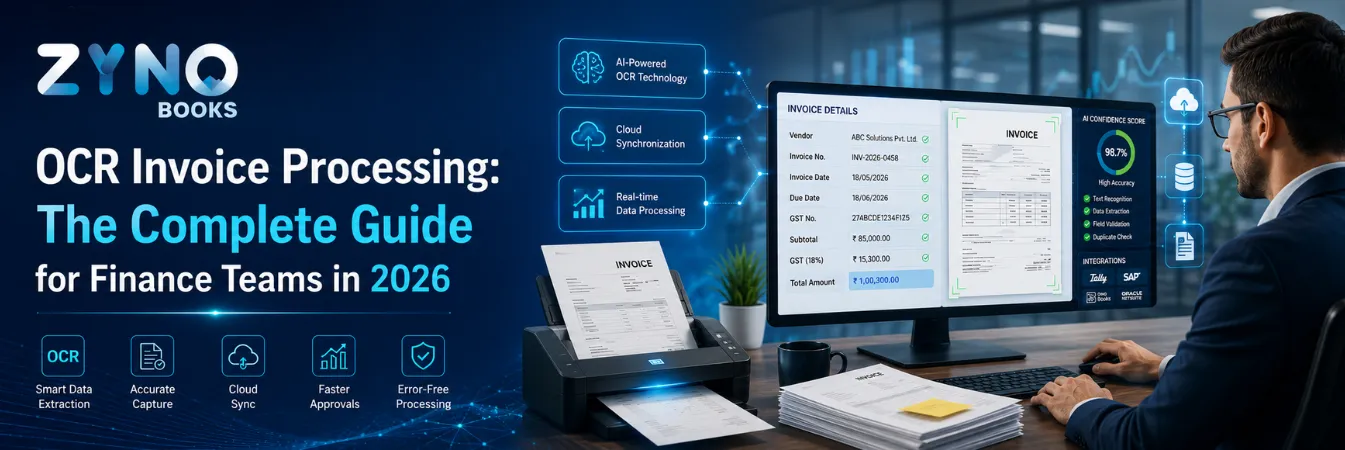
OCR Invoice Processing: The Complete Guide for Finance Teams in 2026
Read More →
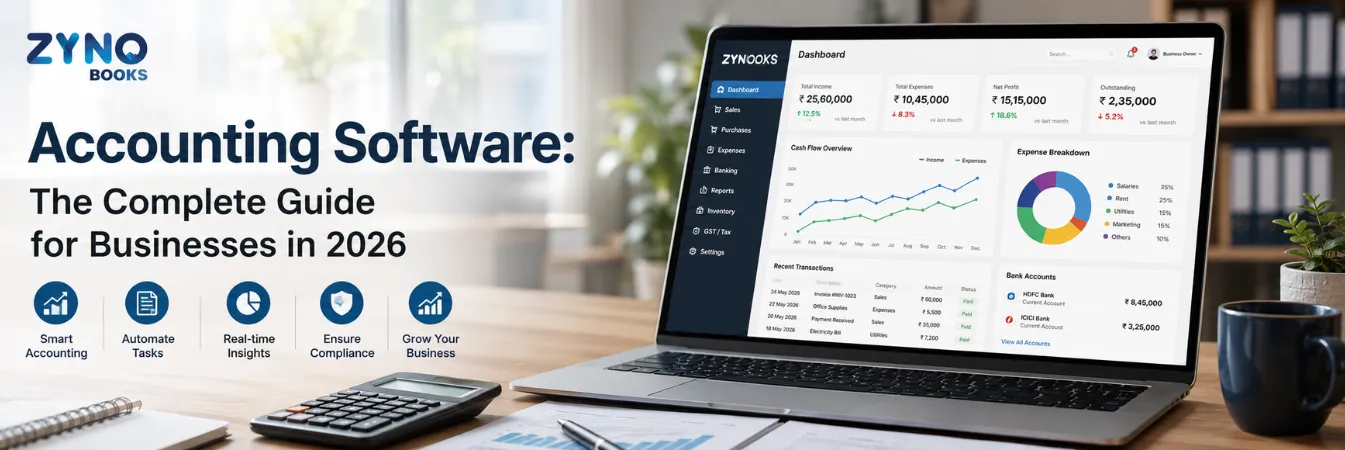
Accounting Software: The Complete Guide for Businesses in 2026
Read More →
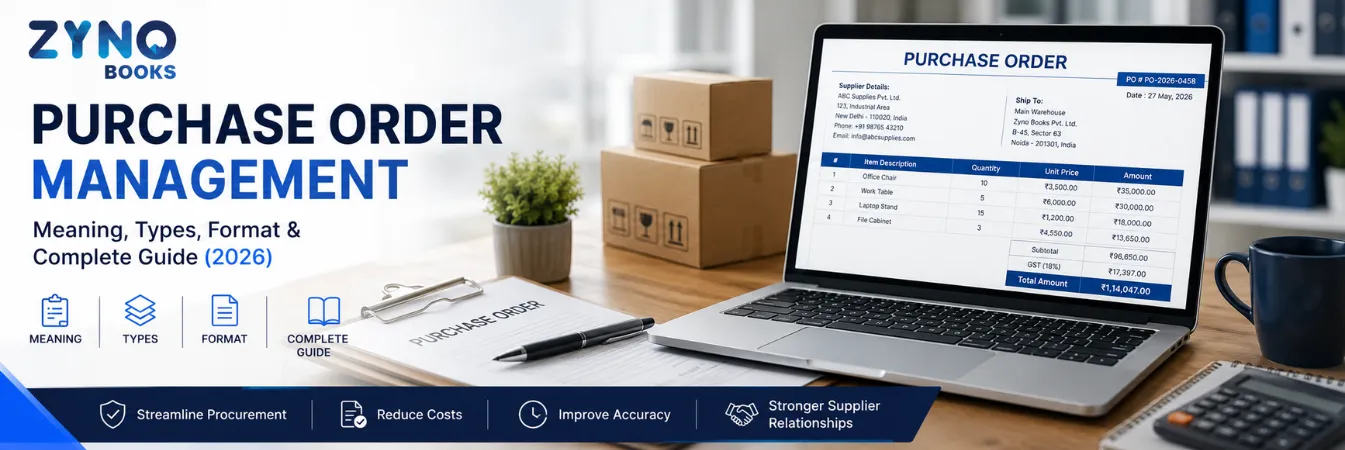
Purchase Order Management: Meaning, Types, Format & Complete Guide (2026)
Read More →
Purchase Order vs Purchase Requisition vs Invoice: Complete Guide (2026)
Read More →
Types of Purchase Orders Explained: SPO, PPO, BPO & CPO (With Real Examples)
Read More →
Purchase Order Format: Complete Guide (GST & HSN Compliant) & Free Template
Read More →
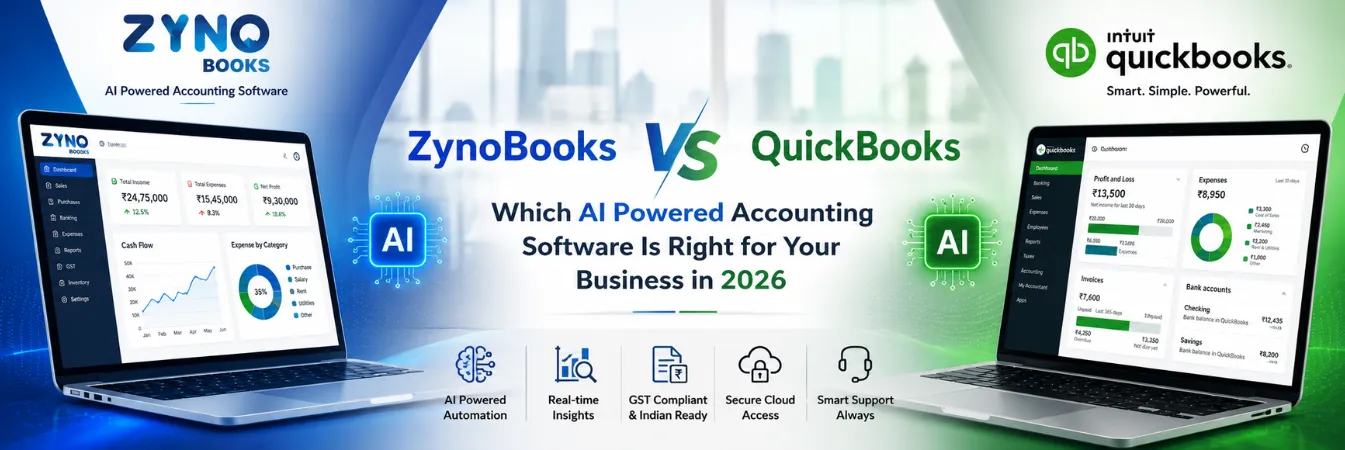
ZynoBooks vs QuickBooks: Which AI Powered Accounting Software Is Right for Your Business in 2026
Read More →
3-Way Matching in Purchase Order Process: Complete Guide
Read More →
Purchase Order Management Software: Features to Look For (2026 Buyer's Guide)
Read More →
GST & HSN/SAC Compliance in Purchase Orders: An India-Specific Compliance Deep Dive
Read More →
Vendor Management & PO History: How to Evaluate Supplier Performance
Read More →
What Is Busy Software and Its Best Alternative in the Market?
Read More →
15 Fast Accounting Software That Can Make Your Life Easy
Read More →
GST Billing Software: Complete Guide to Features, Benefits, Pricing & Best Options
Read More →
Cloud Based Inventory Management Software: The Complete Guide for 2026
Read More →
Top 11 Best Accounting Automation Software (2026) — Compared
Read More →
How to Choose the Best GST Billing Software for Your Business
Read More →
GSTR-2B Explained: Meaning, ITC Rules, and How to Use It (2026 Guide)
Read More →
Best Project Accounting Software in 2026: Features, Pricing, and Comparison
Read More →
ZYNO Books vs TallyPrime: Is It Time to Move from Desktop to Cloud Accounting?
Read More →
Top 10 Cloud Based Document Management Systems in 2026
Read More →
BRS Format in Excel: Free Template, Example, and Step-by-Step Guide
Read More →Partner with ZYNO by Elite Mindz to revolutionize how your business works. Fill out the form, and we’ll reach out with AI-powered solutions made just for you.
We use browser cookies to ensure you get the best experience on our website. Learn more
The form was submitted successfully!