
 Contact Us

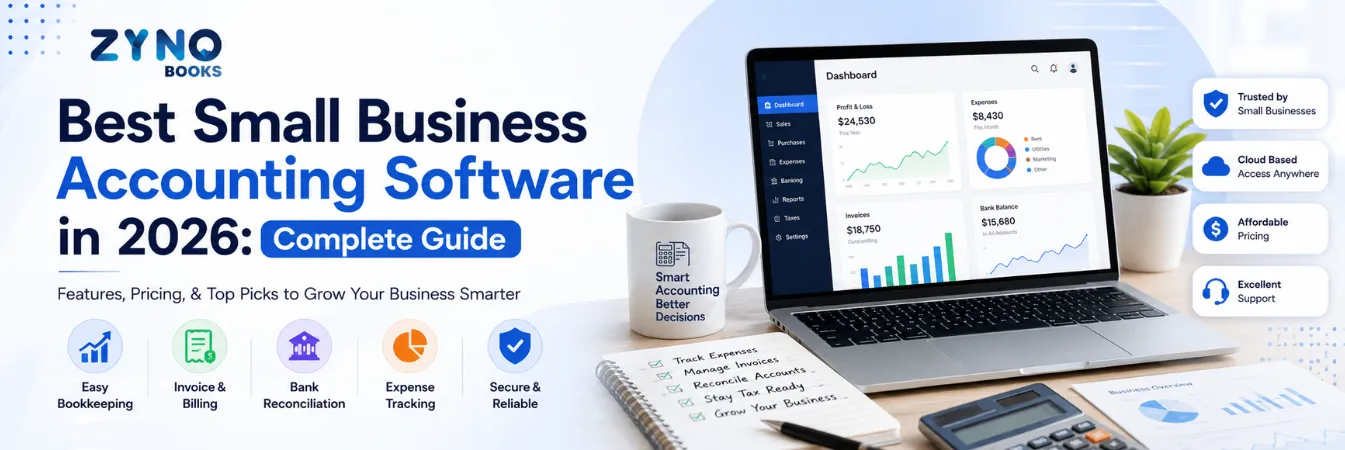
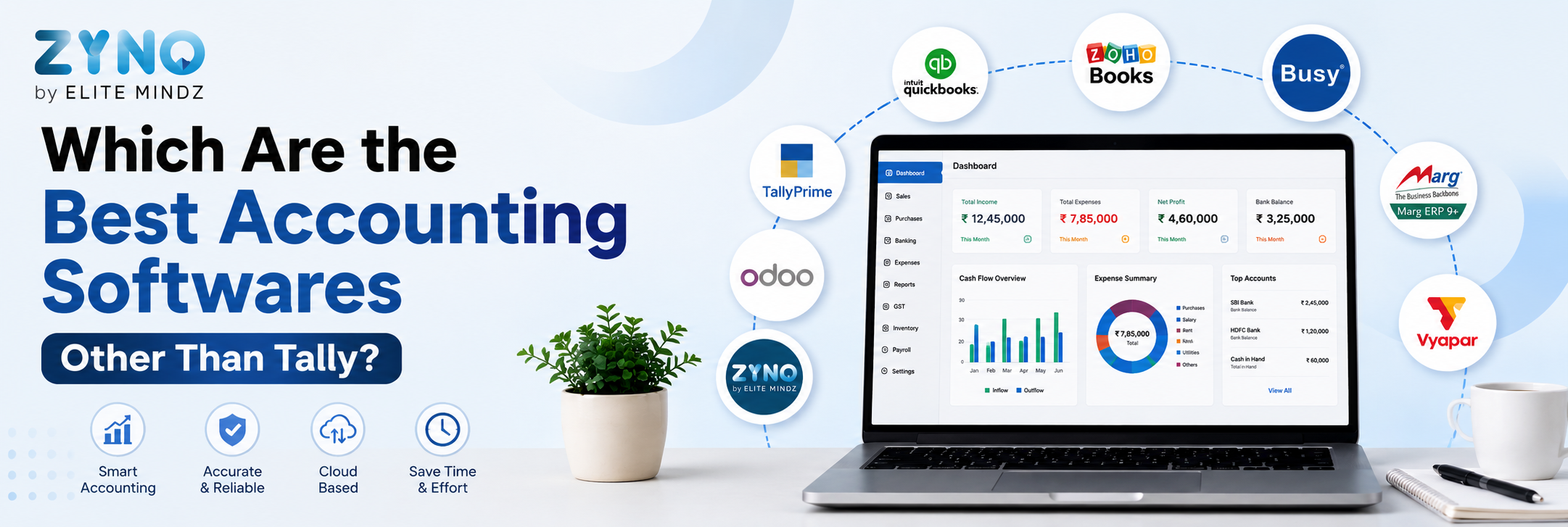
Best Small Business Accounting Software in 2026: Complete Guide
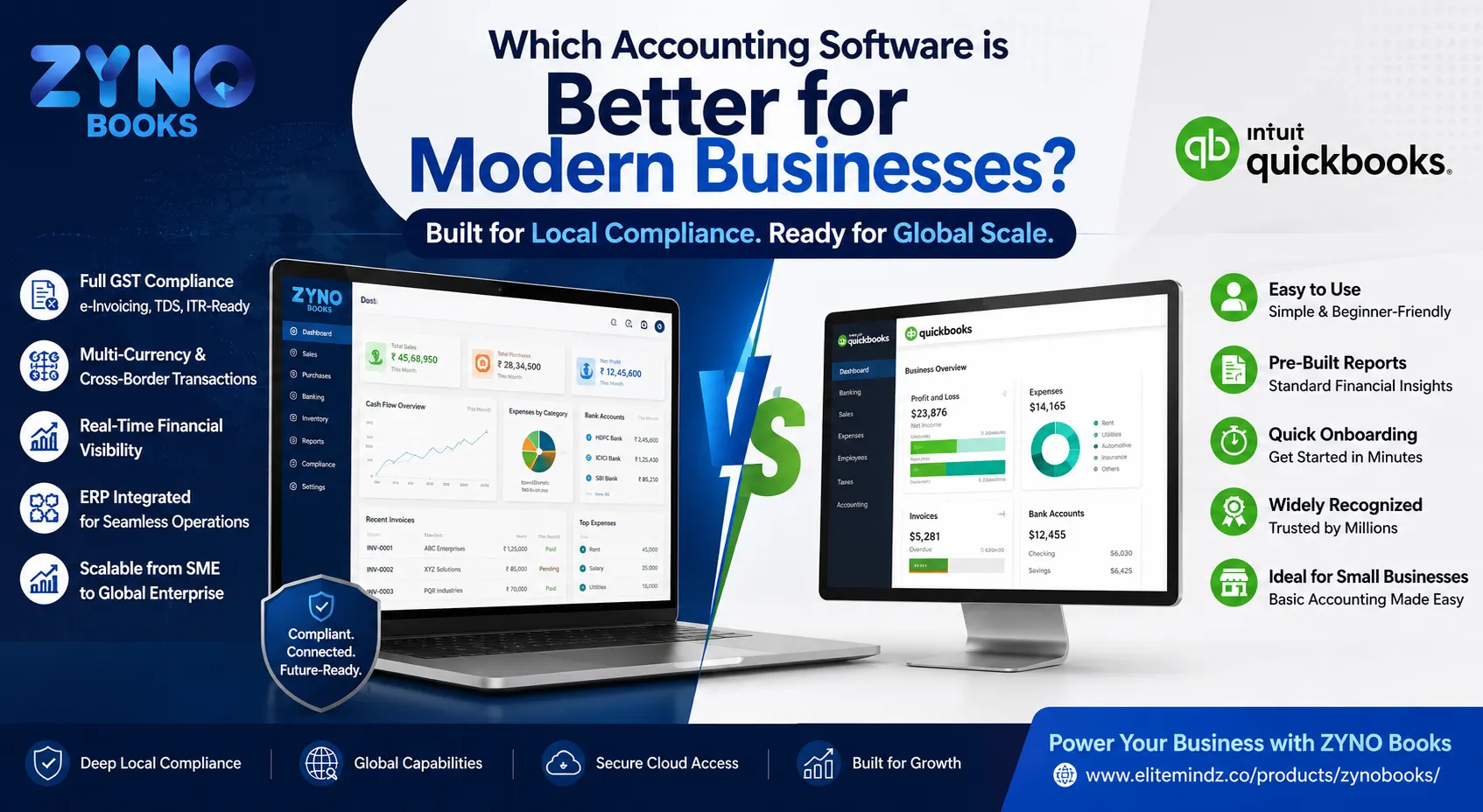
The best small business accounting software in 2026 is QuickBooks Online for all-around features, Zoho Books for best value with a free plan, and Wave for businesses that need free accounting software. The right choice depends on your budget, team size, and whether you need payroll or inventory tracking.

Share This Blog :


Stop Losing Money to VAT Penalties & Manual Errors
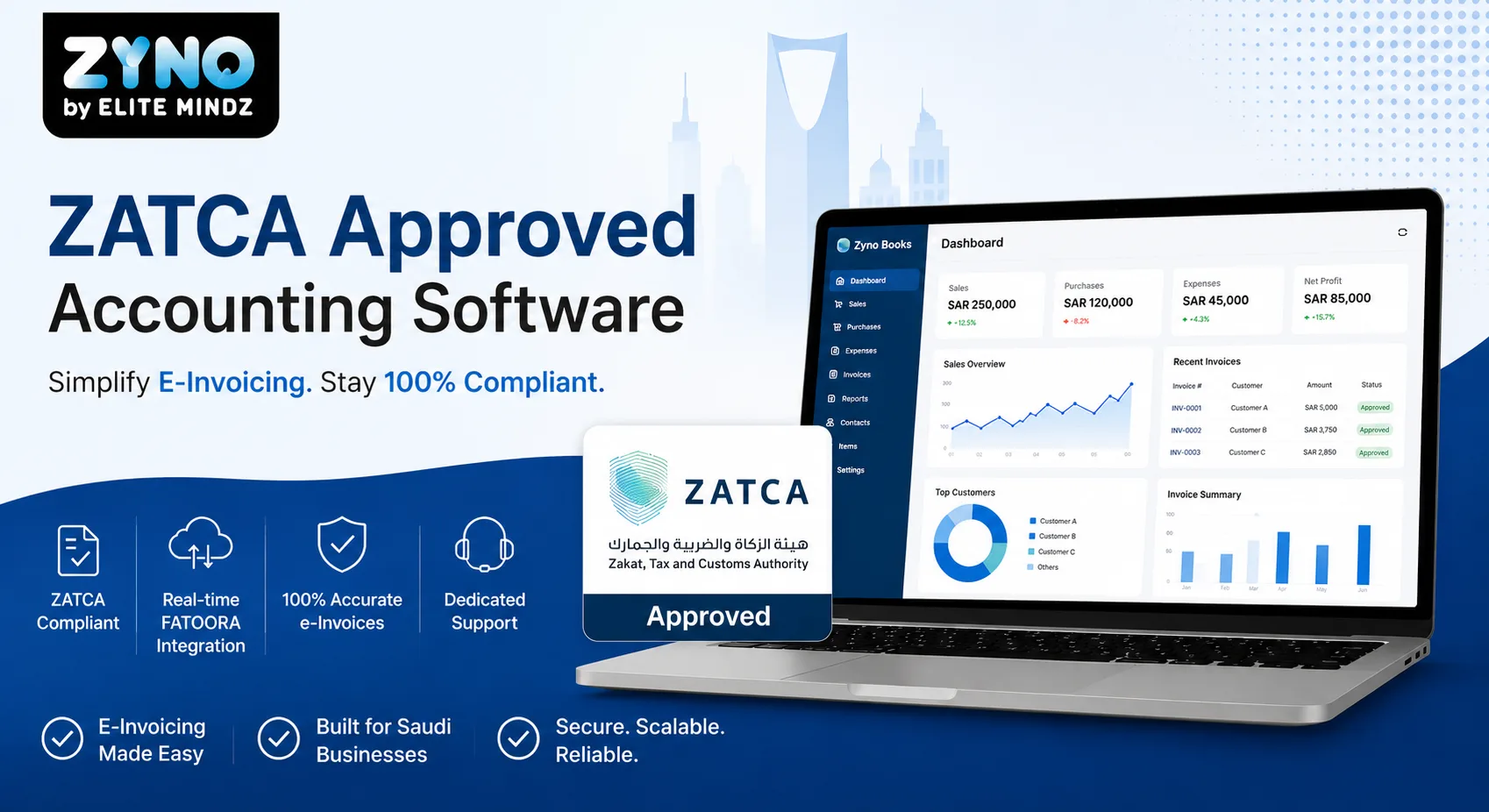
Businesses using ZYNO Books cut accounting time by 70% and stay 100% ZATCA-compliant — automatically.




Managing your business finances doesn't have to feel like climbing a mountain. The right small business accounting software can automate your bookkeeping, track every expense, and keep you tax-ready year-round without hiring a full-time accountant. Choosing the best small business accounting software is one of the most important decisions any growing company will make, right alongside picking the right small business software stack to run day-to-day operations.
But with dozens of options on the market, how do you know which one is actually worth your money?
We tested and compared 20+ accounting tools so you don't have to. This guide covers everything: features, pricing, who each tool is best for, and an honest take on the pros and cons of the top small business accounting software platforms available in 2026.
How We Evaluated These Tools
Before diving in, here's our methodology because you deserve to know how this list was built.
We evaluated each accounting software for small business options across six criteria:
- Ease of use : Can a non-accountant use it without a manual?
- Core features : Invoicing, expense tracking, bank reconciliation, reporting
- Scalability : Can it grow with your business?
- Integrations : Does it connect with tools you already use?
- Pricing : Is it fair for what you get?
- Support : Is help available when you're stuck?
We also factored in verified user reviews from G2, Capterra, and Trustpilot.
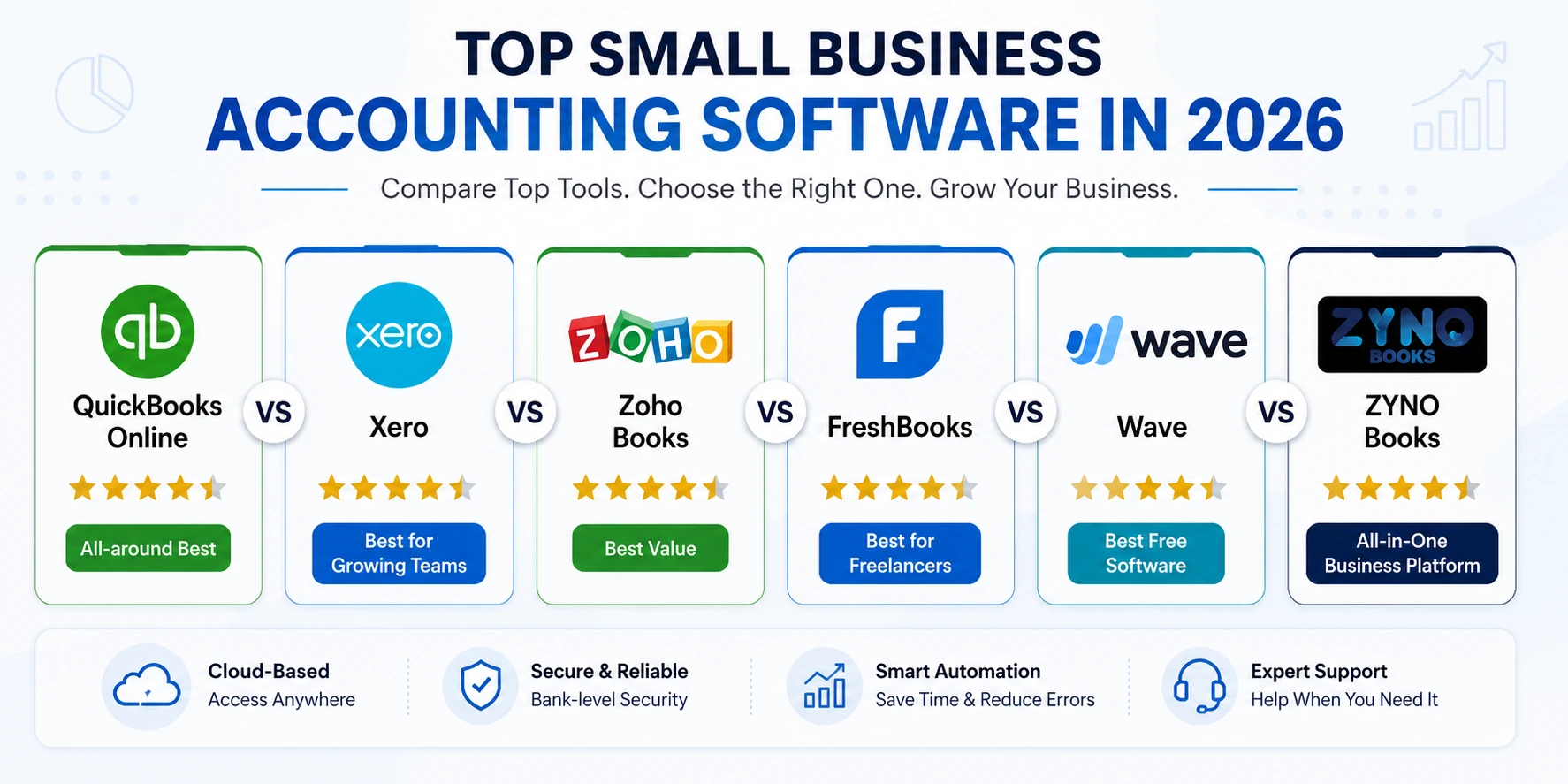
Quick Comparison: Best Small Business Accounting Software 2026
| Software | Best For | Starting Price | Free Plan | Mobile App | G2 Rating |
|---|---|---|---|---|---|
| QuickBooks Online | All-around best | $30/mo | No (30-day trial) | Yes | 4.0/5 |
| Xero | Growing teams | $25/mo | No (30-day trial) | Yes | 4.2/5 |
| ZYNO Books | All-in-one ERP + accounting | $10/mo | 14-day free trial | Yes | N/A |
| Zoho Books | Zoho ecosystem users | $0/mo | Yes | Yes | 4.6/5 |
| Refrens | Service Industries | $62/mo | Yes | Yes | 4.7/5 |
| Sage 50cloud | Mid-to-large businesses | $62/mo | No | Yes | 3.9/5 |
| FreeAgent | Contractors & consultants | $12/mo | No | Yes | 4.5/5 |
| Patriot Accounting | Small teams on a budget | $20/mo | No (30-day trial) | Yes | 4.8/5 |
| OneUp | Automation-first businesses | $9/mo | No (30-day trial) | Yes | 4.3/5 |
| Wave | Solopreneurs | Free | 14-day free trial | Yes | 4.4/5 |
1. QuickBooks Online Best All-Around Accounting Software
Best for: Small to enterprise-level businesses that need a complete, scalable solution
Pricing: Starts at $30/month | 30-day free trial available
G2 Rating: 4.0/5
QuickBooks Online is the most widely used best accounting software for small business in the world, and for good reason. It's a mature, feature-rich platform that covers virtually every financial task a small business owner needs.
Key Features
- Income and expense tracking with automatic categorization
- Invoicing and payment collection (ACH, credit cards)
- Bank reconciliation with real-time sync
- Payroll integration (add-on)
- 750+ third-party app integrations (PayPal, Square, Shopify, Amazon)
- AI-powered anomaly detection and financial insights
- Customizable dashboards and 80+ built-in reports
Pros
- Industry standard most accountants and bookkeepers know it
- Scales from a one-person shop to a 25-user team
- Excellent mobile app
- Massive ecosystem of integrations
- Regular feature updates including AI tools
Cons
- More expensive than most competitors
- Frequent price increases reported by long-term users
- Customer support can be inconsistent
- Can feel overwhelming for total beginners
Who Should Use It?
If you're a growing startup, a small retail business, or a company that works closely with an external accountant, QuickBooks Online is a safe, proven choice among accounting software for small businesses. It's not the cheapest, but it's the most future-proof.
2. Xero Best for Growing Teams and Remote Collaboration
Best for: Small to mid-sized businesses with multiple users and international transactions
Pricing: Starts at $25/month | 30-day free trial available
G2 Rating: 4.2/5
Xero is a cloud-first accounting platform built for modern businesses. Its biggest differentiator? Unlimited users on every plan a major advantage over QuickBooks, which charges extra for each additional user.
Also read: Managing Multi-Country Taxes Made Easy with ZYNO Books Integrations if international transactions are a priority, see how integrated platforms handle multi-currency and cross-border tax compliance.
Key Features
- Unlimited users on all plans
- Real-time financial dashboard
- Bank feeds and automated reconciliation
- Inventory tracking
- Hubdoc integration for receipt and bill capture
- 1,000+ third-party integrations
- Multi-currency support (in higher plans)
Pros
- Unlimited users without extra charge great for teams
- Clean, intuitive interface
- Strong integration marketplace
- Solid reporting tools
- Active community and large accountant network
Cons
- Entry-level plan caps invoices and bills at 20/month
- Phone support not available (email and callback only)
- Some advanced reports require the highest-tier plan
Who Should Use It?
Xero is ideal for small businesses that are growing quickly and need multiple people accessing the same books partners, employees, and accountants included. It's also a strong pick for businesses with international clients due to its multi-currency features.
3. ZYNO Books Accounting Built Into a Broader Business Platform
Best for: Businesses already using or considering a full ERP/CRM ecosystem
Pricing: Starts at $10/month | 14-day free trial
Website: elitemindz.co/products/zynobooks
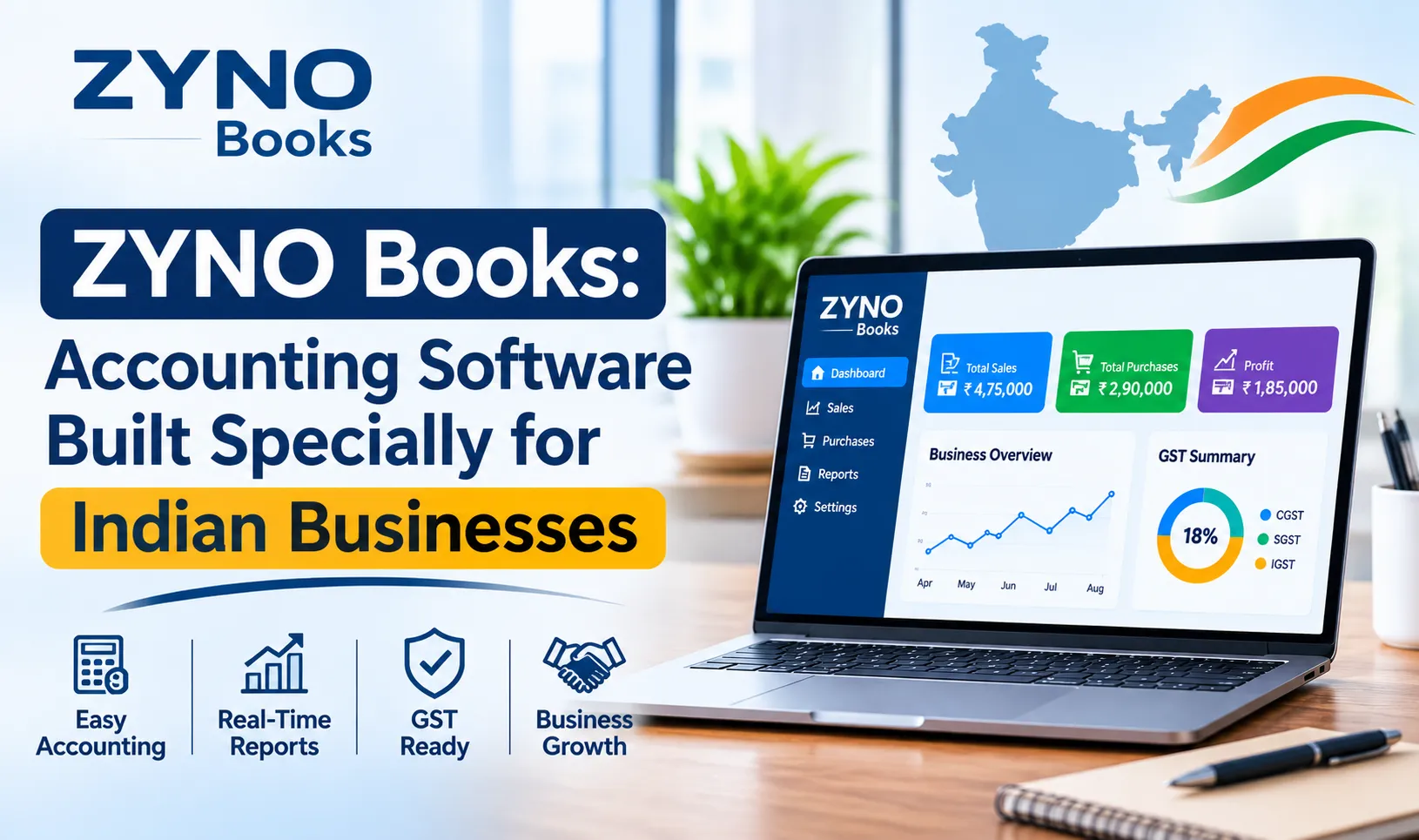
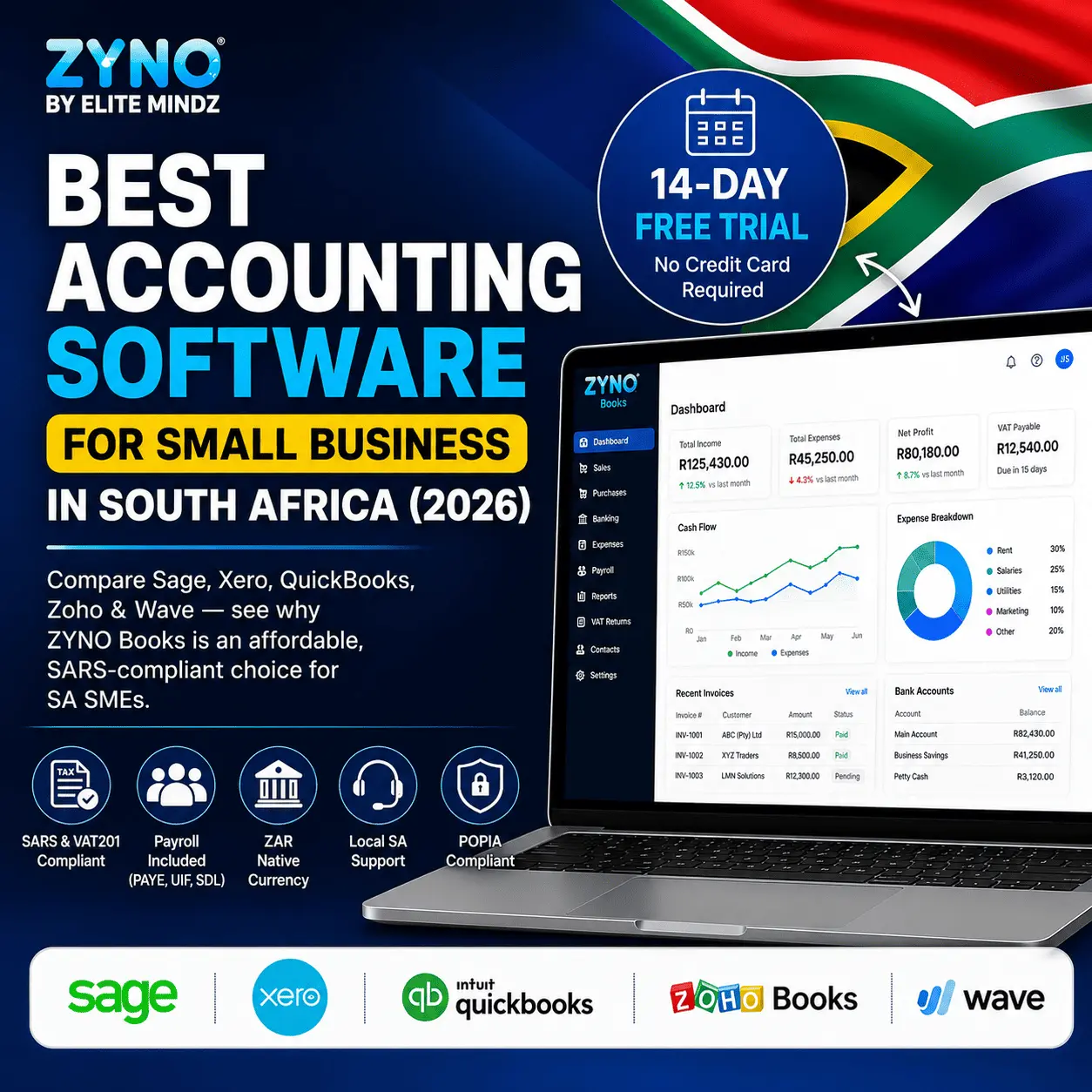
ZYNO Books is the accounting and finance module within the broader ZYNO platform by Elite Mindz. Unlike standalone accounting tools, it sits inside a complete business operating system meaning your accounting data connects natively with procurement, HR, CRM, inventory, and more. It also doubles as an accounting automation software for SMEs looking to cut down on manual, repetitive bookkeeping work.
Deep dive: The Ultimate Guide to Managing Your Business with ZYNO Books a step-by-step walkthrough of everything ZYNO Books can do for your business.
Key Features
- Invoicing and billing management
- Expense tracking and categorization
- Bank sync and reconciliation
- Purchase orders and sales orders
- Inventory tracking
- E-invoicing and VAT compliance
- Audit trail for full financial transparency
- Online payment gateway integrations
- Financial reporting and real-time dashboards
- Project-level cost tracking
- Document management (store invoices, contracts, receipts)
Pros
- Fully integrated with other ZYNO modules (HRMS, CRM, Procurement, etc.)
- E-invoicing and VAT compliance built-in useful for businesses in regulated markets
- Audit trail and document management included
- Good for businesses that want one platform to manage multiple operations
- Custom workflows possible
Cons
- Best value realized only if you use other ZYNO modules too
- May be more than a very small business needs
- Newer product compared to QuickBooks or Xero
4. Zoho Books Best Value Accounting Software (Free Plan Available)
Best for: Small businesses looking for a feature-rich account management software for small business at a low price
Pricing: Free plan available (up to $50K revenue); paid plans from $15/month
G2 Rating: 4.6/5
Zoho Books punches well above its price point. It offers a genuinely capable free plan for businesses with annual revenue under $50,000, and its paid tiers are some of the most affordable in the market while still covering all the essentials.
Key Features
- Double-entry accounting
- Automated bank feeds and reconciliation
- Invoice creation, tracking, and payment collection (Stripe, PayPal)
- 1099 contractor management
- Expense tracking with receipt scanning
- Sales tax and GST automation
- Client portal for invoice payments
- Integrations with Zoho CRM, Zoho Payroll, and other Zoho apps
Pros
- Generous free plan (up to 1,000 invoices/year)
- Extremely affordable paid plans
- Strong automation features
- Excellent if you already use other Zoho tools
- Good mobile app
Cons
- Free plan capped at businesses earning under $50K/year
- Limited accountant support compared to QuickBooks
- Zoho ecosystem lock-in if you use multiple Zoho products
Who Should Use It?
Zoho Books is a great fit for small business owners, freelancers, and startups watching their budget. It's especially powerful if you already use Zoho CRM or other Zoho products, since the entire suite integrates natively.
5.Refrens Best Cloud Accounting Software for Service Industries
Best for:Service Industries, Consulting firms, IT service companies, marketing agencies, professional service providers, business service companies, and growing service-based teams
Pricing: Free plan available | Starting Price: ₹5,900/year
G2 Rating: 4.7/5
Website: Refrens for Service Industries
Refrens is a best financial software for small business built for service-based businesses that want to manage accounting, billing, compliance, and reporting from one place. It is suitable for teams that need better control over finance operations without using multiple disconnected tools.
Key Features:
- GST-compliant invoicing and billing
- Client billing and payment tracking
- Expense and purchase management
- Bank reconciliation
- GSTR reports
- GSTR-2B reconciliation
- Automated bookkeeping
- Financial reports and dashboards
- Workflow and approval system
- Approval workflows for invoices, quotations, expenses, and purchase orders
- Role-based access for teams
- Project profitability tracking
- Client and vendor statements
- Built-in CRM and lead management
- Recurring invoices
- FREYA AI accounting assistant
- MCP connection with Claude and ChatGPT for real-time insights, reports, and dashboards
Pros:
- Helps service businesses manage finance operations in a more structured way
- Useful for teams that need internal review and approval before important documents move ahead
- Reduces dependency on separate tools for accounting, compliance, reporting, and client management
- Makes business data easier to access through FREYA and MCP-based AI queries
- Suitable for teams where sales, finance, and operations work together on billing and payments
Cons:
- Not suitable for retailers and manufacturers.
- Limited third-party integrations.
- Free plan is limited to 15 documents, so it works more like a trial plan.
- Best suited for Indian businesses, not for businesses in the US or UK.
- Limited inventory features.
Who Should Use It?
Refrens is a good fit for service businesses where finance work involves more than one person or department. It works well for companies where sales teams create quotes, operations teams deliver services, finance teams manage billing, and owners or managers need visibility before approvals are completed.
It is also suitable for growing service companies that are moving away from spreadsheets or basic invoicing tools and need a more organized system to manage client work, financial records, compliance, and team accountability as the business scales.
6. GimBooks – Best GST Billing & Accounting Software for Small Businesses
Best for: Indian small businesses, retailers, traders, wholesalers, and shops looking for simple GST billing and accounting software
Pricing: 7-day free trial available
G2 Rating: 4.5/5
GimBooks is a GST billing and accounting software built for Indian small businesses, retailers, traders, and local businesses. It combines invoicing, accounting, inventory management, expense tracking, payment management, and GST-related tools in one platform, making it easier for small businesses to manage daily financial operations.
Key Features
- GST-compliant invoice creation
- Inventory and stock management
- Sales and purchase tracking
- Expense management
- Payment tracking and reminders
- GST reports and filing support
- Mobile and desktop access
- Multi-business management
- Business reporting
Pros
- Designed specifically for Indian small businesses
- Simple and beginner-friendly interface
- Combines billing, accounting, and inventory management
- Supports GST billing and reporting
- Useful for retailers, traders, and wholesalers
- Available across mobile and desktop
Cons
- Mainly focused on Indian business requirements
- May not be ideal for businesses looking for advanced international accounting features
- Businesses with complex enterprise accounting needs may require more specialized solutions
Who Should Use It?
GimBooks is a good fit for small business owners, retailers, grocery stores, medical shops, wholesalers, traders, and other Indian businesses that need simple billing and accounting tools. It is particularly useful for businesses that want to manage GST billing, inventory, expenses, and payments from one platform.
7. Sage 50cloud Best for Established Mid-Sized Businesses
Best for: Small to mid-sized businesses that need robust accounting with desktop + cloud access
Pricing: Starts at $62/month
G2 Rating: 3.9/5
Sage 50cloud (formerly Peachtree) is a mature accounting platform that combines the reliability of desktop software with cloud accessibility. It's more powerful than most options on this list, but also requires more setup and accounting knowledge.
Key Features
- Full double-entry accounting
- Inventory management with costing
- Job costing and project tracking
- Payroll processing (with add-on)
- Microsoft 365 integration
- Advanced reporting and budgeting tools
- Multi-user access with permission controls
Pros
- Very comprehensive feature set
- Strong inventory and job costing tools
- Audit trail built-in
- Good for industries like construction or manufacturing
Cons
- Steeper learning curve
- Higher price than competitors
- Interface feels dated compared to cloud-native tools
- Fewer third-party integrations
Who Should Use It?
Sage 50cloud suits established businesses in industries like construction, manufacturing, or distribution where inventory tracking, job costing, and multi-user access are non-negotiable.
8. FreeAgent Best for Contractors and Consultants
Best for: Freelancers, contractors, and small agencies
Pricing: Starts at $12/month
G2 Rating: 4.5/5
FreeAgent is a UK-originated accounting tool that has gained popularity globally for its simplicity and contractor-friendly features. It covers tax filing, invoicing, time tracking, and expense management in a clean package.
Key Features
- Self-employed and limited company tax support
- Real-time tax dashboard
- Invoicing and payment collection
- Time tracking and project management
- Bank feed integration
- Multi-currency invoicing
Pros
- Excellent for understanding your tax position in real-time
- Simple and approachable interface
- Good for contractors with multiple clients
- Affordable entry price
Cons
- Fewer integrations than QuickBooks or Xero
- Best suited for UK/US markets (limited international tax support)
- Limited inventory features
Who Should Use It?
FreeAgent is a strong fit for independent contractors, consultants, and small agencies who need real-time visibility into their tax position without the complexity of a full accounting suite. If you're self-employed and tired of tax surprises at year-end, FreeAgent's live tax dashboard alone makes it worth trying.
9. Patriot Accounting Best Budget Option for Small Teams
Best for: Small businesses needing affordable, no-frills accounting + payroll
Pricing: $20/month for accounting; $17/month for payroll
G2 Rating: 4.9/5
Patriot is one of the highest-rated small business accounting tools on user review platforms. It's straightforward, honest pricing and a clean interface have won over thousands of small business owners.
Key Features
- Full accrual and cash-basis accounting
- Invoicing and bill pay
- Bank connections and reconciliation
- Payroll integration (separate module)
- 1099 and W-2 preparation
- Vendor and customer management
Pros
- Highest user satisfaction of any tool on this list
- Very affordable
- Easy for accounting beginners
- Excellent customer support (US-based)
Cons
- Limited integrations with third-party apps
- Fewer advanced features than QuickBooks or Xero
- Not ideal for businesses with complex inventory needs
Who Should Use It?
Patriot is perfect for small business owners who want something simple, reliable, and affordable without sacrificing customer support.
10. OneUp Best for Automation-First Businesses
Best for: Small businesses that want their accounting to run mostly on autopilot
Pricing: Starts at $9/month | 30-day free trial
G2 Rating: 4.3/5
OneUp takes a different approach: it learns your financial patterns over time and starts automating categorization, reconciliation suggestions, and reporting. The more you use it, the smarter it gets.
Key Features
- AI-driven transaction categorization
- Bank account integration with automated reconciliation
- Invoicing and payment tracking
- CRM-lite features (customer management)
- Inventory management
- Year-end accountant export
Pros
- Gets smarter over time as it learns your spending patterns
- Very affordable starting price
- Good all-in-one tool for very small businesses
- Inventory included at base price
Cons
- Fewer integrations than enterprise options
- Less well-known, smaller community
- Reports are less customizable
Who Should Use It?
OneUp is a great pick for small business owners who find manual bookkeeping tedious and want software that gradually takes the work off their plate. If you run a simple product or service business and want affordable automation without a steep learning curve, OneUp is worth a 30-day trial.
11. Wave Best Free Accounting Software
Best for: Solopreneurs, very small service businesses, and early-stage startups
Pricing: Free core plan | Paid plans for payroll and payment processing
G2 Rating: 4.4/5
Wave is the rare accounting tool that is genuinely useful without spending a cent. Its free plan includes invoicing, expense tracking, bank reconciliation, and double-entry accounting features you'd pay for on other platforms. a strong option if you're just testing what small business accounting software can do for your books.
Related read: Top Financial Reporting Software for Accurate Business Insights understand what to look for in financial reporting before you pick your tool.
Key Features (Free Plan)
- Unlimited invoicing with automated payment reminders
- Income and expense tracking
- Bank and credit card connections
- Double-entry accounting
- Financial reports (P&L, balance sheet, cash flow)
- Receipt scanning via mobile app
- Accountant access included
Pros
- Completely free for core accounting features
- No hidden upsells on the free tier
- Easy to set up and use
- Good for businesses with simple finances
- Accountants can be invited to view data
Cons
- Payment processing and payroll are paid add-ons
- Not scalable for complex or high-volume businesses
- Limited integrations compared to QuickBooks or Xero
- Customer support is limited on the free plan
Who Should Use It?
If you're just starting out, working as a freelancer, or running a very small business with limited transactions, Wave gives you everything you need at zero cost. Once you scale, you'll likely want to migrate to a more robust platform.
Who Should Use It?
ZYNO Books makes the most sense for businesses that need more than just accounting particularly those looking to consolidate their operations into a single platform. If you're already evaluating ERP solutions and want account management software for small business needs to be one piece of a larger puzzle, it's worth requesting a demo.
Paid vs. Free Accounting Software: Which Is Right for You?
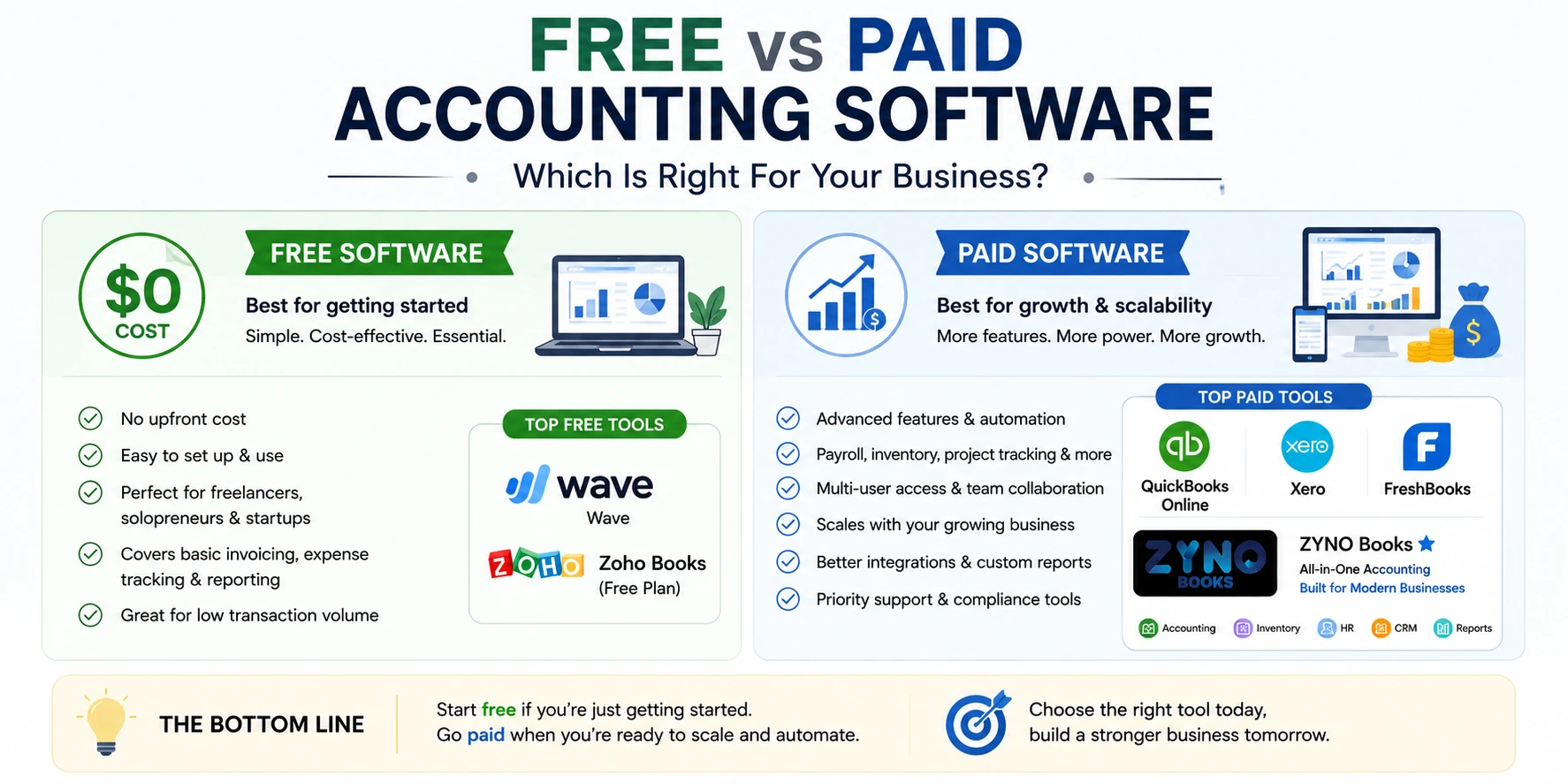
Free accounting tools like Wave are genuinely excellent for very small businesses and solopreneurs. But as your business grows, free software often becomes a ceiling rather than a launchpad.
Here's a quick framework to decide:
Choose free software if:
- You're just starting out with minimal transactions
- You have simple invoicing needs
- Budget is extremely tight
- You don't need payroll or advanced reporting
Choose paid software if:
- You have more than 10-15 transactions per month
- You work with an external accountant regularly
- You need payroll, inventory, or project tracking
- You're growing and need the software to scale with you
Cloud-Based vs. Desktop Accounting Software
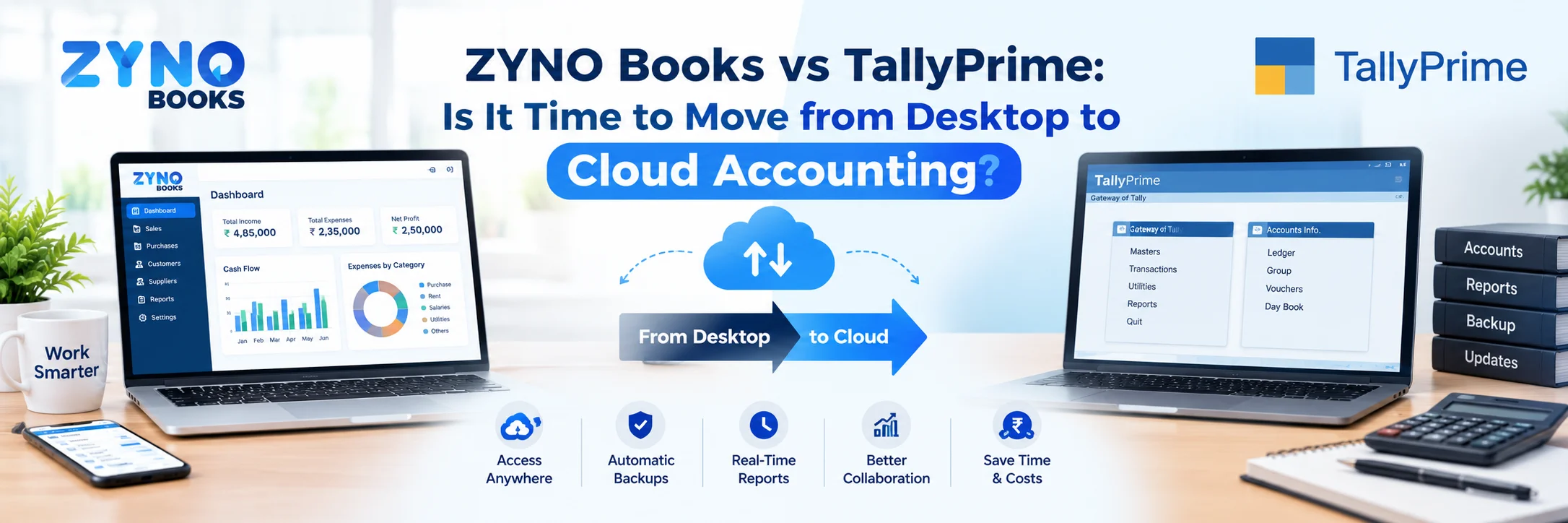
Almost every tool on this list is cloud-based, and for good reason. For a detailed breakdown of the tradeoffs, see our guide on Cloud Accounting Software vs. Desktop Accounting Software.
- Access from any device, anywhere
- Automatic backups
- Real-time collaboration with your accountant
- Automatic software updates
- No installation required
The only meaningful exception is AccountEdge, which runs locally on your desktop. Some businesses prefer this for added data security, since financial data doesn't leave the device. But for most small businesses, cloud-based accounting is the clear winner in 2026.
Key Features to Look for in Small Business Accounting Software
Before you commit to any tool, check that it covers these fundamentals:
Essential features every business needs:
- Bank account sync and reconciliation
- Income and expense tracking
- Invoicing and payment collection
- Financial reports (P&L, balance sheet, cash flow)
- Tax preparation support
Important features for growing businesses:
- Multi-user access
- Payroll integration or built-in payroll
- Inventory management
- Project or job costing
- Third-party integrations (CRM, e-commerce, POS)
Nice-to-have features:
- Mobile app with receipt scanning
- Client portal for invoice payments
- Automated payment reminders
- AI-powered insights and anomaly detection
How to Choose the Right Accounting Software for Your Business
Every business has different needs. Use this framework to narrow down your options:
Step 1: Identify your business type
- Freelancer or solopreneur → Wave or FreshBooks
- Service business with a small team → FreshBooks or Xero
- Product-based business → QuickBooks Online or Xero
- Fast-growing startup → QuickBooks Online or Xero
- Enterprise or ERP-needed → Sage, NetSuite, or ZYNO Books
Step 2: Set your budget
- $0: Wave, Zoho Books (free tier)
- Under $25/month: Patriot, OneUp, FreeAgent
- $25-$75/month: FreshBooks, Xero, Zoho Books paid plans
- $75+/month: QuickBooks Online (higher tiers), Sage 50cloud
Step 3: Think about your accountant
If you work with an external CPA, ask them what they prefer. Most accountants work daily with QuickBooks Online and Xero. Using what your accountant knows saves time and reduces errors.
Step 4: Take advantage of free trials
Most tools offer a 30-day free trial. Always test-drive at least two options before committing especially focus on the invoicing flow and how easily you can connect your bank account.
Frequently Asked Questions
Q1.What is the best accounting software for a small business in 2026?
QuickBooks Online is the most comprehensive all-around choice among accounting software for small business options, while Zoho Books offers the best value and Wave is the best free option. The right answer depends on your business size, budget, and needs.
Q2.Is free accounting software good enough for a small business?
Wave's free plan is genuinely capable for very small businesses with simple finances. But once you need payroll, inventory, or more than basic reporting, a paid tool like Zoho Books or FreshBooks will serve you better.
Q3.What's the difference between bookkeeping software and accounting software?
The terms are often used interchangeably, but in practice, accounting software includes more advanced features like tax preparation, financial statement generation, and strategic reporting whereas bookkeeping software focuses on day-to-day transaction recording and reconciliation.
Q4.Do I need accounting software if I have an accountant?
Yes. Accounting software makes your accountant's job faster and more accurate. Most accountants prefer clients who use tools like QuickBooks or Xero, because they can access your books directly without requesting exports or manual reports.
Q5.Can I switch accounting software later?
Yes, but it's not trivial. Most platforms allow you to export your data, but migrating mid-year can be complex. It's best to switch at the start of a new financial year and to work with your accountant during the transition.
Q6.What accounting software is best for a startup?
Startups benefit from software that scales meaning it's affordable early on but can handle growing complexity. QuickBooks Online and Xero are the most popular startup choices. Wave is a good starting point if budget is the primary concern.
Q7.Is cloud-based accounting software safe?
Yes. Major platforms like QuickBooks, Xero, and Zoho use bank-level encryption and regular security audits. Cloud storage is generally safer than local storage because it includes automatic backups and disaster recovery.
Q8.What should I look for in accounting software for invoicing?
Look for customizable invoice templates, automated payment reminders, online payment options (credit card, ACH, PayPal), and invoice tracking that shows when a client has opened your invoice. FreshBooks is particularly strong in this area.
Final Verdict
There's no single "best" accounting software it depends entirely on your business. Whether you're comparing the top small business accounting software names or evaluating niche tools, here's the short version:
Here's the short version:
- QuickBooks Online if you want the most complete, scalable solution and don't mind paying for it
- Xero if you need multiple users or strong international features at a lower price
- Zoho Books if you want excellent features at an affordable price (or for free if you qualify)
- FreshBooks if invoicing and time tracking are your core needs
- Wave if you're just starting out and need a free, capable tool
- ZYNO Books if you're evaluating a full ERP system and want accounting software for small businesses as part of a larger connected platform.
Whatever you choose, the most important thing is to start using something now. Manual spreadsheet bookkeeping breaks down fast as your business grows and the cost of getting behind on your books is far higher than the cost of any software on this list.
Last updated: May 2026. Pricing and features may change always verify on the provider's official website before purchasing.
Must Read:
1) Intelligent Financial Reporting Software That Turns Numbers Into Decisions
2) Budget Management Made Simple for Better Financial Control
3) Smart Invoicing Software That Gets You Paid Faster
4) Automated Expense Reporting: Simplify Business Expense Tracking and Reporting
Related Blogs





Let’s Build the Future Together
Partner with ZYNO by Elite Mindz to revolutionize how your business works. Fill out the form, and we’ll reach out with AI-powered solutions made just for you.