×
Are you still typing receipt data by hand? That's a lot of wasted time.
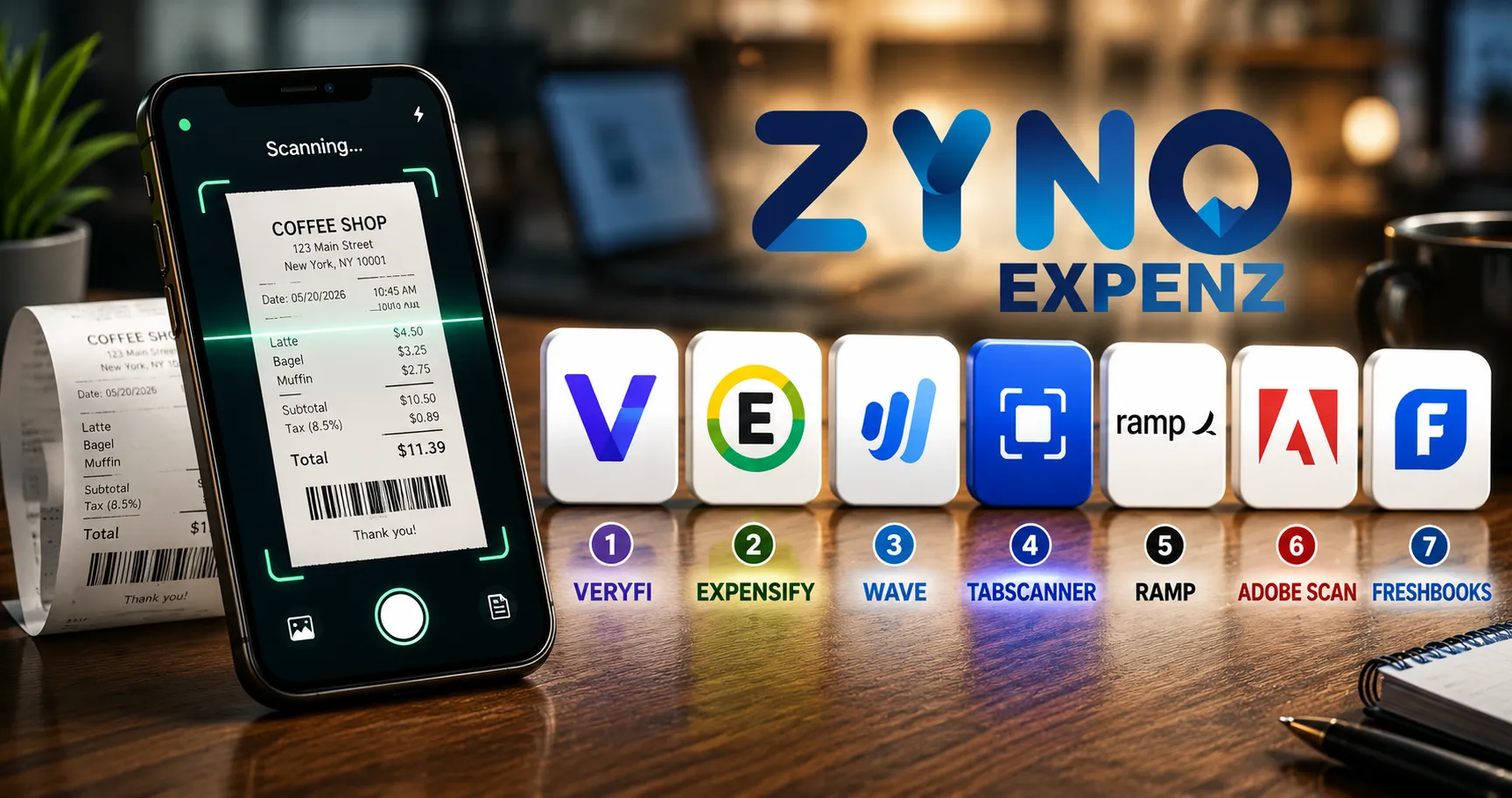
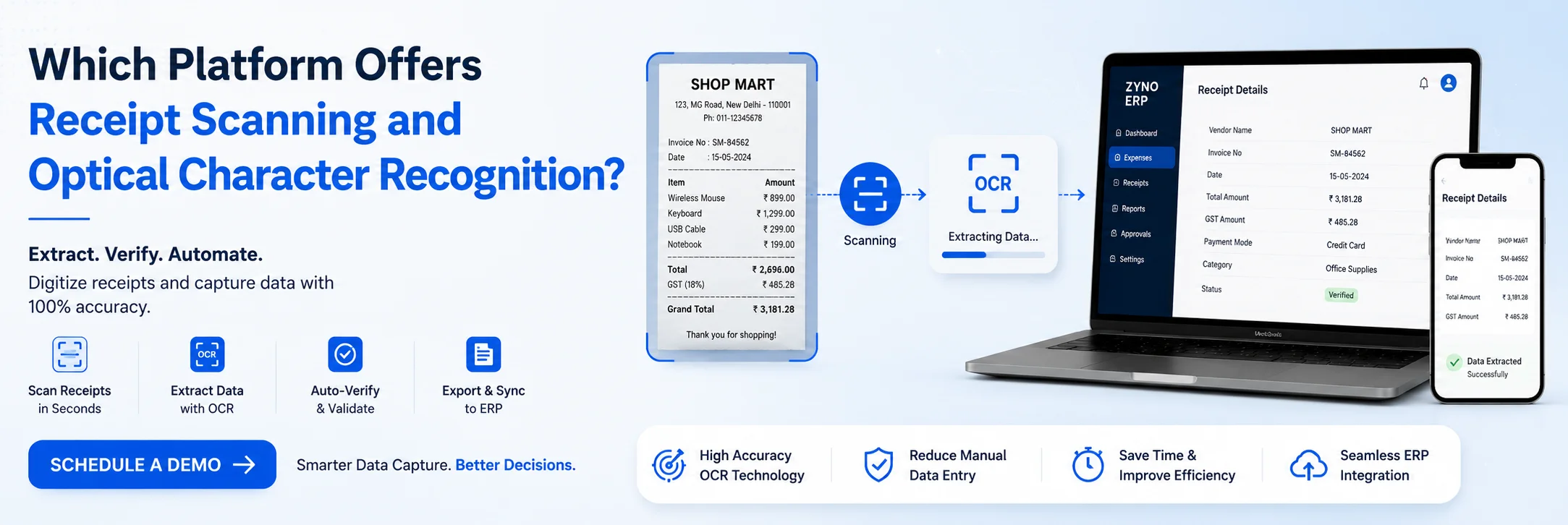
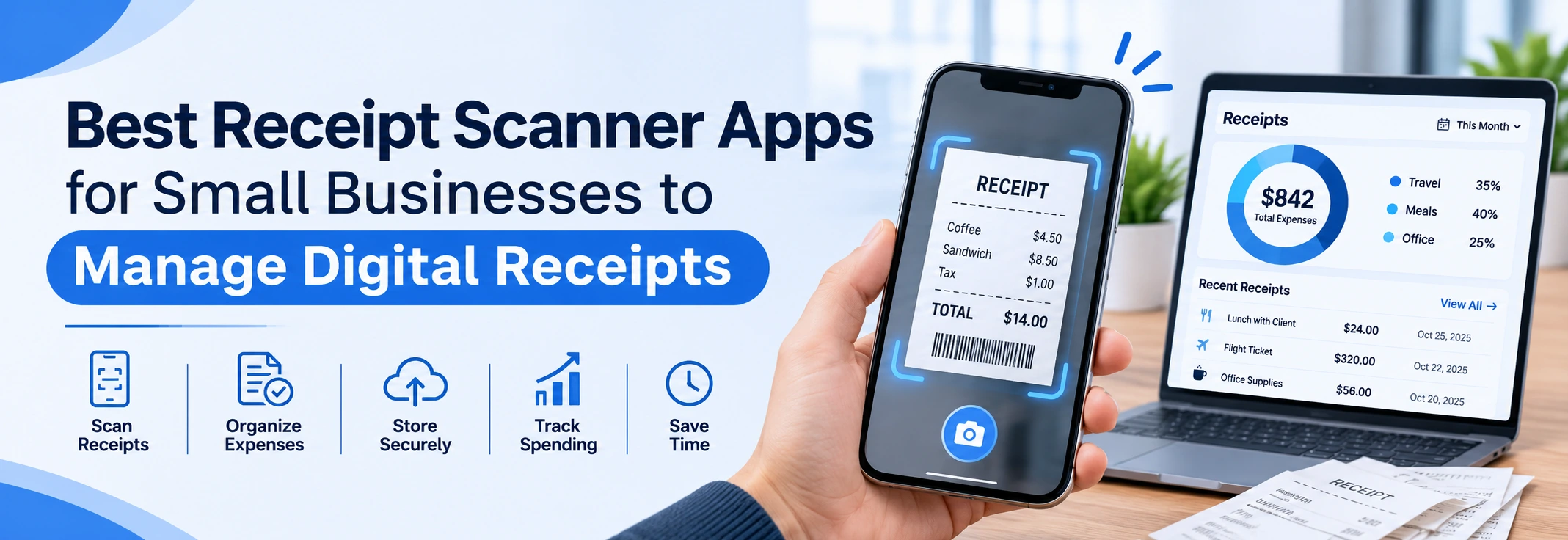
The best OCR receipt scanner apps in 2026 can read a receipt photo in seconds. They pull out the vendor name, date, total, and line items all without you touching a keyboard.
We tested the top tools, ranked them, and included the best free options too. Whether you're a freelancer, a small business owner, or part of a finance team this guide is for you.
Streamline receipt scanning and expense tracking with ZYNO Expenz. Capture, extract, and manage receipts digitally with smart receipt scanning technology.
An OCR receipt scanner reads text from a receipt image. OCR stands for Optical Character Recognition. It turns a photo of your receipt into clean, digital data you can actually use.
So instead of sorting paper receipts at the end of the month, the app does it for you.
Modern receipt recognition tools do much more than just read text. Here's what they can handle:
The payoff? Less manual work, fewer mistakes, and a stress-free tax season.
We scanned over 400 real receipts using each app. The test included faded thermal receipts, crumpled grocery bills, restaurant bills with many line items, and fuel receipts with GST numbers.
We rated each tool on seven things:
Now let's look at the results.

Best for: Finance teams and developers who need top accuracy
Veryfi came out on top in our tests. It read vendor names, totals, tax lines, and line items correctly even on crumpled or poorly lit receipts.
It's built for businesses and developers. You can plug its receipt scanning OCR engine into your own app or workflow. The dashboard is simple. Categories fill in on their own. The bookkeeping OCR tools are built for real business use.
Key Features:
Pricing: Free plan up to 100 docs/month. Paid plans from $20/month. Free Option: Yes Verdict: If accuracy is your main concern, Veryfi is the one to pick.
Best for: Business travelers and teams with approval workflows
Expensify is one of the most well-known names in OCR Expense Management. Its SmartScan feature reads your receipt and builds an expense report for you. That's a big help for employees who file expense claims every week.
Receipt recognition works well on normal printed receipts. It also matches receipts to your credit card transactions automatically. That saves a lot of time when doing reconciliation.
Key Features:
Pricing: Free plan gives 25 Smart Scans/month. Paid plans from $5/user/month. Free Option: Yes 25 free scans per month Verdict: Great for teams that need proper expense reporting with receipts OCR built in.
Best for: Freelancers and small businesses on a tight budget
Wave is the best free OCR receipt scanner we tested. It's accurate enough for everyday use. And it connects directly to Wave's free bookkeeping and invoicing tools.
It won't outperform Veryfi on tricky receipts. But for a free tool that handles normal expenses, it gets the job done well.
Key Features:
Pricing: Basic at $8/month. Pro at $19/month. Receipt scanning is in both. Free Option: Yes core receipt OCR is free Verdict: The best free pick for small business owners who also need bookkeeping help.
Best for: Developers and SaaS teams adding receipt recognition to apps
Tabscanner is built for one job fast, accurate OCR receipt scanning at scale. It has processed over a billion receipts. That kind of volume builds real expertise.
The API is easy to set up. It returns clean JSON data for every scanned receipt. It also handles difficult receipts well faded text, odd angles, and multi-column layouts included.
Key Features:
Pricing: Pay-as-you-go. Free trial available. Free Option: Yes trial tier included Verdict: The top pick for developers building receipt recognition into their own software.
Best for: Growing companies that need expense management and corporate cards
Ramp is more than a scanner. It's a full Spend Management platform. But its OCR receipt scanner is one of the best we tested. It reads receipts, sorts expenses, and needs very little manual input.
The best part? Most of Ramp's OCR expense management features are completely free. Teams get corporate cards, auto expense reports, and receipt line item OCR all on the free plan.
Key Features:
Pricing: Free core plan. Ramp Plus is $15/user/month. Free Option: Yes very generous free tier Verdict: Best free OCR expense management tool for teams.
Best for: Anyone who needs clean receipt scans for filing or sharing
Adobe OCR Scan produces the cleanest receipt PDFs of any free app we tested. It detects edges, fixes shadows, and makes every scan sharp and text-searchable using built-in OCR.
It's not a full expense management tool. You won't get auto-categorization here. But as a free OCR for receipts that creates neat digital archives, nothing beats it.
Key Features:
Pricing: Free. Adobe cloud subscription is optional. Free Option: Yes full version is free Verdict: Perfect if you want clean, searchable PDF files from your receipts OCR scans.
Best for: Freelancers already using FreshBooks for invoicing
FreshBooks has a built-in receipt scanner with solid OCR for receipts. It connects right to your Invoicing and Expense Tracking Tools. Scan a receipt and FreshBooks creates the expense entry, picks the category, and links it to a client or project.
The OCR receipt recognition works well on standard printed receipts. It's not a standalone tool but inside the FreshBooks setup, it's very convenient.
Key Features:
Pricing: Starts at $19/month. Receipt scanning is in all plans. Free Option: 30-day free trial Verdict: Best OCR receipt scanner for freelancers already on FreshBooks.
| App Name | OCR Accuracy | Free Plan | Line Item OCR | Best For |
|---|---|---|---|---|
| Veryfi | 5/5 | 100 Free Docs | Available | API & High Accuracy |
| Expensify | 4/5 | 25 Docs / Month | Available | Business Travel |
| Wave | 4/5 | Free Plan | Not Available | Solo Users |
| Tabscanner | 5/5 | Trial Version | Available | Developers |
| Ramp | 4/5 | Generous Free Plan | Available | Expense Management Teams |
| Adobe Scan | 4/5 | Full Free Access | Not Available | PDF Receipt Scanning |
| FreshBooks | 4/5 | Trial Only | Not Available | Freelancers |
Not every tool is the same. Here are five things that actually matter when picking one.
1. Real-World OCR Accuracy
App websites will always claim high accuracy. But the real test is your actual receipts. Try each tool on a faded or crumpled receipt before you commit to a paid plan.
2. Receipt Line Item OCR
Basic apps grab the total and vendor name. Better apps do full receipt line item OCR. They read every product, price, and quantity on the bill. If you need detailed records, this feature matters a lot.
3. OCR Expense Management Integration
Scanning is just the first step. The real value comes from what the app does next. The best tools send your data straight to your Accounting Software. No double entry. No copy-pasting.
4. Bookkeeping OCR Automation
Look for tools that also sort, flag, and route your data. A good bookkeeping OCR tool doesn't just read receipts it helps you manage them from start to finish.
5. Batch Processing
Do you scan lots of receipts at once? Then make sure the app supports bulk uploads. Developer tools like Tabscanner and Veryfi handle high volumes much better than basic consumer apps.
Here's a simple way to decide.
Go free if:
Wave, Adobe Scan, and Ramp's free plan all work well for this.
Go paid if:
A paid OCR receipt scanner will save you more time than it costs especially once you add up all the manual data entry you're skipping.
Not sure? Start free. Move to a paid plan when you hit the limits.
Q1. What is the best OCR receipt scanner app in 2026?
Veryfi is the best OCR receipt scanner in 2026 for accuracy and business use. For free options, Wave Receipts and Ramp are the top picks. The right choice depends on your volume, budget, and accounting software.
Q2. Is there a free OCR receipt scanner that actually works?
Yes. Wave Receipts offers free receipt OCR with built-in bookkeeping tools. Adobe Scan is also free and produces clean, searchable PDFs. Ramp's free plan includes full receipt scanning OCR for teams. All three were tested and work well for everyday use.
Q3. How accurate is OCR for receipts?
Top apps like Veryfi and Tabscanner claim 99% accuracy. In real-world testing, accuracy depends on receipt quality. Clear, fresh receipts scan near-perfectly. Faded, crumpled, or angled receipts may need minor corrections. Always review extracted data before saving.
Q4. Can OCR receipt scanners read individual line items?
Yes but not all apps support it. Tools like Veryfi, Expensify, and Tabscanner offer full receipt line item OCR. They read each product, price, and quantity. Basic free tools usually only extract the total, date, and vendor name.
Q5. How does OCR receipt scanning help with expense management?
OCR expense management works by reading your receipt, extracting key data, and sending it directly to your accounting software. It removes manual data entry, reduces errors, and keeps your bookkeeping OCR records organized. Most apps also auto-categorize expenses by type.
Q6. Which OCR receipt scanner works best with QuickBooks or Xero?
Veryfi, Expensify, Ramp, and Wave all connect directly with QuickBooks and Xero. For the smoothest bookkeeping OCR workflow, Expensify and Veryfi offer the deepest native integrations with both platforms.
Q7. Can I use an OCR receipt scanner for GST or tax filing?
Yes. Most OCR receipt scanner apps extract GST numbers, tax amounts, and vendor details automatically. Tools like Veryfi support Indian GST receipts. Always verify extracted tax data before submitting for filing.
Q8. What is the difference between a receipt scanner app and an OCR receipt scanner?
A basic receipt scanner just takes a photo and stores it. An OCR receipt scanner goes further it reads the text on the receipt and converts it into usable data. The best apps combine both: they scan, read, extract, categorize, and sync your receipts OCR data to your accounting tools automatically.
Streamline receipt scanning and expense tracking with ZYNO Expenz. Capture, extract, and manage receipts digitally with smart receipt scanning technology.
The right OCR receipt scanner does more than just take a picture. It reads your receipt, sorts the data, and sends it to your accounting software all in a few seconds.
In 2026, there's no reason to keep entering expense data by hand. Free tools like Wave and Ramp are good enough to start. And when your needs grow, tools like Veryfi and Expensify are ready to handle the load.
Sneha
Content Writer
Sneha Singh is a B2B tech content strategist with 4+ years of experience. She specializes in SEO-driven SaaS content, whitepapers, and platform-native social media campaigns that simplify complex technology and drive business growth.
Smart IT Powering U.S. Fintech Success
Read More →

From Booking to Reimbursement: AI-Driven Travel and Expense Management
Read More →
A New Era Begins: ZYNO Expenz Brings Smarter Corporate Travel to the Middle East
Read More →
5 Hidden Pharmacy Cost Leakages ZYNO Expenz Can Eliminate
Read More →
Top AI-Powered Expense Management Systems Transforming GCC Businesses
Read More →
Technology Expense Management in 2026: A Complete Guide to Trends and Optimization
Read More →
Step by Step Guide to Build Expense Management Software
Read More →
Best Expense Management Software in the Middle East 2026
Read More →
How AI and Machine Learning Are Transforming Expense Management Software in 2026
Read More →
Top Financial Reporting Software for Accurate Business Insights
Read More →Travel Expense Management: Complete Guide for Businesses & Teams
Read More →
How Does AI Automate Expense Auditing?
Read More →Manual vs Automated Expense Management: Why Automation is the Future
Read More →Corporate Travel Booking Software: The Smart Way to Manage Business Travel
Read More →
ZYNO Expenz vs Expensify: Which One Actually Saves Your Business Money in 2026?
Read More →
Best Expense Management Software a Complete Guide in 2026
Read More →
Expense Management vs Spend Management: What's the Real Difference?
Read More →
Best Financial Reporting Software in 2026: Top Tools CFOs Actually Use
Read More →
What Is Spend Management? Definition, Process, Strategies & Best Practices
Read More →
Business Expense Tracker: The Complete Guide to Managing Corporate Expenses in 2026
Read More →
Invoice vs Receipt: What's the Real Difference
Read More →
Best OCR Receipt Scanner Apps in 2026
Read More →Partner with ZYNO by Elite Mindz to revolutionize how your business works. Fill out the form, and we’ll reach out with AI-powered solutions made just for you.
We use browser cookies to ensure you get the best experience on our website. Learn more
The form was submitted successfully!
ZYNO Digital
Fueling Smarter Digital Growth
ZYNO Digital fuels smarter digital growth through data-driven marketing, creative storytelling, and performance strategies that boost visibility, engagement, and measurable business outcomes across global platforms.
ZYNO Tech
Engineering the Future of IT
ZYNO Tech delivers cutting-edge IT solutions — including web, mobile, and digital transformation services — helping businesses scale efficiently, innovate faster, and stay ahead in a connected world.
ZYNO AI
AI Built for Business Growth
ZYNO AI harnesses the power of artificial intelligence to automate processes, enhance decision-making, and deliver predictive insights — driving innovation, agility, and measurable business growth.
ZYNO by Elite Mindz
Your Partner in the AI-Powered Future
ZYNO by Elite Mindz offers AI-powered products and services that unify operations, boost productivity, and drive digital transformation — helping businesses scale smarter and innovate faster.
* In just 2 mins you'll get a response
* Your idea is 100% protected by our Non-Disclosure Agreement