What Is a Point of Sale System and How Does It Work?
Read More →

×
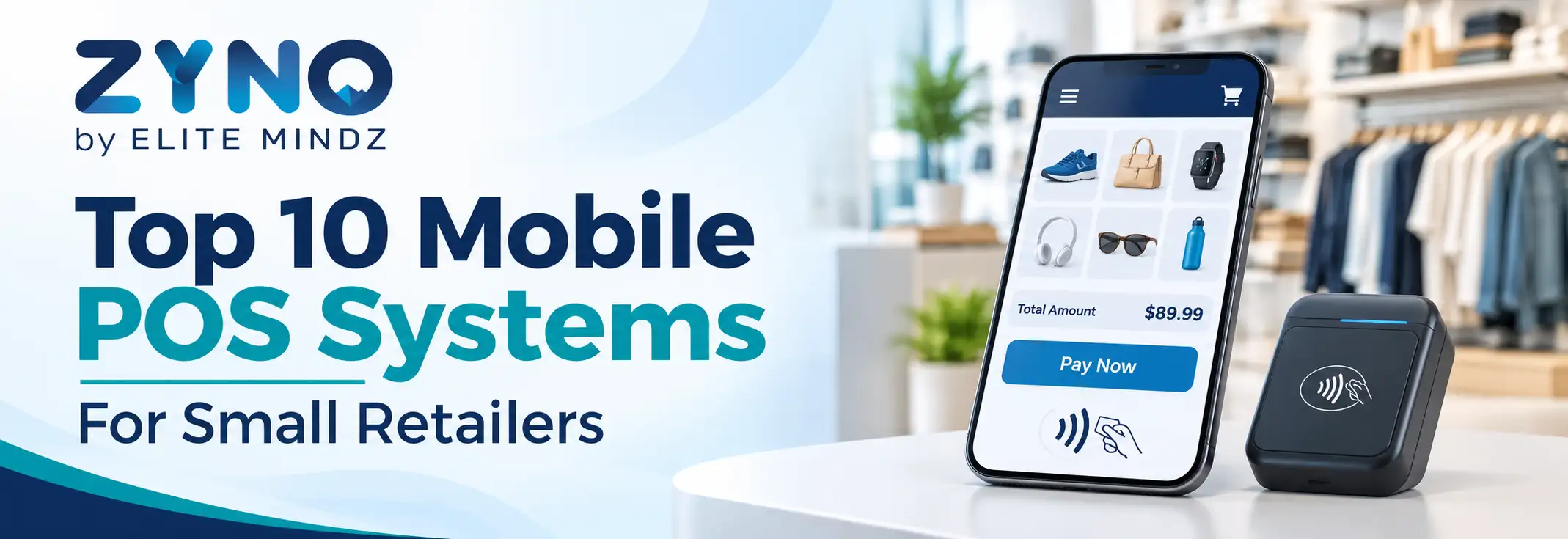
Mobile POS systems help small retailers manage sales, inventory, payments, and customer records using smartphones or tablets. The top 10 mobile POS systems for small retailers include Square POS, Shopify POS, Zettle, Clover, Lightspeed Retail, SumUp, Toast POS, Loyverse POS, ePOS Now, and ZYNO POS. Compare transaction fees, inventory tracking, offline billing, reporting, hardware compatibility, and scalability to choose the right solution for your business.
Businesses using ZYNO Books cut accounting time by 70% and stay 100% ZATCA-compliant — automatically.
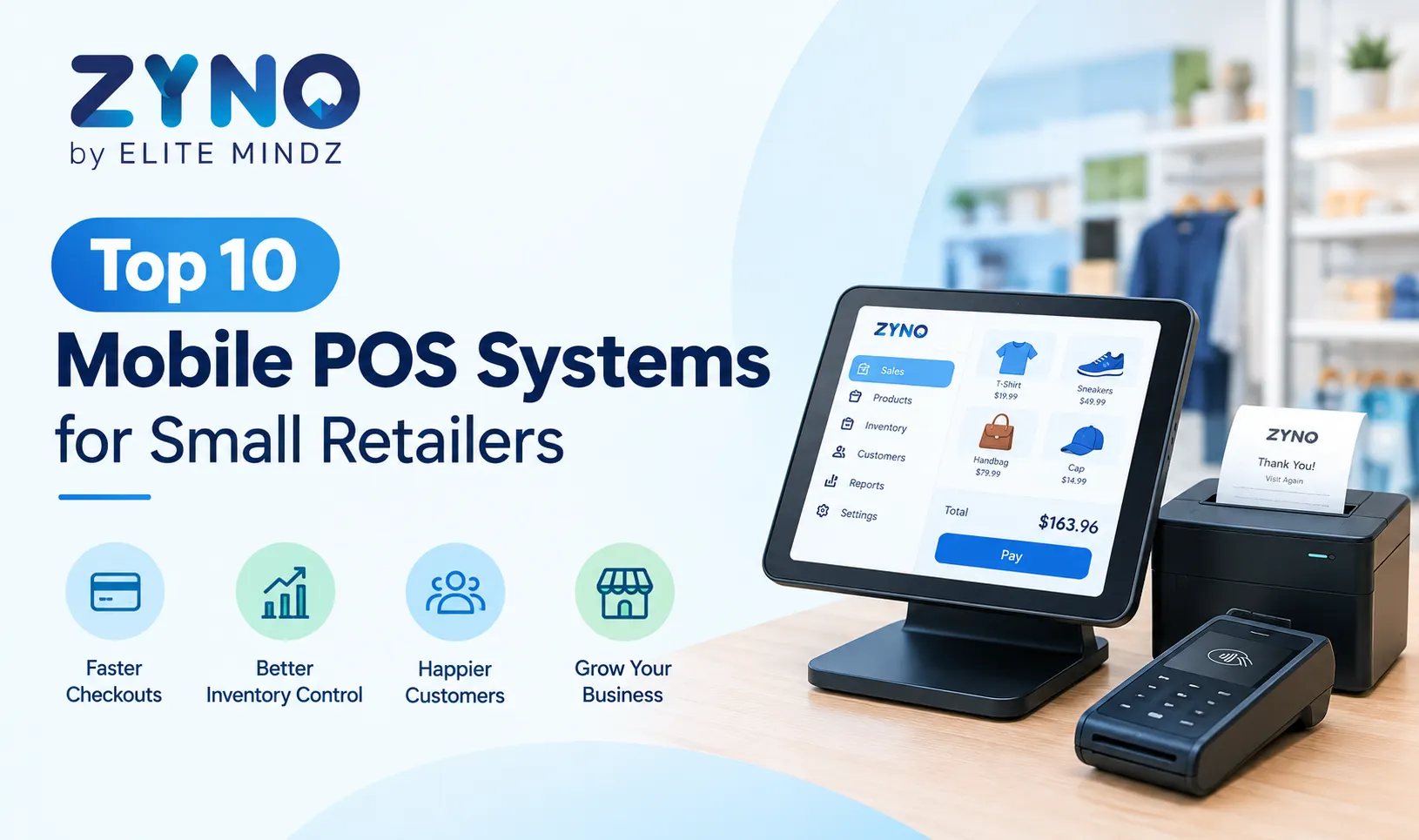
A small retailer no longer needs a bulky counter setup to take payments. With a phone or tablet, a card reader and a small receipt printer, you can bill customers at the shop counter, a weekend market, a pop-up stall or even at their door. That is what mobile POS systems for small retailers make possible.
But the market is crowded, and many popular lists focus on US and UK tools that may not work in your country. In this guide, we compare the top 10 mobile POS systems with a practical lens: pricing style, hardware, inventory depth, offline use and local needs like GST, VAT, UPI and M-Pesa.
Best for: Small retailers who want billing, inventory and reports in one supported system.
ZYNO POS from ZYNO by Elite Mindz helps small shops bill faster, keep stock accurate and see daily sales without juggling separate apps. Staff can create bills quickly, track items as they sell and review simple reports at day end. It suits single-store owners and retailers planning a second outlet, and comes with vendor support, so setup, training and everyday questions are handled with you.
Pros: Billing and inventory together, dedicated support, easy to grow into multiple stores.
Cons: Smaller global brand, so book a demo to confirm your exact needs.
Best for: Pop-ups, markets and small shops that want an easy start.
Square is a top pick in many reviews because it combines a free entry plan, a simple card reader and offline-capable selling. You can start taking payments quickly, track items and sales from one app, and add features such as inventory or staff tools later. That makes it comfortable for beginners running stalls, markets or small counters.
Pros: Quick setup, beginner friendly, broad integrations.
Cons: Not available in every country, and fees apply on card payments.
Best for: Retailers selling both in-store and online.
Shopify POS keeps in-store and online inventory in sync, which helps shops running a web store alongside the counter. A sale made at the shop updates the same product count shown online, reducing the risk of overselling. You also get customer profiles and reports across both channels. It is strongest for retailers who already use Shopify or plan to sell online soon.
Pros: Strong omnichannel selling, good for growing brands.
Cons: Works best if you already use Shopify.
Best for: Stores with many products, variants and suppliers.
Lightspeed is known for inventory management, including purchase orders, product variants, supplier tracking and detailed reporting. Retailers with many SKUs, sizes or colours can see what is selling and what needs reordering without manual counting. Its depth is useful as your catalogue grows, though very small shops may find it more than they need and may pay more for it.
Pros: Deep stock control and analytics.
Cons: Can be heavy and costly for very small shops.
Best for: Retailers who want dedicated hardware and flexibility.
Clover offers a range of dedicated devices and apps, from compact handhelds to counter stations, so retailers can choose hardware that fits their space. In some markets it also lets you pair it with your preferred payment processor. An app marketplace adds features like loyalty or accounting, but pricing and availability can vary, so compare quotes before buying.
Pros: Flexible hardware, app marketplace.
Cons: Pricing varies by reseller, so compare quotes carefully.
Best for: Shops with higher card volumes.
Helcim combines payment processing and POS with interchange-based pricing, which can lower card fees as your sales volume grows. Its pricing is transparent, and it includes tools such as invoicing and basic business management. It suits retailers who process many card payments each month, but those who need a full retail register with deep inventory features may need extra tools.
Pros: Fee transparency at scale, strong payments focus.
Cons: Limited full-register features compared with retail-first tools.
Best for: Tiny shops and cafes starting with a minimal budget.
Loyverse's core app is free to start, which makes it popular with tiny shops and cafes working on a tight budget. It runs on phones and tablets, handles billing and basic stock, and offers paid add-ons such as advanced inventory and employee management. Costs can climb as you add extras, so review which features you truly need before upgrading.
Pros: Low cost, works on phones and tablets.
Cons: Add-ons add up as you grow.
Best for: Sellers who mainly need simple card acceptance.
PayPal's Zettle is a lightweight way to take card and contactless payments on the move, using a small reader and a simple app. Setup is quick, and it works well for sellers who need to accept payments at events, deliveries or small counters. Its inventory and retail tools are basic, so growing shops with many products may outgrow it.
Pros: Fast to start, light hardware.
Cons: Less depth for inventory-heavy retail.
Best for: Indian kirana stores and small traders.
Vyapar focuses on GST invoicing, basic inventory, accounting and UPI payment collection, with offline billing support for times when the internet is weak. It is popular with small Indian shops that want to replace paper bills and ledgers with a simple mobile app. A free plan is available, though multi-store chains may need more advanced controls.
Pros: GST-ready, simple for small shops, free plan available.
Cons: Built for India, with fewer features for multi-store chains.
Best for: Indian retailers and wholesalers needing mobile GST billing.
myBillBook offers app and web billing, GST invoices, digital payment collection and Bluetooth printer support, so shopkeepers can create and print bills from a phone. It is designed around the needs of Indian retailers, traders and wholesalers who want quick, tax-ready billing. Advanced retail controls such as deep multi-store management are limited, so check the fit during a trial.
Pros: Mobile-first, GST-compliant billing, easy printing.
Cons: India-centric, and advanced retail controls are limited.
A mobile POS (mPOS) is billing and payment software that runs on a smartphone or tablet instead of a fixed register. It records sales, updates stock, prints or sends receipts, and gives you daily reports. Most connect to a Bluetooth printer, barcode scanner or card reader.
It suits small retailers because it keeps setup costs low, saves counter space and lets you sell anywhere.
|
Factor |
Mobile POS |
Traditional POS |
|
Setup cost |
Low, often uses your phone or tablet |
Higher, needs a terminal and counter setup |
|
Portability |
Sell anywhere |
Fixed at the counter |
|
Setup time |
Minutes to hours |
Days |
|
Best for |
Small shops, pop-ups, markets, delivery |
Large stores with several fixed counters |
|
Scaling |
Add devices easily |
Needs extra hardware per counter |
|
POS |
Best for |
Pricing style |
Strong point |
Watch out for |
|
ZYNO POS |
Small retailers wanting billing, stock and reports in one place |
Subscription |
Simple, supported setup |
Confirm features in a demo |
|
Square |
Pop-ups and all-round small shops |
Free plan, paid tiers |
Easy start, free entry point |
Limited country availability |
|
Shopify POS |
Shops selling in-store and online |
Subscription |
Strong online sync |
Works best inside Shopify |
|
Lightspeed Retail |
Inventory-heavy stores |
Subscription |
Deep stock control |
Higher cost for tiny shops |
|
Clover |
Shops wanting hardware options |
Hardware + plan |
Flexible hardware |
Pricing varies by reseller |
|
Helcim |
Higher sales volumes |
Interchange-based fees |
Lower card fees at scale |
Limited register features |
|
Loyverse |
Very small shops starting out |
Free core, paid add-ons |
Low entry cost |
Less depth for growth |
|
PayPal (Zettle) |
Light, quick card acceptance |
Per-transaction fees |
Fast to start |
Basic retail depth |
|
Vyapar |
Indian kirana and GST billing |
Subscription, free plan |
GST and UPI focus |
India-centric |
|
myBillBook |
Indian retailers and traders |
Subscription |
Mobile GST billing |
India-centric |
To keep this list useful for small retailers, we looked at the same factors most buyers care about:
We also reviewed what popular roundups say, then added what they often miss: regional availability and compliance.
If you want a quick shortlist, match the tool to the way you sell.
|
If you are a... |
Consider |
|
Pop-up, market or event seller |
Square, Loyverse |
|
Inventory-heavy store with many variants |
Lightspeed Retail |
|
Retailer with an online store |
Shopify POS |
|
Shop with high card sales volume |
Helcim |
|
Shop that wants dedicated hardware |
Clover |
|
Mobile or field seller needing simple card acceptance |
PayPal (Zettle) |
|
Indian kirana or GST-focused shop |
Vyapar, myBillBook |
|
Retailer wanting billing, stock and reports with vendor support |
ZYNO POS |
Most small retailers need a phone or tablet, a Bluetooth receipt printer, a barcode scanner and a card reader or QR payment option. A small cash drawer is useful if you handle regular cash. Always check the vendor's supported device list before you buy hardware.
Most global roundups ignore local rules, so check these before you buy.
Also confirm that the vendor actually sells and supports its product in your country, since many popular tools are limited to a few markets.
Because a mobile POS runs on everyday devices, protect it like you would a till full of cash.
There is no single best mobile POS for every small retailer. The right choice is the one that is sold and supported in your country, handles your tax and payment methods, and has enough inventory depth for the way you sell. A tool that looks perfect on a global list can still fall short if it lacks local billing rules or reliable support.
Before you decide, shortlist three options, run a trial with real products and real sales, and test what happens when the internet drops. Then compare the full monthly cost, including payment fees, hardware and support, and make sure you can export your data if you ever switch.
If you want a supported POS that brings billing, inventory and daily reports together in one place, talk to Elite Mindz about ZYNO POS. Book a free demo to see how it works with your own products, your team and your growth plans.
What is a mobile POS system?
A mobile POS system is billing and payment software that runs on a smartphone or tablet instead of a fixed register. It records sales, updates stock, accepts payments and prints or sends receipts. Most setups connect to a card reader, Bluetooth printer or barcode scanner, which lets small retailers sell at the counter, at markets, at events or during home delivery.
Which is the best mobile POS for small retailers?
The best option depends on your country, product range, sales volume and budget. Compare ZYNO POS, Square, Shopify POS, Lightspeed and Loyverse, and in India also Vyapar and myBillBook. Check availability in your market first, then run a trial with real products to see which one your staff can use quickly and confidently.
How much does a mobile POS system cost?
Costs vary widely. Some tools start free, while others charge monthly plans plus payment processing fees and hardware such as card readers and printers. Setup, training and support can add to the total. Always ask for a full quote and compare the cost over a year, not just the headline monthly price, so there are no surprises.
Do mobile POS systems work offline?
Many mobile POS systems offer offline billing, but the features differ by vendor. Some let you create bills and record cash sales offline, while card payments may need a connection. Ask exactly what works without internet, how long data is stored on the device, and how it syncs once you reconnect, so a network drop never stops your counter.
What hardware do I need for a mobile POS?
Most small shops need a phone or tablet, a Bluetooth receipt printer, a barcode scanner and a card reader or QR payment option. A small cash drawer helps if you handle regular cash. Before buying anything, check the vendor's list of supported devices so you do not spend money on equipment that will not work with your software.
Can a mobile POS handle inventory and GST or VAT billing?
Yes, as long as the tool supports your local tax rules. A good mobile POS tracks stock after every sale and prints tax-ready invoices. Confirm that it supports GST in India, VAT in the UAE or eTIMS in Kenya, and that it gives you reports that make tax filing easier, before you commit to a plan.
Is mobile POS better than a traditional POS for small shops?
For most small shops, yes. Mobile POS costs less to start, takes less counter space, is quick to set up and lets you sell anywhere. Larger stores with several fixed counters, heavy hardware needs or complex workflows may still prefer a traditional setup, though many mobile systems now scale well enough to support multiple outlets.
Which mobile POS supports UPI or M-Pesa?
Support depends on the vendor and your country. Indian tools like Vyapar and myBillBook focus on UPI and GST, while retailers in Kenya should look for M-Pesa and eTIMS support. Check the payment methods list on the vendor's site and ask for a live demo of a UPI or M-Pesa payment before you commit.
What Is a Point of Sale System and How Does It Work?
Read More →
Top 10 Point of Sale Software in India
Read More →
POS Systems Explained: A Beginner’s Guide
Read More →
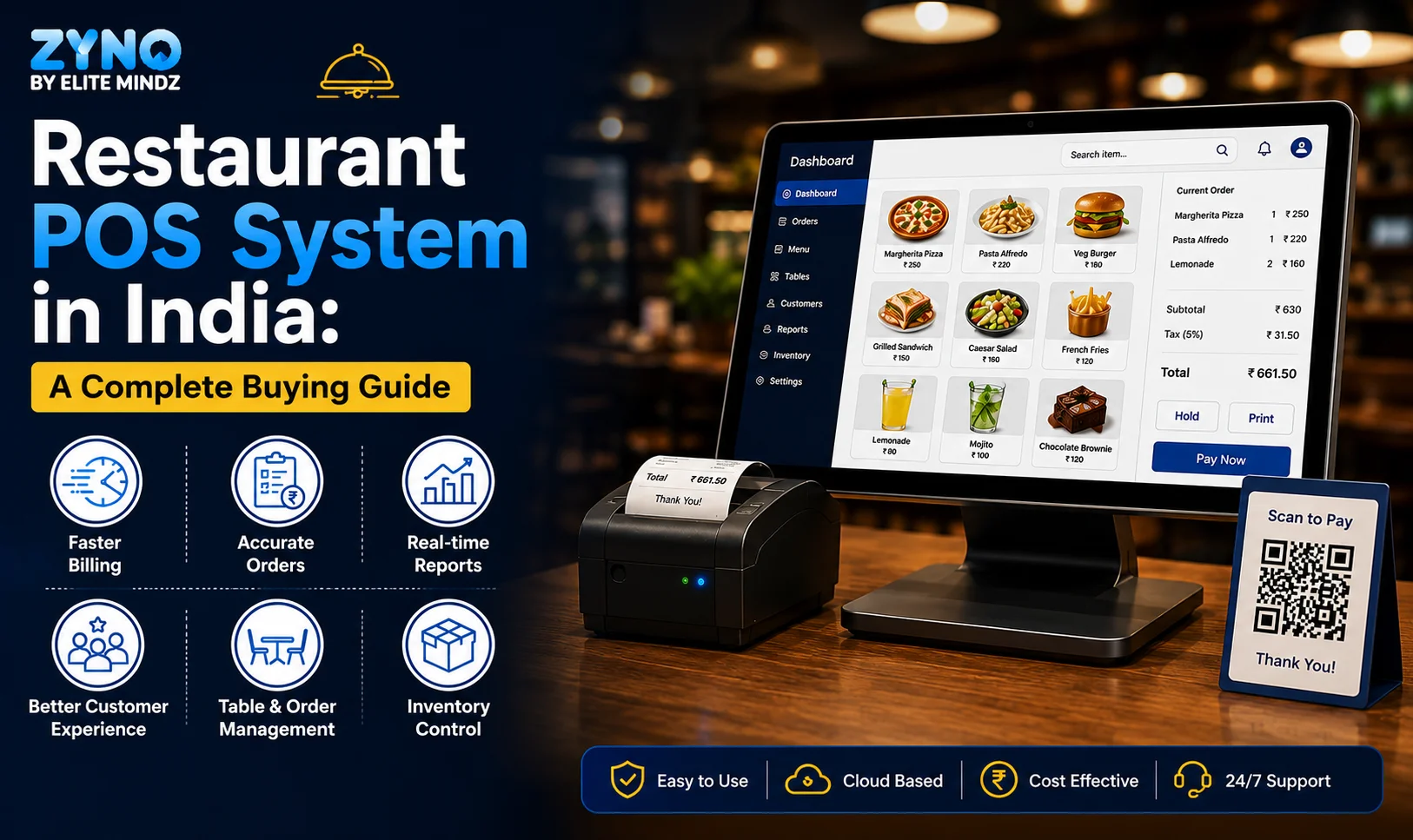
Restaurant POS System in India: A Complete Buying Guide
Read More →
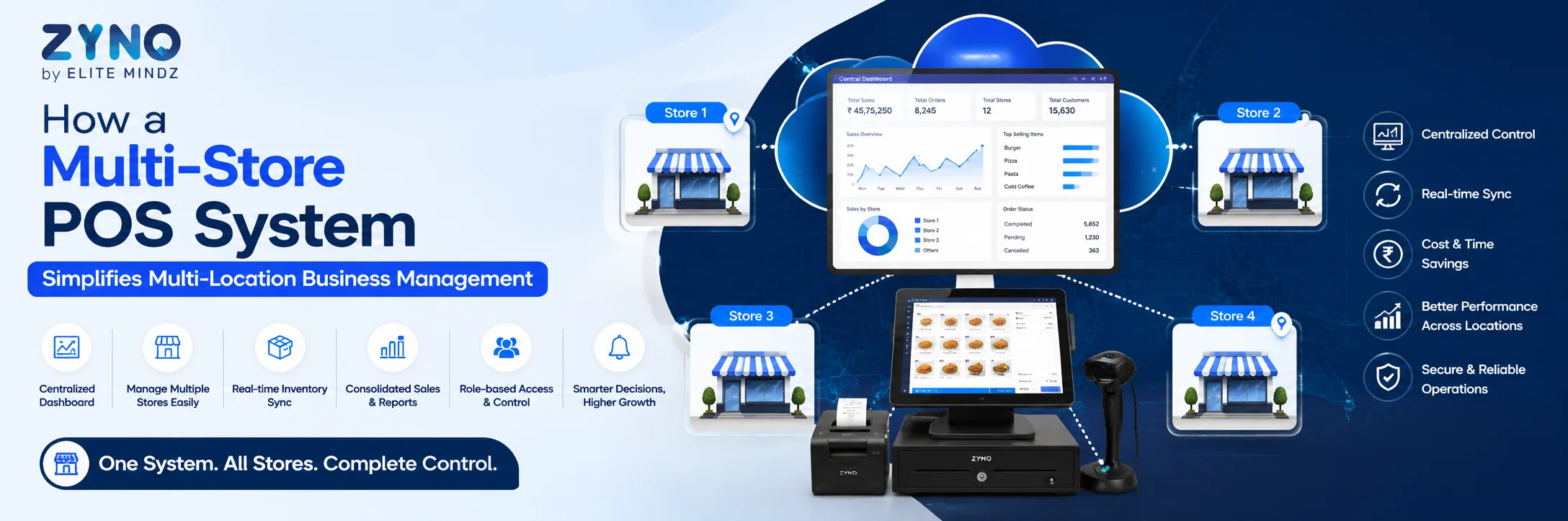
How a Multi-Store POS System Simplifies Multi-Location Business Management
Read More →
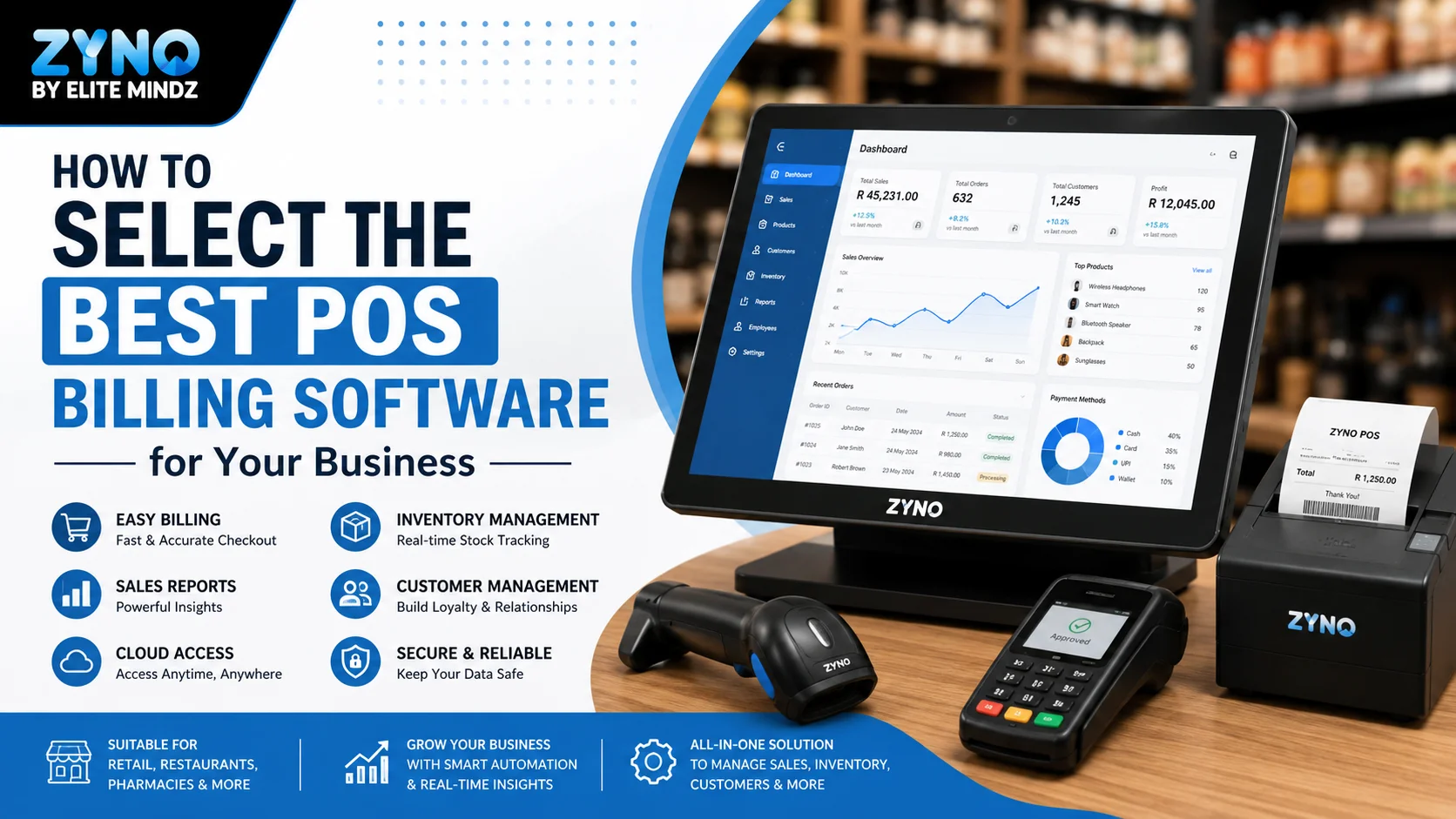
Best POS System for Retail Store: Features, Benefits & Buying Guide
Read More →
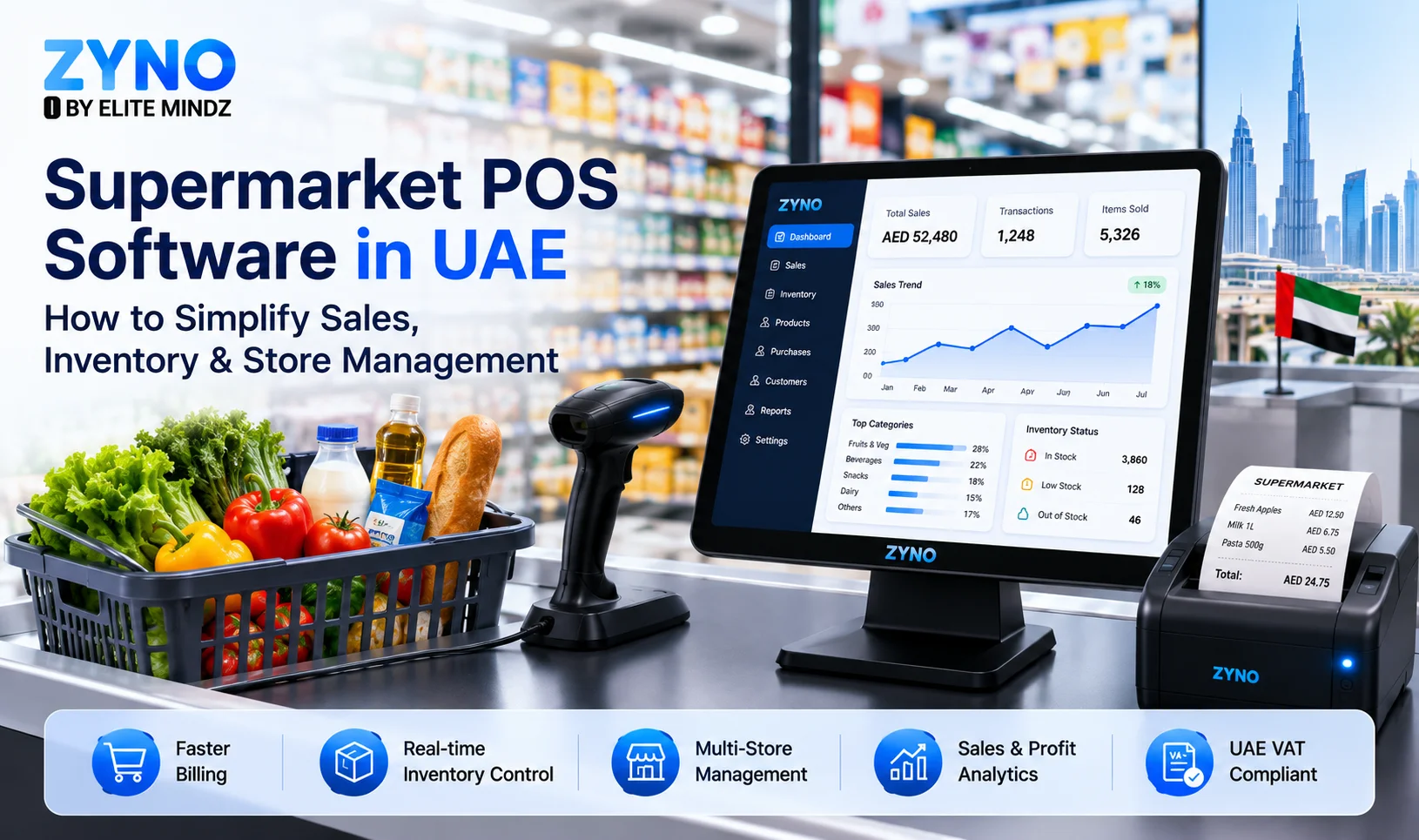
Supermarket POS Software in UAE: How to Simplify Sales, Inventory & Store Management
Read More →
Point of Sale Systems in Kenya: Features, Benefits & How to Choose the Right POS
Read More →
Store Inventory Excel Sheet Free Download: Templates, Formulas, and Tracking Tips
Read More →
Khata App Alternatives: Best Options for All Businesses
Read More →
POS Machine: Types, Features & How to Choose the Right One
Read More →
Top 8 Square Alternatives for Small Businesses in 2026
Read More →
Modern POS Solutions in Kenya for Retail, Restaurants and Growing Businesses
Read More →
Top Vyapar Alternatives: Best Billing & POS Software
Read More →
Grocery Store POS Software: Features, Benefits & Buying Guide
Read More →
POS System for Small Businesses: Features, Costs & Benefits
Read More →
POS Software Checklist: 15 Features Every Business Should Consider
Read More →
Top 10 POS Software for Retail Shops in India: Which One Fits Your Shop? (2026 Guide)
Read More →
Top 10 Restaurant Billing Software in India for 2026: Detailed Comparison Guide
Read More →
Cloud POS vs Traditional POS: Which Is Better for Your Business?
Read More →
Best POS Software for Clothing Stores With Size and Colour Inventory Tracking
Read More →
Best POS Software for Jewellery Shops: Features, Benefits and Buying Checklist
Read More →
Best POS for Pharmaceutical Wholesale and Retail: Features, Benefits and How to Choose
Read More →
10 Best POS Softwares in UAE for Retail and Restaurants
Read More →
Top 10 Mobile POS Systems for Small Retailers
Read More →Partner with ZYNO by Elite Mindz to revolutionize how your business works. Fill out the form, and we’ll reach out with AI-powered solutions made just for you.
We use browser cookies to ensure you get the best experience on our website. Learn more
The form was submitted successfully!