What Is a Point of Sale System and How Does It Work?
Read More →

×
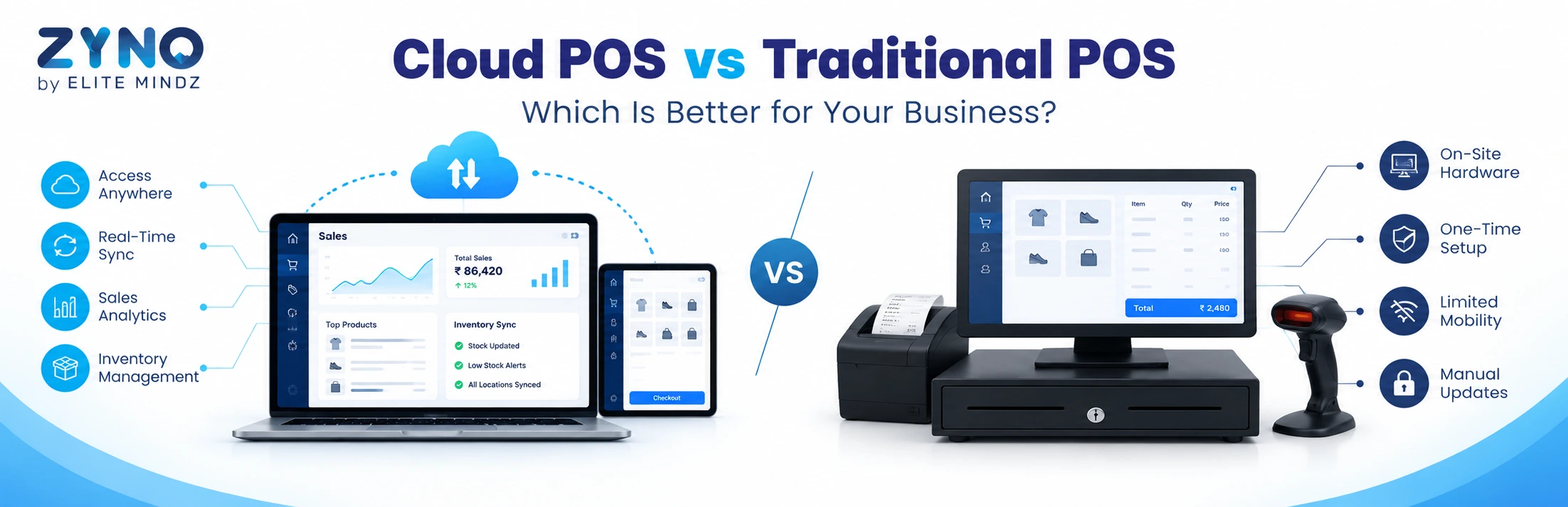
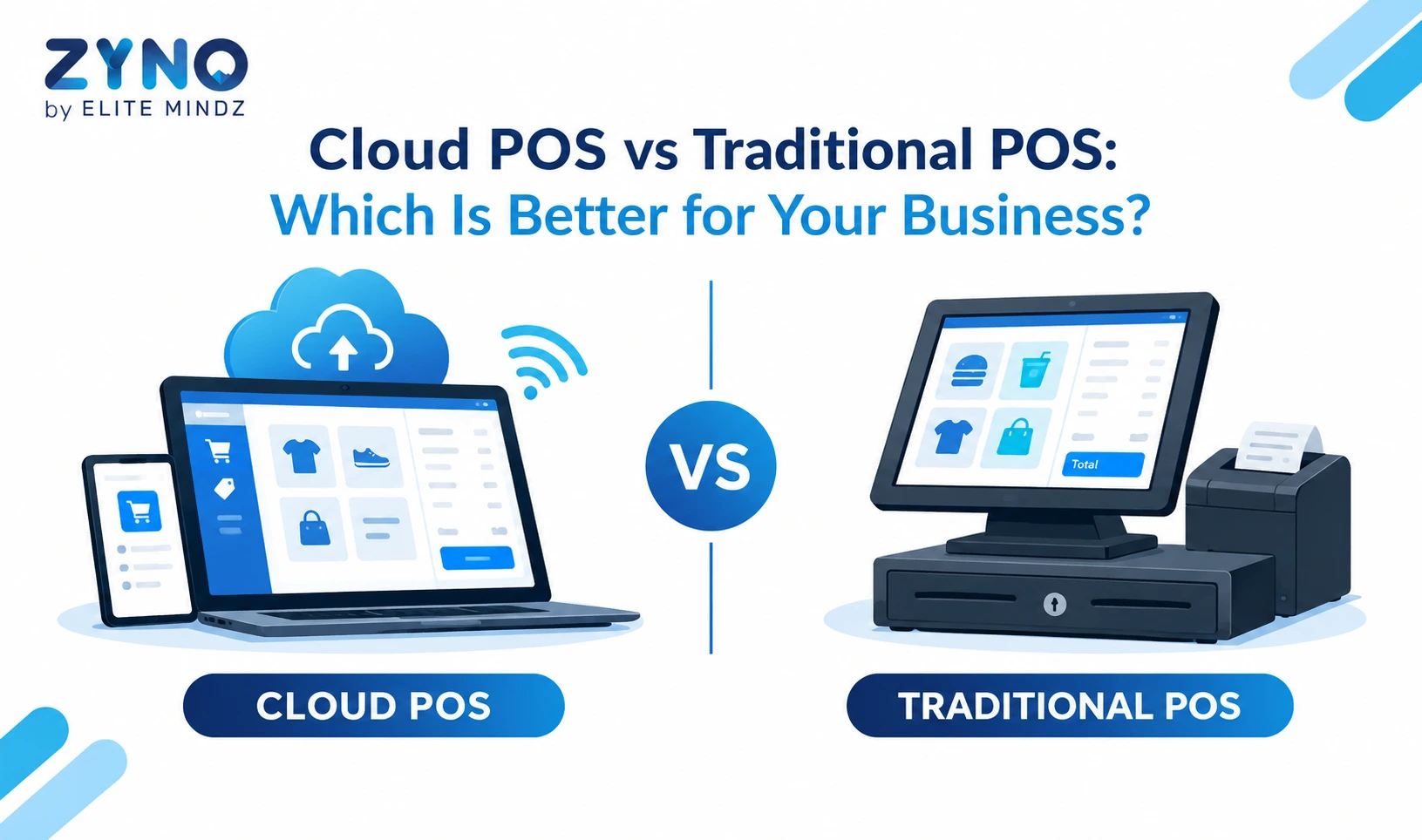
Cloud POS vs traditional POS: Cloud POS is hosted online and accessed from any device, offering real-time inventory sync, remote access, automatic updates, and lower upfront cost. Traditional POS runs on local servers, with native offline use and on-premise control. For most growing, multi-store businesses, cloud POS is the better choice because it scales faster and costs less to maintain.
Businesses using ZYNO Books cut accounting time by 70% and stay 100% ZATCA-compliant — automatically.
Choosing a point of sale system is one of the most important technology decisions a retailer, restaurateur or service business makes. It affects how fast you bill customers, how accurately you track stock, and how well you understand your sales. The biggest question today is cloud POS vs traditional POS: should you stay with a familiar on-premise setup or move to a cloud based POS system?
This guide explains the difference between the two, compares them on the factors that matter, and helps you decide which fits your business.
A traditional POS system, also called an on-premise or legacy POS, runs on software installed on a local computer or server inside your store. Data is stored on that machine, and the system usually works only within your premises.
You typically pay a large one-time license fee, plus hardware, installation and annual maintenance. Updates are installed manually, often by a technician, and a hardware failure can mean downtime or data loss if backups are not maintained.
Cloud POS software runs on secure remote servers and is accessed through the internet using a browser, tablet, mobile or POS terminal. Sales, inventory and customer data sync in real time and can be viewed from anywhere.
Cloud POS is usually sold as a subscription. Updates, backups and security patches are handled by the provider, and adding a new counter or store is mostly a matter of logging in on another device.
|
Factor |
Traditional POS |
Cloud POS |
|
Deployment |
Local server/computer |
Hosted on the cloud |
|
Pricing |
High upfront license |
Subscription |
|
Remote access |
Limited |
Anywhere with internet |
|
Inventory sync |
Batch or manual |
Real time |
|
Scalability |
Slower, costlier |
Fast and flexible |
|
Backups |
Your responsibility |
Automated |
|
Offline use |
Native |
Available in good systems |
|
Updates |
Manual |
Automatic |
Choose cloud POS if you:
A traditional POS may suit you if you:
For most modern retail, restaurant and service businesses, cloud POS is the stronger long-term choice because of its flexibility, lower maintenance and better reporting.
Read Latest Articles:
Top 10 Restaurant Billing Software in India
Top 10 POS Software for Retail Shops in India
ZYNO POS by Elite Mindz is built for businesses that want fast billing, accurate inventory and clear reporting across one or many outlets. It supports retail and supermarket operations, integrates with ERP workflows, and is designed for markets such as India, the UAE and Kenya, including tax-ready billing. The best way to judge fit is to see it in action: request a POS software demo and check pricing against your outlets and users.
The cloud POS vs traditional POS decision comes down to your size, growth plans, budget and connectivity. Traditional POS offers local control and native offline use, but cloud POS wins on cost flexibility, scalability, real-time inventory, automatic updates and remote access. For most growing businesses, a cloud based POS system with offline mode is the smarter and safer investment.
Ready to upgrade? Book a demo of ZYNO POS and see how a modern POS can simplify billing and grow your business.
1. What is the difference between cloud POS and traditional POS?
Traditional POS runs on local software and servers at your store, while cloud POS runs on remote servers and is accessed over the internet. Cloud POS offers remote access, real-time sync and automatic updates; traditional POS offers local control.
2. Which POS is better for small businesses?
Most small businesses benefit from cloud POS because of lower upfront cost, easy setup, no server maintenance and the ability to grow without major investment.
3. Is cloud POS safe?
Yes, when you choose a reputable provider. Look for data encryption, secure payment handling, role-based access and automated backups.
4. Can cloud POS work offline?
Many cloud POS systems have an offline mode that lets you keep billing during internet outages and syncs the data automatically once you’re back online. Confirm this feature before purchase.
5. How much does a cloud POS system cost?
Pricing depends on the number of outlets, users, devices and features. It is usually a monthly or annual subscription plus any hardware you need. Request a quote based on your setup for accurate POS software pricing.
6. Is cloud POS cheaper than a traditional POS?
It is usually cheaper upfront and often cheaper over time because you avoid servers, installation and heavy maintenance. Compare total cost of ownership over three to five years for your own case.
7. Can I use cloud POS for multiple stores?
Yes. Cloud POS is well suited to multi-store businesses, with centralized inventory, pricing and consolidated reporting across all locations.
8. Does cloud POS support GST billing in India?
Good cloud POS software for Indian businesses includes GST-compliant invoicing and tax reports. Verify GST features with the vendor before choosing.
9. Can cloud POS integrate with ERP and accounting software?
Yes. Modern cloud POS systems typically integrate with ERP, accounting, eCommerce and payment tools, which reduces manual entry and keeps data consistent.
10. How do I switch from a traditional POS to a cloud POS?
Audit your current system, shortlist vendors, take a demo, migrate your product and customer data, run both systems briefly in parallel, and train your staff before the full switch.
Read More Articles:
POS System for Small Businesses: Features, Costs & Benefits
Grocery Store POS Software: Features, Benefits & Buying Guide
Khata App Alternatives: Best Options for All Businesses
Point of Sale Systems in Kenya
Supermarket POS Software in UAE
What Is a Point of Sale System and How Does It Work?
Read More →
Top 10 Point of Sale Software in India
Read More →
POS Systems Explained: A Beginner’s Guide
Read More →
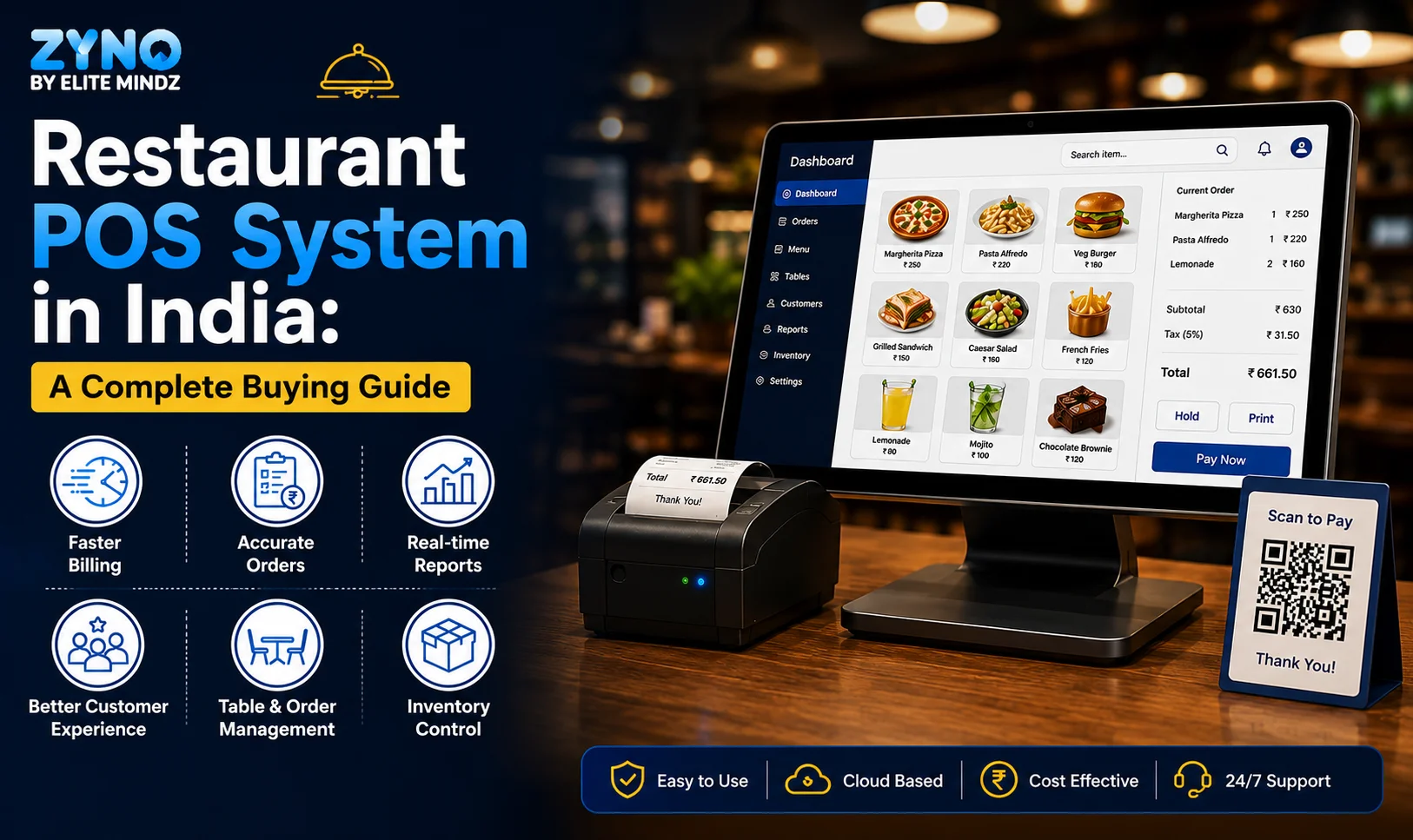
Restaurant POS System in India: A Complete Buying Guide
Read More →
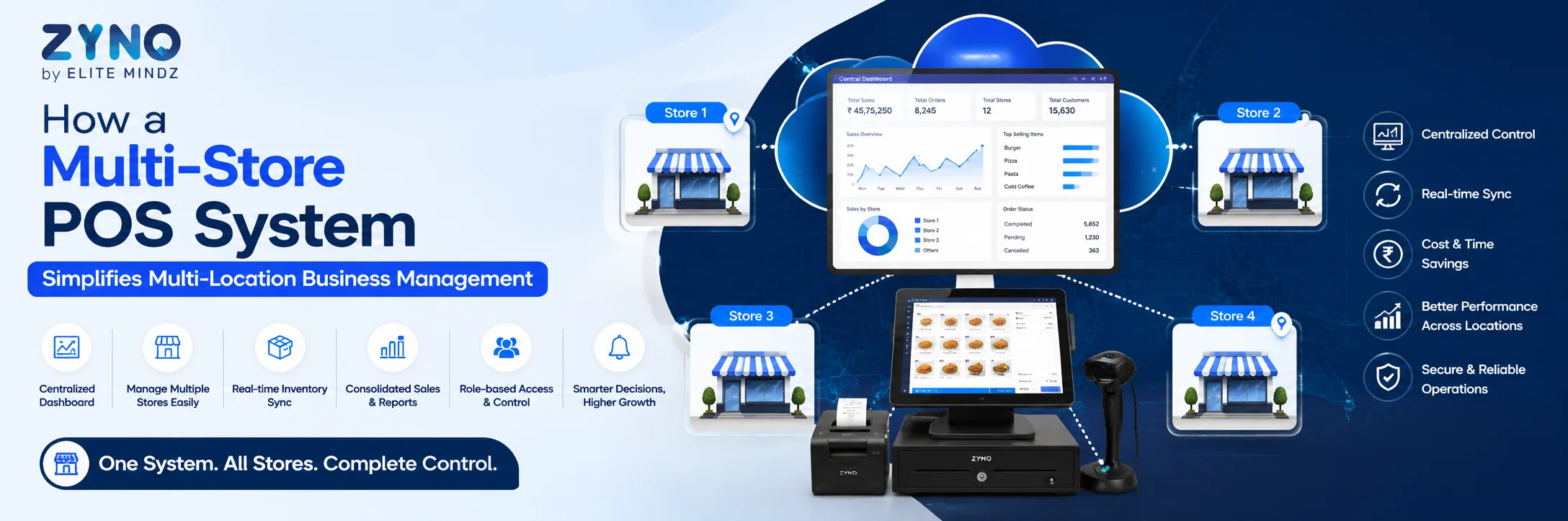
How a Multi-Store POS System Simplifies Multi-Location Business Management
Read More →
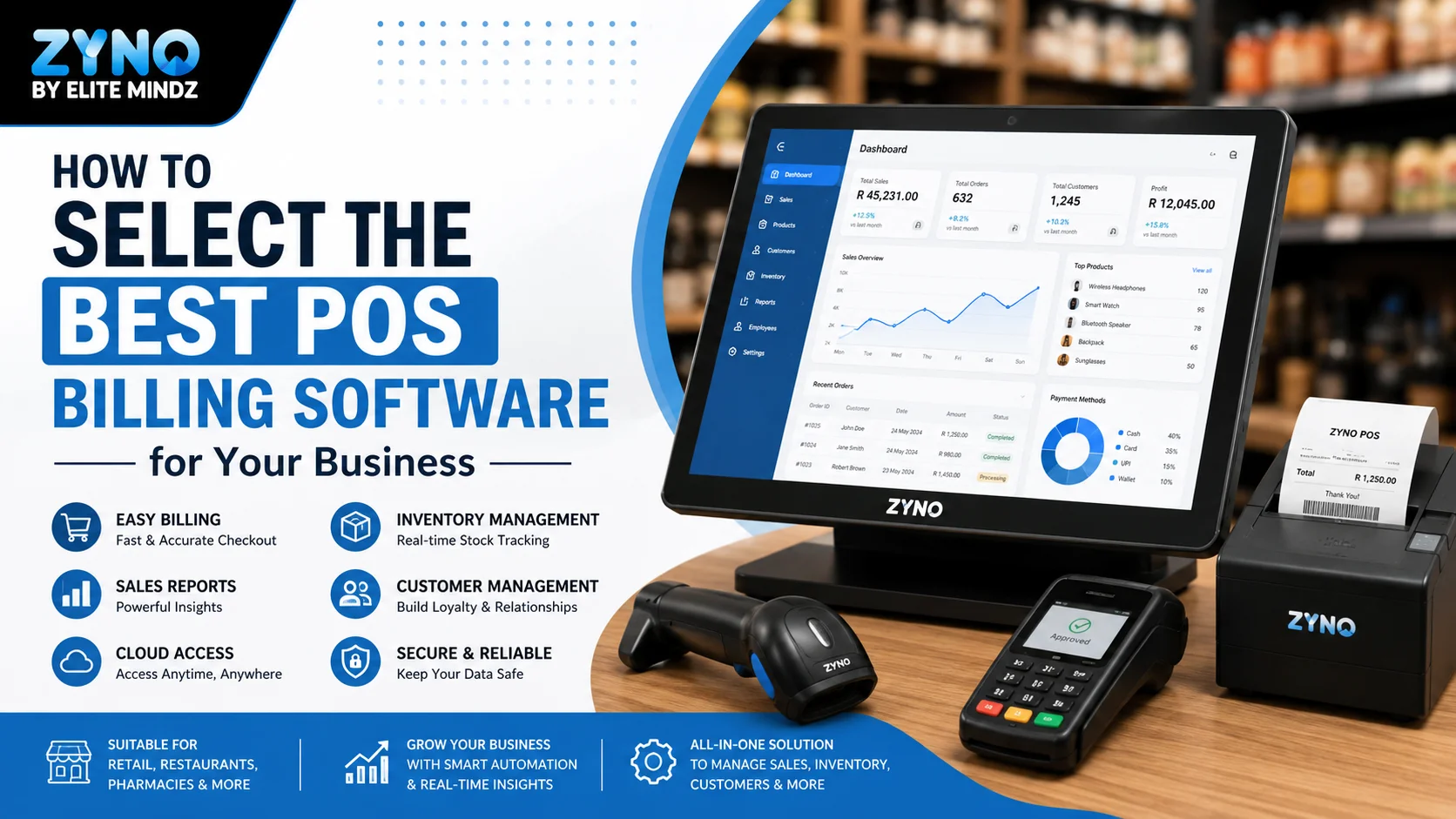
Best POS System for Retail Store: Features, Benefits & Buying Guide
Read More →
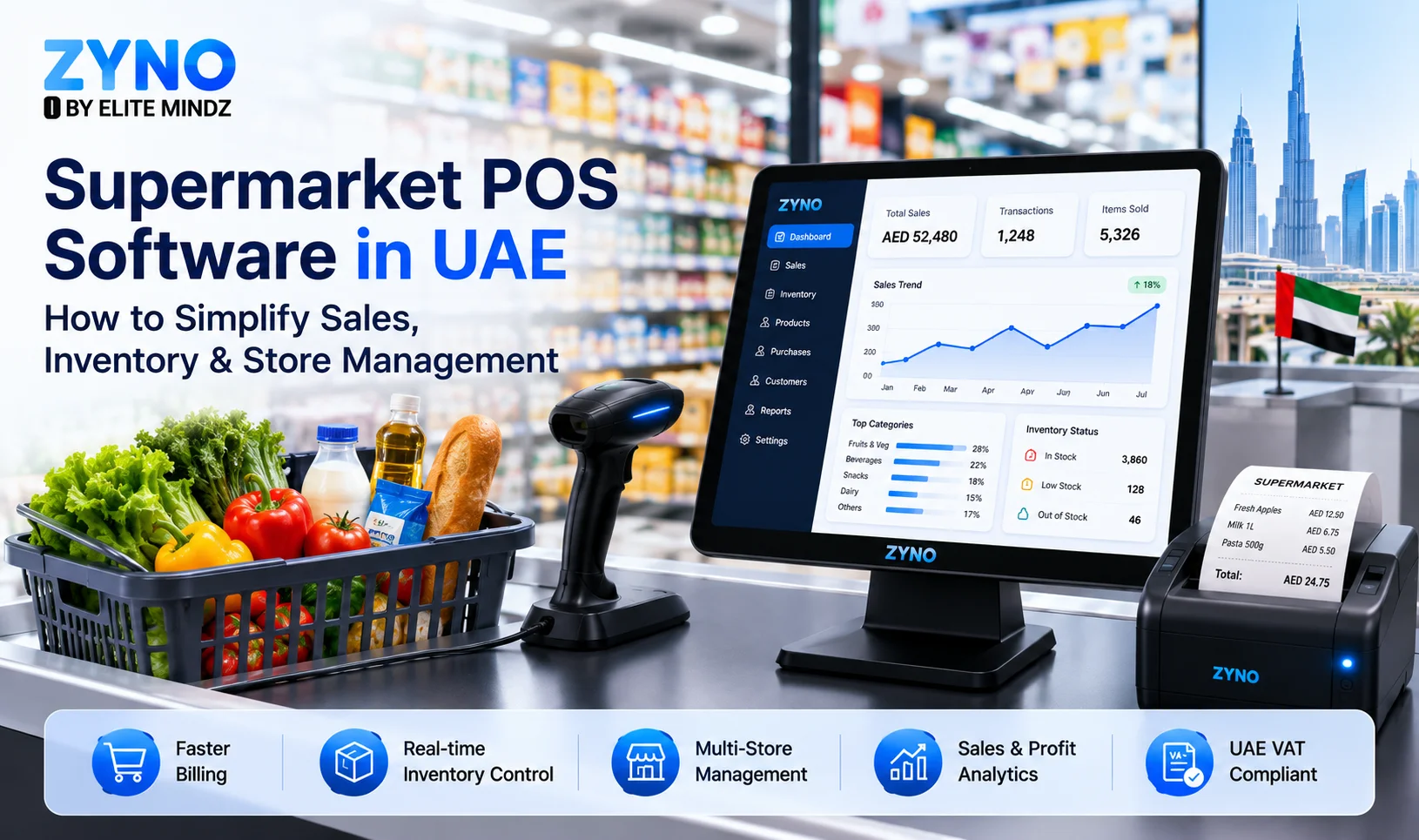
Supermarket POS Software in UAE: How to Simplify Sales, Inventory & Store Management
Read More →
Point of Sale Systems in Kenya: Features, Benefits & How to Choose the Right POS
Read More →
Store Inventory Excel Sheet Free Download: Templates, Formulas, and Tracking Tips
Read More →
Khata App Alternatives: Best Options for All Businesses
Read More →
POS Machine: Types, Features & How to Choose the Right One
Read More →
Top 8 Square Alternatives for Small Businesses in 2026
Read More →
Modern POS Solutions in Kenya for Retail, Restaurants and Growing Businesses
Read More →
Top Vyapar Alternatives: Best Billing & POS Software
Read More →
Grocery Store POS Software: Features, Benefits & Buying Guide
Read More →
POS System for Small Businesses: Features, Costs & Benefits
Read More →
POS Software Checklist: 15 Features Every Business Should Consider
Read More →
Top 10 POS Software for Retail Shops in India: Which One Fits Your Shop? (2026 Guide)
Read More →
Top 10 Restaurant Billing Software in India for 2026: Detailed Comparison Guide
Read More →
Cloud POS vs Traditional POS: Which Is Better for Your Business?
Read More →Partner with ZYNO by Elite Mindz to revolutionize how your business works. Fill out the form, and we’ll reach out with AI-powered solutions made just for you.
We use browser cookies to ensure you get the best experience on our website. Learn more
The form was submitted successfully!