What Is a Point of Sale System and How Does It Work?
Read More →

×
The best POS software for clothing stores tracks inventory by size, colour, and product variant while simplifying billing, stock management, returns, and sales reporting. It helps retailers reduce stock errors, identify popular products, and manage inventory efficiently.
Businesses using ZYNO Books cut accounting time by 70% and stay 100% ZATCA-compliant — automatically.
Running a clothing store involves more than selling shirts, jeans, dresses, and accessories. Retailers must manage different sizes, colours, styles, seasonal collections, stock levels, customer purchases, and returns. When inventory is tracked manually, it becomes difficult to identify which products are selling quickly and which sizes or colours need replenishment.
This is where the best POS software for clothing stores can make a difference. A modern point of sale (POS) system helps clothing retailers manage billing, inventory, sales, and customer information from one platform. More importantly, it allows store owners to track every product variation by size, colour, style, and SKU.
Whether you operate a boutique, a fashion outlet, or a multi-store clothing business, choosing the right clothing store POS system can improve inventory accuracy, speed up checkout, and simplify daily retail operations.
POS software for clothing stores is a retail management solution that helps fashion retailers process sales, manage product inventory, track customer purchases, and monitor business performance.
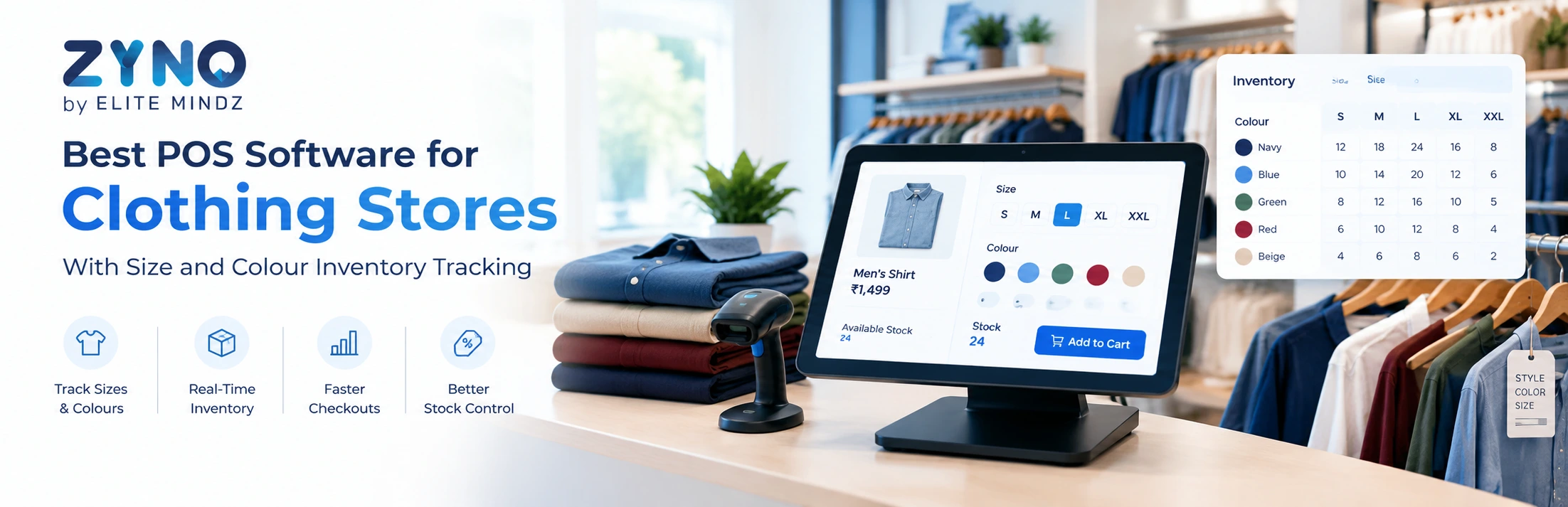
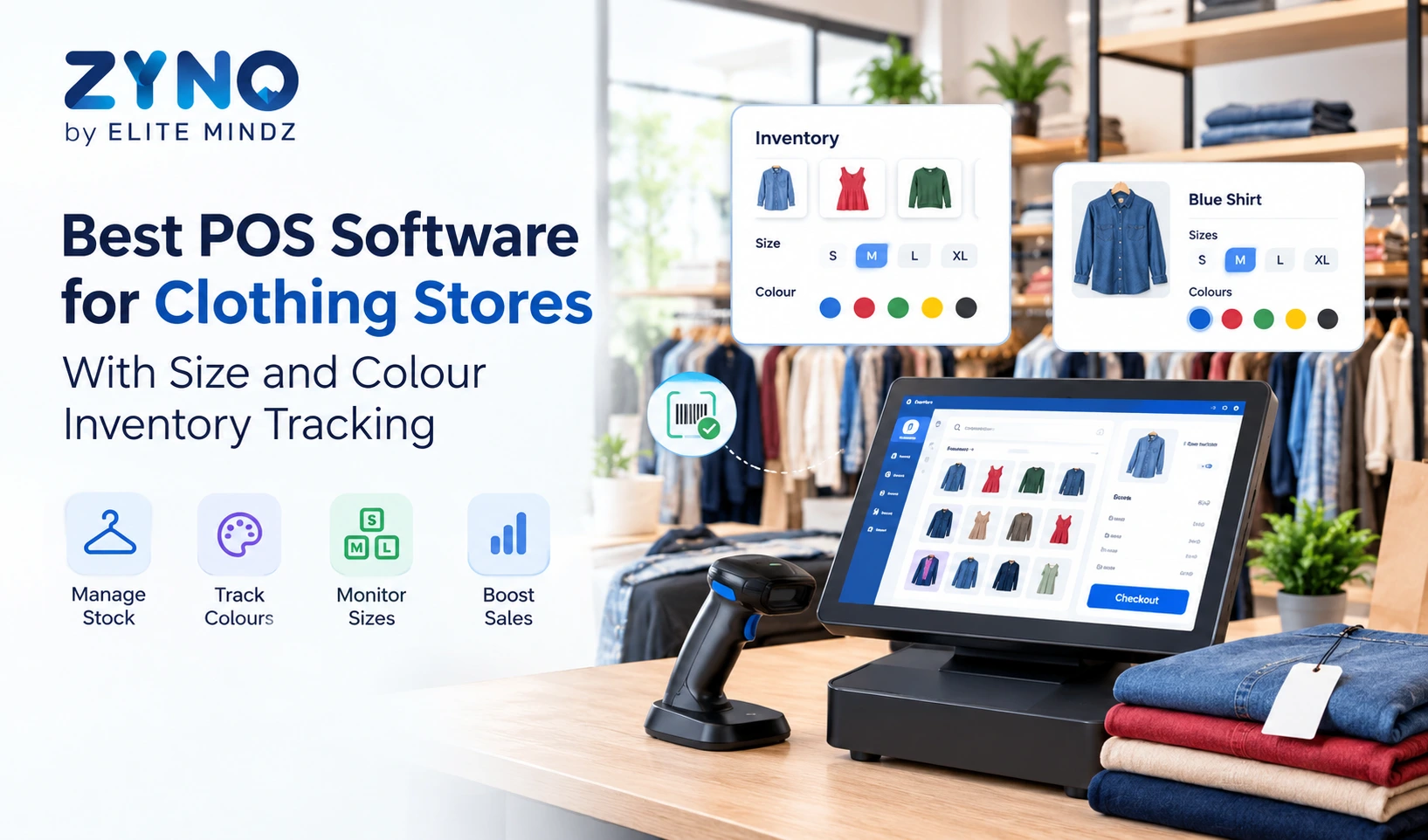
Unlike a basic billing system, a clothing store POS system should support product variations. For example, a single T-shirt design may be available in five sizes and four colours. The software should track the stock of each combination separately, allowing staff to check availability before completing a sale.
A reliable POS system for retail clothing stores typically includes:
These features help clothing retailers reduce manual work and make better purchasing decisions.
Clothing inventory is more complex than inventory in many other retail categories because each product can have several variations. A store might have 20 medium-sized black shirts but only two large-sized black shirts. Without variant-level tracking, employees may struggle to provide accurate stock information.
Here are the main benefits of size and colour inventory tracking.
A clothing store POS system should allow retailers to create a product and assign multiple sizes, colours, designs, and other attributes.
For example, a denim jacket could have the following variations:
|
Product |
Size |
Colour |
Stock |
|
Denim Jacket |
S |
Blue |
8 |
|
Denim Jacket |
M |
Blue |
12 |
|
Denim Jacket |
L |
Blue |
5 |
|
Denim Jacket |
M |
Black |
9 |
|
Denim Jacket |
XL |
Black |
3 |
When an employee sells a medium blue jacket, the system should automatically reduce the stock of that exact variant rather than the overall jacket quantity.
This helps maintain accurate inventory records and prevents staff from promising products that are unavailable.
Sales patterns often differ by size, colour, season, and product category. A POS system for a clothing store can help identify popular variations through product-level sales reports.
For instance, a retailer may find that black trousers in medium and large sizes sell faster than other variations. This information helps the purchasing team plan replenishment and avoid unnecessary stock accumulation.
Stockouts can result in missed sales, while overstocking ties up money in unsold merchandise. Retail POS software helps retailers monitor inventory levels and set reorder points for specific products or variants.
When stock falls below a defined threshold, the system can alert the store manager to replenish the item. This is particularly useful during festive seasons, end-of-season sales, and new collection launches.
Size exchanges are common in clothing retail. A customer may return a medium shirt and request a large one in the same colour.
The best POS system for a retail clothing store should record the returned item, update its inventory appropriately, and deduct the replacement item from the correct variant's stock. This makes exchanges easier to process and improves inventory accuracy.
Not every retail POS solution is designed for fashion businesses. Before choosing a platform, evaluate whether it supports the following capabilities.
A size and colour matrix allows staff to view available product variants in a structured format. Instead of creating completely separate products for every size and colour, retailers can manage variations under a common product listing while tracking each variant independently.
Each product variation should have a unique SKU or barcode where appropriate. This helps employees scan the exact item during checkout, stock counting, and returns.
For example, a blue shirt in size M should have a different identifier from the same shirt in size L. Accurate identifiers reduce billing mistakes and simplify stock audits.
A clothing store can experience long queues during weekends, seasonal sales, and promotional events. POS software should support quick product searches, barcode scanning, discounts, and common payment methods.
A faster checkout process helps employees serve more customers without compromising billing accuracy.
Retailers operating multiple outlets need to transfer stock between locations. A suitable clothing store POS software solution should help staff record transfers and check stock availability at different branches.
This makes it easier to fulfil customer requests when a particular size or colour is unavailable at one outlet but available at another.
Useful reports include:
These reports help owners understand demand and plan future purchases using actual sales data.
Customer management features allow retailers to maintain purchase records, manage loyalty programmes, and understand repeat buying patterns.
For fashion stores, this can support targeted promotions for new collections, seasonal offers, and relevant product recommendations.
Retailers selling through physical stores and online channels should look for POS software that can synchronise inventory across connected sales channels.
When an item sells online, the available quantity should update across the relevant systems. The exact capabilities depend on the integrations supported by the software.
The best POS system depends on your store size, inventory complexity, sales channels, and budget. Use the following checklist before making a decision.
|
Evaluation Factor |
What to Check |
|
Product variants |
Can you track each size and colour combination separately? |
|
Billing |
Does it support barcode scanning, discounts, and quick checkout? |
|
Inventory |
Can you set stock alerts and manage replenishment? |
|
Returns |
Can staff process refunds and size exchanges accurately? |
|
Reporting |
Can you analyse sales by size, colour, and product category? |
|
Multiple stores |
Can inventory be managed across different branches? |
|
Integrations |
Does it connect with your accounting and e-commerce systems? |
|
Ease of use |
Can employees learn the system quickly? |
|
Pricing |
Are setup, subscription, hardware, and integration costs clear? |
|
Support |
Is reliable technical support available when needed? |
Before purchasing, ask the provider to demonstrate a complete workflow: create a product, add multiple sizes and colours, receive stock, sell a variant, process an exchange, and review the updated inventory. This practical test can reveal limitations that may not be obvious from a feature list.
Spreadsheets and handwritten stock registers can become difficult to maintain when hundreds of products have multiple variants. POS software automates stock adjustments after sales and other recorded inventory transactions.
Employees can search for a product and check the available sizes and colours without manually searching shelves or storage areas. If supported, multi-store inventory visibility can also help locate stock at another branch.
Barcode scanning, product lookup, and integrated payment workflows reduce repetitive data entry and help employees complete transactions more efficiently.
Without reliable sales reports, store owners may struggle to understand which collections are profitable or which items are not moving. Retail POS software provides reports that support more informed decisions.
A system that records product variants makes it easier to track returned items and replacement products. Staff should still follow the store's refund, exchange, and stock inspection policies.
Cloud-based POS software can be a practical choice for clothing retailers who want access to sales and inventory information across locations.
Depending on the provider, cloud-based systems may offer:
However, retailers should check internet requirements, offline billing support, data security, backup policies, and subscription costs before selecting a solution. Not every cloud POS platform offers the same functionality.
Clothing retailers evaluating POS software can consider ZYNO POS by Elite Mindz as one option for streamlining retail billing and sales operations.
A POS solution for a fashion store should help staff process transactions, maintain product records, monitor inventory, and access useful sales information. Before selecting ZYNO POS for a clothing business, ask the team to demonstrate the specific functions you need, particularly size and colour variant management.
Key areas to evaluate include:
These checks will help you determine whether the solution fits your clothing store's workflow and inventory requirements.
The best POS software for clothing stores is one that supports size and colour variant tracking, barcode scanning, inventory management, returns, sales reporting, and fast billing. The right choice depends on your store size, budget, integrations, and whether you operate online or across multiple locations.
Yes, POS systems designed for apparel retail can track individual size and colour combinations. Each variation can have its own SKU, barcode, stock quantity, and sales history, depending on the software's capabilities.
General retail POS software handles billing, payments, and inventory across various product categories. Clothing store POS software may offer additional apparel-specific capabilities, such as size and colour matrices, style management, seasonal collections, and size exchanges.
Yes. POS software can update stock after recorded transactions, monitor inventory levels, and generate low-stock alerts. Variant-level tracking helps retailers identify shortages of particular sizes or colours before they lose sales.
Cloud-based POS software can suit small clothing stores that need accessible sales reports, inventory tracking, and centralised product management. Retailers should compare subscription fees, hardware compatibility, offline functionality, and support before choosing a provider.
Pricing varies according to the number of registers, locations, users, inventory features, integrations, and hardware requirements. Some providers charge monthly subscriptions, while others offer customised pricing. Ask for a detailed quotation covering setup, training, support, and ongoing costs.
Many retail POS systems support returns and exchanges, including transactions involving different sizes or colours. Confirm that the software can update the returned and replacement variants correctly and apply your store's refund and exchange policies.
Choosing the best POS software for clothing stores requires more than comparing billing features. Apparel retailers need reliable size and colour inventory tracking, accurate stock updates, simple returns, and reports that reveal what customers are buying.
A well-matched clothing store POS system helps reduce manual inventory work, improve checkout efficiency, and make stock replenishment decisions easier. Before committing to a solution, test its variant management capabilities with real products from your store.
If you are comparing POS systems for retail clothing stores, prioritise the features that address your current inventory challenges and can support your business as it grows.
What Is a Point of Sale System and How Does It Work?
Read More →
Top 10 Point of Sale Software in India
Read More →
POS Systems Explained: A Beginner’s Guide
Read More →
Restaurant POS System in India: A Complete Buying Guide
Read More →
How a Multi-Store POS System Simplifies Multi-Location Business Management
Read More →
Best POS System for Retail Store: Features, Benefits & Buying Guide
Read More →
Supermarket POS Software in UAE: How to Simplify Sales, Inventory & Store Management
Read More →
Point of Sale Systems in Kenya: Features, Benefits & How to Choose the Right POS
Read More →
Store Inventory Excel Sheet Free Download: Templates, Formulas, and Tracking Tips
Read More →
Khata App Alternatives: Best Options for All Businesses
Read More →
POS Machine: Types, Features & How to Choose the Right One
Read More →
Top 8 Square Alternatives for Small Businesses in 2026
Read More →
Modern POS Solutions in Kenya for Retail, Restaurants and Growing Businesses
Read More →
Top Vyapar Alternatives: Best Billing & POS Software
Read More →
Grocery Store POS Software: Features, Benefits & Buying Guide
Read More →
POS System for Small Businesses: Features, Costs & Benefits
Read More →
POS Software Checklist: 15 Features Every Business Should Consider
Read More →
Top 10 POS Software for Retail Shops in India: Which One Fits Your Shop? (2026 Guide)
Read More →
Top 10 Restaurant Billing Software in India for 2026: Detailed Comparison Guide
Read More →
Cloud POS vs Traditional POS: Which Is Better for Your Business?
Read More →
Best POS Software for Clothing Stores With Size and Colour Inventory Tracking
Read More →Partner with ZYNO by Elite Mindz to revolutionize how your business works. Fill out the form, and we’ll reach out with AI-powered solutions made just for you.
We use browser cookies to ensure you get the best experience on our website. Learn more
The form was submitted successfully!