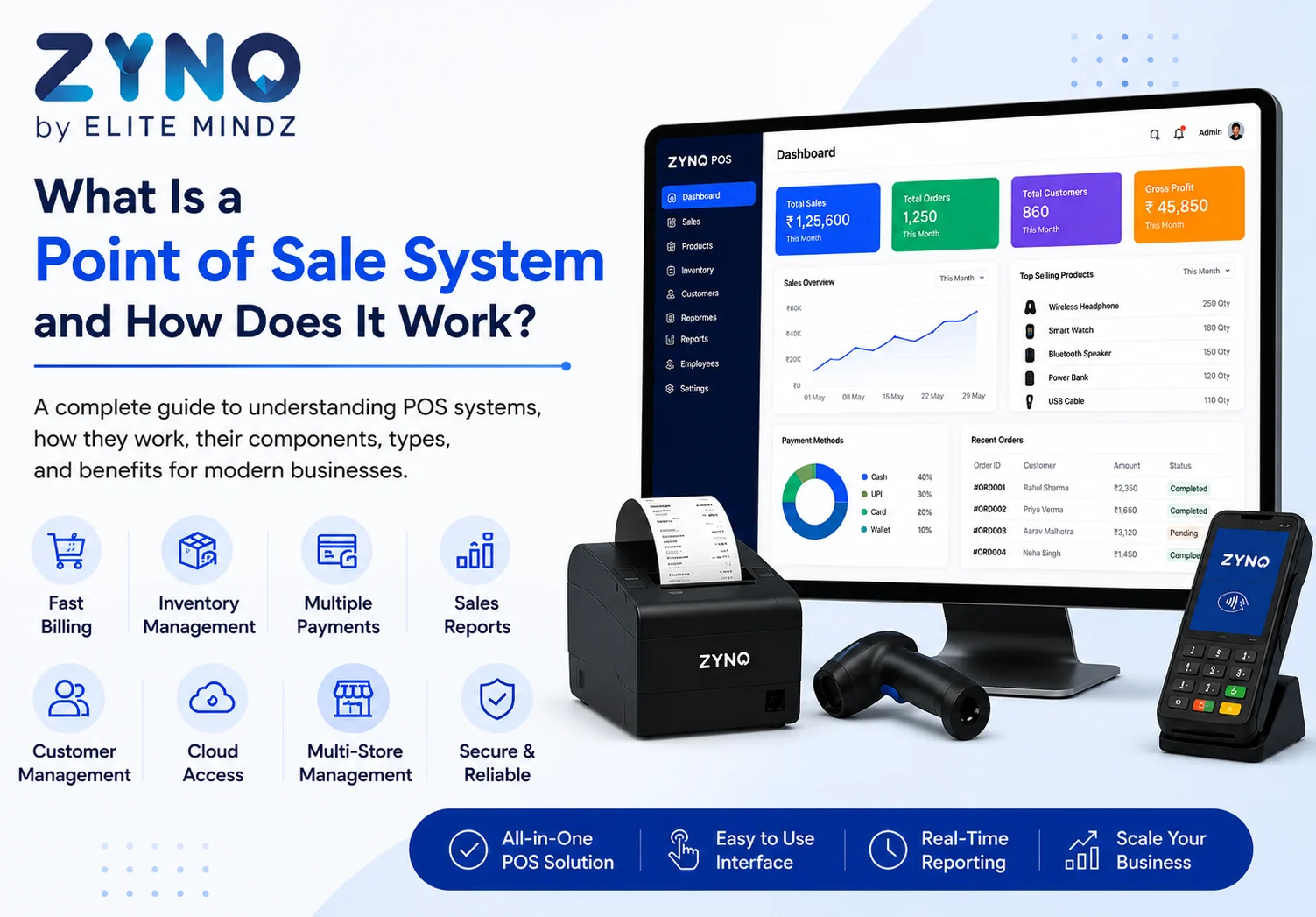
What Is a Point of Sale System and How Does It Work?
Read More →

×
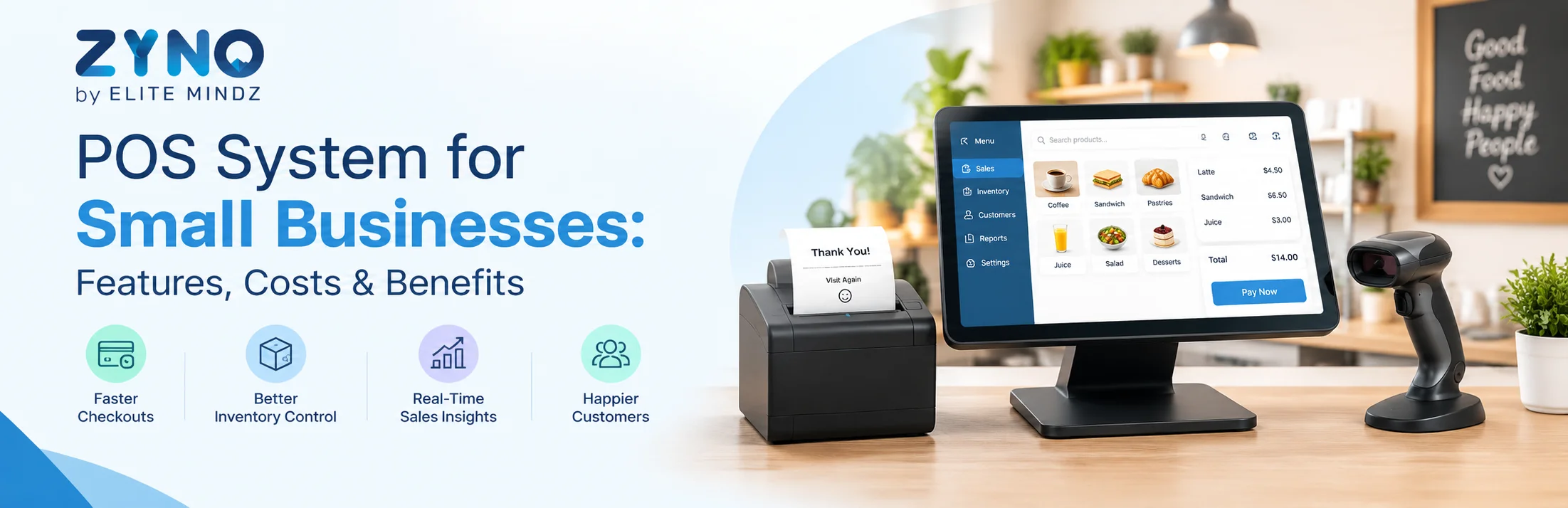
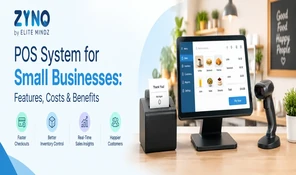
A POS system for small businesses helps manage billing, payments, inventory, sales, and customer data from one platform. Key features include barcode scanning, GST billing, inventory tracking, sales reporting, and multi-store support. Costs vary by software, hardware, and subscription model. Benefits include faster checkout, fewer errors, better inventory control, and easier business reporting.
Businesses using ZYNO Books cut accounting time by 70% and stay 100% ZATCA-compliant — automatically.
A POS system for small businesses has quietly gone from optional upgrade to competitive necessity. The businesses still running on manual ledgers or basic cash registers aren't just working harder than they need to, they're operating with less visibility than their competitors.
The numbers reflect this shift. The POS software market in the U.S. alone is valued at over $5 billion and growing steadily, with cloud-based systems now accounting for the majority of new installations. Contactless and mobile payments have moved from convenience to expectation, and customers increasingly judge a business by how smoothly it checks them out.
What's driving the shift isn't hype, it's necessity. Manual billing means slower transactions and human error. Spreadsheet-based inventory means stockouts, overstocking, and money tied up in the wrong products. And without real sales data, most small business decisions are still made on gut feel rather than fact.
A modern POS system solves all three at once: faster checkout, accurate stock visibility, and reporting that tells you exactly what's working.
This guide breaks down what to actually look for, the features worth paying for, what a POS system costs, and the benefits you can expect once you make the switch.
A POS system for small business is a combined hardware and software setup that manages the entire sales cycle- billing, payment processing, inventory updates, and reporting in real time, from a single platform.
Every sale updates your stock count instantly. Every transaction gets logged automatically. Every report is generated without anyone touching a spreadsheet.
It's the operational backbone that traditional cash registers were never designed to be.
Simplify Your Business with ZYNO POS
Manage billing, inventory, sales, customers, and business operations with ZYNO POS. Get faster checkout, better stock visibility, GST billing, and powerful sales insights from one easy-to-use POS platform.
Request a Free POS Demo Explore ZYNO POSNot all POS software for small businesses is built the same way. Here's what separates a system that earns its keep from one that just adds another login to remember.
Here's what tangibly changes once you move from manual billing — or a basic register — to proper POS software for small retailers.
Faster, more accurate checkout
Manual price entry and calculation errors disappear. Transactions move quicker, and mistakes at the counter drop sharply.
Real-time inventory visibility
You always know what's in stock, what's running low, and what isn't moving. No more overstocking dead inventory or scrambling to restock a bestseller mid-sale.
A better customer experience
Fast billing, digital receipts, and loyalty programs keep customers coming back — and drive the word-of-mouth referrals that matter most for small businesses.
Decisions backed by data, not instinct
Sales reports show exactly what's working. You stock the right products, run the right offers, and stop guessing.
Stronger security
Encrypted payments and role-based access protect both your business and your customers' data.
Employee accountability
Shift-level tracking shows who sold what, when reducing internal errors and keeping your team accountable without micromanaging.
Room to scale
As your business adds staff, locations, or an online store, a solid POS system for small businesses scales with you. No painful rip-and-replace later.
Real cost savings over time
Fewer manual errors, less time spent reconciling, and reduced stock wastage — the savings add up quickly, often outweighing the subscription cost within months.
Cost is usually the first concern and a fair one. Here's what actually makes up the number.
What you're paying for:
Is there an affordable POS system for small business owners?
Yes and you don't need enterprise-grade software to run a tight operation. Look for:
The smarter way to evaluate cost isn't comparing monthly price tags in isolation, it's calculating Total Cost of Ownership (TCO): software plus processing fees plus hardware plus training time plus potential downtime. A cheaper plan with high per-transaction fees can end up costing more over a year than a slightly pricier, all-inclusive option.
Grow Your Small Business with ZYNO POS
Simplify billing, manage inventory, track sales, and improve customer management with ZYNO POS. Get faster checkout, GST billing, real-time stock visibility, and actionable sales insights in one powerful POS solution.
Get a Free POS Demo Explore ZYNO POSBefore you commit, work through these questions:
Matching features to business type:
|
Business Type |
Prioritize |
|
Retail stores |
Barcode scanning, SKU/variant tracking, retail POS system reporting |
|
Cafés/restaurants |
Fast billing, modifiers, split payments |
|
Mobile/pop-up sellers |
Mobile POS system for small business hardware, offline mode |
|
Multi-channel sellers |
Inventory sync between online and offline stores |
Choosing on price alone
The cheapest plan often hides costs in processing fees or paid add-ons you'll need anyway.
Skipping the inventory check
If you're evaluating small business inventory software as part of your POS, test the stock module before buying — not after.
Underestimating training time
Even the best system fails if your staff can't use it quickly during a rush.
Ignoring offline capability
If your internet isn't rock-solid, confirm the system can still bill customers offline.
Overlooking tax compliance
For Indian businesses especially, a POS system with GST billing isn't optional — verify it's built in, not bolted on as an afterthought.
The businesses pulling ahead right now aren't necessarily the ones with the biggest budgets — they're the ones running on real-time data instead of manual guesswork.
A POS system for small business isn't a luxury add-on anymore; it's the baseline for staying competitive. Whether you're a single-counter retailer or scaling across locations, the right small business POS software pays for itself in saved time, fewer errors, and sharper decisions.
Ready to see it in action? [Book a free demo] and find out how much time and revenue a proper POS system could unlock for your business this quarter.
Frequently Asked Questions
What is POS software for small businesses?
POS software for small businesses is a combined hardware-and-software system that manages billing, inventory, payments, and customer data on one platform — replacing manual registers, paper ledgers, and disconnected spreadsheets with a single, real-time source of truth.
Is a POS system expensive for small businesses?
Not necessarily. An affordable POS system for small business owners typically comes with flat monthly pricing, minimal upfront hardware investment, and pay-as-you-grow plans — making it accessible even for single-counter shops without large IT or software budgets.
Can a POS system help with inventory management?
Yes, a POS system with inventory management tracks stock levels in real time, flags low inventory automatically, and forecasts demand from sales history, helping small businesses prevent both stockouts and overstocking while reducing manual counting.
What should I prioritize on a tight budget?
Start with billing accuracy, POS inventory management, and GST compliance — these deliver the fastest returns. Add loyalty programs, multi-location support, and advanced analytics later, once your small business billing software has proven its core value.
Do I need a cloud-based POS?
If you want to check sales remotely, manage staff across shifts, or run multiple outlets, yes — a cloud POS system for small business gives you real-time visibility from any device, anywhere, without being tied to one terminal.
What's the difference between a POS system and a payment processor?
A POS system for small business handles the full operation — billing, inventory, staff, and reporting. A payment processor only moves money from the customer's account to yours. Most modern systems combine both into a single integrated platform.
Is a POS system suitable for small retail shops?
Absolutely. POS software for small retailers is built specifically for shops managing multiple SKUs, sizes, and variants — offering barcode scanning, stock alerts, and sales reporting that help retailers avoid dead stock and reorder the right products on time.
How do I choose the best POS system for small business?
Match features to your business type: retail needs strong inventory tracking, restaurants need fast billing and modifiers, and mobile sellers need offline support. The best POS system for small business fits your workflow — not the other way around.
Can I use a POS system for a mobile or pop-up business?
Yes — a mobile POS system for small business works well for pop-ups, home deliveries, and events. It runs on a phone or tablet, supports offline billing, and syncs inventory once you're back online, so you never oversell stock.
What features should retail POS software include?
A solid retail POS system should offer barcode scanning, SKU and variant tracking, returns and exchange handling, employee permissions, and real-time reporting — all working together to speed up checkout and keep inventory accurate across your store.
What Is a Point of Sale System and How Does It Work?
Read More →
Top 10 Point of Sale Software in India
Read More →
POS Systems Explained: A Beginner’s Guide
Read More →
Restaurant POS System in India: A Complete Buying Guide
Read More →
How a Multi-Store POS System Simplifies Multi-Location Business Management
Read More →
Best POS System for Retail Store: Features, Benefits & Buying Guide
Read More →
Supermarket POS Software in UAE: How to Simplify Sales, Inventory & Store Management
Read More →
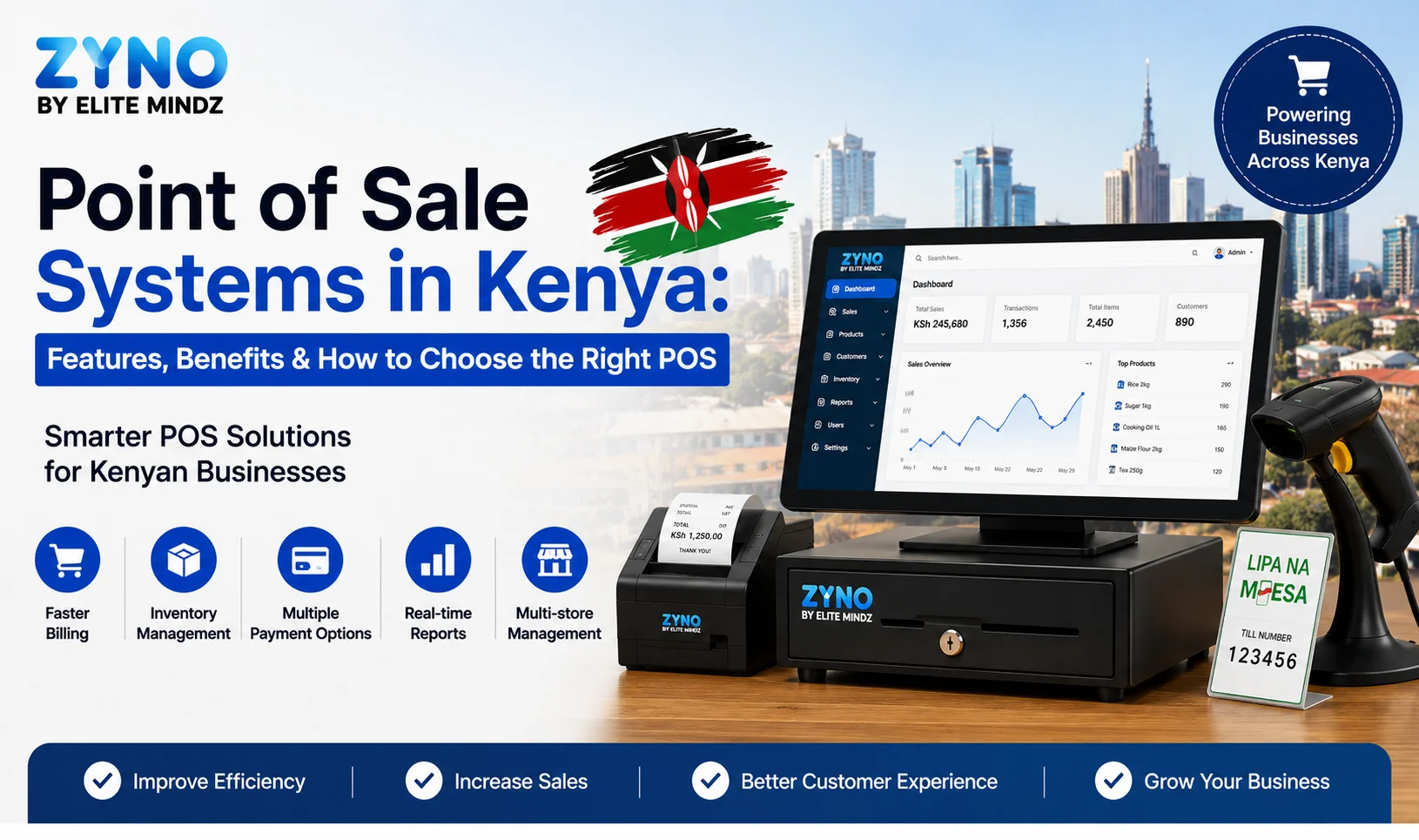
Point of Sale Systems in Kenya: Features, Benefits & How to Choose the Right POS
Read More →
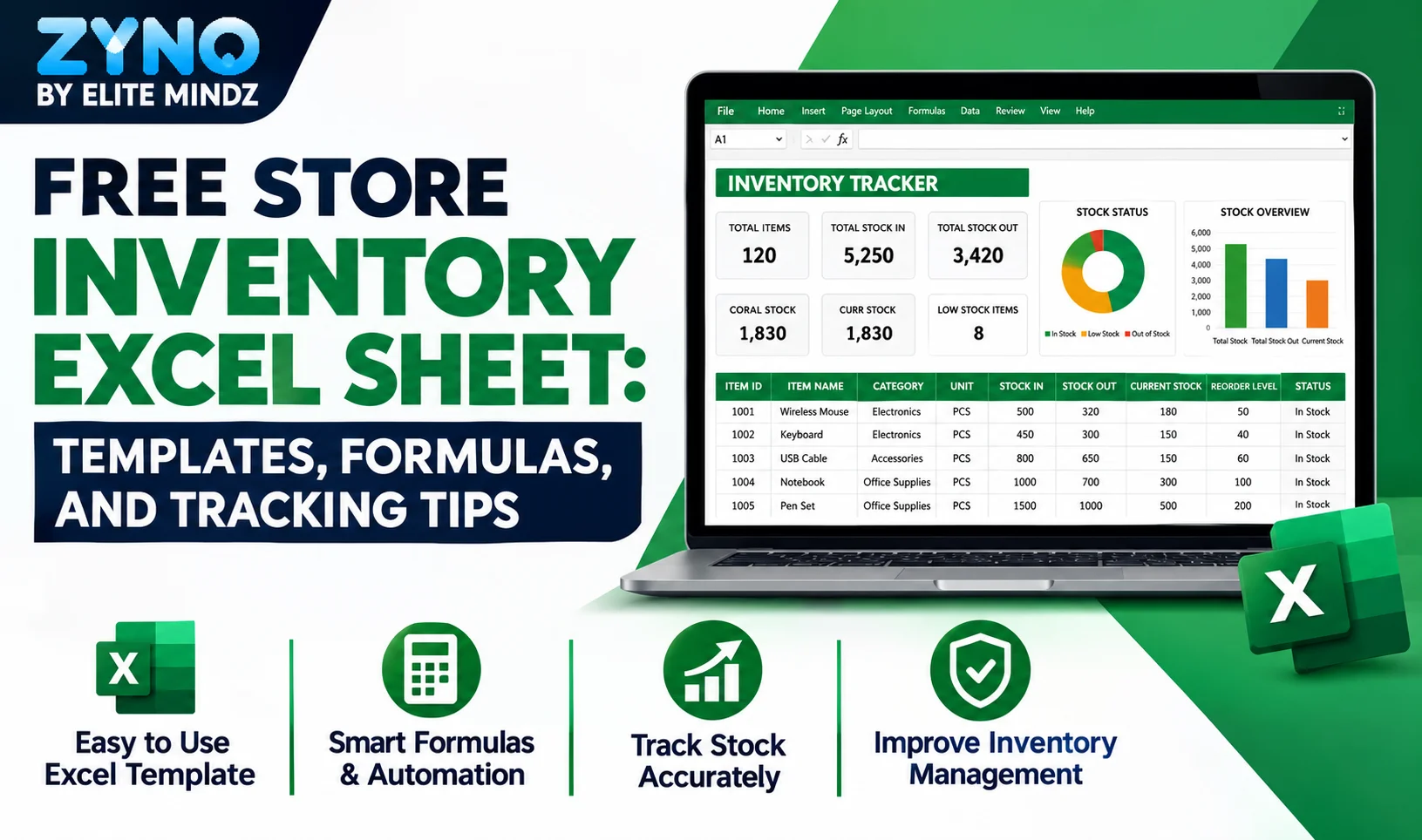
Store Inventory Excel Sheet Free Download: Templates, Formulas, and Tracking Tips
Read More →
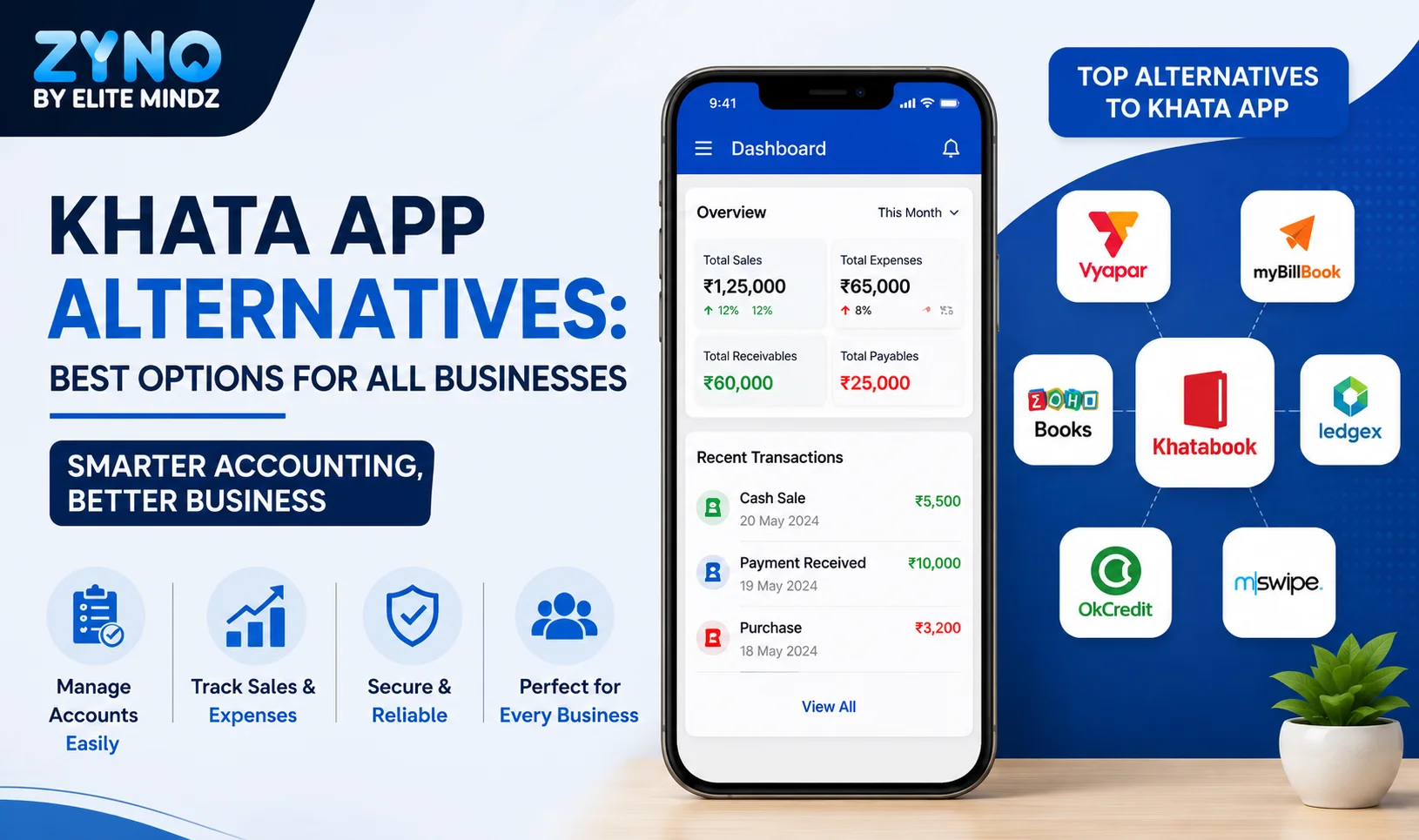
Khata App Alternatives: Best Options for All Businesses
Read More →
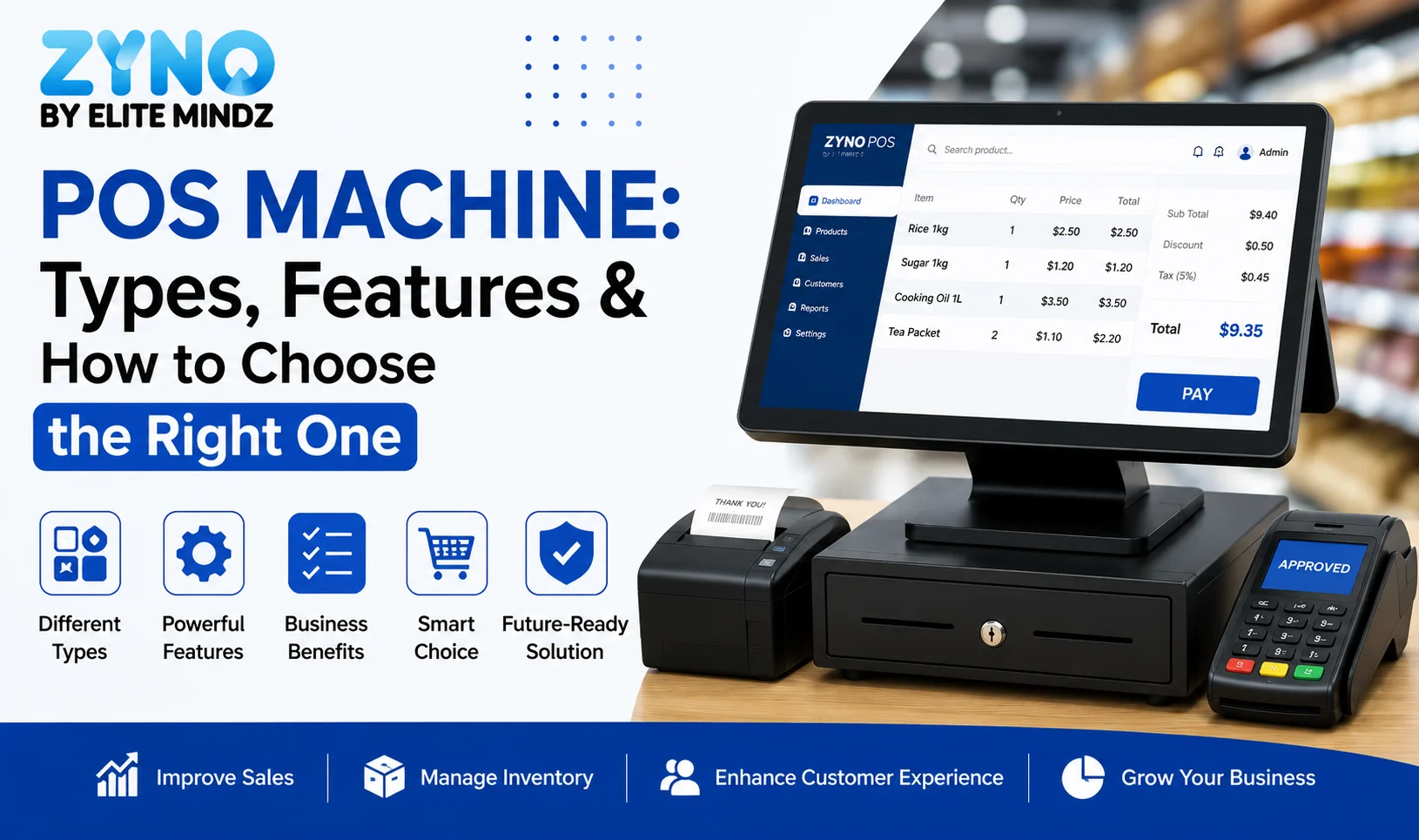
POS Machine: Types, Features & How to Choose the Right One
Read More →
Top 8 Square Alternatives for Small Businesses in 2026
Read More →
Modern POS Solutions in Kenya for Retail, Restaurants and Growing Businesses
Read More →
Top Vyapar Alternatives: Best Billing & POS Software
Read More →
Grocery Store POS Software: Features, Benefits & Buying Guide
Read More →
POS System for Small Businesses: Features, Costs & Benefits
Read More →
POS Software Checklist: 15 Features Every Business Should Consider
Read More →Partner with ZYNO by Elite Mindz to revolutionize how your business works. Fill out the form, and we’ll reach out with AI-powered solutions made just for you.
We use browser cookies to ensure you get the best experience on our website. Learn more
The form was submitted successfully!