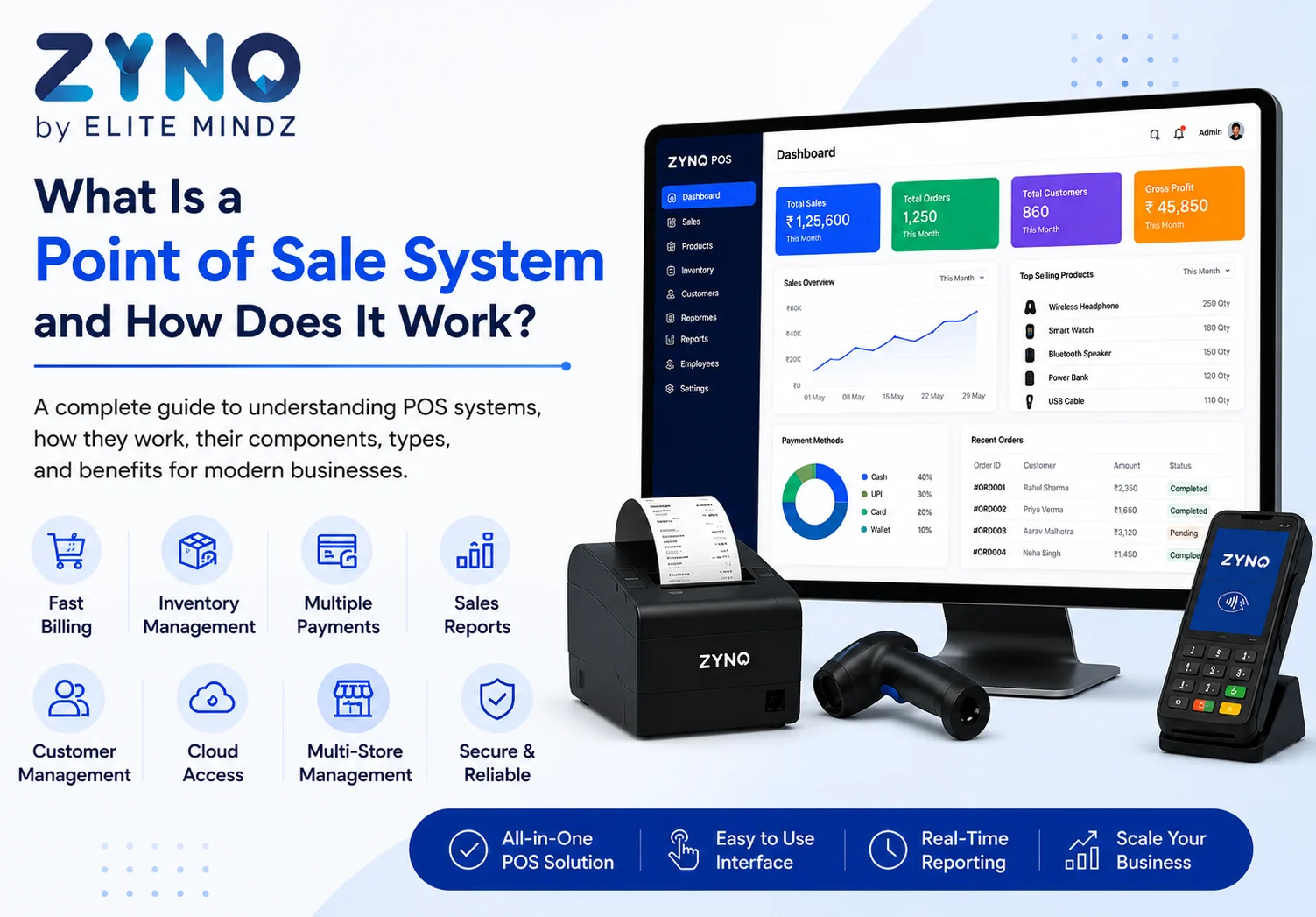
What Is a Point of Sale System and How Does It Work?
Read More →

×
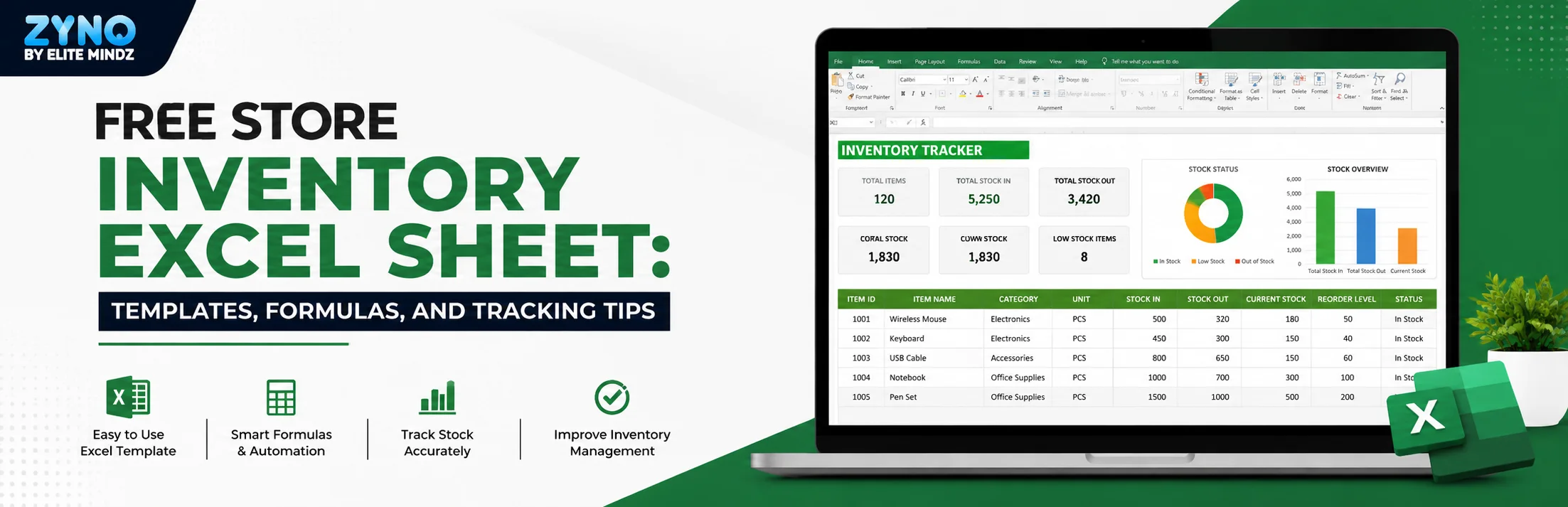
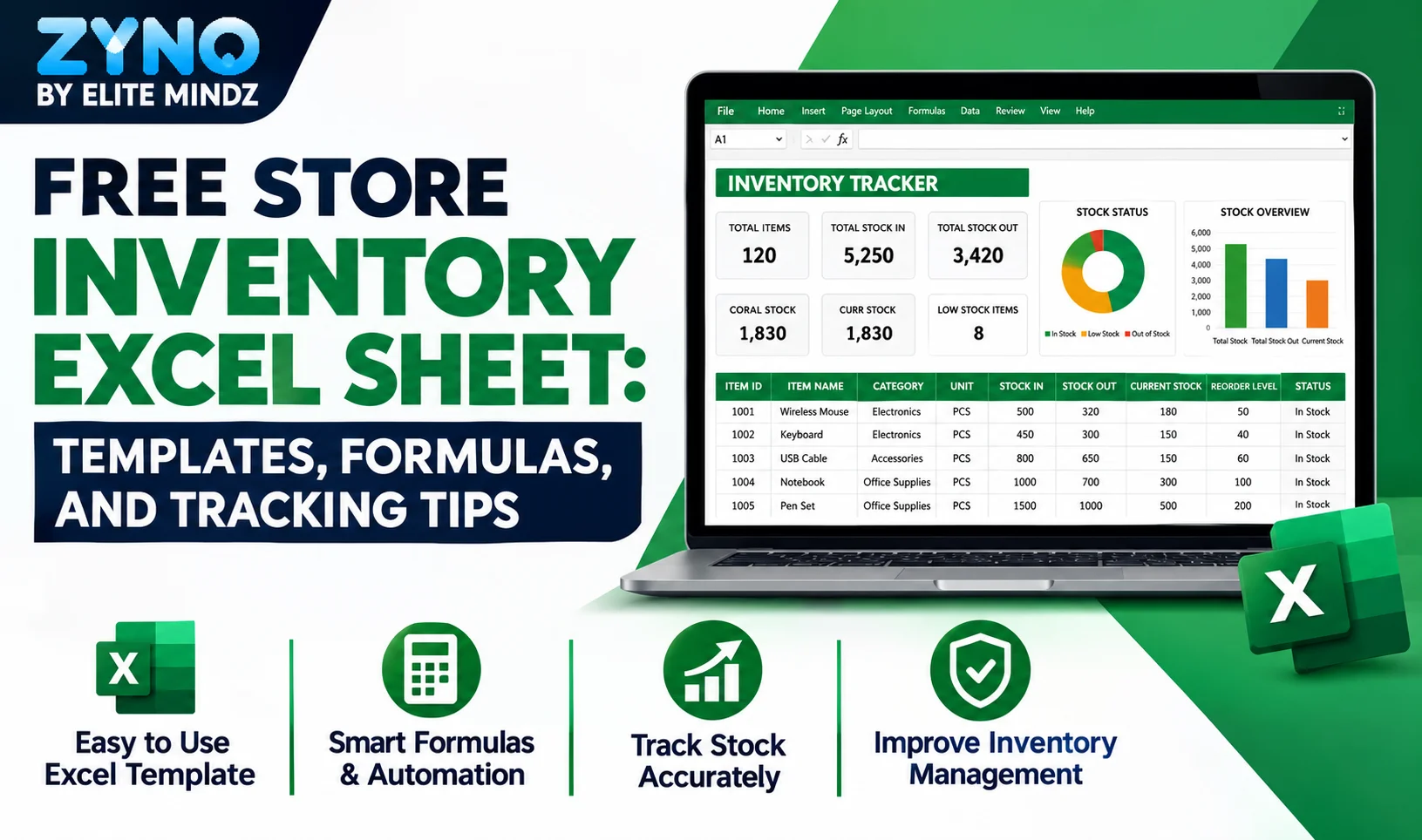
A Store Inventory Excel Sheet Free Download provides a simple way to manage products, purchases, sales, and stock levels. This template helps retailers organize inventory records, calculate closing stock, monitor stock value, identify low-stock products, and track reorder requirements. It is useful for small businesses looking for an easy, structured, and cost-effective inventory management solution using Excel.
Businesses using ZYNO Books cut accounting time by 70% and stay 100% ZATCA-compliant — automatically.
Running a store without a proper system to track what is coming in and going out is one of the fastest ways to lose money quietly. Stock goes missing, reorders happen too late or too early, and by the time you sit down to check numbers at month-end, half the picture is already gone. This is exactly why so many small business owners search for a free store inventory Excel sheet before they invest in anything bigger.
The good news is that you do not need expensive software to get started. A well-built Excel inventory template can carry a small store surprisingly far, as long as it is structured the right way and updated consistently. Whether you are looking for a simple inventory template, a more detailed inventory tracking sheet, or a full inventory control Excel template with formulas already built in, this guide covers what to look for and how to actually use one, along with when it makes sense to move up to dedicated software like ZYNO POS.
A store inventory excel sheet is simply a spreadsheet that records what stock you have, what you bought, what you sold, and what is left. At its simplest, it is a list of products with opening stock, purchases, sales, and closing stock. At a more advanced level, it can calculate stock value, flag low stock items automatically, and even show category wise performance through charts.
Simplify Store Inventory Management with ZYNO POS
Move beyond manual inventory tracking with ZYNO POS. Manage products, stock movement, purchases, sales, inventory levels, and business insights from one integrated platform, helping retailers improve stock visibility and simplify daily operations.
Explore ZYNO POS Download Free Inventory Excel SheetManual stock counting works for a while, especially in the early days of a business. But the moment you cross a certain number of SKUs, sizes, or variants, an inventory tracking sheet stops being optional.
Stops overselling and understocking. When you know exact closing stock for every product, you stop promising items you do not have and stop sitting on dead stock that never sells.
Saves time during audits. Instead of physically counting every shelf every week, a running sheet gives you a reliable starting point, and physical counts become a verification step rather than the entire process.
Improves purchase decisions. Once you can see which products move fast and which sit for months, your next purchase order becomes a decision based on data, not guesswork.
Reduces shrinkage and errors. A visible gap between recorded stock and actual stock is often the first sign of theft, damage, or billing mistakes, and you can only catch that gap if you are tracking numbers in the first place. This is also where a spreadsheet shows its limits compared to a system like ZYNO POS, which deducts stock automatically the moment a sale is billed, so the gap between recorded and actual stock stays much smaller from the start.
Not every inventory sheet is built the same way, and a lot of free templates floating around online are missing pieces that matter. When you are choosing or building one, check for these columns at a minimum:
If your sheet only tracks quantity and skips cost, value, and reorder levels, you are only getting half the picture. A real inventory control Excel template should tell you not just how many units you have, but how much money is sitting in that stock and when it is time to reorder. This is what separates a basic inventory template from one that actually supports day-to-day decisions.
Read Also: POS Systems Explained: A Beginner’s Guide
The difference between a static list and a working inventory template excel file comes down to formulas. A few functions do almost all the heavy lifting:
SUMIFS adds up total purchases or total sales for a specific product from a transaction log, which means you never manually total anything again.
Simple arithmetic formulas calculate closing stock as opening stock plus stock in minus stock out, so the number updates the moment you log a new sale or purchase.
IF and nested IF formulas compare closing stock against your reorder level and automatically label an item as ok, low stock, or reorder now.
INDEX and MATCH pull product details like name, category, or cost automatically once you enter a product ID, so you are not retyping the same information in multiple sheets.
This is what separates a genuinely useful free Excel inventory template with formulas from a basic list that looks fine on day one and turns into a mess of manual updates by week three.
If your team works across devices or locations, a sheets template for inventory built in Google Sheets works almost identically to an excel version, with the added benefit of real time access from any device. The core structure barely changes: product master, stock in log, stock out log, and a summary tab that ties everything together with formulas. Whether you use excel or Google Sheets mostly comes down to whether your team needs shared, simultaneous access or works from a single system.
Simplify Store Inventory Management with ZYNO POS
Move beyond manual inventory tracking with ZYNO POS. Manage products, stock movement, purchases, sales, inventory levels, and business insights from one integrated platform, helping retailers improve stock visibility and simplify daily operations.
Explore ZYNO POS Download Free Inventory Excel SheetThere are plenty of free inventory sheets available online, ranging from extremely basic single tab templates to fairly advanced multi sheet systems with dashboards and charts. When picking one, prioritize a template that already has the formulas built in rather than one you will need to rebuild from scratch. A good free inventory sheet should let you drop in your product list and start logging transactions within minutes, not hours.
If you want a ready made version, the store inventory excel sheet built earlier in this conversation already covers product master, stock in, stock out, live stock summary, and a dashboard with charts, all formula-linked and ready to customize with your own products.
An inventory sheet works well for a single store with a manageable product count. Once you are managing multiple outlets, hundreds of SKUs, real time billing, or GST compliant invoicing, spreadsheets start to show their limits. Manual entry errors creep in, multiple people editing the same file causes version confusion, and there is no real time sync between your billing counter and your stock sheet.
This is usually the point where retailers move to dedicated inventory and POS software. Systems like ZYNO POS handle stock deduction automatically at the point of sale, sync inventory across multiple outlets, and generate GST compliant bills without anyone updating a spreadsheet by hand. For a single store just starting out, an excel sheet is more than enough. For a growing business, it is worth treating the spreadsheet as a stepping stone rather than a permanent system.
Download Free Inventory Excel Sheet
A store inventory Excel sheet is one of the simplest, most cost-effective ways to bring order to your stock management. Start with a clean, formula-backed template, stay consistent with logging purchases and sales, and use the reorder alerts to stay ahead of stockouts. As your store grows, keep an eye on when the spreadsheet starts slowing you down rather than helping you, since that is your signal to move to dedicated inventory or POS software.
What is a store inventory excel sheet?
A store inventory excel sheet is a spreadsheet used to track products in a store, including opening stock, purchases, sales, and closing stock, so you always know what is available at any given time.
Is a free excel inventory template good enough for a small retail store?
Yes, for a single outlet with a manageable product range, a well structured excel inventory template with formulas can handle daily stock tracking reliably without needing paid software.
What is the difference between an inventory sheet and an inventory control excel template?
A basic inventory sheet usually tracks quantity only, while an inventory control excel template also tracks cost, stock value, and reorder alerts, giving a fuller picture of your stock position.
Can I use an inventory tracking spreadsheet for multiple store locations?
It is possible using separate tabs per location in your inventory tracking spreadsheet, but it becomes harder to manage as locations increase, which is usually the point where dedicated POS or inventory software makes more sense.
Do I need to know excel formulas to use an inventory template excel file?
No. A good inventory template excel file already has formulas like SUMIFS, IF, and INDEX MATCH built in. You only need to enter data in the designated input cells, usually marked in a different color.
What formulas are used in a free excel inventory template with formulas?
Common ones include SUMIFS for totaling purchases or sales per product, simple addition and subtraction for closing stock, nested IF for reorder alerts, and INDEX MATCH for auto pulling product details.
Can I track product variants like size and color in an inventory template?
Yes, as long as the inventory template has a separate column for size, color, or style, each variant should be listed as its own row so stock counts stay accurate.
Is a sheets template for inventory in Google Sheets better than Excel?
Both work the same way structurally. A sheets template for inventory in Google Sheets is better if your team needs real time shared access from multiple devices, while Excel works well for single user or single system tracking.
How often should I update my inventory tracking sheet?
Ideally every time stock moves, meaning every purchase and every sale, rather than doing a bulk update once a week, which increases the chance of errors and mismatches.
When should I move from an excel inventory template to proper inventory software?
Once you are managing multiple outlets, a large number of SKUs, or need real time syncing between billing and stock, spreadsheets start to break down and dedicated POS or ERP software becomes more practical.
Are free inventory sheets safe to use for GST billing?
Basic free inventory sheets only track stock, they do not handle GST compliant invoicing on their own. For GST billing, you would still need separate billing software or a POS system alongside your inventory sheet.
Can an inventory sheet calculate stock value automatically?
Yes, if it includes a unit cost column and a formula that multiplies closing stock by unit cost, the stock value updates automatically whenever stock quantities change.
Where can I find free inventory sheets with formulas already built in?
Free inventory sheets are available online in varying levels of detail, but it is worth prioritizing one that already has SUMIFS, IF, and lookup formulas set up so you can start logging transactions immediately instead of building the sheet from scratch.
What Is a Point of Sale System and How Does It Work?
Read More →
Top 10 Point of Sale Software in India
Read More →
POS Systems Explained: A Beginner’s Guide
Read More →
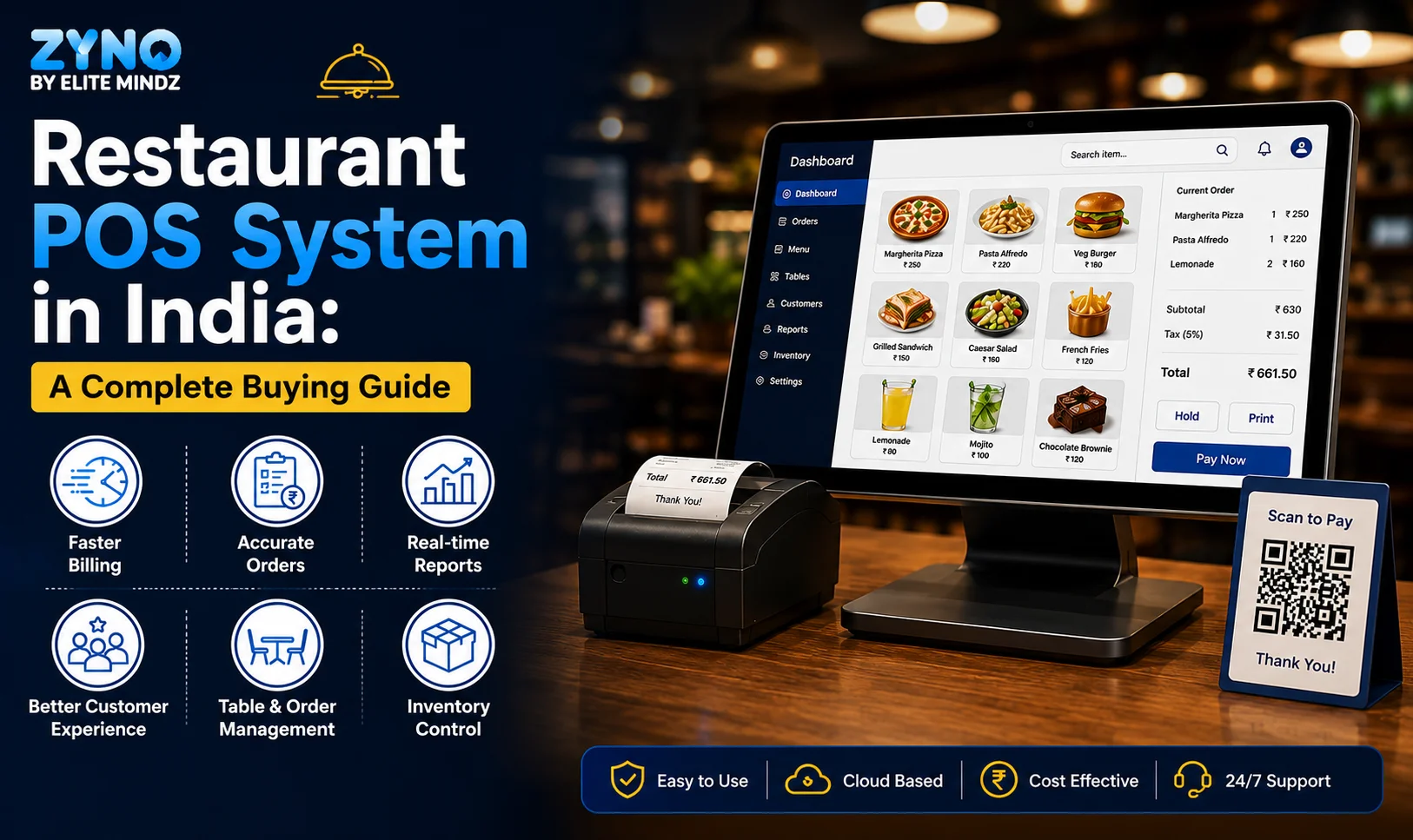
Restaurant POS in India: A Complete Buying Guide
Read More →
How a Multi-Store POS System Simplifies Multi-Location Business Management
Read More →
Best POS System for Retail Store: Features, Benefits & Buying Guide
Read More →
Supermarket POS Software in UAE: How to Simplify Sales, Inventory & Store Management
Read More →
Point of Sale Systems in Kenya: Features, Benefits & How to Choose the Right POS
Read More →
Store Inventory Excel Sheet Free Download: Templates, Formulas, and Tracking Tips
Read More →Partner with ZYNO by Elite Mindz to revolutionize how your business works. Fill out the form, and we’ll reach out with AI-powered solutions made just for you.
We use browser cookies to ensure you get the best experience on our website. Learn more
The form was submitted successfully!