What Is a Point of Sale System and How Does It Work?
Read More →

×
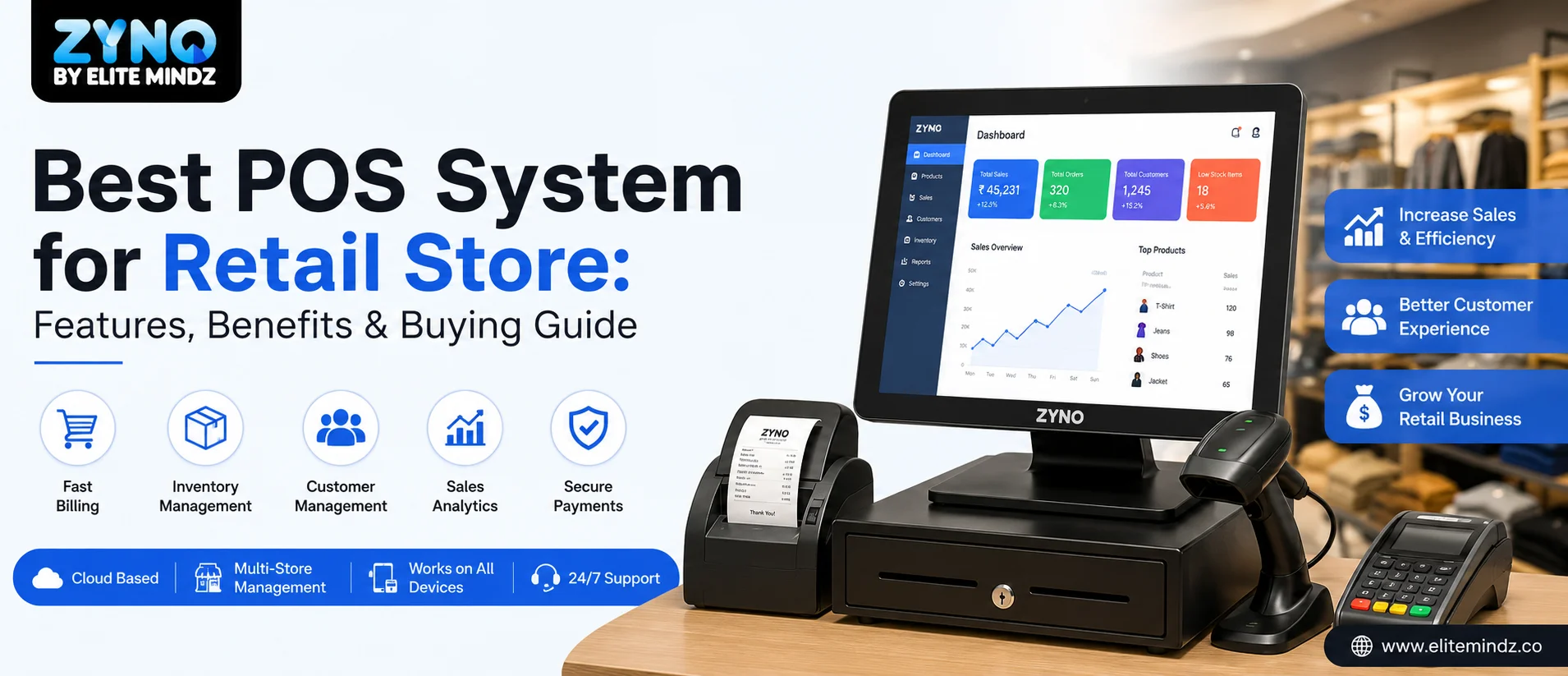
Looking for the best POS System for Retail Store? Discover everything you need to know about POS Software, including essential features, benefits, and buying tips. Learn what is a POS system, how point-of-sale systems improve retail operations, manage inventory, speed up billing, support multiple payment methods, and help businesses grow with smarter retail management.
Businesses using ZYNO Books cut accounting time by 70% and stay 100% ZATCA-compliant — automatically.
Running a retail business today means juggling inventory, billing, customer data, and staff management, often all at once. This is exactly where a good POS system becomes the backbone of your store operations. If you're still relying on manual billing or outdated software, it's time to understand why a modern retail POS system isn't just a nice-to-have anymore, it's a necessity for staying competitive.
In this guide, we'll break down everything you need to know about choosing the right point of sale systems for your business, the features that matter most, and how the right POS software can transform your retail operations from the ground up.
Before diving into features, let's answer the basic question: what is a POS system? A point-of-sale system is the combination of hardware and software that allows a business to process sales transactions and manage everything related to those sales, including inventory, customer records, receipts, and reporting. Modern point of sale retail systems go far beyond just billing. They connect the checkout counter to your online store, payment processors, accounting tools, and analytics dashboards, turning your POS software into the true operational center of the business.
Gone are the days when a POS was just a cash register with a barcode scanner attached. Today's pos systems for retail are cloud-based, mobile-friendly, and built to give store owners real-time visibility into every corner of their business, whether they're managing one outlet or fifty.
A retail POS system typically works in three simple stages:
In a cloud-based POS software setup, this entire cycle happens instantly across every store location and sales channel. A sale made at one outlet reflects in inventory counts at every other location and on your ecommerce store, with no manual reconciliation needed at day's end.
Take Your Retail Business to the Next Level with ZYNO POS
From faster billing and real-time inventory management to GST-compliant invoicing, customer loyalty programs, and powerful sales analytics, ZYNO POS Software gives retailers everything they need to improve efficiency, enhance customer experiences, and drive business growth.
Request a Free Demo Explore Retail POSA complete point of sale system has two halves working together.
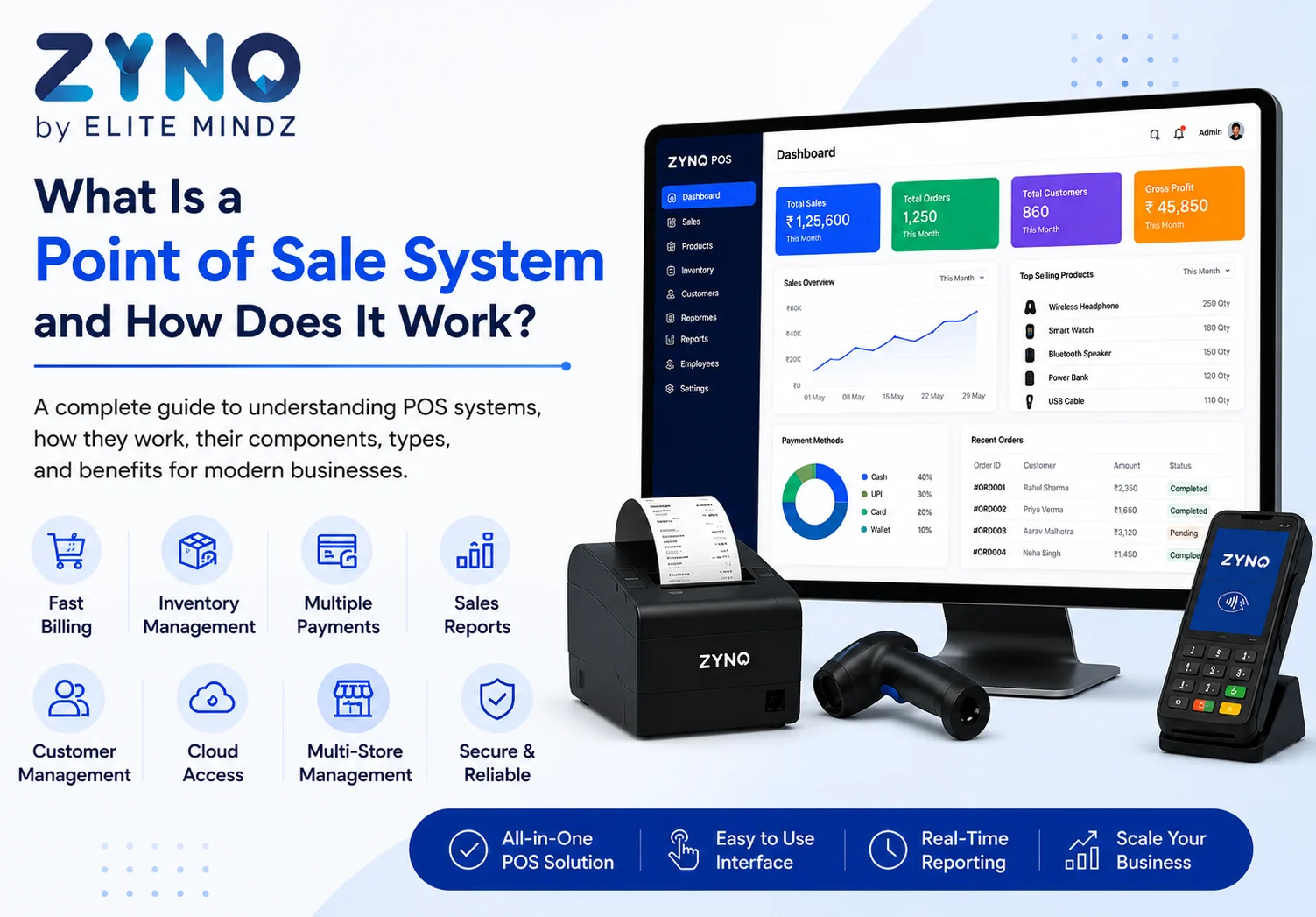
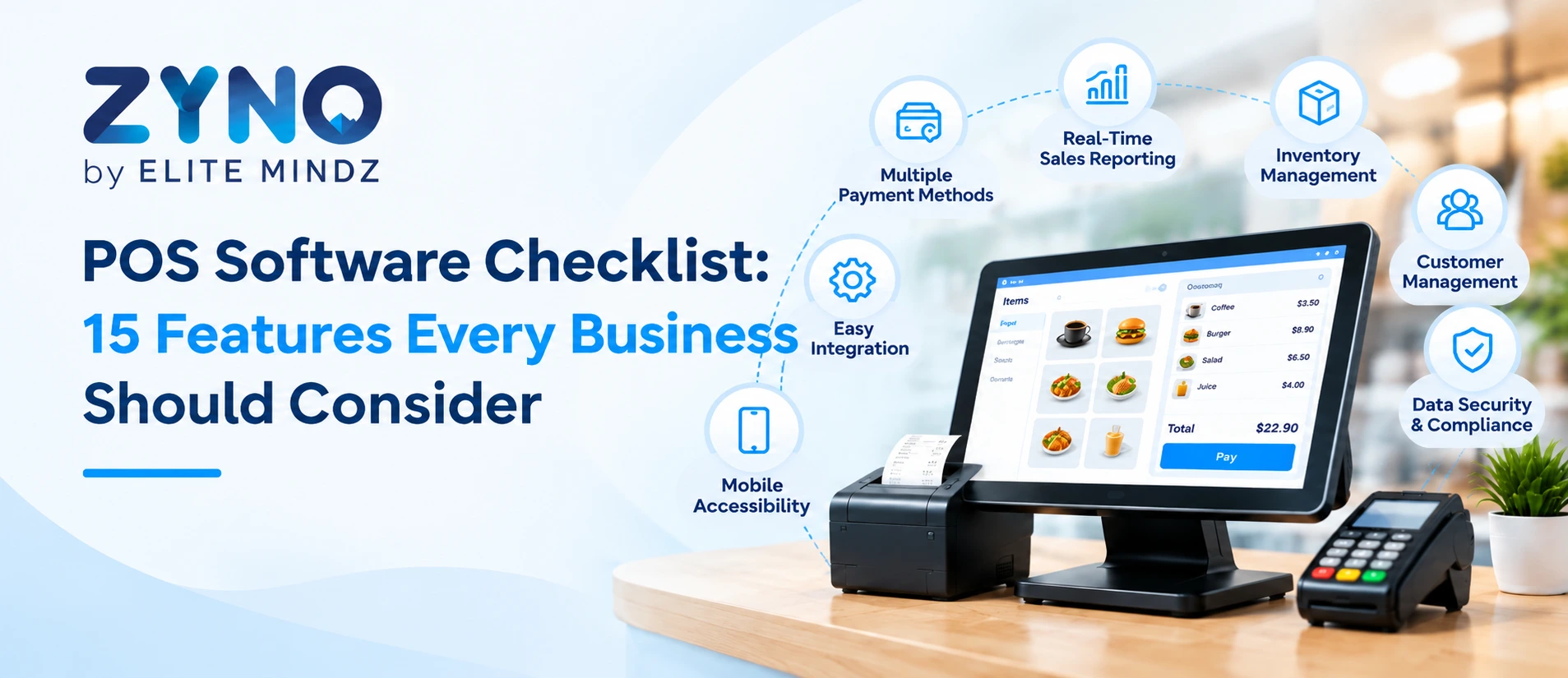
Hardware typically includes a billing terminal or tablet, barcode scanner, receipt printer, cash drawer, and a card or UPI payment device. Some setups also add a customer-facing display for transparency at checkout.
Software covers the billing engine, inventory management module, customer database (CRM), reporting dashboard, and employee management tools, along with an integrations layer that connects to accounting and marketing platforms.
Earlier systems locked retailers into fixed, proprietary hardware that was expensive to replace. Today's cloud point of sale systems, like ZYNO POS, run on flexible tablets and standard peripherals, keeping setup costs low and making upgrades or replacements far simpler.
Different retail setups need different formats of pos systems for retail:
Counter/terminal POS: A fixed billing station set up permanently at the counter, ideal for larger stores with steady, consistent footfall. Since the hardware stays in one place, it's built for durability and high transaction volumes, making it a reliable choice for supermarkets and department stores where speed and stability matter more than mobility.
Mobile POS: Runs on a phone or small tablet paired with a card reader, great for pop-ups, kirana stores, and staff who bill on the move. It gives retailers the freedom to complete a sale from anywhere on the floor or even outside the store, which is especially useful during festive sales, exhibitions, or home deliveries where a fixed counter isn't practical.
Tablet POS: The most common setup for new stores today. Affordable, quick to deploy, and easy for staff to learn, it pairs a simple tablet interface with a compact receipt printer and cash drawer. Because the hardware footprint is small, it works well for boutiques and specialty stores that want a modern checkout experience without a large upfront investment.
Self-checkout kiosk: Lets customers scan and pay for items themselves, useful for high-volume grocery and convenience store formats where speed matters most. By reducing dependency on staffed counters during peak hours, kiosks help cut down wait times and free up employees to focus on restocking, customer service, or other in-store tasks.
Cloud-based POS: Stores all data online instead of on a local server, offering multi-location visibility, automatic updates, and remote access from anywhere. This means store owners can check sales, inventory, and staff performance in real time from their phone or laptop, making it the preferred choice for retailers planning to scale across multiple outlets.
Most growing retail businesses eventually move toward cloud-based setups because they remove the dependency on a single physical machine and make expansion far easier.

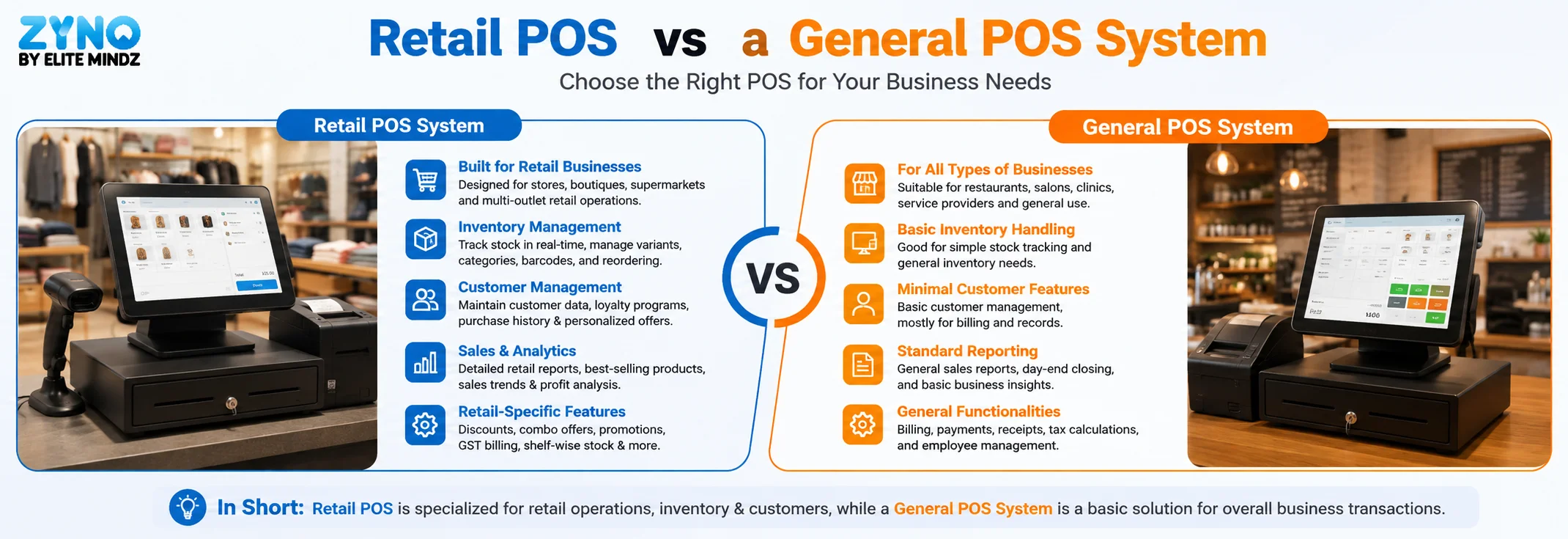
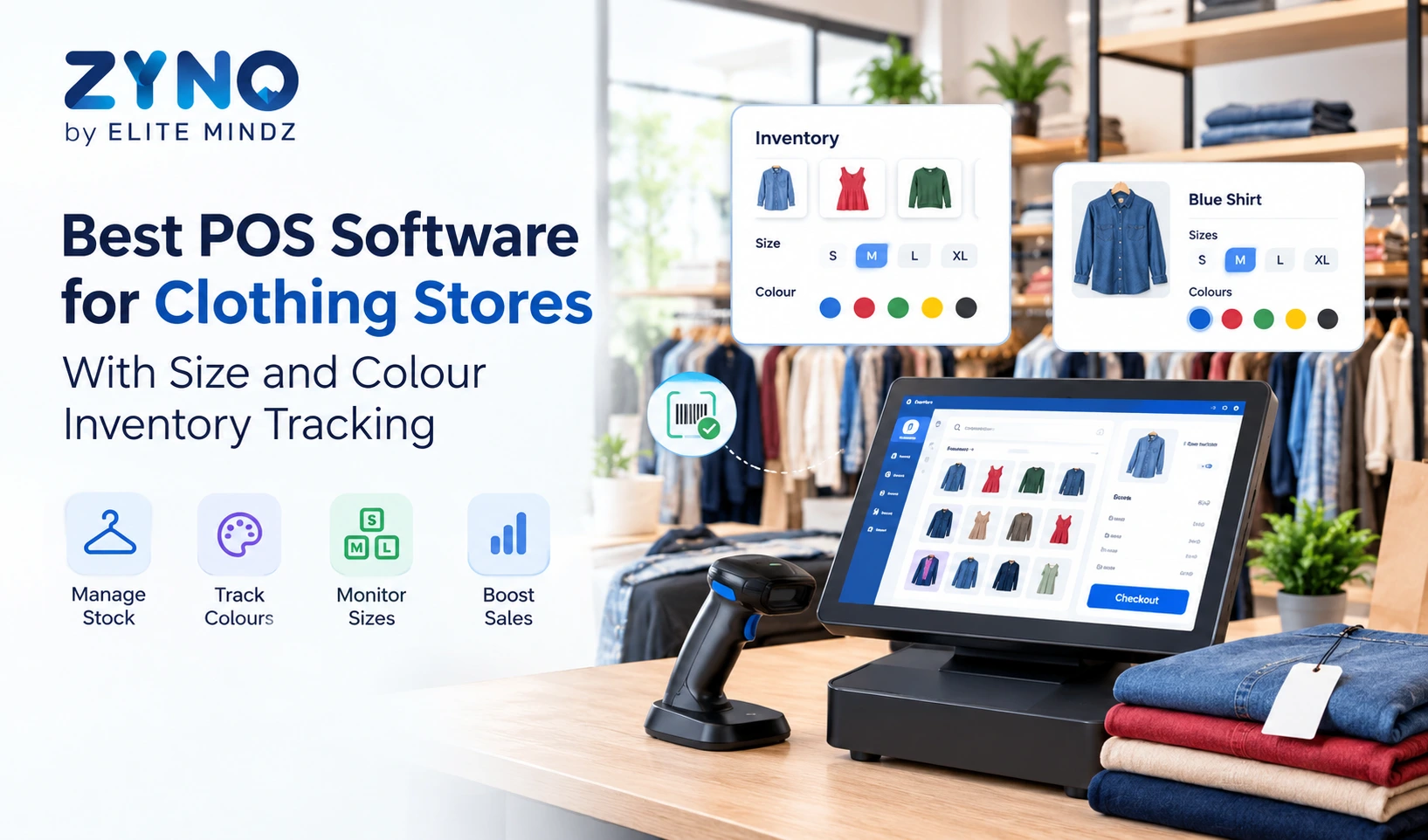
Not every POS is built for retail. A general-purpose POS designed for restaurants or service businesses often lacks features retail staff rely on daily, like SKU-based inventory, product variants (size, colour, style), barcode-driven billing, stock transfers between outlets, and reorder alerts. A dedicated retail POS system is purpose-built around how retail actually operates, from managing thousands of SKUs to tracking seasonal stock movement, which makes a real difference once your product catalog starts growing.
Faster Checkout Experience
Long queues drive customers away. A good POS system speeds up billing with barcode scanning, quick product search, and multiple payment options including cards, UPI, and digital wallets.
Real-Time Inventory Management
One of the biggest pain points for retailers is stock mismanagement. A reliable retail POS system automatically updates inventory levels with every sale, alerts you on low stock, and helps prevent both overstocking and stockouts.
Centralized Sales Data
Whether you run one store or fifty, a cloud-based POS gives you a single view of sales, revenue, and performance trends across all locations, which is especially valuable for growing retail chains that need consistency across branches.
Customer Insights and Loyalty
Modern POS software captures customer purchase history and preferences, fueling loyalty programs and personalized offers that bring customers back for repeat business.
Employee Accountability
Role-based access and shift tracking in most point of sale systems let owners monitor which staff member handled which transaction, reducing errors and improving accountability across the floor.
Reduced Shrink and Errors
Automated stock tracking catches pricing mistakes, duplicate entries, and miscounts that manual systems often miss, directly protecting your margins over time.

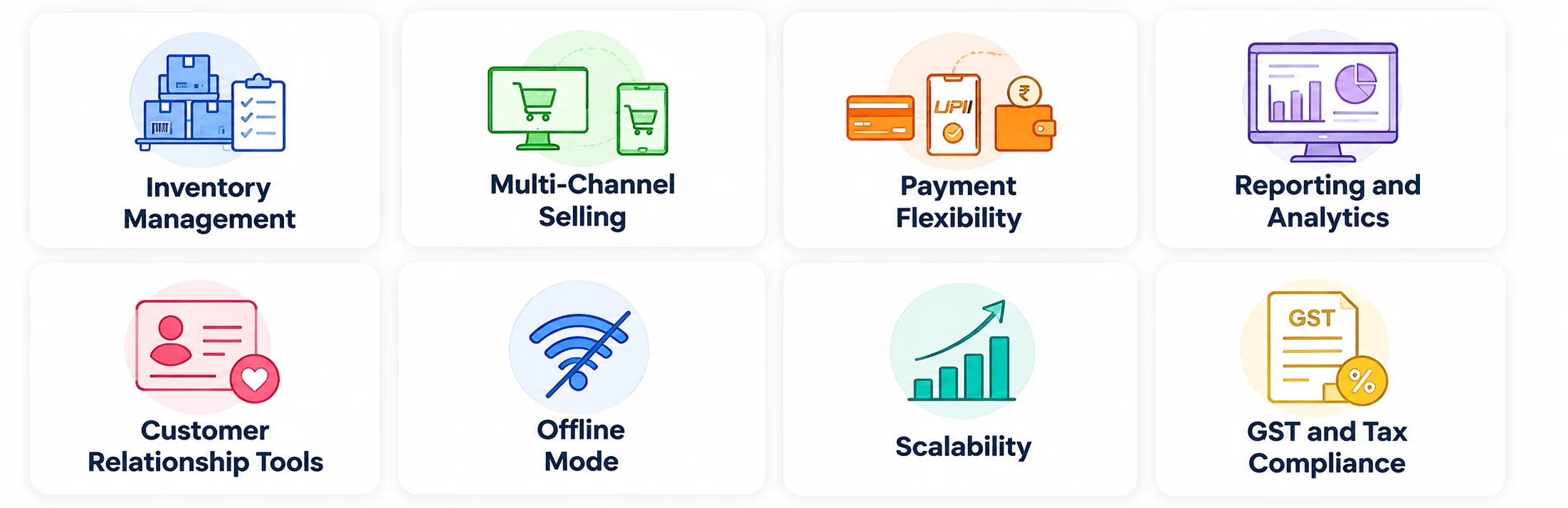
Inventory Management: Real-time stock tracking, low-stock alerts, and automated reordering. Every sale, return, or transfer instantly updates your stock count across all locations, so you always know exactly what's on the shelf. Automated low-stock alerts and reorder triggers mean you never run out of fast-moving items or overstock slow ones, saving both time and working capital.
Multi-Channel Selling: Unified inventory across in-store and online sales channels. When a product sells online or in-store, the stock count updates everywhere at once, eliminating the risk of overselling or manual reconciliation between channels. This gives retailers a single, accurate view of inventory no matter where the sale happens.
Payment Flexibility: Support for cards, UPI, mobile wallets, and split payments. Customers today expect to pay however suits them best, and a POS that supports multiple payment modes reduces checkout friction and abandoned sales. Split payment options also help handle group purchases or partial payments smoothly, without slowing down the counter.
Reporting and Analytics: Dashboards showing sales trends, best-selling products, and staff performance. Instead of digging through spreadsheets, store owners get instant visibility into what's selling, when footfall peaks, and which staff members are driving the most sales. This data helps make smarter decisions on stocking, staffing, and promotions.
Customer Relationship Tools: Built-in CRM to track customer data and run loyalty programs. Every transaction can be linked to a customer profile, capturing purchase history and preferences automatically. This makes it easy to run targeted loyalty programs, personalized offers, and win-back campaigns that keep customers coming back.
Scalability: A system that grows with your business as you add locations or product categories. Whether you're opening a second outlet or expanding into new product lines, a scalable POS adapts without requiring a system overhaul. This makes long-term growth smoother and avoids costly migrations down the line.
GST and Tax Compliance: Automated tax calculation and invoice generation that stays compliant with local regulations. The system applies the correct tax rates automatically at billing and generates compliant invoices every time, reducing manual errors. This also simplifies tax filing and audits, since accurate records are maintained without extra effort.
Offline Mode: Continue billing during internet outages, with automatic sync once connectivity returns. Sales don't have to stop just because the internet drops, the system keeps recording transactions locally and syncs everything the moment connectivity is restored. This is especially valuable for stores in areas with unreliable network coverage.
Platforms like ZYNO POS are built with these exact capabilities in mind, combining inventory, billing, and analytics into one intuitive system designed for retailers who need reliability without complexity.
If you're running a smaller operation, choosing the right pos for small business setup matters just as much, if not more, than it does for large retail chains. Small business owners typically need affordability with transparent pricing and no hidden costs, an easy interface that doesn't require extensive training, quick cloud-based setup that's live within days, and essential billing and inventory tools without unnecessary bloat. A lightweight yet capable solution like ZYNO POS gives small retailers enterprise-level functionality, such as real-time inventory sync and detailed sales reporting, without the overhead that larger systems often bring.
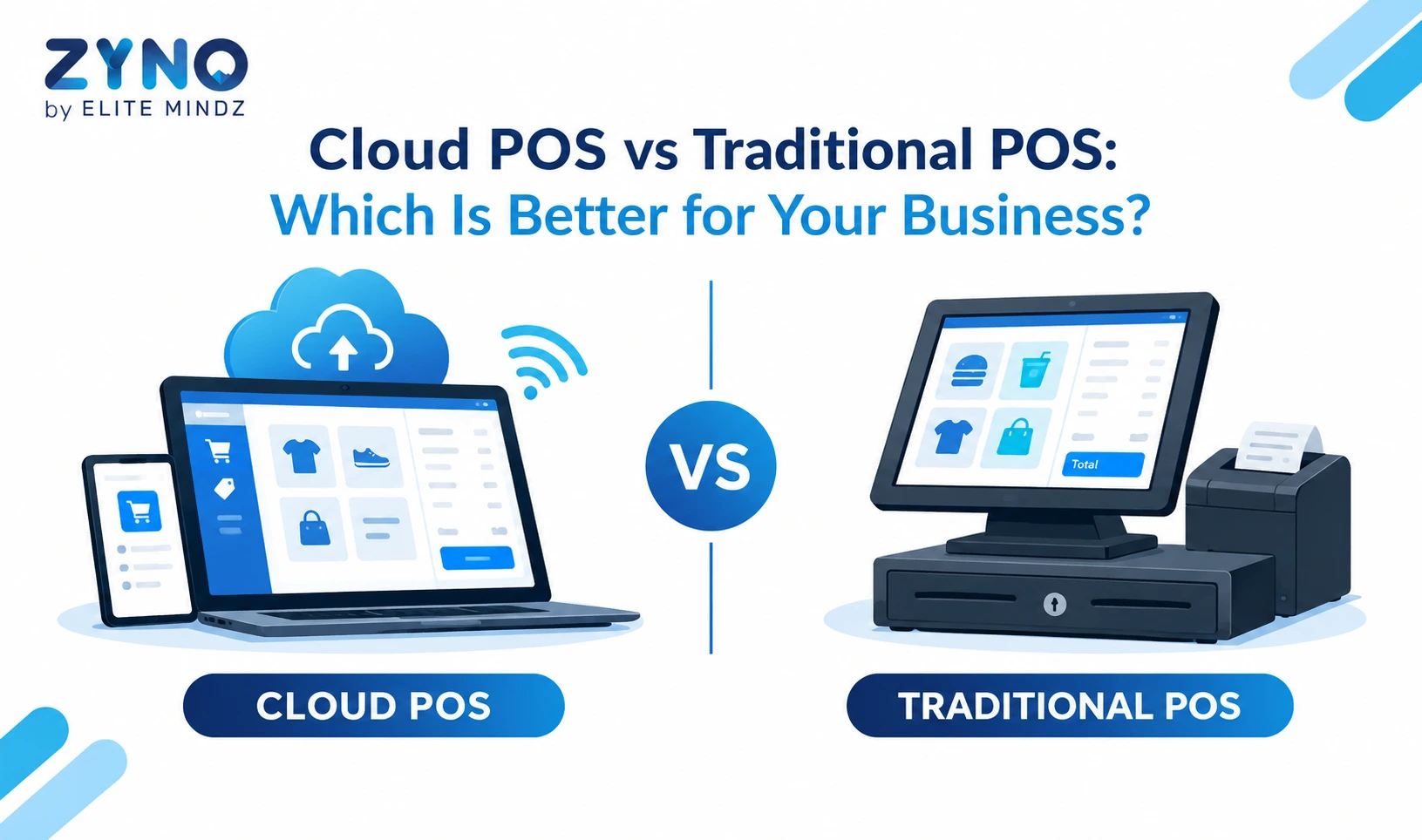
Traditional, on-premise POS systems used to be the norm, but cloud-based point of sale retail systems have largely taken over for good reason. Cloud POS solutions offer remote access to sales data, automatic software updates, lower upfront hardware costs, and easier scalability across multiple locations. For retailers managing more than one store or planning to expand, cloud-based systems are almost always the smarter long-term investment.
Pricing for POS software generally falls into three tiers. Entry-level plans suit single-store independents and are typically the most affordable option to get started. Mid-market plans serve multi-location chains that need advanced inventory and reporting tools. Enterprise plans are built for large retailers with custom requirements and high transaction volumes. Beyond the monthly software subscription, retailers should also budget for hardware, payment processing fees, and any onboarding or setup costs.
Upgrade Your Retail Store with Smart ZYNO POS Software
Boost sales and streamline your retail operations with ZYNO POS Software. Manage billing, inventory, GST invoices, customer loyalty, multiple payment methods, and real-time sales analytics from one powerful cloud-based platform built for businesses of every size.
Choosing the right POS system for retail store operations ultimately comes down to matching features with your specific business needs, rather than opting for the most expensive or most feature-packed option available.
The right retail POS system does more than process transactions, it becomes the operational core of your store, driving efficiency, improving customer experience, and giving you the data needed to grow strategically. Whether you're a small boutique or a multi-location retail chain, investing in reliable POS software like ZYNO POS can streamline your day-to-day operations while setting your business up for long-term success.
Q1: What is a POS system in retail?
A POS system in retail is software combined with hardware that processes sales transactions, manages inventory, and tracks customer data, all from one platform.
Q2: How does a retail POS system work?
It scans or selects the item, calculates and processes payment, then updates inventory and syncs sales data in real time, especially in cloud-based setups.
Q3: What's the difference between a retail POS and a general POS system?
A retail POS is built specifically for SKU-based inventory, product variants, and barcode billing, while a general POS is designed for broader use cases like restaurants or service businesses.
Q4: Which POS system is best for small businesses?
The best POS system for small businesses is one that's affordable, easy to set up, and offers essential features like billing, inventory tracking, and reporting without unnecessary complexity.
Q5: Can a POS system work without internet?
Yes, many modern POS systems, including ZYNO POS, offer offline billing mode that automatically syncs data once the internet connection is restored.
Q6: Do POS systems help with GST compliance?
Yes, most retail POS software includes automated GST calculation and compliant invoice generation, making tax filing easier for businesses.
Q7: Is cloud-based POS better than traditional POS?
For most retailers, cloud-based POS systems are better due to lower upfront costs, remote access, automatic updates, and easier scalability across multiple store locations.
Q8: How much does a retail POS system cost?
Costs vary by business size, from budget-friendly entry-level plans for single stores to higher-tier plans for multi-location chains with advanced inventory and reporting needs. Hardware, payment processing fees, and onboarding costs should also be factored into the total budget.
Q9: Can a POS system integrate with my ecommerce store?
Yes, most modern retail POS platforms, including ZYNO POS, offer integrations that keep in-store and online inventory synced automatically, so stock levels stay accurate across every sales channel.
Q10: How long does it take to set up a retail POS system?
A cloud-based POS software for a single store can typically be set up within a day or two, covering product uploads, tax configuration, and payment setup. Larger multi-location rollouts usually take one to two weeks depending on complexity.
What Is a Point of Sale System and How Does It Work?
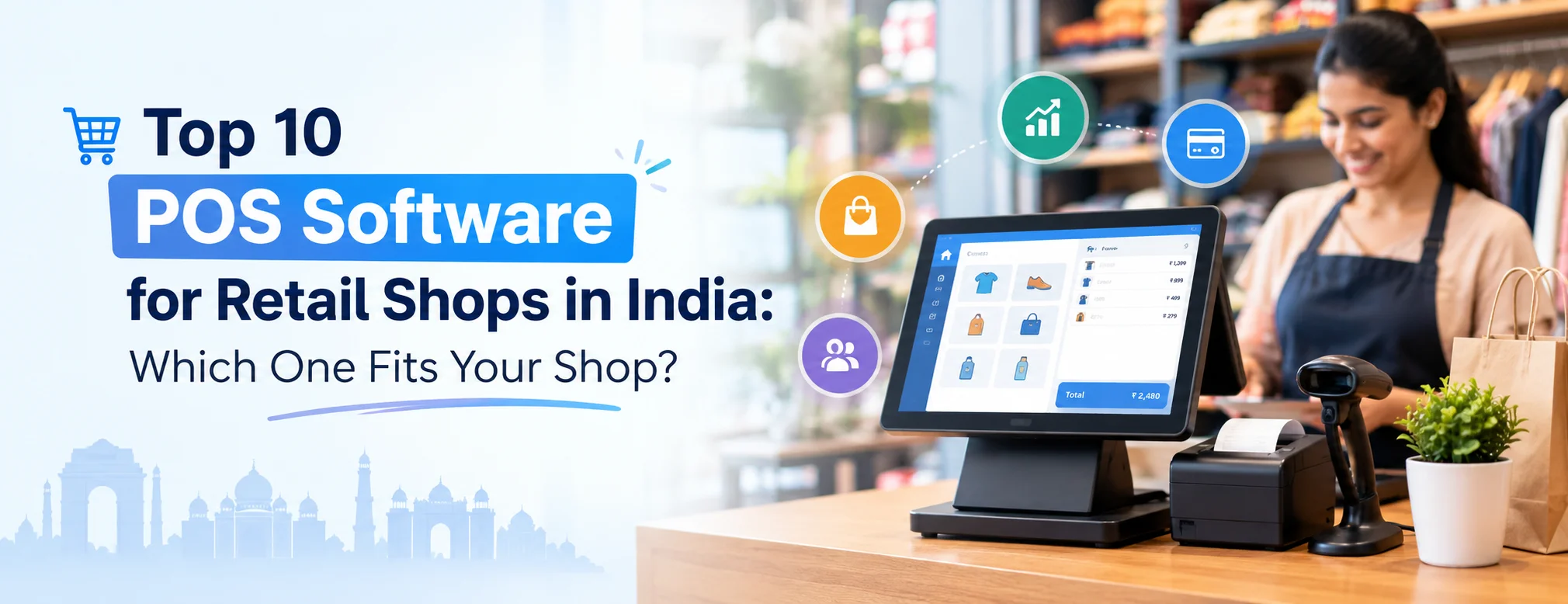
Top 10 Point of Sale Software in India
POS Systems Explained
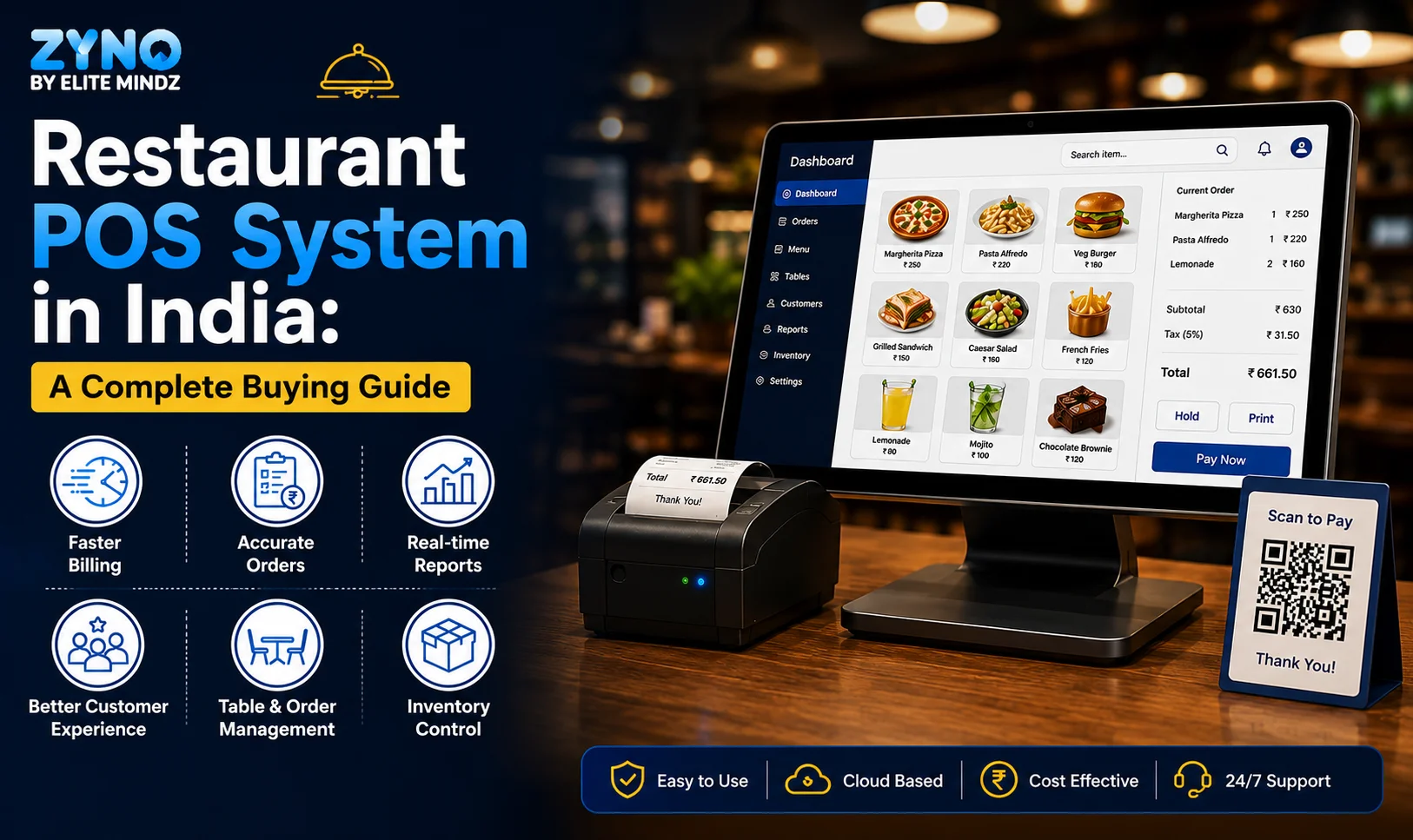
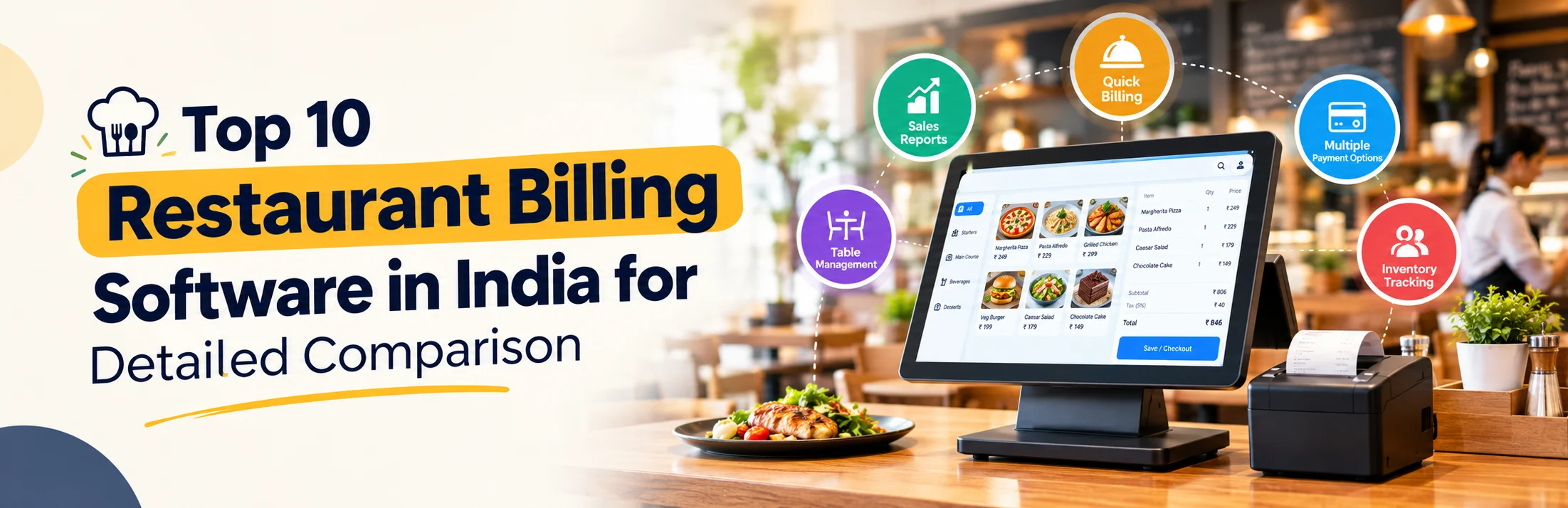
Restaurant POS in India
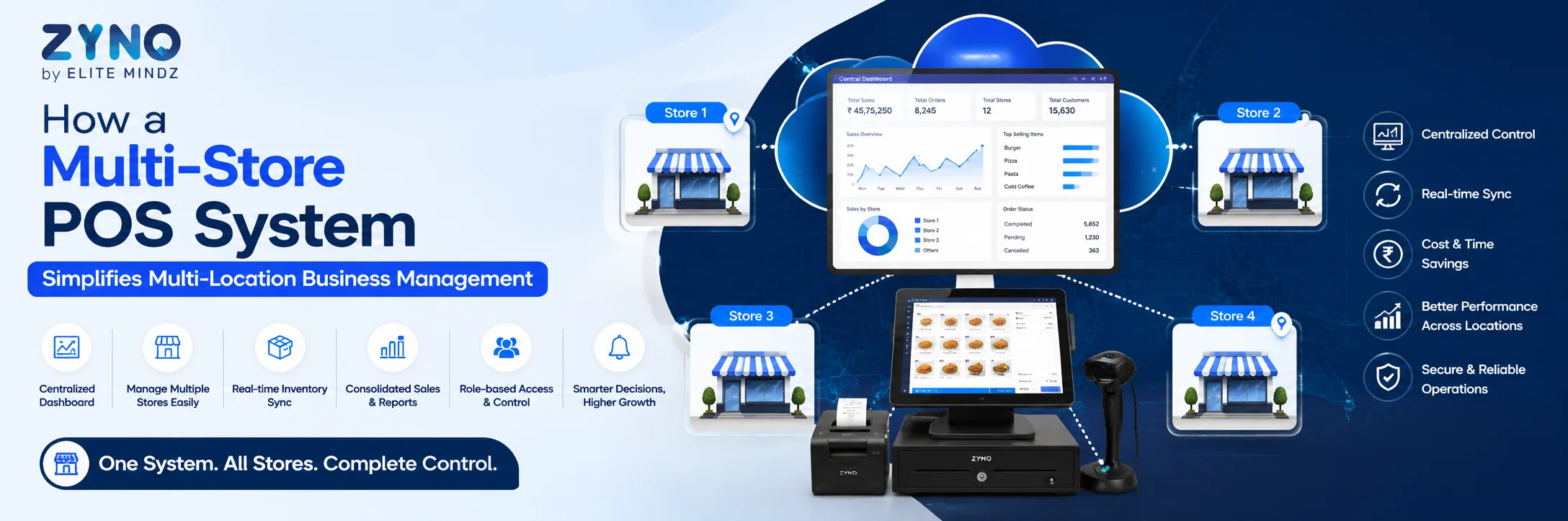
How a Multi-Store POS System Simplifies Multi-Location Business Management
What Is a Point of Sale System and How Does It Work?
Read More →
Top 10 Point of Sale Software in India
Read More →
POS Systems Explained: A Beginner’s Guide
Read More →
Restaurant POS in India: A Complete Buying Guide
Read More →
How a Multi-Store POS System Simplifies Multi-Location Business Management
Read More →
Best POS System for Retail Store: Features, Benefits & Buying Guide
Read More →Partner with ZYNO by Elite Mindz to revolutionize how your business works. Fill out the form, and we’ll reach out with AI-powered solutions made just for you.
Download your exclusive guide
We use browser cookies to ensure you get the best experience on our website. Learn more
The form was submitted successfully!