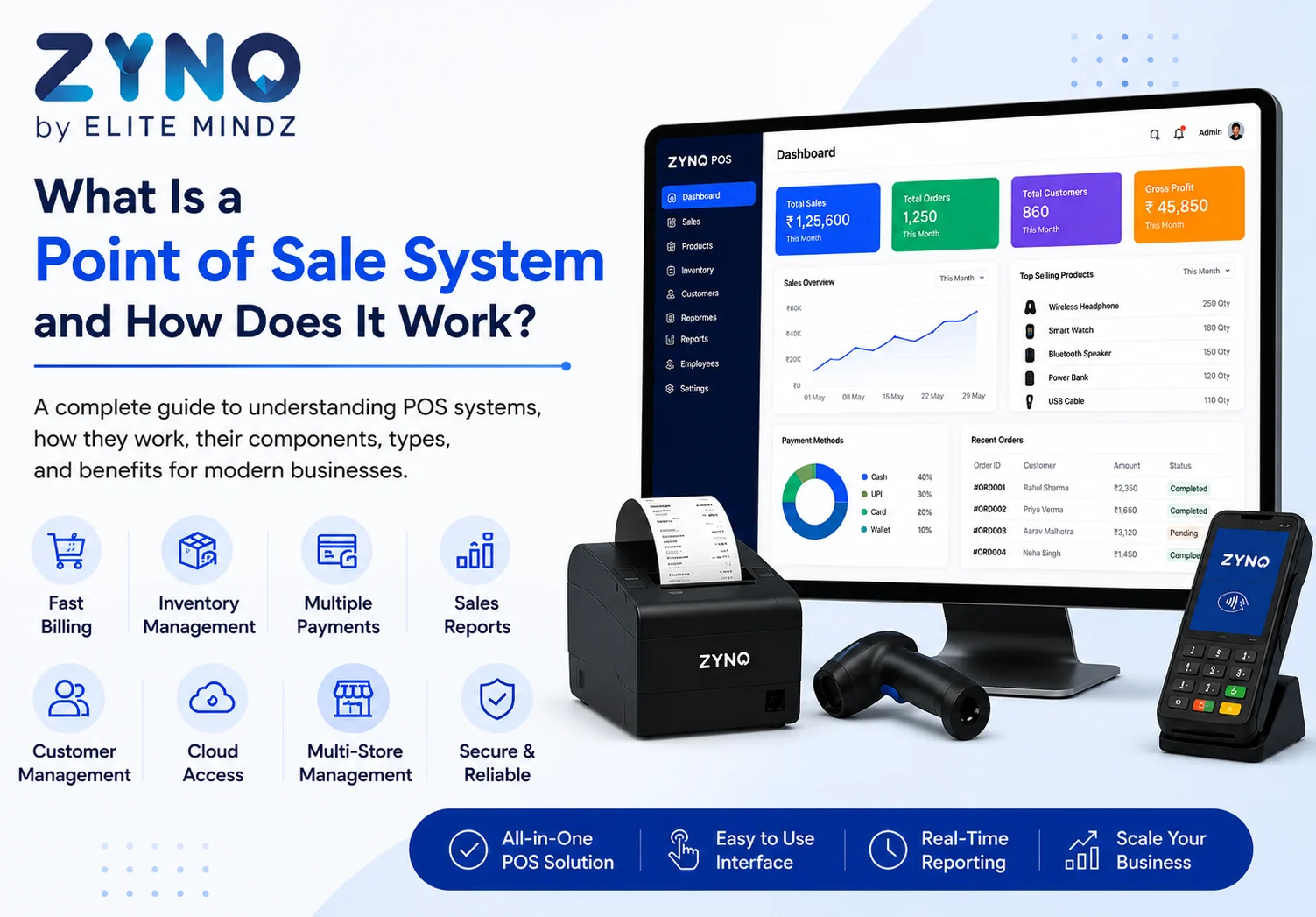
What Is a Point of Sale System and How Does It Work?
Read More →

×
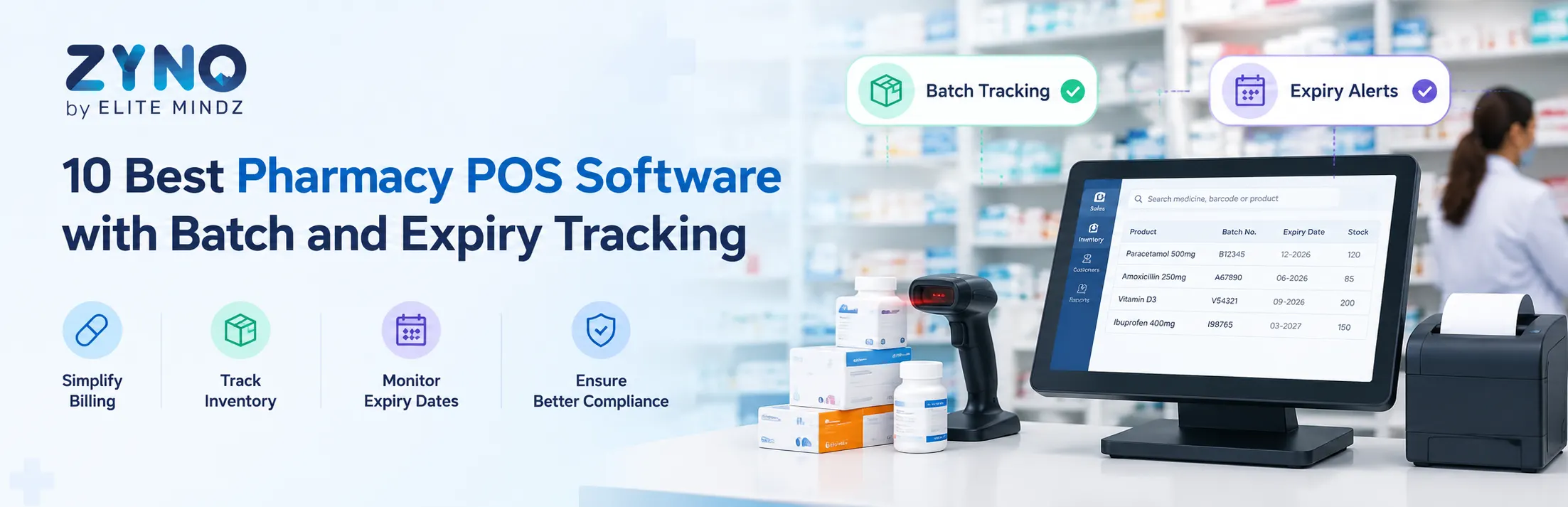
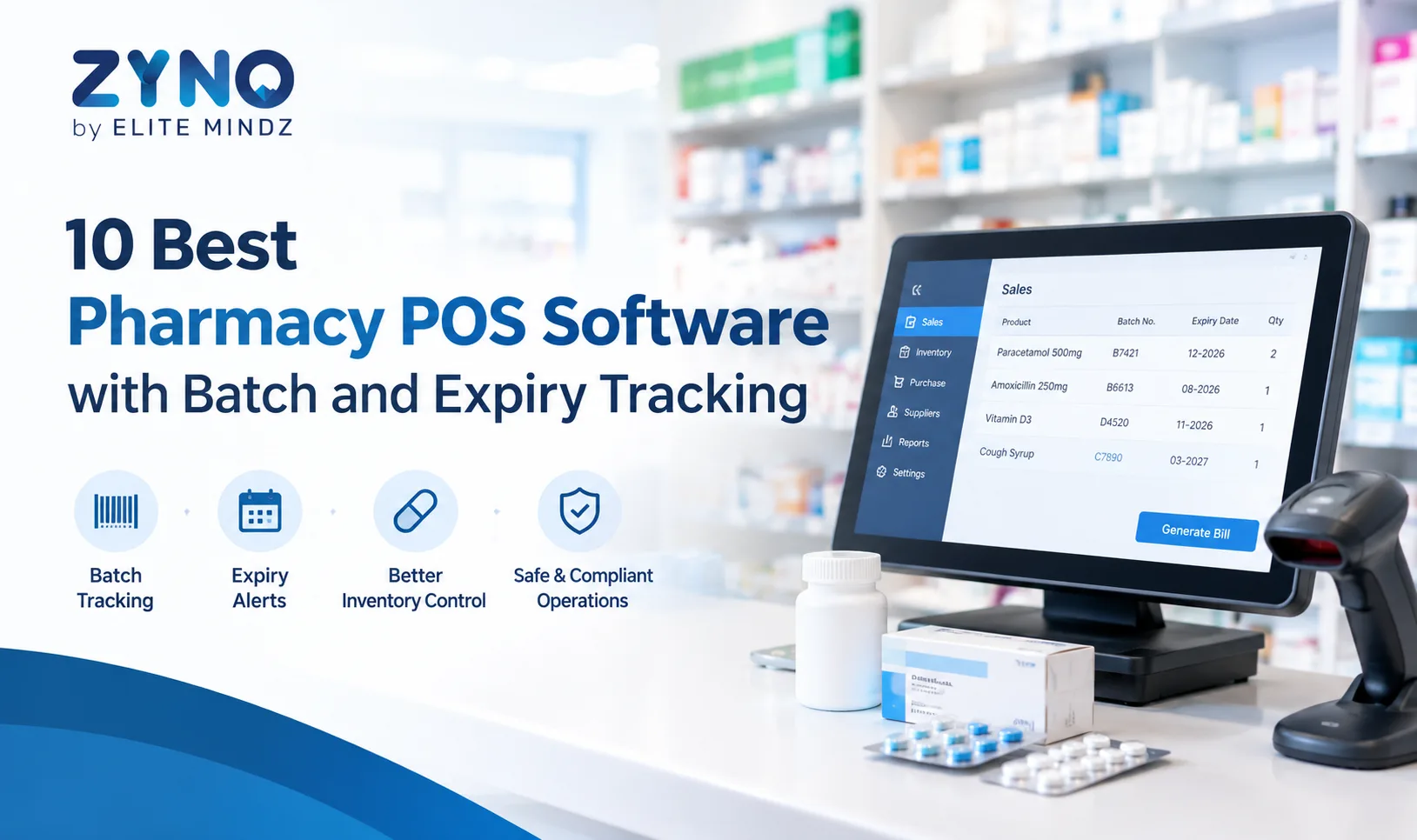
The 10 best pharmacy POS software options include ZYNO POS, Marg ERP, GoFrugal Pharmacy POS, RetailGraph, SwilERP, eVitalRx, Medeil, Vyapar, myBillBook, and MargBooks. These solutions can be evaluated for billing, inventory management, sales reporting, and supplier management. Before choosing, verify pharmacy-specific features such as batch-wise stock tracking, medicine expiry alerts, barcode scanning, and GST billing to meet your business requirements.
Businesses using ZYNO Books cut accounting time by 70% and stay 100% ZATCA-compliant — automatically.
Pharmacy businesses need more than basic billing software. They need a reliable pharmacy POS system to manage sales, inventory, supplier purchases, product records, and daily operations. For pharmacies handling medicines with different batch numbers and expiry dates, inventory visibility is especially important.
The right pharmacy POS software can help streamline billing, improve stock control, reduce manual errors, and make it easier to monitor medicines that require special inventory handling.
In this guide, we compare 10 pharmacy POS software options for 2027, including ZYNO POS, Marg ERP, GoFrugal Pharmacy POS, RetailGraph, and other solutions. Before choosing a system, confirm whether it supports pharmacy-specific requirements such as batch-wise inventory, expiry alerts, barcode scanning, and regulatory billing.
Pharmacy POS software is a digital system used to manage medicine sales, billing, inventory, and other retail pharmacy operations. Depending on the product, a pharmacy point of sale system may also support purchase management, supplier records, barcode scanning, sales reports, and integration with accounting or inventory tools.
A pharmacy POS system can help businesses:
The exact features vary by provider and plan, so pharmacies should confirm requirements before purchasing.
ZYNO POS is a retail point of sale solution from ZYNO by Elite Mindz. It is worth considering for pharmacies looking for a POS platform to manage billing, inventory, sales transactions, and day-to-day retail operations.
For pharmacy businesses, the key evaluation areas should include medicine inventory management, barcode support, supplier records, batch tracking, expiry-date monitoring, and integration with accounting or other business systems.
Key points to evaluate:
Best for: Pharmacies evaluating a retail POS platform for billing and inventory management.
Important: Confirm directly with the ZYNO POS team whether your required pharmacy-specific functions, including batch-wise stock tracking and expiry alerts, are supported in the available configuration.
Marg ERP is a business software option widely associated with pharmaceutical distribution, retail pharmacy operations, inventory, and accounting workflows. It may be suitable for businesses that need more than a basic checkout system.
Key points to evaluate:
Best for: Pharmacies and medicine distributors looking for pharmacy-oriented business management software.
Confirm the availability of specific functions and integrations with the vendor before selecting a plan.
GoFrugal offers retail management solutions, including options designed for pharmacy businesses. Pharmacies can evaluate it for checkout operations, inventory visibility, and retail management workflows.
Key points to evaluate:
Best for: Pharmacies looking for retail management software with pharmacy-focused capabilities.
Ask the vendor to demonstrate medicine returns, batch-level stock visibility, expiry alerts, and other workflows relevant to your pharmacy.
RetailGraph is a retail management software option that businesses can evaluate for billing, inventory, and sales operations. Its suitability for a pharmacy depends on the configuration and the specific pharmacy workflows supported.
Key points to evaluate:
Best for: Retail businesses, including pharmacies, looking for an integrated retail management system.
Confirm pharmacy-specific functionality before making a purchase decision.
SwilERP is associated with pharmaceutical distribution and business management workflows. It may be worth evaluating for pharmacies, wholesalers, and distributors that require inventory and operational controls.
Key points to evaluate:
Best for: Pharmaceutical businesses evaluating software for inventory, distribution, and sales operations.
Check whether the solution is appropriate for your specific business model, whether retail pharmacy, wholesale distribution, or both.
eVitalRx is a pharmacy software option that businesses can evaluate for medicine retail operations and pharmacy management requirements.
Key points to evaluate:
Best for: Pharmacies seeking software focused on pharmacy operations.
Request a demonstration using real examples from your daily workflow, such as receiving stock, selling medicines, processing returns, and identifying near-expiry products.
Medeil is a pharmacy management software option that pharmacies can evaluate for billing, stock management, and related operational needs.
Key points to evaluate:
Best for: Pharmacies looking for a dedicated pharmacy management solution.
Verify the current feature set, deployment options, support arrangements, and pricing with the provider.
Read Latest Articles
Top 10 Mobile POS Systems for Small Retailers
7 Best ERP Software for FMCG Manufacturers
Vyapar is a billing and business management application that small businesses may consider for invoicing, inventory, and accounting-related workflows. However, pharmacies should check whether its available features meet their medicine-specific requirements.
Key points to evaluate:
Best for: Small businesses seeking straightforward billing and inventory management, provided the available features fit their pharmacy workflow.
Do not assume that general inventory tracking provides full medicine batch management or automated expiry alerts.
myBillBook is a billing and inventory management option for businesses that need to create invoices and maintain product records. Pharmacies should evaluate whether it supports their operational and compliance requirements.
Key points to evaluate:
Best for: Smaller businesses looking for accessible billing and stock management tools.
Before adopting it for pharmacy operations, verify batch-level inventory, expiry monitoring, and any required tax or regulatory workflows.
MargBooks is another business software option to evaluate for billing, accounting, and inventory-related requirements. Its suitability depends on the specific edition and features available to the business.
Key points to evaluate:
Best for: Businesses looking for billing and accounting tools that fit their operational requirements.
Ask the provider whether the solution supports your required pharmacy workflows or whether a separate pharmacy-focused product is necessary.
The following table provides a starting point for shortlisting vendors. It is not a verified feature-by-feature certification, so confirm each capability directly with the provider.
|
Software |
Primary evaluation area |
What pharmacies should verify |
|
ZYNO POS |
Retail billing and inventory |
Batch tracking, expiry alerts, pharmacy workflow compatibility |
|
Marg ERP |
Pharmacy and pharmaceutical business management |
Batch-wise stock, expiry handling, accounting |
|
GoFrugal Pharmacy POS |
Pharmacy retail operations |
Medicine billing, inventory, returns, expiry handling |
|
RetailGraph |
Retail management |
Pharmacy configuration, barcode support, batch tracking |
|
SwilERP |
Pharmaceutical business workflows |
Retail versus wholesale suitability, inventory controls |
|
eVitalRx |
Pharmacy management |
Medicine billing, stock records, batch and expiry features |
|
Medeil |
Pharmacy operations |
Inventory controls, billing, reporting |
|
Vyapar |
Billing and business management |
Pharmacy-specific inventory and compliance needs |
|
myBillBook |
Billing and inventory |
Batch-level records and expiry requirements |
|
MargBooks |
Billing and accounting |
Pharmacy workflow support and medicine inventory controls |
Medicines may arrive in different batches with different manufacturing and expiry dates. Batch-wise tracking helps pharmacy staff identify which stock is available and connect stock movements to the relevant batch.
When evaluating a pharmacy POS system, ask whether batch details can be recorded during stock receiving and accessed during sales, returns, and inventory checks.
Expiry monitoring helps staff identify medicines approaching their expiry dates. Depending on the software, alerts may be available through dashboards, notifications, or inventory reports.
Confirm whether alerts are automatic, configurable, and available at the batch level. Also check whether the system can generate near-expiry stock reports.
A pharmacy point of sale system should support an efficient checkout process, accurate invoices, discounts where applicable, and the tax fields required for your location.
If your pharmacy operates in India, verify applicable GST invoicing requirements and whether the software supports your business's billing configuration.
Barcode scanning can reduce manual product entry and help speed up checkout. Check which barcode formats and hardware devices the software supports.
For medicine inventory, also verify whether scanning identifies only the product or can distinguish batch-specific information when required.
Inventory tools can help pharmacy staff review stock levels, record purchases, and identify products that may need replenishment.
Useful capabilities may include minimum-stock thresholds, supplier records, purchase orders, goods-receipt workflows, and stock adjustment records.
Reports help pharmacy owners understand product movement and business performance. Depending on the system, reports may cover daily sales, purchase costs, stock valuation, product movement, and near-expiry inventory.
Choose a solution that makes the information you need easy to access and export.
Medicine returns, damaged products, and stock corrections need careful handling. Ask vendors to demonstrate how returned items are recorded and whether stock adjustments preserve a useful transaction history.
If several employees use the system, role-based permissions can help control access to sensitive actions. Audit records may help owners review important changes to stock, invoices, and transactions.
Check whether these controls are included in your selected plan.
Read Related Articles
Best POS for Pharmaceutical Wholesale and Retail
Best POS Software for Jewellery Shops
A pharmacy POS system can centralize product and stock records, helping staff understand what is available and what may need replenishment.
Digital billing can reduce repetitive manual entry and make routine checkout processes more consistent.
When batch and expiry features are supported, pharmacy staff can identify near-expiry products more easily and take action according to their internal procedures.
Purchase and supplier records can help pharmacies review ordering history and maintain more consistent inventory records.
Sales and inventory reports can provide useful information for reviewing performance, stock movement, and purchasing patterns.
A suitable pharmacy management system can bring billing, stock records, and sales reporting into a more organized workflow.
The actual benefits depend on the software's capabilities, the quality of the data entered, and how consistently the pharmacy uses the system.
Before selecting pharmacy POS software, compare vendors against your day-to-day requirements rather than relying only on feature lists.
Retail pharmacies and pharmaceutical wholesalers may have different software requirements.
|
Requirement |
Retail pharmacy |
Pharmaceutical wholesaler |
|
Billing |
Fast counter billing |
Bulk and business-to-business invoicing |
|
Inventory |
Medicine-level and batch-level stock visibility |
High-volume stock and batch management |
|
Expiry management |
Identify near-expiry medicines |
Monitor expiry across larger stock volumes |
|
Customers |
Individual customers and prescriptions, where applicable |
Retailers, pharmacies, clinics, or other business customers |
|
Purchasing |
Supplier orders and replenishment |
Bulk procurement and supplier coordination |
|
Reporting |
Daily sales and product movement |
Purchase, distribution, customer, and stock reports |
|
Multi-location operations |
Useful for pharmacy chains |
Useful for warehouses and distribution locations |
A retail pharmacy may prioritize quick checkout and near-expiry reporting. A wholesaler may need stronger bulk-order processing, distribution workflows, and multi-warehouse visibility.
Select software according to your actual business model and confirm that the required functions are available in the chosen product.
Read More Blogs
POS System for Small Businesses
POS Software Checklist
Top 10 POS Software for Retail Shops in India
Choosing the right pharmacy POS software can help pharmacies organize billing, inventory, purchasing, and reporting. For businesses handling medicines with different batches and expiry dates, these requirements deserve particular attention.
ZYNO POS, Marg ERP, GoFrugal Pharmacy POS, RetailGraph, SwilERP, eVitalRx, Medeil, Vyapar, myBillBook, and MargBooks are options to evaluate according to your business needs. Their suitability will depend on the features available in each product and configuration.
Before making a final decision, compare pricing, request a live demo, and verify batch tracking, expiry alerts, billing requirements, and other pharmacy-specific functions directly with the vendor.
Looking for a POS solution for your business? Explore ZYNO POS and discuss your billing and inventory requirements with the team.
The best pharmacy POS software depends on your business size, billing requirements, inventory workflow, budget, and need for batch and expiry tracking. Options to evaluate include ZYNO POS, Marg ERP, GoFrugal Pharmacy POS, RetailGraph, SwilERP, eVitalRx, and Medeil. Compare current features and request demonstrations before choosing.
Pharmacy POS software is used to manage billing, sales transactions, product records, and inventory-related activities. Depending on the solution, it may also support supplier management, purchase records, reporting, barcode scanning, and pharmacy-specific stock controls.
Batch tracking helps pharmacies distinguish medicine stock by batch number and maintain more detailed inventory records. It can support stock checks, traceability, and the identification of products associated with a particular batch.
Some pharmacy systems provide expiry-date monitoring and alerts, but availability and functionality vary by provider. Before buying, confirm whether the system can identify near-expiry stock, generate reports, and send automatic notifications.
Yes. A general retail POS system focuses on checkout and standard inventory operations, while pharmacy software may require medicine-specific information, batch records, expiry monitoring, and pharmacy-oriented workflows. Some retail POS platforms may support these requirements through specific features or integrations, so verify them before purchasing.
Review billing, batch tracking, expiry alerts, barcode support, inventory reporting, supplier management, user permissions, hardware compatibility, implementation costs, and customer support. Ask the vendor to demonstrate the workflows that matter most to your pharmacy.
Cloud-based software may provide remote access and centralized information, depending on the provider. Pharmacies should also check internet requirements, offline billing capabilities, backup arrangements, data security, and how the system behaves during a connectivity outage.
Software with reliable batch-level inventory and expiry monitoring can help staff identify medicines approaching their expiry dates. However, reducing expired stock also depends on purchasing decisions, stock rotation, regular checks, and timely action by pharmacy staff.
Some pharmacy POS systems support multiple outlets through centralized inventory, sales reporting, and stock management. Before choosing, confirm whether the software allows you to monitor stock across locations, transfer medicines between branches, and access consolidated business reports.
Pharmacy POS software pricing depends on the features, number of users, outlets, deployment type, and integrations required. Compare subscription fees, setup costs, hardware expenses, training, and support charges. Request a customized quote and demo to understand the total cost before purchasing.
What Is a Point of Sale System and How Does It Work?
Read More →
Top 10 Point of Sale Software in India
Read More →
POS Systems Explained: A Beginner’s Guide
Read More →
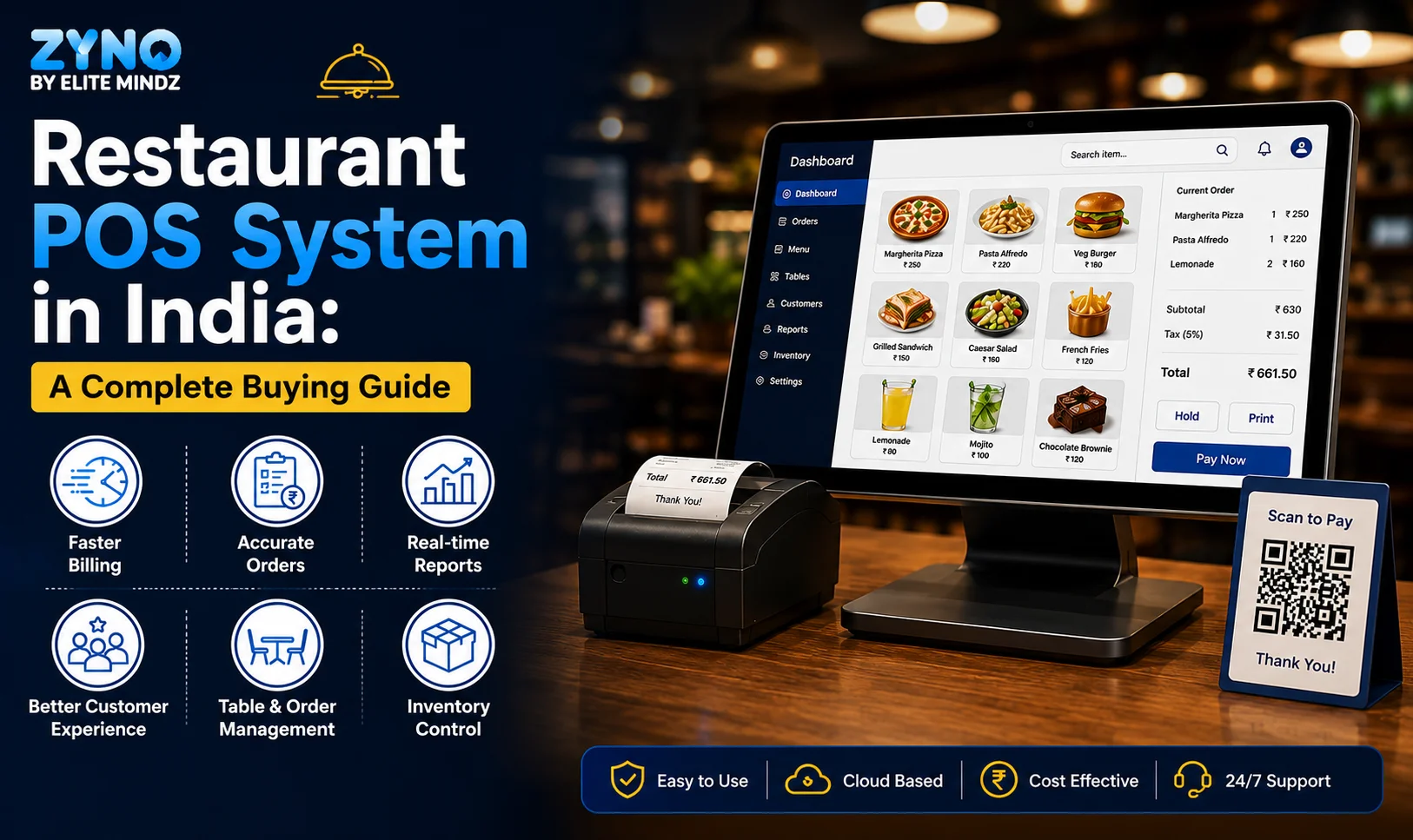
Restaurant POS System in India: A Complete Buying Guide
Read More →
How a Multi-Store POS System Simplifies Multi-Location Business Management
Read More →
Best POS System for Retail Store: Features, Benefits & Buying Guide
Read More →
Supermarket POS Software in UAE: How to Simplify Sales, Inventory & Store Management
Read More →
Point of Sale Systems in Kenya: Features, Benefits & How to Choose the Right POS
Read More →
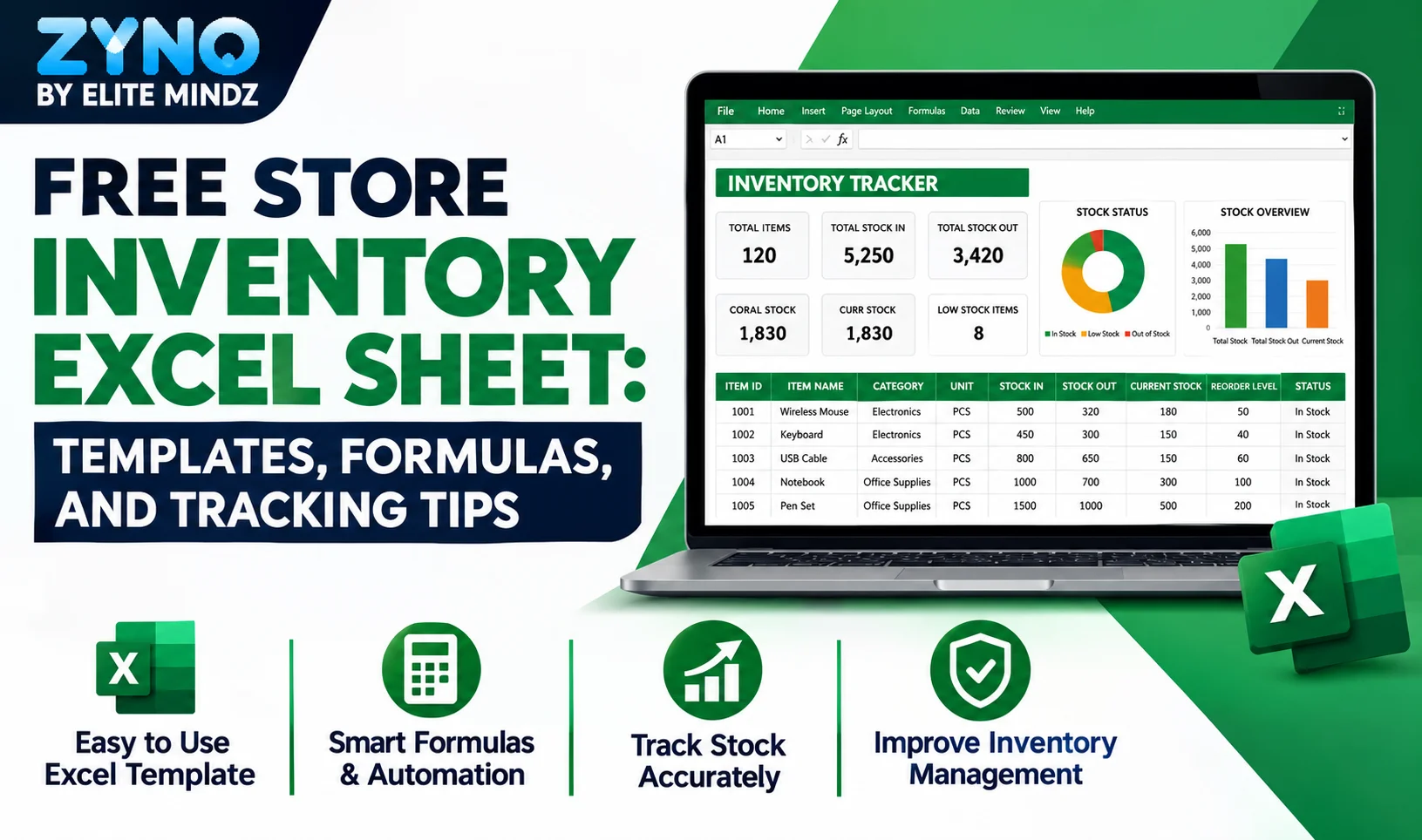
Store Inventory Excel Sheet Free Download: Templates, Formulas, and Tracking Tips
Read More →
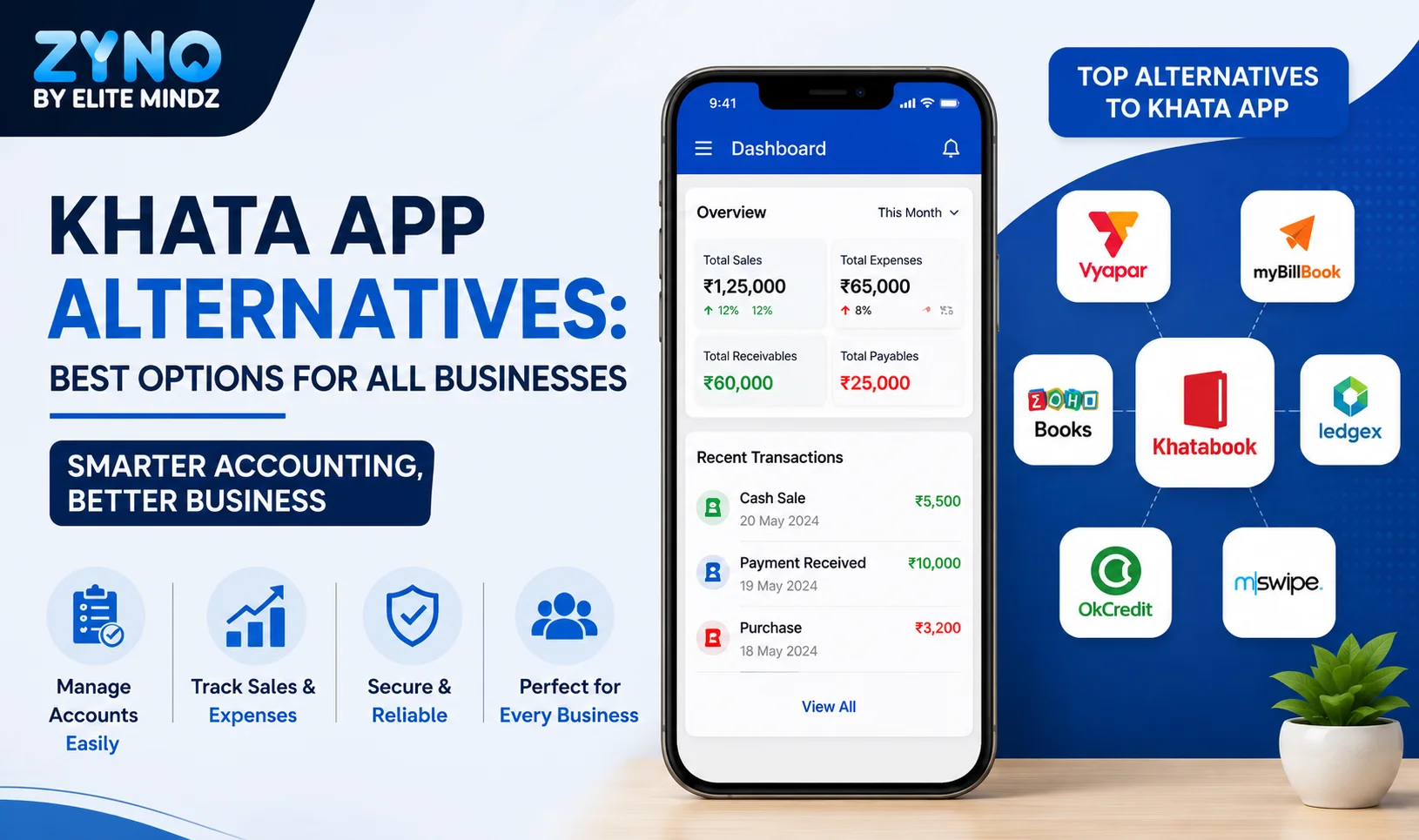
Khata App Alternatives: Best Options for All Businesses
Read More →
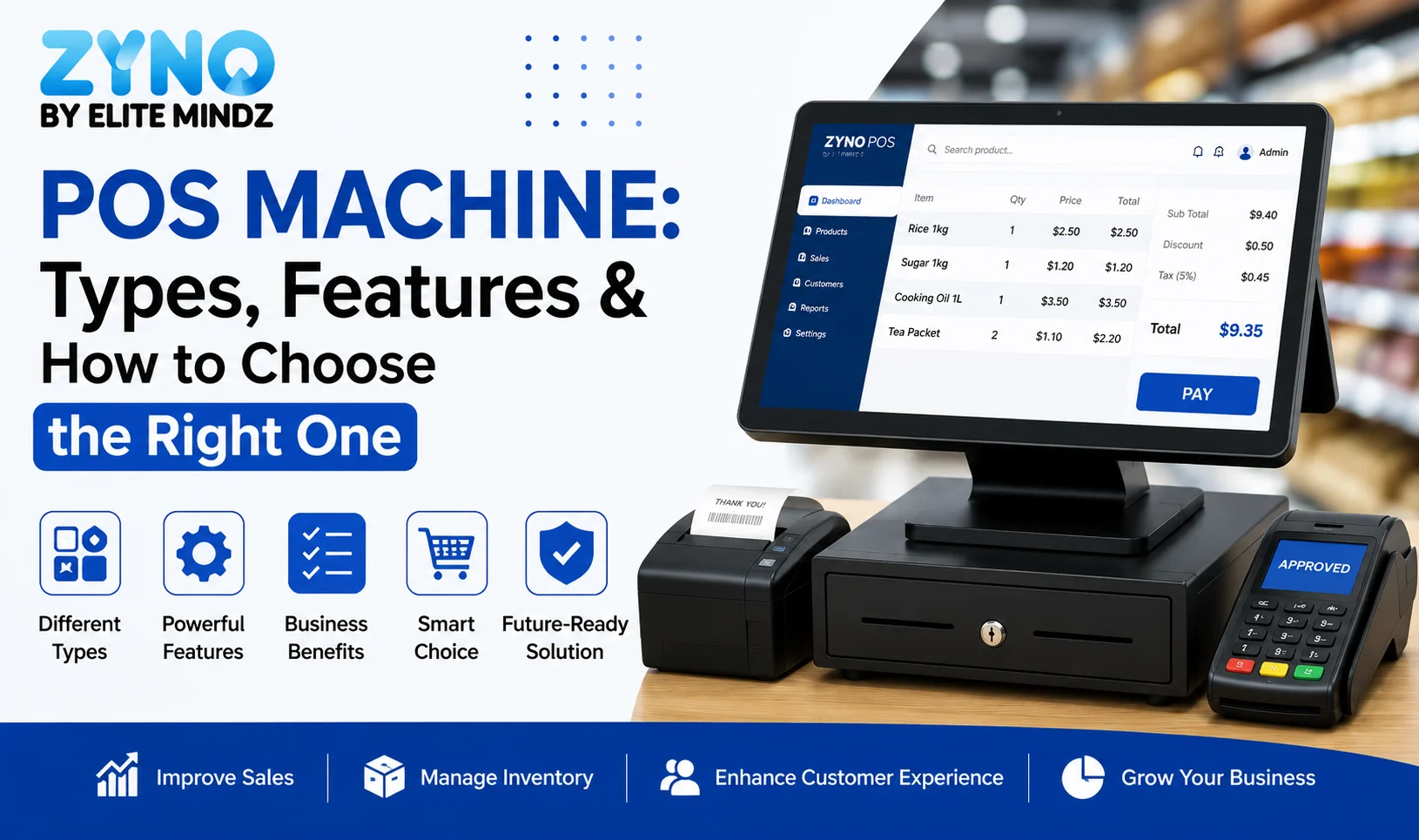
POS Machine: Types, Features & How to Choose the Right One
Read More →
Top 8 Square Alternatives for Small Businesses in 2026
Read More →
Modern POS Solutions in Kenya for Retail, Restaurants and Growing Businesses
Read More →
Top Vyapar Alternatives: Best Billing & POS Software
Read More →
Grocery Store POS Software: Features, Benefits & Buying Guide
Read More →
POS System for Small Businesses: Features, Costs & Benefits
Read More →
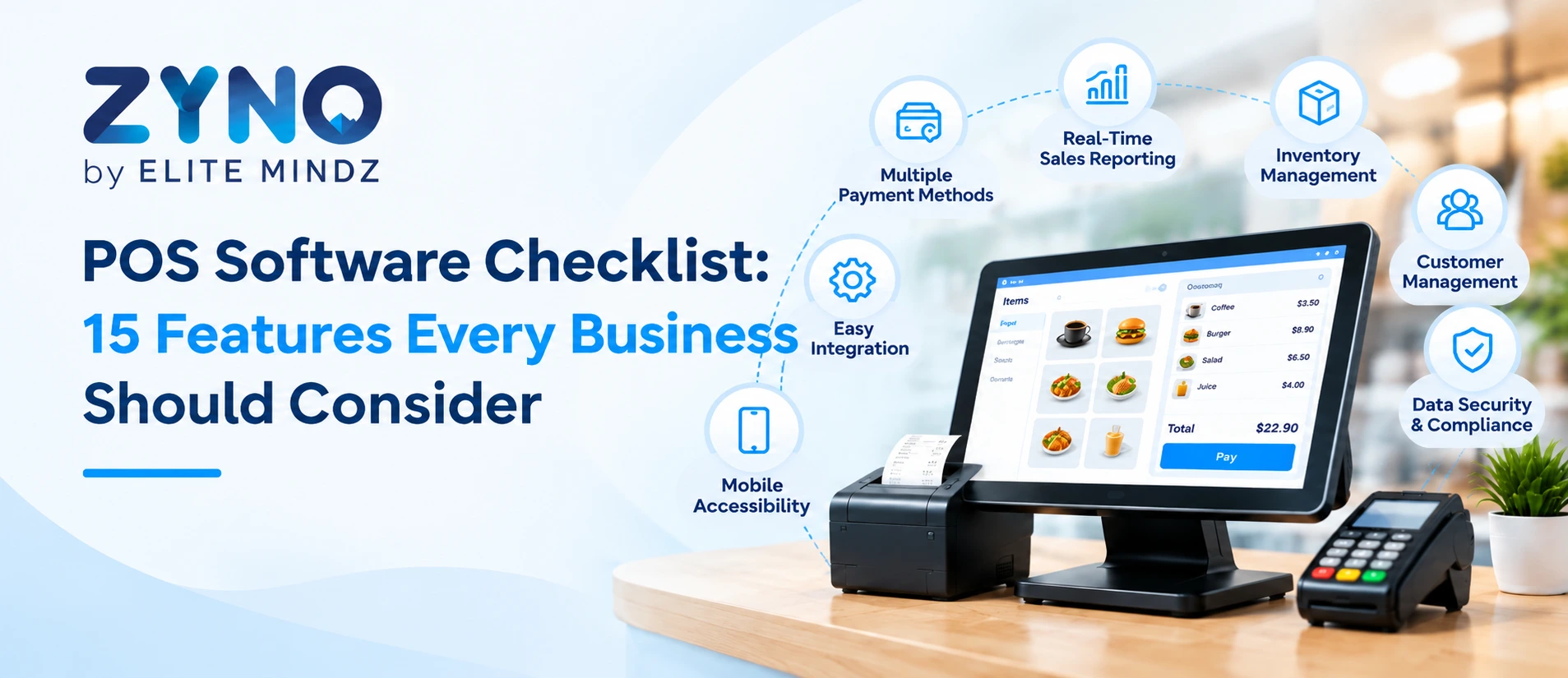
POS Software Checklist: 15 Features Every Business Should Consider
Read More →
Top 10 POS Software for Retail Shops in India: Which One Fits Your Shop? (2026 Guide)
Read More →
Top 10 Restaurant Billing Software in India for 2026: Detailed Comparison Guide
Read More →
Cloud POS vs Traditional POS: Which Is Better for Your Business?
Read More →
Best POS Software for Clothing Stores With Size and Colour Inventory Tracking
Read More →
Best POS Software for Jewellery Shops: Features, Benefits and Buying Checklist
Read More →
Best POS for Pharmaceutical Wholesale and Retail: Features, Benefits and How to Choose
Read More →
10 Best POS Softwares in UAE for Retail and Restaurants
Read More →
Top 10 Mobile POS Systems for Small Retailers
Read More →
10 Best Pharmacy POS Software with Batch and Expiry Tracking
Read More →Partner with ZYNO by Elite Mindz to revolutionize how your business works. Fill out the form, and we’ll reach out with AI-powered solutions made just for you.
We use browser cookies to ensure you get the best experience on our website. Learn more
The form was submitted successfully!