What Is a Point of Sale System and How Does It Work?
Read More →

×
A POS (Point of Sale) system helps businesses process sales, manage inventory, accept payments, and track customer transactions. This beginner's guide explains how POS systems work, their essential features, key benefits, and how to choose the right solution for your business.
Businesses using ZYNO Books cut accounting time by 70% and stay 100% ZATCA-compliant — automatically.

Running a business involves more than simply selling products or services. Business owners must process payments, track inventory, manage employees, understand sales trends, and deliver a smooth customer experience. A point-of-sale system, commonly known as a POS system, brings many of these responsibilities together in one place.
Whether you operate a retail shop, restaurant, café, salon, service business, or online store, the right POS solution can make daily operations faster and more organized. However, choosing a system can feel confusing, especially if you are unfamiliar with POS software, payment processing, hardware, integrations, and pricing.
This beginner’s guide explains what a POS system is, how it works, its main features, its benefits, and how to choose the right system for your business.
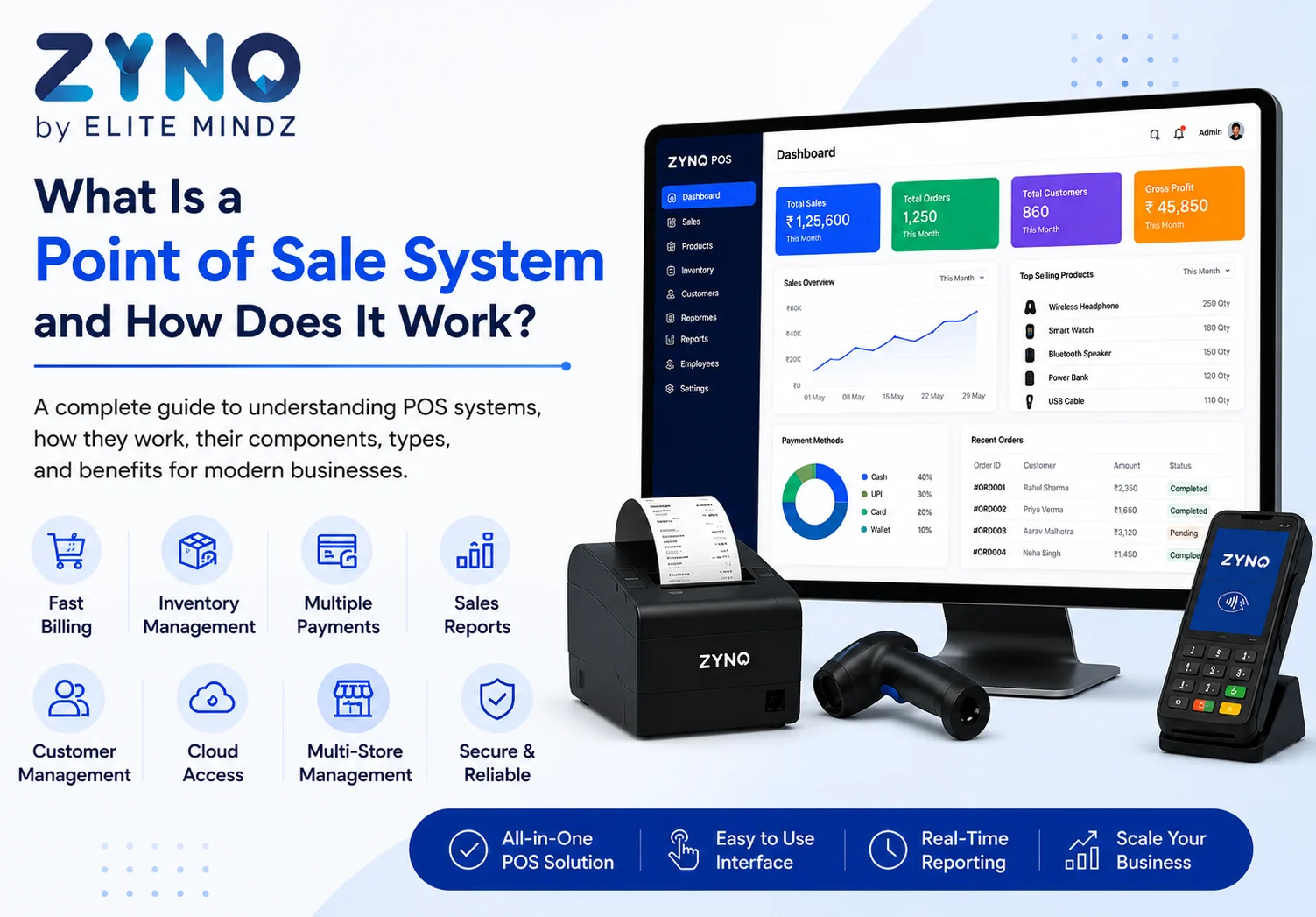
A POS system is the combination of software and hardware a business uses to complete sales transactions. The term “point of sale” refers to the place or moment where a customer pays for a product or service.
In a traditional store, the point of sale may be a checkout counter with a cash register. In a restaurant, it may be a touchscreen terminal used by servers. For an online business, the point of sale may be an e-commerce checkout page.
Modern POS systems do much more than accept payments. They can also help businesses:
Because of these capabilities, a modern POS system often functions as a central business management platform.
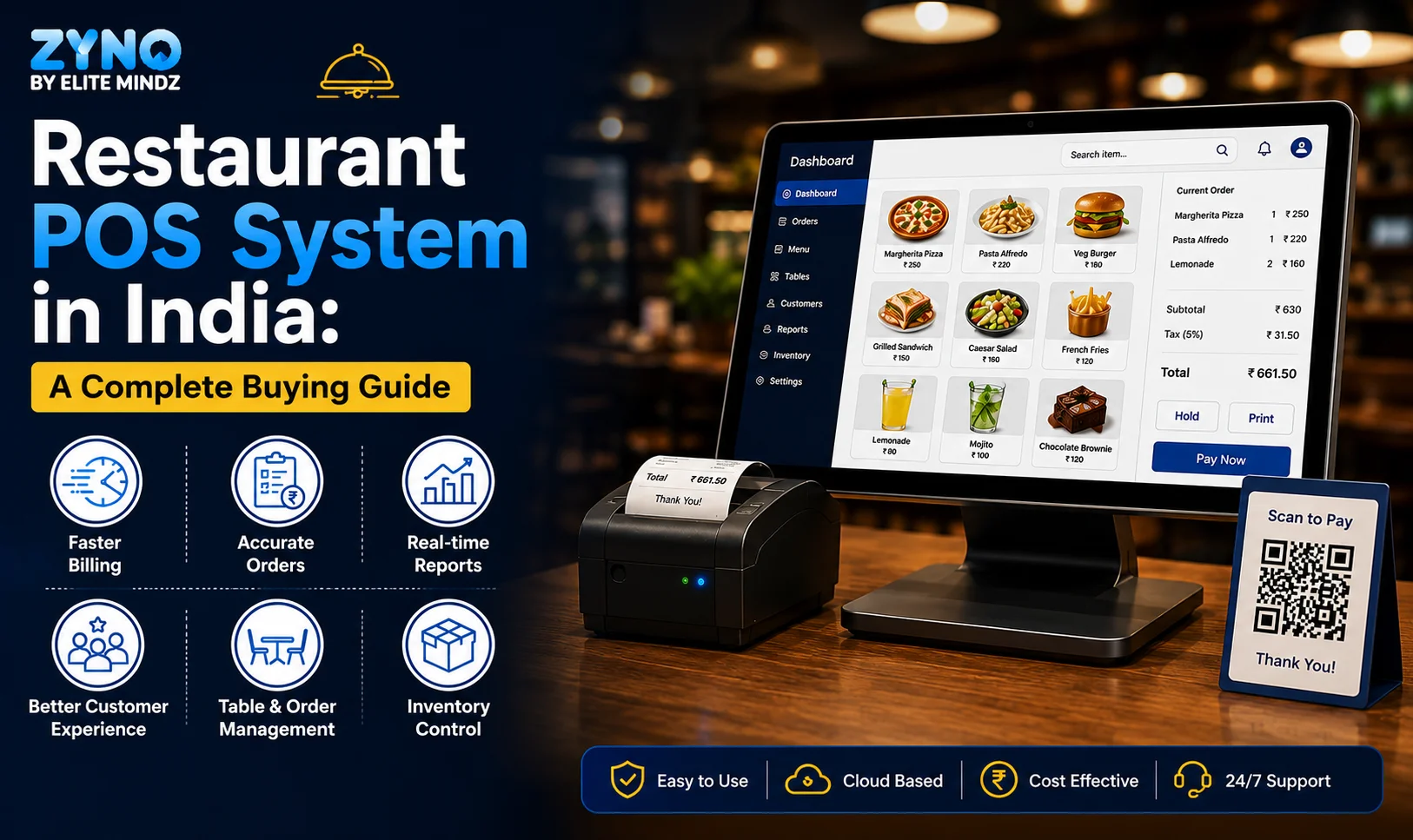
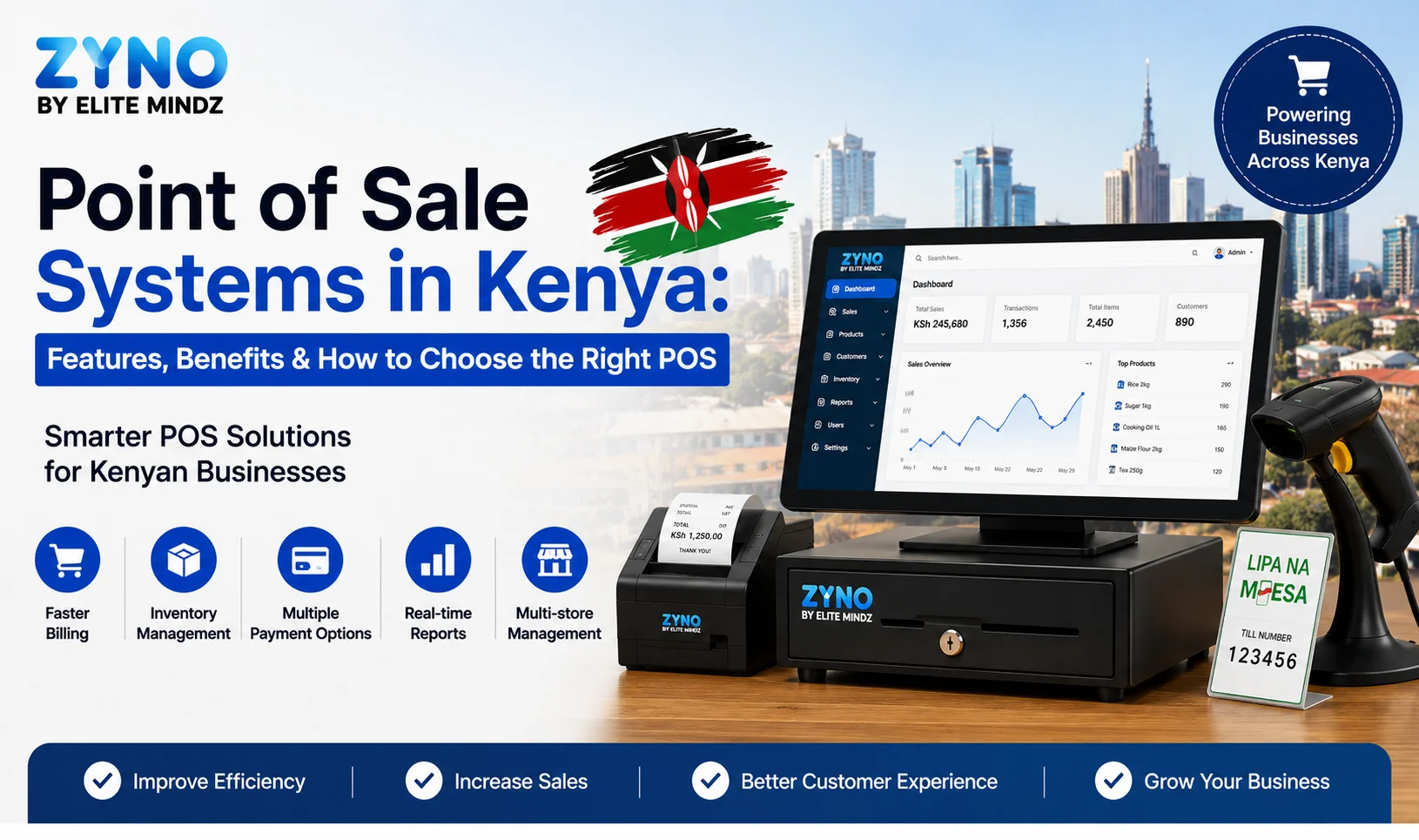
Looking for a modern Point of Sale solution? ZYNO POS by Elite Mindz helps businesses streamline billing, manage inventory, process payments, track sales, and generate real-time reports—all from a single, easy-to-use platform.
A POS transaction usually begins when a customer decides to purchase a product or service.
First, the employee enters the item into the POS system. In a retail store, this may happen by scanning a barcode. In a restaurant, a server may select menu items from a touchscreen. In a service business, an employee may choose a service from a digital catalog.
The POS software then calculates the total price, including applicable taxes, discounts, service charges, or promotional offers.
Next, the customer chooses a payment method. Depending on the system, the business may accept:
The payment is processed through a payment processor. Once approved, the transaction is completed, and the customer receives a printed or digital receipt.
At the same time, the POS system may automatically reduce the item’s inventory quantity, record the sale, update customer loyalty points, and add the transaction to the business’s sales reports.
This automated process reduces manual work and helps business owners maintain accurate records.

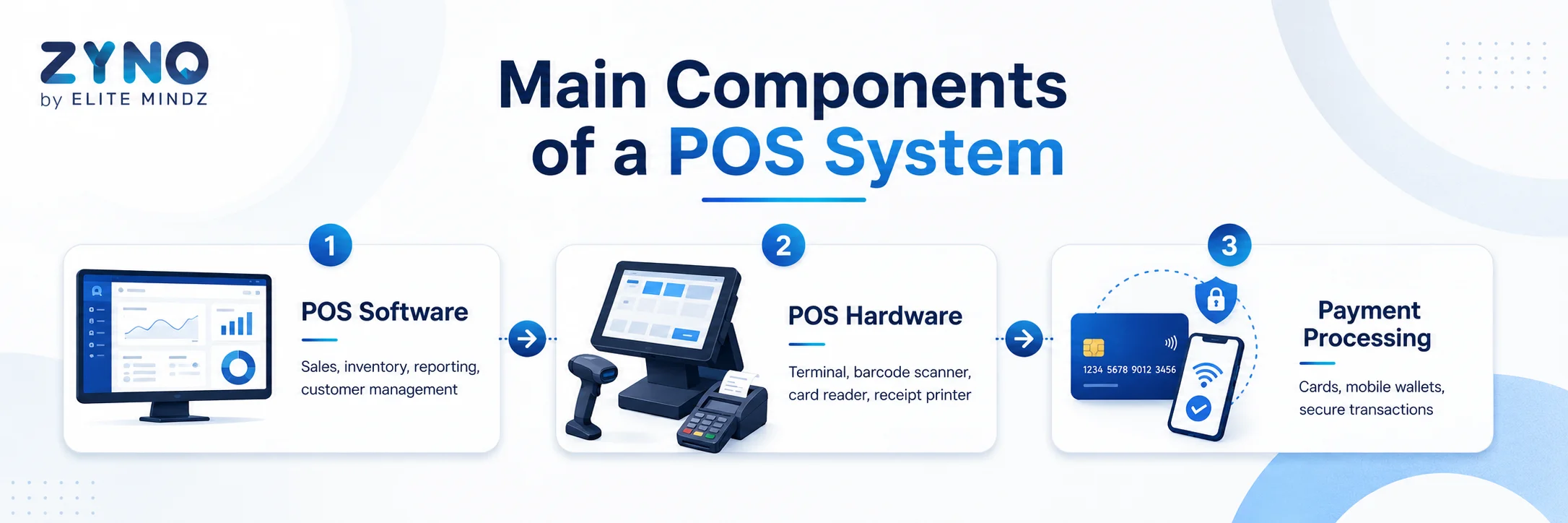
A complete point-of-sale solution usually includes POS software, POS hardware, and payment processing services.
POS software is the digital platform that manages transactions and business information. It may be installed on a computer, tablet, smartphone, or dedicated terminal.
POS software commonly includes features for:
Some POS platforms are designed for specific industries. A retail POS system may focus heavily on barcode scanning and inventory control, while a restaurant POS system may include table management, kitchen orders, menu customization, and tipping options.
POS hardware refers to the physical equipment used to complete transactions.
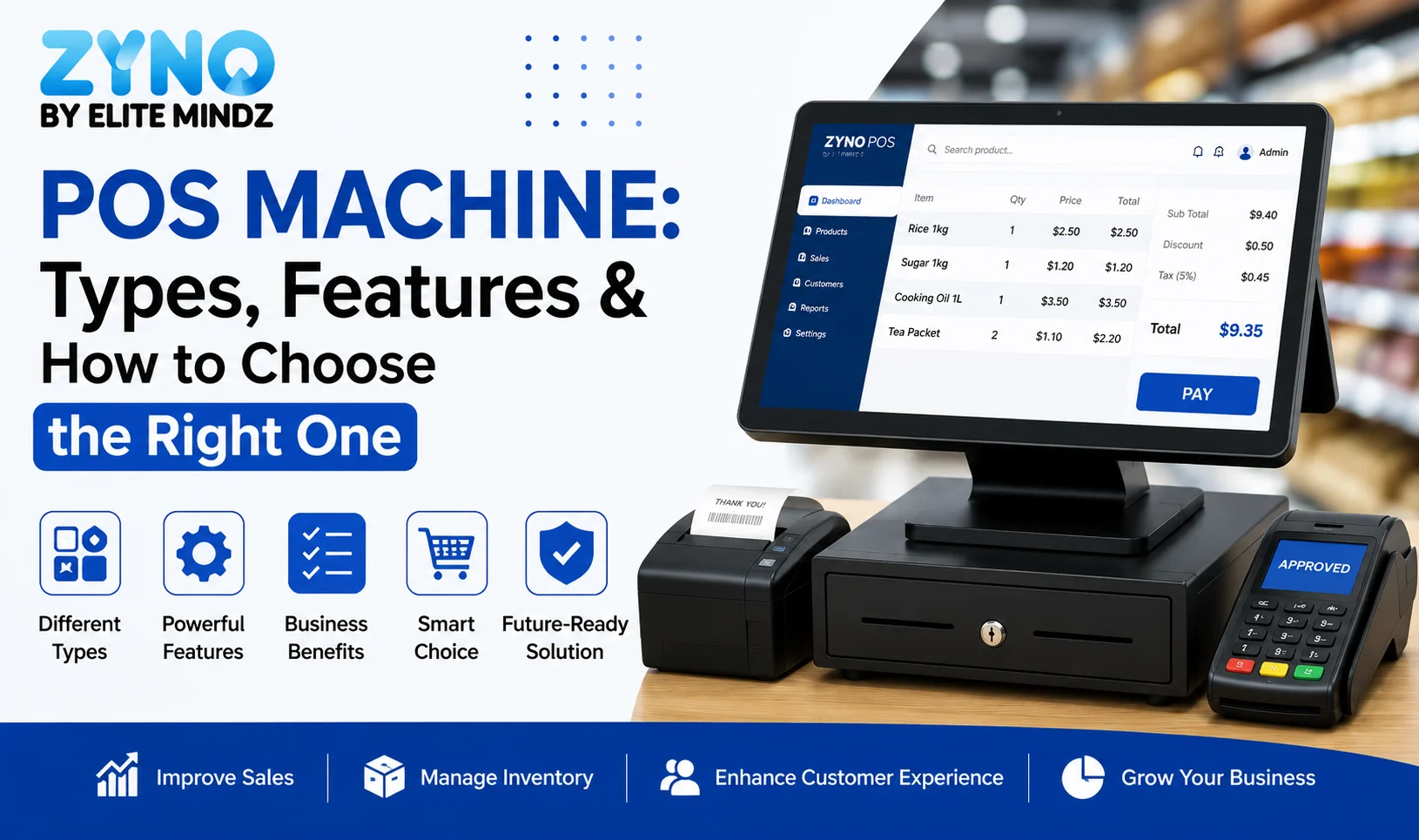
Common POS hardware includes:
POS terminal: The main computer, touchscreen, tablet, or mobile device used to operate the system.
Card reader: A device that accepts credit cards, debit cards, chip cards, contactless cards, and mobile wallets.
Barcode scanner: A device used to scan product codes and quickly add items to a sale.
Receipt printer: A printer that provides customers with paper receipts.
Cash drawer: A secure drawer used to store cash and coins.
Customer display: A screen that allows customers to review their items, prices, discounts, and total payment amount.
Kitchen display system: A digital screen that sends restaurant orders directly to kitchen staff.
Not every business needs every type of hardware. A mobile service provider may only need a smartphone and card reader, while a busy supermarket may require multiple terminals, barcode scanners, printers, scales, and customer displays.
Payment processing is the system that transfers payment information between the customer, the business, the card network, and the bank.
Some POS providers include built-in payment processing. Others allow businesses to choose a separate payment processor.
When comparing POS systems, business owners should review processing fees carefully. Fees may include:
The least expensive advertised rate is not always the cheapest option overall. Businesses should compare the complete pricing structure based on their average transaction size and monthly sales volume.

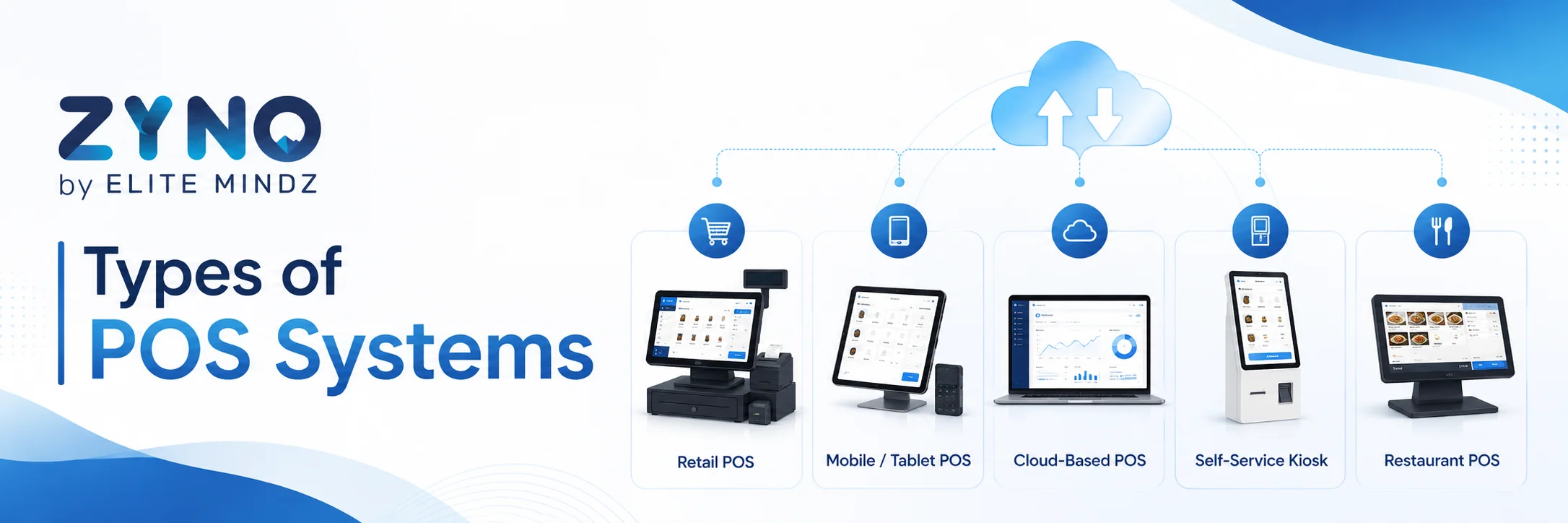
There are several types of POS systems available. The right choice depends on the size, industry, and needs of the business.
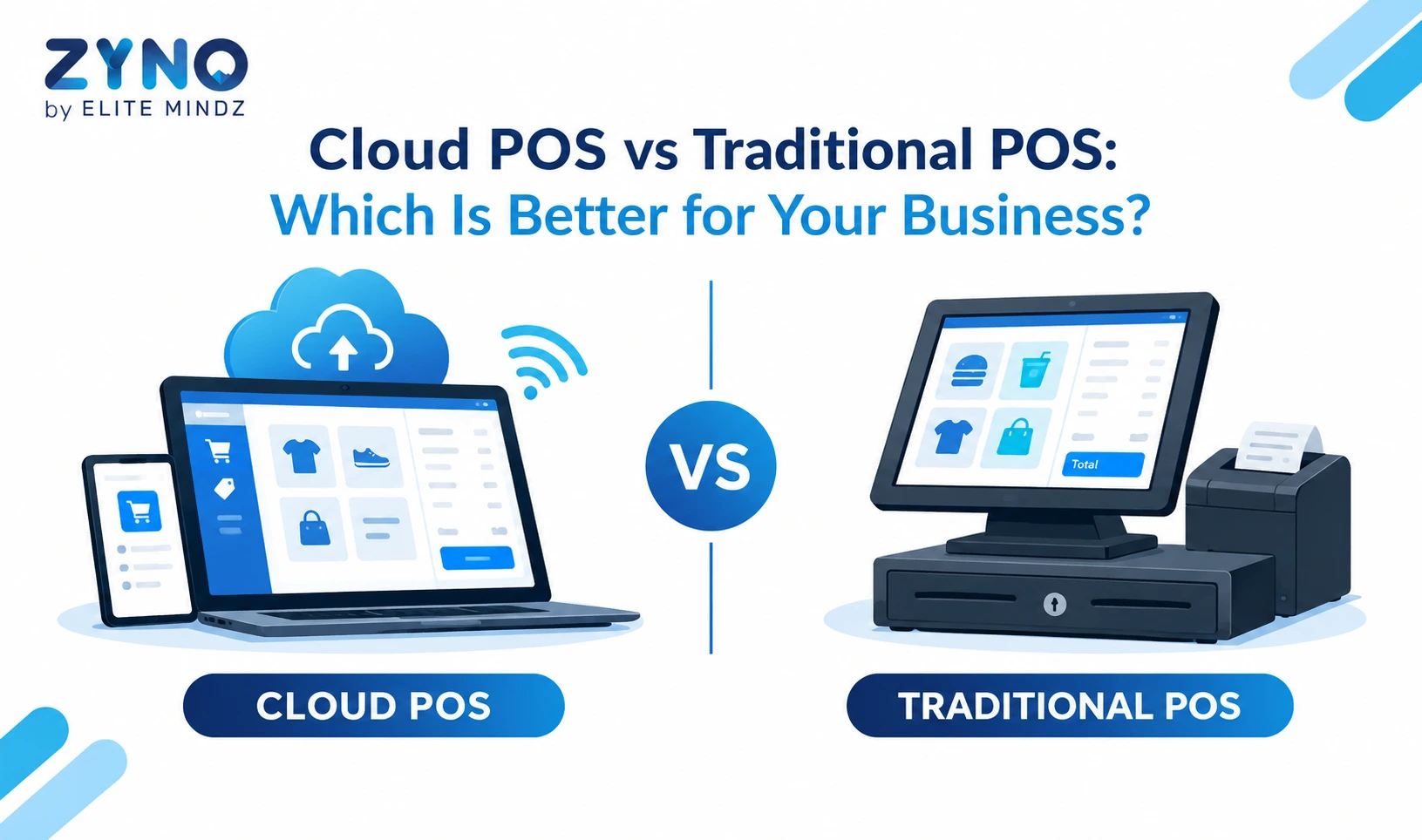
A traditional POS system usually operates on local computers or servers installed at the business location. Data is stored on-site, and the system may require professional installation and maintenance.
Traditional systems can offer strong control and customization, but they are often more expensive to set up. They may also be difficult to access from outside the business location.
A cloud-based POS system stores business data online. Users can access sales reports, inventory information, and other features through an internet-connected device.
Cloud POS systems are popular because they are flexible, easy to update, and often more affordable for small businesses. Software updates are usually installed automatically by the provider.
Although many cloud systems can continue processing certain transactions during temporary internet outages, their offline capabilities vary. Businesses should check how the system works when internet access is unavailable.
A mobile POS system, or mPOS, allows businesses to accept payments through a smartphone or tablet.
Mobile POS solutions are useful for:
These systems are usually simple to set up and may require only an app and a portable card reader.
Self-service POS systems allow customers to complete part or all of the transaction without employee assistance. Examples include self-checkout machines, restaurant ordering kiosks, and digital check-in terminals.
Self-service technology can reduce waiting times and allow employees to focus on other tasks. However, businesses still need to consider accessibility, technical support, theft prevention, and customer assistance.
An omnichannel POS system connects sales across physical stores, websites, mobile apps, social media channels, and marketplaces.
For example, a customer may purchase an item online and collect it from a store. Another customer may buy in-store and request home delivery. An omnichannel POS system keeps inventory, customer information, and order details synchronized across these channels.

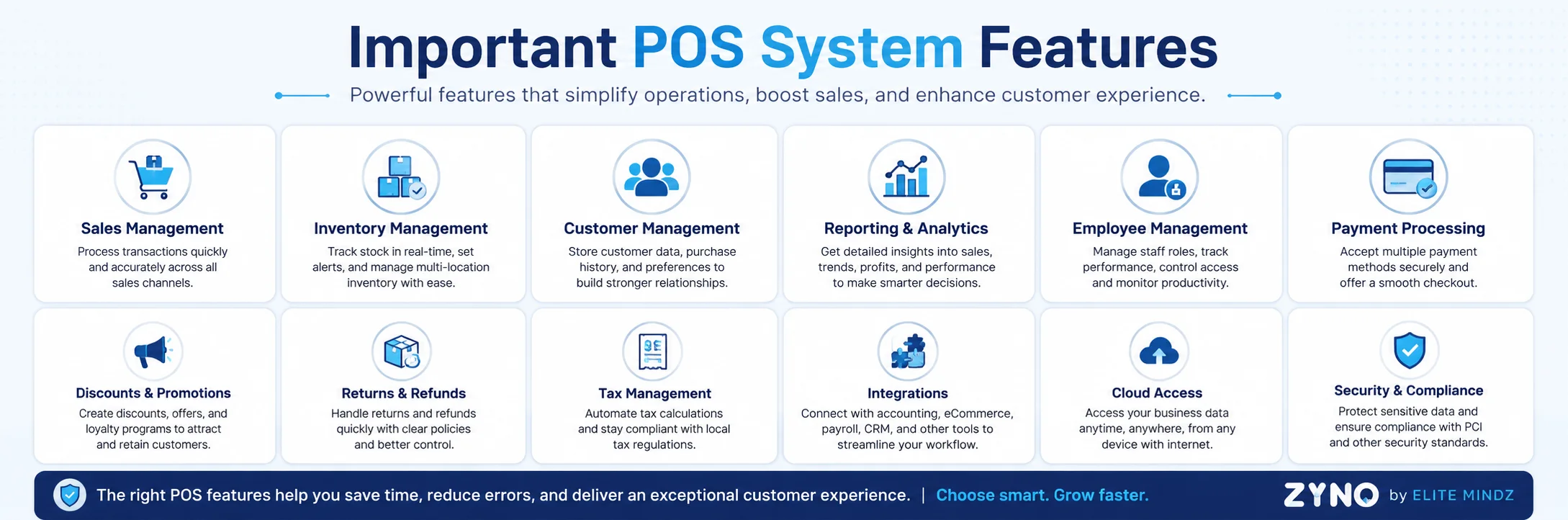
The best POS features depend on the type of business, but several capabilities are valuable across most industries.
A POS inventory management system automatically updates stock levels after each sale. It can help businesses identify best-selling products, low-stock items, slow-moving inventory, and seasonal demand.
Advanced inventory features may include:
Accurate inventory information can reduce stockouts, overordering, and unnecessary storage costs.
POS reporting tools turn transaction data into useful business insights.
Business owners can use POS reports to review:
These reports help owners make informed decisions about pricing, staffing, purchasing, and promotions.
Many POS systems include basic customer relationship management features. Businesses can create customer profiles, store purchase histories, record preferences, and manage loyalty rewards.
Customer data can help businesses deliver more personalized service. For example, a retailer may recommend products based on previous purchases, while a salon may send appointment reminders or special birthday offers.
Businesses must handle customer data responsibly and follow applicable privacy and data protection requirements.
POS employee management features can help businesses control system access and monitor staff activity.
Common tools include:
These features can improve accountability and simplify payroll preparation.
POS integrations allow a point-of-sale platform to connect with other business software.
Useful integrations may include:
Integrations reduce duplicate data entry and help information move smoothly between business systems.

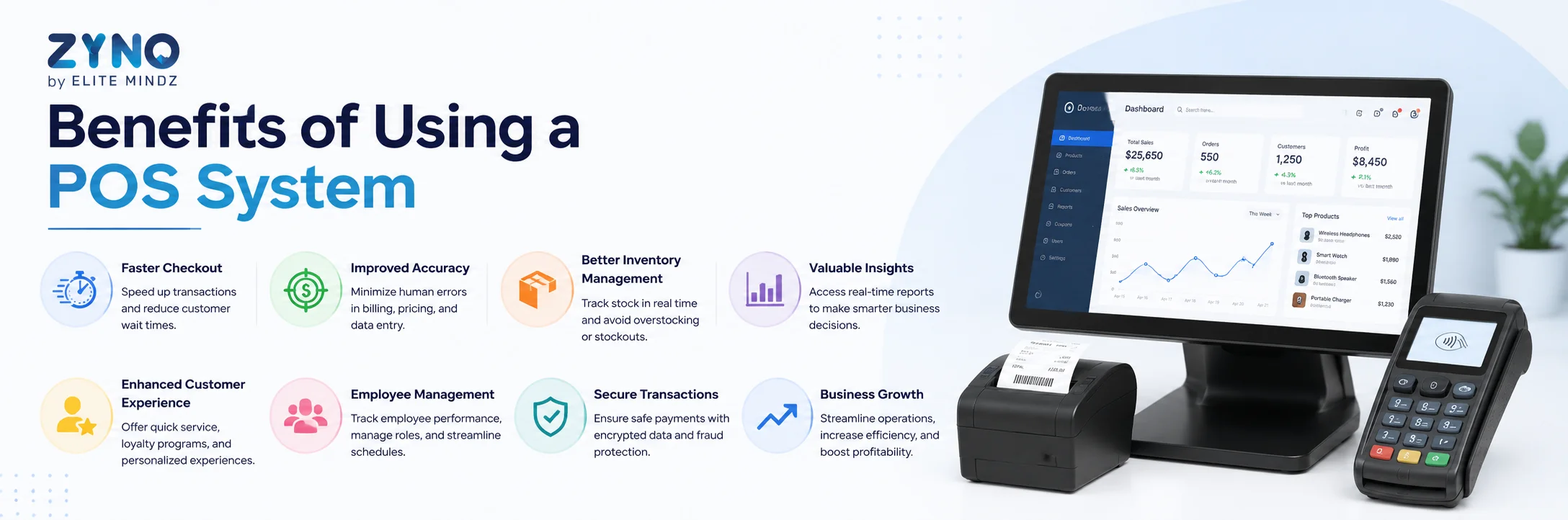
A reliable POS system can provide several important advantages.
Barcode scanners, saved product information, touchscreen menus, and integrated payment processing can make checkout faster. A quicker transaction process can reduce customer waiting times and improve satisfaction.
Manual price calculations, handwritten orders, and spreadsheet-based inventory tracking can lead to mistakes. POS automation reduces the need for repeated data entry and improves accuracy.
Real-time inventory tracking helps businesses understand what is available, what is selling, and what needs to be reordered.
POS analytics provide clear information about sales, customers, employees, and products. Instead of relying only on assumptions, business owners can use real data to guide decisions.
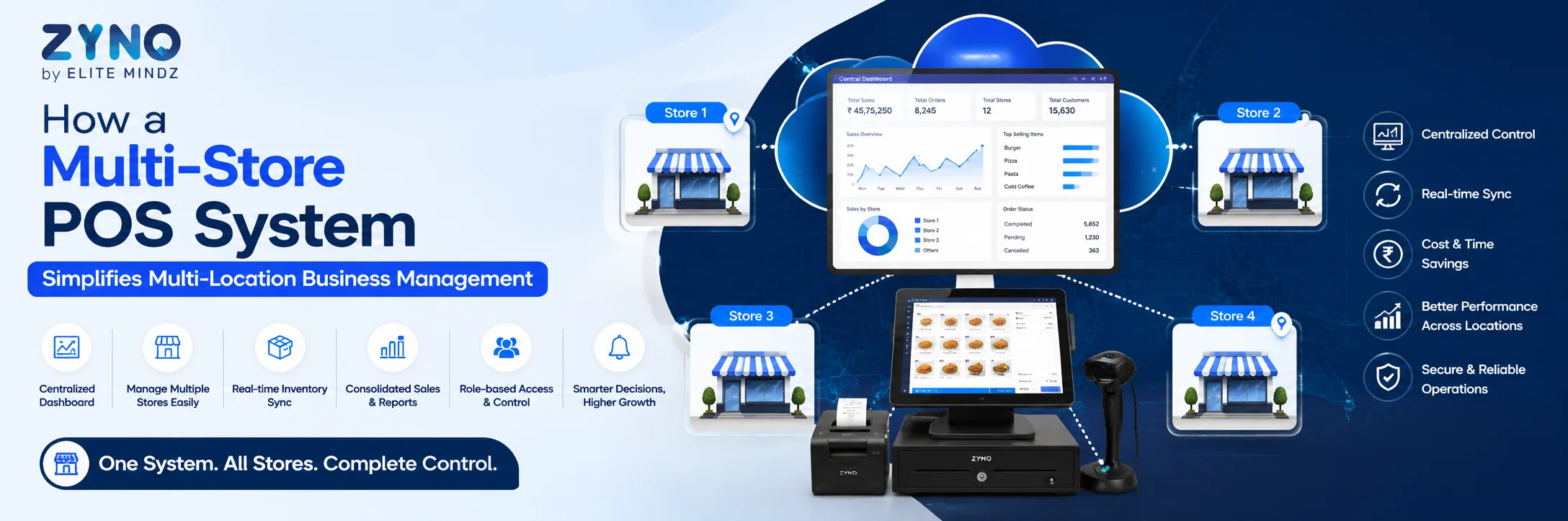
A scalable POS system can support additional employees, products, registers, sales channels, and business locations. This makes it easier to expand without replacing the entire system.
Faster payments, flexible checkout options, digital receipts, loyalty programs, and accurate product availability can create a smoother customer experience.
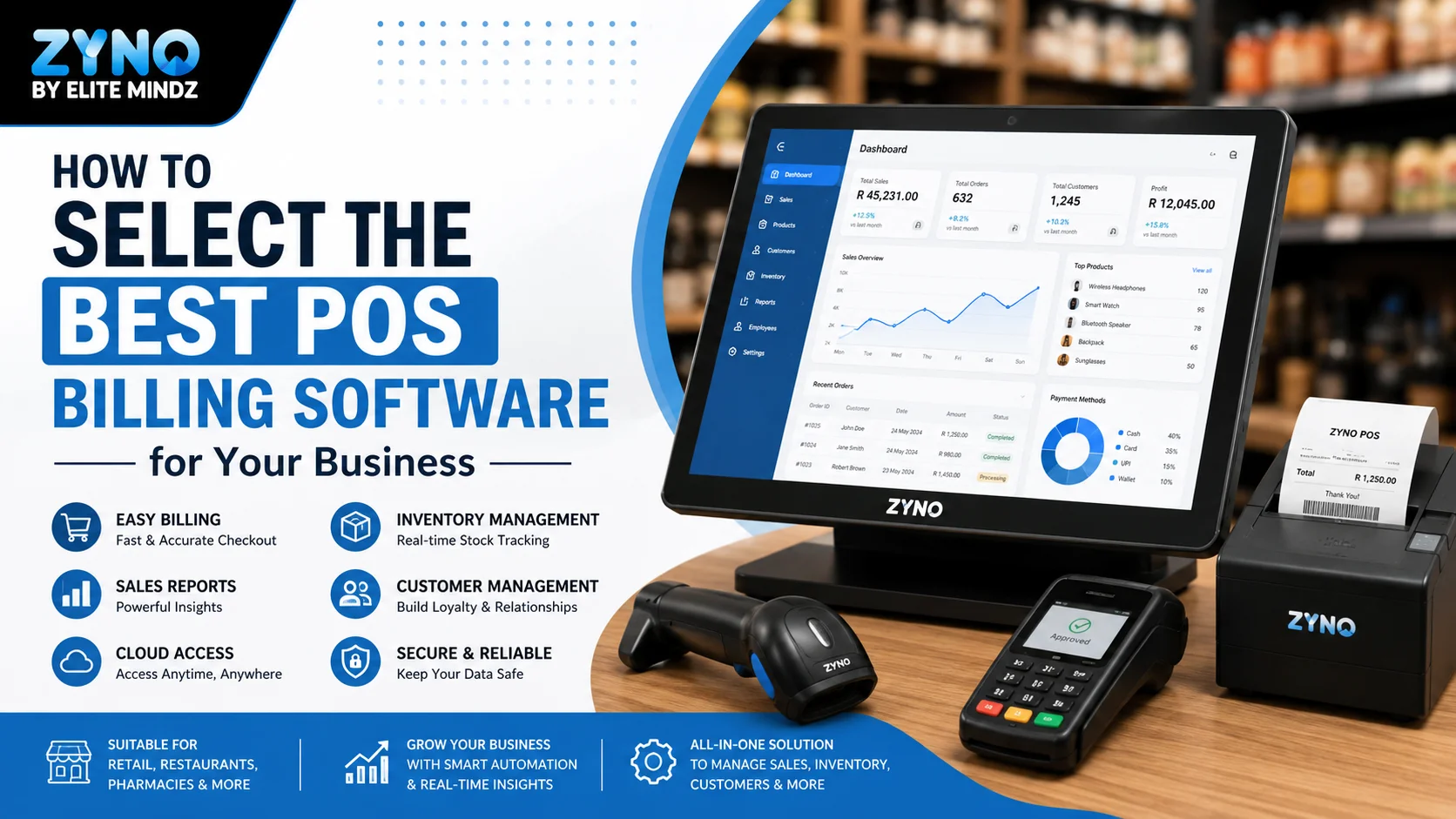
Whether you're opening your first store or upgrading your existing setup, ZYNO POS by Elite Mindz offers everything you need to manage billing, inventory, payments, and customer transactions from one powerful platform.
POS system pricing varies widely. The total cost may depend on the software plan, number of users, number of locations, hardware requirements, payment processing fees, and optional features.
Common POS costs include:
Some providers offer free POS software but charge for payment processing or advanced features. Others charge a monthly subscription and allow more flexibility in choosing a payment processor.
Before selecting a system, calculate the expected total cost over at least one year rather than focusing only on the initial price.
Start by identifying your business requirements.
Consider the following questions:
Request a demonstration or trial whenever possible. During the trial, test common tasks such as completing a sale, processing a refund, adding inventory, creating reports, and managing employee permissions.
You should also review contract terms, data export options, payment processing requirements, security features, cancellation policies, and hardware compatibility.
POS security is essential because point-of-sale systems handle payment information and business data.
A secure POS system should include features such as:
Businesses should also train employees to use strong passwords, recognize phishing attempts, protect login information, and follow proper payment procedures.
No system can eliminate every risk, but a combination of secure technology, employee training, and regular monitoring can significantly improve protection.
A POS system is much more than a modern cash register. It can process payments, track inventory, manage employees, organize customer information, connect sales channels, and provide valuable business reports.
For beginners, the most important step is to choose a POS solution that matches the actual needs of the business. A small mobile service provider may need a simple mobile POS system, while a growing retailer may require advanced inventory management and omnichannel capabilities. A restaurant may need table management, kitchen displays, tipping, and online ordering integrations.
Compare features, costs, payment processing fees, hardware, support, security, and scalability before making a decision. The right point-of-sale system should simplify daily operations, improve the customer experience, and provide the information needed to make better business decisions.
Frequently Asked Questions About POS Systems
A POS system, or point-of-sale system, is a combination of software and hardware used to process customer transactions. It can also help businesses manage inventory, employees, customers, payments, and sales reports.
A POS system records the products or services a customer purchases, calculates the total cost, applies taxes or discounts, processes the payment, and generates a receipt. It may also update inventory and sales reports automatically.
A cash register mainly records sales and stores cash. A modern POS system offers additional features such as inventory management, customer tracking, employee management, payment processing, reporting, and integrations with other business tools.
Common POS hardware includes a touchscreen terminal, card reader, barcode scanner, receipt printer, cash drawer, and customer display. The exact hardware needed depends on the type and size of the business.
Cloud-based POS software stores business data online instead of only on a local computer or server. It allows business owners to access reports, inventory information, and sales data from different locations using an internet-connected device.
Some POS systems offer offline functionality that allows businesses to continue processing certain transactions during an internet outage. However, offline capabilities vary by provider, so businesses should check this feature before choosing a system.
The cost of a POS system depends on the software plan, hardware, payment processing fees, number of users, and business locations. Some systems have free software plans, while others charge monthly subscription fees and additional costs for advanced features.
A POS system may accept cash, credit cards, debit cards, contactless cards, mobile wallets, gift cards, online payments, and digital payment links. Available payment methods depend on the POS provider and payment processor.
Yes. A POS system can help small businesses process payments, track inventory, monitor sales, manage customers, and reduce manual work. Many providers offer affordable solutions designed specifically for small businesses.
The best POS system for a small business depends on the industry, transaction volume, budget, required features, and payment methods. A retailer may need advanced inventory tools, while a restaurant may require table management and kitchen display features.
What Is a Point of Sale System and How Does It Work?
Read More →
Top 10 Point of Sale Software in India
Read More →
POS Systems Explained: A Beginner’s Guide
Read More →Partner with ZYNO by Elite Mindz to revolutionize how your business works. Fill out the form, and we’ll reach out with AI-powered solutions made just for you.
We use browser cookies to ensure you get the best experience on our website. Learn more
The form was submitted successfully!
ZYNO Digital
Fueling Smarter Digital Growth
ZYNO Digital fuels smarter digital growth through data-driven marketing, creative storytelling, and performance strategies that boost visibility, engagement, and measurable business outcomes across global platforms.
ZYNO Tech
Engineering the Future of IT
ZYNO Tech delivers cutting-edge IT solutions — including web, mobile, and digital transformation services — helping businesses scale efficiently, innovate faster, and stay ahead in a connected world.
ZYNO AI
AI Built for Business Growth
ZYNO AI harnesses the power of artificial intelligence to automate processes, enhance decision-making, and deliver predictive insights — driving innovation, agility, and measurable business growth.
ZYNO by Elite Mindz
Your Partner in the AI-Powered Future
ZYNO by Elite Mindz offers AI-powered products and services that unify operations, boost productivity, and drive digital transformation — helping businesses scale smarter and innovate faster.
* In just 2 mins you'll get a response
* Your idea is 100% protected by our Non-Disclosure Agreement