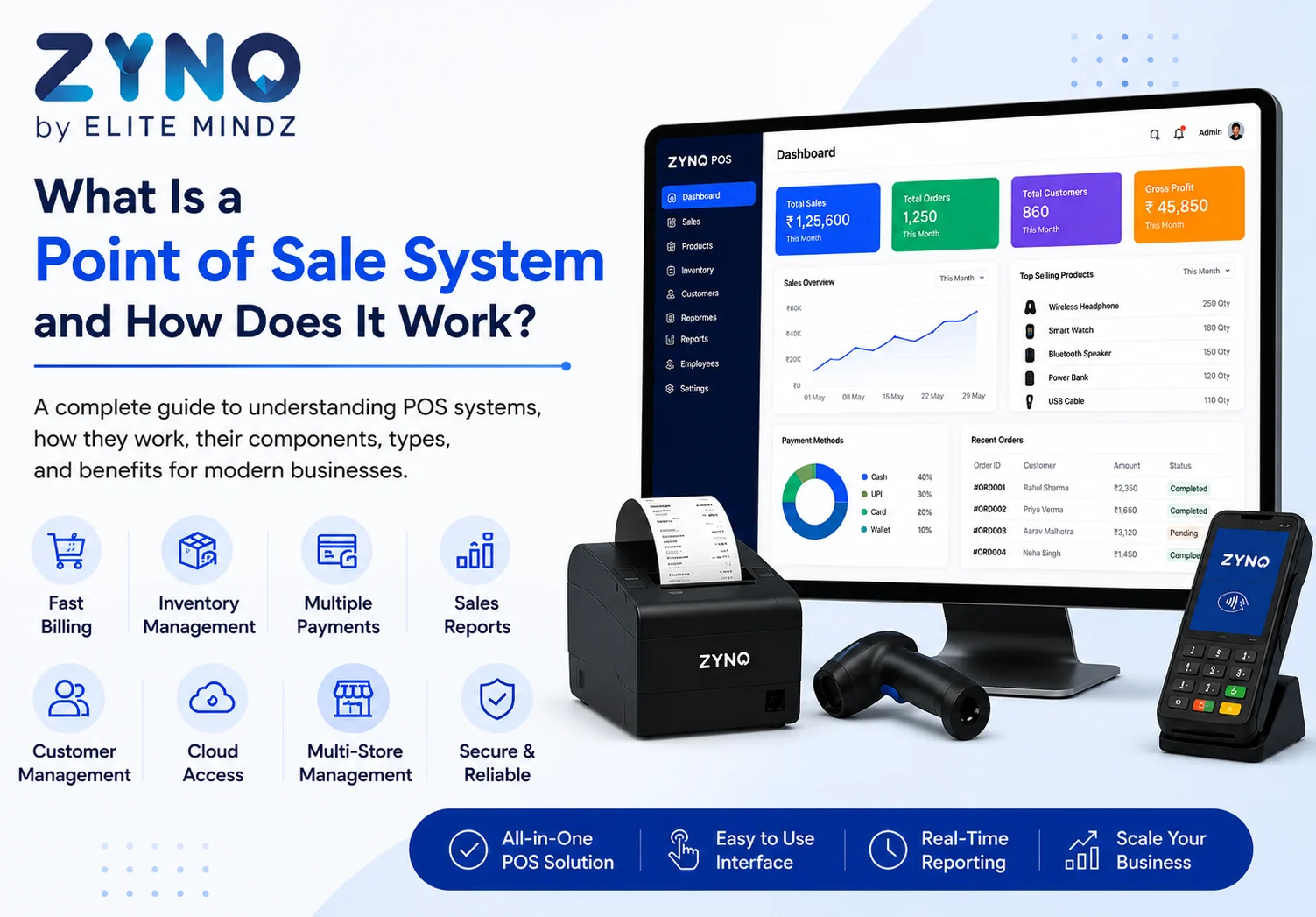
What Is a Point of Sale System and How Does It Work?
Read More →

×
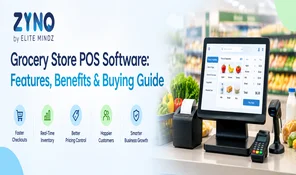
Grocery Store POS Software helps retailers manage billing, inventory, purchases, suppliers, customers, and sales from one system. Key features include barcode billing, real-time stock tracking, GST invoices, discounts, loyalty programs, reporting, and multi-store management. Benefits include faster checkout, fewer billing errors, better inventory control, and improved sales visibility. Before buying, compare pricing, integrations, usability, scalability, and support.
Businesses using ZYNO Books cut accounting time by 70% and stay 100% ZATCA-compliant — automatically.
Running a grocery store involves more than billing customers. Store owners need to manage thousands of products, track inventory, monitor expiry dates, handle different payment methods, manage suppliers, and keep checkout lines moving.
Grocery store POS software brings these activities together in one system. It can help businesses process bills faster, update inventory automatically, manage products, track sales, and understand daily store performance.
Whether you operate a small kirana store, supermarket, grocery retail outlet, or multiple stores, choosing the right POS system can reduce manual work and improve operational accuracy.
This guide explains the key features, benefits, costs, and buying factors to consider before choosing POS software for a grocery store.
Grocery store POS software is a point-of-sale system designed to manage billing, inventory, products, payments, customers, and sales operations for grocery businesses.
Unlike basic billing software, a dedicated grocery POS system is designed around the requirements of grocery retail, including barcode scanning, fast checkout, inventory tracking, weighing-scale integration, discounts, returns, and product-level reporting.
Depending on the software, advanced systems may also provide:
The main purpose is to connect the checkout counter with inventory and store operations.
Simplify Grocery Store Operations with ZYNO POS
Speed up checkout, manage inventory in real time, simplify GST billing, track sales, manage multiple stores, and improve customer experiences with an integrated grocery store POS software.
Request a Free Demo Explore ZYNO POSGrocery stores typically handle a large number of products and frequent transactions. Managing everything manually can make it difficult to know what has sold, what is available, and what needs to be reordered.
A grocery POS can automatically record a sale and update inventory.
For example:
Customer buys a product → Barcode is scanned → Bill is generated → Payment is recorded → Inventory is updated → Sale appears in reports
This reduces repetitive data entry and gives store owners better visibility into daily operations.
For growing stores, a grocery retail POS system can also replace separate spreadsheets and disconnected billing processes.
Barcode scanning is one of the most important features for grocery retailers.
Instead of manually entering product names and prices, cashiers can scan the barcode and add the product to the bill.
A good grocery POS software should support:
Faster billing can help reduce queues during busy periods.
Inventory accuracy is essential for grocery businesses.
A POS system can automatically reduce stock when a product is sold and increase inventory when new stock is received.
Important inventory capabilities include:
This helps store owners understand what is selling and what needs to be reordered.
Many grocery stores sell products by weight, including rice, pulses, grains, sugar, fruits, and vegetables.
A suitable POS for grocery stores can integrate with compatible weighing scales so the measured quantity can be used directly during billing.
This reduces manual quantity entry and can minimise billing mistakes.
Before purchasing software, confirm which weighing-scale models and hardware integrations are supported.
Expiry management becomes important when selling products such as dairy, packaged food, beverages, bakery products, and other items with limited shelf life.
Advanced grocery POS systems can help businesses track:
This allows store teams to identify products that require attention before they become unsellable.
For grocery businesses in India, GST-ready billing can simplify tax-related billing workflows.
Look for features such as:
Businesses should verify that the software supports their specific GST and billing requirements before purchasing.
Customers may pay using cash, UPI, cards, wallets, or other supported methods.
A modern supermarket point of sale system should make it easy for cashiers to select the correct payment method and maintain accurate transaction records.
Customer management features can help grocery stores encourage repeat purchases.
Depending on the software, you may be able to manage:
This can be particularly useful for neighbourhood grocery stores competing with larger retail chains.
Grocery stores continuously purchase products from different suppliers.
Connecting purchasing with inventory helps create a more organised workflow:
Purchase order → Stock received → Inventory updated → Product sold → Stock reduced
Useful features include supplier records, purchase orders, purchase invoices, supplier pricing, stock receiving, and reorder management.
Internet connectivity should not stop a store from serving customers.
Some grocery POS systems support offline billing, allowing selected POS operations to continue when the internet is unavailable.
However, offline functionality varies between providers. Ask exactly which features work offline and how transactions are synchronised after connectivity returns.
A single-store grocery shop may only need one billing counter. A supermarket or growing chain may require multiple counters and locations.
A scalable supermarket POS software solution can provide:
This gives management a central view of business performance.
Read More: Top 10 Point of Sale Software in India
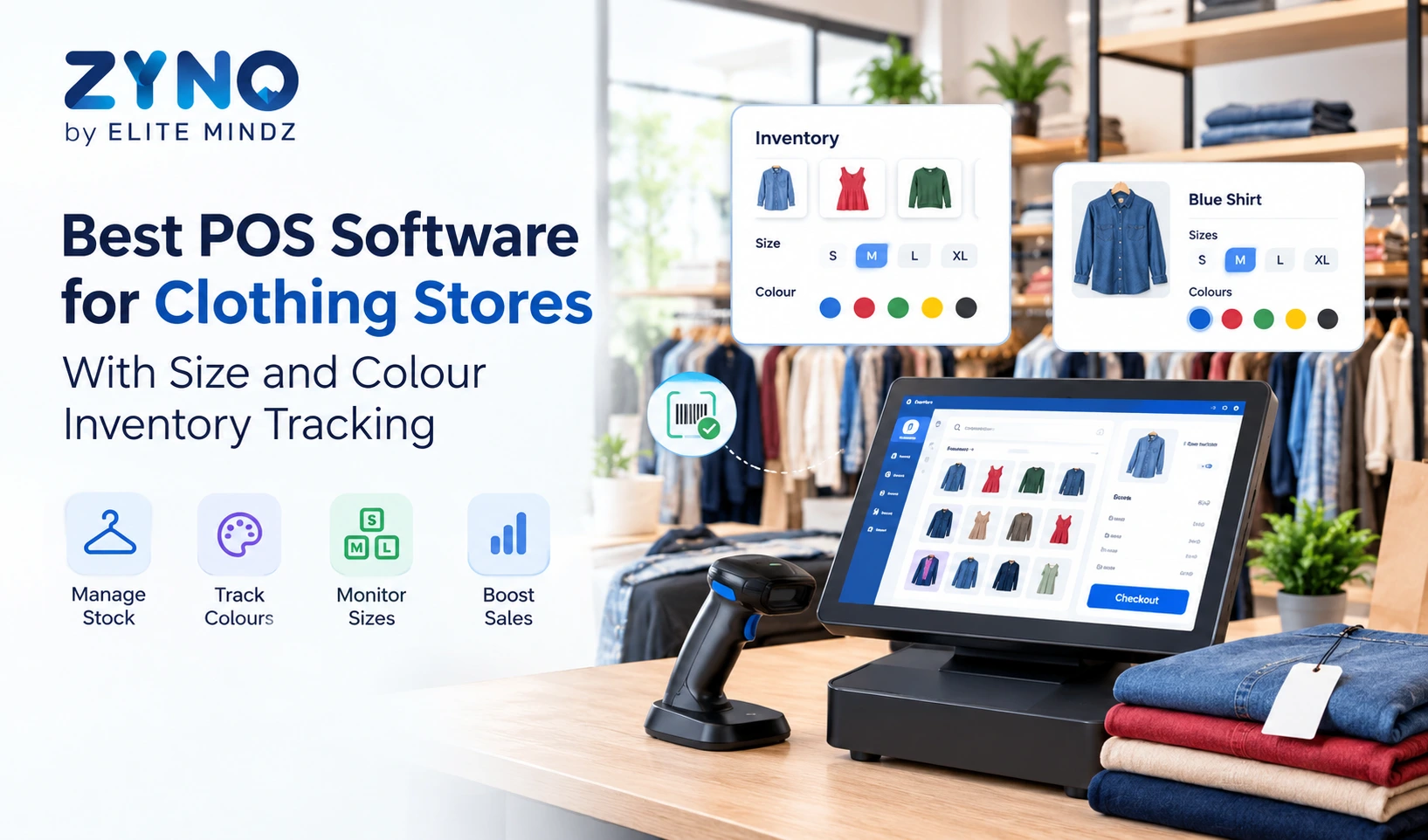
Read More: Best POS System for Retail Store: Features, Benefits & Buying Guide
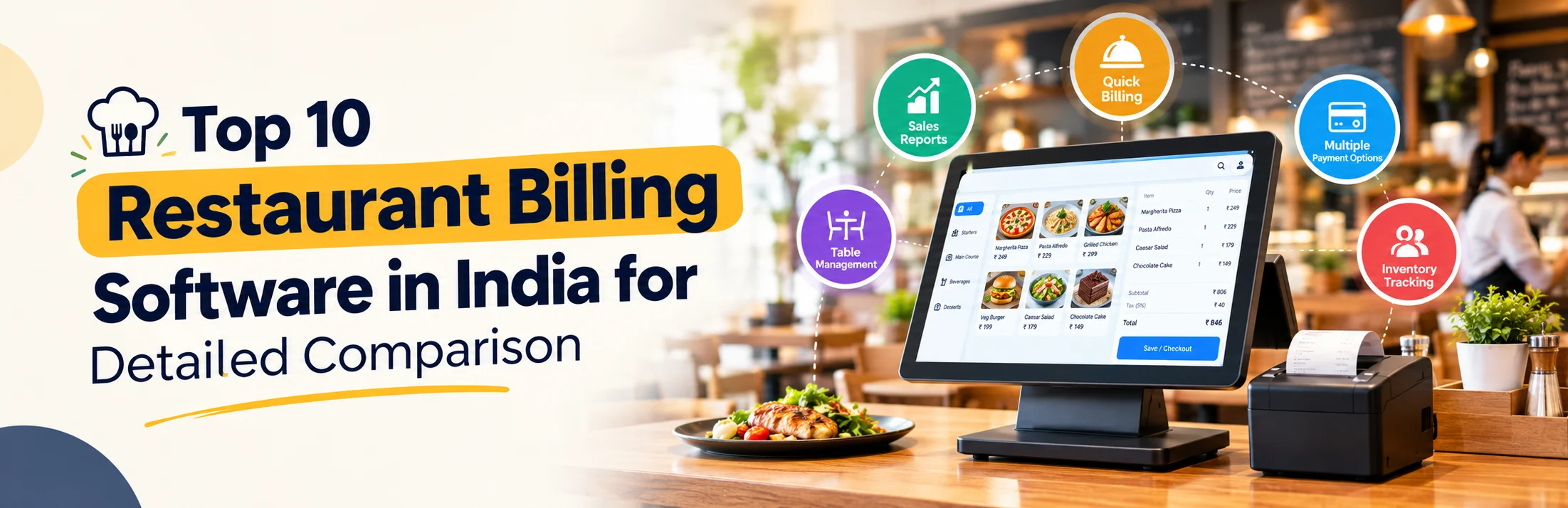
Read More: Restaurant POS System in India

Choosing the right POS software for a grocery store can make billing, inventory management, payments, and daily operations easier. Grocery retailers need a POS that can handle fast transactions, barcode scanning, stock updates, multiple payment methods, and, for larger stores, multiple counters or locations.
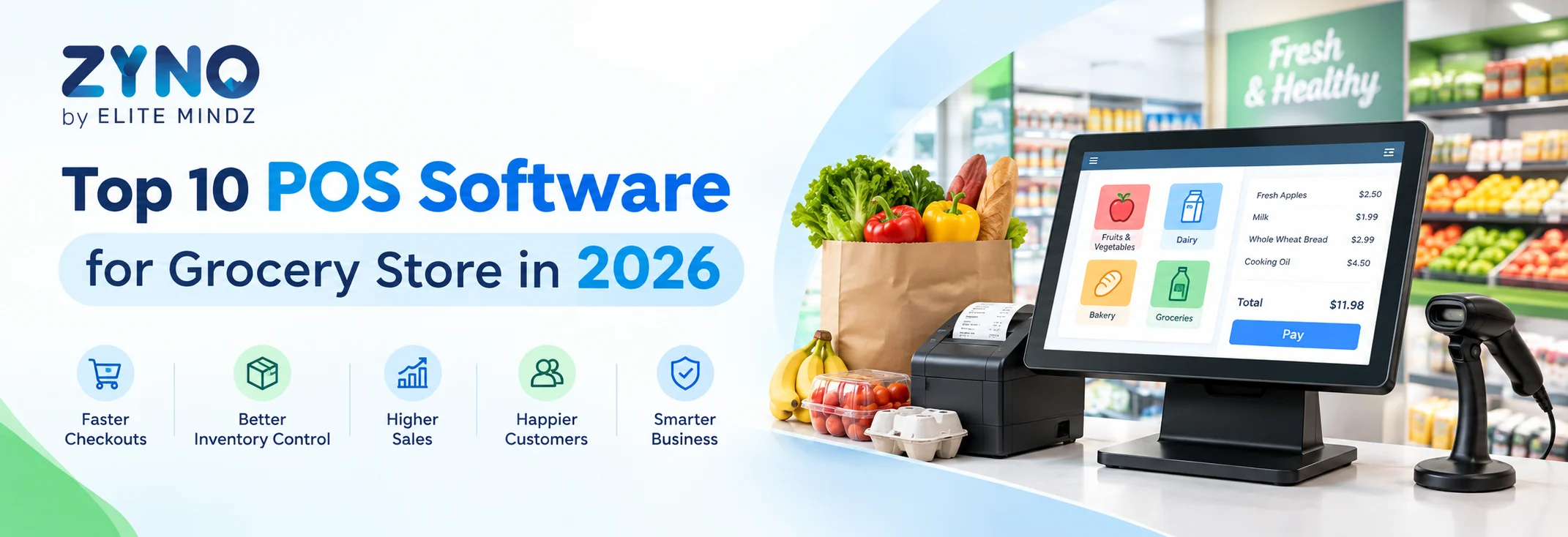
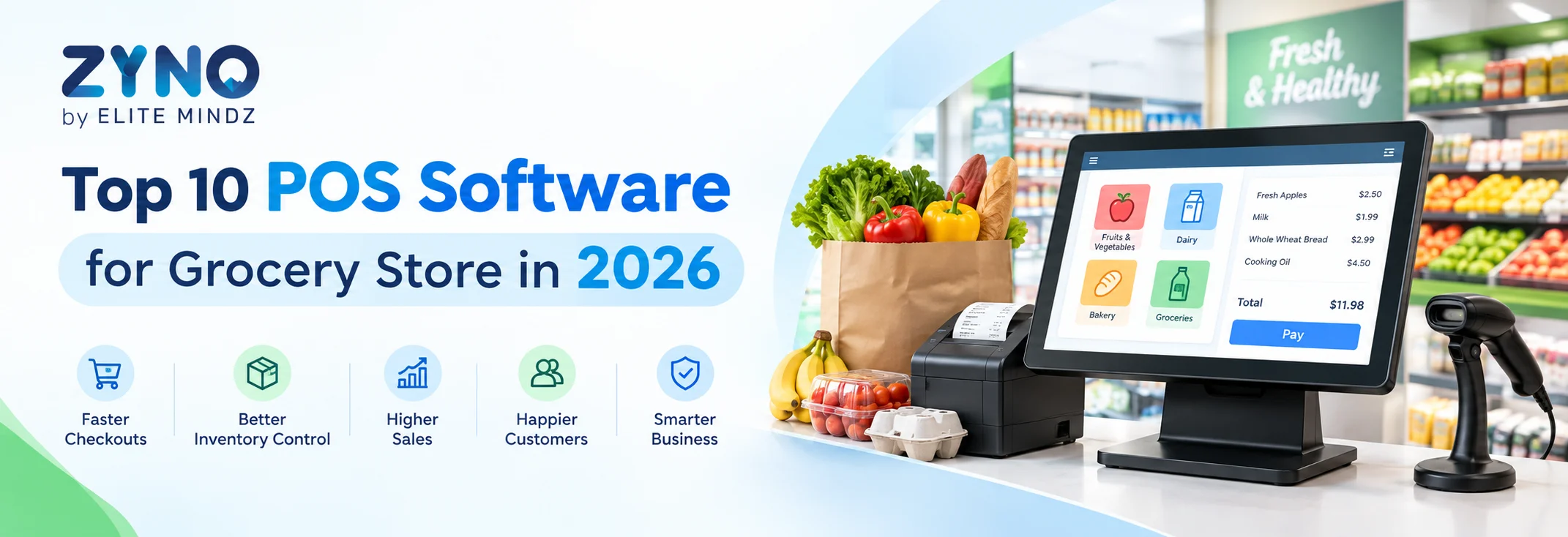
Here are 10 POS software options grocery businesses can consider in 2026.
Best for: Grocery stores, supermarkets, and growing retail businesses.
ZYNO POS provides tools for retail billing, inventory management, GST billing, customer management, sales analytics, and multi-store operations. It is suitable for businesses that want to connect checkout and inventory management in one platform.
Key features: POS billing, barcode scanning, inventory management, GST billing, multi-store management, customer loyalty, sales analytics, and cloud POS.
Best for: Grocery retailers and supermarkets.
GoFrugal provides retail POS and business management tools covering billing, inventory, purchasing, customer management, and reporting. It can be considered by retailers managing larger product catalogues and multiple retail processes.
Key features: Retail POS, inventory, barcode billing, purchasing, customer management, reports, and multi-store management.
Best for: Grocery retailers, wholesalers, and distributors.
Marg ERP combines billing, inventory, accounting, GST, purchasing, and business management features. It can be useful for grocery businesses that also manage wholesale or distribution operations.
Key features: POS billing, inventory, GST billing, accounting, barcode support, purchasing, sales management, and reporting.
Best for: Grocery and retail stores.
RetailGraph focuses on retail management, including billing, inventory, purchasing, barcode management, customer management, and sales reporting.
Key features: POS billing, inventory management, barcode management, purchase management, sales reports, and multi-store capabilities.
Best for: Small grocery stores and retailers.
Vyapar provides billing, invoicing, inventory, GST invoicing, expense tracking, payment management, and business reporting. It can be suitable for smaller stores that need straightforward business management.
Key features: Billing, GST invoices, inventory, expense tracking, payment tracking, and reports.
Best for: Food-service businesses and retailers with related operations.
Petpooja provides POS and business management tools, including billing, inventory-related functions, payments, customer management, and reporting.
Key features: POS billing, payments, inventory, reporting, customer management, and hardware integrations.
Best for: Growing retail businesses.
Lightspeed Retail offers POS, inventory, customer management, reporting, and multi-location capabilities. It can be considered by businesses looking for more advanced retail management features.
Key features: Retail POS, inventory, customer management, analytics, reporting, and multi-location management.
Best for: Small retailers in supported markets.
Square provides POS, payment processing, inventory, customer management, reporting, and POS hardware. Grocery retailers should verify regional availability and local payment and tax requirements.
Key features: POS, payments, inventory, customer management, reports, and hardware.
Best for: Small and medium-sized retail businesses.
Clover combines POS hardware, payments, inventory tools, customer management, employee management, and reporting.
Key features: POS terminals, payments, inventory, customer management, employee tools, and reports.
Best for: Retailers looking for POS hardware and checkout solutions.
Posiflex is primarily known for POS hardware, including terminals, displays, barcode scanners, printers, and other retail peripherals used in checkout environments.
Key features: POS terminals, touchscreen systems, barcode scanners, receipt printers, displays, and retail hardware.
Read More: Top 10 Point of Sale Software in India
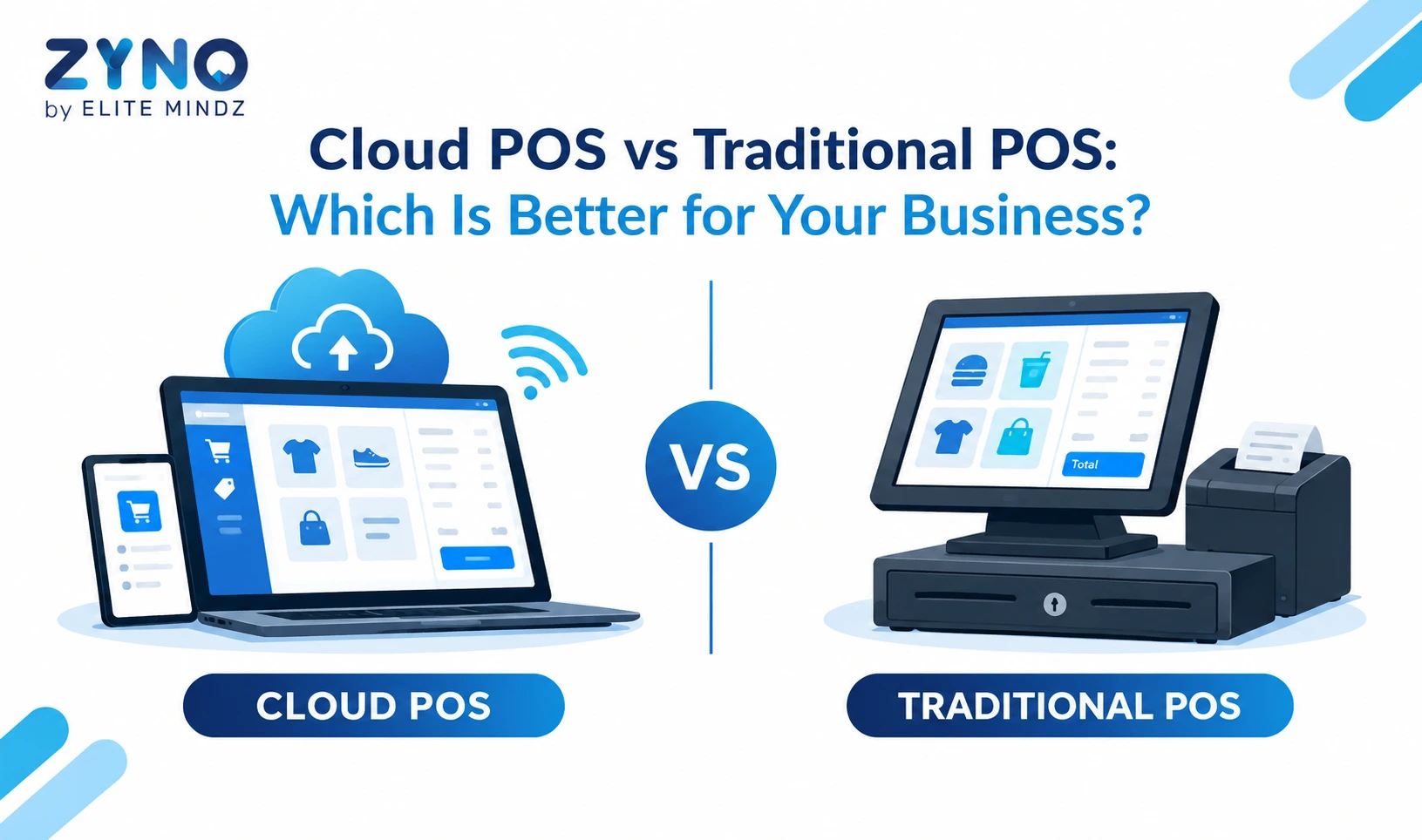
Read More: What Is a Point of Sale System and How Does It Work?
Barcode scanning and quick product search reduce manual entry and help cashiers process transactions efficiently.
Automatic stock updates provide more reliable inventory information than manual records.
Automated pricing, product information, quantities, and tax calculations can reduce common manual mistakes.
Low-stock alerts and sales reports can help store owners identify products that need replenishment.
Batch and expiry tracking can help identify products that need attention before they expire.
Sales reports can show fast-moving products, slow-moving products, peak sales periods, and store performance.
Faster checkout, digital receipts, loyalty programs, and multiple payment options can make shopping more convenient.
Ready to Upgrade Your Grocery Store POS?
Manage billing, inventory, GST invoicing, sales, expenses, and customer loyalty from one powerful POS platform built for modern grocery and retail businesses.
Get a Free Demo Explore ZYNO POSThe best POS system for a grocery store is not necessarily the software with the largest feature list. It should match your store's actual workflow.
Consider these factors before purchasing:
A small kirana store may need simple billing and inventory management, while a supermarket may require multi-counter and multi-store capabilities.
Consider how many SKUs you currently manage and how many you expect to add.
Estimate your average and peak-hour transaction volume. This helps determine the performance and counter capacity you need.
Check whether you need weighing scales, expiry tracking, batch management, barcode printing, purchase management, or stock transfers.
Confirm compatibility with your barcode scanners, receipt printers, POS terminals, cash drawers, and weighing scales.
Cashiers should be able to learn the system quickly. A complicated interface can slow down checkout even if the software has powerful features.
Do not compare only the monthly software price.
Consider:
Software + Hardware + Setup + Integration + Support + Upgrades
Ask whether additional counters, stores, users, reports, integrations, or support are charged separately.
If you plan to open additional stores, choose software that can grow with your business.
Before purchasing grocery retail POS software, make sure you evaluate:
The best approach is to test the software using your actual products and billing process rather than relying only on a sales presentation.
A POS demo should reflect real grocery operations.
Ask the provider to demonstrate this complete workflow:
Scan a packaged product → Add a weight-based product → Apply a discount → Process payment → Print receipt → Update inventory → Process a return → Generate a sales report.
Then test inventory:
Receive stock → Add batch/expiry details → Sell the product → Check remaining inventory → Review low-stock or expiry information.
This gives you a practical understanding of whether the software fits your business.
Grocery POS software is a point-of-sale solution designed for grocery stores and supermarkets. It manages billing, products, inventory, payments, customers, and sales reports, with advanced systems supporting expiry tracking, weighing scales, purchasing, loyalty, and multi-store operations.
Important features include barcode billing, inventory management, weighing-scale integration, GST billing, expiry tracking, supplier management, purchase management, returns, multiple payment methods, sales reports, and offline billing.
Yes. A small grocery store can use POS software to speed up billing, track inventory, manage products, record sales, and reduce manual work. The ideal system should remain simple and affordable while providing the features the store actually needs.
Yes. Most dedicated grocery POS systems can automatically update stock when products are sold. Advanced systems may also provide stock alerts, purchase management, transfers, batch tracking, expiry management, and inventory reports.
Many grocery-focused POS systems support weighing-scale integration. This is useful for stores selling products such as grains, pulses, fruits, vegetables, and other goods by weight.
Yes. Advanced supermarket POS software can manage multiple stores from a central system. Depending on the solution, businesses can monitor store-wise sales, inventory, transfers, purchases, and performance.
Some systems provide offline billing, but capabilities differ between providers. Always ask which features remain available offline and how data synchronisation works when the internet connection returns.
Pricing depends on the software model, number of users or counters, stores, features, hardware, integrations, and support requirements. Compare the complete cost rather than looking only at the subscription price.
Choose a system based on your store size, product volume, transaction volume, grocery-specific requirements, hardware compatibility, ease of use, total cost, and future growth plans. Test the software with real products before purchasing.
The right grocery store POS software should do more than generate bills. It should connect billing, inventory, purchasing, customers, payments, and reporting so that everyday store operations become easier to manage.
For a small grocery shop, simple billing and inventory control may be the priority. For a supermarket or multi-store business, advanced inventory, multiple counters, supplier management, analytics, and centralised operations may matter more.
Before choosing a grocery POS system, test it with your real products, barcodes, weights, discounts, GST setup, returns, payments, and inventory workflows.
The best POS is not the one with the most features. It is the one that makes your grocery business faster, more accurate, and easier to manage.
What Is a Point of Sale System and How Does It Work?
Read More →
Top 10 Point of Sale Software in India
Read More →
POS Systems Explained: A Beginner’s Guide
Read More →
Restaurant POS System in India: A Complete Buying Guide
Read More →
How a Multi-Store POS System Simplifies Multi-Location Business Management
Read More →
Best POS System for Retail Store: Features, Benefits & Buying Guide
Read More →
Supermarket POS Software in UAE: How to Simplify Sales, Inventory & Store Management
Read More →
Point of Sale Systems in Kenya: Features, Benefits & How to Choose the Right POS
Read More →
Store Inventory Excel Sheet Free Download: Templates, Formulas, and Tracking Tips
Read More →
Khata App Alternatives: Best Options for All Businesses
Read More →
POS Machine: Types, Features & How to Choose the Right One
Read More →
Top 8 Square Alternatives for Small Businesses in 2026
Read More →
Modern POS Solutions in Kenya for Retail, Restaurants and Growing Businesses
Read More →
Top Vyapar Alternatives: Best Billing & POS Software
Read More →
Grocery Store POS Software: Features, Benefits & Buying Guide
Read More →Partner with ZYNO by Elite Mindz to revolutionize how your business works. Fill out the form, and we’ll reach out with AI-powered solutions made just for you.
We use browser cookies to ensure you get the best experience on our website. Learn more
The form was submitted successfully!