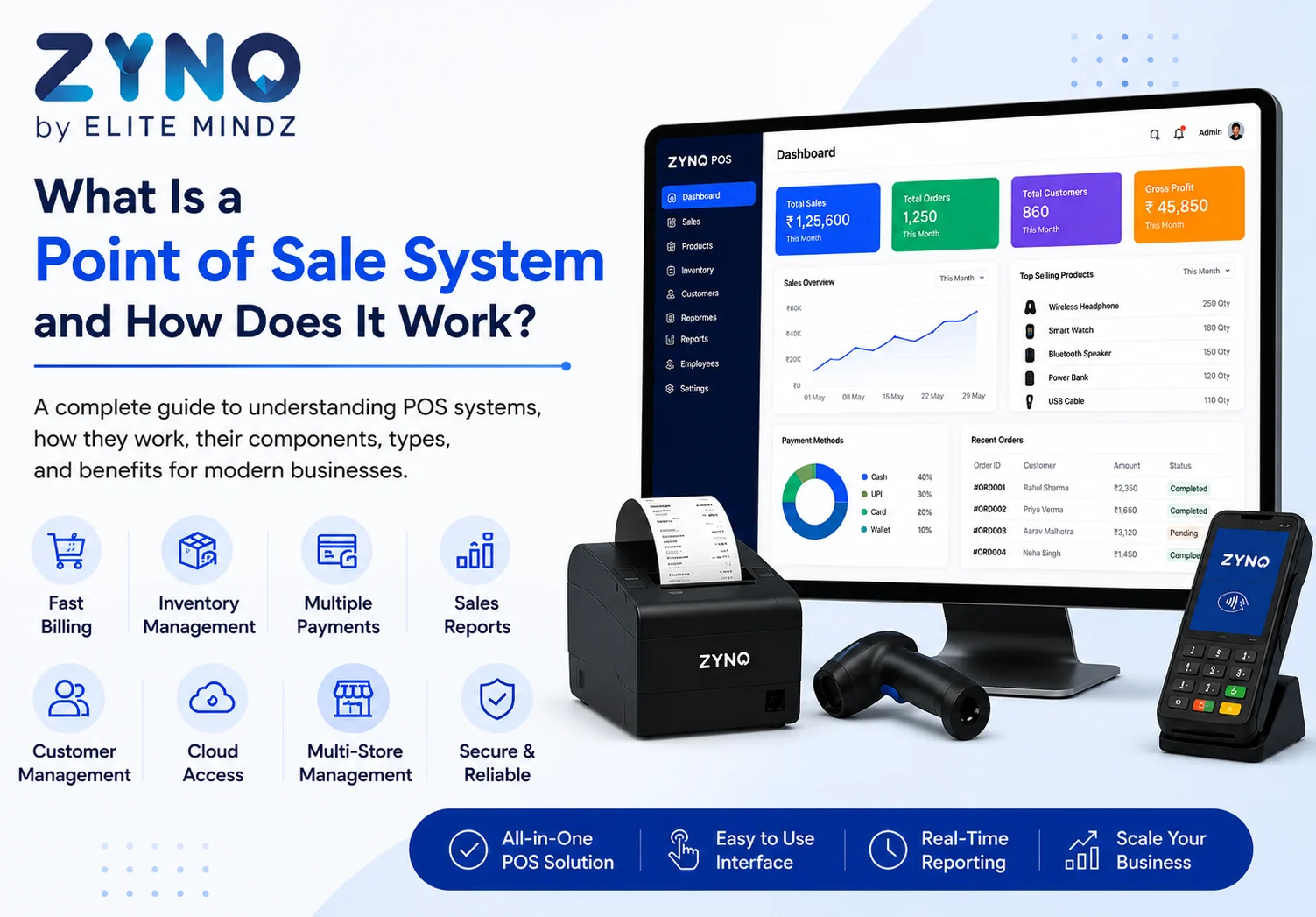
What Is a Point of Sale System and How Does It Work?
Read More →

×
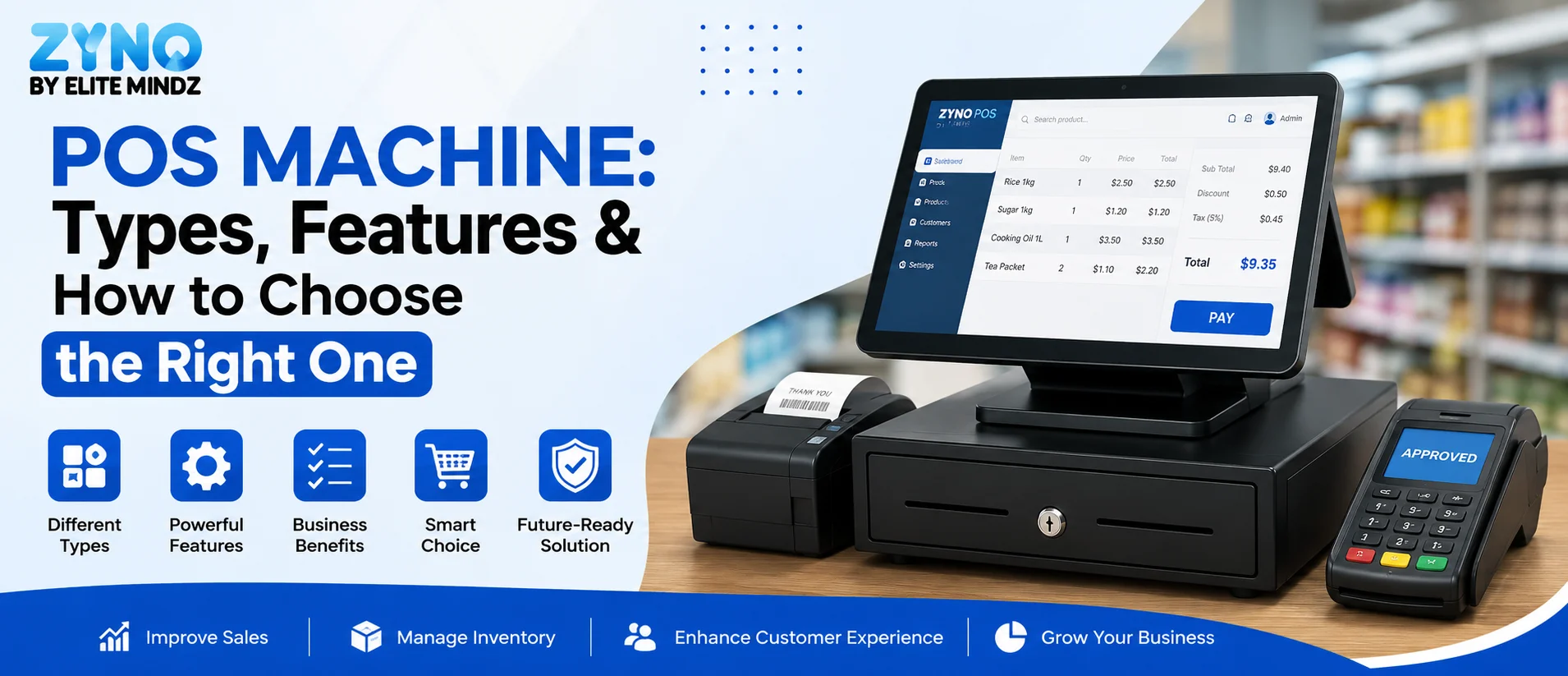
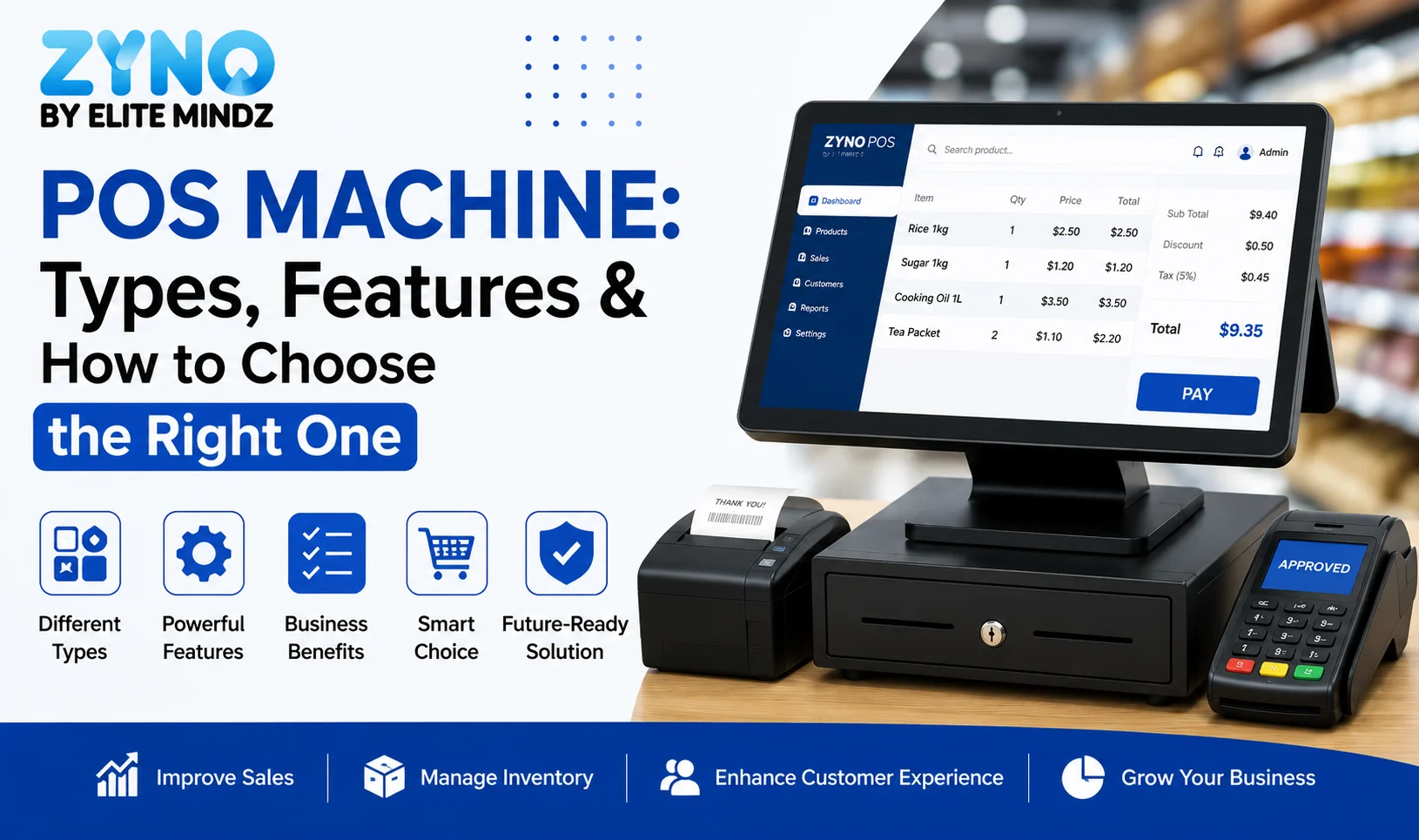
POS Machine helps businesses manage billing, payments, sales, and customer transactions efficiently. Modern POS machines can connect with POS software to track inventory, generate receipts, monitor sales, and provide real-time reports. Whether you run a retail store, restaurant, or small business, choosing the right POS machine can improve checkout speed, accuracy, and overall business management.
Businesses using ZYNO Books cut accounting time by 70% and stay 100% ZATCA-compliant — automatically.
If you run a shop, restaurant, or any business that accepts customer payments, you have probably come across the term POS machine. It is one of the most common tools used across retail counters, restaurants, and service businesses today. But many business owners are still confused about what it actually does, how it works, and which one suits their needs. This guide breaks it all down in simple terms.
A POS machine, also known as a point of sale machine, is a device used to accept payments from customers at the time of a sale. When someone asks about the pos machine full form, it simply stands for Point of Sale machine, referring to the exact location where a transaction is completed.
In the past, POS machines were used mainly for card payments through swipe or chip readers. Today, most machines also support UPI, QR codes, and digital wallets, making them far more versatile than before. A pos billing machine typically combines payment acceptance with basic billing functions, printing receipts and recording transaction details instantly.
Understanding how a point of sale system works helps clear up a lot of confusion. When a customer makes a purchase, the machine reads the payment method, whether it is a card, UPI scan, or digital wallet. It then connects to the bank or payment network to verify and process the transaction. Once approved, the machine generates a receipt and records the sale.
Behind the scenes, most modern machines are connected to a POS system that syncs this data with inventory and sales records. This means every transaction automatically updates stock levels and daily sales reports, saving business owners from manual tracking.
Read Also: What Is a Point of Sale System and How Does It Work?

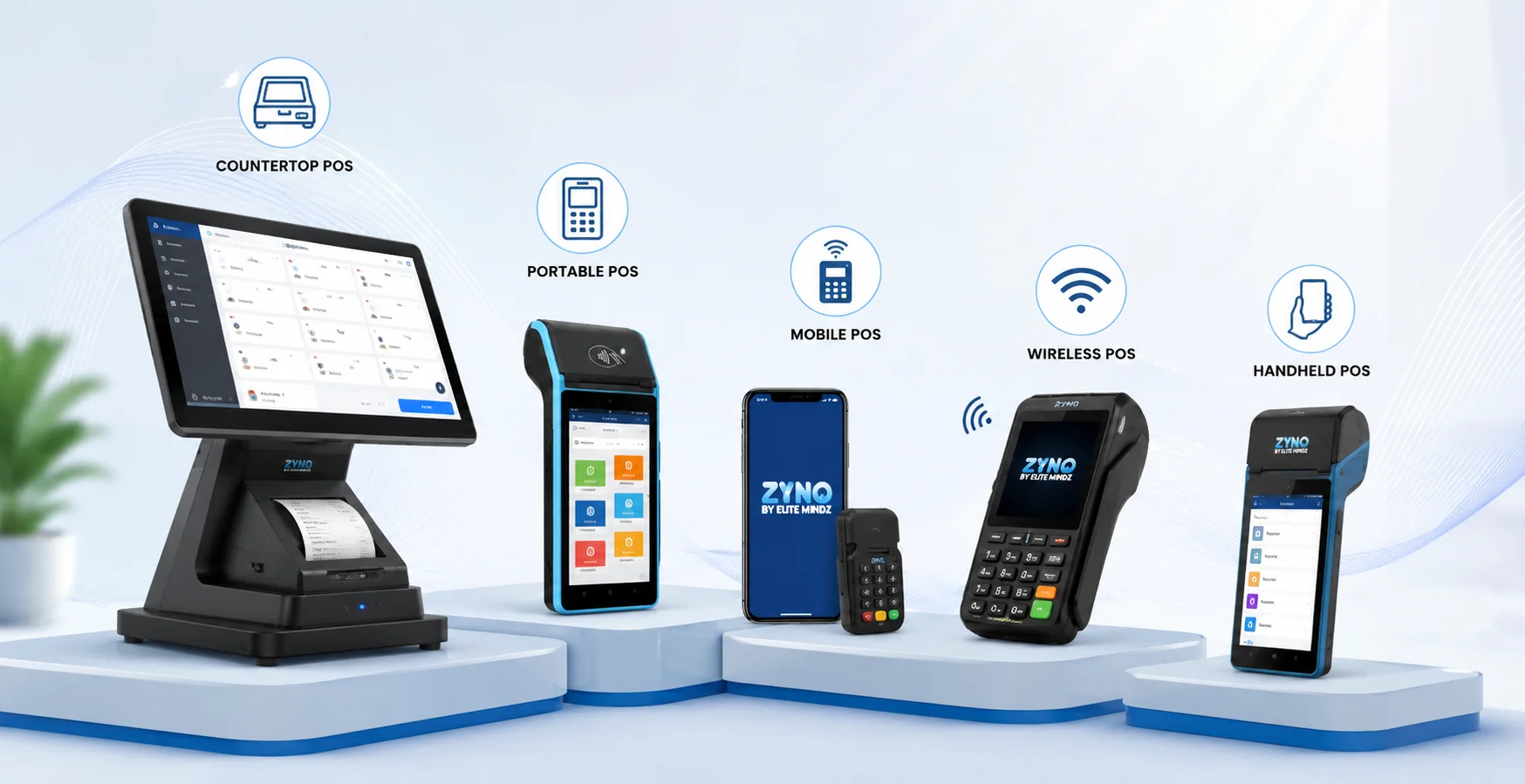
There is no single type of POS machine that fits every business. Depending on your setup, budget, and customer footfall, you can choose from the following options when selecting a point of sale machine for daily operations.
Countertop POS machines are fixed devices placed at a billing counter, usually connected through a wired or stable Wi-Fi connection. These machines are common in retail stores, supermarkets, and pharmacies where transactions happen at a single checkout point. Because they stay connected to a consistent power source and network, countertop POS machines are known for reliability and rarely face connectivity issues during peak hours. They often come with larger screens, better receipt printers, and additional ports for barcode scanners or cash drawers, making countertop POS machines a solid choice for businesses with steady, high-volume foot traffic looking for a dependable point of sale system.
Portable POS machines run on battery power and connect via Wi-Fi or mobile data, giving businesses the freedom to accept payments away from a fixed counter. These portable POS machines are ideal for businesses like delivery services, pop-up stores, kiosks, or seasonal stalls where mobility matters more than a permanent setup. Since they are not tied down by cables, staff can carry portable POS machines directly to customers, whether that means table-side billing in a restaurant or doorstep payment collection for deliveries.
Mobile POS machines work with smartphones or tablets using a small card reader attachment that plugs in or connects via Bluetooth. Small business owners, freelancers, and independent service providers often prefer mobile POS machines for their low cost and flexibility, since there is no need to invest in a full standalone device. This type is especially popular among businesses just starting out, as it allows digital payment acceptance without a major upfront investment, and many treat their mobile POS machine as a first step toward a proper POS system.
Wireless POS machines use SIM cards or Bluetooth to operate independently of a fixed internet connection, making wireless POS machines suitable for businesses that move around frequently, such as food trucks, event vendors, or field sales teams. Because they do not rely on a shop's Wi-Fi network, wireless POS machines continue functioning even when a business operates from a new location every day. This makes them a practical pos billing machine option for businesses without a permanent address.
Handheld POS machines are compact, lightweight devices designed for quick, on-the-go billing. Handheld POS machines are widely used by delivery staff, event organizers, and businesses that need to process payments while moving through crowds or large venues, offering the same core functionality as larger machines in a smaller form factor.
For anyone comparing an e pos machine price across these categories, portable and mobile options are usually more affordable, while countertop machines with advanced features tend to cost more due to their added hardware and higher build quality. Choosing the right type ultimately depends on how your business operates and what kind of POS software you plan to pair it with for billing and inventory management.
Transform Retail Operations with AI-Powered ZYNO POS
Simplify billing, manage inventory, track sales, process payments, and gain real-time insights with ZYNO POS. Streamline your retail operations and deliver a faster, smarter checkout experience with one powerful POS platform.
Book a Free POS Demo Explore ZYNO POSNot all machines offer the same capabilities, so it helps to know what to look for before choosing a POS machine for your business.
Multiple payment mode support. A good POS machine should support multiple payment modes including cards, UPI, and digital wallets, giving customers the freedom to pay however they prefer. In a market where digital payments are growing rapidly, a machine limited to just card swipes can turn away customers who prefer scanning a QR code or using a wallet app.
Fast processing speed. Fast processing speed matters too, since slow transactions frustrate customers and slow down checkout lines, especially during busy hours. A modern POS machine should authorize and complete payments within seconds, keeping queues moving and improving the overall customer experience at the counter.
Clear digital receipts. Look for machines with clear digital receipts and the option to print or send them via SMS or email. This not only reduces paper usage but also gives customers a convenient way to keep records of their purchases without misplacing a physical slip.
Reliable battery life. Battery life is important for portable devices, especially for businesses with long operating hours or those using their POS machine away from a power source for extended periods. A machine that drains quickly can disrupt sales, so checking battery backup before purchase is essential for businesses relying on portable or handheld models.
Strong security standards. Security features like PCI compliance and encrypted transactions protect both the business and the customer from fraud. Since a POS machine handles sensitive payment data, it should follow industry security standards to prevent data breaches and unauthorized access.
Inventory and billing integration. A modern POS machine should ideally sync with your POS software, updating stock levels and generating invoices automatically with every sale. This reduces manual work and ensures billing records stay accurate without extra effort from staff.
Ease of use. The best POS machines are simple enough for staff to operate with minimal training, using an intuitive interface that does not require technical expertise. This is especially important for small businesses where the same staff member may handle billing, inventory checks, and customer service all at once.
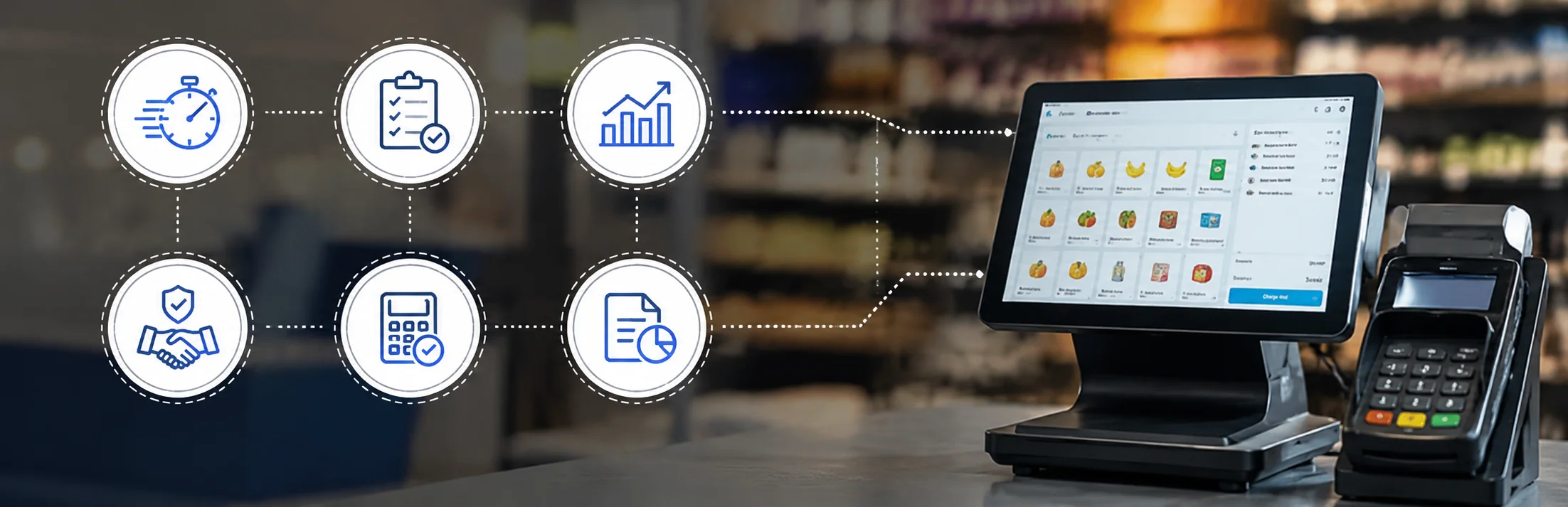
Together, these features determine how well a POS machine performs in real business conditions, not just on paper specifications.

Switching from manual cash handling to a POS machine brings noticeable improvements to daily operations, no matter the size or type of business.
Faster transactions. Transactions become faster since customers no longer need to search for exact change or wait for manual calculations. A POS machine processes payments within seconds, keeping checkout lines moving and improving the overall shopping experience.
Improved record keeping. Record keeping improves significantly because every sale is logged automatically, reducing the chances of human error. Instead of manually noting down each transaction in a register, business owners get accurate, time-stamped records for every payment received.
Better revenue visibility. Businesses also gain better visibility into their daily revenue, since reports are generated instantly rather than compiled manually at the end of the day. Owners can check sales performance in real time instead of waiting to tally cash and receipts after closing.
Stronger customer trust. Customer trust improves too, as digital receipts and transparent billing create a more professional experience. Customers feel more confident when they receive a clear, itemized receipt rather than a handwritten or unclear bill.
Reduced errors and disputes. With automated calculations, POS machines minimize billing mistakes and reduce the chances of disputes over pricing, discounts, or change given, which can otherwise damage customer relationships.
Easier reconciliation. Since every transaction is recorded digitally, matching daily sales with bank settlements becomes far simpler compared to manually cross-checking cash and card slips.
When a POS machine is paired with complete billing and inventory software like ZYNO, these benefits extend even further. ZYNO connects payments with real-time inventory updates, automated GST-compliant invoicing, and detailed sales analytics, giving businesses a single system to manage transactions and operations together instead of relying on disconnected tools.
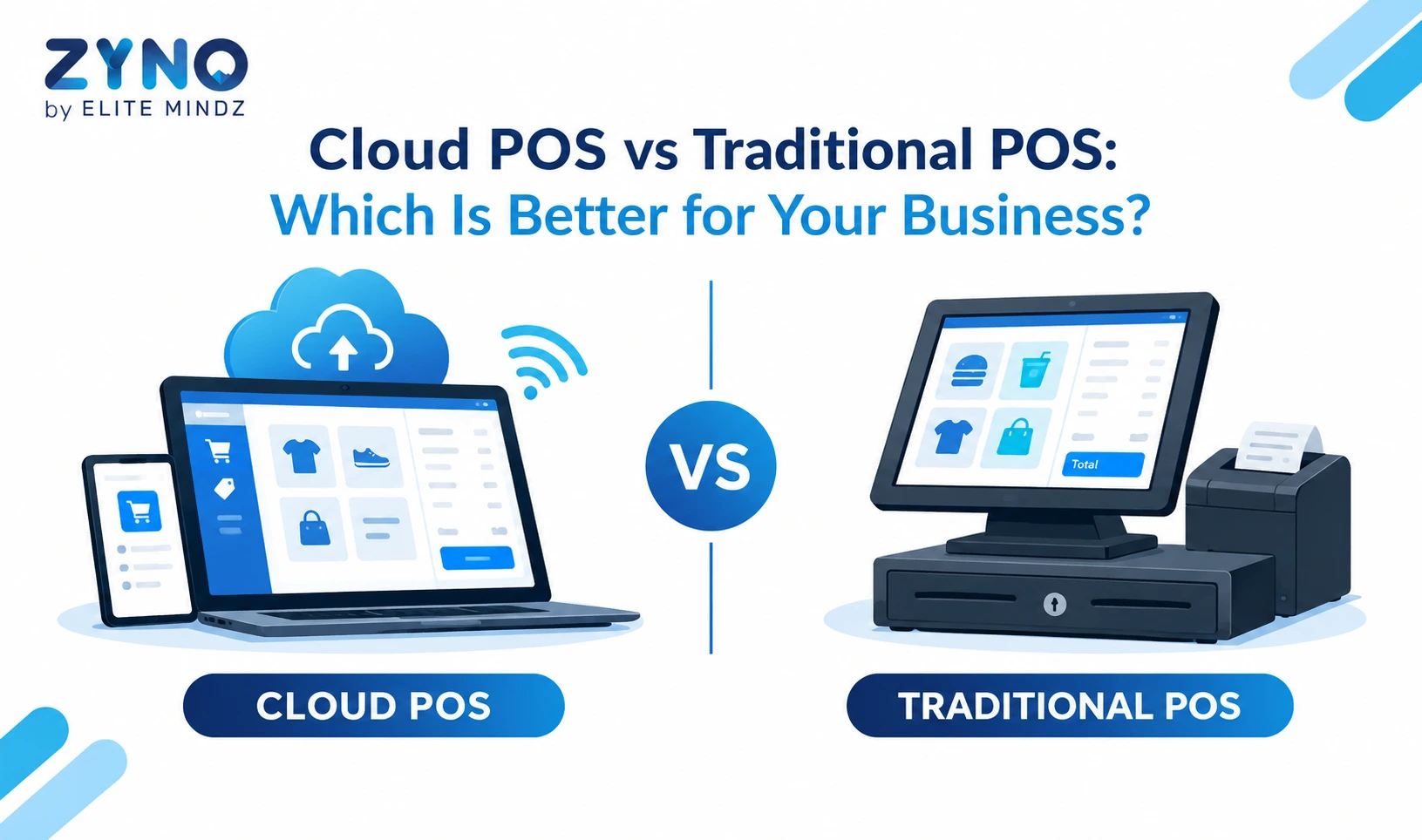
A common point of confusion is the difference between a POS machine and POS software. The machine is the physical hardware used to accept payments. The software, on the other hand, is the digital system that manages billing, inventory, sales tracking, and reporting.
Think of the machine as the tool that completes a transaction, while the software is what organizes and makes sense of that transaction afterward. Many businesses assume that having a good machine is enough, but without proper software, tracking inventory, generating tax-compliant invoices, or analyzing sales trends becomes nearly impossible.
Choosing the best pos machine depends largely on your business type and scale. A restaurant may need a machine that integrates with table management and kitchen order systems, while a retail store might prioritize barcode scanning and inventory sync.
If you are looking for the best pos machine for small business use, consider factors like upfront cost, monthly fees, ease of use, and customer support availability. Portable or mobile machines often work well for small operations due to their lower cost and flexibility. Larger businesses with high transaction volumes should prioritize speed, reliability, and integration with existing billing systems.
Before you buy pos machine options for your business, compare providers based on transaction fees, hardware warranty, and after-sales support, since these factors affect long-term costs more than the initial price.
Transform Retail Operations with AI-Powered ZYNO POS
Simplify billing, manage inventory, track sales, process payments, and gain real-time insights with ZYNO POS. Streamline your retail operations and deliver a faster, smarter checkout experience from one powerful POS platform.
Book a Free POS Demo Explore ZYNO POSA machine alone cannot run your business efficiently. This is where a complete POS software system becomes essential. Good software connects billing with inventory, tracks customer purchase history, generates GST-compliant invoices, and produces detailed sales reports.
Without software integration, business owners often end up manually reconciling sales data, which increases the risk of errors and wastes valuable time. A machine paired with reliable software creates a complete solution rather than just a payment tool.
This is where ZYNO steps in as a complete solution rather than just a payment device. It combines billing, real-time inventory tracking, and sales analytics into a single, easy-to-use platform. Business owners get access to detailed reports, multi-store management, and GST-compliant billing, all synced automatically with every transaction. Instead of juggling separate tools for payments and inventory, businesses can rely on one system that handles both, saving time and reducing manual errors.
A POS machine is far more than just a card-swiping device. It plays a central role in how businesses accept payments, manage transactions, and maintain accurate records. Choosing the right type of machine, paired with capable software, can significantly improve efficiency and customer experience. Whether you run a small shop or a growing restaurant chain, investing in the right point of sale setup is one of the smartest decisions you can make for smoother daily operations.
What is a POS machine used for?
A POS machine is used to accept and process customer payments through cards, UPI, or digital wallets at the point of sale.
Can one POS machine be used for multiple payment apps?
Yes, most modern POS machines support multiple payment apps and methods like UPI, cards, and wallets through a single device.
Is a POS machine different from POS software?
Yes, the machine is the physical hardware for accepting payments, while the software manages billing, inventory, and reporting.
Which POS machine is best for a small business?
Portable or mobile POS machines are often best for small businesses due to their lower cost and flexibility.
Can a POS machine work without internet?
Some POS machines, especially wireless ones with SIM connectivity, can process transactions with limited or no Wi-Fi dependency, though most require some form of network connection.
What does POS machine full form mean in billing terms?
POS machine full form is Point of Sale machine, a device that processes payments and generates billing records the moment a sale happens.
How much does a POS machine price range from?
POS machine price varies based on type and features, with mobile and portable machines usually cheaper than countertop or advanced models with added billing and inventory features.
What is a handheld POS machine used for?
A handheld POS machine is a compact, portable device that lets businesses accept payments anywhere, making it useful for delivery staff, event vendors, and mobile sales teams.
Are Paytm POS machines widely used in India?
Yes, Paytm POS machines are commonly used by small and medium businesses in India for accepting card and UPI payments, alongside several other providers offering similar devices.
Is a handheld POS machine as reliable as a countertop one?
Yes, most handheld POS machines offer similar reliability with the added advantage of mobility, though battery life and network connectivity should be checked before choosing one.
Related Articles:
Top 10 Point of Sale Software in India
POS Systems Explained: A Beginner’s Guide
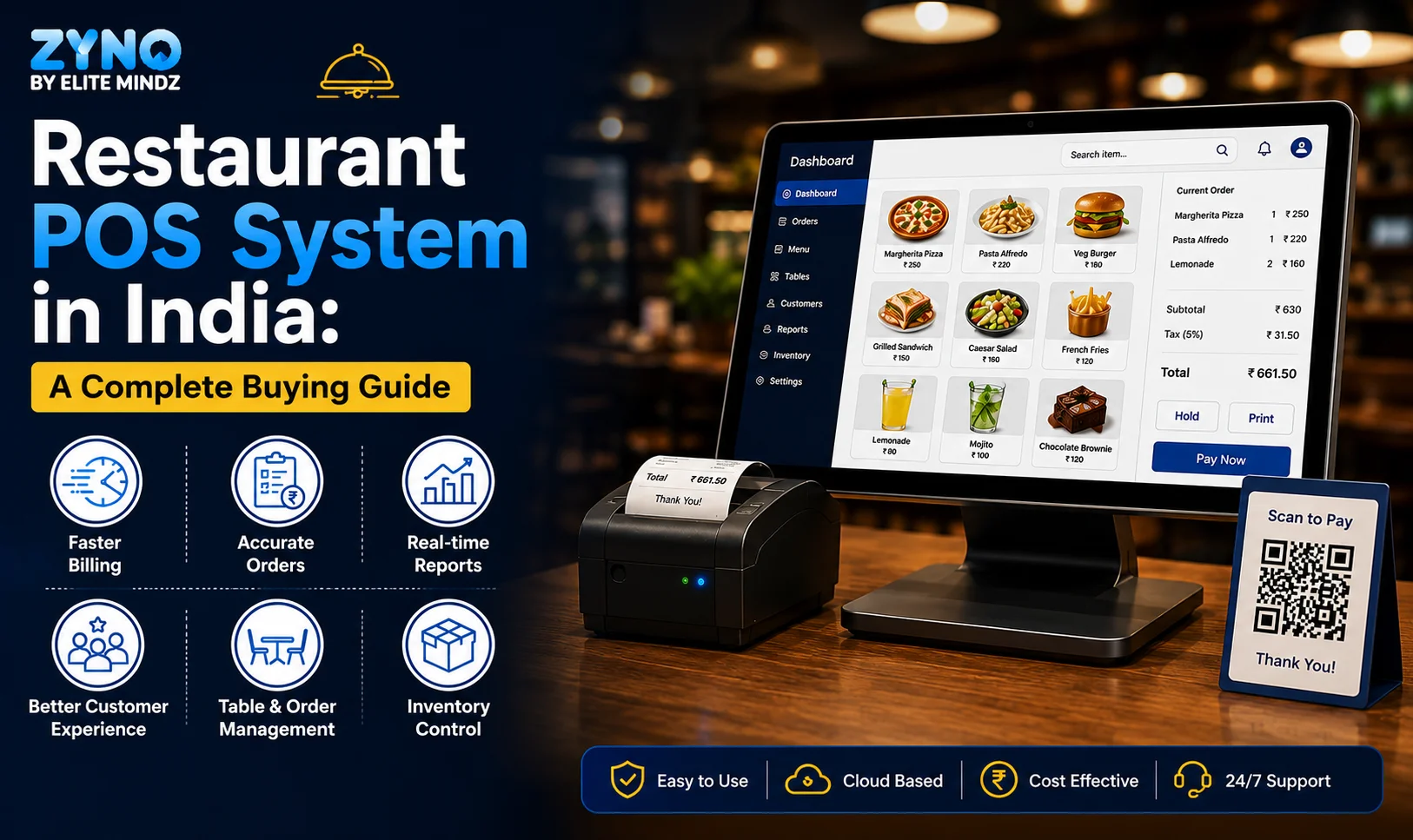
Restaurant POS System in India: A Complete Buying Guide
Best POS System for Retail Store
Supermarket POS Software in UAE
What Is a Point of Sale System and How Does It Work?
Read More →
Top 10 Point of Sale Software in India
Read More →
POS Systems Explained: A Beginner’s Guide
Read More →
Restaurant POS System in India: A Complete Buying Guide
Read More →
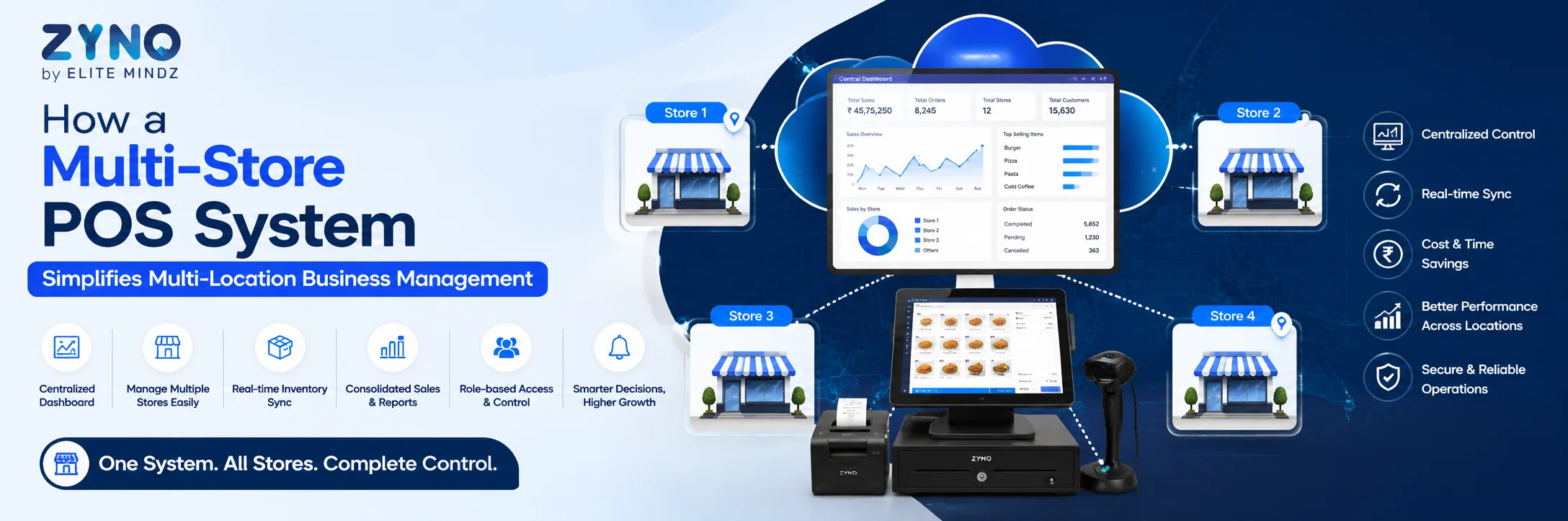
How a Multi-Store POS System Simplifies Multi-Location Business Management
Read More →
Best POS System for Retail Store: Features, Benefits & Buying Guide
Read More →
Supermarket POS Software in UAE: How to Simplify Sales, Inventory & Store Management
Read More →
Point of Sale Systems in Kenya: Features, Benefits & How to Choose the Right POS
Read More →
Store Inventory Excel Sheet Free Download: Templates, Formulas, and Tracking Tips
Read More →
Khata App Alternatives: Best Options for All Businesses
Read More →
POS Machine: Types, Features & How to Choose the Right One
Read More →Partner with ZYNO by Elite Mindz to revolutionize how your business works. Fill out the form, and we’ll reach out with AI-powered solutions made just for you.
We use browser cookies to ensure you get the best experience on our website. Learn more
The form was submitted successfully!