





Smart IT Powering U.S. Fintech Success
Read More →

×
AI receipt scanning is better than manual data entry for most finance teams. It extracts vendor, date, tax, and totals in seconds with 98% to 99%+ accuracy, while manual entry takes about 2.5 minutes per receipt and carries more errors. Manual entry only makes sense below about 30 receipts a month. The best setup is AI plus human review.
Businesses using ZYNO Books cut accounting time by 70% and stay 100% ZATCA-compliant — automatically.
Every month-end looks the same. Receipts sit in inboxes, chat threads, and bags, and someone has to turn them into ledger entries before the books can close. The question behind AI Receipt Scanning vs Manual Data Entry is whether someone should be typing.
AI receipt scanning is significantly better than manual data entry for most finance teams, especially those handling more than a few dozen receipts a month. Manual entry still works for tiny volumes and unusual documents. For everyone else, the strongest setup is hybrid: AI reads and codes the receipts, and a person reviews the exceptions.
| Month-end Tally (1,200 Receipts a Month) | Time |
|---|---|
| Manual entry at 2.5 min per receipt | 50.0 hours |
| AI scan + review at 20 sec per receipt | 6.7 hours |
| Hours back to your team | 43.3 hours |
Per-receipt averages are from one vendor's client data. See sources and method.
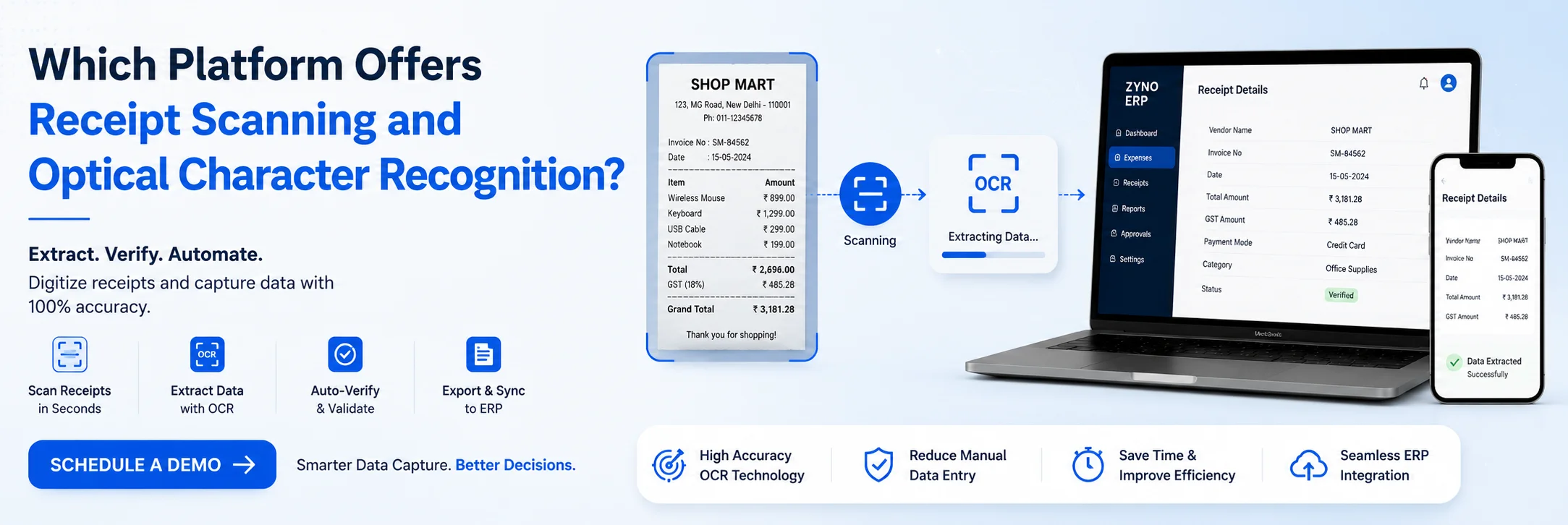
AI receipt scanning combines optical character recognition (OCR) with machine learning. You photograph, upload, or forward a receipt, and the software reads the vendor, date, tax, currency, and line items, then suggests a category and ledger account. Good tools attach the original image to the ledger entry and flag fields they are unsure about.
Manual data entry means a person reads each receipt and types the details into a spreadsheet or accounting system. It needs no software and gives full control, which is why most small businesses start there. It also depends entirely on one person's attention, consistency, and time.
AI receipt scanning automatically extracts key details such as vendor names, dates, tax amounts, and totals, reducing manual work and data-entry errors. Manual data entry requires employees to enter receipt information themselves, making it more time-consuming as receipt volumes grow. For most finance teams, AI scanning with human review offers a faster, more scalable, and consistent approach.
Read More:
Best Receipt Scanner Apps for Small Businesses
| Factor | AI Scanning with Human Review | Manual Data Entry |
|---|---|---|
| Speed | Seconds to extract; about 20 seconds of review per receipt. | About 2.5 minutes per receipt; vendors report 3 to 5 minutes per document. |
| Accuracy | 98% to 99%+ OCR accuracy; low-confidence fields are flagged for review. | 1% to 4% field errors in reviewed batches; wider ranges reported up to 27% on complex documents. |
| Cost | $0.07 to $0.29 per document (one vendor benchmark). | $1.00 to $1.60 per document, before 30% to 50% overhead. |
| Scalability | 50 or 500+ receipts take similar effort from your team. | Hours grow in a straight line as receipt volumes increase. |
| Consistency | Consistent categories, date formats, and coding every time. | Results can vary by person, day, and workload. |
| Audit Trail | Source image linked to each ledger entry. | Paper records stored in folders; document links may be difficult to maintain. |

| Best For | Routine, high-volume receipts and recurring bills. | Small volumes and one-off, unusual documents. |
The gap you notice first in AI Receipt Scanning vs Manual Data Entry is time. One vendor's client averages put hand-keying at about 2.5 minutes per receipt, and a second puts it at 3 to 5 minutes per document. AI extraction returns the same fields in seconds, and a person then spends roughly 20 seconds confirming the result.
A commonly cited average is 15 hours a month spent on manual expense entry by a finance team. Across all kinds of document typing, Lido reports that small businesses lose 5 to 15 hours every week.

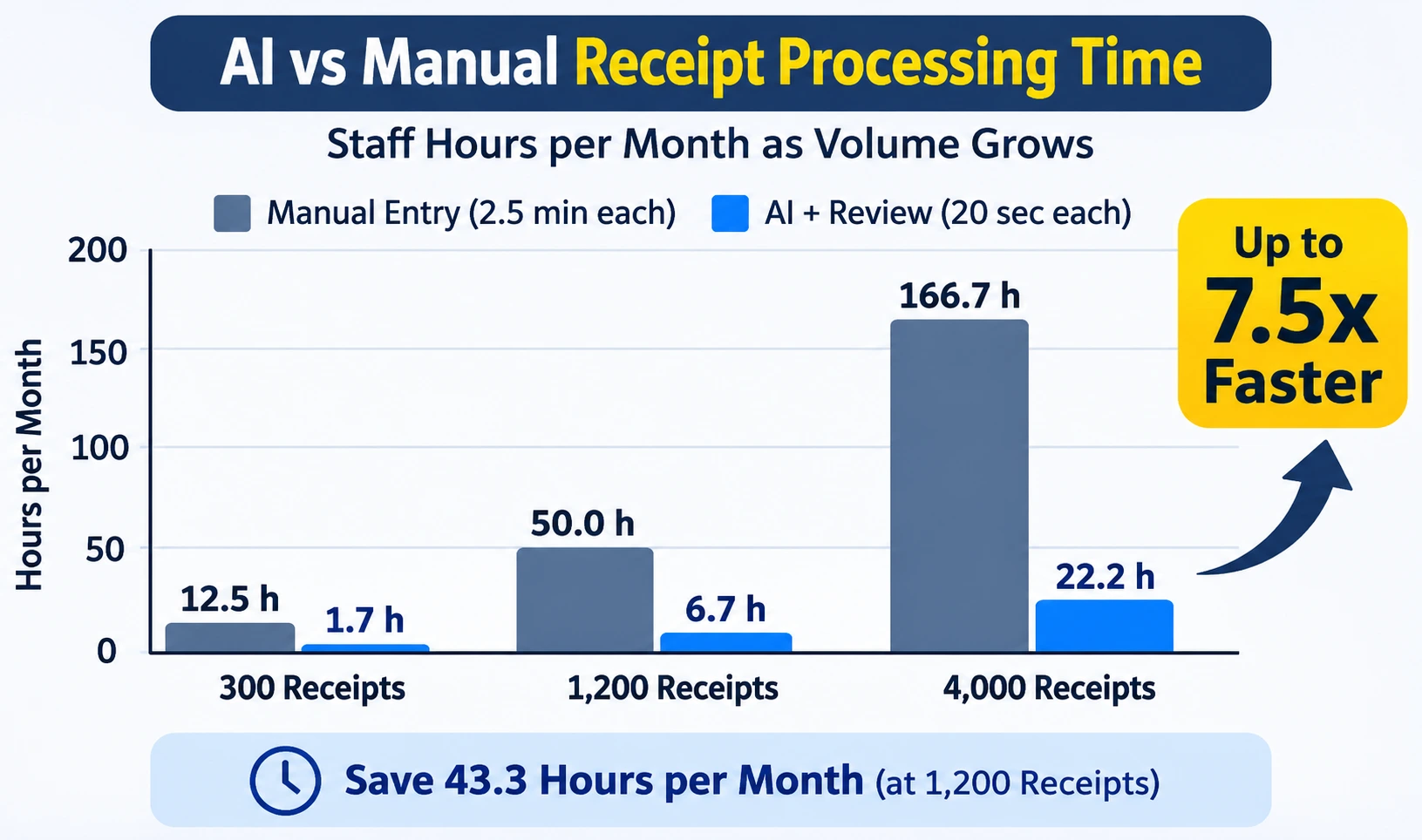
| Receipts / Month | Manual (2.5 min each) | AI + Review (20 sec each) | Time Saved (Gap) |
|---|---|---|---|
| 300 | 12.5 hours | 1.7 hours | 10.8 hours |
| 1,200 | 50.0 hours | 6.7 hours | 43.3 hours |
| 4,000 | 166.7 hours | 22.2 hours | 144.4 hours |
Each extra receipt costs about 7.5 times less time with AI plus review (20 s against 2.5 min).
| Receipts / Month | Manual | AI + Review | Hours Saved | Labor Saved at $15/h |
|---|---|---|---|---|
| 100 A small shop |
4.2 h | 0.6 h | 3.6 h | $54 |
| 300 A single-outlet cafe |
12.5 h | 1.7 h | 10.8 h | $163 |
| 1,200 A 3-outlet group |
50.0 h | 6.7 h | 43.3 h | $650 |
| 4,000 An 8-outlet group |
166.7 h | 22.2 h | 144.4 h | $2,167 |
Method: manual = receipts × 2.5 min; AI = receipts × 20 s of review. The $15 hourly rate is an assumption; use your own. Software fees are not subtracted.
People get tired, interrupted and rushed, and errors rise at month-end. The usual mistakes are transposed digits, misread dates, wrong tax codes and vendor names spelled three different ways. A typo that turns 1,820 into 1,280 leaves a $540 hole that usually surfaces at bank reconciliation or audit, when it is slow to trace.
The vendors measure this differently, so here are the ranges side by side. Wider industry ranges run from 1% up to 27% field-level errors, driven by document complexity and working conditions.
| Source | Method | Reported Accuracy |
|---|---|---|
| Lido | Manual | 96–98% |
| ccMonet | Manual (client batches) | 96–99% |
| ccMonet | AI Scanning | 98–99% |
| Lido | AI Extraction | 99%+ |
The percentage gap looks small, so here is what it means in volume. Take 1,200 receipts and five key fields each (vendor, date, tax, total, category). That is 6,000 fields a month. At a 3% manual error rate, about 180 fields are wrong. At 99% AI accuracy, about 60 are wrong. Those inputs are illustrative, but the pattern holds. The larger difference is in what happens next. AI tools attach a confidence score to each field, so the doubtful ones go to a reviewer before posting. Manual mistakes stay hidden until something fails to reconcile.
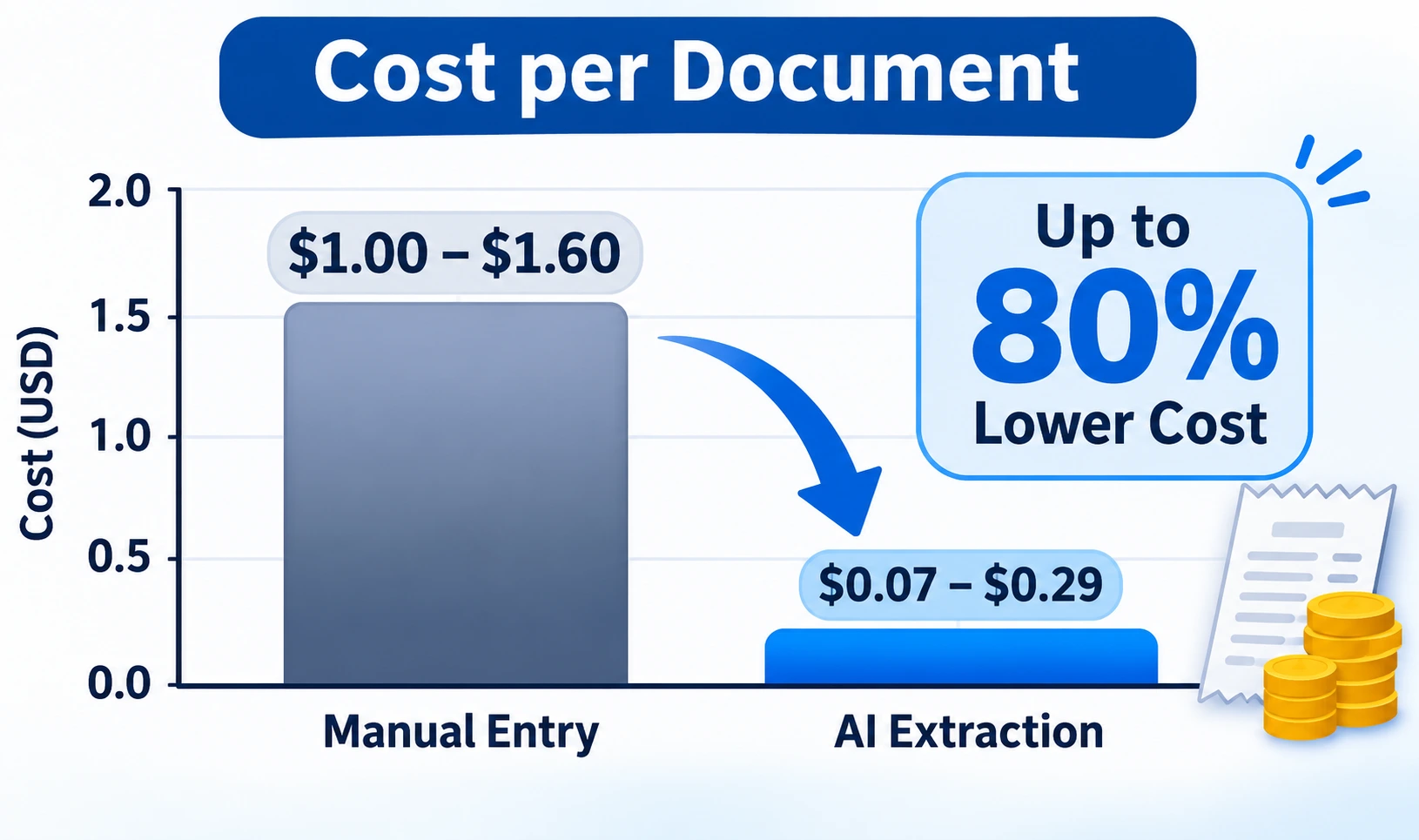
Manual entry has no software fee, but it has a labor bill. Lido's benchmark puts hand processing at $1.00 to $1.60 per document against $0.07 to $0.29 for AI extraction. At 500 documents a month, that works out to $650 by hand against $58 with its tool. The manual figure leaves out error correction, supervision, benefits, and office space, which add another 30% to 50%.

| Method | Cost per Document |
|---|---|
| Manual Entry | $1.00 to $1.60 |
| AI Extraction | $0.07 to $0.29 |
Each receipt saves about 2.2 minutes (2.5 min minus 20 s). At a $15 hourly wage, that is roughly 54 cents per receipt. A 29-month tool, which is Lido's entry price, breaks seven years around 54 receipts a month. Plans that bundle bookkeeping and accountant review cost more; for example, Monet's plans start at S120 a month, so compare them on the work they replace and not on the software price alone.
Estimate your own savings (formula from the page calculator):
Scale. Manual workload grows in a straight line: double the receipts, double the hours. A seasonal sales spike, a business travel season, or a new outlet means overtime or a new hire. With AI, 50 receipts or 500 take similar effort from your team, because the software absorbs the volume.
Consistency. Ask five people to enter the same receipt, and you can get five category names and three date formats. Over a year, that mess makes reports hard to filter and tax filings slow. AI applies one set of coding rules every time, so categories, date formats, and ledger accounts stay standard.
Audit trail. Picture an auditor asking about one fuel charge from March. With paper, someone digs through folders and may find a faded slip. With digital capture, the ledger entry links to the source image, so the proof is one click away. That matters because tax authorities expect records to show who was paid, how much, when, and for what, as the IRS explains in its guidance on what kind of records to keep. Digital capture also shortens the month-end close, because missing receipts and duplicates show up before the books lock.
Manual data entry can work well for businesses handling fewer than 20–30 receipts per month or dealing with unusual, handwritten, or damaged receipts. It can also be useful when transactions require detailed human judgment.
| Receipts per Month | Recommendation |
|---|---|
| Under about 30 | Manual is reasonable. Setup time can outweigh the savings. |
| 30 to 100 | Run a pilot. Savings are real but may only just cover a subscription. |
| Over 100 | Go AI plus review. The labor gap is large and grows with volume. |
Some documents need a person even at high volume:

The real answer is AI with people, not AI instead of people. Here is the workflow most finance teams settle on:
Start by reviewing your current receipt-processing time, then choose a suitable AI tool and connect it with your accounting system. Test it with real receipts, set review rules for errors, check data security, and gradually roll it out across your finance team.
Is AI receipt scanning really more accurate than manual data entry?
In most reviews, yes. Vendors report 98% to 99%+ for AI against roughly 96% to 98% for manual work. The bigger advantage is that AI flags uncertain fields, while manual errors are usually found late.
Will AI replace finance staff?
It removes repetitive typing so people can spend time on analysis, reconciliation, and tax judgment. In the human-in-the-loop model, professionals stay in charge of decisions.
Is AI receipt scanning worth it for a small business?
If you process more than about 100 receipts a month, usually yes. Between 30 and 100, run a pilot. Below 30, manual entry is often enough.
Can AI read handwritten or damaged receipts?
Sometimes. Newer tools handle mixed printed and handwritten text, but these remain the hardest cases and should go to human review.
How does scanning improve audit readiness?
Each ledger entry links to its source image, so supporting documents are easy to find, and fewer receipts get lost.
In the context of AI Receipt Scanning vs Manual Data Entry, the data favors automation for almost every finance team beyond the smallest scale. It is faster by about 7.5 times per receipt, more consistent, cheaper per document, and far easier to audit. Manual entry remains the right call for tiny volumes and awkward documents and should be the exception.
Start by measuring your own volume and time per receipt, run the numbers with the formula above, and pilot a hybrid human-in-the-loop workflow on one expense category. The hours you recover can go to the analysis your business needs.
ZYNO Expenz vs Chrome River, Navan, Happay and SAP Concur
ZYNO Expenz vs SAP Concur: Features and Comparison
Best OCR Receipt Scanner Apps in 2026
Smart IT Powering U.S. Fintech Success
Read More →
From Booking to Reimbursement: AI-Driven Travel and Expense Management
Read More →
A New Era Begins: ZYNO Expenz Brings Smarter Corporate Travel to the Middle East
Read More →
5 Hidden Pharmacy Cost Leakages ZYNO Expenz Can Eliminate
Read More →
Top AI-Powered Expense Management Systems Transforming GCC Businesses
Read More →
Technology Expense Management in 2026: A Complete Guide to Trends and Optimization
Read More →
Step by Step Guide to Build Expense Management Software
Read More →
Best Expense Management Software in the Middle East 2026
Read More →
How AI and Machine Learning Are Transforming Expense Management Software in 2026
Read More →
Top Financial Reporting Software for Accurate Business Insights
Read More →Travel Expense Management: Complete Guide for Businesses & Teams
Read More →
How Does AI Automate Expense Auditing?
Read More →Manual vs Automated Expense Management: Why Automation is the Future
Read More →Corporate Travel Booking Software: The Smart Way to Manage Business Travel
Read More →
ZYNO Expenz vs Expensify: Which One Actually Saves Your Business Money in 2026?
Read More →
Best Expense Management Software a Complete Guide in 2026
Read More →
Expense Management vs Spend Management: What's the Real Difference?
Read More →
Best Financial Reporting Software in 2026: Top Tools CFOs Actually Use
Read More →
What Is Spend Management? Definition, Process, Strategies & Best Practices
Read More →
Business Expense Tracker: The Complete Guide to Managing Corporate Expenses in 2026
Read More →
Invoice vs Receipt: What's the Real Difference
Read More →
Best OCR Receipt Scanner Apps in 2026
Read More →
Corporate Tax UAE: Complete Guide for Businesses in 2026
Read More →
Expense Tracking: A Complete Guide for Small Businesses to Growing Companies
Read More →
What Is Per Diem? Complete Guide for India & US Businesses 2026
Read More →
Expense Management: The Complete Guide (2026)
Read More →
What Is Petty Cash Management? Definition, Process, Accounting & Best Practices
Read More →
E-Invoice Software in India
Read More →
Expense Management for Small Businesses in India: The Complete 2026 Guide
Read More →
What Is an Expense Report? Definition, Process & Free Template for Indian Businesses
Read More →
Expense Policy: A Complete Guide for Indian Businesses
Read More →
What Is Petty Cash? Meaning, Management, Accounting, Examples & Best Practices
Read More →
Which Platform Offers Receipt Scanning and Optical Character Recognition?
Read More →
Technology Expense Management: A Simple Guide for Businesses
Read More →
How to Auto-Categorize Business Spending with Virtual Cards
Read More →
ZYNO Expenz vs Zoho Expense: Which One Should You Choose?
Read More →
ZYNO Expenz vs SAP Concur: Pros, Cons & Pricing (2026 Comparison)
Read More →
Invoice Fraud Prevention: The Complete Guide to Protecting Your Business in 2026
Read More →
AI in Accounts Payable Automation: The Complete Guide for Finance Teams
Read More →
When a Petty Cash Fund Is in Use: A Complete Guide to Accounting, Examples, and Best Practices
Read More →
What is Working Capital? Formula, Examples, Importance & How to Manage It
Read More →
Top 10 Best Expense Management Software in India
Read More →
Best AI Powered Expense Management Software for US Businesses in 2026
Read More →
Gen AI Spend Management Software: Features, Benefits & How It Transforms Business Spending
Read More →
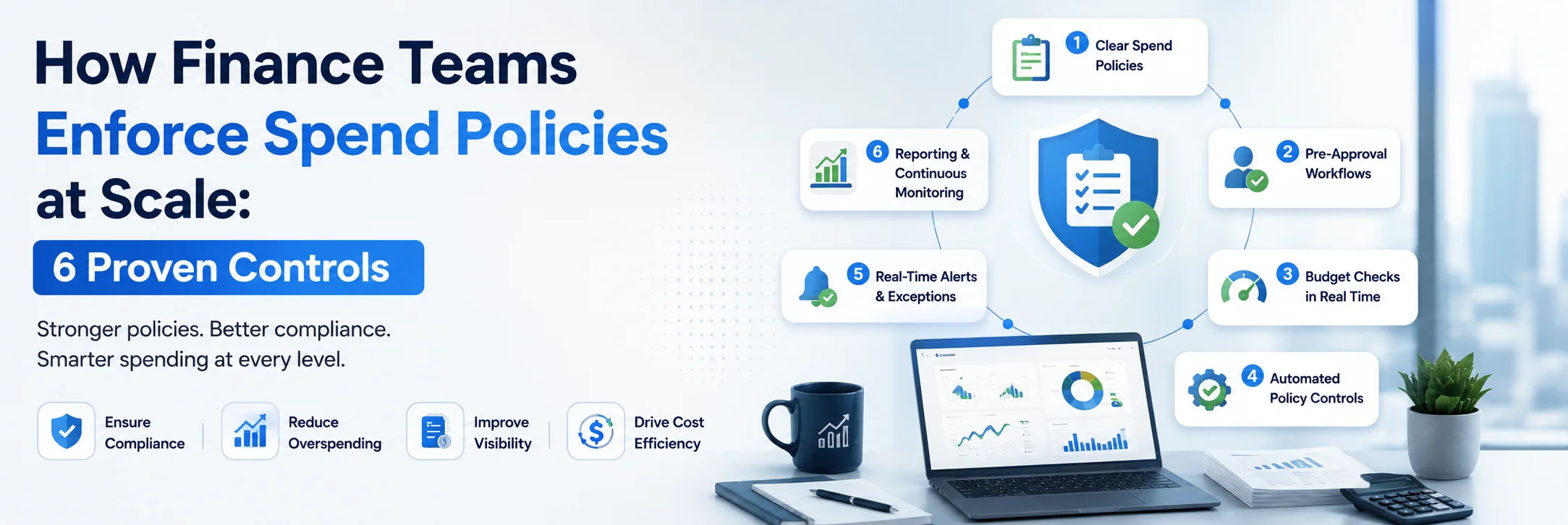
How Finance Teams Enforce Spend Policies at Scale: 6 Proven Controls
Read More →
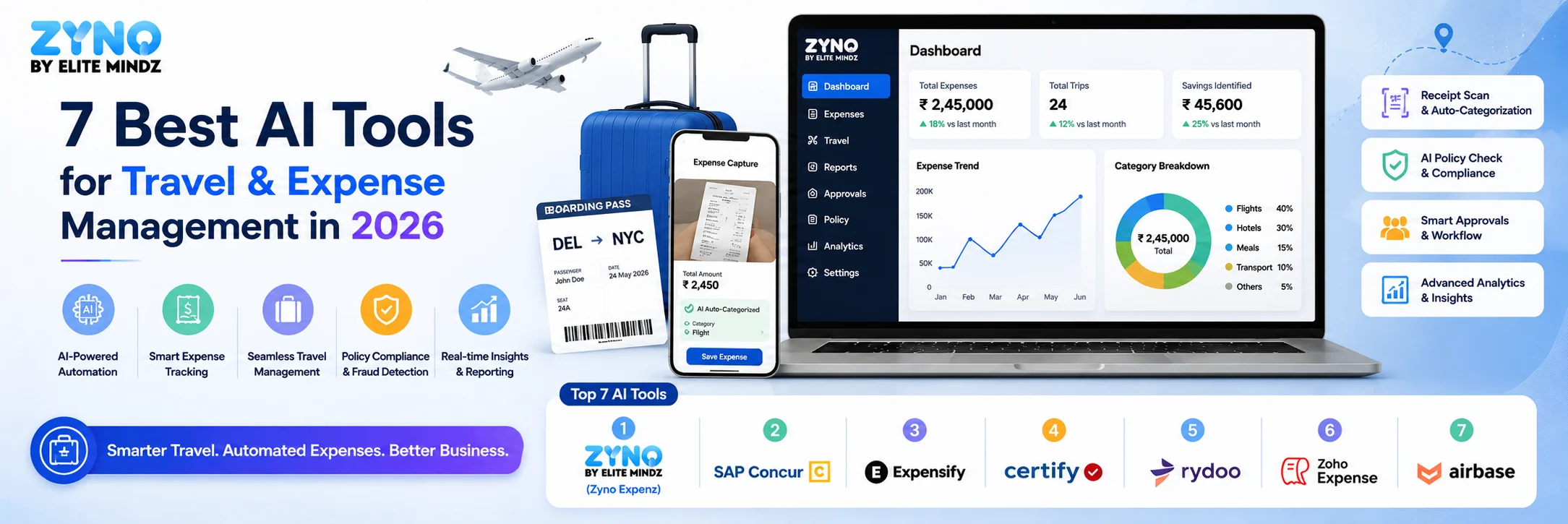
7 Best AI Tools for Travel & Expense Management in 2026
Read More →
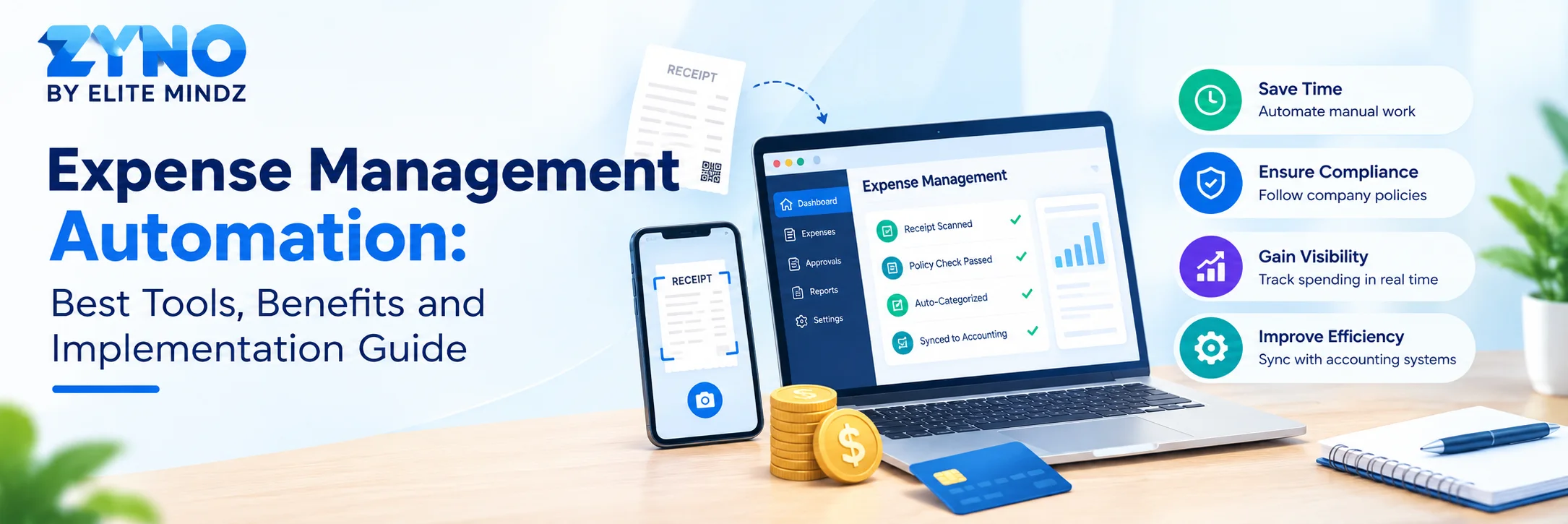
Expense Management Automation: Best Tools, Benefits and Implementation Guide
Read More →
Top 10 Virtual Cards for Business Expenses (2026 Guide)
Read More →
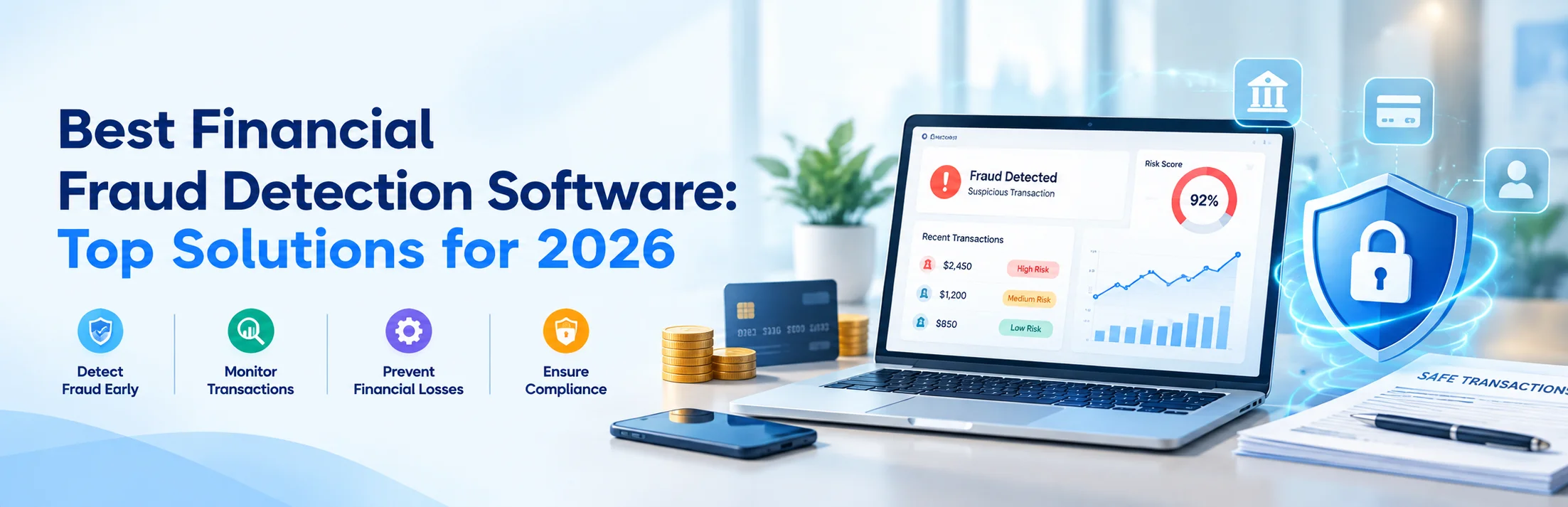
Best Financial Fraud Detection Software: Top Solutions for 2026
Read More →
10 Best Expense Reporting Software in India for Mid-Sized Businesses (2026)
Read More →
Top 11 Technology Expense Management Companies to Compare in 2026
Read More →
How Prepaid Business Expense Cards Help Control Company Spending
Read More →
Top 20 Best Expense Management Software in India for 2027
Read More →
ZYNO Expenz vs Chrome River, Navan, Happay and SAP Concur: Which Expense Management Software Is Right for Your Business?
Read More →
Best Receipt Scanner Apps for Small Businesses to Manage Digital Receipts
Read More →
AI Receipt Scanning vs Manual Data Entry: Which Is Better for Finance Teams?
Read More →Partner with ZYNO by Elite Mindz to revolutionize how your business works. Fill out the form, and we’ll reach out with AI-powered solutions made just for you.
We use browser cookies to ensure you get the best experience on our website. Learn more
The form was submitted successfully!