
 Contact Us

.webp)


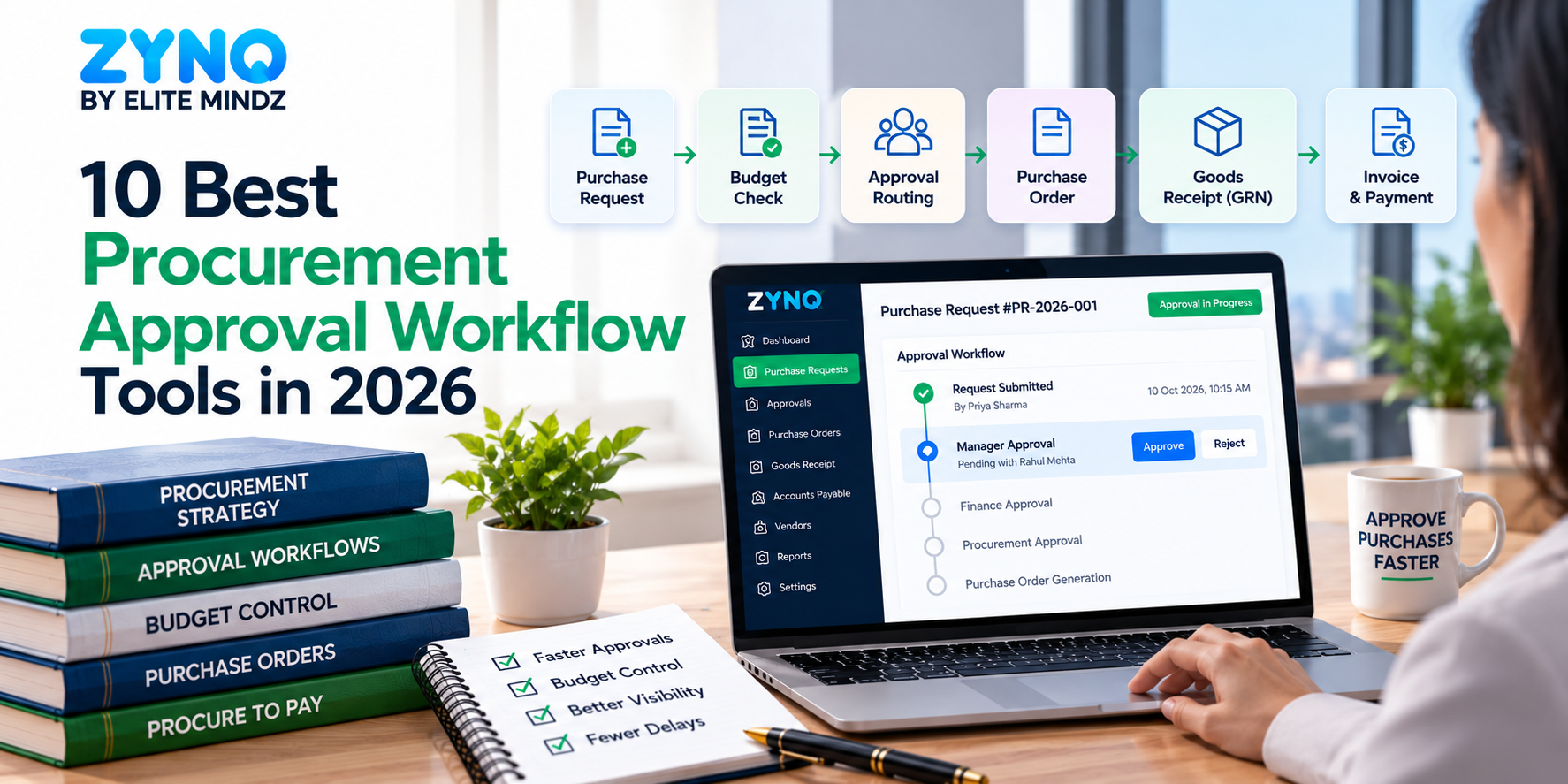




If purchase approvals still run on email threads, chat messages and spreadsheets, you already know the symptoms: requests nobody can find, approvers who can’t see the budget, and a purchase order that gets re-typed after the “yes.” Procurement approval workflow tools fix that by turning every request into a structured record that follows your rules from submission to decision.
The hard part is choosing. Some tools only route approvals. Others start earlier, at request intake, or continue later, into purchase orders, receiving and invoices. This guide compares 10 procurement approval workflow tools by what each one is actually good at, who it fits, and what to test before you commit.
Quick answer: which procurement approval workflow tool should you choose?
The best procurement approval workflow software is the one that matches where your process breaks. Use this shortlist:
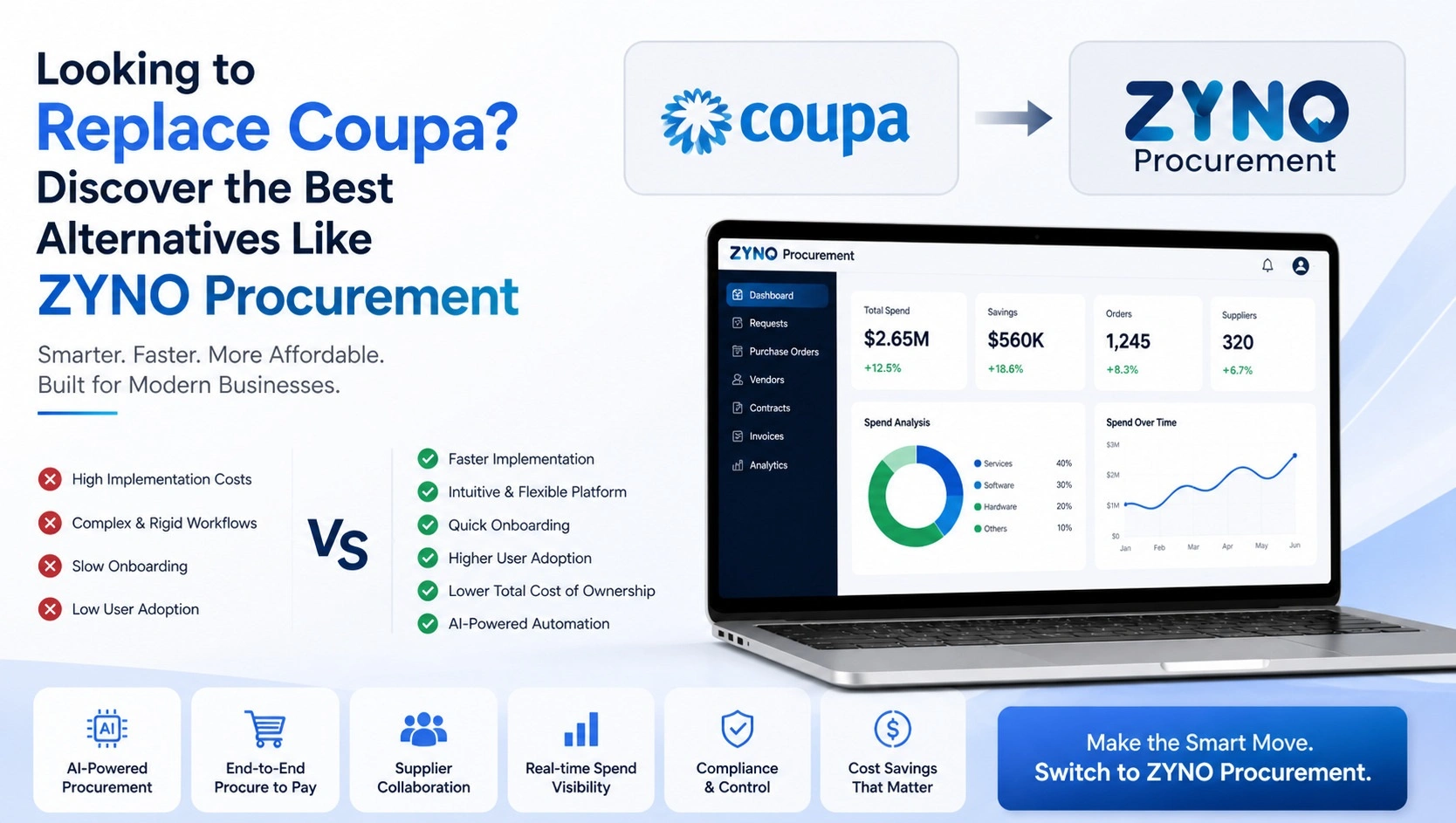
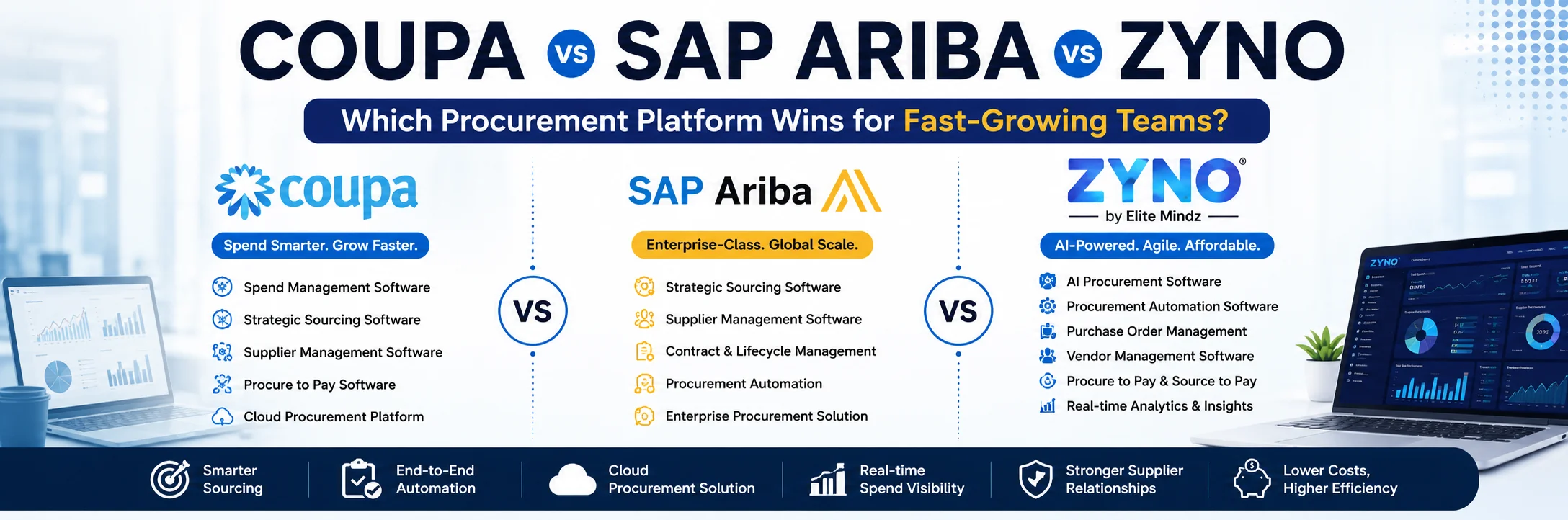
- ZYNO Procurement: if you want approvals with budget context that continue into purchase orders, vendors, quotations and payables in one platform.
- Procurify: if finance wants live budget visibility, delegation and mobile approvals.
- Precoro: if you need separate approval rules for requisitions, POs, invoices and receipts.
- Fraxion: if you want escalating approval levels and budget impact at every approval point, in front of your existing ERP.
- Approveit: if your approvers live in Slack or Microsoft Teams.
- Ramp Procurement: if you want intake, approvals and POs inside a spend-management platform.
- Zip: if the real bottleneck is routing requests across finance, legal, IT and security.
- Kissflow: if you want to configure your own procurement workflows on a low-code platform.
- Zycus: if you run a large source-to-pay programme.
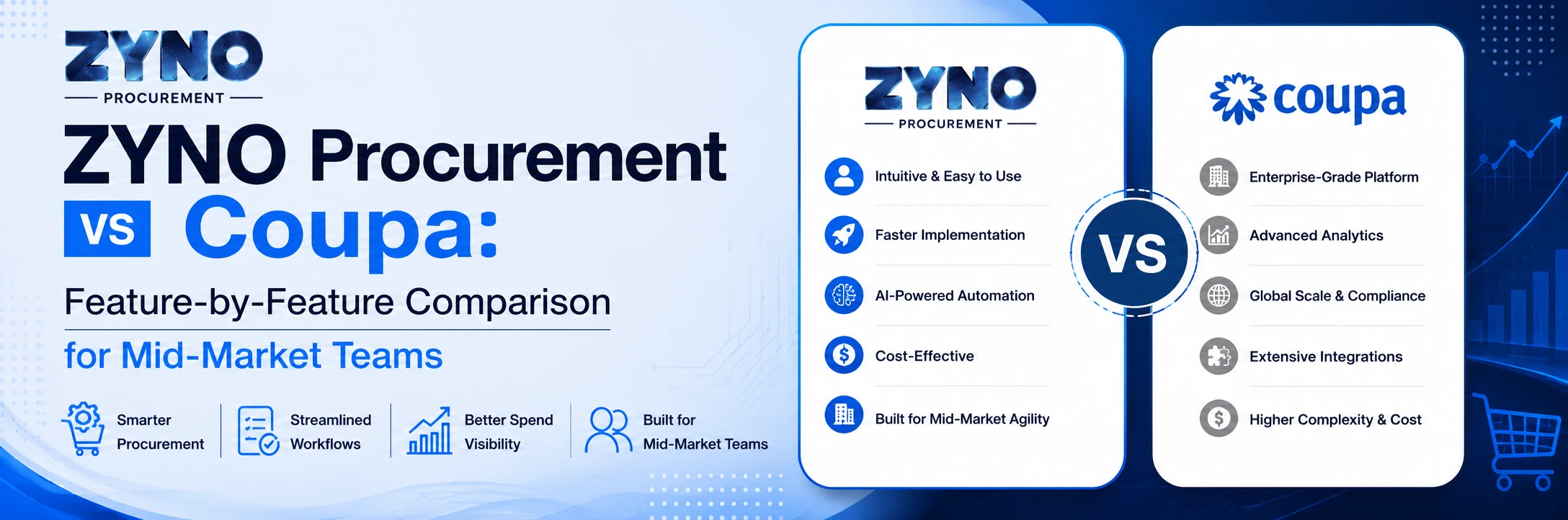
- Coupa: if approvals are one part of an enterprise-wide spend programme.
A note on transparency: this article is published by the team behind ZYNO Procurement, so ZYNO is listed first. We have written every entry, ours included, to say who the tool is for and who should skip it. We reviewed competitors’ public product pages and documentation in October 2026; we have not hands-on tested their software. Features and plans change, so confirm details with each vendor.
Procurement approval workflow tools at a glance
| Tool | Best for | Approval strengths | Goes beyond approvals into |
|---|---|---|---|
| ZYNO Procurement | Approvals that continue into purchasing | Routing by amount, category, department; budget context; mobile approvals | PO handoff, vendors, quotations, receiving, payables, spend analytics |
| Procurify | Budget-aware approvals | Routing by department and account code; live budget view; delegation | Purchase orders, spend reporting, invoices |
| Precoro | Multi-document approvals | Separate rules for PR, PO, receipt, invoice, expense | POs, 3-way match, vendor approval |
| Fraxion | Pre-spend control with an ERP | Multi-level escalating approvals; budget impact at each step | Automated POs, invoice approval |
| Approveit | Approvals inside Slack and Teams | No-code builder; approve in chat or email | Syncs back to accounting and ERP tools |
| Ramp Procurement | Intake and POs in a spend platform | Conditional routing; approval policies per program | Auto-created POs, 2- and 3-way matching |
| Zip | Cross-functional intake | Routes to finance, legal, IT, security | Contracts, risk, RFx, payments |
| Kissflow | Custom procurement workflows | Tiered, parallel and exception-based approvals | POs, vendors, invoices, ERP connectors |
| Zycus | Enterprise source-to-pay | Dynamic routing across procurement workflows | Sourcing, contracts, suppliers, invoices |
| Coupa | Enterprise spend management | Configurable approval chains, including parallel approvers | Wider business spend management |
The order above follows how closely each tool fits an approval-first buyer. It is not an independent ranking.
What is procurement approval workflow software?
Procurement approval workflow software automates how purchase requests are submitted, reviewed, authorized and recorded. Employees submit a structured request; the software routes it to the right approvers based on rules such as amount, department or category; and every decision is logged.
Before you compare vendors, know which of three shapes you are shopping for:
| Shape | What it does | Examples in this list |
|---|---|---|
| Approval layer | Routes and records decisions; your ERP or accounting tool handles the rest | Approveit, Fraxion (in front of an ERP) |
| Intake-first platform | Standardizes how requests arrive, then routes them to every reviewing team | Zip, Ramp Procurement |
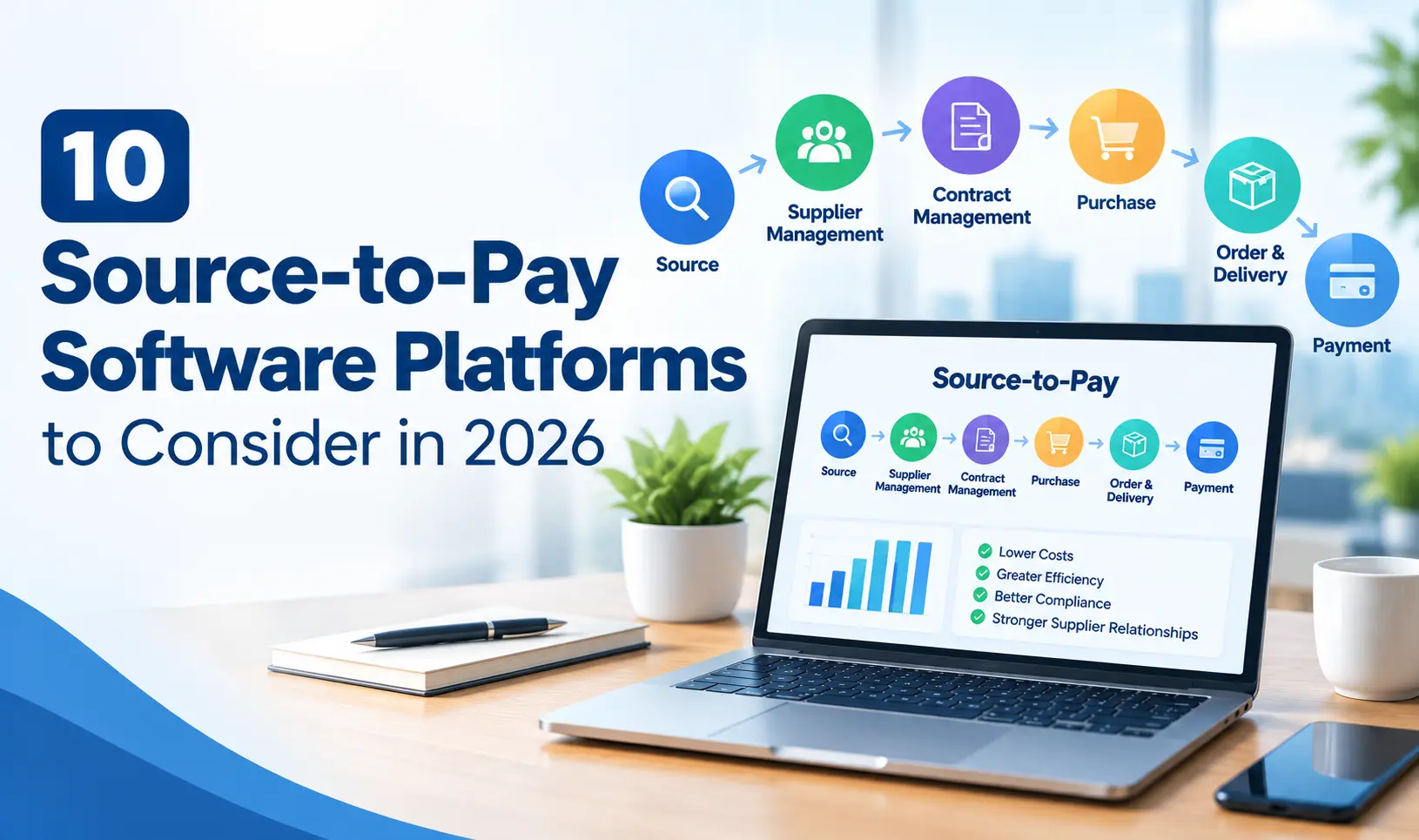
| Procure-to-pay suite with approvals built in | Carries an approved request into POs, receiving and invoices | ZYNO, Procurify, Precoro, Kissflow, Zycus, Coupa |
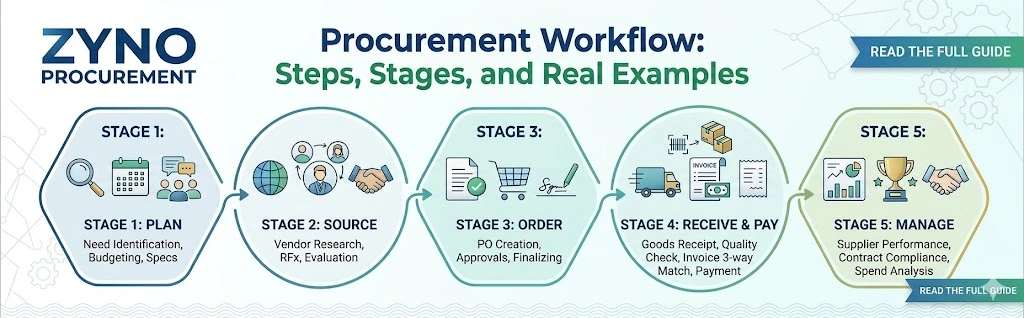
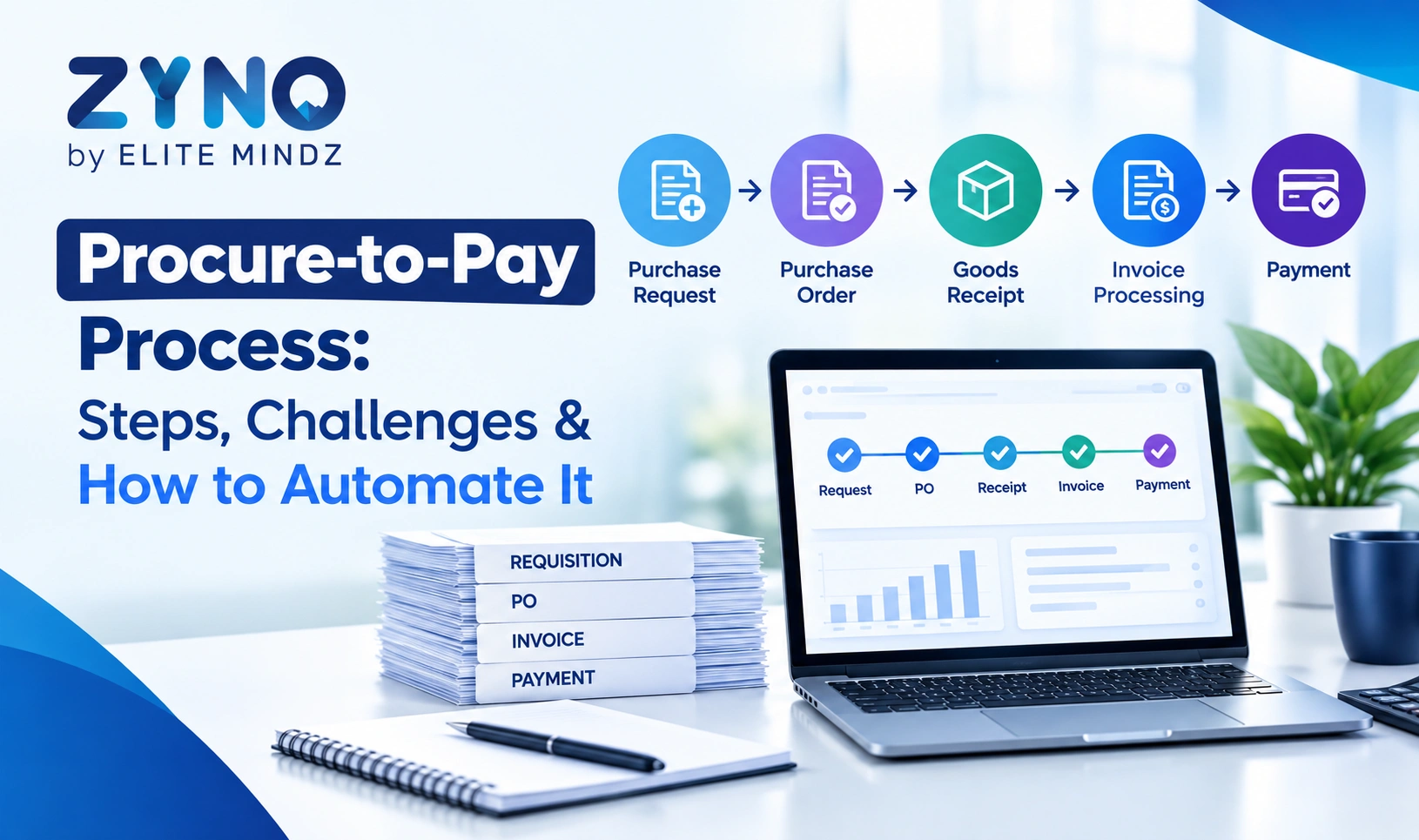
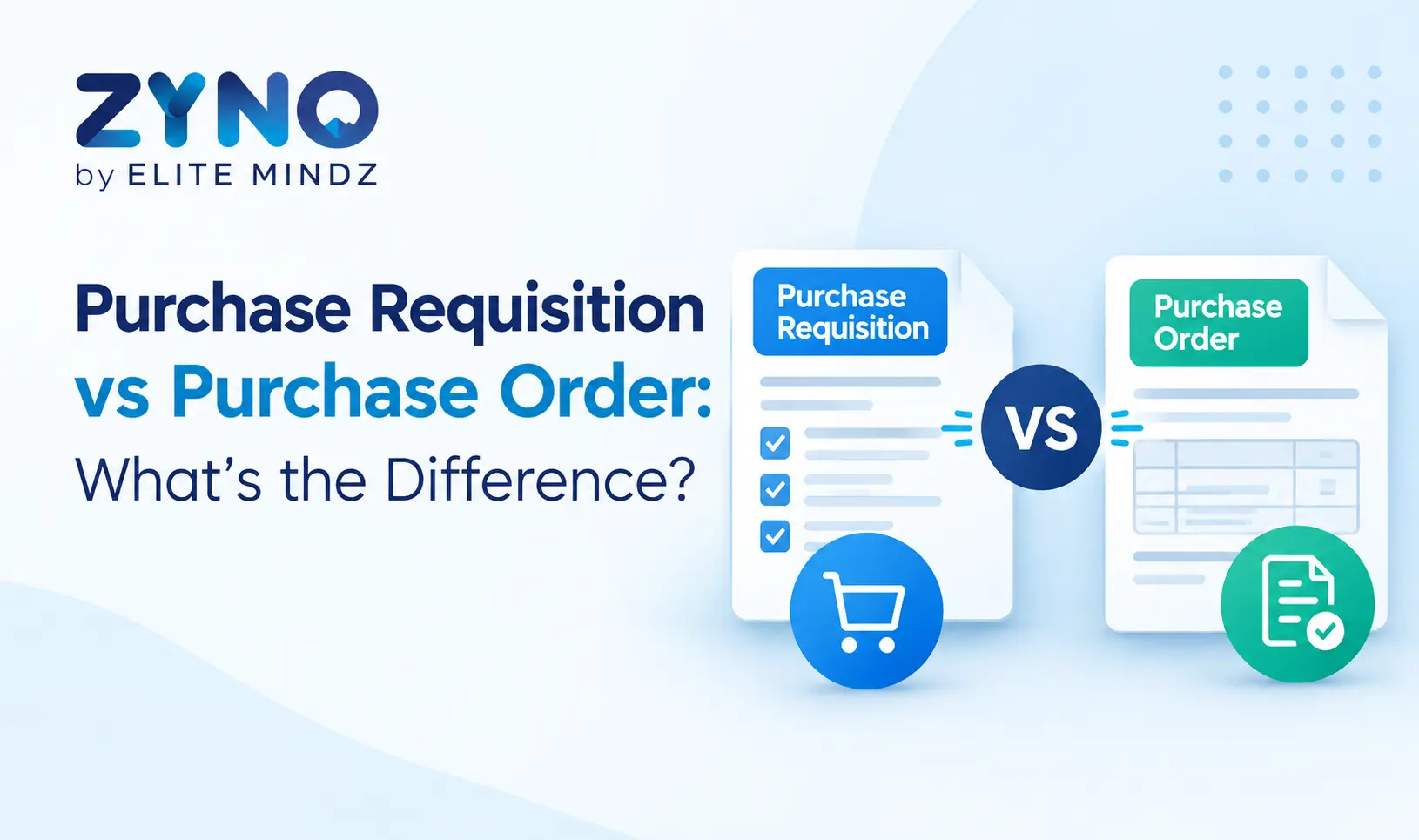
Picking the wrong shape is the most common buying mistake. A suite is wasted if you only need Slack approvals, and an approval layer leaves you re-typing POs if you need the whole cycle. For background on how requests become orders, see our guides to purchase requisition vs purchase order and the procure-to-pay process.
How we evaluated these tools
We judged each tool on six questions that decide whether approvals actually get faster and safer:
1. Routing: can rules use amount, department, category, cost center or account code?
2. Budget context: can approvers see what is left before they decide?
3. Exceptions: what happens when an approver is away, a request is rejected, or details change after approval?
4. Audit trail: is every decision recorded with who, what and when?
5. What happens after “approved”: does the request move toward a purchase order, or stop?
6. Fit and cost: does the tool suit your size and systems, and is pricing clear enough to plan around?
Where a vendor publishes a claim, we describe it as the vendor’s claim and avoid repeating numbers we could not verify.
The 10 best procurement approval workflow tools in 2026
1. ZYNO Procurement: best for approvals that continue into purchasing
Best for: teams that want a purchase requisition approval workflow connected to purchase orders, vendors and payables.
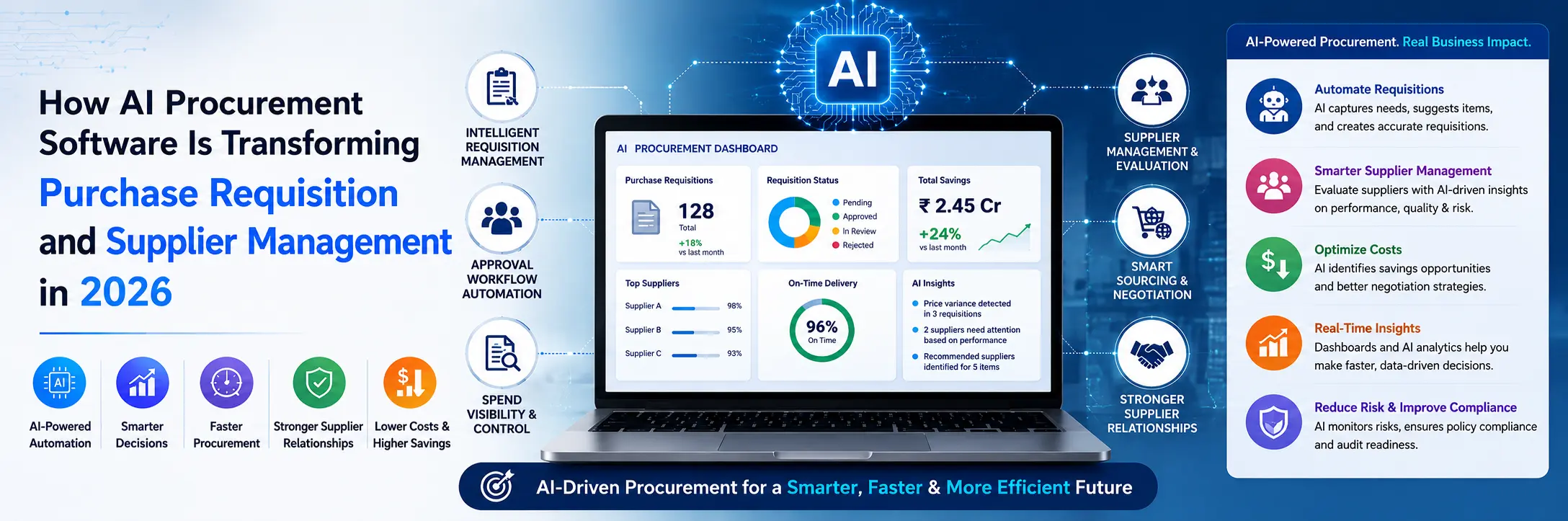
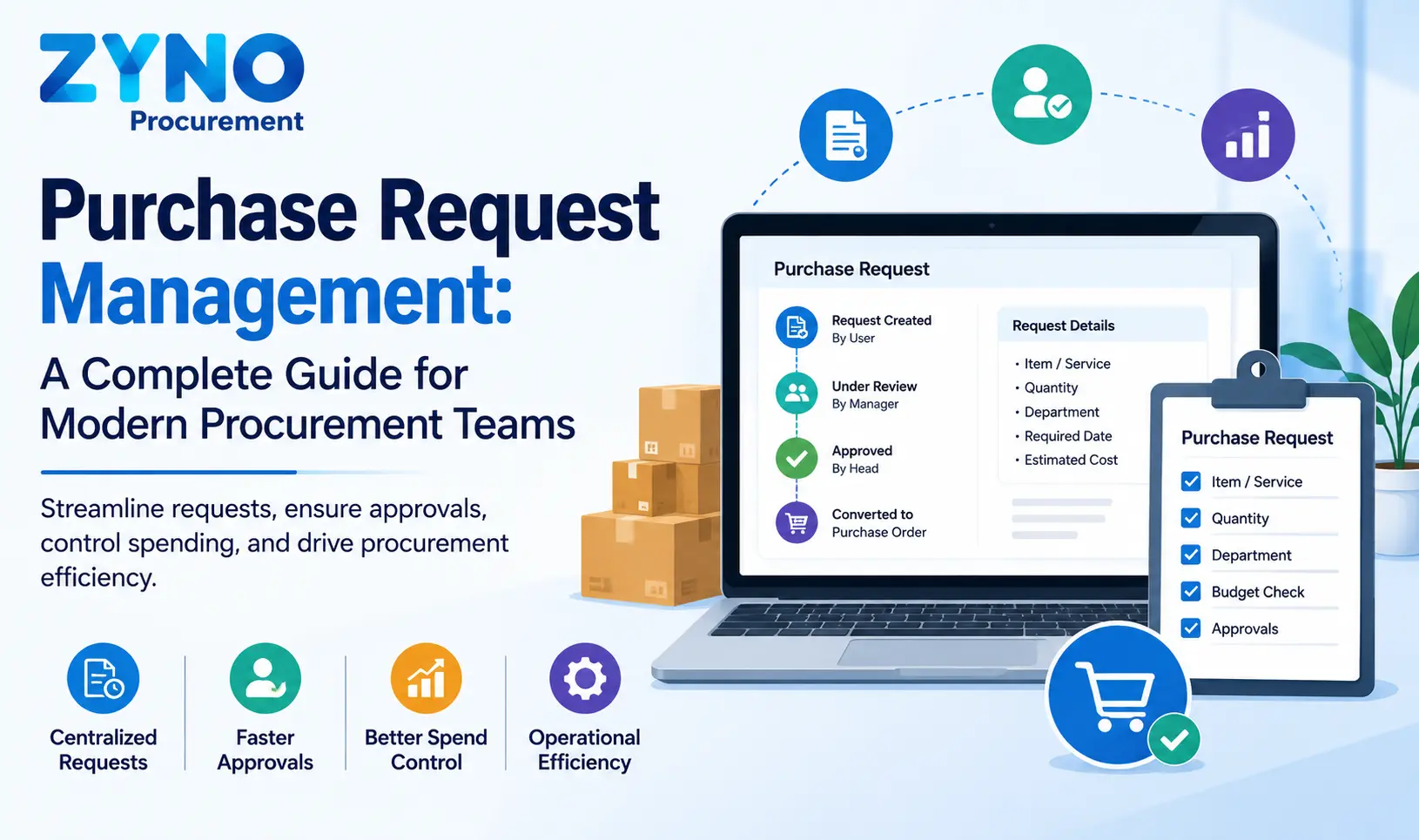
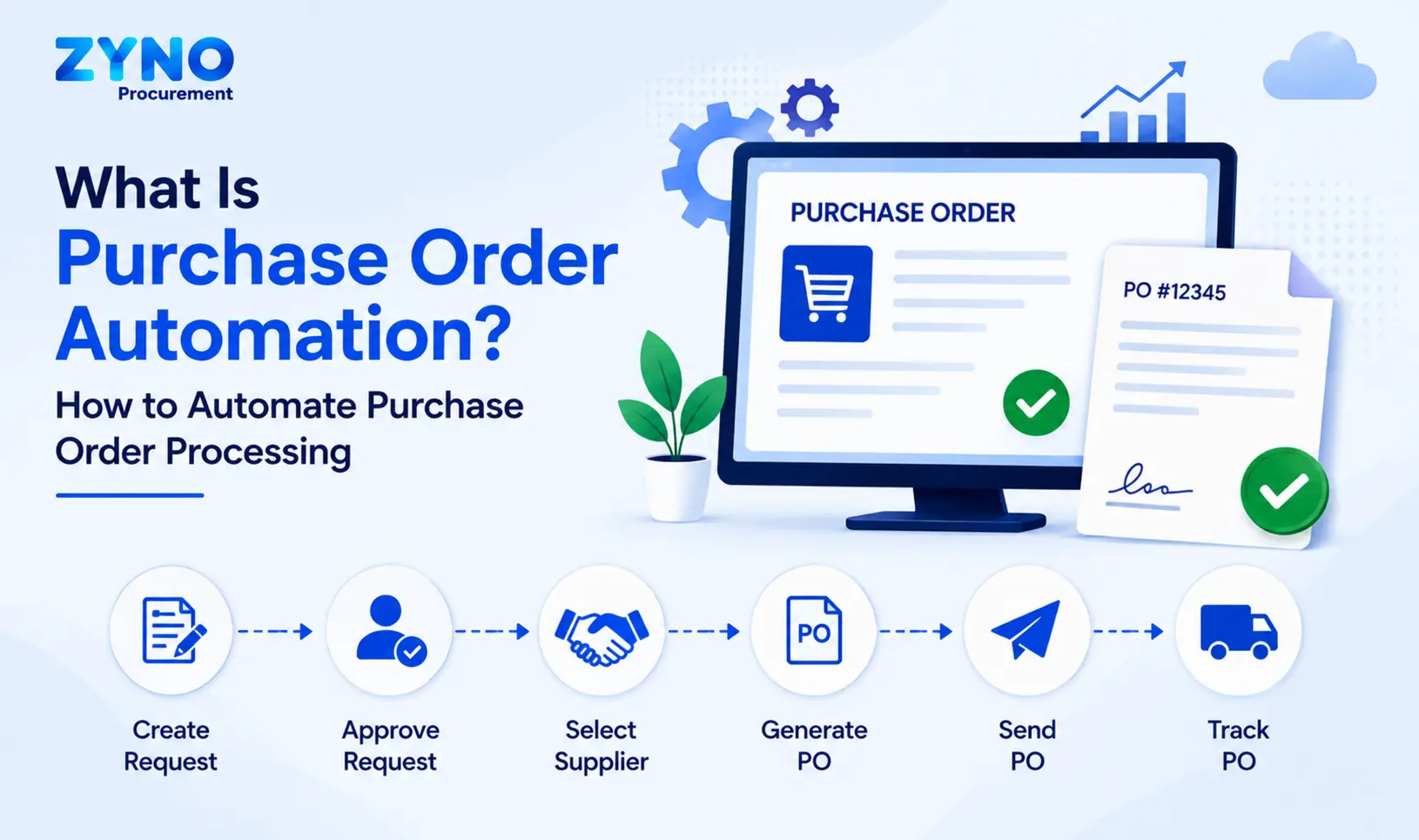
ZYNO Procurement treats approval as one step in a longer journey, not a dead end. An employee submits a request through a configured form; it enters an approval workflow; approvers review it with budget context; and the approved requisition moves toward purchase order creation. Nobody rebuilds the request in another system.
What stands out
• Rules that match your authorization matrix. Configure routing by request amount, category and department, with the approval steps and approvers you define.
• Budget context inside the request. Approvers can see available budget information and the result of configured checks without switching tools. Behaviour such as informing, flagging or blocking depends on your configuration.
• Follow-up and record-keeping. Notifications, escalation options and approval history are part of the configured workflow.
• Approvals away from the desk. Employees can create requests, and approvers can review and act, through supported mobile workflows.
• Less manual entry. Requesters can pick items from catalogs and supported PunchOut options, and AI-assisted quote intake extracts supplier details for a person to check and correct.
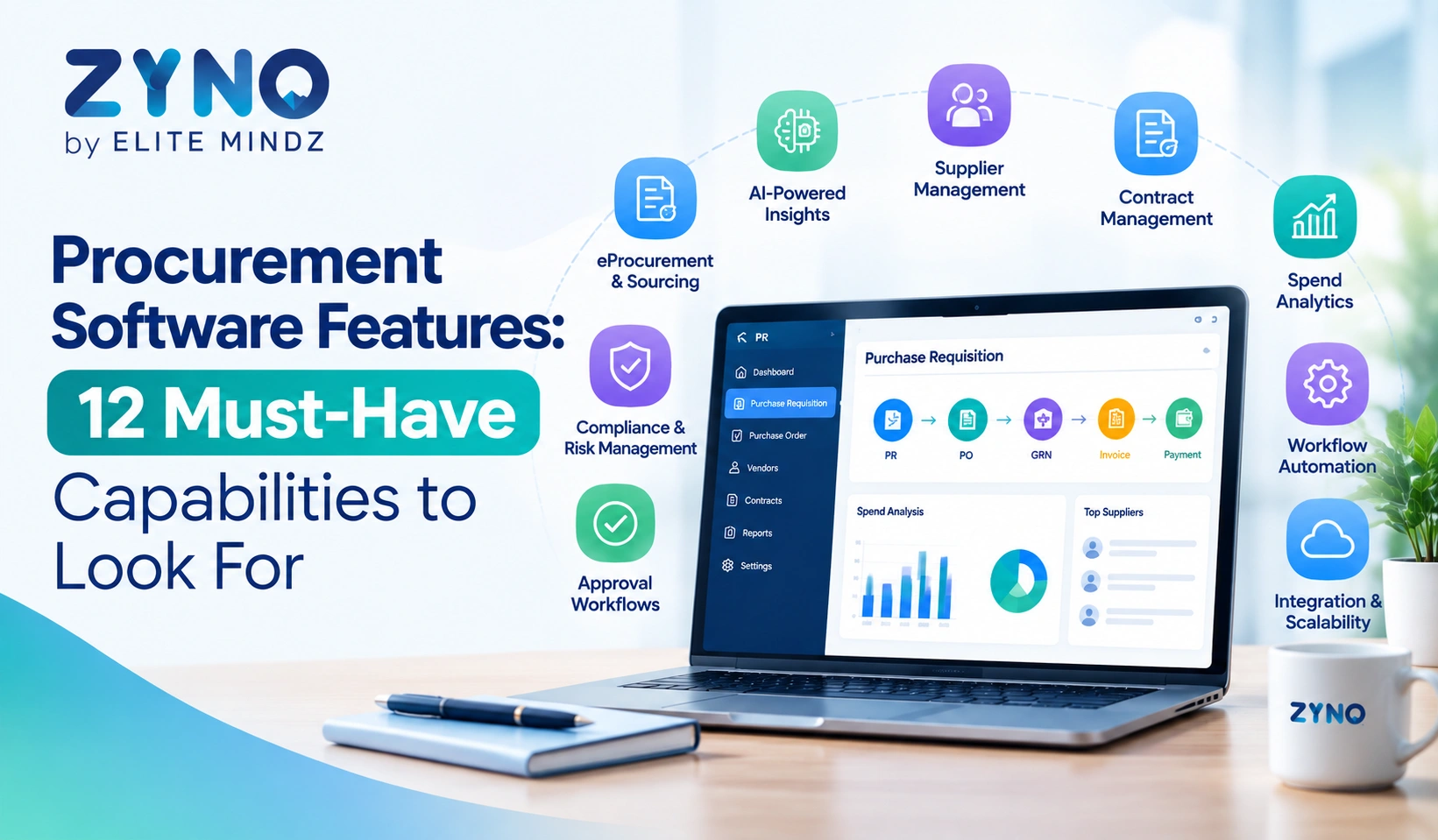
• A connected platform. The same system covers vendor management, quotation management, GRN, accounts payable and spend analytics.
Proof point: Hockey India used ZYNO to connect procurement and tendering activities, from RFP through payment. Read the case study.
Ask in the demo: whether a purchase order is created automatically or needs a further action after approval. ZYNO’s handoff depends on how your workflow is configured, and you should see yours, not a generic one.
Skip it if: you only need lightweight approvals inside Slack or Teams and are happy with how POs are created today.
See how ZYNO connects purchase requests and approvals to purchasing
Explore the Purchase Request workflow, then bring one real request to a personalised demo.
2. Procurify: best for budget-aware approvals
Best for: finance-led teams that want approvers to decide with live budget data.
Procurify’s intake-to-approve workflow lets admins set rules once and route requests by department and account code. Approvers see real-time budget data alongside each request, can delegate approvals to a colleague, and can act from the mobile app. AI-guided intake helps requesters submit complete, correctly coded requests.
Watch for: some G2 reviewers describe the approval flow as rigid when requests are urgent, so test your exception path. Pricing is custom.
Skip it if: you need vendor sourcing and RFP workflows as a core requirement.
3. Precoro: best for approvals across multiple purchasing documents
Best for: teams that need different approval rules for each stage of purchasing.
Precoro lets you build separate approval scenarios for purchase requisitions, purchase orders, receipts, invoices and expenses, with the option to revise, reject and send documents back for re-approval. It also supports approval workflows for new vendors by supplier category, budgets with thresholds and tolerance limits, and 3-way matching of PO, receipt and invoice. Accounting integrations include QuickBooks, Xero, Sage Intacct and Dynamics 365 Business Central.
Watch for: Precoro is a procurement platform, not an ERP, so confirm how it will sit alongside your finance system. Ask for a quote based on your user count.
Skip it if: one approval step on the request is all you need.
4. Fraxion: best for pre-spend control in front of an ERP
Best for: finance teams that want every purchase approved and budget-checked before a PO exists.
Fraxion offers multi-level approval workflows with escalating authorization levels, email and in-app alerts, and budget impact visible at every approval point. Approved requests turn into POs automatically and can be emailed to vendors. Fraxion positions itself in front of your ERP, syncing POs and approved invoices while the ERP stays the system of record; its published integrations include Sage 100, Acumatica, QuickBooks and Microsoft Dynamics. The vendor says most implementations take one to three months.
Skip it if: your ERP or accounting system is not on its integration list.
5. Approveit: best for approvals inside Slack and Microsoft Teams
Best for: teams whose managers answer in chat, not in procurement software.
Approveit is a no-code approval platform. Approvers approve, reject, comment and review attachments inside Slack, Microsoft Teams or email. It supports purchase order approvals, multi-step workflows, an audit trail, AI document capture that pre-fills requests, and integrations with tools such as NetSuite, QuickBooks, Xero and Sage Intacct.
Watch for: it is an approval layer. Supplier management, receiving and PO creation live in your other systems, so check the full path from “approved” to “ordered.”
Skip it if: you want one platform for the whole purchasing cycle.
6. Ramp Procurement: best for intake and POs inside a spend platform
Best for: companies that want requests, approvals and purchase orders on the same platform as spend management.
Ramp Procurement uses spend programs: each program has its own intake form, conditional questions and approval policy. Once a request is fully approved, Ramp creates a purchase order or issues a virtual card. If approval-relevant details change after someone approves, Ramp re-evaluates the approval chain and may restart earlier approvals, which is the kind of exception handling worth looking for. It supports 2- and 3-way matching and syncs POs with QuickBooks Online and NetSuite.
Skip it if: you do not want procurement tied to a broader spend platform.
7. Zip: best for cross-functional intake and review
Best for: mid-size and enterprise teams where a single purchase needs sign-off from finance, legal, IT and security.
Zip gives employees one front door for requests, adapts the intake questions to each answer, and routes the request to the right reviewers. It acts as an orchestration layer in front of existing ERP and finance systems. For the thinking behind this model, Ramp’s explainer on intake-to-procure is a useful neutral read.
Watch for: Zip does not publish pricing; you will need a demo for a number.
Skip it if: your approvals are simple and mostly financial.
8. Kissflow: best for building your own procurement workflows
Best for: teams that want to configure the process rather than adopt a fixed one.
Kissflow is a low-code platform with a procurement application. Its purchase requisition template supports tiered approvals by amount, conditional routing for budget exceptions, and parallel approvals from managers and finance. It offers connectors for ERP platforms such as SAP, Oracle and NetSuite.
Watch for: flexibility means design work. Plan who will own configuration, and test how data reconciles with your ERP.
Skip it if: you want an opinionated, ready-made procurement process.
9. Zycus: best for large source-to-pay programmes
Best for: enterprises that run sourcing, contracts, supplier management and invoices together.
Zycus manages workflows for purchase requisitions, invoicing, supplier onboarding and contract management, with dynamic routing rules and AI-assisted intake through its Merlin suite. Zycus says approvals are logged, auditable and escalated based on rules.
Skip it if: you are a smaller team without resources for an enterprise implementation.
10. Coupa: best for approvals within enterprise spend management
Best for: large organizations that treat approvals as one part of business spend management.
Coupa is a business spend management platform. Its requisition approval chains can be configured with parallel approvers, which can shorten cycle times, as Sikich’s release overview describes. Ask which modules your use case requires and what implementation involves.
Skip it if: you need a quick, low-overhead rollout.
Which tool fits your situation?
| If your situation is… | Start by evaluating |
|---|---|
| Approvals should flow into POs, vendors and payables in one system | ZYNO Procurement |
| Finance wants live budget view at the moment of approval | Procurify, Fraxion, ZYNO |
| Different rules for requisitions, POs and invoices | Precoro |
| Approvers will only respond in Slack or Teams | Approveit |
| Requests need legal, IT and security review | Zip, Ramp Procurement |
| You want to design the workflow yourself | Kissflow |
| Enterprise source-to-pay with global scale | Zycus, Coupa |
Example: a procurement approval matrix to test
Software can’t fix an unclear policy. Before you demo anything, write down who approves what. Here is an illustrative matrix (amounts in ₹; replace with your own currency and limits):
| Request type | Amount | Approval path |
|---|---|---|
| Routine supplies | Up to 25,000 | Department manager |
| Department equipment | 25,001 to 5,00,000 | Department manager, then finance |
| High-value purchase | Above 5,00,000 | Department manager, procurement, then finance head |
| Over available budget | Any | Added finance review or exception route |
| Approver unavailable | Any | Delegate or escalate |
This is an example, not a recommendation. Your authorization limits should come from your own policy. If you manufacture, our guide to a purchase approval workflow for manufacturing goes deeper.
Eight scenarios to test in every demo
Most demos show the happy path. Ask each vendor to run these instead, using your own numbers:
1. A low-value request that should need only one approver.
2. A high-value request that needs several approvers in sequence.
3. A request that goes over the department budget. Does the system inform, flag, block or reroute it?
4. An approver who is on leave. Is there delegation or escalation?
5. A request rejected and sent back for changes, then resubmitted.
6. A request whose amount changes after approval. Does the chain restart?
7. An approved request turning into a purchase order. What carries over, and who takes the next action?
8. An auditor asking who approved a specific purchase six months ago.
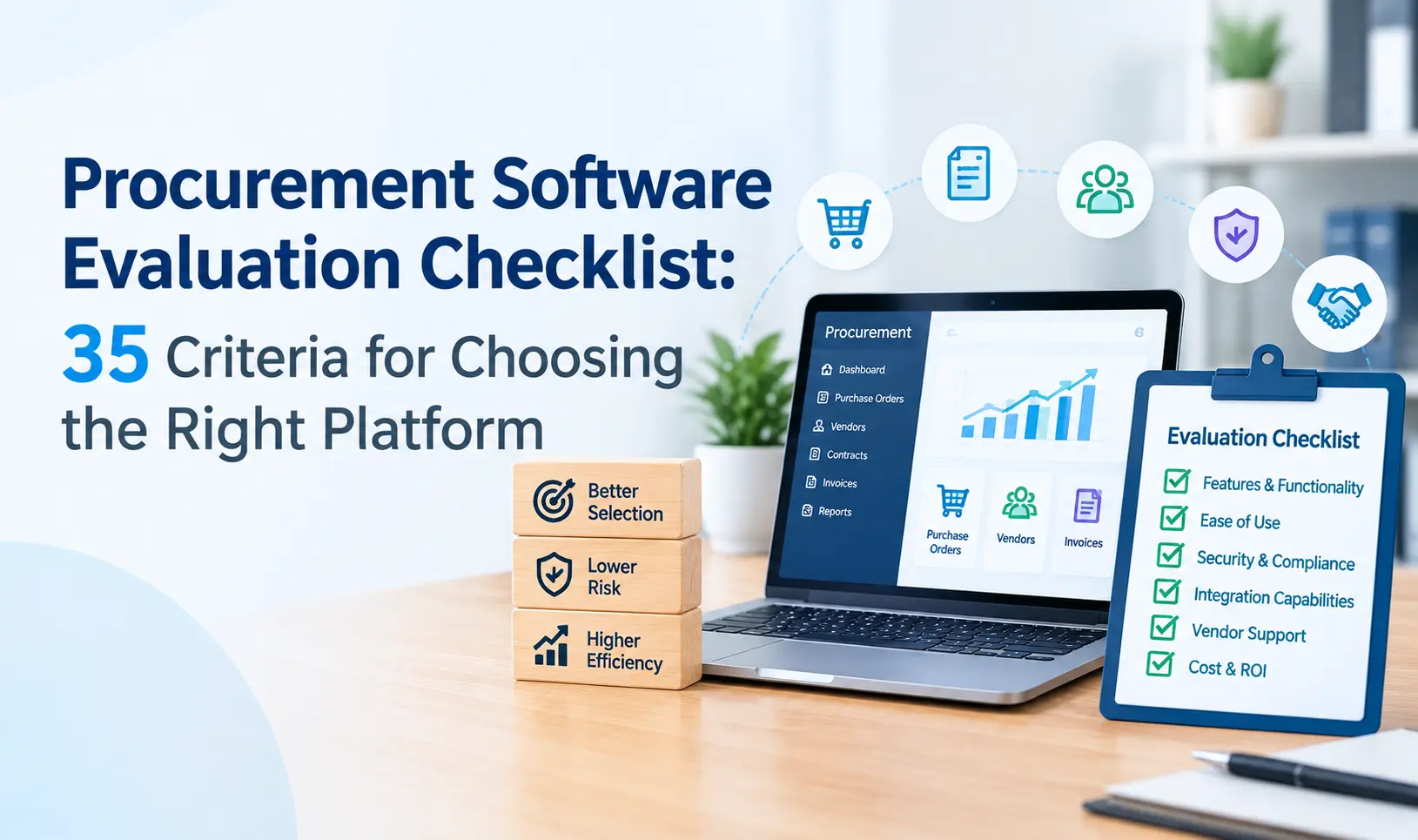
A tool that handles all eight on your data is worth shortlisting. If you want to see how ZYNO handles them, book a personalized demo and we will run your scenarios, not ours. Our free buyer’s checklist adds 35+ more questions.
Buying in India, the Middle East or Africa? Ask these extra questions
Global tools are not always built around regional realities. Before you sign, ask any vendor:
• Does it handle your local currency, tax and e-invoicing requirements?
• Does local support cover your working hours and language?
• Where will your data be hosted?
• Are the integrations you need available for the accounting software your region actually uses?
For businesses in India, the Middle East and Kenya, regional requirements can influence which procurement software is the right fit. Explore ZYNO Procurement in India, the Middle East or Kenya to learn more about our procurement solution for your market.
Frequently asked questions
See your approval process running in ZYNO
Bring one real purchase request. We will walk it through your approval rules, budget context and the handoff to purchase order creation.
Book a personalized ZYNO demo Start a 14-day free trial
Related reading: Procure-to-pay software · Vendor management · Quotation management ·
Which Procurement Approval Tool Should You Choose?
Choose the tool that best matches your approval process:
• For approvals in Slack or Microsoft Teams: Approveit
• For finance-led budget control alongside your ERP: Procurify or Fraxion
• For separate approval rules across purchasing documents: Precoro
• For request intake across legal, IT and security: Zip
• For procurement requests and spend management in one workflow: Ramp Procurement
• For configurable, low-code approval workflows: Kissflow
• For large enterprise procurement programmes: Zycus or Coupa
• For connected procurement workflows: ZYNO Procurement — consider it if you want to connect purchase requests and approvals with purchase orders, vendor management and payables.


.webp)








.webp)






.webp)

.webp)
.webp)





.webp)
.webp)
.webp)


.webp)
.webp)




.webp)


.webp)
.webp)

.webp)


.webp)


.webp)
_converted.webp)

_converted.webp)
.webp)
.webp)
.webp)

.webp)

(1).webp)
.webp)
.webp)
(2).webp)


.webp)
.webp)

.webp)
.webp)


.webp)
.webp)
